


Computer anti-virus has always been a piece of data security that every user must pay attention to. Especially in recent years, Internet viruses and Trojan viruses have continued to evolve. For example, hackers have recently used people’s fear of the new coronavirus pneumonia to induce downloads of virus files. It is easy to be fooled if you are not careful. Therefore, we all recommend that you must install anti-virus software, and it is best to use the paid version, which has stronger and more comprehensive protection. This investment is completely worth it.
Kaspersky, which we highly recommend, has recently launched a Valentine’s Day event, offering buy-one-get-one-free security software and all-round security software. Calculated by the cheapest plan, you can own it for only about 1 yuan a day (licenses for multiple computers are even lower). It’s super cost-effective, and it’s definitely the best time to buy it. It’s also the Taiwan Traditional Chinese version. If you are not familiar with Kaspersky anti-virus software, here is a quick introduction to you.
There are four plans in total, and the following prices are buy one, get one free:
- [Digital version] Kaspersky Security Software / 1 unit 2 years, selling price NT$1,490(The representative said 1 Desk is available 4 year, or 2 Taiji 2 Year)
- [Digital version] Kaspersky Security Software / 3 units 2 years, selling price NT$2,490(The representative said 3 Desk is available 4 year, or 6 Taiji 2 Year)
- [Digital version] Kaspersky Total Security Software / 1 unit 2 years, selling price NT$1,690(The representative said 1 Desk is available 4 year, or 2 Taiji 2 Year)
- [Digital version] Kaspersky Total Security Software / 3 units 2 years, selling price NT$2,790(The representative said 3 Desk is available 4 year, or 6 Taiji 2 Year)
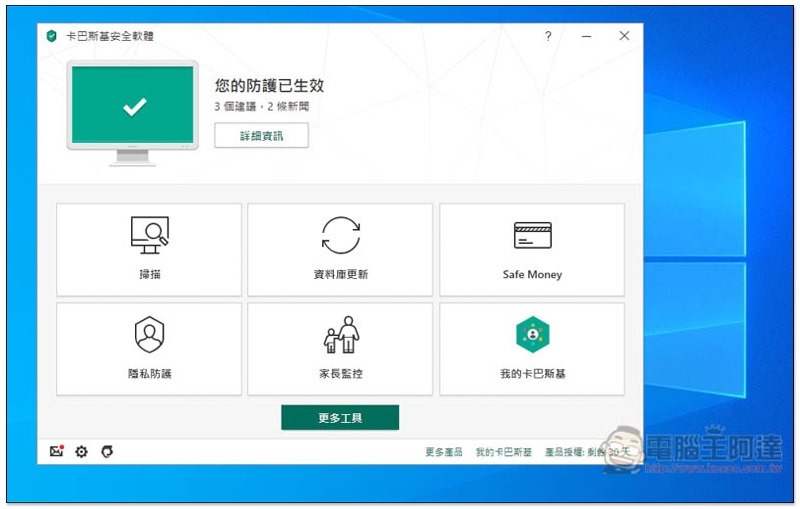
Kaspersky antivirus software version
Kaspersky provides many types of anti-virus software. For the Windows paid version, I personally recommend “Kaspersky Internet Security” and “Kaspersky Total Security.” In addition to anti-virus, these two sets also provide quite comprehensive protection in terms of personal privacy and security, allowing you to feel at ease when using your computer and consuming the Internet. And this Valentine’s Day buy one get one free event happens to be these two sets of promotions:
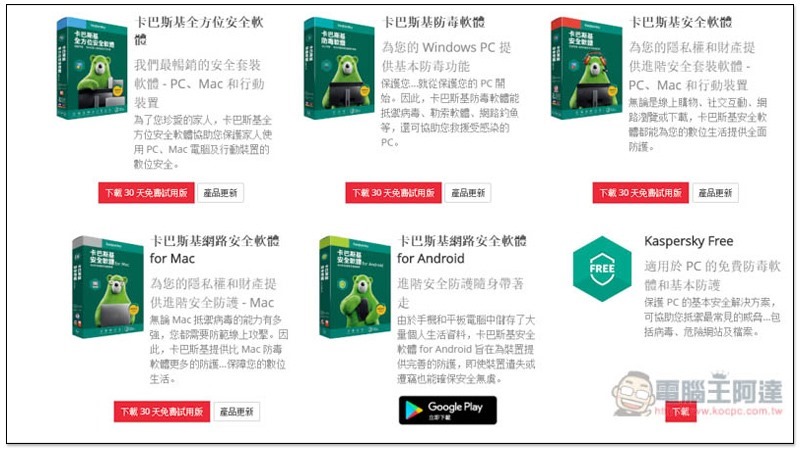
The main difference between the two sets is that Kaspersky Total Security software has three additional functions: “Safe Kids”, “Password Management Tool” and “File Protection”:
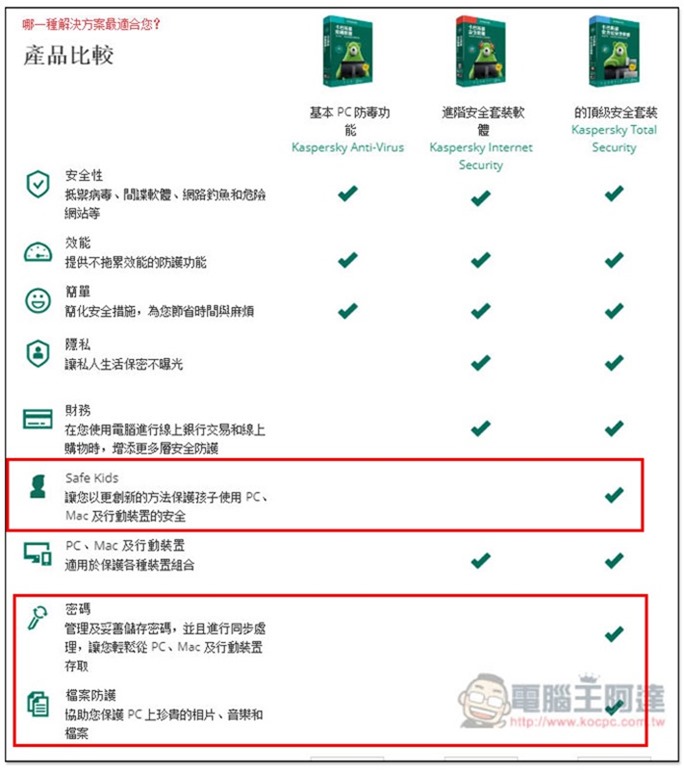
Introduction to Kaspersky Internet Security
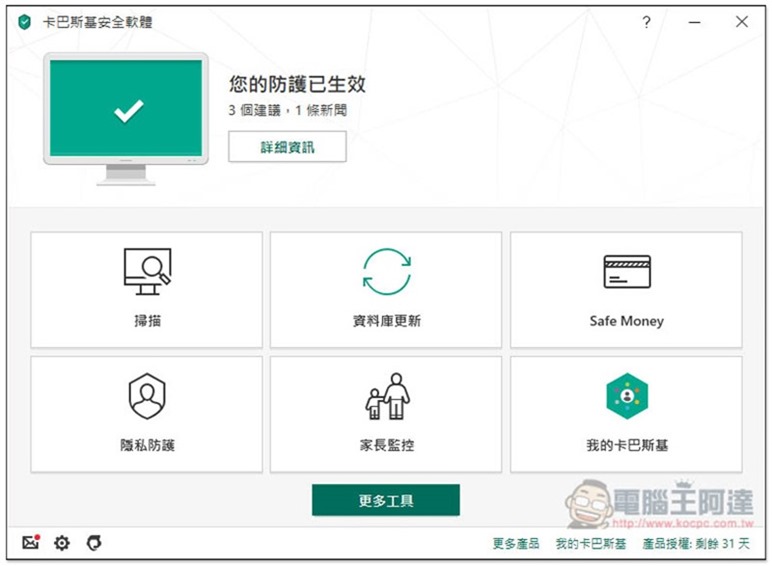
Once Kaspersky Internet Security is installed, protection is automatically enabled, meaning you are immediately protected. The interface design is very simple and easy to use. It has six major functions: “Scan”, “Database Update”, “Safe Money”, “Privacy Protection”, “Parental Control” and “My Kaspersky”:
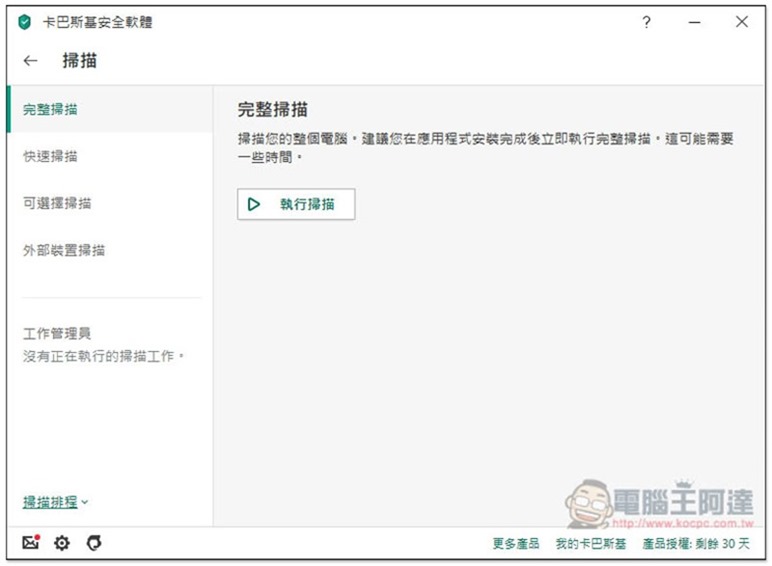
There are four types of scanning functions: “Complete”, “Quick”, “Optional” and “External Device”. All the scanning functions you will use are available. When using it for the first time, it is recommended to perform a complete scan to confirm that all the files in the computer are OK, but it will take a while (depending on how many files you have), so remember to wait until you are not using it before executing:
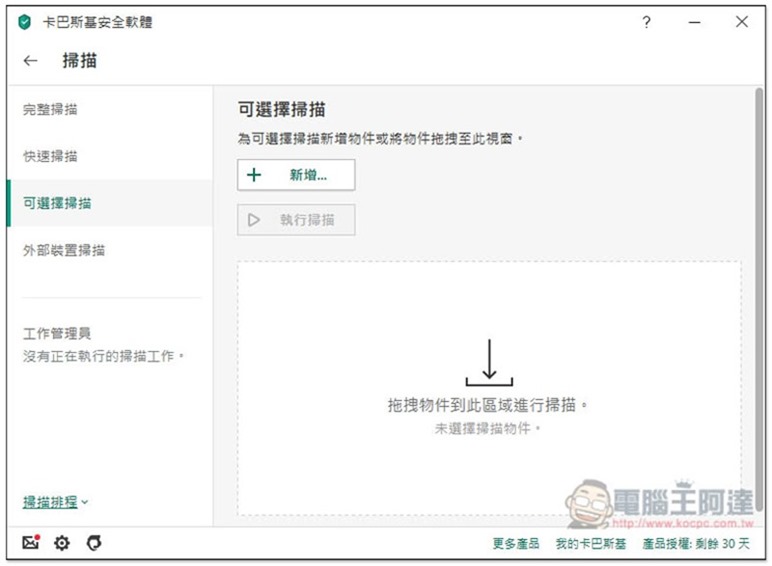
Optional scanning supports scanning multiple files at one time. Drag in the files you want to scan, or click above to add a new selection. This function is very easy to use. As long as the file is downloaded from the Internet and you are not sure whether it is safe or not, it is recommended to scan it. Even if it is a compressed file with a password, it will be fine:
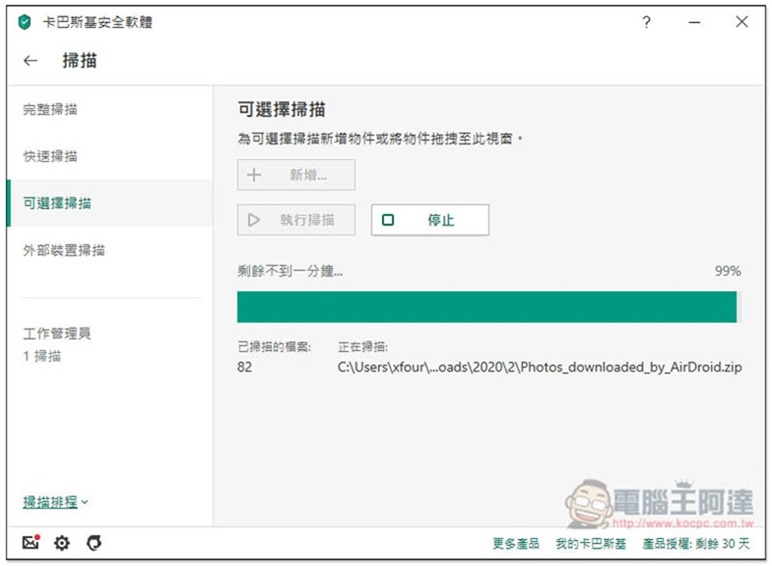
The scanning speed is quite fast. If there is any problem, it will tell you immediately and help you check:
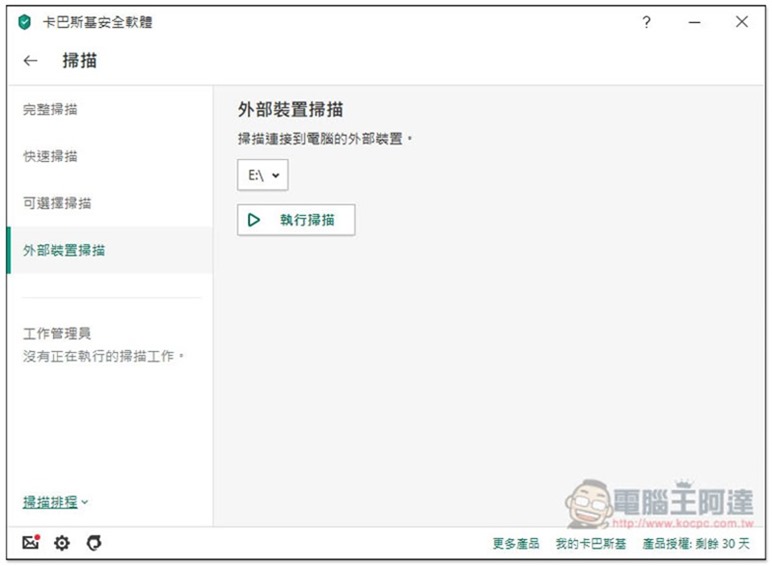
When inserting an external device such as a friend’s or stranger’s pen drive or pen hard drive, it is also recommended to use the external device scan function to check:
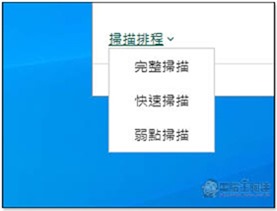
It also supports scheduling function. Scanning will be automatically enabled when the time is up, so you don’t have to worry about being too busy and forgetting:
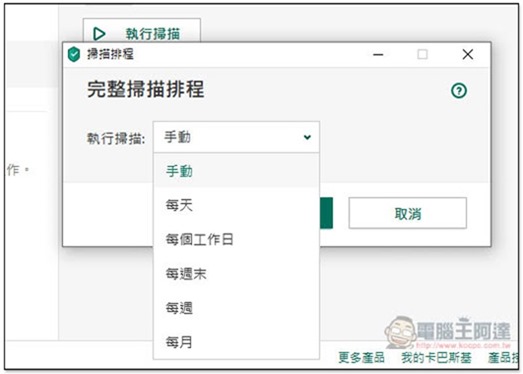
The available times are also very diverse, such as: every day, every working day, every weekend, every week or every month. If you use your computer to surf the Internet every day, I personally recommend that it is safer to scan once a week or every weekend. After all, new viruses appear on the Internet almost every day. For occasional use, you can set a monthly setting:
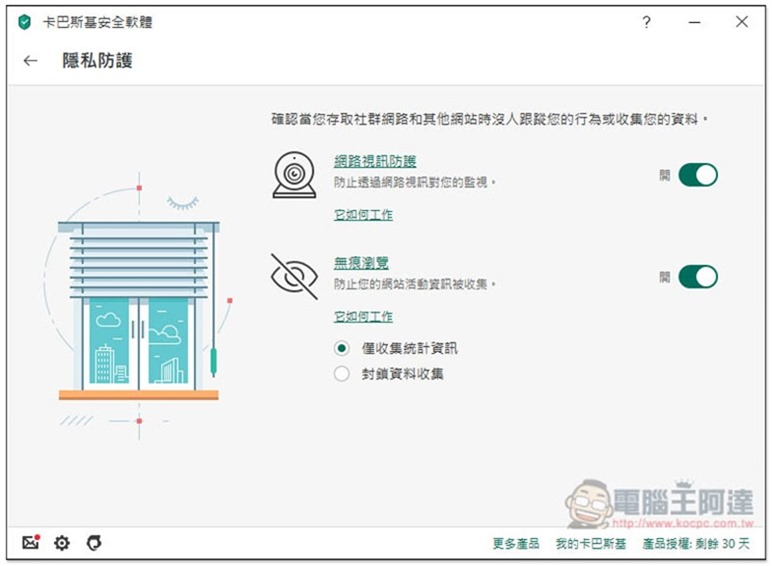
In addition to anti-virus software, Kaspersky Internet Security’s privacy protection function is also very comprehensive. Many girls are worried about video footage being secretly recorded by hackers. After installation, this protection function will be automatically enabled to detect whether the video footage has been invaded at any time, which means you no longer need to put stickers to block it. The Internet section will also prevent websites from collecting your activity information, and can even block them all, including statistical information:
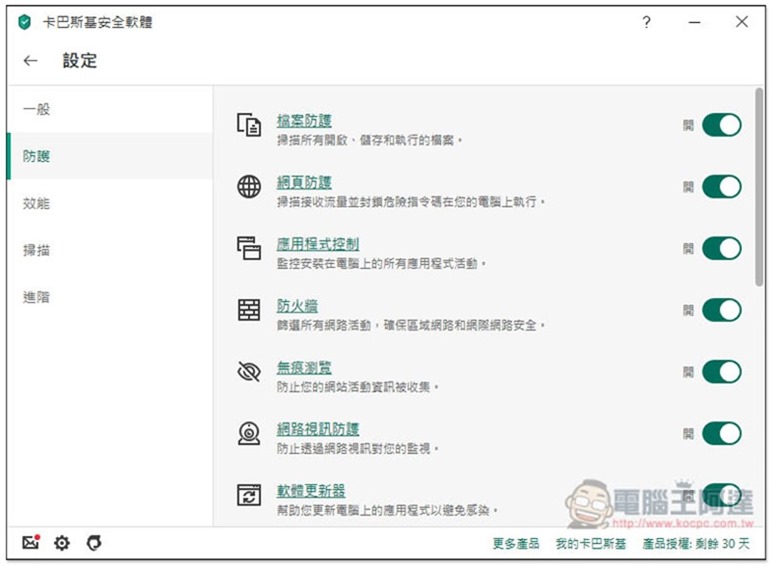
You can also find more protection functions in the settings, such as file protection, web protection, application control, firewall, etc. These are all enabled by default:
If you frequently shop online and use online banking like me, the Safe Money function can bring very powerful protection:
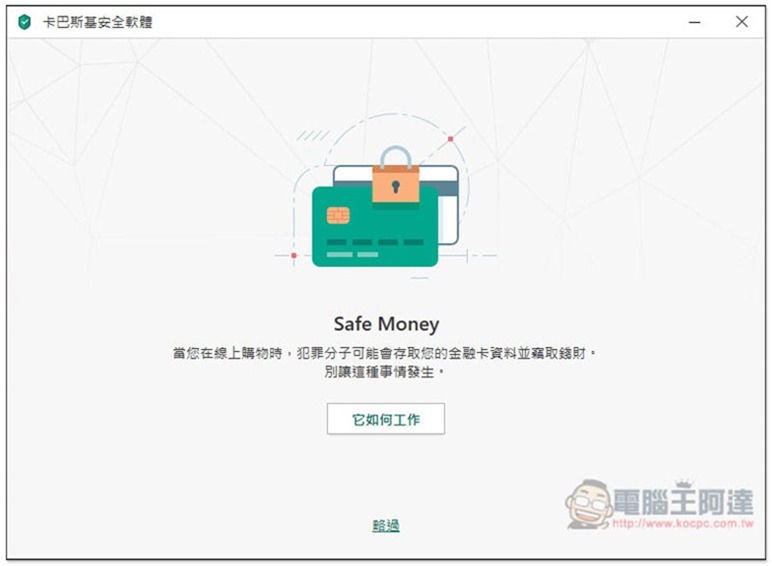
How it works is that when you enter these shopping or banking websites, a protected browser window will open (separated from the original one). No one can monitor or steal data from this window. Even your own computer cannot take screenshots of the window. You will know how powerful it is:
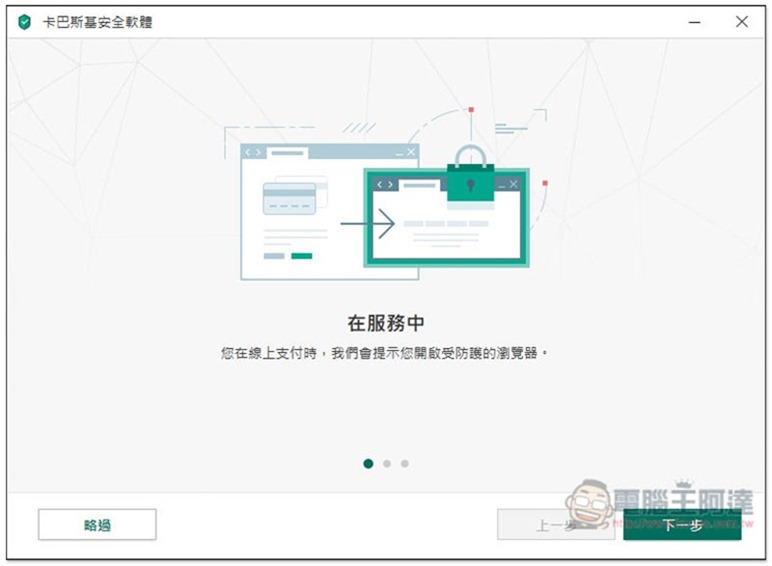
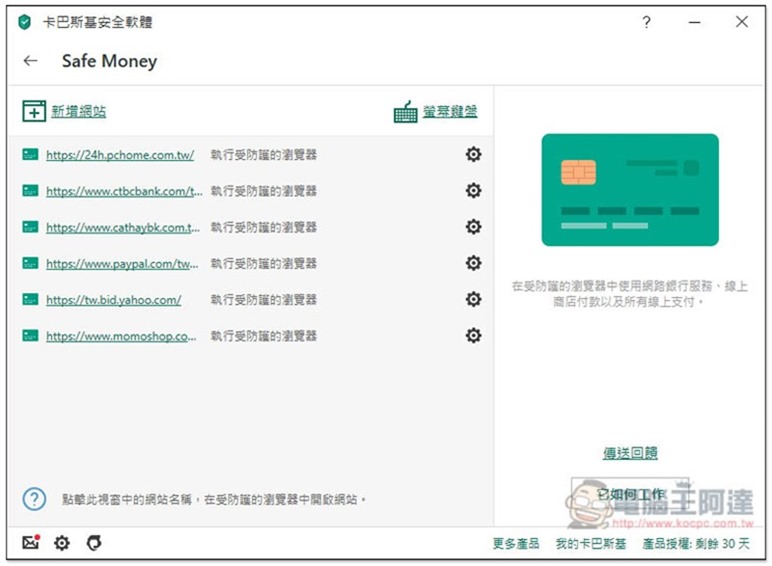
The setting method is also very simple. Just add the URL where you want to enable Safe Money (just the home page URL). When you enter these websites in the future, you will be asked whether you want to enable it:
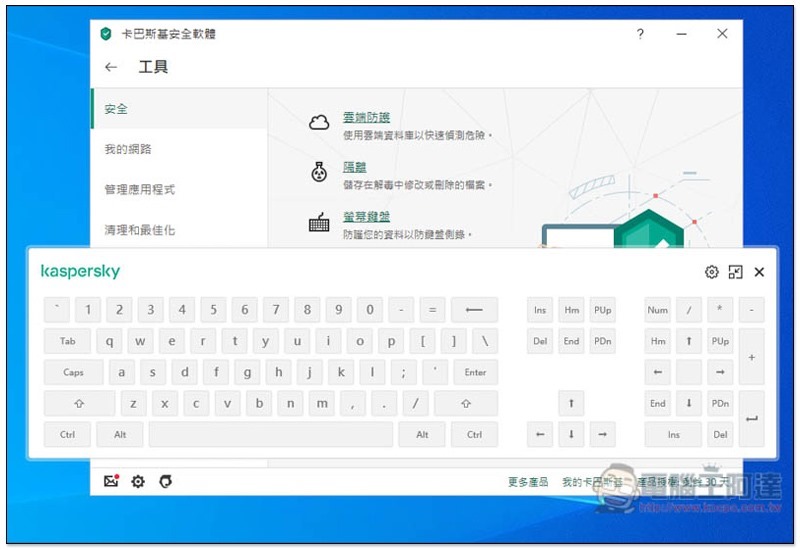
If you are afraid of being robbed when entering important and payment information, this set also provides an on-screen keyboard function. Use the mouse to click instead:
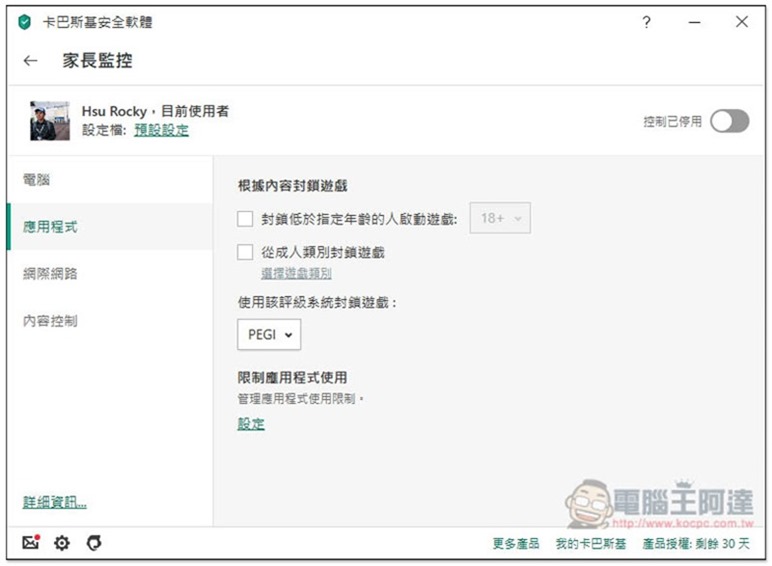
For those who have children at home and don’t want them to play on the computer for too long every day, parental control can provide many restrictive functions.
Such as blocking based on content, such as: restricting application usage, blocking adult websites, blocking adult games, blocking games using a rating system:
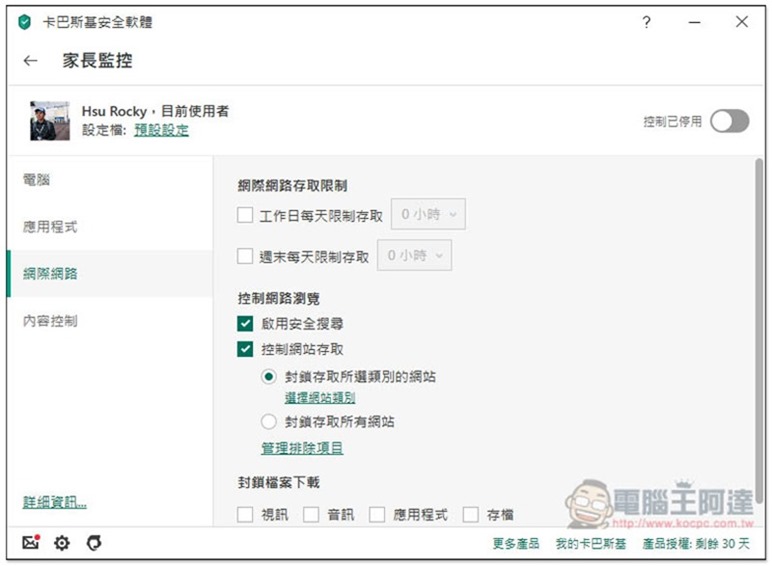
How long can I use the Internet every day? (Can be set individually for weekdays and weekends), block specific file downloads:
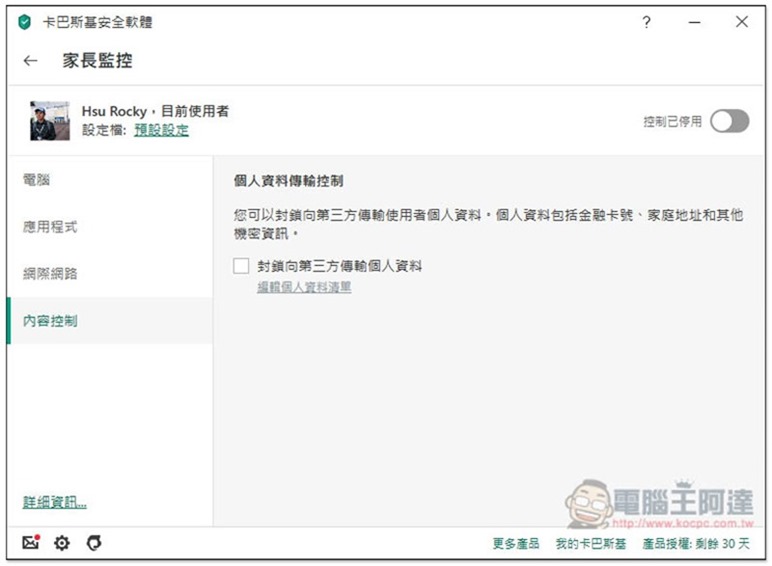
and blocking the transmission of personal data to third parties. I think this function is very important, because children may not be that familiar with the Internet, and sometimes they may be curious or want to play games on a certain website. By filling in personal information or payment information, it can effectively prevent this situation from happening:
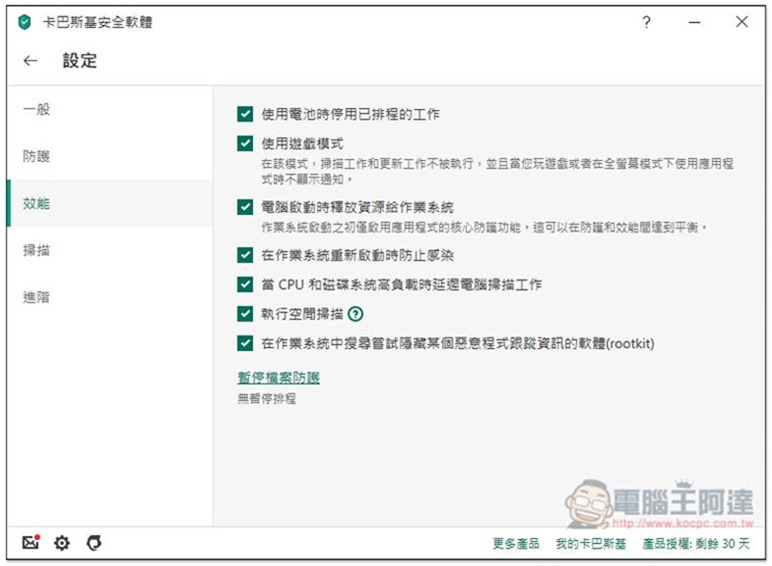
If you are using a laptop, it also provides “disable scheduled functions when using battery” to avoid consuming your laptop’s power. It will also automatically detect whether you are playing games to significantly reduce the impact on performance and maintain the best gaming experience. This set of built-in performance settings are very good. It can almost be said that you will feel the same about the computer speed before and after installation:
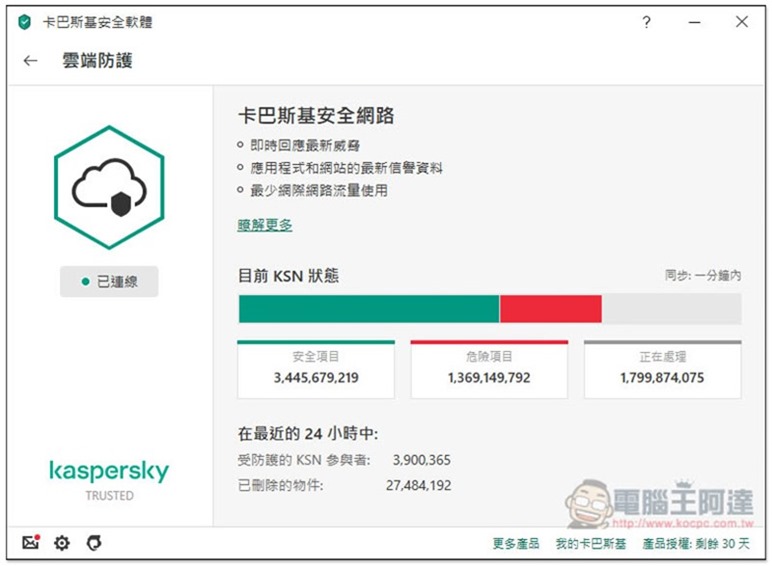
It also has cloud protection functions:
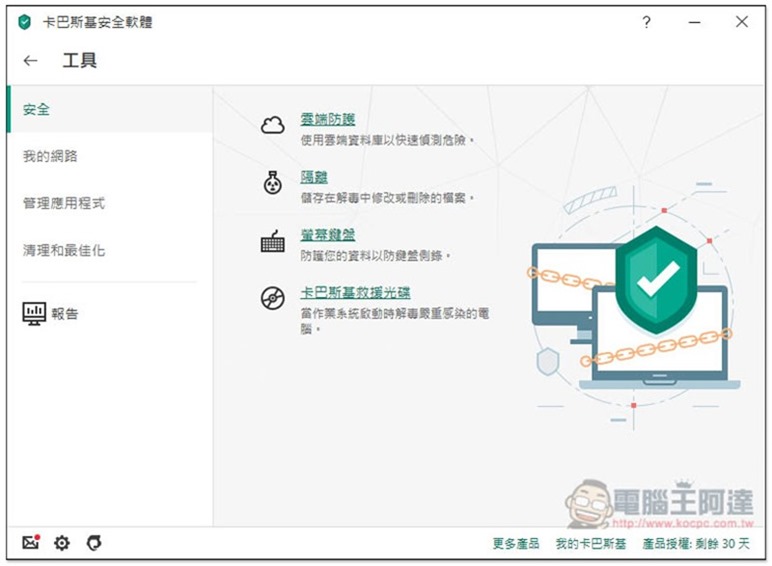
The so-called cloud protection is to provide real-time latest threats, viruses, and website databases to protect your computer. You can get protection for all the latest viruses as soon as possible:
Kaspersky Valentine’s Day Buy One Get One Free Promotion Introduction
This Valentine’s Day buy one get one free event launched by Kaspersky lasts for more than a month from 2020/02/11 to 2020/03/17. There are four plans (the following prices are all buy one get one free):
- [Digital version] Kaspersky Security Software / 1 unit 2 years, selling price NT$1,490(The representative said 1 Desk is available 4 year, or 2 Taiji 2 Year)
- [Digital version] Kaspersky Security Software / 3 units 2 years, selling price NT$2,490(The representative said 3 Desk is available 4 year, or 6 Taiji 2 Year)
- [Digital version] Kaspersky Total Security Software / 1 unit 2 years, selling price NT$1,690(The representative said 1 Desk is available 4 year, or 2 Taiji 2 Year)
- [Digital version] Kaspersky Total Security Software / 3 units 2 years, selling price NT$2,790(The representative said 3 Desk is available 4 year, or 6 Taiji 2 Year)
Looking at the Kaspersky Internet Security Software / 1 unit 2-year buy-one-get-one-free plan, if you use it for your own computer, 4 years and 48 months in total, 1490 / 48 = about 31 yuan per month. You only need to spend 1 yuan a day to have paid professional anti-virus software, which makes the computer environment safer. It is cheaper than a cup of milk, and it is super worth the investment.
For those who have multiple computers, 3 computers for 2 years is more cost-effective. One computer only costs 0.5 yuan per day.
In fact, I personally recommend choosing Kaspersky Total Security software. The price is only 200 or 300 yuan, and you can have three more functions: Safe Kids, password management tools, and file protection. It is cost-effective no matter how you think about it, especially the password management tools, which are very practical for many people. You no longer need to test your brain capacity to remember so many passwords, and you can create more complex and secure passwords.
in conclusion
This promotion can be said to be the most cost-effective in the history of Kaspersky Taiwan. In the past, it was just a discount. Therefore, those who lack anti-virus software on their computers should really take advantage of this rare opportunity.
In addition, both Kaspersky Internet Security and Total Security provide a 30-day free trial, so you can try it out first, but remember to purchase before 3/17 to get the buy-one-get-one-free offer.
Source: KOCPC Chinese