


For those who are learning English, they will definitely want to find some English e-books to improve their reading and vocabulary, and this Little A Reading is a very good choice. In addition to providing a large number of free e-books (upload your own e-books), it also supports a read-aloud function, which means you can use “listen” instead. What’s even better is that it also combines dictionary and learning functions. When you see a word you don’t understand, just click on it and the Chinese explanation will come out. There is no need to use other word lookup apps. It is completely free. Currently only available on iOS.

Introduction to Little A Reading App
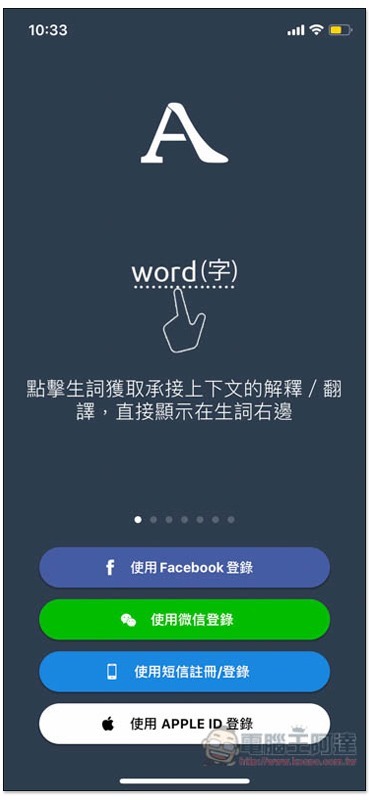
Before using Little A to read, you need to register an account. There are four ways: Facebook, WeChat (WeChat), SMS and Apple ID:
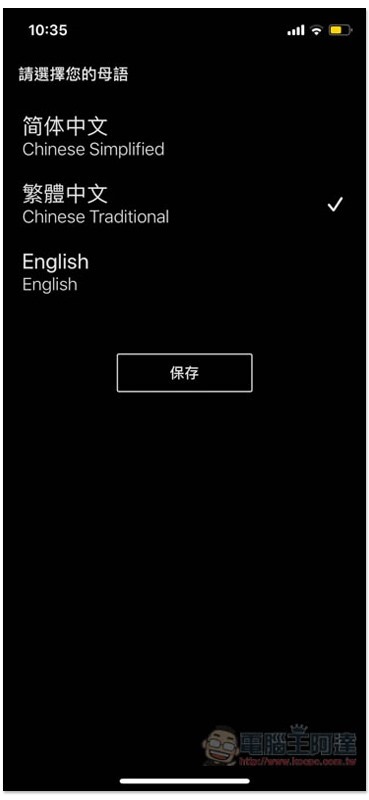
Choose your mother tongue, Taiwan is of course Traditional Chinese:
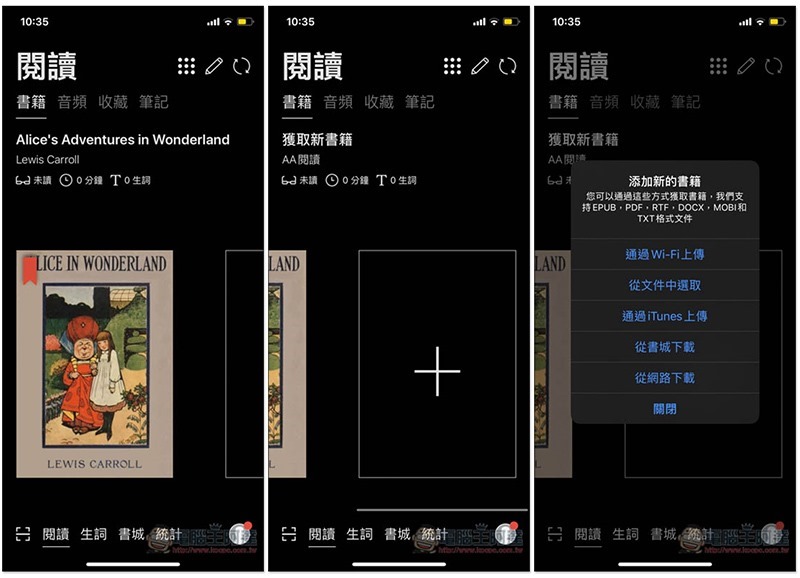
Then you can start using it. At the beginning, there is only one Alice’s Adventures in Wonderland e-book preloaded. Swipe left to see the add new book function. You can upload your own (via WIFI, select from files or iTunes), or download from the bookstore or the Internet:
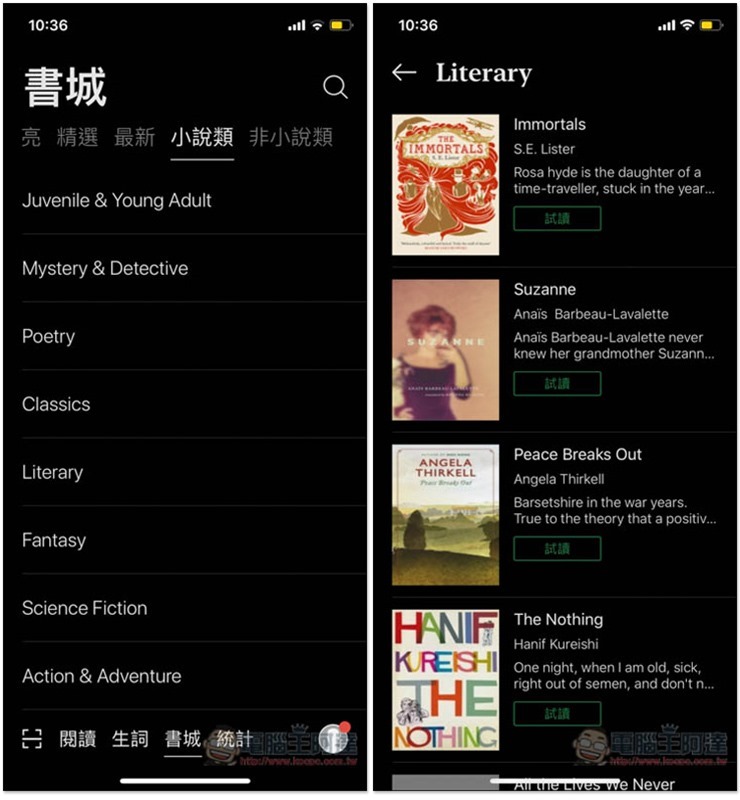
The bookstore provides a lot of e-books, and each one is free. The categories are: “audio books, free public edition, highlighted, selected, latest, fiction and non-fiction”. It is definitely enough for you to read and listen to:
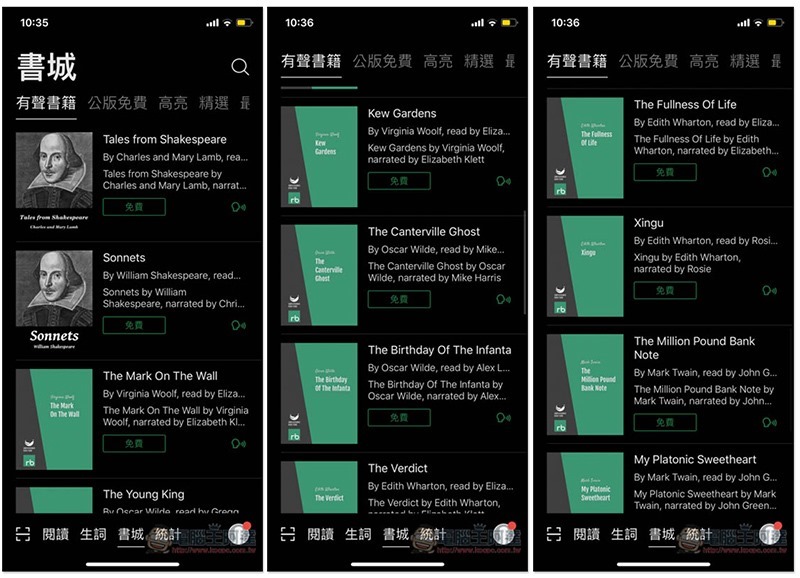
There are also a lot of novel e-books, and they come in a variety of themes, such as classics, action and adventure, poetry, etc. Although these are not audio books, they still provide a reading function, which means you can also listen to them:
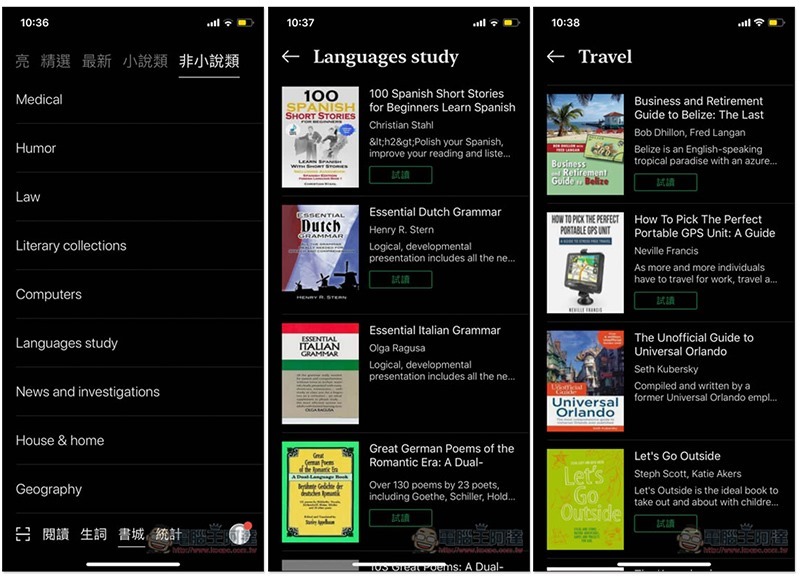
There are also many options for non-fiction:
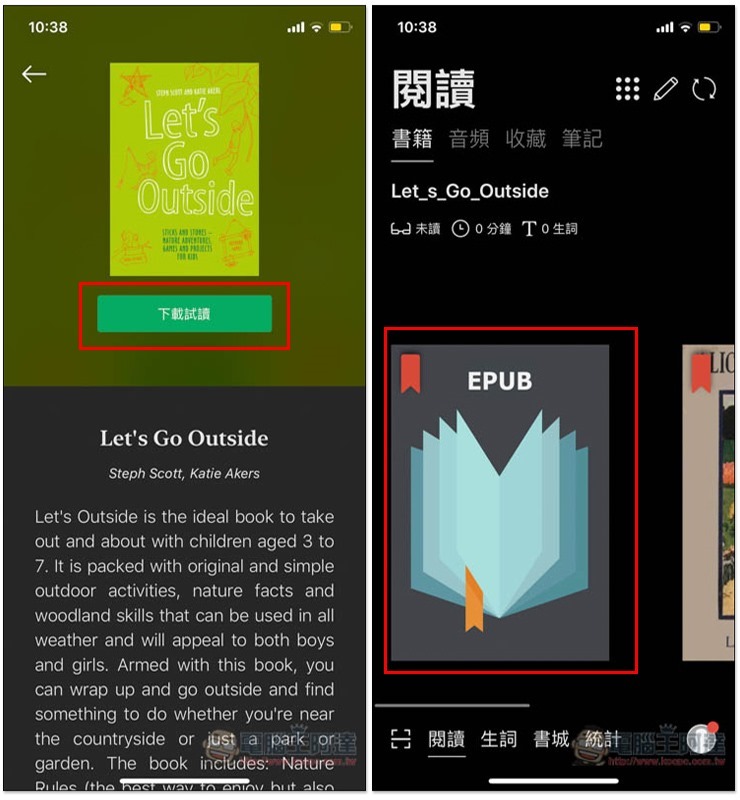
After you find the e-book you want to read or listen to, click Download and try it out, and it will appear in the reading list on the homepage:
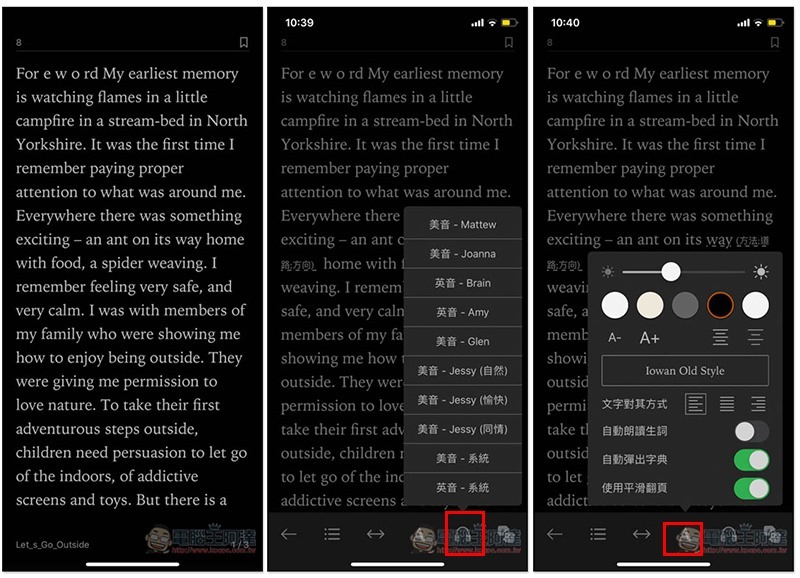
Open it and start reading. The earphone icon in the lower right corner is the reading function, with a variety of pronunciation options. If you feel that the characters are too small or want to change the color, click A to adjust:
During the reading process, if there is a word that you don’t know or are not familiar with, just click on it and the dictionary function will pop up below to tell you the Chinese explanation and pronunciation. This is really great. You don’t have to switch to other dictionary apps:
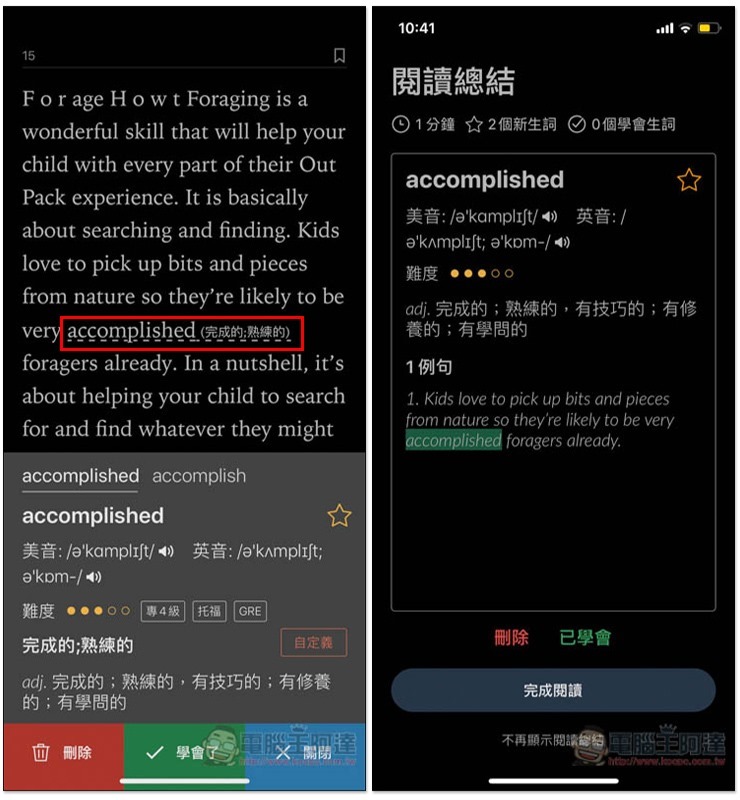
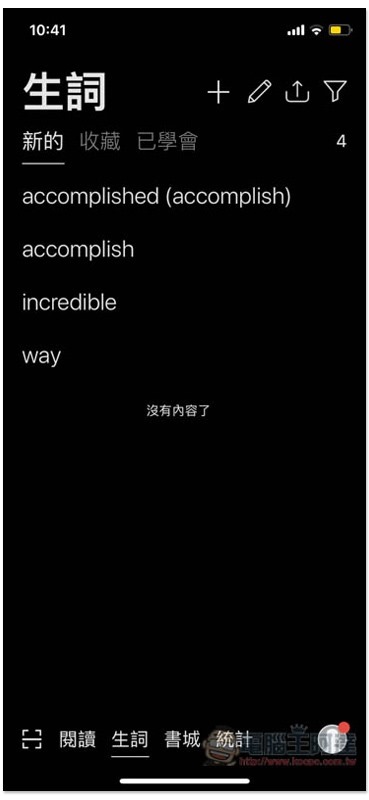
The words you have looked up will be recorded to facilitate your subsequent review:
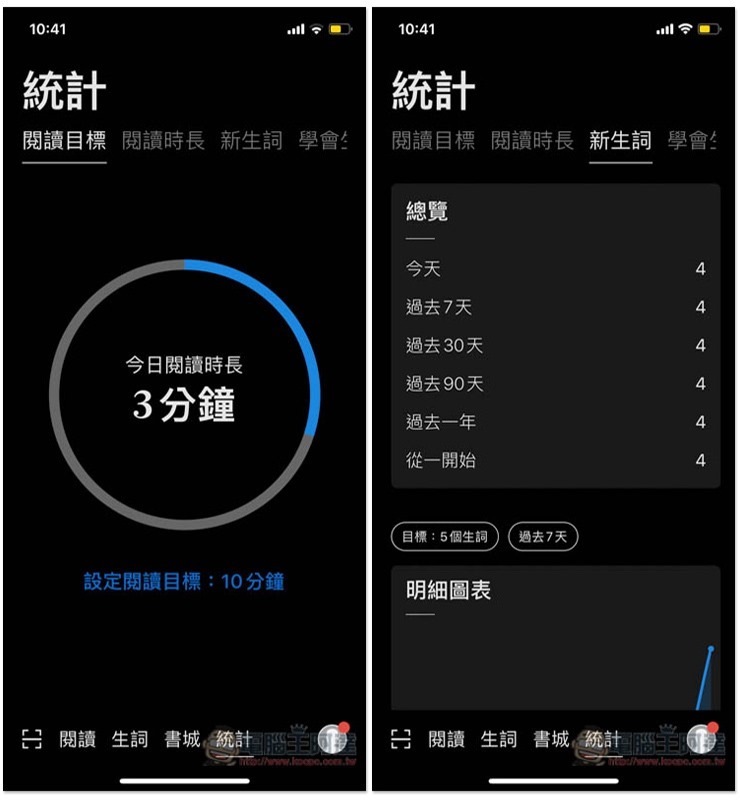
It also has a built-in statistical reporting function, which will record how much time you spent reading in total, how many new words you learned, etc.:
Supplementary information
Little A reading download link:Click here to go
Source: KOCPC Chinese