


Nuclear is a powerful free music player software that I recently discovered. It is available in Windows, MacOS and Linux versions. Its music sources are completely legal and come from YouTube, SoundCloud and Jamendo platforms, as we have introduced before. Freemake Music Box It’s a bit similar, but it has one more great feature: “Supports offline download function”. You can download your favorite music directly to your computer and listen to it even when there is no Internet. It also supports Chinese interface. I recommend it to everyone.
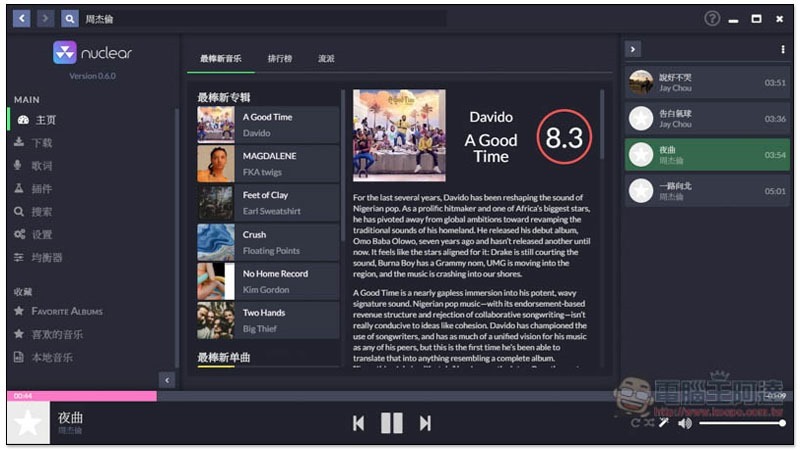
Nuclear free music player software All songs are from legal sources and also support download function (Windows/Mac/Linux)
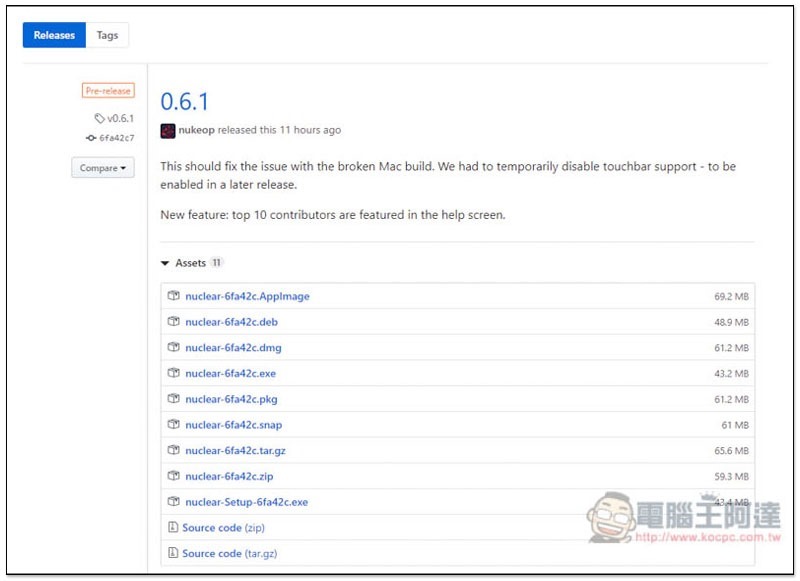
Nuclear is an open source free music player software.Click here to enter the developer website, press GET IT NOW, and you will jump to Github. The latest version is 0.6.1. Expand the Assets below and you will find the installation files of each system. .dmg is the Mac version, and .exe is the Windows version. I will use the Windows version as an example below:
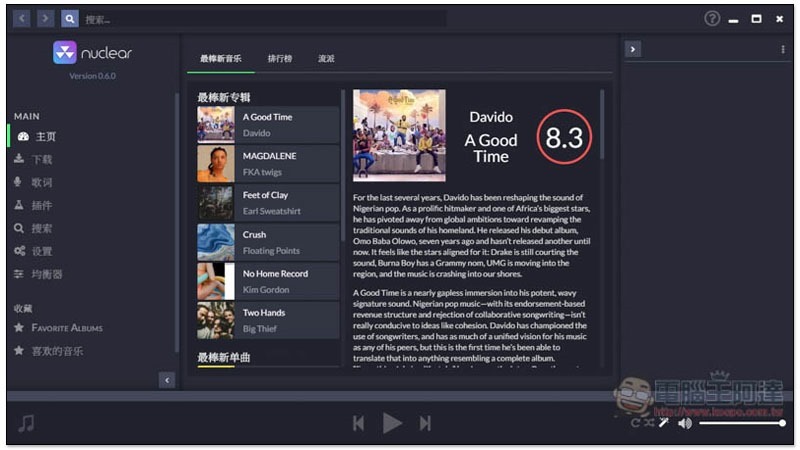
After downloading the .exe, you can start using it directly without installation. The function selection is on the left, and the middle of the homepage will display the best new music, rankings and genres it has compiled. However, the relevant introduction of each song is currently only in English:
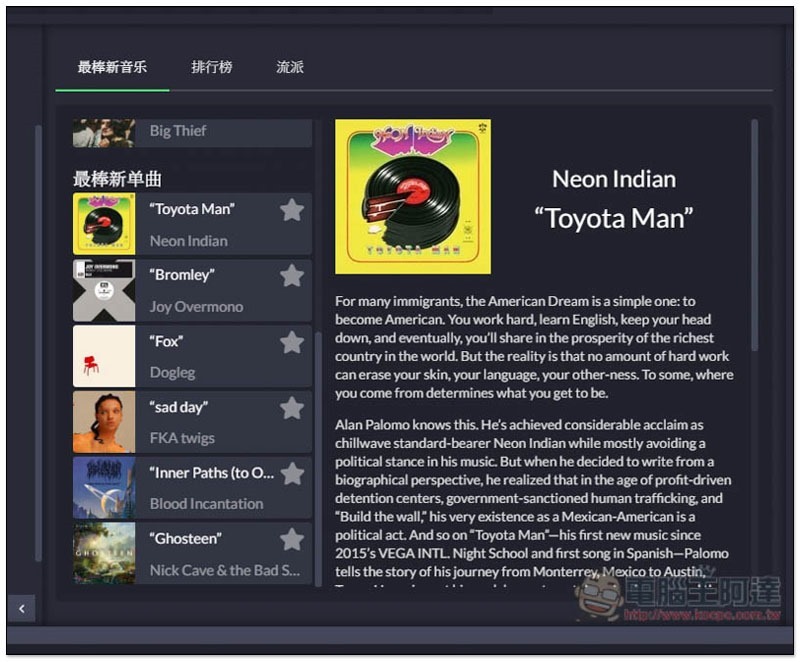
For those who are looking for new music to listen to, there is a lot to explore here. Currently it is all Western music, and I am not sure when there will be Chinese music:
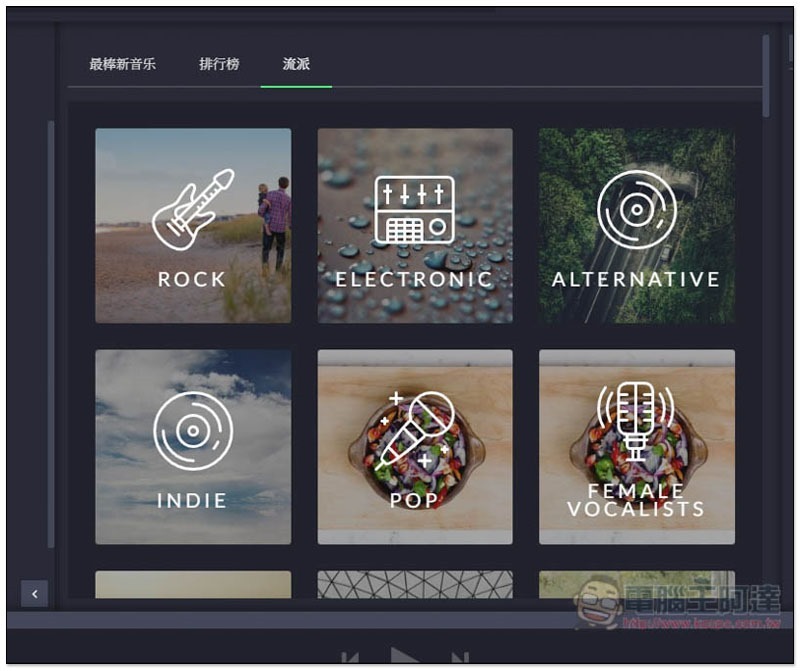
Genres provide a variety of music types, such as punk (ROCK), electronic music (ELECTRONIC), pop music (POP), etc.:
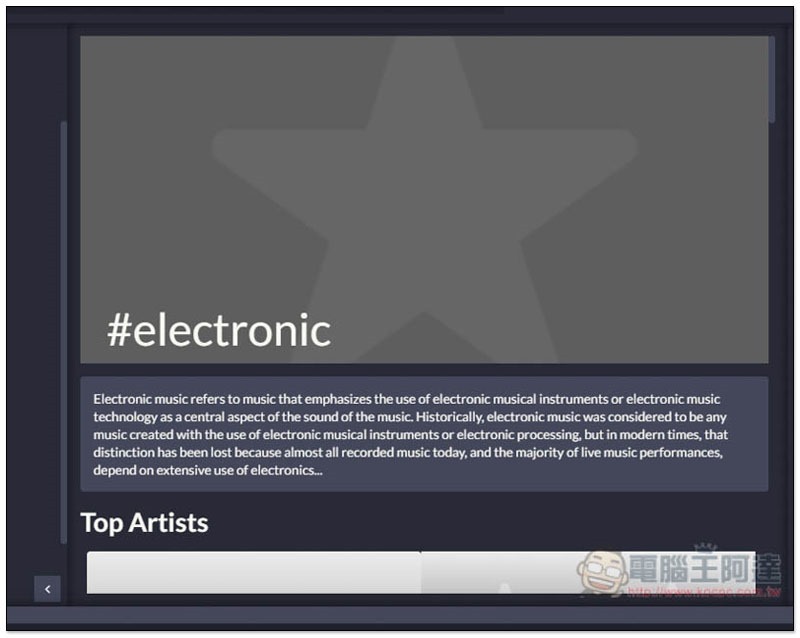
Each type is also introduced:
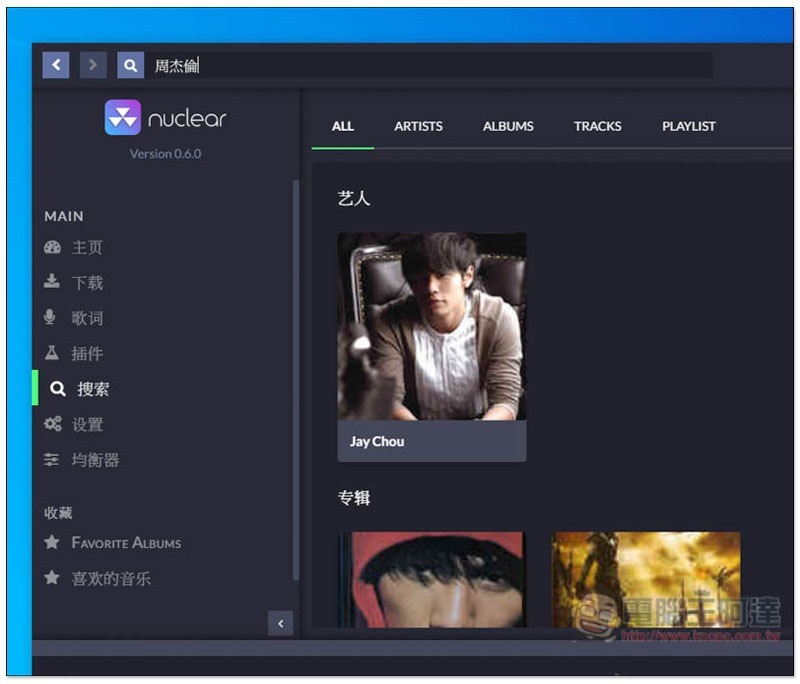
There is a search function in the upper left corner. Just enter the album, song title, or artist name you want to find, and the results will be displayed in the middle:
The great thing about this set is that the artist menu page is somewhat similar to Spotify. The most popular songs are displayed at the top, allowing you to play them directly:

Each song has a cover, which is also very good, but it can be seen that the software captured it by itself. Some of them are not Jay Chou’s albums or songs, but his songs will appear here:

Click play to start listening:

The songs will also be automatically included in the playlist on the right:
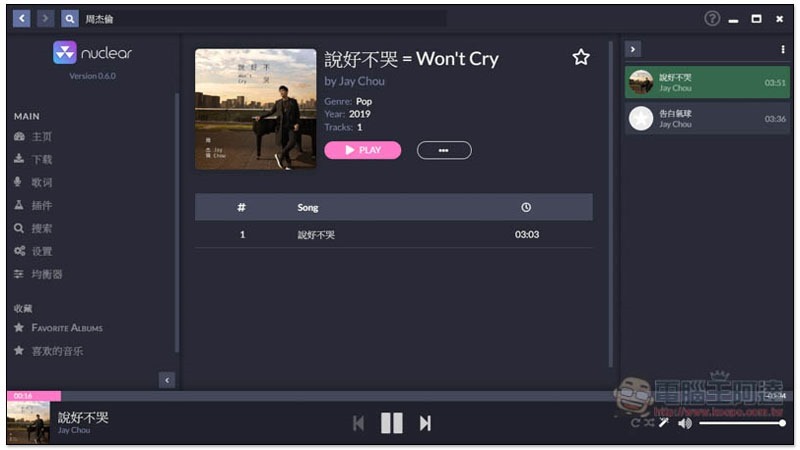
If it is an album, click PLAY above to play it all. This set also has a very good function. After you have played all the songs, it will automatically find other similar songs to continue playing:
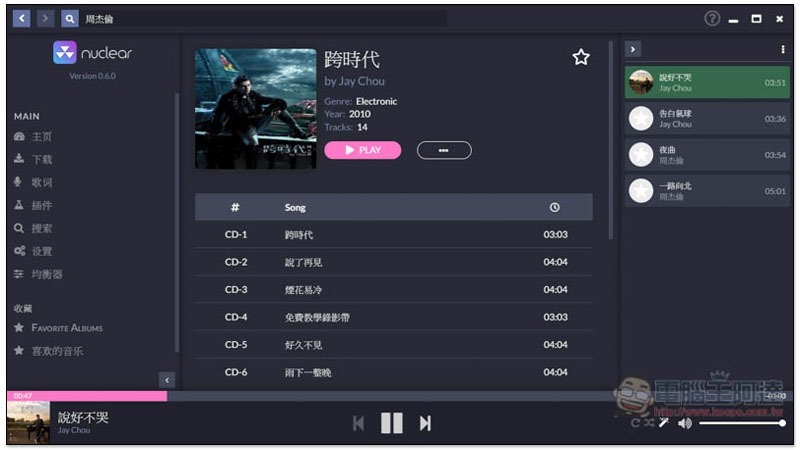
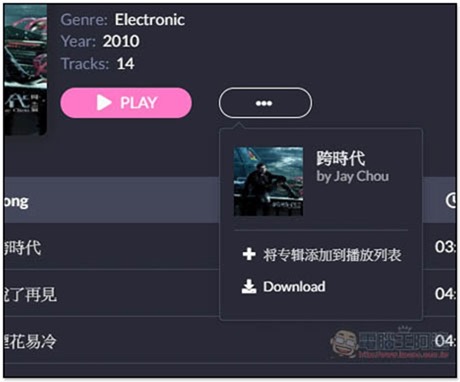
Click the… menu on the right to find the download function (Download):
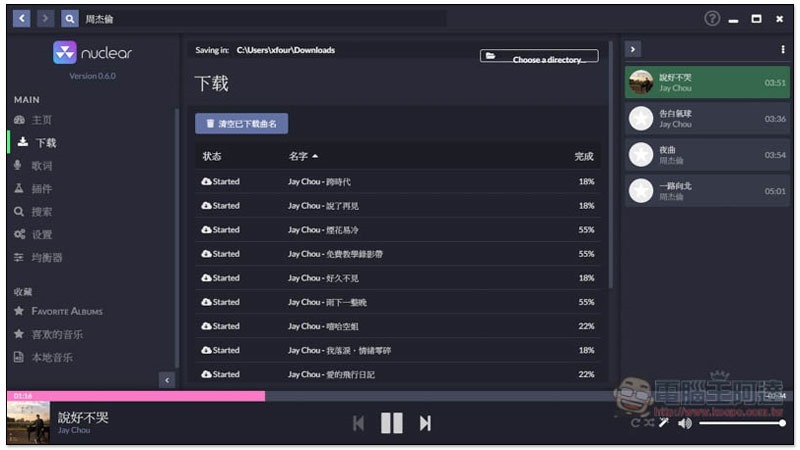
Similarly, if it is an album, all songs will be downloaded:
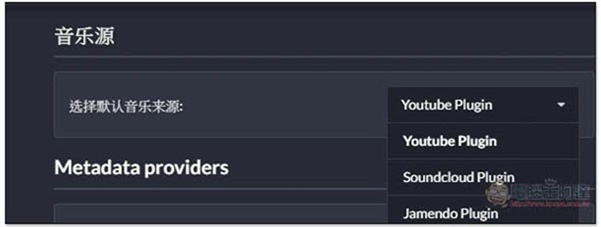
Enter the plug-in function on the left to switch the music source. The default is YouTube:
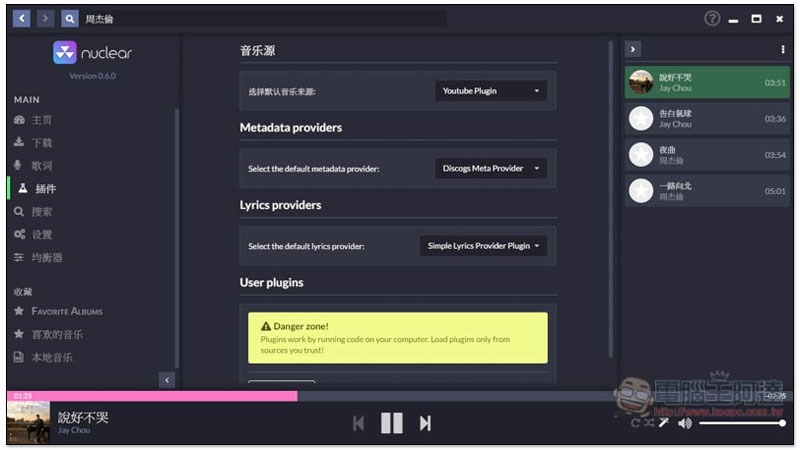
Switch to SoundCloud or Jamendo:
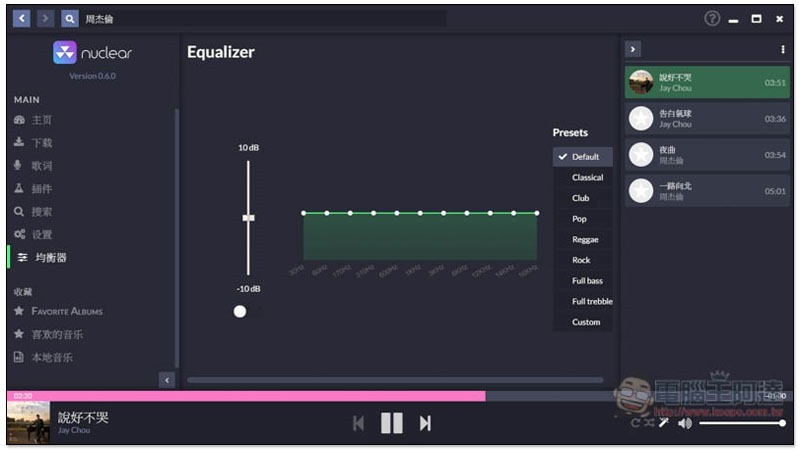
Equalizer functionality is also provided:
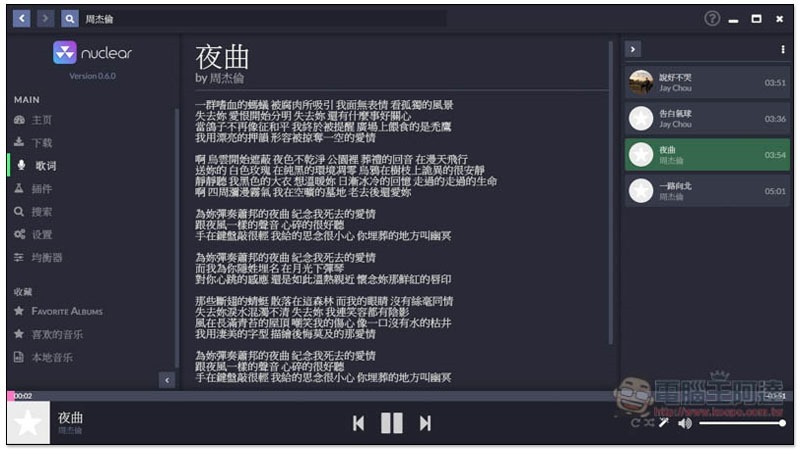
And lyrics function:
Supplementary information
Nuclear website:Click here to go
Source: KOCPC Chinese