


Photoshop, which is already the image editing tool in many people’s minds (many people’s catchphrase is “please help me with PS”), last year released a new mobile application Adobe Photoshop Camera (PSC) designed specifically for mobile platforms. This new application, which is based on PS and extends it, will allow you to quickly perform special effects such as sky replacement or adding filters on iOS and Android platforms. In other words, mobile application stores are full of such applications, but it has to be said that through today’s demonstration by Adobe, we know that PSC is not just a general app. Continue reading PS can also “move”, and the amazing mobile photo editing application Adobe Photoshop Camera previews the text of the report.
▲Picture source:
PS can also “move”, preview the amazing mobile photo editing application Adobe Photoshop Camera
Similar to many photo editing applications, Adobe Photoshop Camera, which is still in beta version, can support functions such as applying filters:
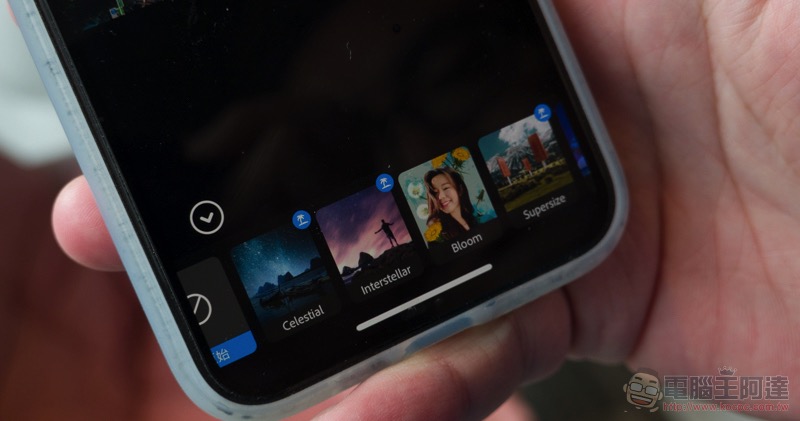
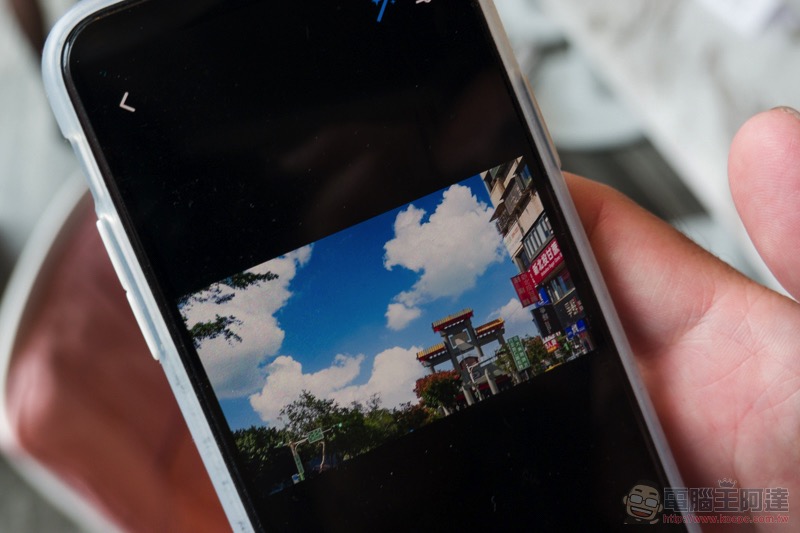
However, Adobe not only brings the function of quickly selecting and replacing the sky powered by Sensei artificial intelligence, but also includes many new technologies: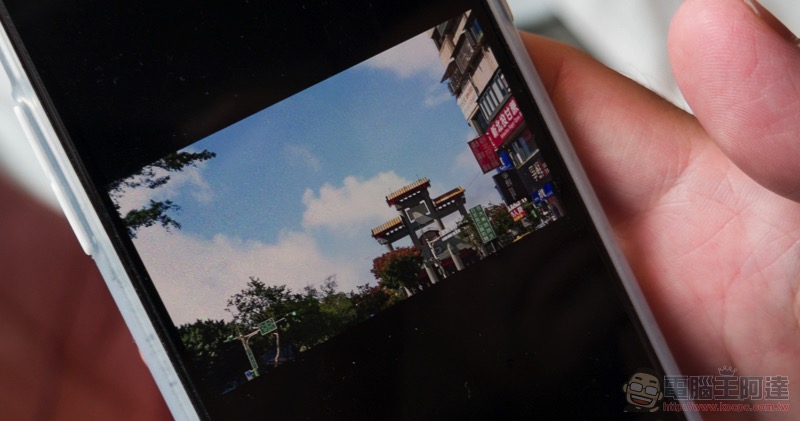
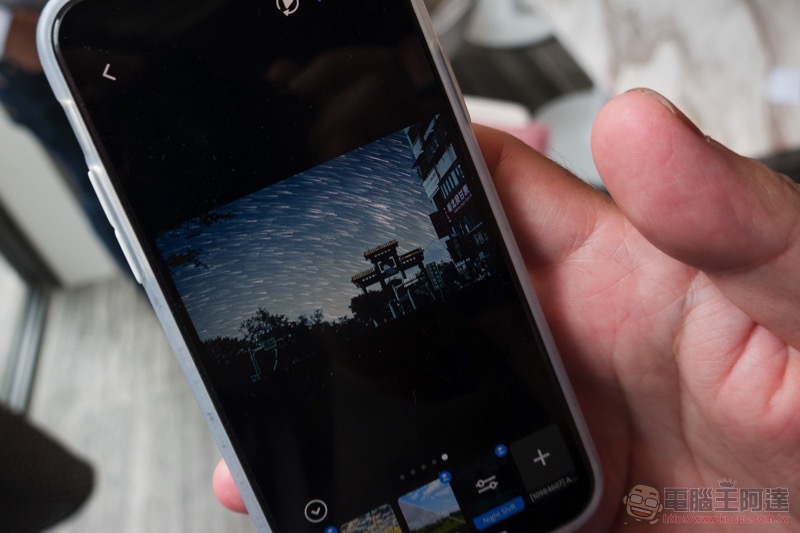
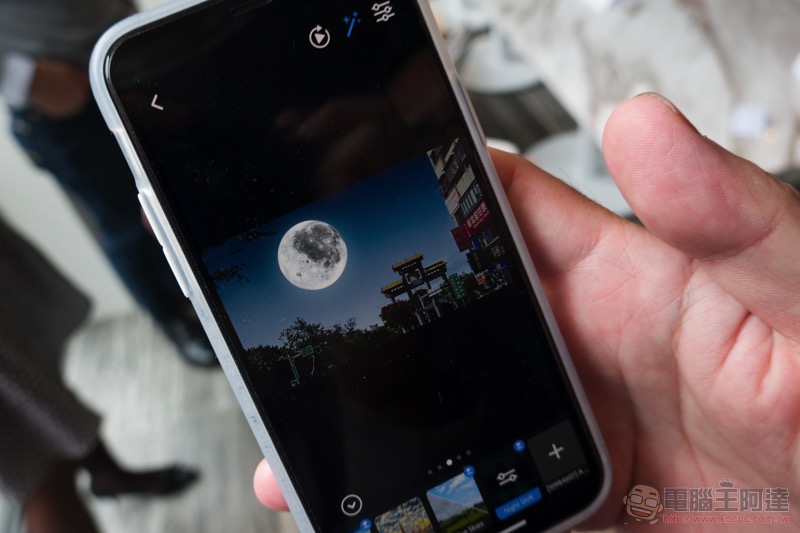
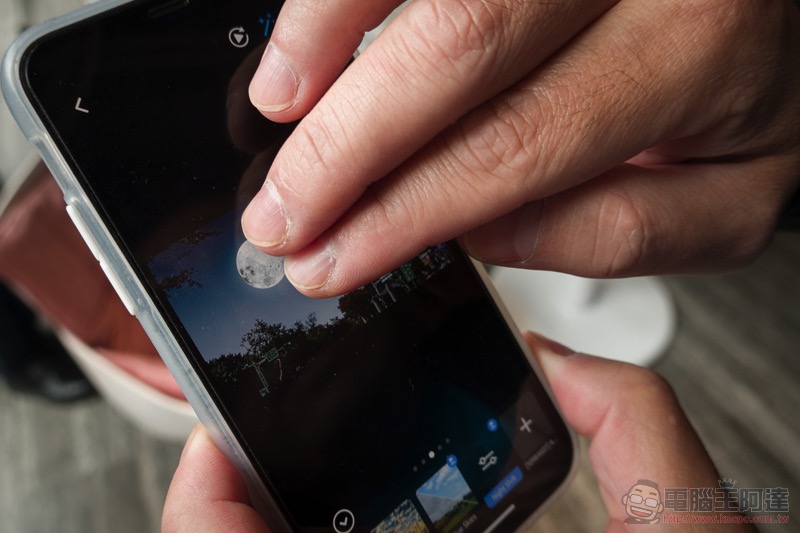
In fact, many components of PSC sky can support animation display, and some even support the function of pinch zoom. Like the moon before and after here, you can use two fingers to zoom or even choose the position and rotate the moon (super cool):
The clouds in this filter can move, and it’s really interesting to be able to output animations – it’s really refreshing to make Photoshop move! :
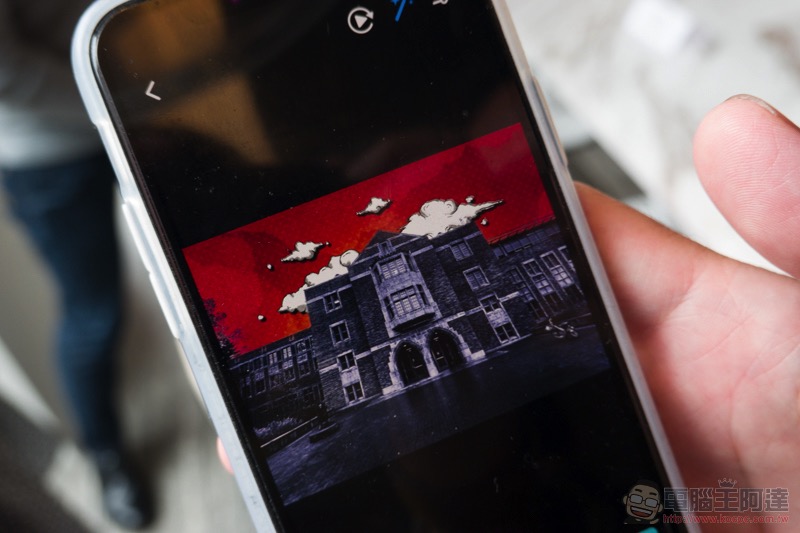
Filters in artistic styles such as Pop style are also supported:


Although PSC is not currently available for download, Adobe today also demonstrated the Aero app that can be used with Adobe Dimension. And you can download and play it now:
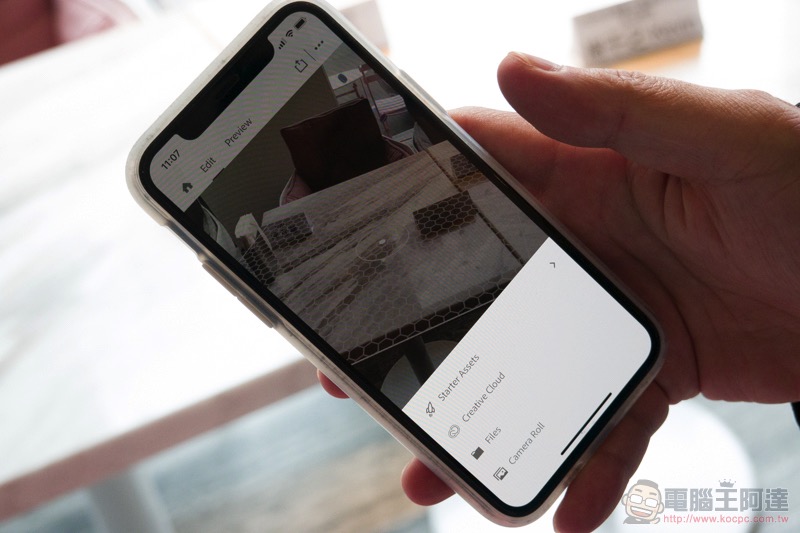
This application allows you to quickly place designed 3D objects in real life for comparison through AR:
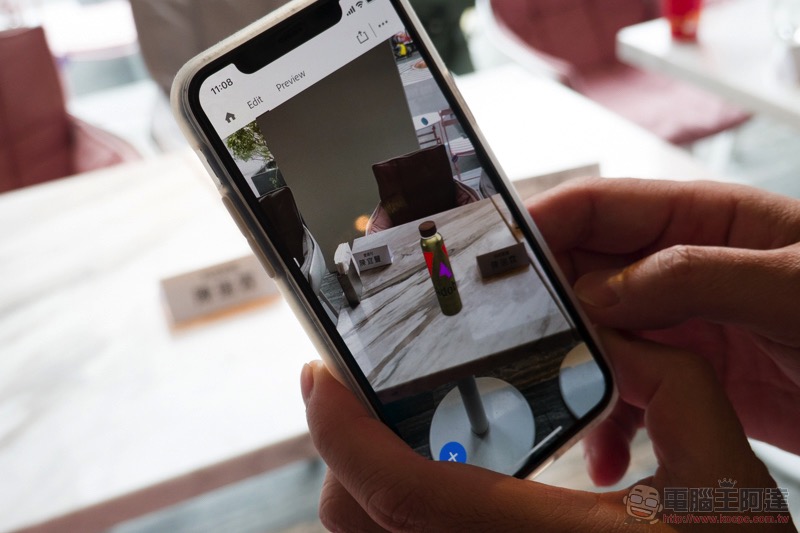
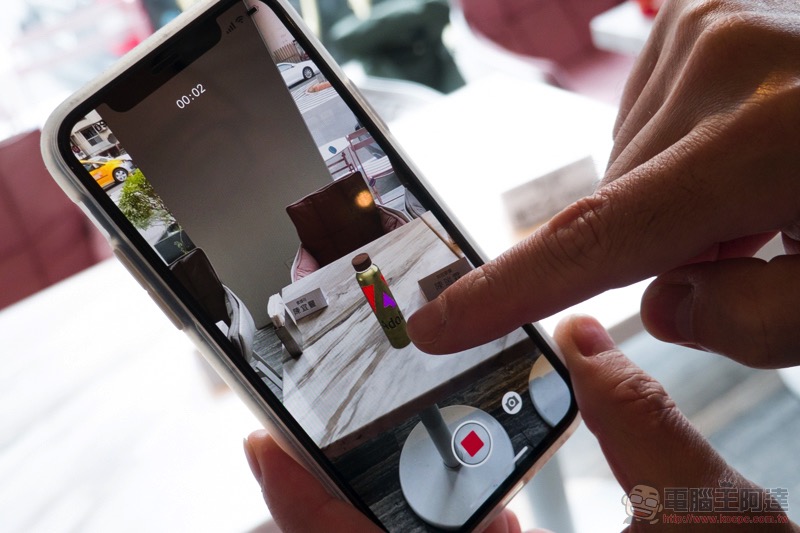
The key point is that in addition to sharing video demonstrations through the App:
You can also program 3D component actions using an intuitive UI on mobile applications, allowing the components to rotate and bounce:
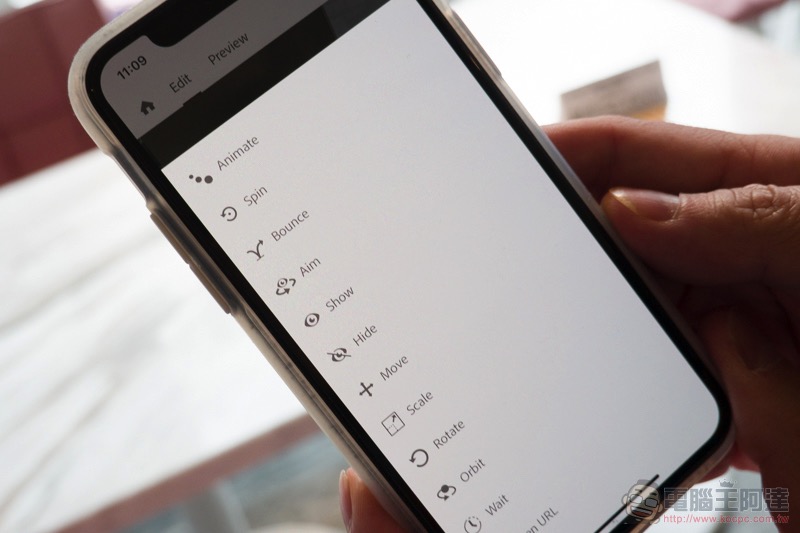
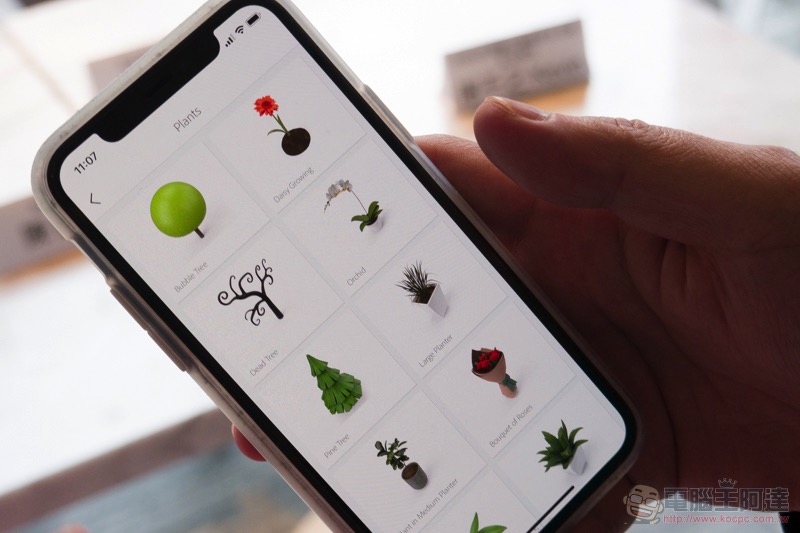
Adobe Aero also has many built-in preset components. The key point is that unlike other applications that can only support the placement of a single component, you can also import multiple 3D components and even flat pictures on your phone as backgrounds. Speaking of which, you can use AR to create a dreamy scene, and it can be downloaded and used now. Why don’t you grab it and try it out (portal):
Pictures/sources cited in this article
Further reading:
Adobe Lightroom for iOS / iPadOS will support direct photo importing
Source: KOCPC Chinese