


MediaTrans has always been well received by iOS users, whether it is the Windows version or the Mac version. The reason is simply that it is much easier to use than iTunes and is simple to operate. It not only transfers data, but also has functions of encrypting files and clearing DRM. It is very complete. The original price of this product is US$59.95, but the official recently held a New Year discount event “2020 New Year Giveaway Party”. The latest version 6.8, which was launched just a few days ago, is now available for free download. Both Windows and Mac versions are available. Even lifetime upgrades and support services are offered at half price. Friends in need should take advantage.

MediaTrans limited free activity description
Click me to enter Windows or Mac If you go to the MediaTrans official website page, you will see the “2020 New Year Giveaway Party” event. It has just been launched, so there are still about 22 days left, but those in need are still recommended to get some insurance first to avoid forgetting. Below I will use the Windows version as an example:

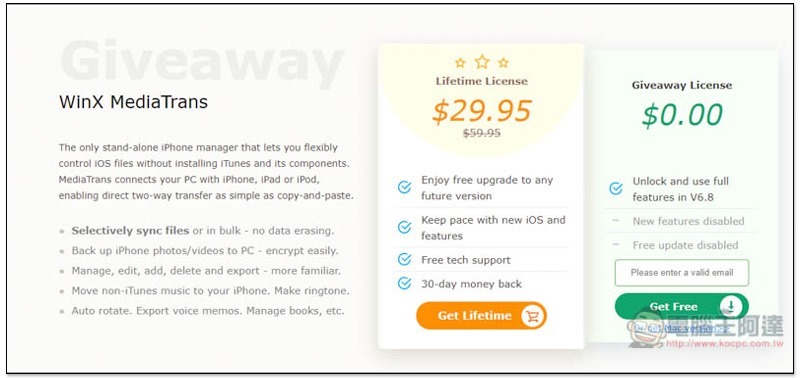
After scrolling down, you will see WinX MediaTrans. On the right is the limited-free licensed version. All functions of the latest 6.8 version can be used, and there is no quantity limit. However, new features and versions launched in the future cannot be upgraded. But I personally feel that there is no difference. The limited-free version is enough! Enter your email below to get it. On the left is a lifetime license, which also has a half-price discount:
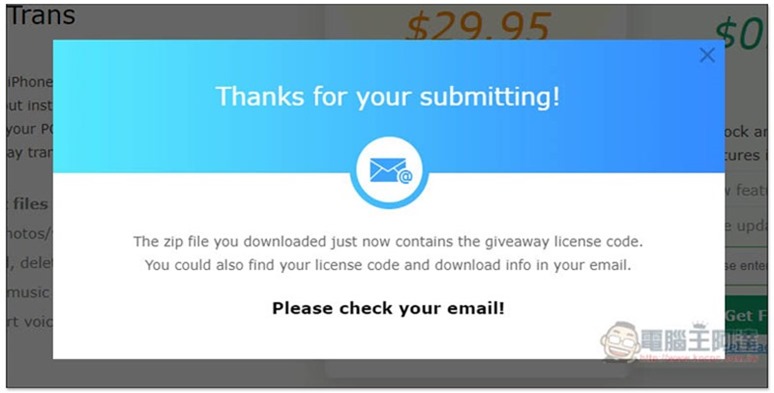
After filling in, the installation file will be automatically downloaded:
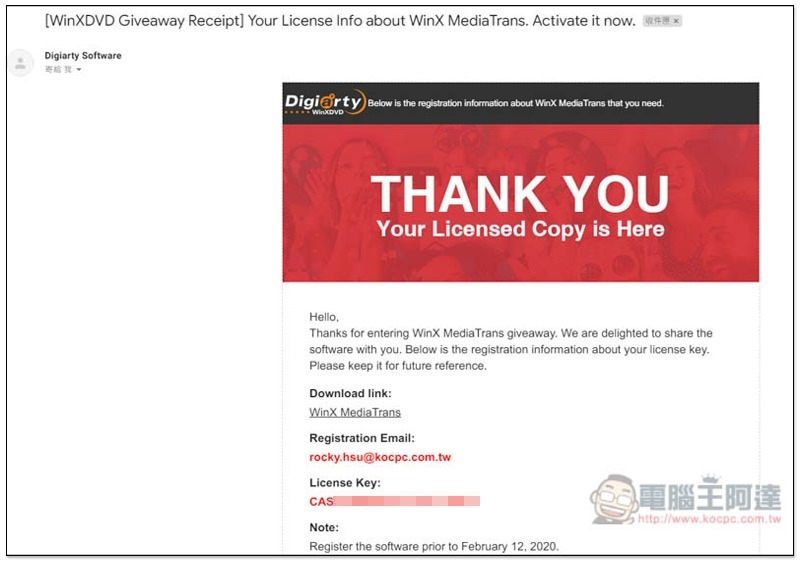
There is also a serial number file in the installation file. If you don’t see it, you can also go to the mailbox you just filled in and you will receive this confirmation letter, which contains the serial number and registered Mail. Also remember to enable it before 2/12, otherwise it will become invalid after this serial number:
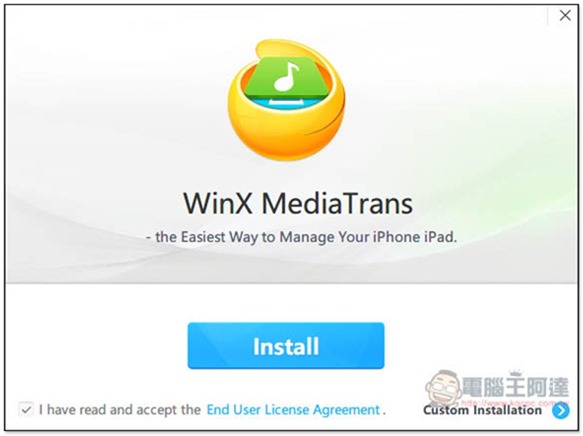
The installation process is very simple, just keep pressing next step:
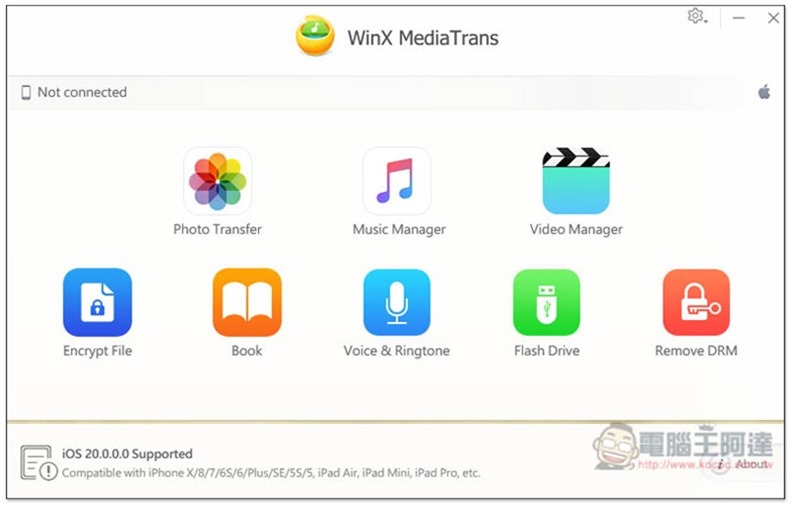
The picture below is its operation interface, which includes “Photo Transfer, Music Manager, Video Manger, Encrypt File, Book, Voice & Ringtone, Flash Drive, and Remove DRM”. To register, click About in the lower right corner:
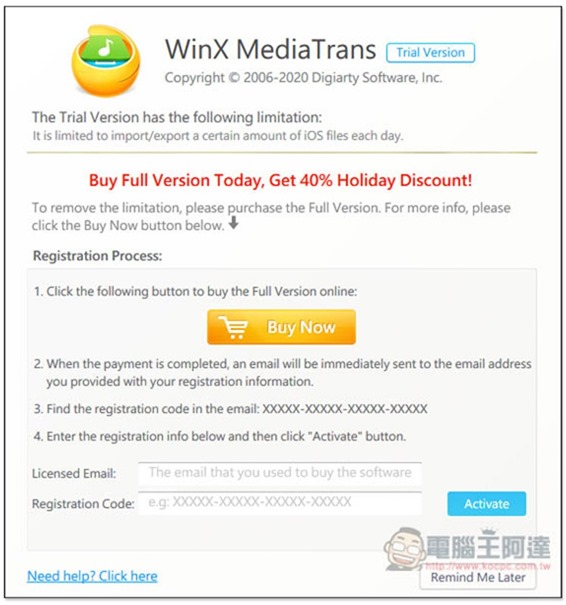
Fill in the Registration Code with the serial number you just obtained, and above is your email:
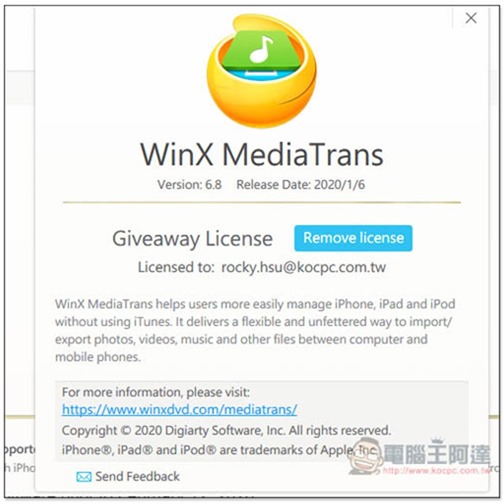
That’s it! The latest version is 6.8, which was launched on January 6, 2020:
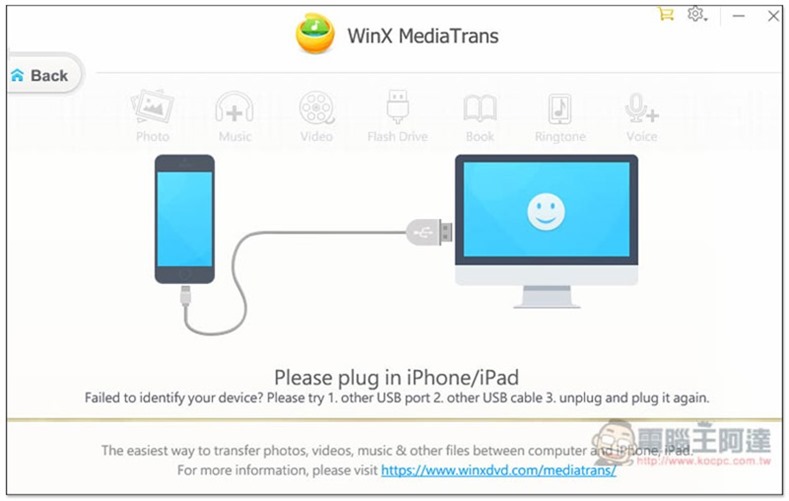
Then connect your iOS device to your computer and you can start using it:
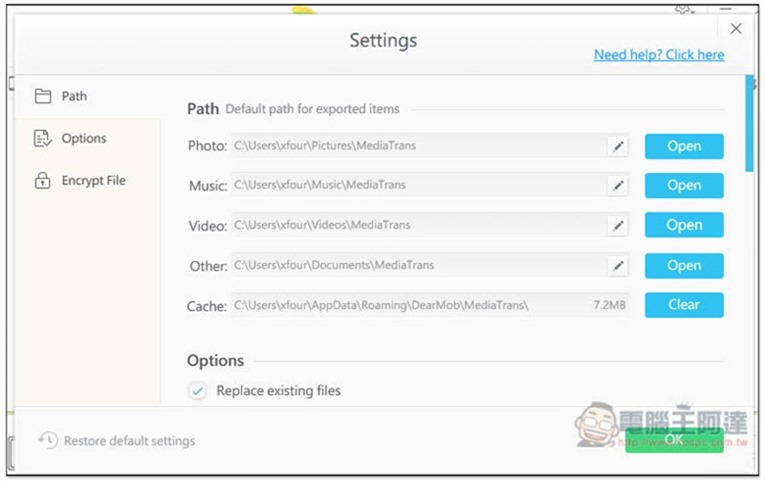
The storage location of each data can also be changed, which can be found in Setting:
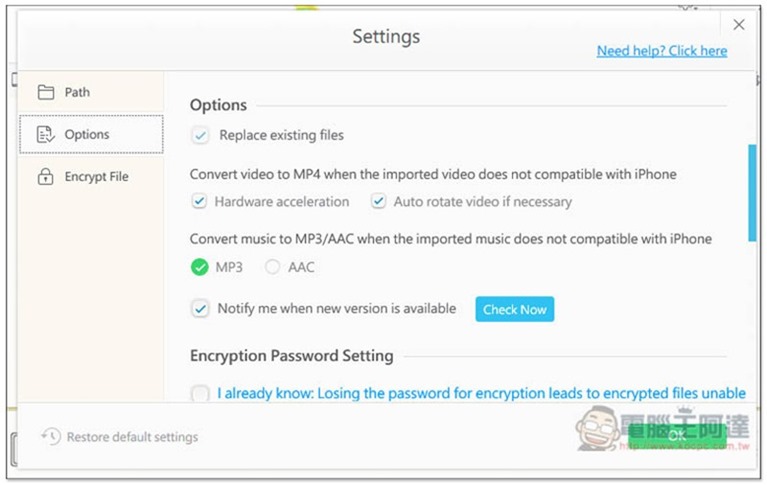
The default music conversion is MP3. Friends who want AAC format can also change it in the Options of Settings:
Supplementary information
WinX MediaTrans limited free event page:Click here to go
MacX MediaTrans limited free event page:Click here to go
Source: KOCPC Chinese