


I believe that friends who are using mobile devices with Android system will be familiar with update notifications from Google Play Store – because whether you update manually or let the system update automatically, you often don’t notice for a long time, and the notification bar is suddenly filled with update notifications, giving people the feeling of being washed out. And the point is, it’s okay to look at the notification for a long time. If you continue to update the app, it will be really annoying that the update completion window keeps popping up. Google finally noticed this usage situation and quietly improved the experience in this area. Continue reading the text of the report that the annoying “update completion notification” from Google Play Store has officially disappeared.
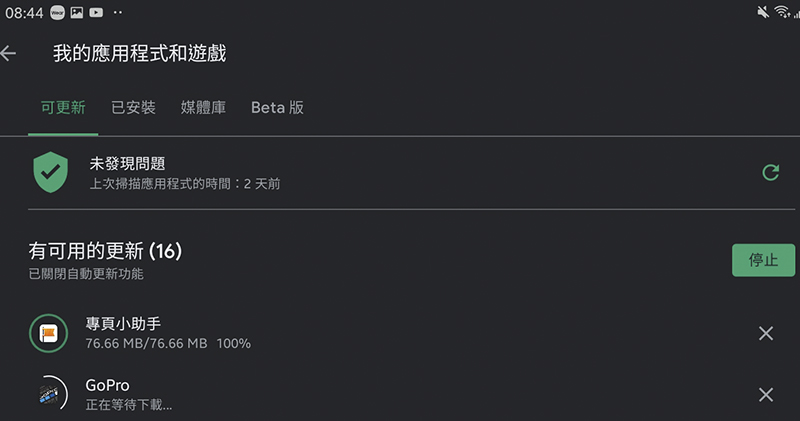
Google Play Store “update completion notification” becomes history
I wasn’t connected to Wi-Fi for a while when I was out. As soon as I was connected, the Google Play Store started automatically updating apps, followed by a notification bar full of “Update Completed” notifications… I believe that friends who have used Android will find this kind of experience common. However, it seems that the official finally feels that this frequency of notifications is a bit disturbing (?) and has started to make corrections.
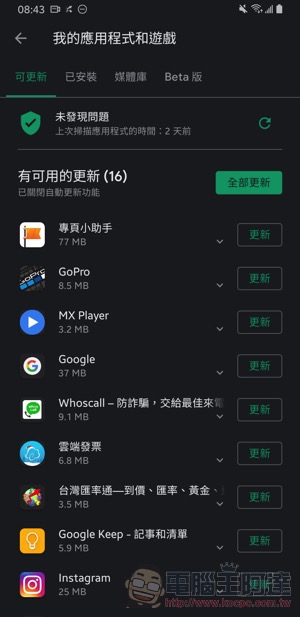
Recently, foreign media Android Police received reports from many Android users who thought they had encountered a mysterious bug where the Play Store suddenly stopped notifying them of update completion. However, after inquiring with the official, we found out that this was actually a policy to change the notification type intentionally – but it may have been too silent, so it alarmed many users and thought they had encountered a problem.
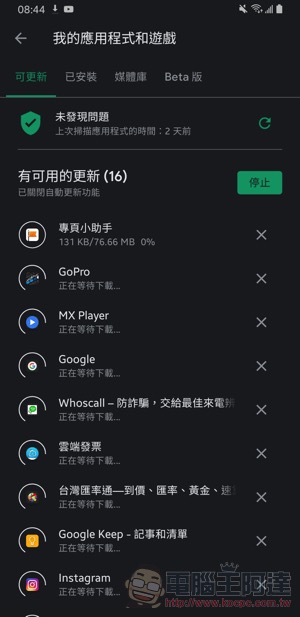
That is to say, I am actually quite happy to see such a change happen. There are no longer notifications of update completion one by one, and it will indeed be less disruptive to use. However, if you accidentally set it to update even when on a mobile network, there is no possibility of seeing the update notification popping up and blocking it as soon as possible (forget about mobile traffic~).
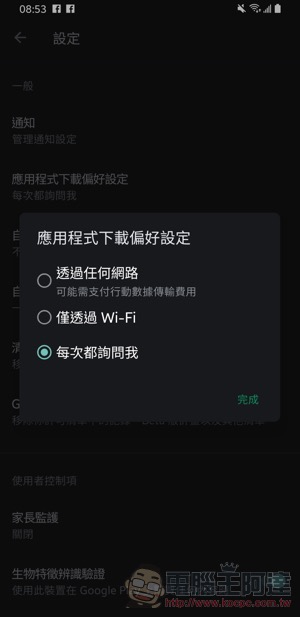
Although when the automatic update starts, you can still see a short notification (really short-lived) that the “Download Manager” is updating the application. So here we also remind readers that you can reconfirm the non-Wi-Fi update options in the Play Store settings – The default setting is “Ask me every time”, but if you often switch between all-you-can-eat and data-limited telecoms, and want the convenience of directly updating the system under the mobile network, I would like to say that friends who have the habit of notifying and blocking downloads anyway, it is recommended to adjust the setting back just in case (as shown in the picture, click on the three lines in the upper left corner to activate the function bar, and then select “Application Download Preferences”).
Further reading:

Source: KOCPC Chinese