


For new businesses, personal brands, or people who have just launched a website, the budget is usually limited, and a logo is a must-have, but the cost of hiring someone to design it is not a small amount, and not everyone can afford it. Good thing, there are actually many free logo materials available on the Internet. Logo Instant, which is recommended in this article, is one of them. It provides thousands of free logo material AI files, both for personal and commercial use. It is not only for online use, but also for printing. It is very good and recommended to everyone.
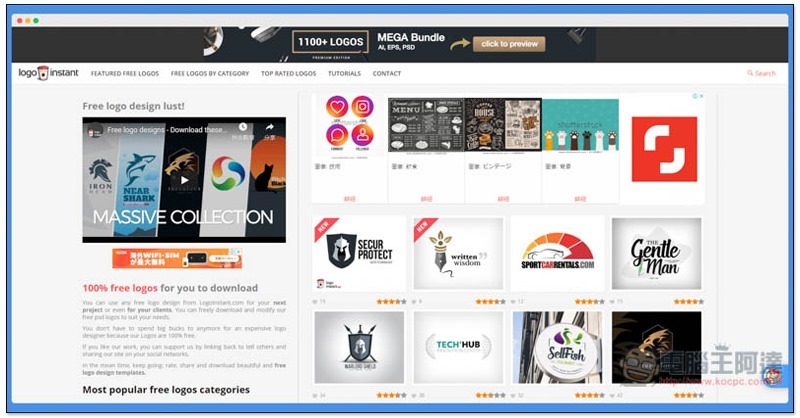
Logo Instant provides thousands of free logo material AI files
Click here to go to the Logo Instant websiteAfter that, all free logo materials will be listed on the right. The number is very large, at least 1,100, and will be updated continuously:
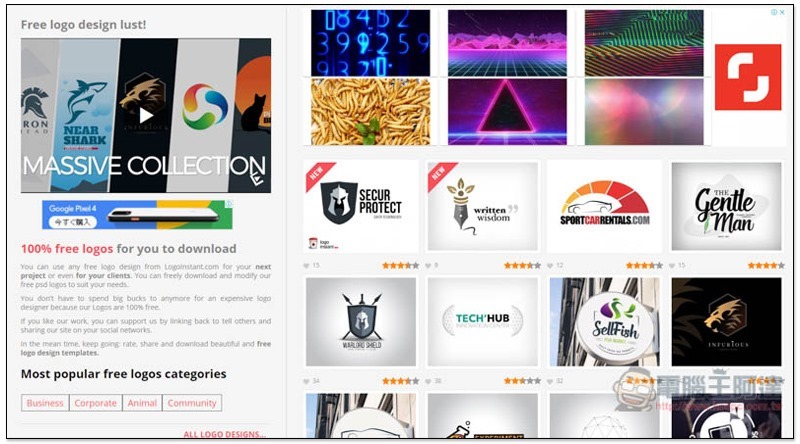
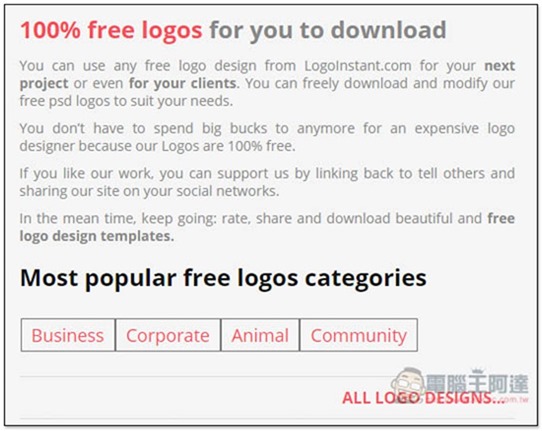
It is also marked on the left that all Logos are free to download without any cost. There is no problem for personal or commercial use, and any modifications can be made. However, there are two key points of authorization that are not listed here. I will add them later:
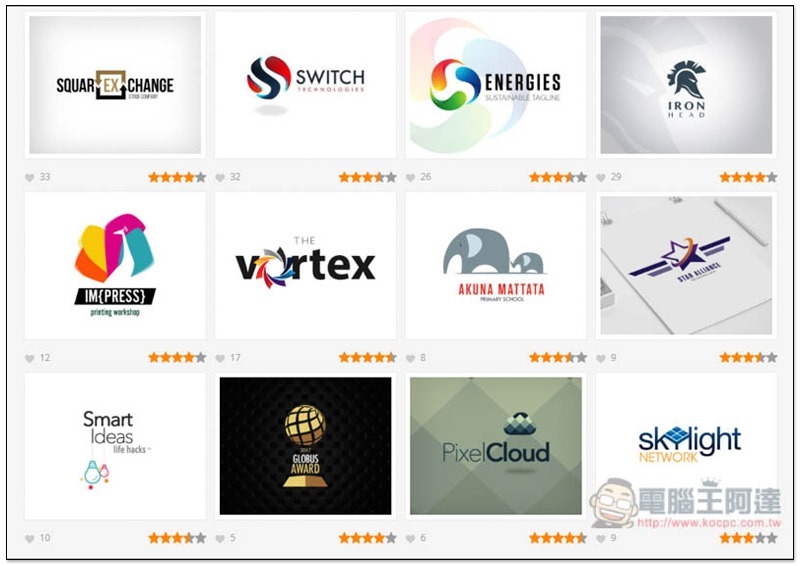
There will be a star rating in the lower right corner of each logo. Basically, the higher it is, the more people like or use it. There is also a statistical number of hearts in the lower left corner, but this is a good reference:
After entering the logo page, there will be a simple explanation. Anyone who is interested can take a look. The download function is located below:
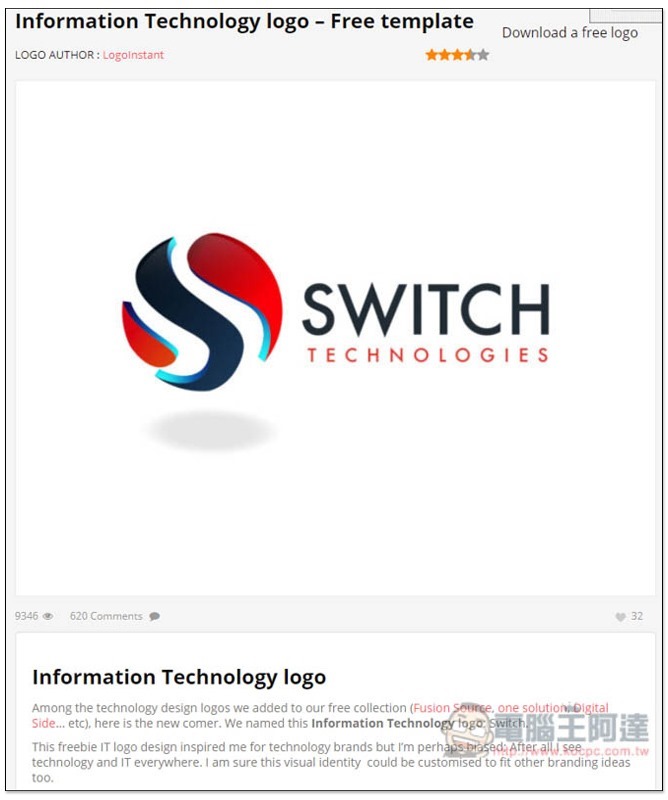
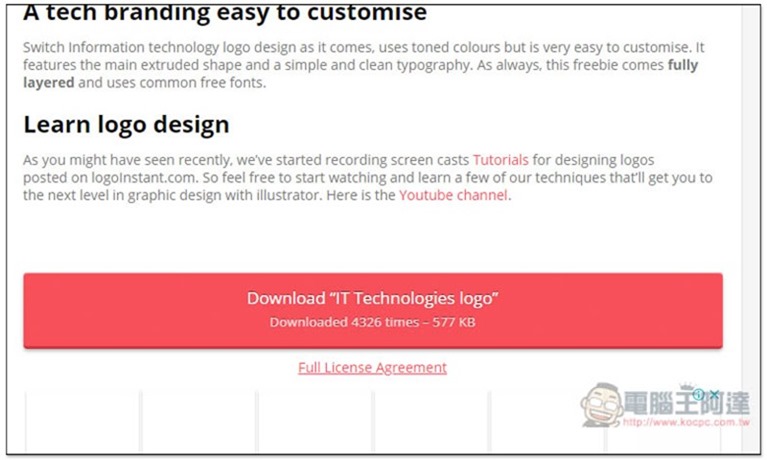
Scroll down and see Download xxxx. Click it and the download will start:
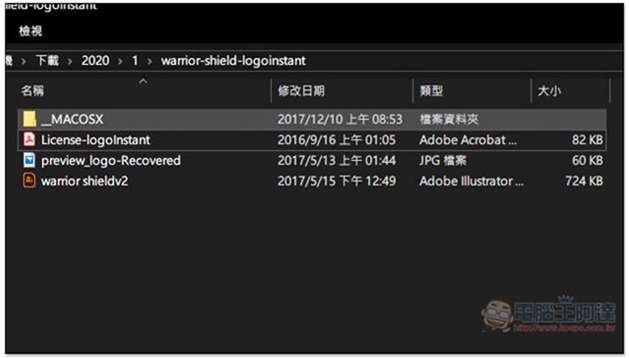
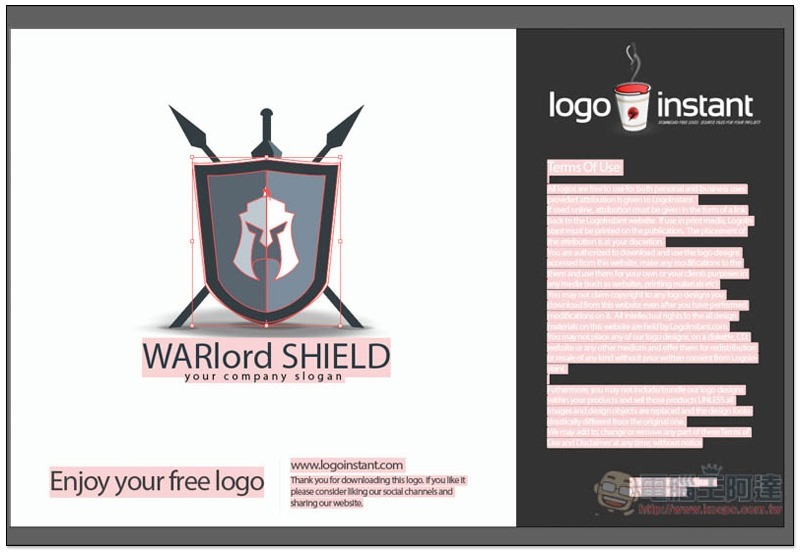
After downloading and decompressing, there will usually be three files, the AI original file, preview JPG image and authorization instructions:
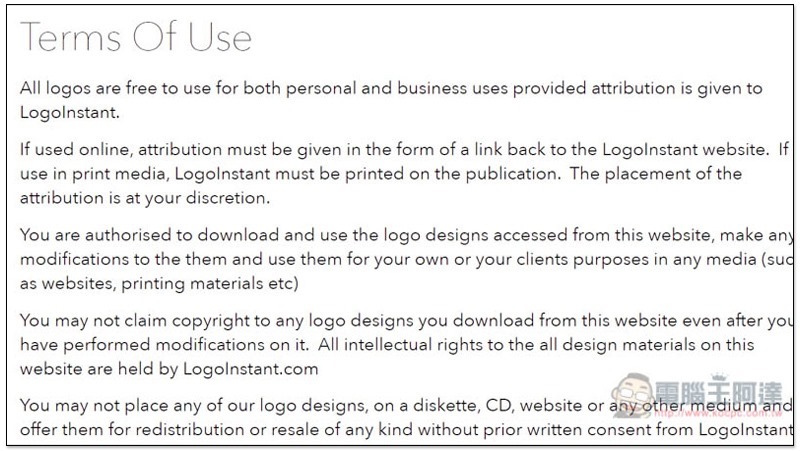
It is recommended to open the authorization instructions after downloading and read it. I am not sure whether it is the same for all.
The one I downloaded has a note in the usage notes. If it is to be used on the Internet, it must be noted somewhere that the logo comes from LogoInstant (link attached). If it is used for printing, you must find a place to write LogoInstant. You can decide where to write it:
Open the AI original file and make sure all objects and text can be modified:
If you find it a bit troublesome to have to indicate that it comes from this website, then I personally recommend using logo design、Free Logo Maker Wait for this type of online production tool.
Below is an introductory video of this website:
Supplementary information
Logo Instant website:Click here to go
Source: KOCPC Chinese