


Although Windows 10 now has a Mac-like Spotlight quick search function (start the search next to the icon below), if you have tried Spotlight before, you will definitely find the Windows version difficult to use like me. Not only is it not easy to search, but it is often stuck and cannot be used due to bugs. Recently, I found this very good alternative free tool Launchy. Its default shortcut keys are similar to Spotlight (ALT + Space), so you can get started quickly. In addition to applications, you can also add other folders to search, which means if you also want to use it to find documents, pictures and other files.
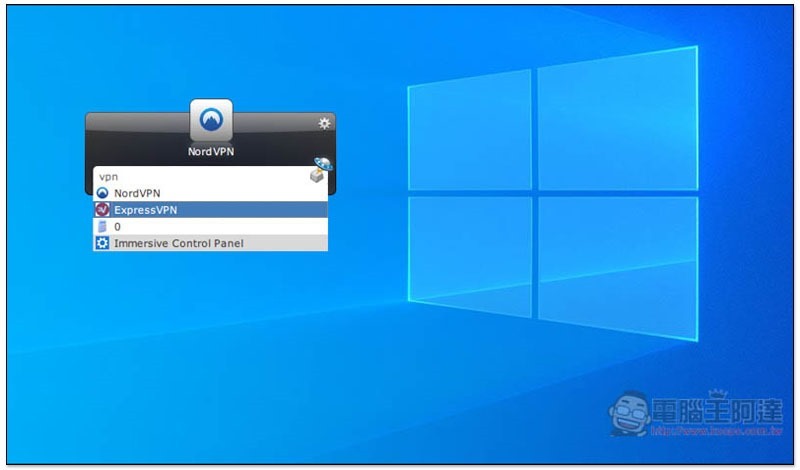
Launchy lets you have Mac Spotlight quick search function in Windows
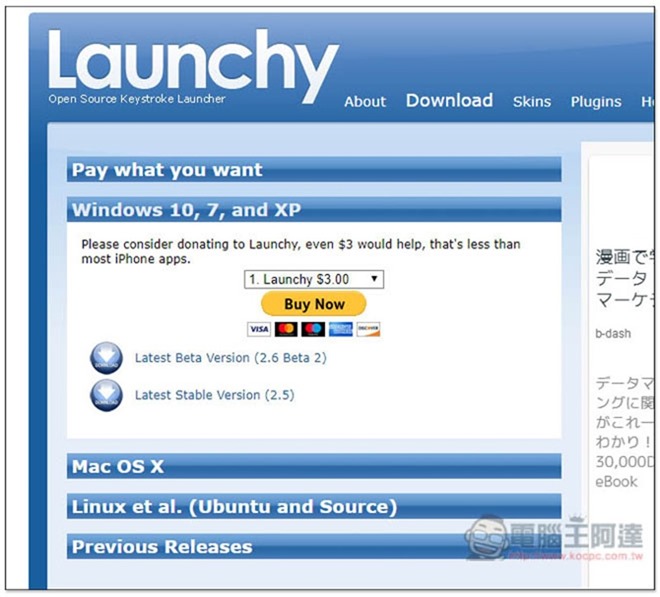
Launchy is a completely free tool, but the developer has added a sponsorship feature. If you think it’s a good idea, you can put a little effort into it. You can choose it at the top of the download page. In addition to Windows versions (10, 7, XP), Mac and Linux are also available. Personally, I don’t think Mac is needed because Spotlight is already very easy to use. Currently, there are two versions of Windows, 2.6 Beta 2 and 2.5 stable version. I will use the Beta version as an example:
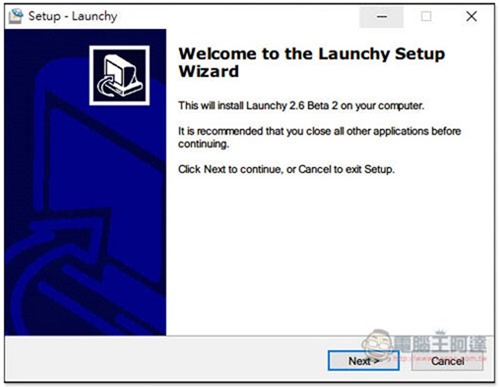
The installation process is very simple, just keep pressing next step and no other software will be installed secretly:
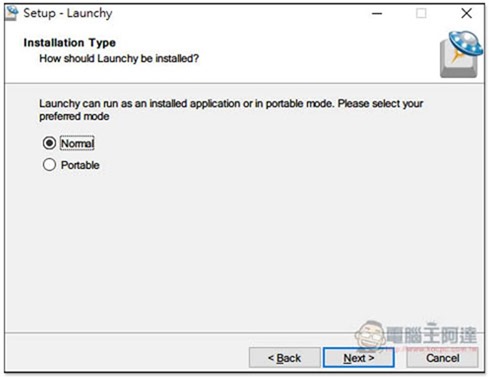
In addition, in addition to normal installation, it also provides installation-free mode. Those who do not want to install can change it to Portable:
The picture below shows its interface. Although it is a bit cheesy, ease of use is the key point:
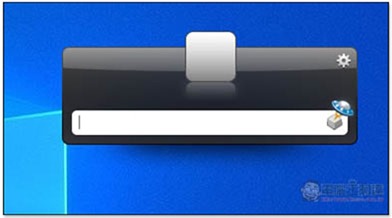
Just like Spotlight, after entering the keyword, related applications will be listed below. If the first one is the one you want to use, just press Enter and it will open:
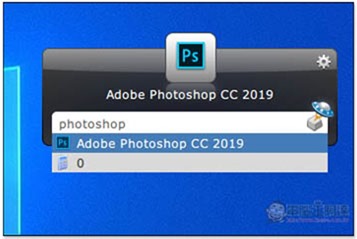
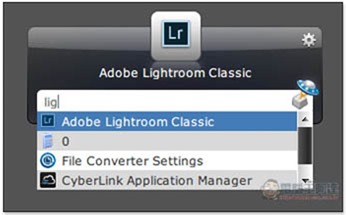
One thing that is special is that this list lists other options that match the keyword. Many of them do not have these English letters. I am not sure what judgment it uses:
Go to the settings icon in the upper right corner and there are many functions that can be adjusted. The default shortcut key is Alt+Space, but you can also change it to something else:
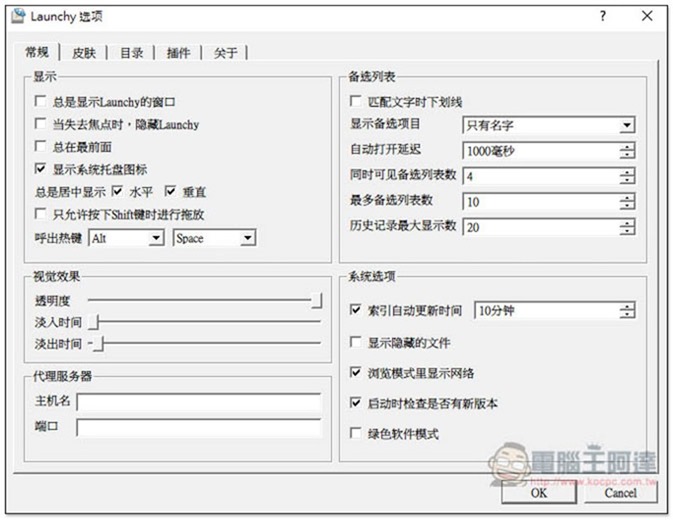
The default search content is the folder of the application. If you also want to use it to find pictures, documents, etc., you can add the folder:
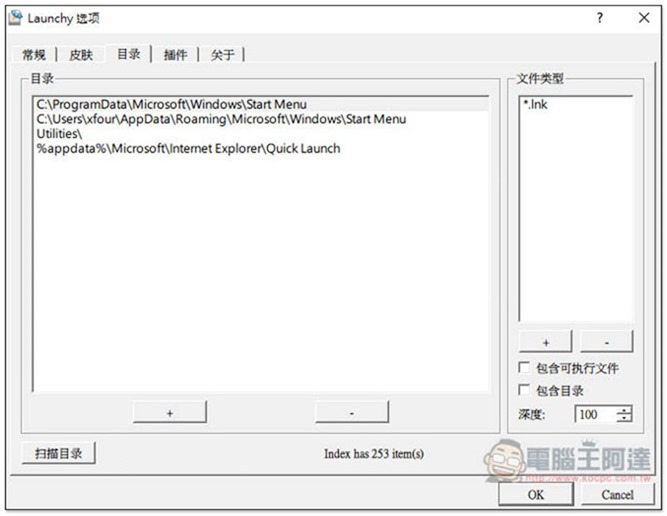
The functions provided by the settings are quite rich, but due to space constraints, I will not explain them here. Interested readers can take the time to learn about them by themselves.
Supplementary information
Launchy official website:Click here to go
Source: KOCPC Chinese