


After Google rolled out a major Gemini update for Chrome last month, the AI mode in the desktop version of Chrome is also getting another round of adjustments. This time, the changes focus on address bar interactions, making AI features more visible and more naturally integrated into everyday browsing.
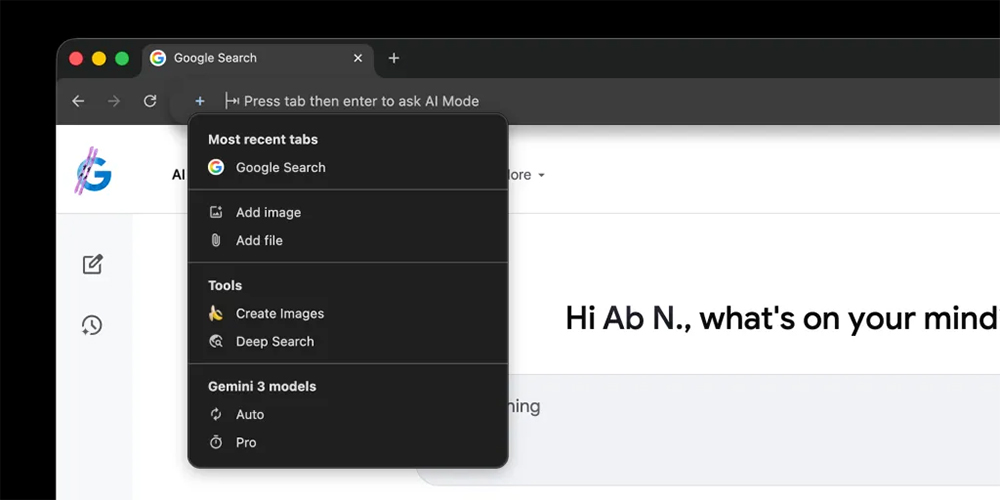
Google adds a full AI mode prompt box to Chrome’s address bar.
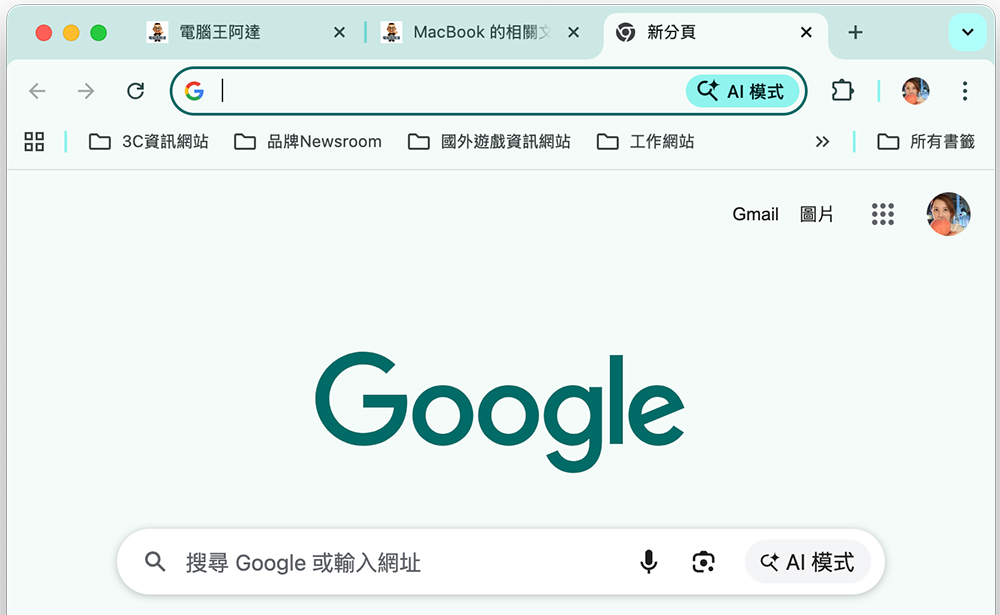
Previously, Chrome’s AI mode was primarily activated via a button located on the right side of the address bar. Users could simply type in content and click the button to have the browser send the text to AI mode for analysis or generation. However, since this button felt somewhat intrusive to some users, Chrome also offered a way to disable it: right-click the address bar and uncheck “Always show AI mode shortcut.”
This update adds a brand-new “plus” menu to the left of the address bar, with a design language and… google.com/ai It aligns with the menu above, making the overall experience more cohesive. Once opened, you’ll see a range of AI tools ready to launch directly, including:
- Latest Tab
- Add image
- New File
- tool
- Create images (for example, examples like “Nano Banana”)
- Deep Search
- Gemini 3
- Auto
- Pro
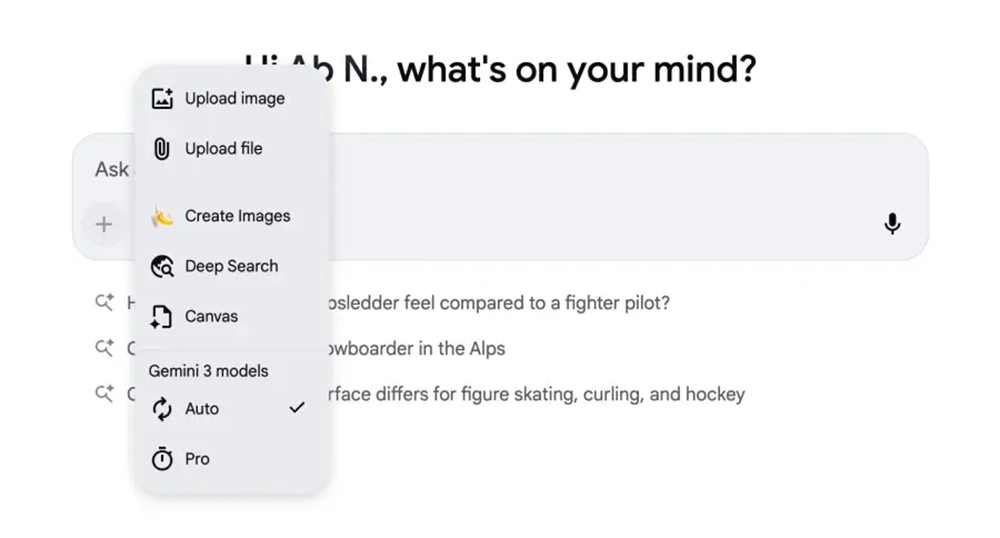
These entries are more than just access points—they reflect Google’s vision of AI Mode as a “built-in workspace within the browser.” The standout feature is “recently used tabs,” which lets you share the contents of your currently open pages directly with AI Mode, conceptually similar to the Gemini integration Chrome rolled out earlier. This way, you can quickly have AI read webpage content to ask questions, summarize, compare information, or even perform follow-up searches, all without manually copying and pasting.
When you select an image, the address bar expands into a prompt box offering options such as “Ask a question,” “Describe image,” and “Search anything.” A four-color halo also appears around the image, visually echoing Google’s brand colors and making it easier for users to recognize that they are currently in an AI-mode interaction.
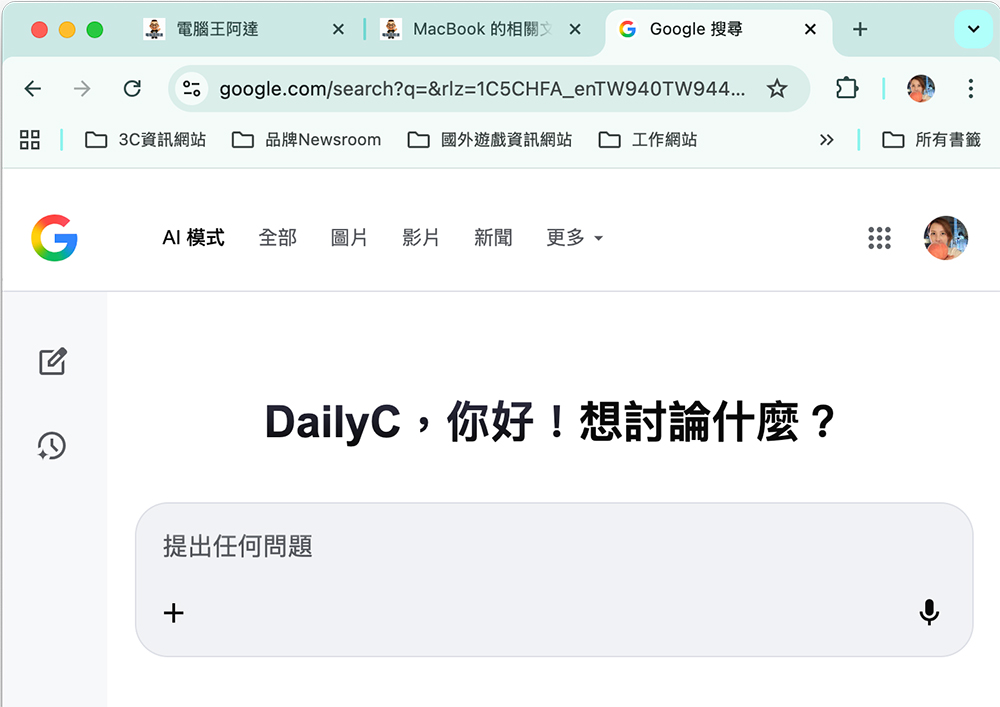
We’ve already seen this integration in Chrome desktop browser version 145, showing that Google is gradually embedding AI Mode deep into the browser’s core interface rather than keeping it as an extra add-on. In addition to the address bar update, Google also added the “Canvas” tool to the “plus” menu this week. This signals that Chrome’s AI toolkit is continuing to expand, from text, images, and search into more creative workflows. In the future, this menu could become the main entry point for the Google AI ecosystem, letting users complete more tasks right in the browser without jumping to other websites or apps.
Overall, this update is more than just an interface tweak—it’s another step in Google’s push to establish the browser as an AI platform. AI is no longer an extra button; it’s woven into the address bar, the menus, and the content you’re actively viewing. For users, this integration means fewer steps, faster responses, and a more natural workflow. For Google, it positions Chrome as the primary gateway to Gemini and other AI tools, further cementing its dominance in the desktop browser market.
Source: KOCPC Chinese