


Many uses Logitech(Logitech)mouseorkeyboardmacOS users may have an indescribable strange feeling recently. The shortcut keys that were easy to use suddenly failed, the scroll wheel gesture seemed to be turned off, all customized settings disappeared, and the device could still move, but it didn’t feel right no matter how I used it.
At first, most people will think that it is a compatibility issue after the system update, or that they accidentally touched some settings, but the actual situation is far simpler than imagined, and it is more helpless.
This incident affects not just a single functional abnormality, but a head-on conflict between the macOS security mechanism and the manufacturer’s software maintenance. It also allows users who rely heavily on customized processes to truly feel the chain impact that a small oversight behind the software can have.
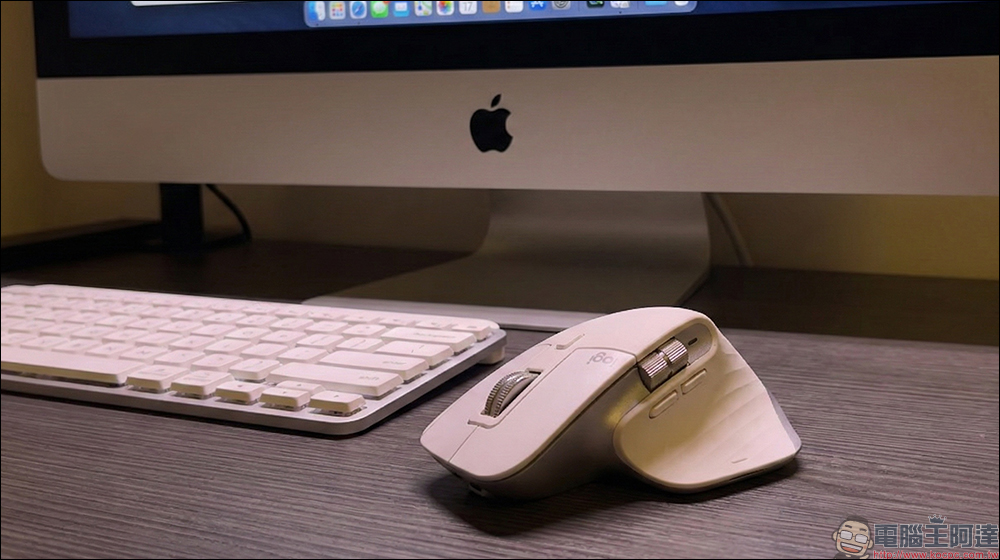
It’s not your fault that your Logitech mouse or keyboard suddenly malfunctions. An expired certificate puts all macOS users at risk! See this solution for the solution
If you are using it for a long timeLogitechmacOS users who use a mouse or keyboard have recently experienced a noticeable clock lag in their operating experience, but this is not an isolated case. Including MX Master series mice and MX Keys keyboards, many users who rely on software customization have found that the setting interface cannot be opened at the same time, and even the software is directly blocked by the system as soon as it is launched.
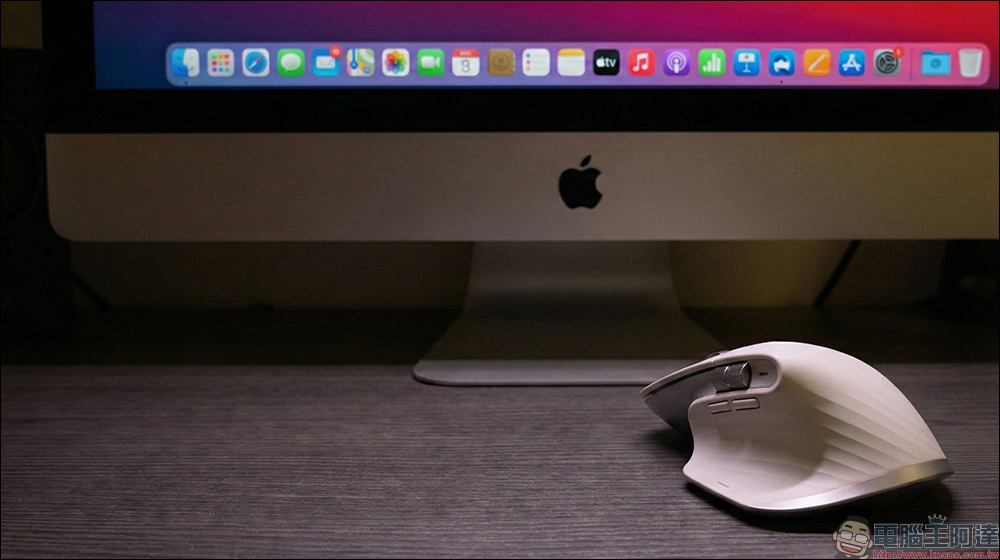
The core of the problem this time lies in Logitech’s two key control software, Logi Options+ and Logitech G Hub. Due to the expiration of the developer certificate, these two applications have lost the qualification to be trusted by the system on macOS, resulting in the inability to run properly.
For macOS, this reaction is actually completely reasonable. Apple has designed a strict security verification process in macOS. As long as the application does not have a valid Developer ID certificate, it may be directly blocked by the system. This mechanism can effectively prevent malicious software in normal times, but when legitimate software itself suffers from lapses in credential management, the scope of the impact will be ruthless.
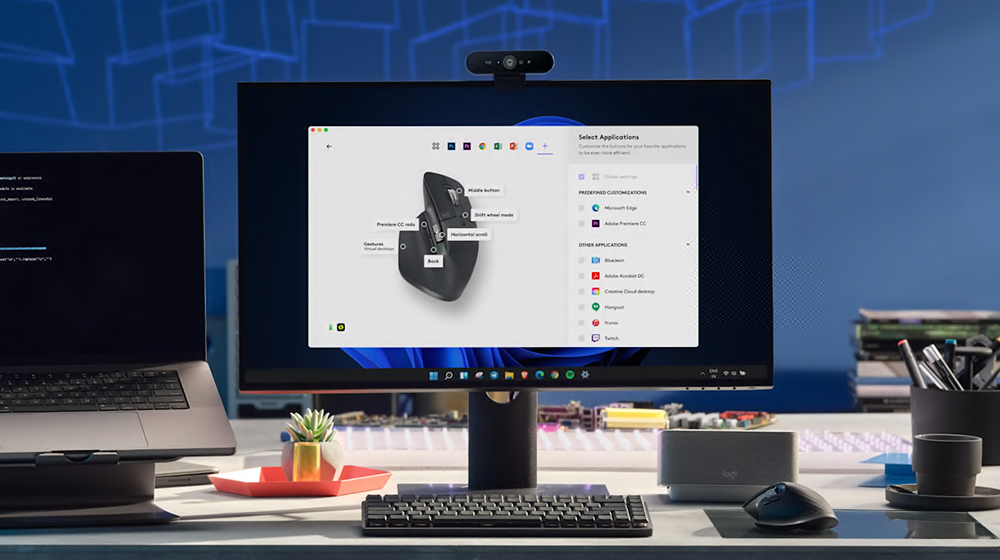
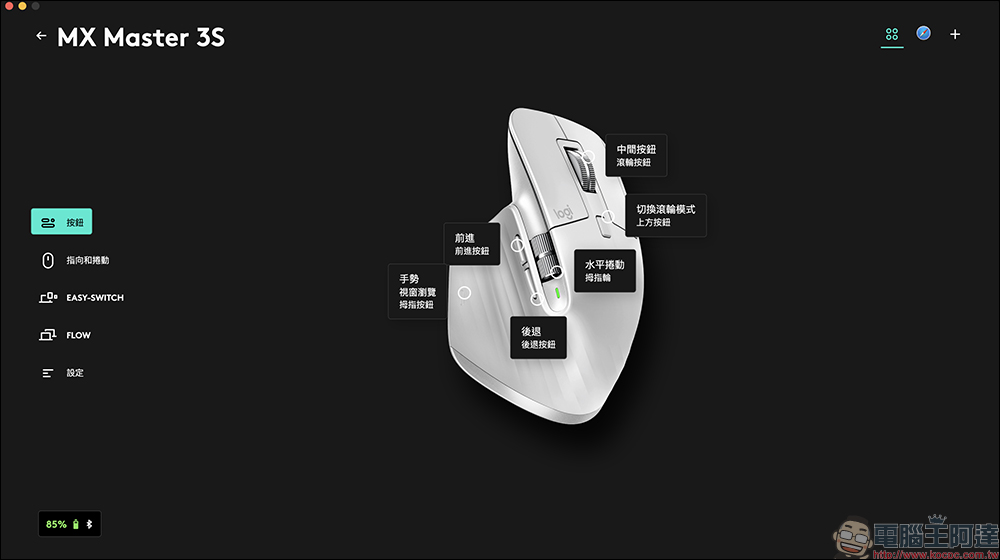
The actual consequences are far more than just “the software cannot be opened”. For many users, the horizontal scrolling of the mouse wheel, the shortcut commands of the thumb keys, and the application-specific settings are all part of the daily workflow. Once these customized functions are all reset, although the device can still be used, the efficiency will be directly reduced, and even temporary changes in usage habits will be required, which is quite troublesome for professional workers.
What’s even more embarrassing is that this problem cannot be solved through the automatic update mechanism built into the software. The reason is very practical. When the application itself cannot be launched, the update function will naturally not be useful. In other words, users can only do it themselves.
How to solve the problem of Logitech mouse and keyboard failure?
Logitech later realized the seriousness of the problem andOfficial support pagePatched installation files have been released for macOS 13 Ventura all the way to the latest macOS 26 Tahoe, allowing users to manually download the update (see the end of the article for the update link).
The revised version released this time specifically deals with the issue of certificate expiration. Because the software itself cannot start normally when the event occurs, the built-in automatic update function is also useless. Users can only go to the Logitech official website to download the new version installation file and complete the update manually.
Taking Master MX 3S as an example, Logi Options+ is used, and the latest correction file can be downloaded from the Logitech official website. Before downloading, be sure to confirm the macOS version so that you can download the correct version of the file that suits you.
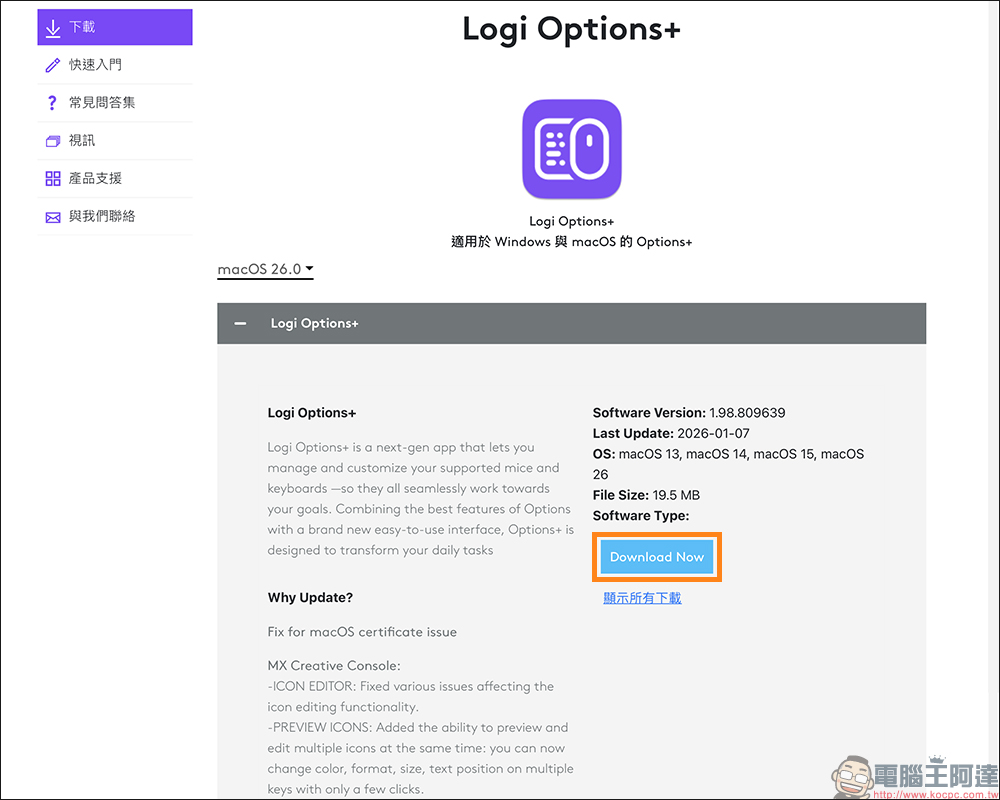
The actual operation process is not complicated, just download the correction file and reinstall it. After reinstallation, the original configuration file can be restored smoothly, and there is no need to set all shortcut keys from scratch. But this kind of remedy still makes many people feel helpless.
It is worth mentioning that this voucher expiration event only affects macOS Platform, Windows users have not been affected. The reason lies in the difference in application verification mechanisms between the two systems. Judging from the results, this is more like a demonstration lesson in software maintenance and operation, reminding manufacturers that no matter how mature the hardware is, the software and certificate management behind it cannot be relaxed.
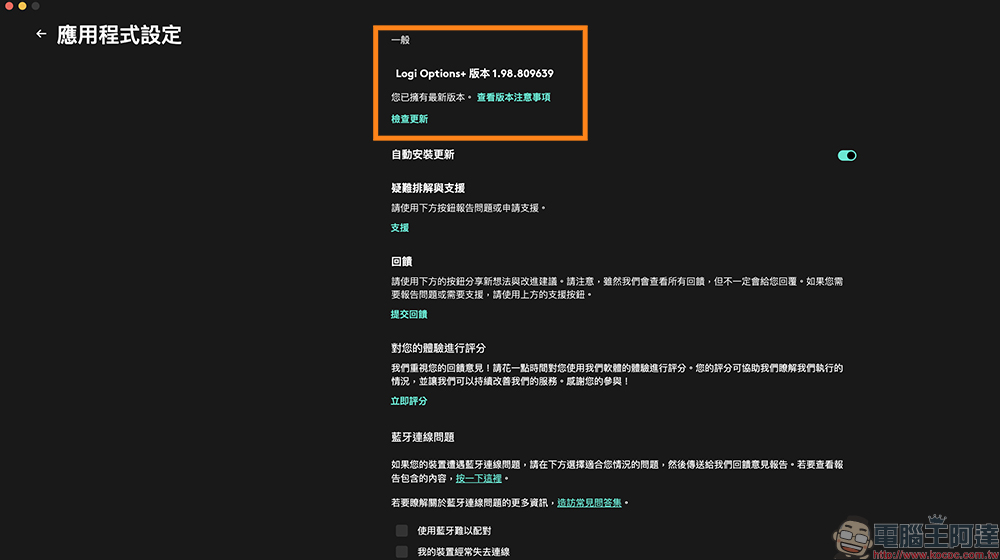
Update and correction file download
- Logi Options+ Updater:Click here to download (Logitech official website)
- Logitech G HUB Updater:Click here to download (Logitech official website)
Conclusion
This Logitech software certificate expiration incident may only be a temporary inconvenience to ordinary users, but for groups that rely heavily on customized operations, it is a warning that truly affects the pace of work. It once again proves that the value of high-end peripheral products is not only in hardware design, but also deeply bound to software stability and subsequent maintenance.
The good news is that the problem itself is not complicated, and you can fully restore the original user experience by updating manually. The bad news is that this kind of situation often occurs suddenly, and it also reminds users that in addition to system and software updates, occasionally paying attention to official announcements may be more important than imagined. When technology has been deeply integrated into work and life, every small oversight may be magnified into an obvious physical gap.
Further reading:
厚度僅 6mm!小米 Xiaomi 纖薄磁吸行動電源 5000 15W 將於 1/16 在台開賣:早鳥加贈 Xiaomi 3A 編織傳輸線 10cm
Source: KOCPC Chinese