


Have you ever had this experience? The navigation hasn’t ended yet and you’ve only watched half of the video.cell phoneThe battery suddenly jumped to red alert? Many people intuitively think that the battery is aging, or the mobile phone brand is not strong, but in fact, the real murderer is often hidden in the background of the system.
Something you use every day and even “think you don’t use” App , is actually consuming power silently in the background, shortening the battery life of the phone bit by bit.
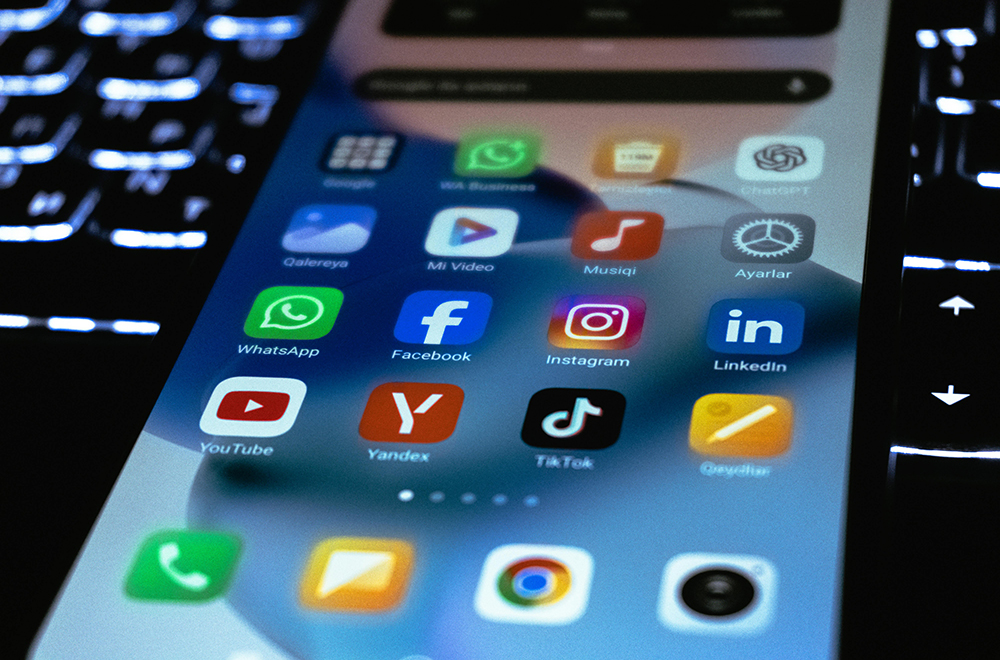
What’s even more troublesome is that most of these power-consuming behaviors don’t have any obvious prompts. By the time you notice, the battery is already running low. Next, based on usage scenarios and actual data, we will sort out a number of common but extremely power-consuming apps and explain why they consume so much power. We will also provide practical power-saving adjustments to help you use power where it is really needed.
Are you constantly consuming electricity even when you’re not using it? These 10 popular apps are invisible killers of mobile phone battery life
Smartphones have long become an indispensable tool in life. Navigation, watching TV shows, social media, listening to music, and almost all daily needs rely on a mobile phone. But many people have the same problem. Even if they haven’t used it for a long time, the battery always drops very quickly. In addition to battery aging, most people actually ignore the fact that “Apps secretly run in the background”Power consumptionkey.
According to telecommunications and internet companies Elevate According to research, many popular apps not only consume power during use, but the power consumption in background processing is also staggering. Many users focus on streaming videos, social interactions, or editing videos, but do not realize that these apps continue to synchronize data, update content, or maintain connections even if the screen is not open, causing the battery to drain unknowingly.
Elevate compiled a list of the “Top Ten Most Power-consuming Apps” based on usage time, background operation hours and overall power consumption to remind users to re-examine their mobile phone usage habits.
At the top of the list is Netflix, with an average usage time of up to 60 hours per month, and the overall power consumption is equivalent to 1500% of a full battery. Even if content is not watched, it is still running in the background for about 13 hours per month, which has a significant impact on battery life. 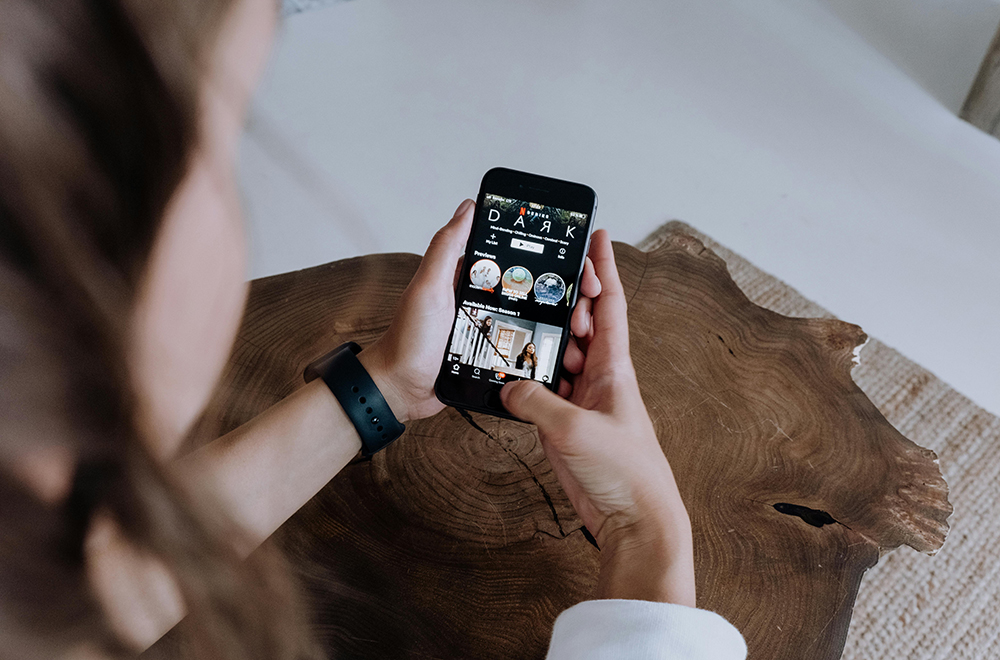
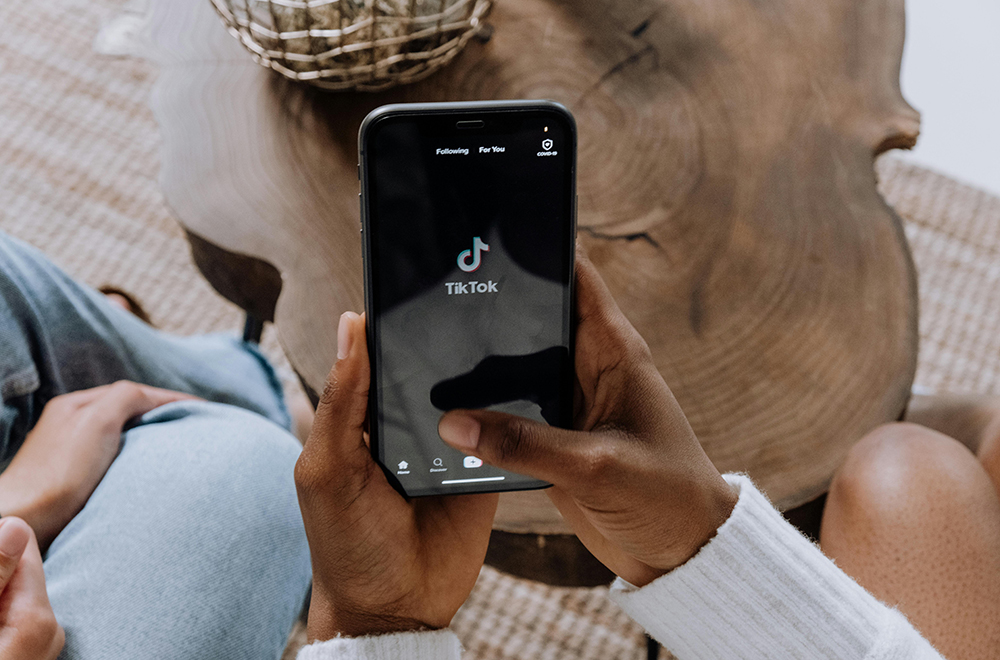
TikTok, ranked No. 2, is also a representative of heavy power consumption. With an average usage of 33 hours per month, the total power consumption is about 825%, plus about 10 hours of background processing, which puts a lot of strain on the battery.
YouTube ranks third, consuming about 540% of the battery per month, consuming about 20% of the battery per hour of use, and having about 6 to 7 hours of background operation. It is an app that many people can’t live without but consumes a lot of battery.
In terms of social platforms, Threads consumes about 460% of the power per month and operates in the background for nearly 7 hours; Snapchat consumes about 320% per month, with nearly half of the power coming from background activities, and users stay on the platform for an average of about 16 hours per month.
The video editing app CapCut is of the “instant power burst type” and consumes about 30% of the battery per hour of use. Although the background power consumption is not high, it still consumes about 300% of the battery after an average of 10 hours of use per month.
Instagram and Facebook are also among the top categories. Instagram consumes about 300% of the battery per month, and the background runs for about 4.5 hours; Facebook consumes about 270% of the battery, and the background consumes about 6 hours of extra time. Both are types that are not noticeable when you scroll, but the battery power decreases silently.
Music streaming app Spotify ostensibly consumes only about 5% of power per hour, but it operates in the background for up to 13.5 hours per month, making it a quiet but long-term source of accumulated power consumption.
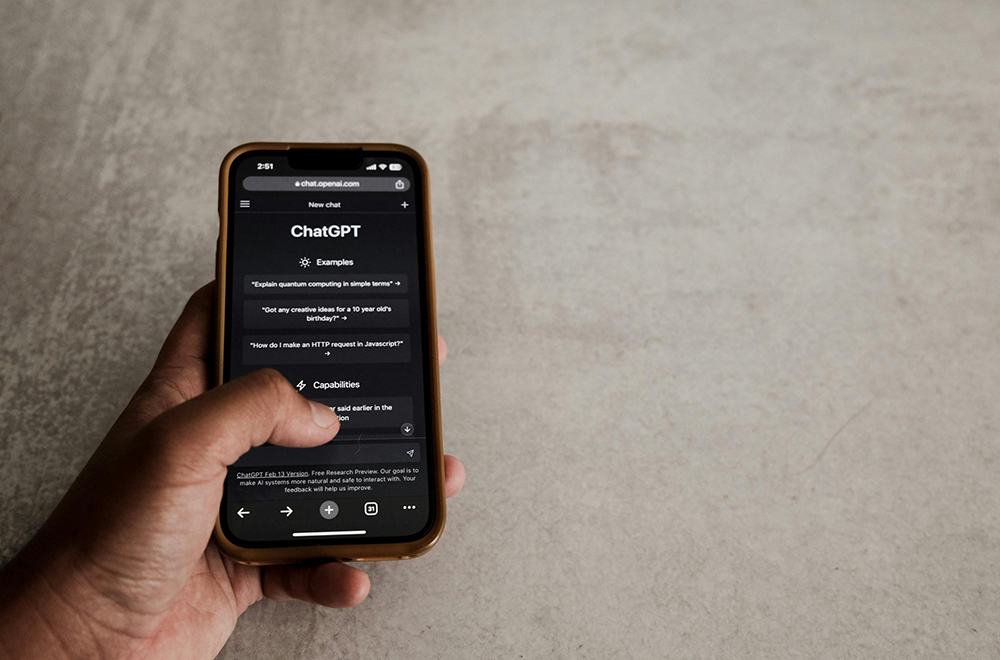
As for ChatGPT, it consumes about 20% of the power per hour of use, and the overall power consumption per month is about 200%. For users who often interact for long periods of time, it is also a battery life pressure that cannot be ignored.
Elevate also reminds you that many power consumption problems do not come from “being in use”, but from “always running”. For example, music or social apps may continue to consume power even if they are not actively operated, as long as background updates are not turned off.
In order to improve mobile phone battery life, Elevate recommends that users start in several directions:
- Turn off background updates for non-essential apps
- Regularly check the usage and battery consumption of each app
- Enable system power saving mode to limit background activity and notifications
- Keep apps and operating systems updated
- Lowering the screen brightness or enabling automatic brightness can also effectively reduce power consumption.
- If some power-consuming apps are rarely used, it is recommended to delete them directly as the most practical approach.
- As for the power bank, of course it is safer to have it prepared, but if it can be improved from the source, the anxiety about using power will naturally be much less.
Conclusion
Insufficient power on mobile phones is really not just a matter of whether to bring a power bank or not. Many times, what you really need to do is to re-examine your usage habits and which apps are worthy of staying on your phone for a long time. Turning off unnecessary background updates, limiting usage time, and making good use of the system’s power saving mode are often more effective than buying a new phone.
If you rarely open some power-consuming apps, it would be smarter to delete them or switch to the web version. When you start to pay attention to these details, you will find that the battery life of the mobile phone actually has a lot of potential to be tapped. Instead of worrying about battery power every day, use your battery for things you care about.
Further reading:
實體鍵盤控有福了!Clicks 推出 iPhone MagSafe 鍵盤電池,還做了一部運行 Android 16 的「反滑手機」
Source: KOCPC Chinese