


Apple Launched a new product late at night yesterday (3rd) Studio Display XDR , featuring mini LED backlighting and a maximum refresh rate of 120Hz, it seems quite suitable for image creators and professional workers. However, the actual situation may be different from what many people imagine. Although Apple Silicon Mac Almost everything can be connected to thisscreen, but not every one can fully utilize the smooth 120Hz display effect. Some Macs or iPads that are still in service can only operate at 60Hz after being connected, even if the hardware performance is still quite good.
In addition, Intel Macs are not even included in the Studio Display and Studio Display XDR support lists. For users who plan to upgrade their screens, understanding these limitations before purchasing may be more important than you think.

Want to use Apple Studio Display XDR’s 120Hz? These Macs and iPads actually run poorly. Intel Macs do not support Studio Display / XDR at all.
Apple’s recently released Studio Display XDR is positioned as a professional-grade screen, using a 27-inch 5K mini LED panel. In addition to improved brightness and contrast, another feature that has attracted much attention is the maximum 120Hz refresh rate. For those who spend a long time editing videos, processing images, or designing UIs, a high refresh rate can make operations smoother and smoother when sliding timelines or windows.
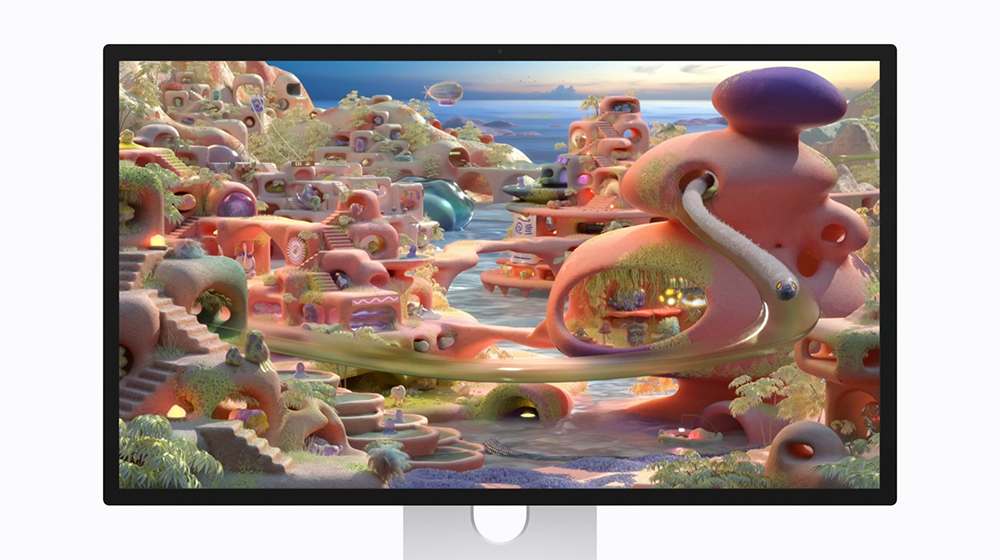
However, many people may think that as long as they are Apple Silicon Macs, they can fully enjoy this feature, but in fact, Apple lists some limitations in the official description. Some still-common Mac models, even with M-series chips, cannot run Studio Display XDR to 120Hz.
Some models of M1, M2, and M3 can only support 60Hz
According to information released by Apple, Macs equipped with the following chips can only operate Studio Display XDR at 60Hz:
- M1
- M1 Pro
- M1 Max
- M1 Ultra
- M2
- M3
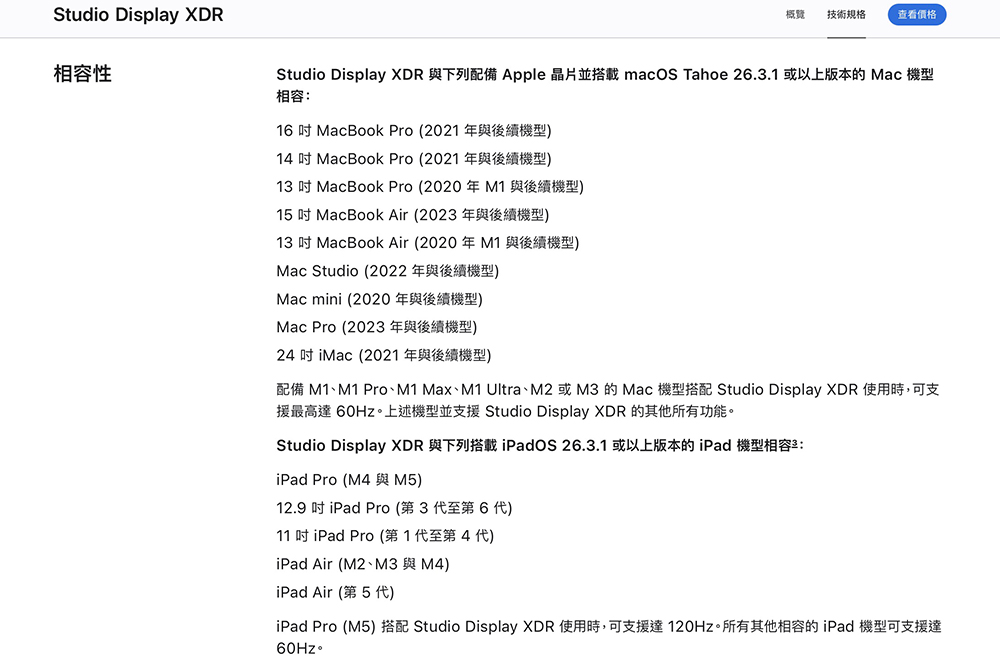
In other words, many Macs that are still widely used in the market, such as M1 MacBook Air, M1 MacBook Pro, M2 MacBook Air and other models, can be used normally when connected to Studio Display XDR, but the screen refresh rate will be limited to 60Hz.
The screen’s resolution, brightness, HDR, and other features will still work fine, but it won’t deliver the smooth 120Hz effect. For people who just use it for office work, photo editing, or daily work, 60Hz is actually enough. However, if you are a user who operates the UI or edits videos for a long time, the smoothness difference brought by 120Hz is actually quite obvious.
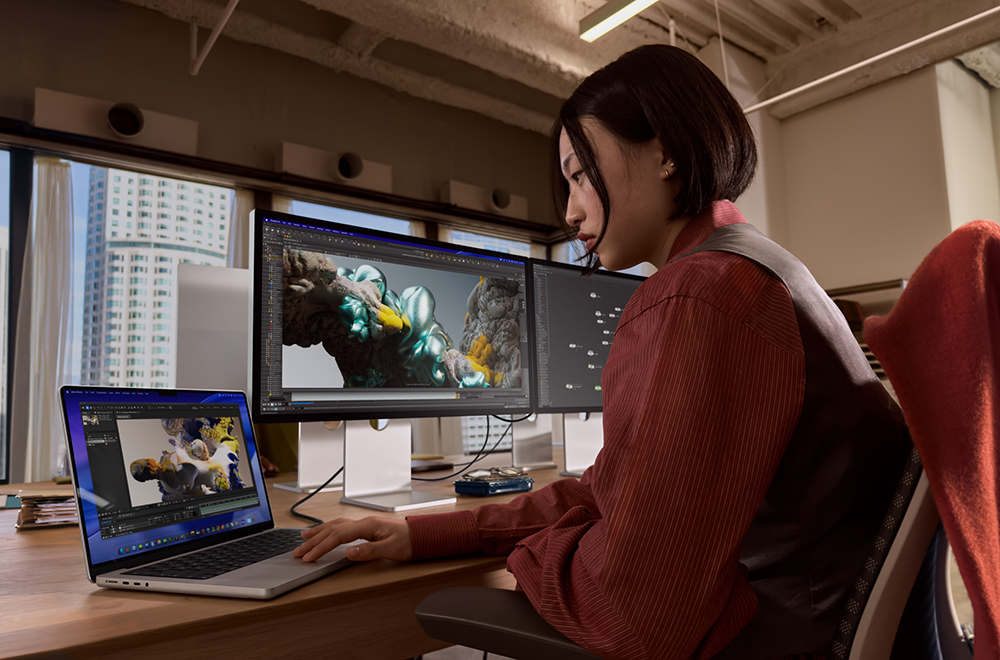
If you want 120Hz, you need a higher-end chip
If you want Studio Display XDR to take full advantage of the 120Hz update rate, you’ll need a newer Apple Silicon chip. Apple’s full support list includes:
- M2 Pro
- M2 Max
- M2 Ultra
- M3 Pro
- M3 Max
- M3 Ultra
- M4 Pro
- M4 Max
- M5
- M5 Pro
- M5 Max
In other words, you usually need a Pro-level or higher chip, or a newer generation basic chip, to fully push 120Hz. This limitation also reflects Apple’s strategy for screen positioning to some extent. Studio Display XDR is mainly targeted at professional workers, so it would be a more reasonable combination to pair it with a higher-end Mac model.
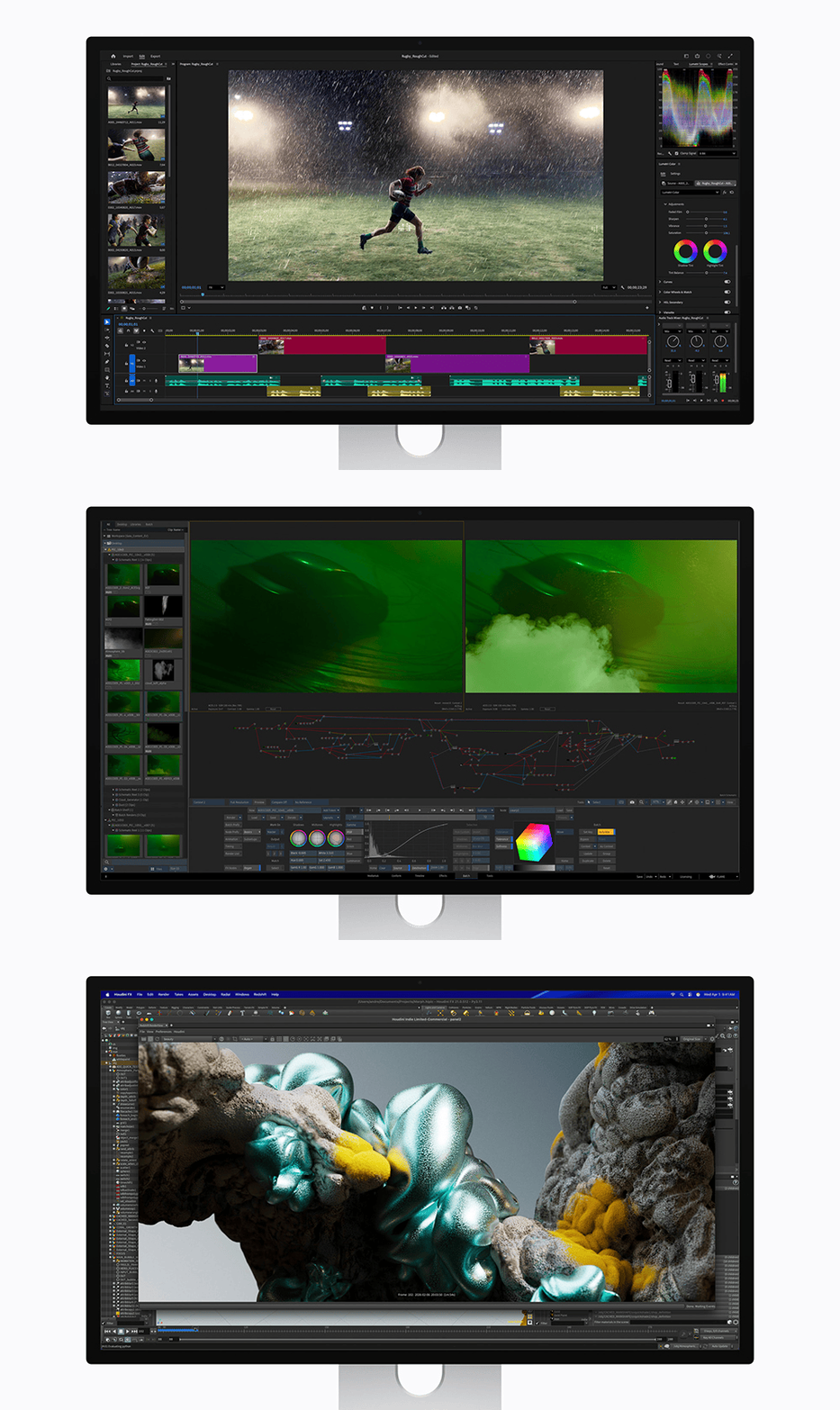
The iPad has similar limitations
In addition to Mac, some iPads can also be connected to Studio Display series screens. However, there are also differences in update rates. Currently, only the M5 iPad Pro can run Studio Display XDR at 120Hz. Even if the screen can be connected to other iPads, the update rate will still be limited to 60Hz, including:
- M4 iPad Pro
- 12.9-inch iPad Pro 3rd to 6th generation
- 11-inch iPad Pro 1st to 4th generation
- M2、M3、M4 iPad Air
- iPad Air 5th generation
In other words, if you use the iPad as a desktop replacement device, only the latest generation iPad Pro can truly take advantage of the high refresh rate of this screen.
Intel Macs completely unusable with Studio Display series screens
Another more important limitation is that Intel Macs do not support the Studio Display series of screens at all.
In the compatibility list announced by Apple, all available Macs must be equipped with Apple Silicon, also known as M-series chips. For example:
- MacBook Pro 14-inch and 16-inch (2021 and later)
- MacBook Pro 13-inch (from M1 version)
- MacBook Air 13-inch and 15-inch (2020 and later)
- Mac Studio (2022 onwards)
- Mac mini (2020 onwards)
- Mac Pro (2023 onwards)
- 24-inch iMac (2021 and later)
In other words, if you’re still using an Intel MacBook Pro or Intel iMac, you won’t be able to use the new Studio Display or Studio Display XDR, even if the performance is still adequate.
Apple is phasing out Intel Macs
Such restrictions are actually not surprising. Apple started pushing Apple Silicon in 2020, when it launched the first M1 Macs. In the following years, Apple gradually shifted its Mac product line to its own chips.
- 2020 MacBook Air Switches to M1
- 2021 MacBook Pro switches to M-series chips
- The last Intel Mac Pro to be discontinued in 2023
Apple has not sold Intel Macs for nearly three years. As hardware is gradually phased out, software support is also reduced. Apple has confirmed that macOS Tahoe will be the last major system version of Intel Mac, and the future macOS 27 will no longer support Intel architecture. However, Apple will still provide security updates for approximately 3 years to ensure that these devices remain safe to use during the transition period.
Conclusion
It can be seen from the compatibility of Studio Display XDR this time that Apple’s ecosystem has gradually been completely built around Apple Silicon. While most M-series Macs can connect to a monitor, you’ll still need a newer chip or a higher-end model if you want to truly enjoy a smooth 120Hz experience.
For users who are still using M1 or M2 Mac, Studio Display XDR can still provide excellent image quality and HDR performance, but the update rate can only stay at 60Hz. If it is just daily work, you may not necessarily need to upgrade the entire equipment for 120Hz.
On the other hand, Intel Mac users need to evaluate more carefully because the new Studio Display series is no longer supported at all. This also means that the Apple ecosystem is officially entering the next stage. Almost all new hardware and functions in the future will be developed with Apple Silicon as the core.
Further reading:
Apple 推出全新 Studio Display 與 Mac 最強外接顯示器 Studio Display XDR :mini LED、120Hz、2000 尼特一次到位
Source: KOCPC Chinese