


As / Along with / With Nano Banana 2 After launch, I believe many… Gemini Free users now generate a bunch of images every day, although this time Google There’s also an option to increase the limit to 20 images per day, but when you need to constantly tweak details and experiment with different styles, it’s still not quite enough. The good news is that Google actually Flow On the platform, free users can now quietly use Nano Banana 2 image generation. More importantly, like the paid version, it’s completely free with no credits deducted, and you can generate 4 images at once. Not sure when they’ll change this, so if you need it, use it quickly.
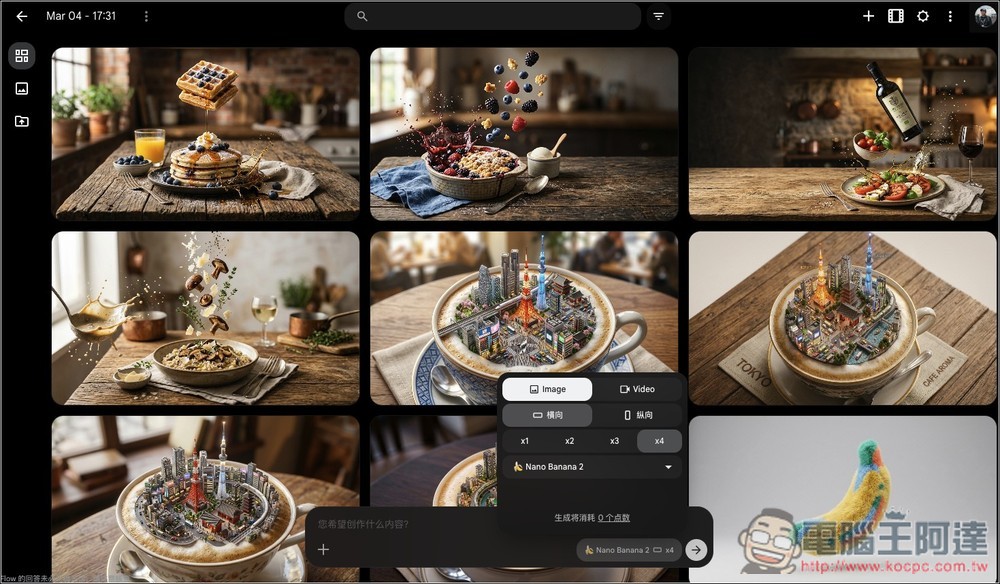
Google now allows free users on the Flow platform to use Nano Banana 2 unlimitedly
Flow is an AI video creation platform launched by Google Labs, allowing anyone to quickly produce cinematic video content using text. Unlike traditional video editing software, Flow doesn’t focus on timeline editing. Instead, it uses Google’s latest generative AI technology to directly convert “text descriptions” into usable video clips and scenes.
Flow integrates models like Veo, Nano Banana, and Gemini to simultaneously handle image generation, motion fluidity, and semantic understanding—it even generates sound effects and voiceover along with the visuals. You simply describe the characters, scenes, and camera shots, and you can quickly generate short videos and link multiple clips together into a complete story.
When generating videos, credits are deducted depending on which Veo model version you use, while image generation currently doesn’t deduct any credits at all. Google free accounts also receive 150 credits per month, Google AI Pro offers 1,000 AI credits, and Google AI Ultra offers 25,000 credits.
Below, I’m using a free Google account.
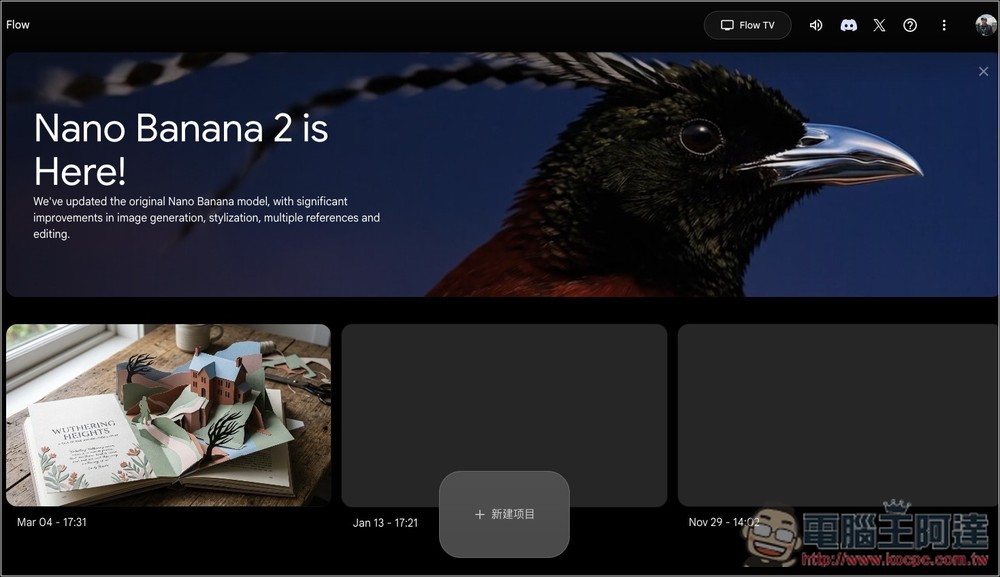
After following the link above to enter Flow, you can use an existing project you created to generate, or click the button below to create a new item:
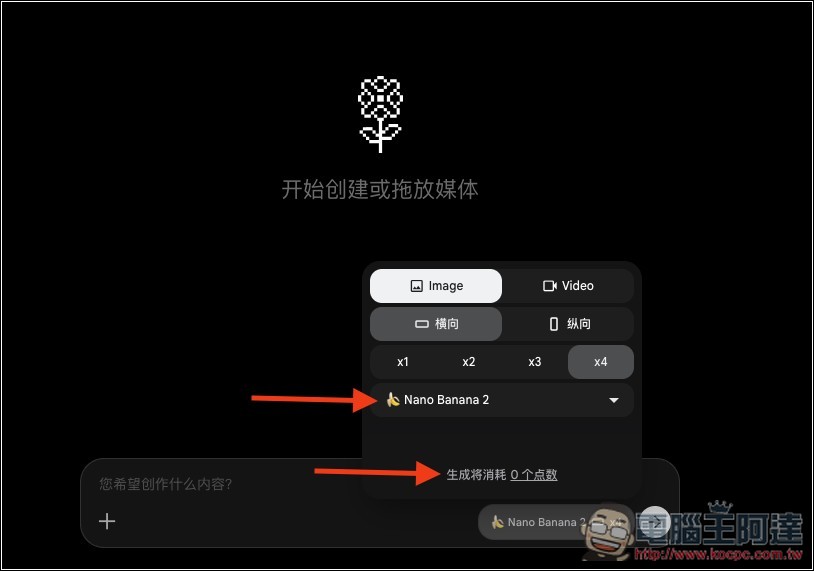
After entering the project, open the function menu in the chat box below. In the Image section, you will see Nano Banana 2, and the generation points displayed below is 0 points, meaning it won’t deduct any points at all. The x1, x2, x3, and x4 above indicate the number of images generated per batch, with a maximum of 4 images at once.
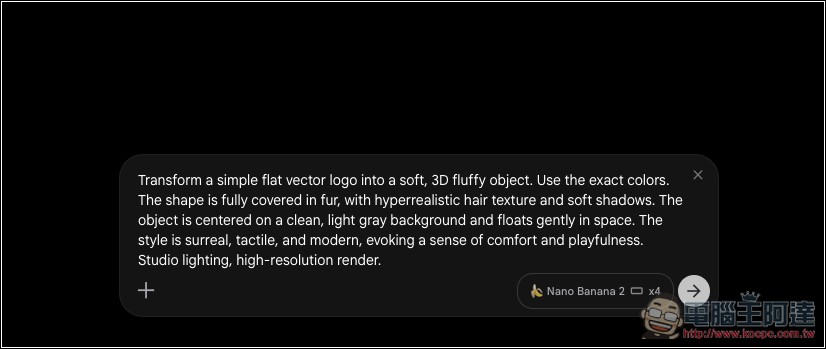
After setting up, enter your image prompt and submit (configured to generate 4 images at a time):
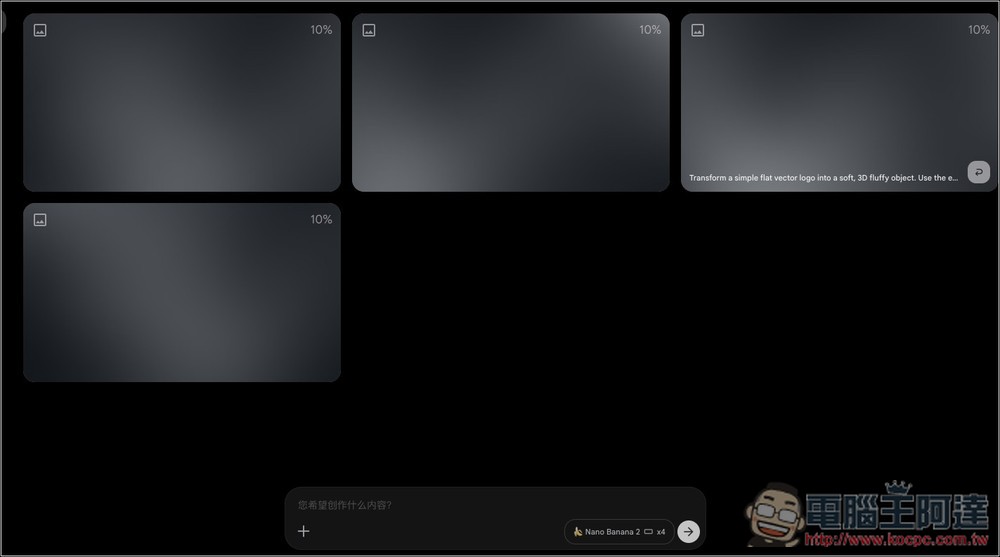
You’ll see it generates 4 images at once, unlike Gemini which generates them one by one, making it much more efficient:
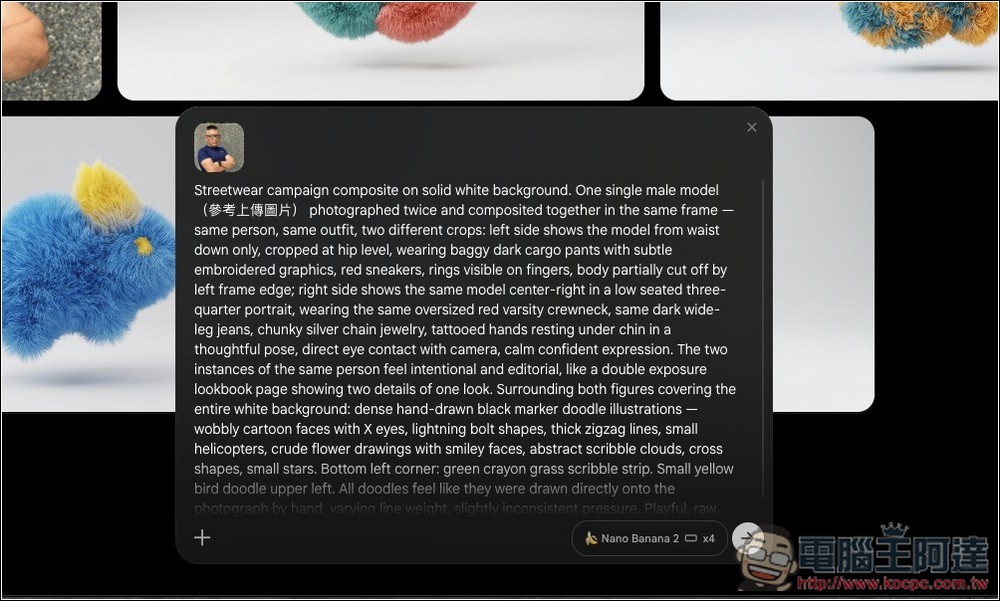
Nano Banana 2 can also upload reference images during generation.
Like the image below, I generated four images featuring Ada as the character:
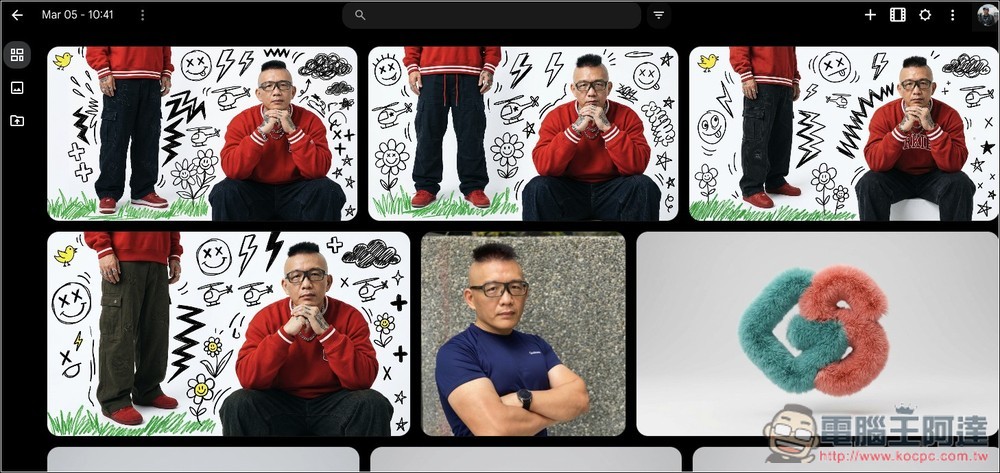
I’ve tested generating 40 Nano Banana 2 images in a row without any issues, which already exceeded the quota Gemini provided, and none of my AI credits were deducted.
Finally, I should remind you that Google might change or remove this benefit in the future (especially as more people use it). So if you can’t select Nano Banana 2 when you try, or there’s a quantity limit, that means it’s no longer available. (The paid version should always allow unlimited generation.)
Source: KOCPC Chinese