


Google Really, it’s been nothing but good news lately. It was just announced yesterday.Upgrade Google AI Pro’s cloud storage from 2TB to 5TB for freeEarlier today, yet another new perk was announced: Google Vids is officially integrated Veo 3.1 video generation model, and the key point is, even if you have a free Google account, you can still use it. For those who have always wanted to try AI For people who want to generate videos but don’t have the budget for a paid subscription, this is finally a chance to experience it properly.
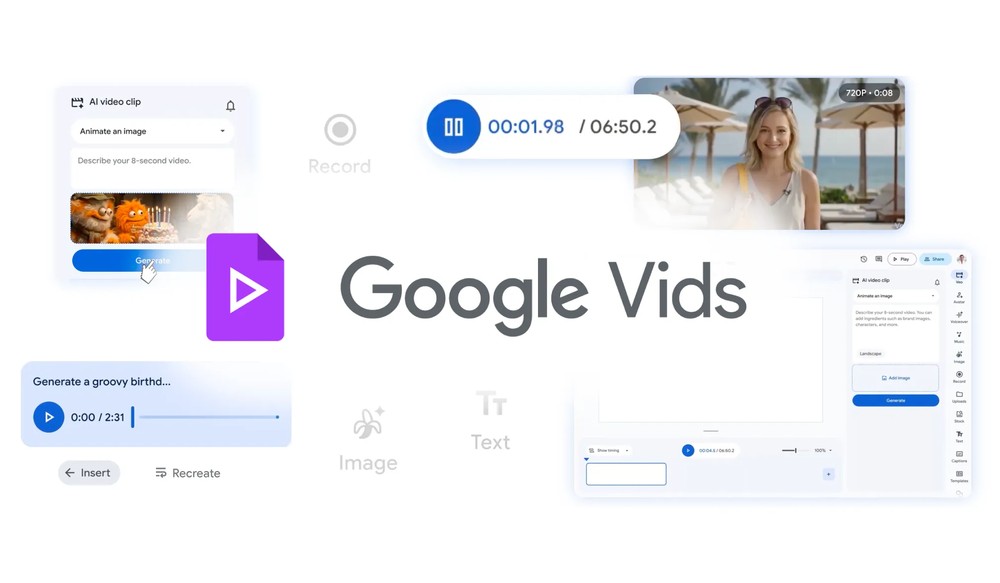
Google Vids Now Offers Free Veo 3.1 Video Generation! 10 Videos Per Month at No Cost, Plus New Features Like AI Avatars and Music Generation
Veo 3.1 was already released back in October last year.Compared to the previous version, it features richer native audio effects, better narrative control, and a deeper understanding of cinematic style. It also includes enhanced image-to-video capabilities, with improved performance in maintaining character consistency and visual continuity, while also supporting scene extension and more.
However, Veo 3.1 was only available to paying users at that time, leaving free users unable to try it. Following Veo 3.1’s integration into Google Vids, Google has now announced that it will be free for everyone to use.
Google Vids is a video creation tool, somewhat like a video version of Google Docs, that lets you create, edit, and share videos directly in the browser.
The free version now allows you to generate up to 10 videos per month on Google Vids using Veo 3.1, with each video being 8 seconds long (720p). While that may not sound like a lot, it’s at least enough to try it out and make some short videos. If you have multiple Google accounts, you can indirectly get more free video generation credits.
Of course, subscribers to Google AI Ultra and AI Pro get higher monthly quotas. Additionally, some features like AI virtual characters and Lyria 3 music generation are currently only available to paid plans, with the free version unable to access them for now.
Now entering Google Vids you’ll see the new Veo 3.1 video generation feature:
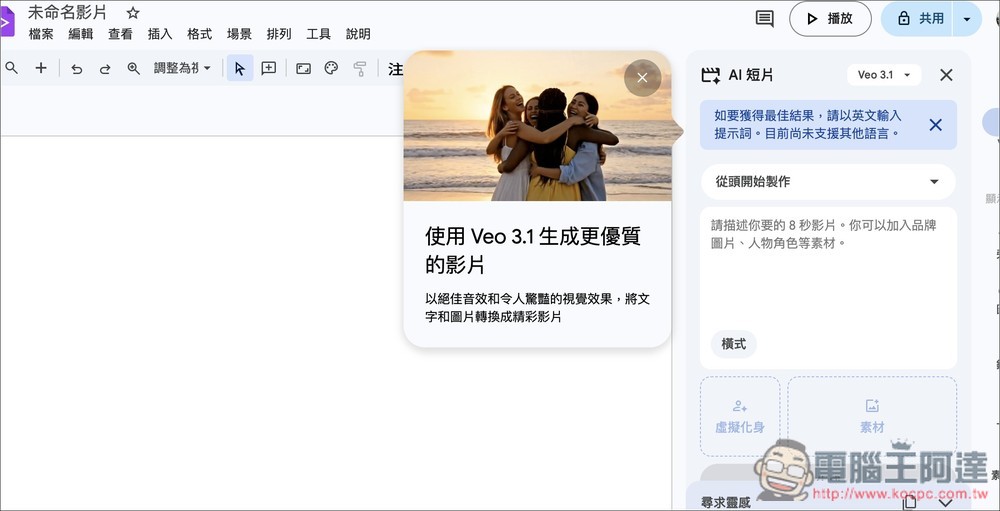
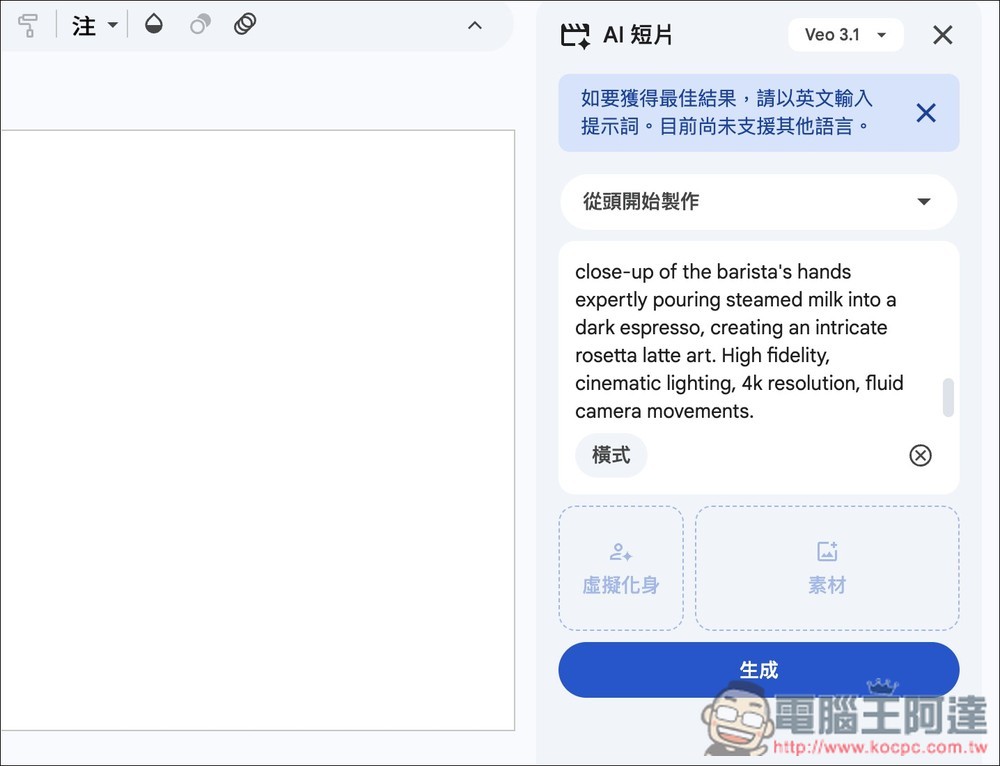
Remember to enter English in the prompt section, then press generate when done.
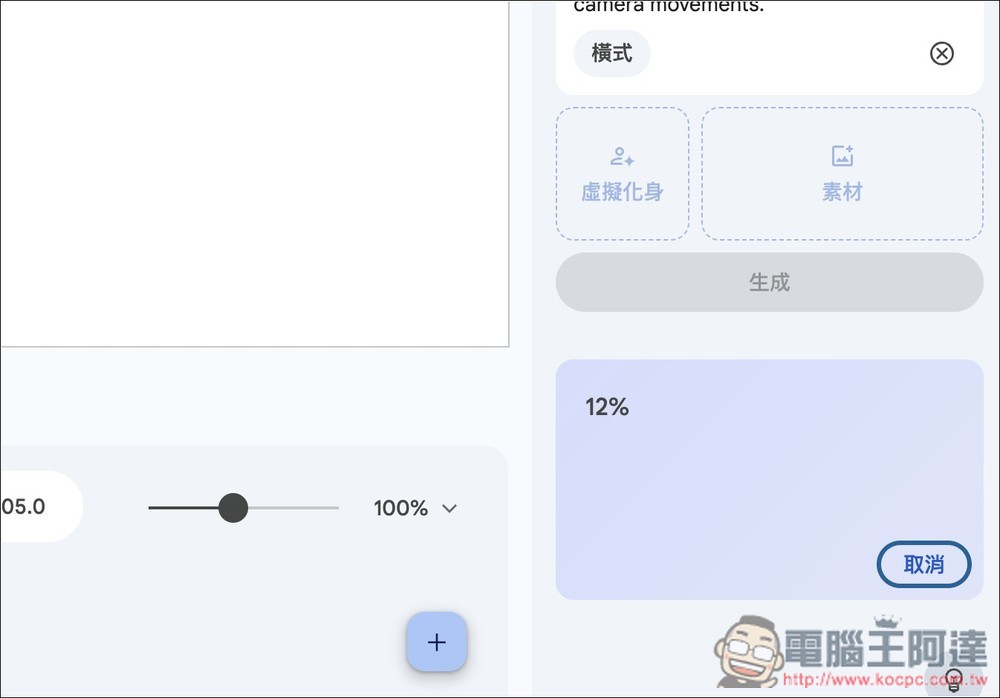
Waiting for percentage to complete
A video will then appear. Make sure it is a video with audio, and tap once to play the preview:

You can generate multiple videos directly in Google Vids and stitch them together, or right-click on the video to open the context menu and save the video:
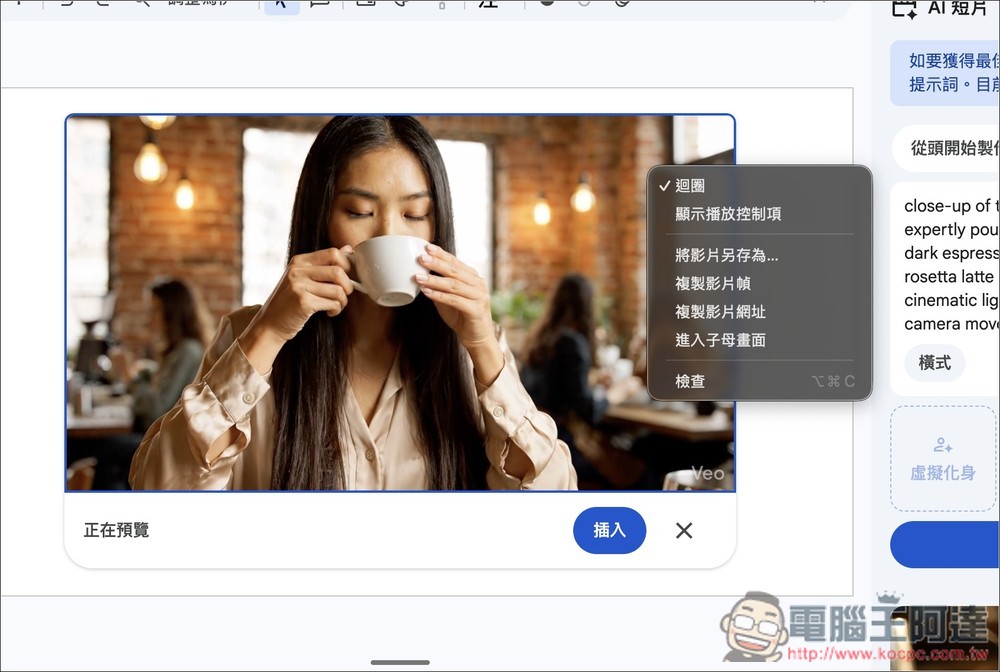
When you’re running low on credits, a prompt will appear at the top. The free version only offers 10 Veo 3.1 generation credits per month.

Besides Veo 3.1 free video generation, this update also includes other new features.
- Customizable AI Avatars: Through prompt-based commands and customizable AI avatar features, you can specify the avatar’s appearance, clothing, and background, and even have them interact with objects and images you upload, all while maintaining consistent facial features and voice throughout the entire video.
- Lyria 3 Music Generation: Generates music ranging from 30 seconds to 3 minutes in length, with customizable styles tailored to video requirements.
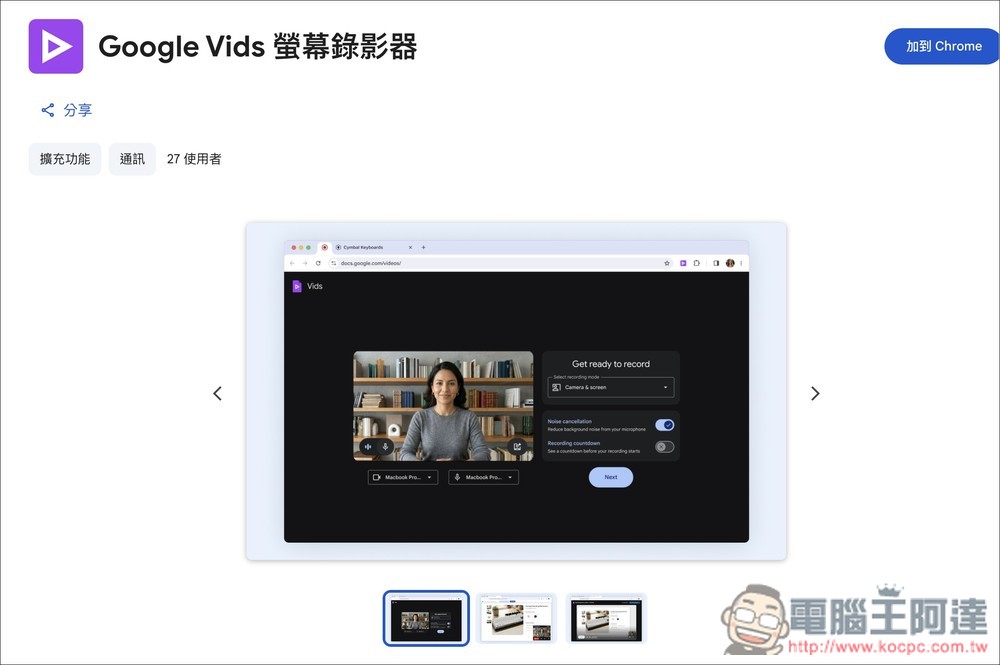
- Chrome Screen Recording Extension: Record your screen and webcam simultaneously on any website, eliminating the hassle of installing extra recording software.
- Direct YouTube Publishing: After finishing your video, you can publish directly from Google Vids to YouTube—no need to manually download and re-upload.
Source: KOCPC Chinese