


AlwaysChatGPT In terms of image generation, they all follow Gemini There’s still a bit of a gap, especially with Chinese characters—occasionally the text still comes out with errors, and the typeface aesthetics aren’t particularly good. So when generating images, many people would probably still use Gemini. However, this gap, as it continues… OpenAI After officially launching ChatGPT Images 2.0 earlier, they’ve finally turned the tide—this new model not only fixes longstanding issues like text rendering, layout composition, and object placement all at once, but also introduces thinking capabilities for the first time, with OpenAI even describing it as “the first image model that can think.”
I did a quick test and indeed there’s significant improvement, surpassing Gemini’s Nano Banana in the details. (The main image below was generated using ChatGPT Images 2.0)
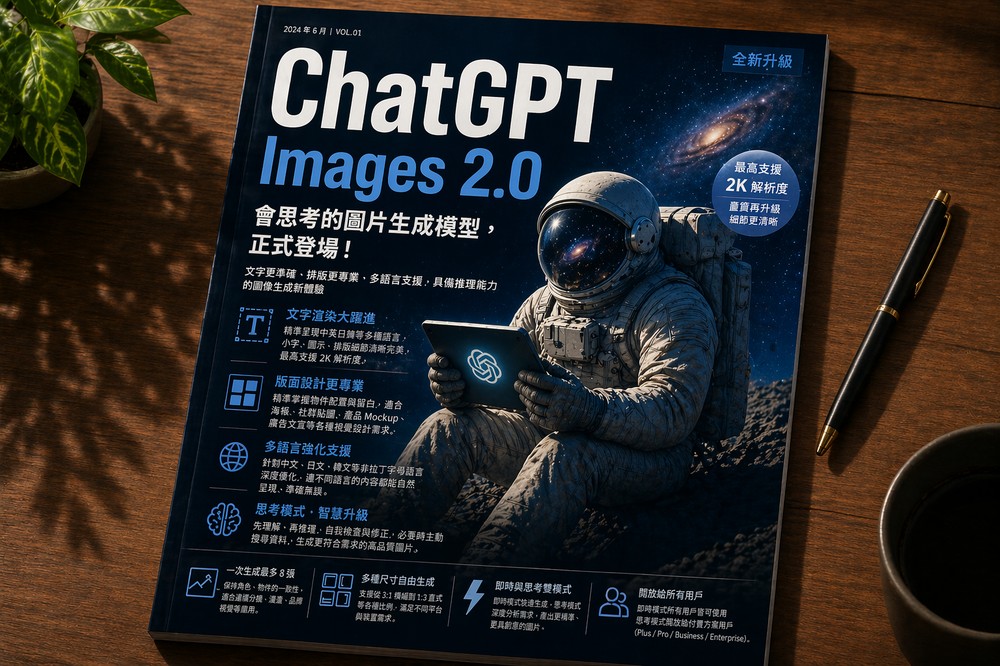
ChatGPT Images 2.0 officially launches! A thinking image generation model with 2K resolution support
The newly launched ChatGPT Images 2.0 model carries the code name gpt-image-2, replacing gpt-image-1.5 released late last year. Compared to its predecessor, the key upgrades focus on four major areas: text rendering, layout design, multi-language support, and the most noteworthy “reasoning capability.”
In text rendering, Images 2.0 shows significant improvements in areas most prone to errors in the past, such as small text, icons, UI elements, and dense layouts. It can generate images up to 2K resolution, with notably improved clarity compared to the previous version.
Images 2.0 also has improved layout design capabilities, offering more precise control over object positioning to create well-layered layouts with appropriate white space. The results are excellent for designing posters, social media stickers, product mockups, and advertising materials. Additionally, it supports a wider range of aspect ratios, from 3:1 banners to 1:3 vertical formats, meaning ChatGPT can handle desktop wallpapers, mobile vertical content, and long infographic-style graphics with ease.
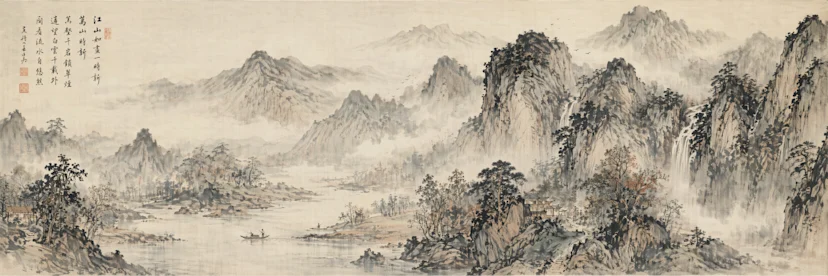
Next is multilingual support, which is most crucial for Taiwanese users. Previously, performance wasn’t great when handling non-Latin script languages like Chinese, Japanese, Korean, Hindi, and Bengali, but Images 2.0 has been specifically optimized for this area.
The image below is an explanation of a Big Mac that I generated using ChatGPT:
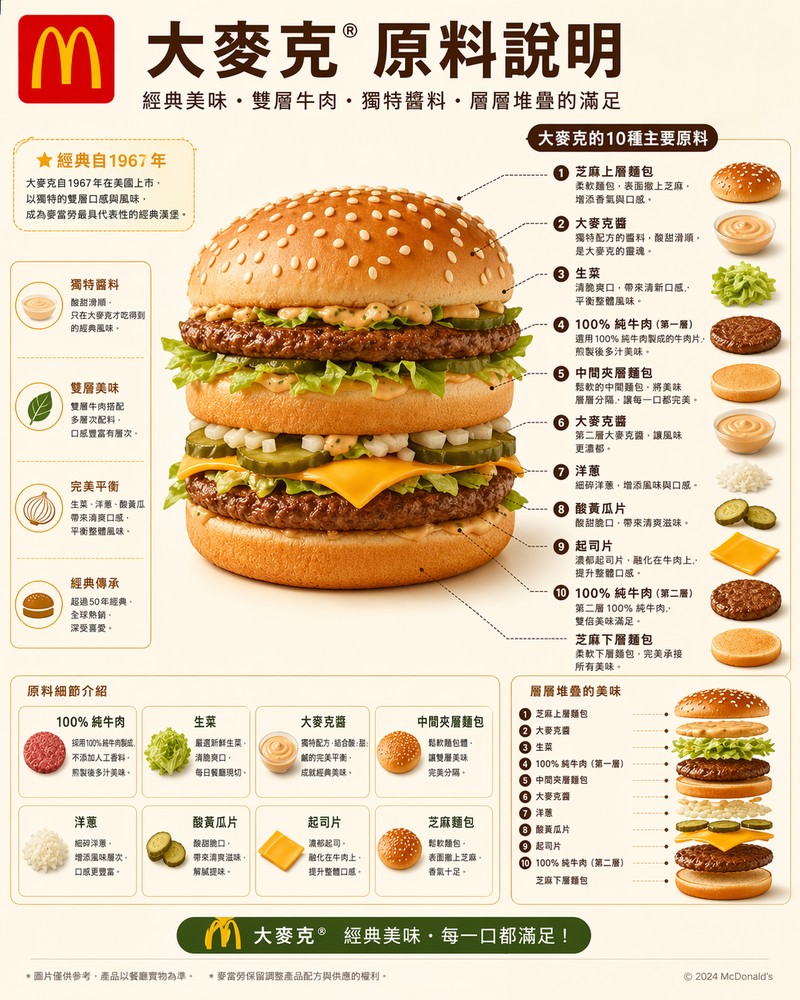
The newly added “Thinking mode,” simply put, means Images 2.0 operates in two modes: “Instant” and “Thinking.” The Instant mode generates images very quickly, while the Thinking mode first analyzes your needs and considers the layout arrangement. When necessary, it will actively search the web for information, then generate the image. It will even check the finished work and go back to fix errors.
This is extremely useful for scenarios requiring character or object consistency, such as storyboards, comics, and brand visuals. Additionally, Images 2.0 also supports generating up to 8 images at once while maintaining character and object consistency:
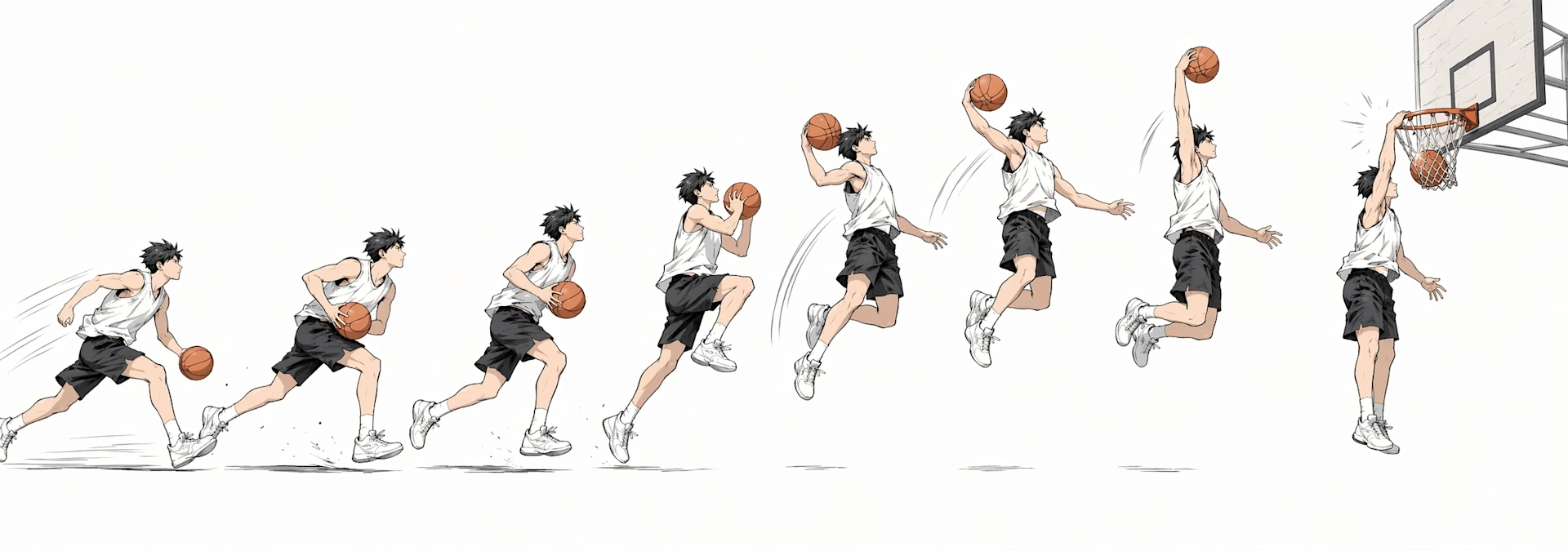
ChatGPT Images 2.0 is now officially available to all users. Instant Mode is accessible to all ChatGPT users, including those on the free plan, while the advanced Think Mode is limited to Plus, Pro, Business, and Enterprise paid plan users.
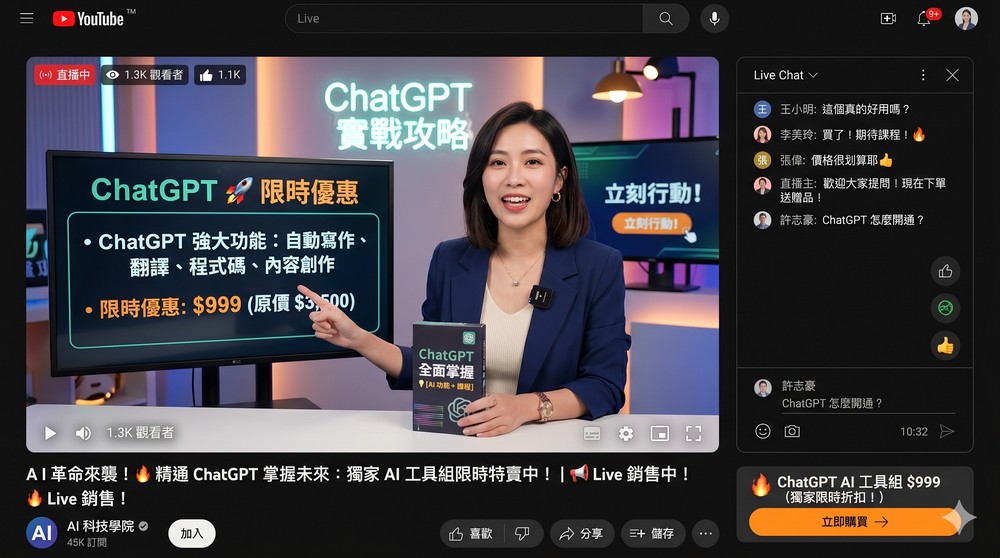
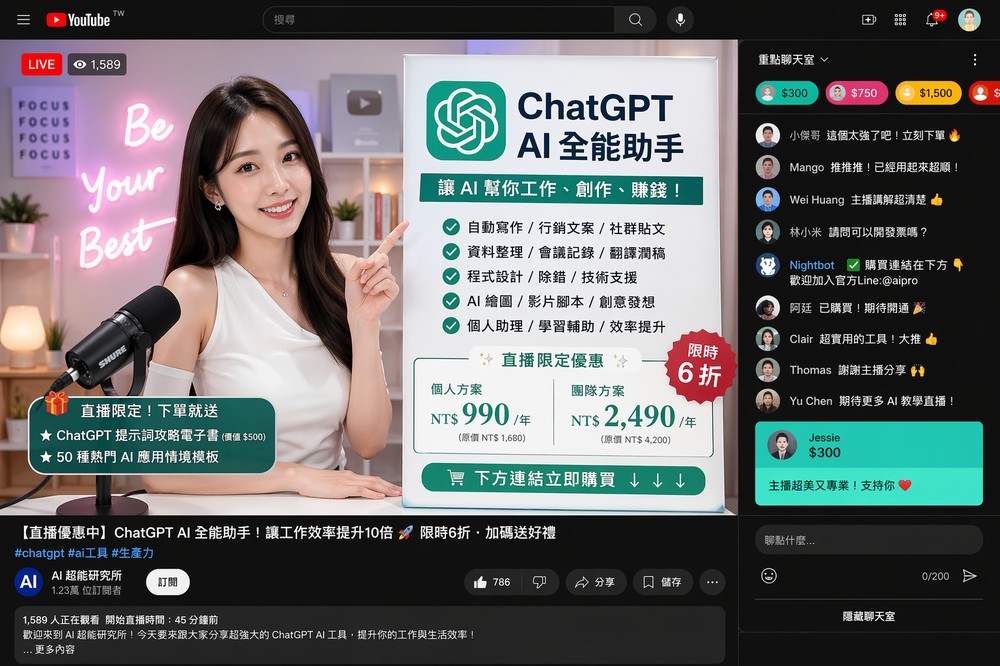
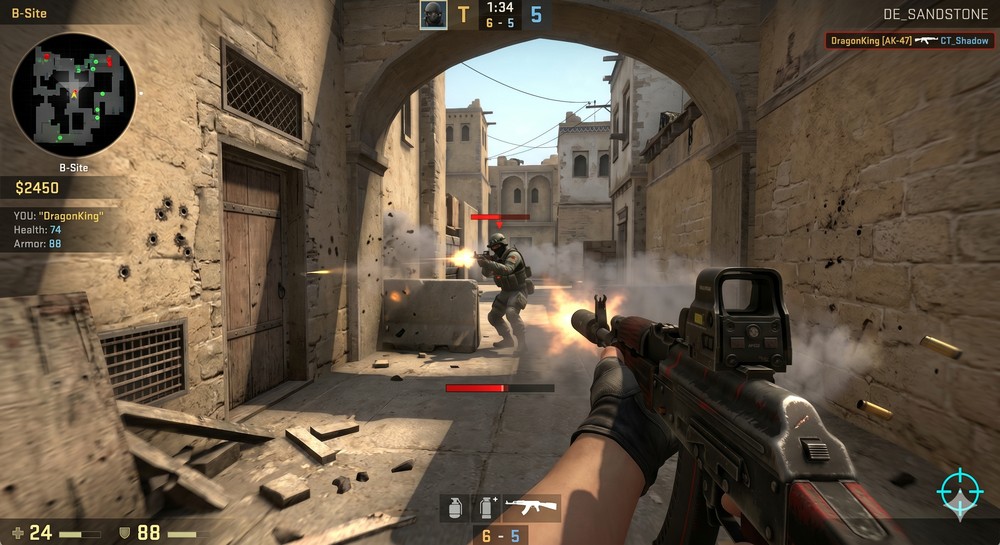
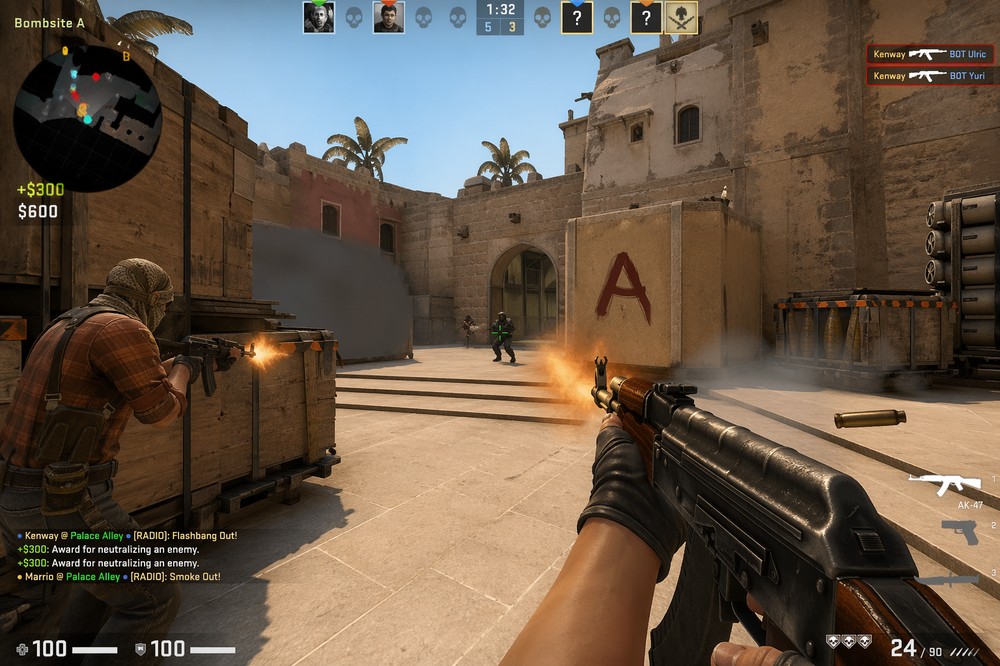
Below are some comparisons I generated using ChatGPT versus Gemini, and the differences are quite obvious.
First is the YouTube livestream screen. My prompt was: “Generate a YouTube livestream screen showing a ChatGPT AI product being sold, with a beautiful female host.” This is Gemini’s result. It’s not bad, but some details of the YouTube interface still weren’t generated properly:
This was generated by ChatGPT and looks very realistic. It even includes live chat tipping, video descriptions, and even hidden chatroom feature buttons:
Another set is game screenshots. My prompt was: “Generate a CS game combat scene.” The image below shows the Gemini result. The quality is also good, but there are still some illogical elements – like the police officer on the opposite side firing at an empty area, and there’s a Health: 74 number on the left, but the health bar below shows 24:
The results generated by ChatGPT would be even better—not only would the player be holding a popular AK47, there would be a teammate beside them, and there would even be information in the bottom-left and top-right corners:
Source: KOCPC Chinese