


earlier OpenAI’s next-generation image generation model, GPT Images 2.0It’s been truly impressive to everyone, especially for Taiwanese users, with extremely high Traditional Chinese accuracy, even with small text. The image quality and aesthetics are also far superior. GeminiI believe many people would like to give it a try.
However, when generating images, you might sometimes lack ideas or not know how to write prompts. This article recommends an excellent YouMind GPT Image 2 platform that has collected over 700 useful prompts for you to edit and use directly. More importantly, it also supports GPT Images 2.0 image generation, meaning you don’t need to switch to ChatGPTYou can generate it for free directly in YouMind, which is quite convenient. Or when you’ve reached your ChatGPT usage limit, you can switch to using YouMind to generate instead.
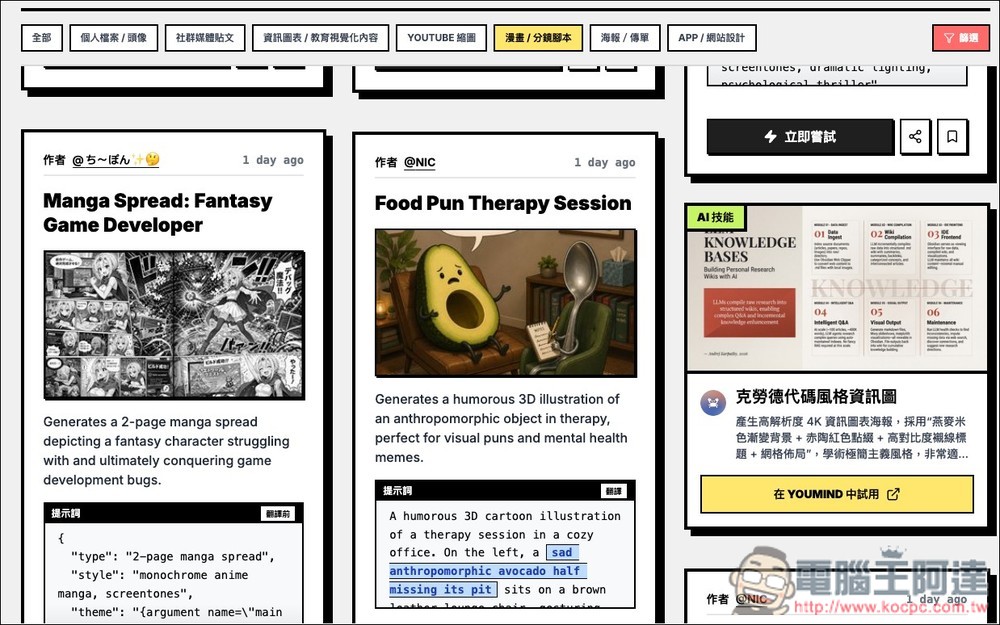
YouMind GPT Image 2 – Prompt Platform Introduction
YouMind GPT Image 2 is a platform launched by YouMind that specializes in collecting and organizing GPT Image 2 prompts, helping users generate high-quality AI images faster instead of starting from scratch. For those who regularly use AI image generation, the most time-consuming part is definitely writing the prompts, and this platform has curated various cases including product posters, UI designs, infographics, anime scenes, and social media posts.
Each prompt is also broken down into a structured format with fields like subject, style, layout, and background, so you can quickly modify it to create the image you need.
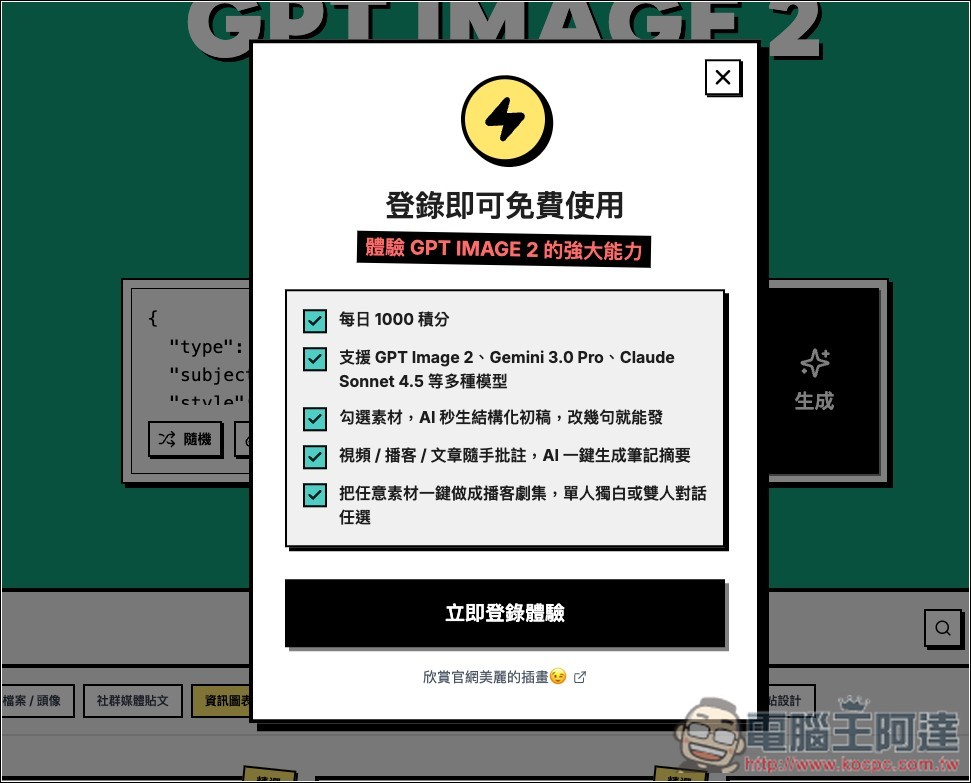
Besides prompts, there’s also a GPT Images 2 generator at the top of the page. Simply log in to your YouMind account (free to register) and you can start using it. Free credits are provided daily and can be used for GPT Images 2 image generation.
Key Features
- Structured Prompt Design: Splitting prompts into multiple fields for clarity and easy modification
- Copy and use directly: No more writing prompts from scratch
- Rich variety: covering UI design, posters, maps, anime, e-commerce, and more scenarios
- Community case studies: mostly shared by creators, higher quality
- Boost Learning Efficiency: Use Directly or Learn the Logic Behind Prompt Writing
- Content updated regularly: New prompts available for reference anytime
After entering the YouMind GPT Image 2 platform via the link above, the generator is at the top. Scroll down to browse through the prompts.
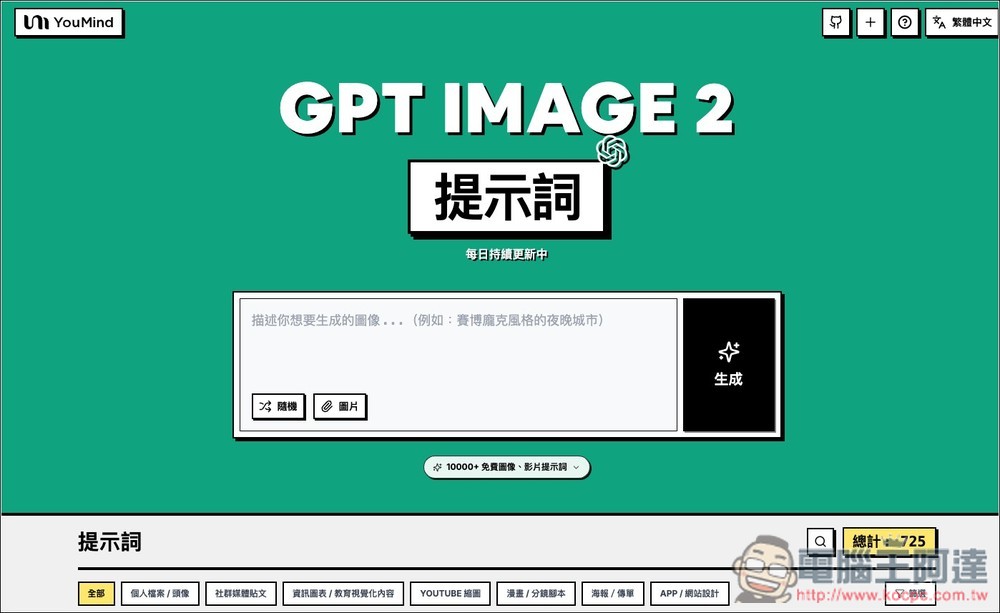
The categories are ‘Profile/Avatar’, ‘Social Media Posts’, ‘Infographics/Educational Visual Content’, ‘YouTube Thumbnails’, ‘Comics/Storyboards’, ‘Posters/Flyers’, and ‘App/Website Design’ — 725 total. Each prompt credits its author.
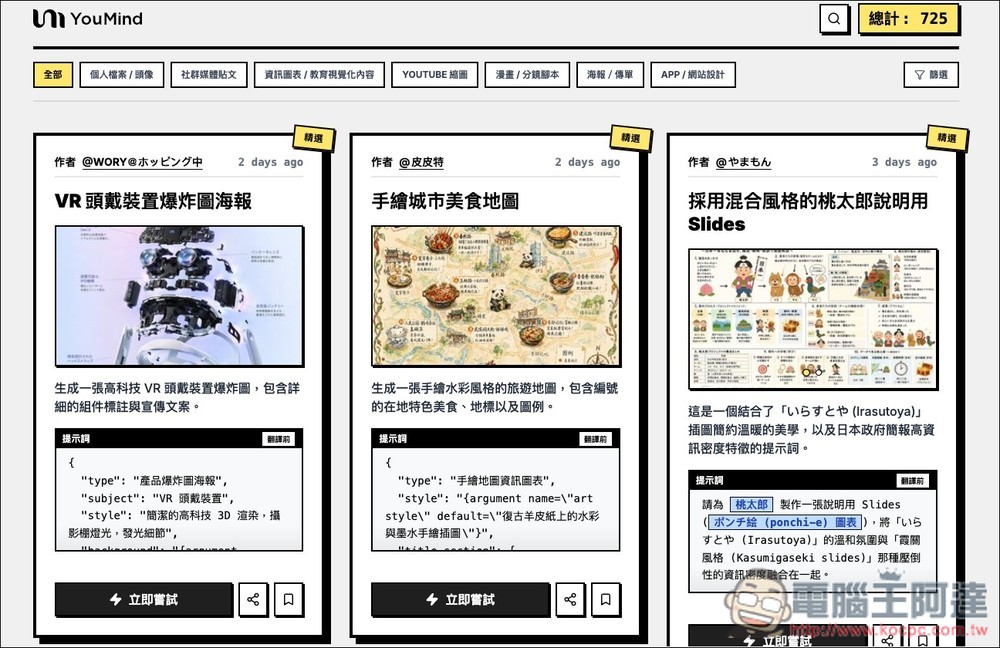
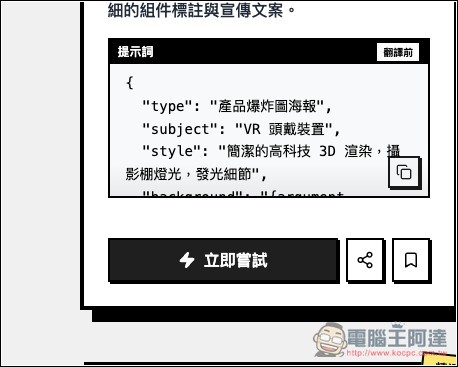
Prompts come from various countries, including Chinese, Japanese, English, and more. This platform has a built-in translation feature, so you don’t have to worry about not understanding them—just click to translate foreign prompts into Traditional Chinese.
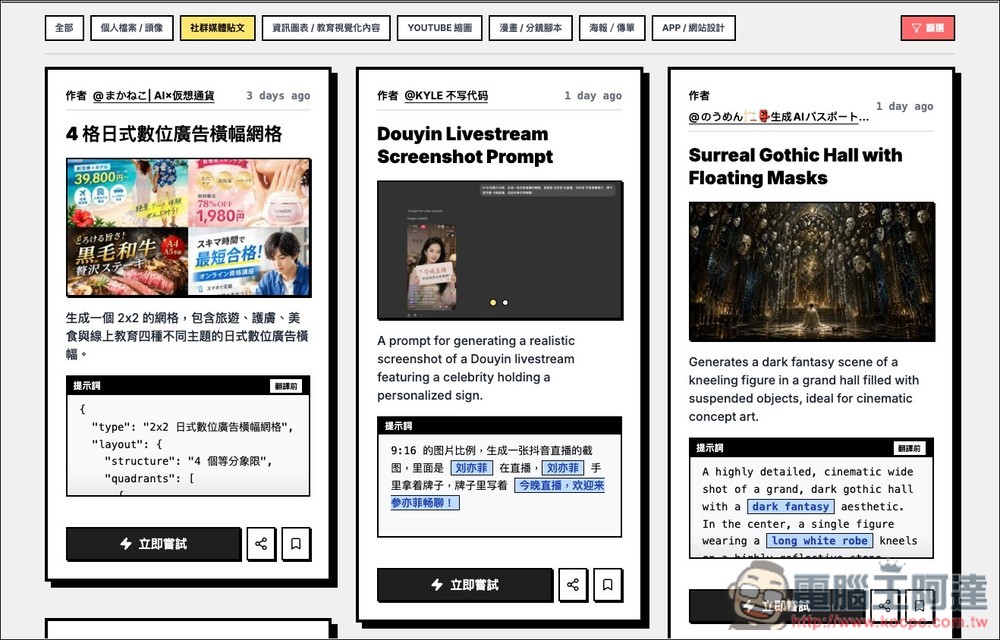
Click “Translate” in the upper right
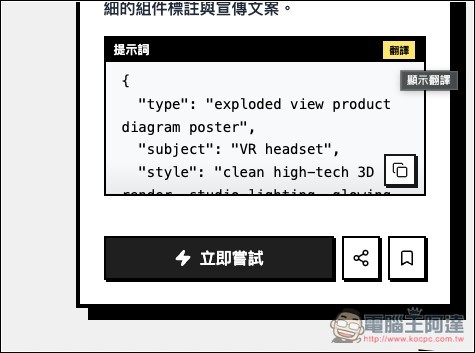
It turns into Chinese! You can directly click the copy icon in the lower right corner to copy with one click:
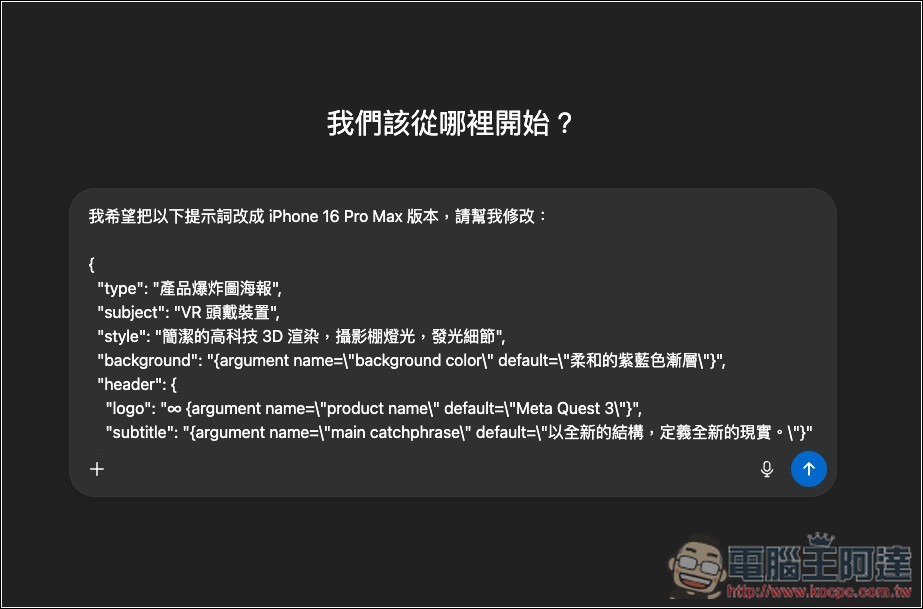
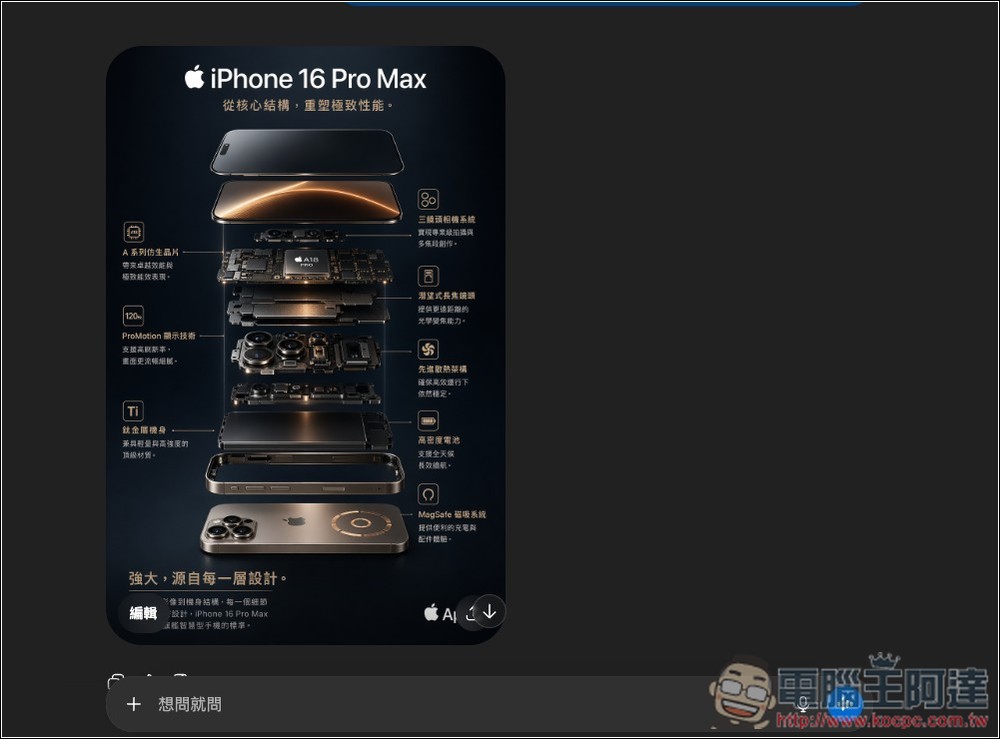
Like when I copied a VR headset product explosion diagram prompt but wanted to change it to the iPhone 16 Pro Max version, so I just threw it into ChatGPT and asked it to convert the prompt content for the iPhone 16 Pro Max—that way I didn’t have to edit everything manually.
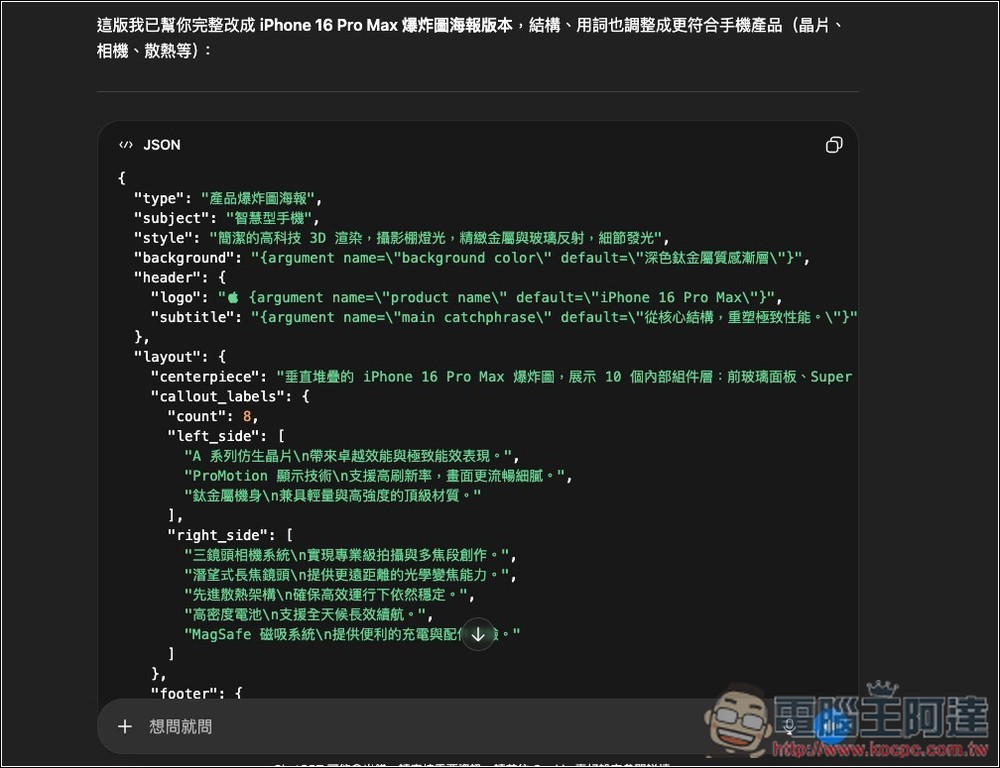
Within less than a minute, the prompt is updated to the iPhone 16 Pro Max version I want. Now I check each item to see if anything needs adjustment. If everything looks good, I can have ChatGPT start generating the image.
Using prompt templates, I easily created this highly detailed iPhone 16 Pro Max product exploded view introduction image.
Additionally, you can also use GPT Images 2.0 directly within YouMind to generate images for free. After registering, you’ll receive 1,000 credits daily:
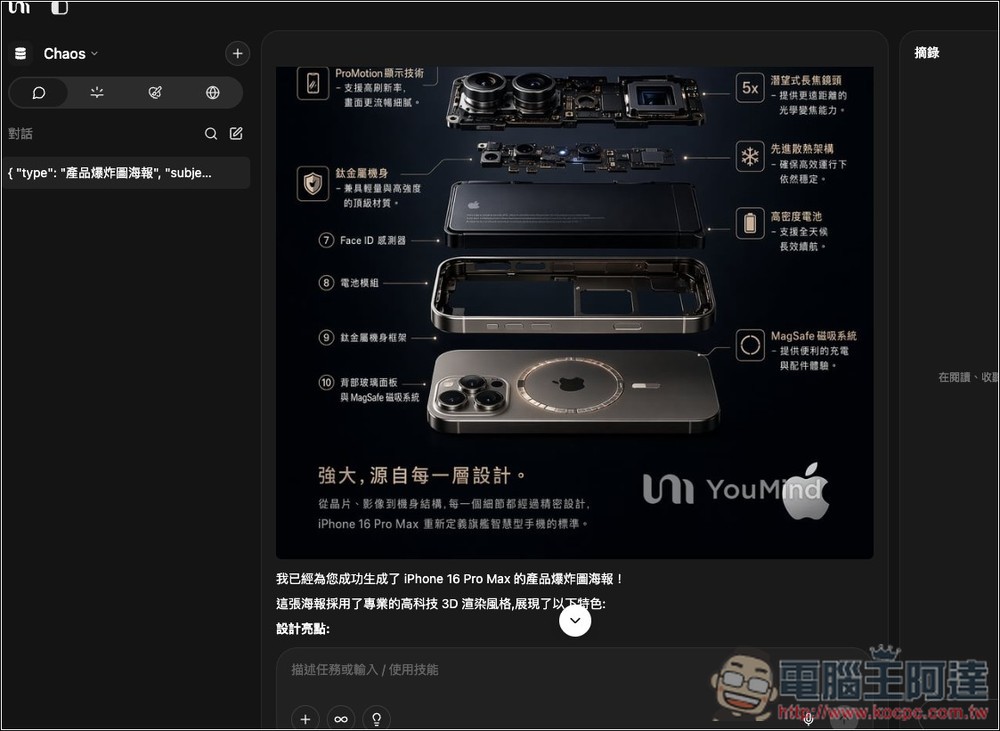
After testing with the same prompt, I indeed got images of the same quality—confirmed to be GPT Images 2.0. But keep in mind that free image generation will have watermarks:
Source: KOCPC Chinese