


This time ChatGPT The latest GPT Image 2 image generation model shows significant improvements across the board, outperforming competitors Nano Banana 2 It’s also quite good, which is why many people now use ChatGPT as their primary image generation tool. However, the free version of ChatGPT offers very limited image generation credits and很容易就會達到上限。 If you frequently run into this issue, then Labnana’s recently offered 100 free GPT Image 2 generations is not to be missed—simply register an account to get them. Plus, the generated images come without watermarks and support up to 2K resolution.
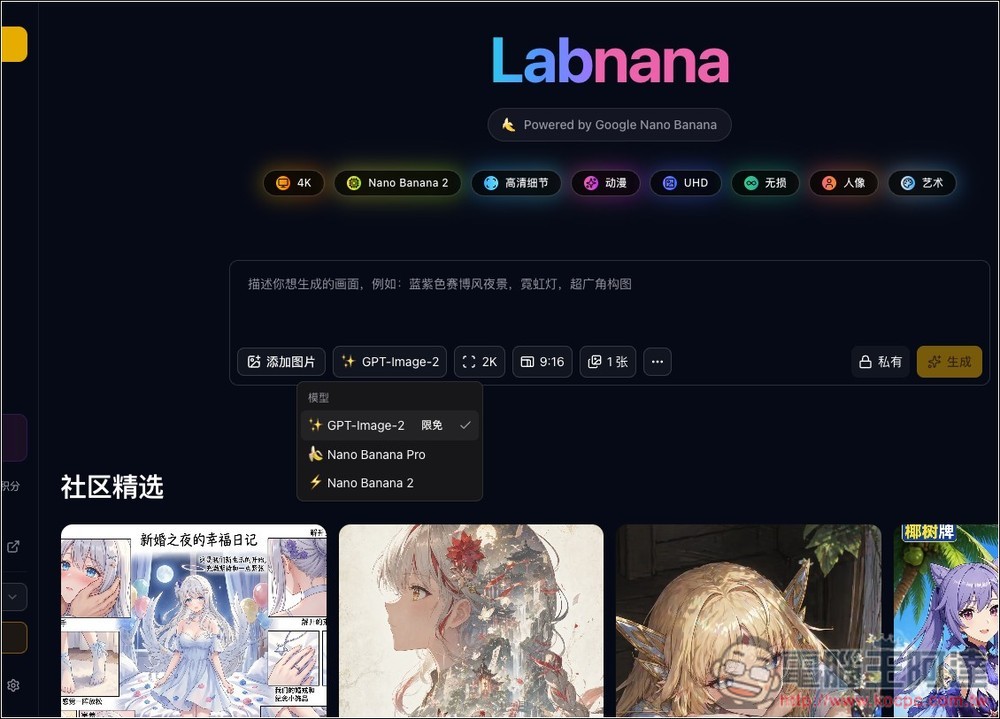
Labnana Introduction and How to Generate 100 Free Images with GPT Image 2 – Step-by-Step Tutorial
Labnana is an online tool specializing in AI image generation and editing, currently offering three models: Nano Banana 2, Nano Banana, and GPT Image 2. You can earn credits by checking in daily, and these credits can be used to generate images. To celebrate the recent launch of GPT Image 2, every registered user receives 100 free credits.
It can generate images in various styles, including illustrations, portraits, anime-style images, product posters, cover images, and social media content. Usage is similar to most image generation tools—just enter prompts in the text box, upload reference images if needed, then select the model, resolution, aspect ratio, and number of images to generate. One advantage of Labnana is “Community Works,” where you can observe how others write their prompts in community examples and remix them into your own version.
Features List
- Supports text-to-image generation and uploading reference images for creation
- Offer model options such as GPT Image 2 and Nano Banana 2
- Choose from various resolutions and aspect ratios, including 2K, 4K, and 9:16
- Supports private generation, ideal for users who don’t want to share their work publicly
- Built-in community discovery to explore and get inspired by other creators’ work and directions
- Features daily check-in and points system
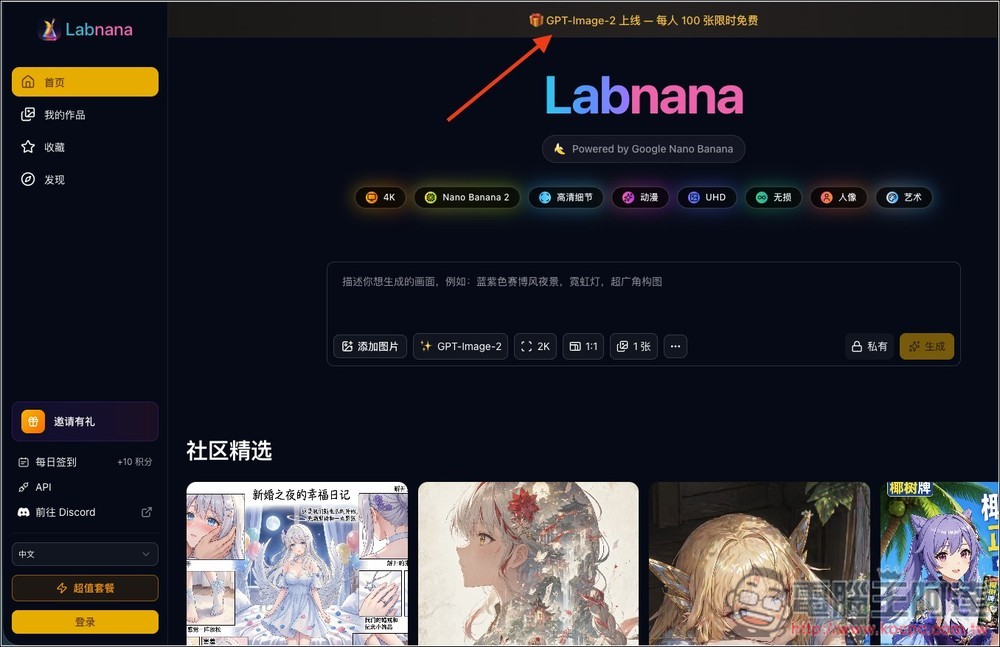
After clicking the link above to enter Labnana, you’ll see the “GPT-Image-2 Launch – 100 free images per person, limited time” promotion at the top. Please register an account first—you can only start generating after registering:
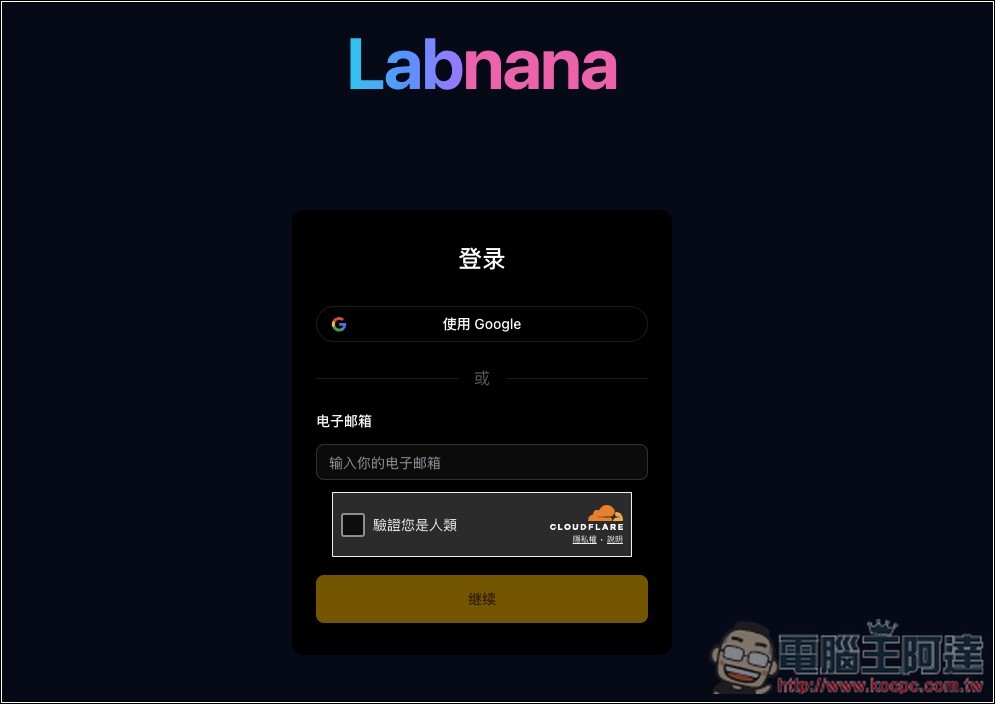
Currently supports quick registration with Google account or manual email input:
Once you’ve registered, you can start generating the images you want. The labels at the top of the generation interface—like: Anime, Lossless, Portrait, etc.—I initially thought you could click on them to select a style, but that’s not the case; they’re just there for decoration (laughs). Enter your prompt in the text box, and the default model is GPT Image 2:
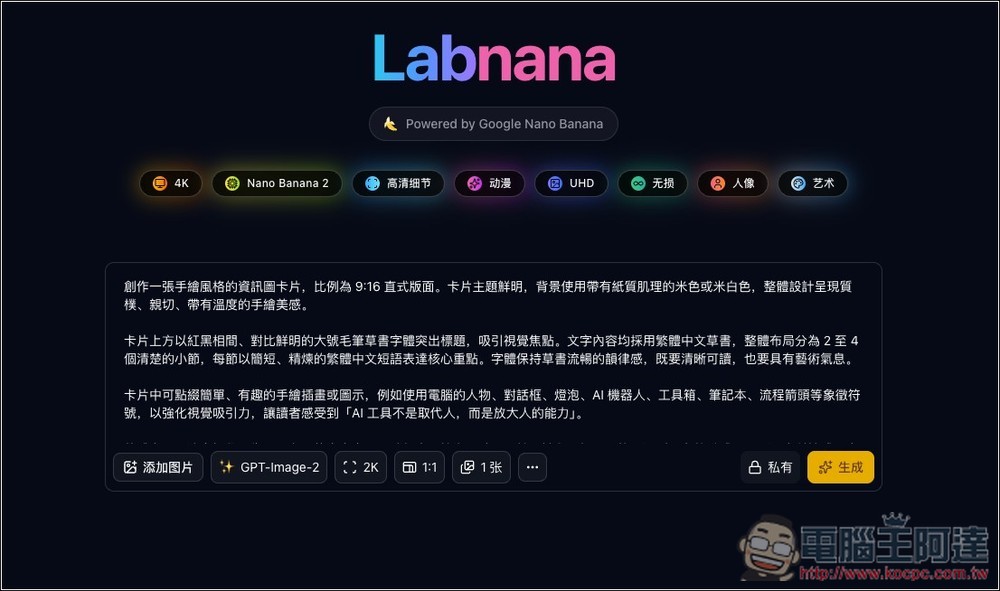
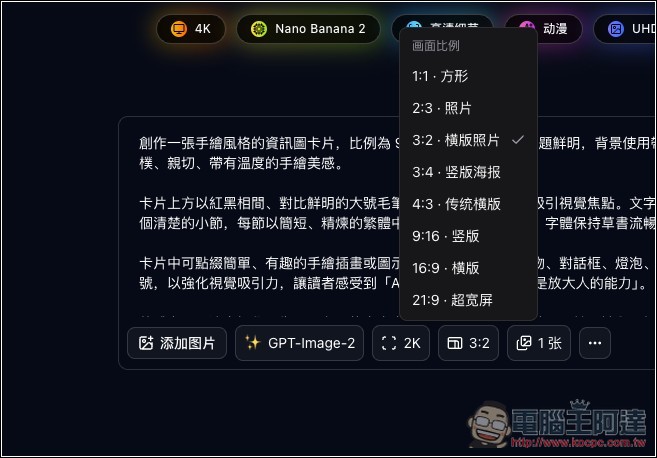
Image aspect ratio can be adjusted directly in the settings below, and there are quite a few options available, including: square, photo, landscape, traditional landscape, ultrawide, and more.
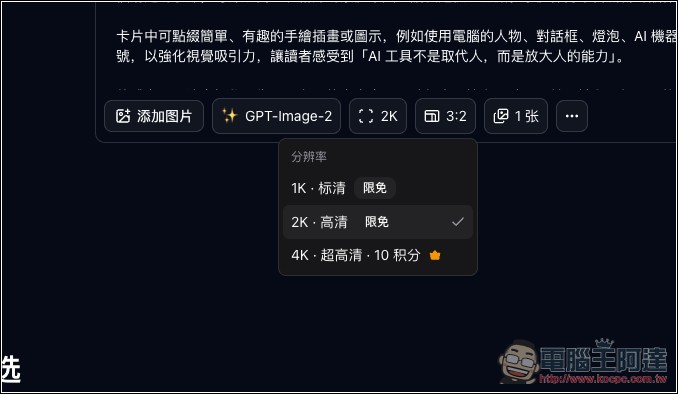
1K and 2K are both currently free, while 4K is only available in the paid version and requires spending 10 points.
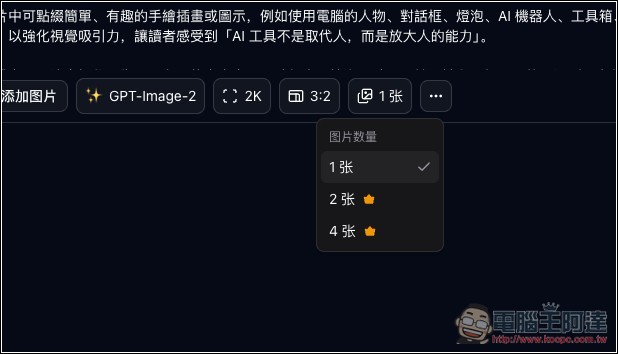
Free version allows only 1 image; 2 and 4 images are available for paid version only:
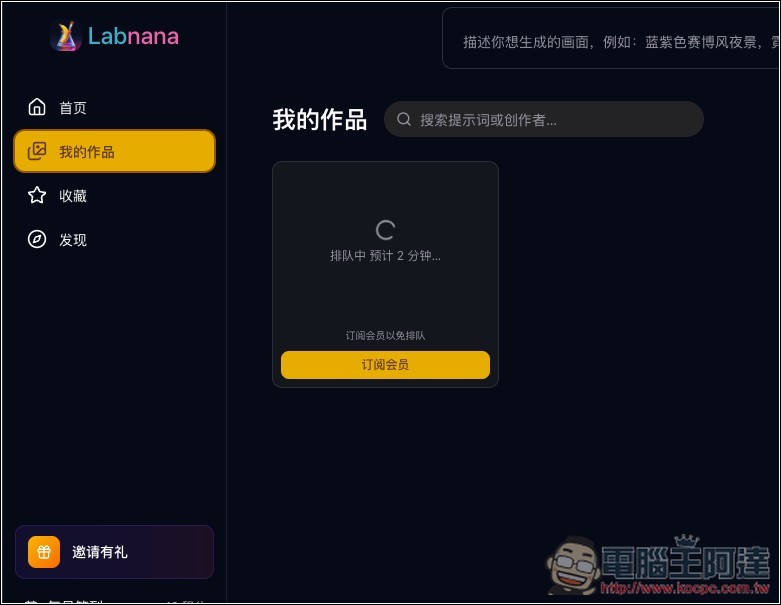
After submitting, if there are many people generating at the same time, the queue time will be longer. During off-peak hours, it should complete in 2-4 minutes:
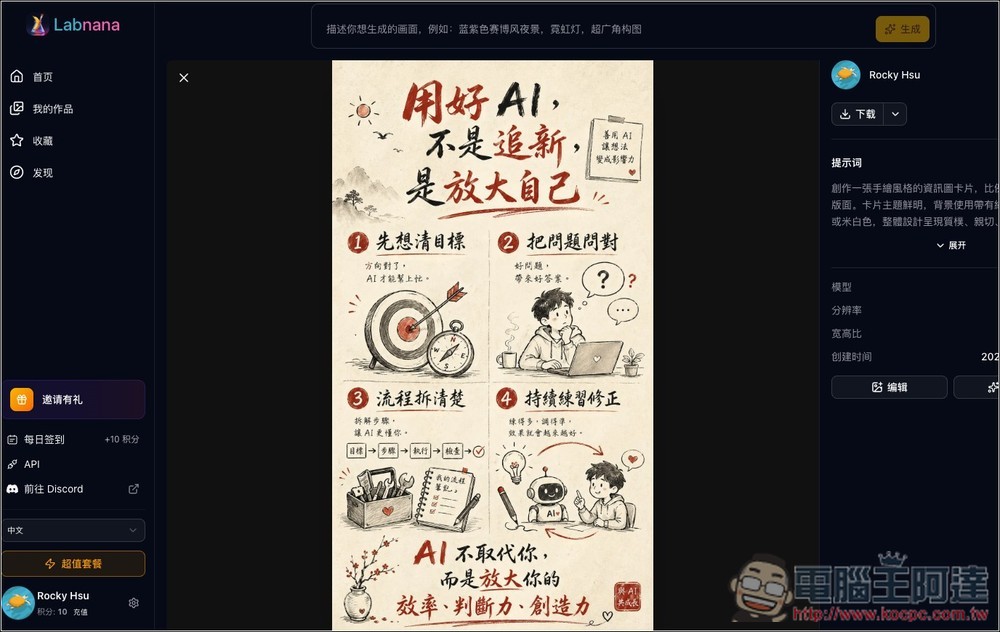
Tap to view the larger image:
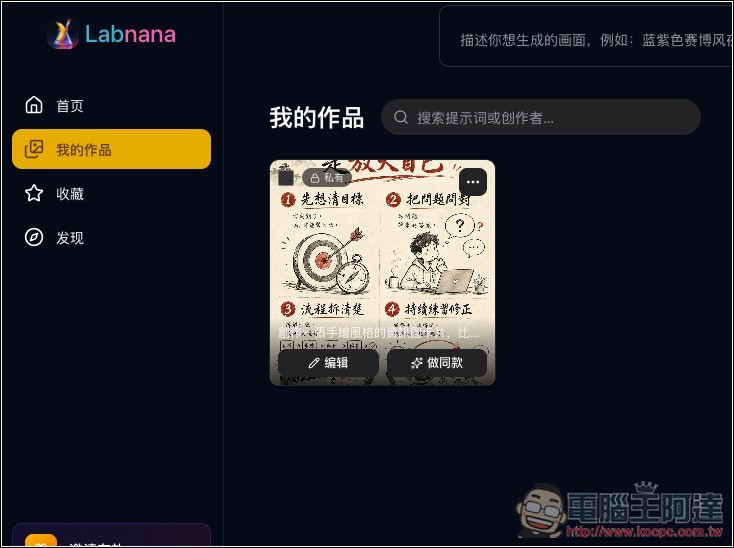
This was indeed generated with GPT Image 2. The quality is quite good. If you’re satisfied, you can click download in the upper right corner.
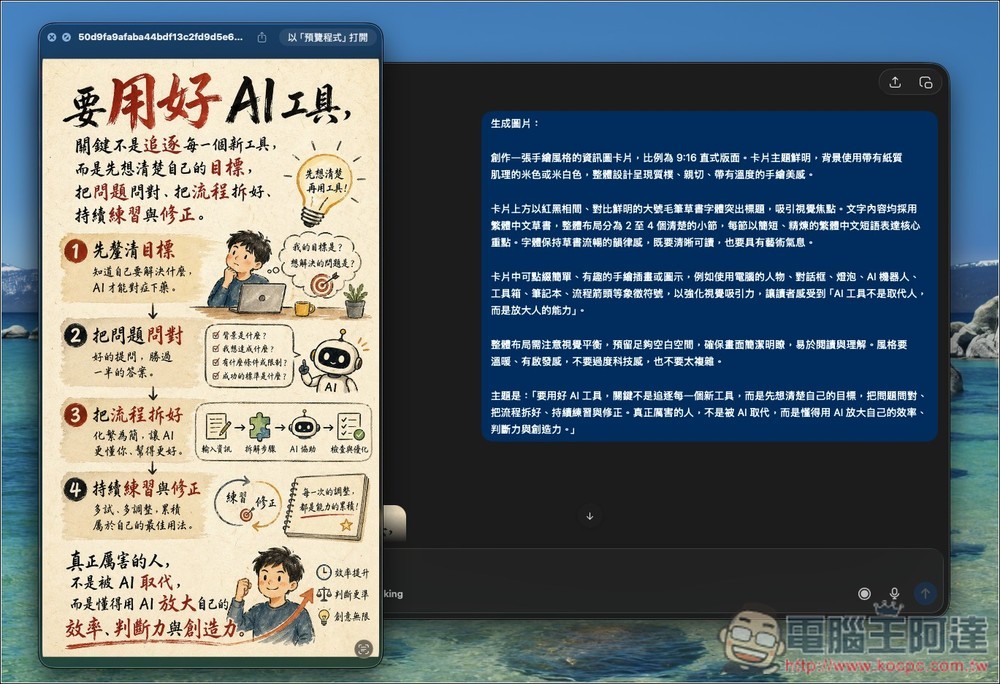
This is what I generated using ChatGPT, the quality is about the same.
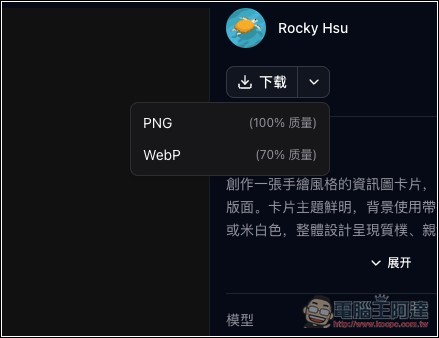
Download in PNG or WebP format:
Source: KOCPC Chinese