


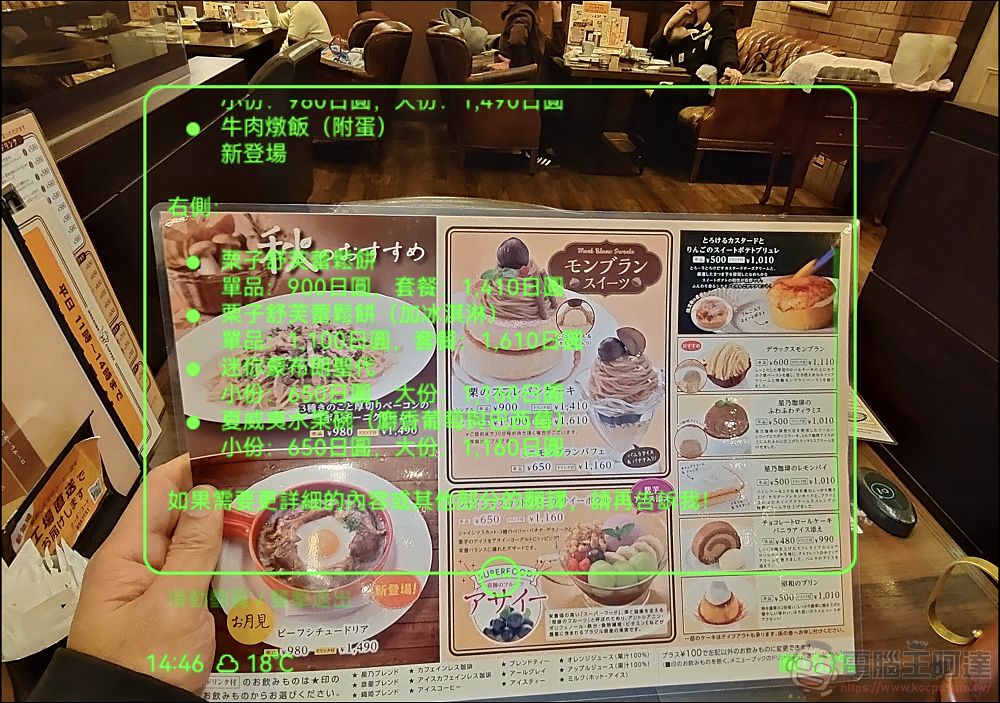
Any longtime friend of Computer King Ada probably knows that I’m a big fan of “smart glasses.” I’ve bought Meta Ray-Ban, Thunderbird, Vive Eagle, and even crowdfunded AI glasses that aren’t available in Taiwan. In fact, I originally bought the smart glasses that Xiaomi launched in China as well (but ended up returning them),In everyday lifeWhen used appropriately, smart glasses can indeed help people handle many everyday tasks without having to take out their phones. For example, the “ROKID GLASSES AI Smart Glasses” that Ada has been using recently feature real-time multilingual translation, photo and video capture, AI object recognition, answering calls and playing music, real-time meeting transcription and summarization of key points… and evenIt supports Google Maps navigation—just say where you want to go, and it’ll take you there., It’s incredibly powerful!
WHY ROKID GLASSES? ROKID AI Smart Glasses?
Currently, there aren’t many smart glasses options available in Taiwan. Take the Meta Ray-Ban AI glasses, for example—only gray-market versions are available in Taiwan, and the glasses’ AI features don’t work. To use the AI, you’d need to connect to a VPN in the U.S. to register an account, and the interface isn’t available in Chinese. The Thunderbird performs averagely and doesn’t offer the international version of the AI, while the Xiaomi model is essentially no different from the Thunderbird. The HTC Vive Eagle I’m currently using offers a decent experience, but photo and video capture are limited to portrait orientation. It’s also a bit of a shame that it doesn’t have a screen like Meta’s latest Ray-Ban Display. I also asked a friend in the U.S. to buy the Display for me, but I wasn’t able to snag one. Not getting it isn’t necessarily a bad thing, though—aside from the fact that it’s very expensive (and prices have doubled due to speculation), the Display also doesn’t support Chinese; there are certainly regional restrictions as well, mono-eye displays might also have issues with eye alignment, and the biggest hassle is that they don’t support prescription lenses. For someone like Ada—who has myopia, presbyopia, and astigmatism—it would be a real headache to actually use one. I might even have to switch to contact lenses or get laser eye surgery just for it, which is really not worth the trouble.
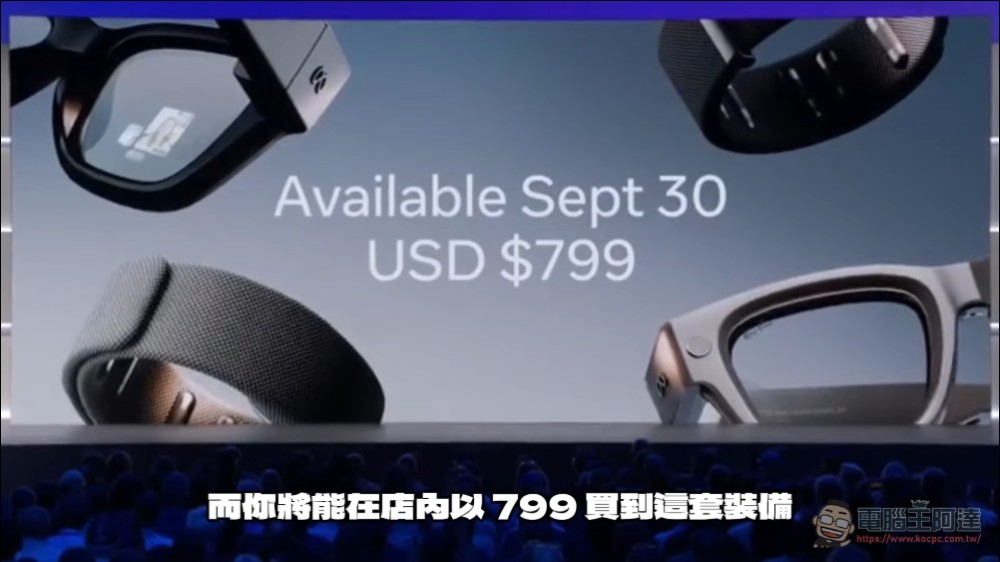
But starting now, users in Taiwan who want on-screen teleprompter, message notifications, and real-time translation features don’t have to wait for META Display to go on sale in Taiwan—ROKID GLASSES, the AI smart glasses, are now available in Taiwan! These smart glasses feature a light-guide floating subtitle function, support Traditional Chinese, offer real-time translation, allow you to take photos and videos in both landscape and portrait orientations, and can be customized with lenses to match your prescription:
Rokid smart glasses are now available at all Baodao Optics locations across Taiwan. If you’d like to try them out, you can visit51 designated stores across TaiwanTry them on right away, and you can even have lenses fitted at the same time:
Next, we’ll give you a brief overview of the appearance and design of the ROKID GLASSES AI Smart Glasses. Visually, they look just like ordinary thick-framed black glasses, so wearing them in everyday life won’t draw any attention:
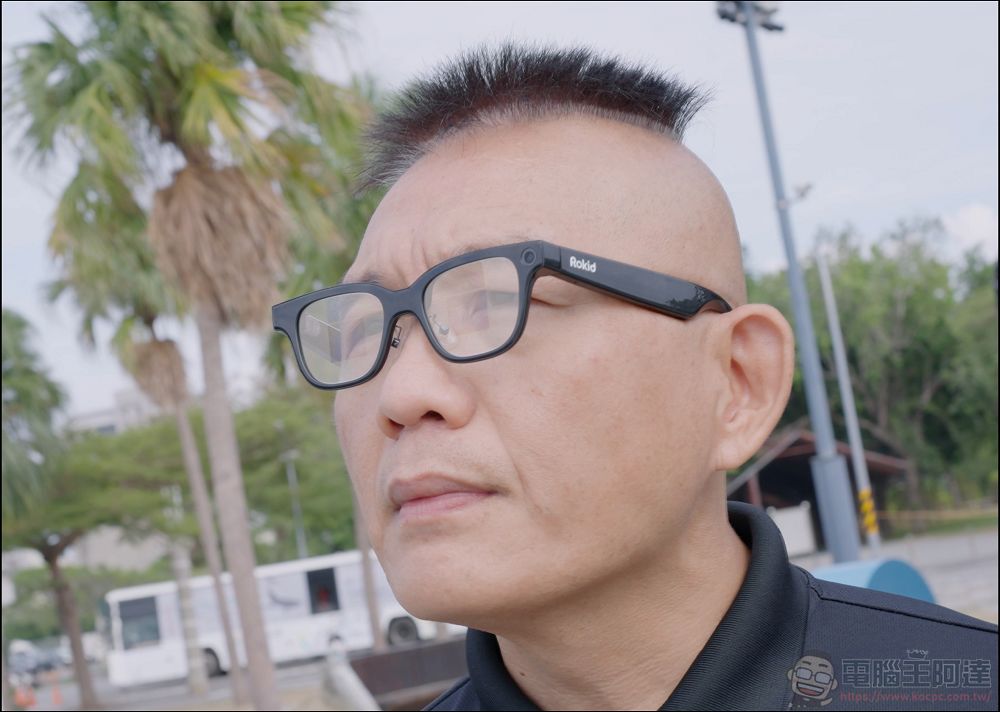
The left side features a camera with a resolution of 3024×4032 (12 megapixels) and an f/2.25 aperture, capable of recording high-resolution video at 1800×2400 and 30 FPS. It also supports ultra-high-resolution video recording at 3×, as well as portrait-oriented 4: 3 ultra-high-resolution video recording optimized for Instagram and Threads. It also supports 9:16 portrait mode for full-screen mobile display as well as the traditional 4:3 landscape aspect ratio, allowing users to capture both portrait and landscape photos and videos. This effectively addresses the lack of landscape shooting capabilities found in the META and VIVE EAGLE (and the results are excellent):
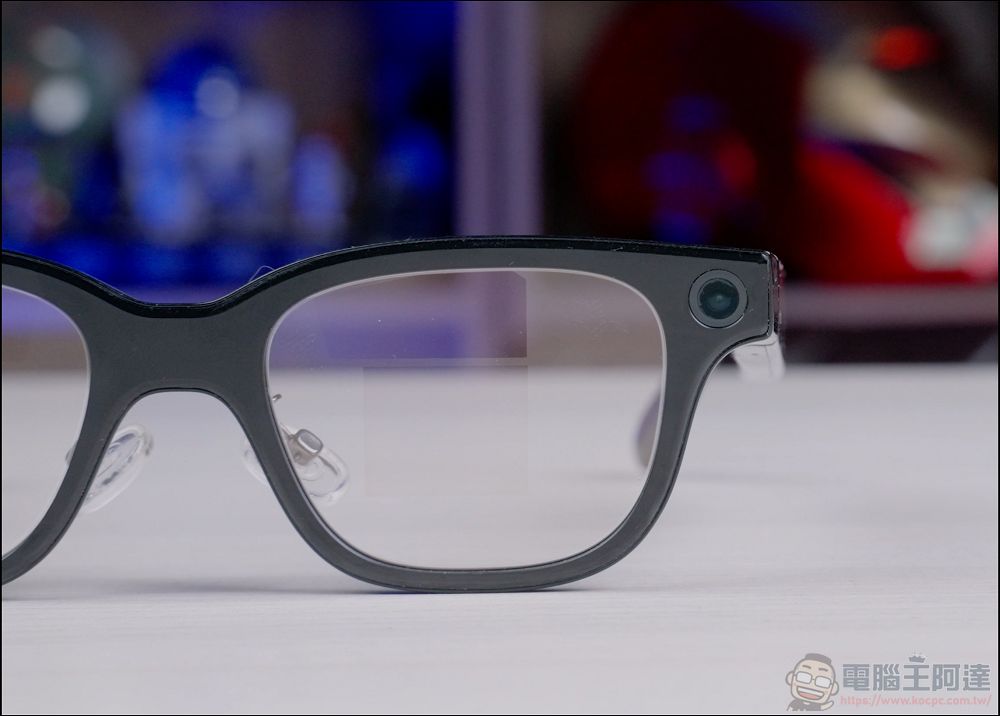
On the right is an LED indicator light. Just like other AI glasses, the light stays on while recording to let others know that a recording is in progress:
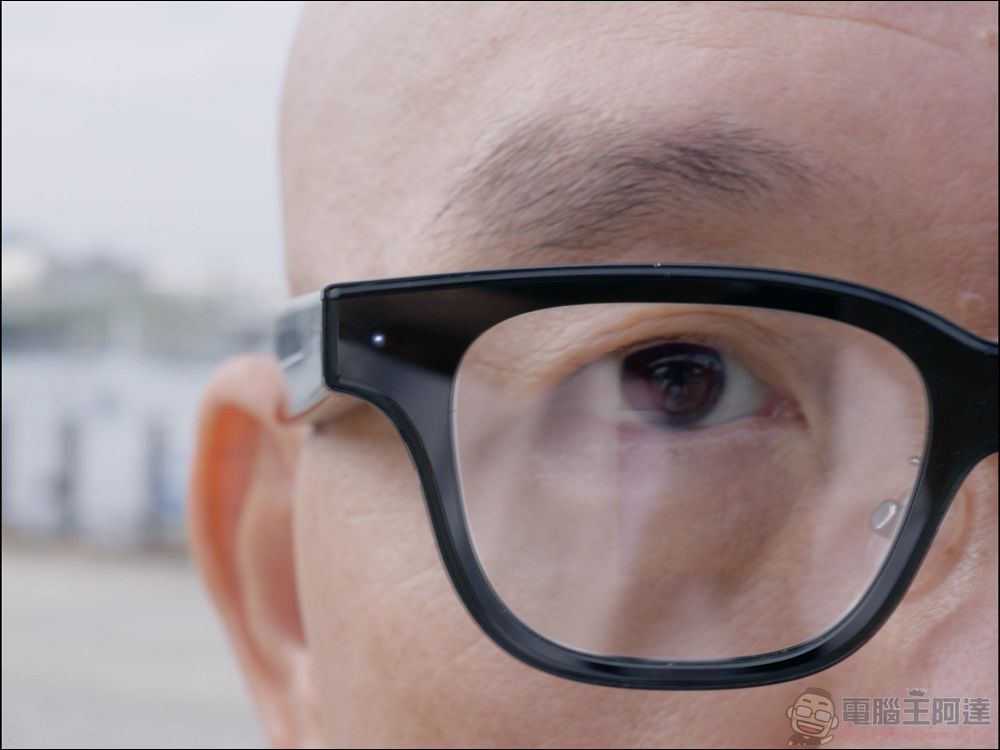
At first glance, the lens area of the glasses looks no different from a regular lens, but if you rotate them slightly, you can see two projection zones that contain two built-in MICRO LED + diffractive light-guiding lenses, which display text or navigation routes—unlike the Display, where only the right eye has a screen:
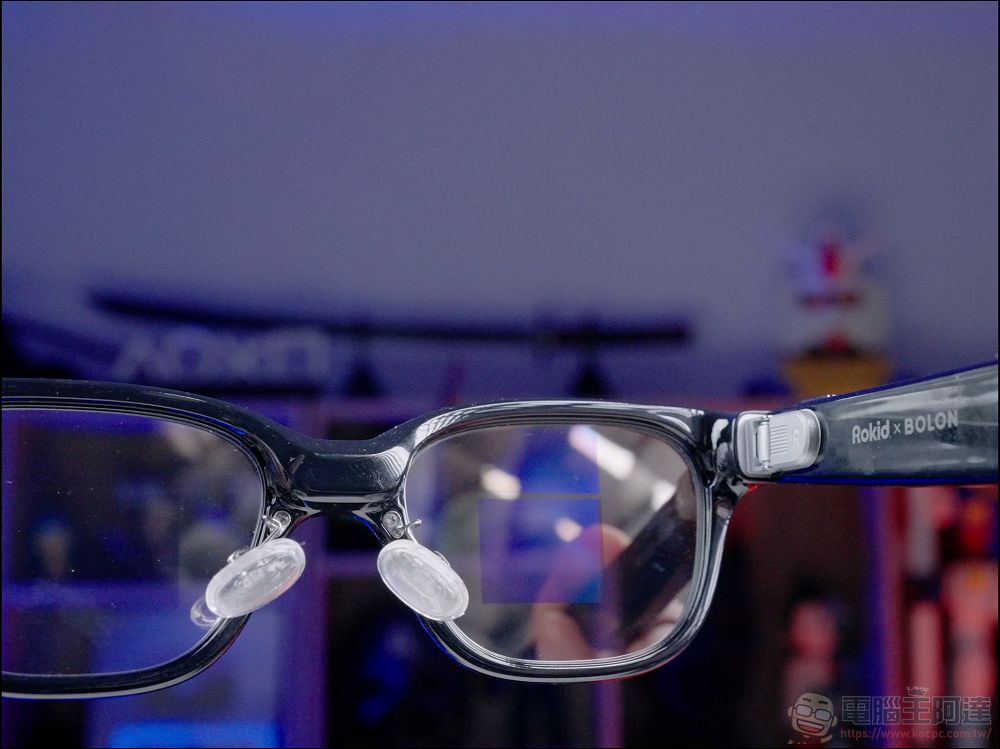
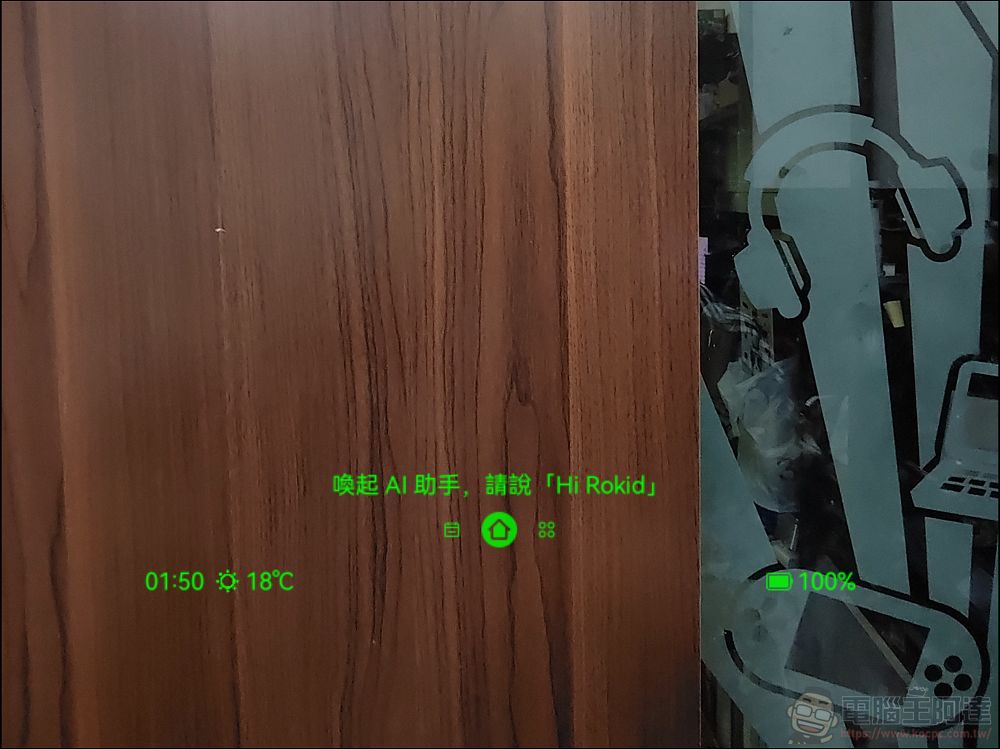
The Rokid features a dual-eye display with a green monochrome screen, a resolution of 640×480, a field of view (FOV) of 30 degrees, and a brightness of up to 1,500 nits, allowing you to clearly see text through the lenses even in daylight:
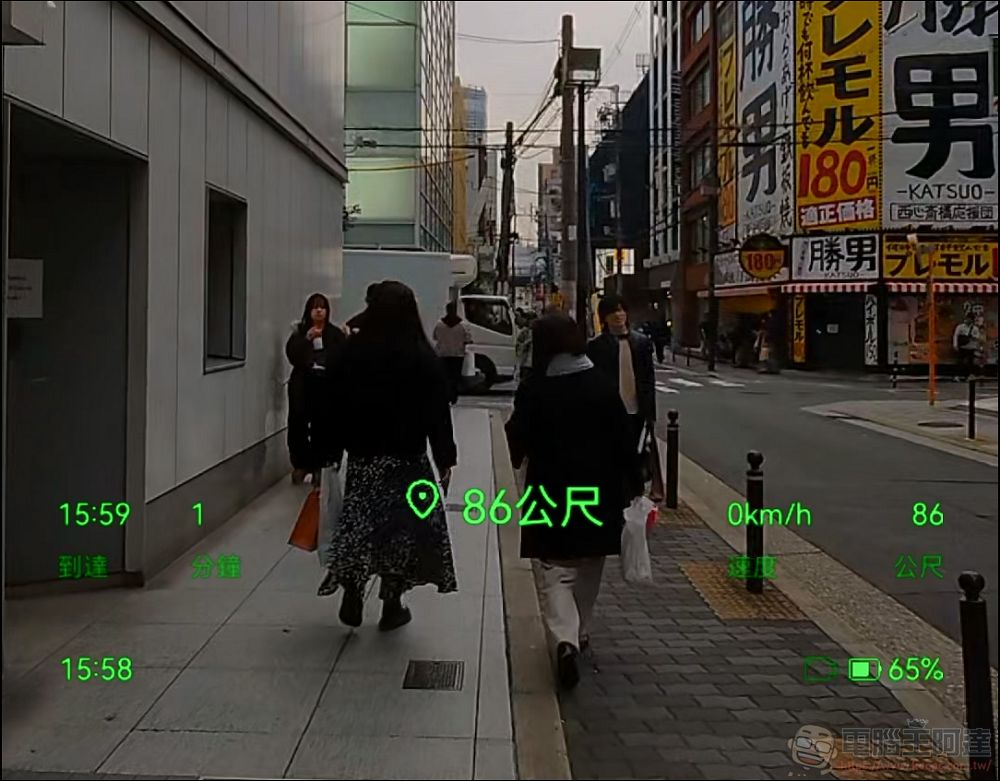
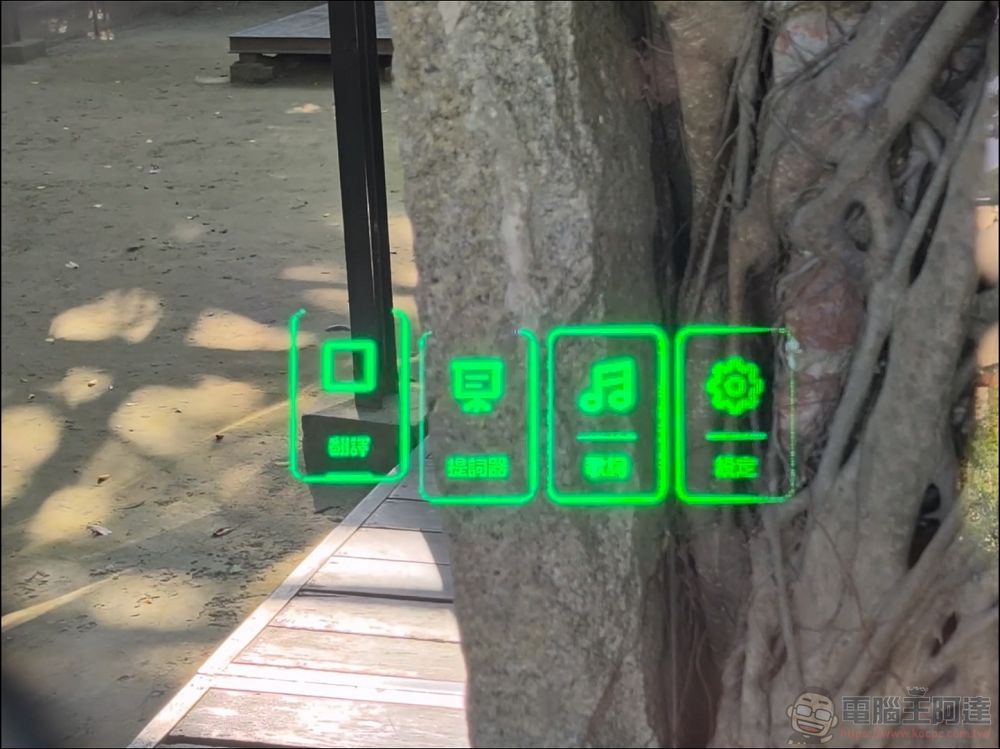
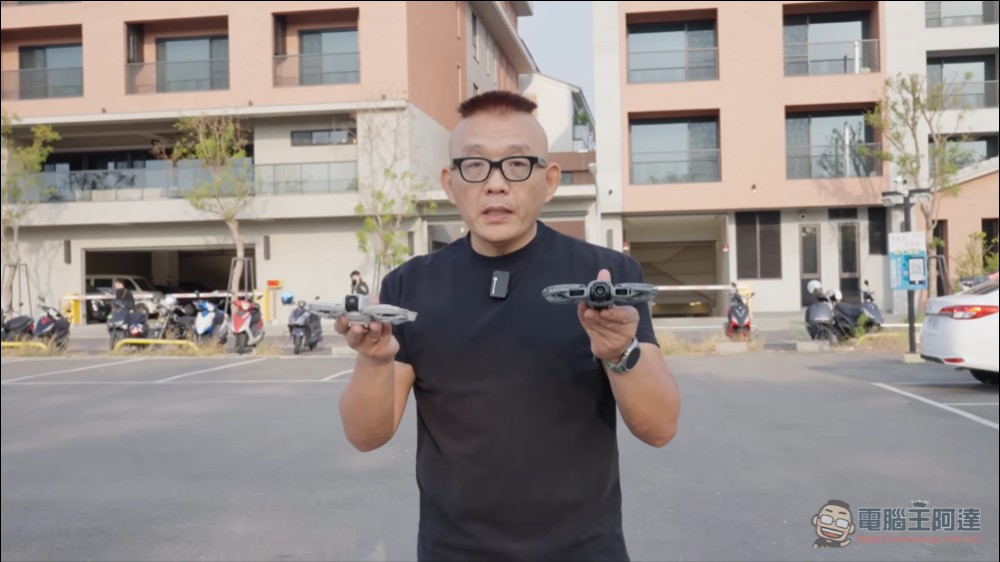
You can adjust the brightness of the subtitles using the Rokid app to suit different needs during the day and at night. From certain angles when viewed from the outside, there is a slight green glow, but it’s generally not very noticeable. For example, in the photo below, I was filming while the product specifications were displayed in my glasses, but it was barely visible from the outside:
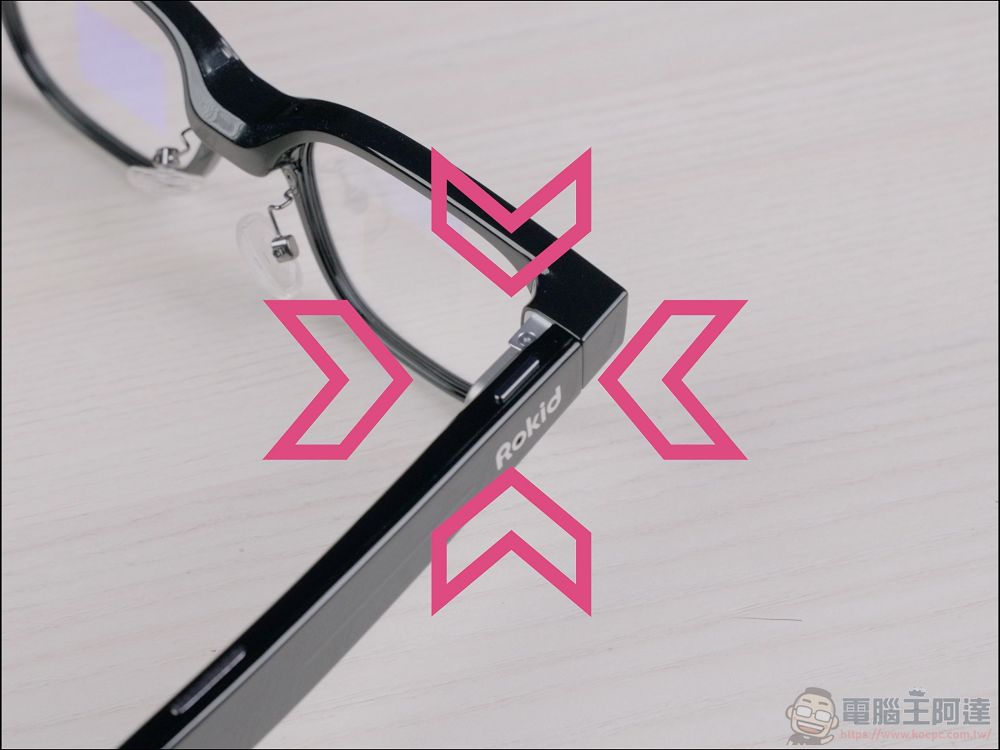
On the right temple of the glasses, there is a physical shutter button: press it briefly to take a photo, and press and hold to start recording:
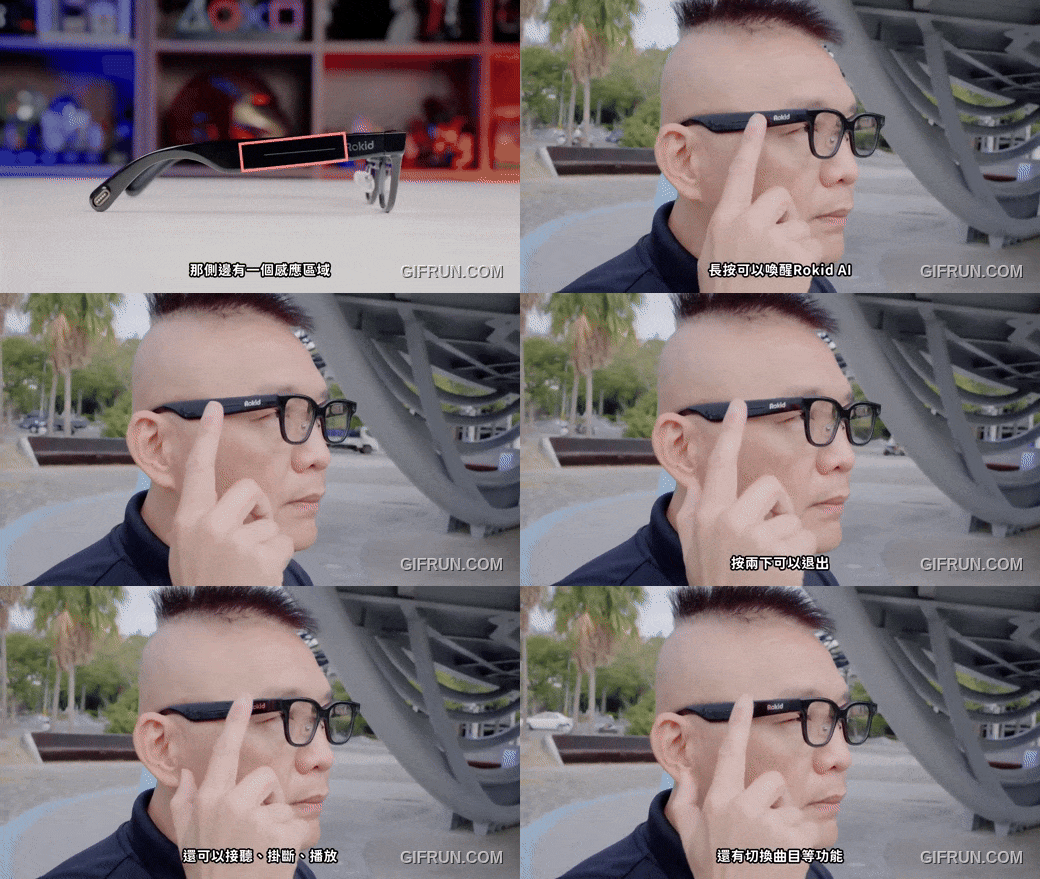
On the side, there is a touch-sensitive area that you can press and hold to activate the ROKID AI feature; double-tap to exit, answer or end calls, play or skip tracks, and more:
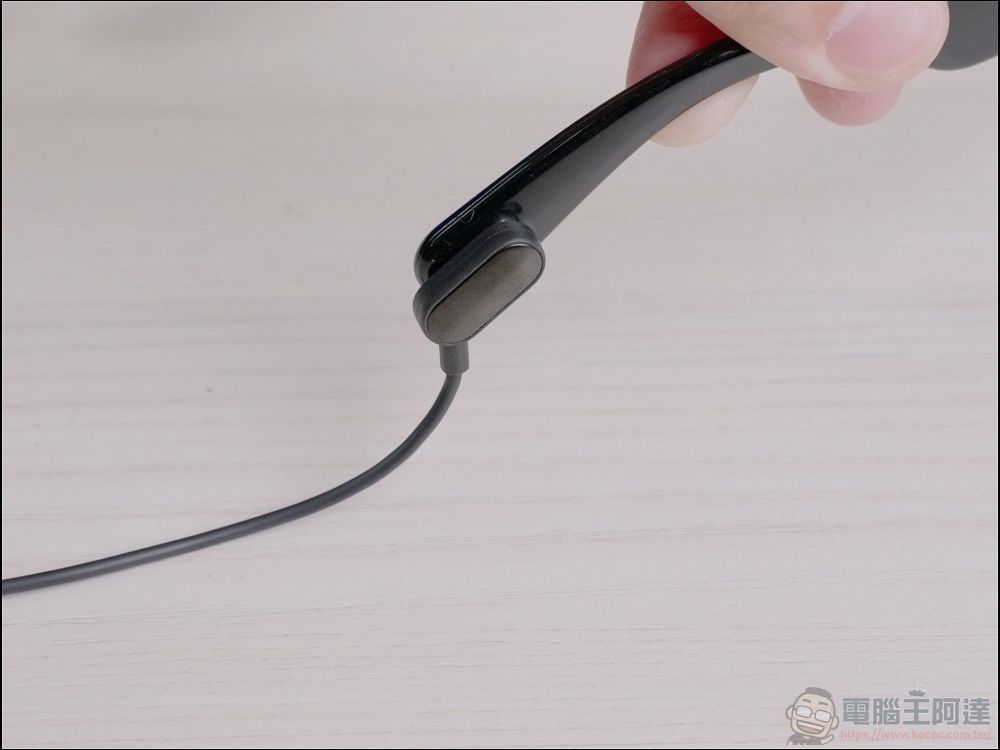
The ends of the temple arms feature magnetic charging areas that allow you to use the glasses while they’re charging with a magnetic charging cable and a magnetic charging capsule:
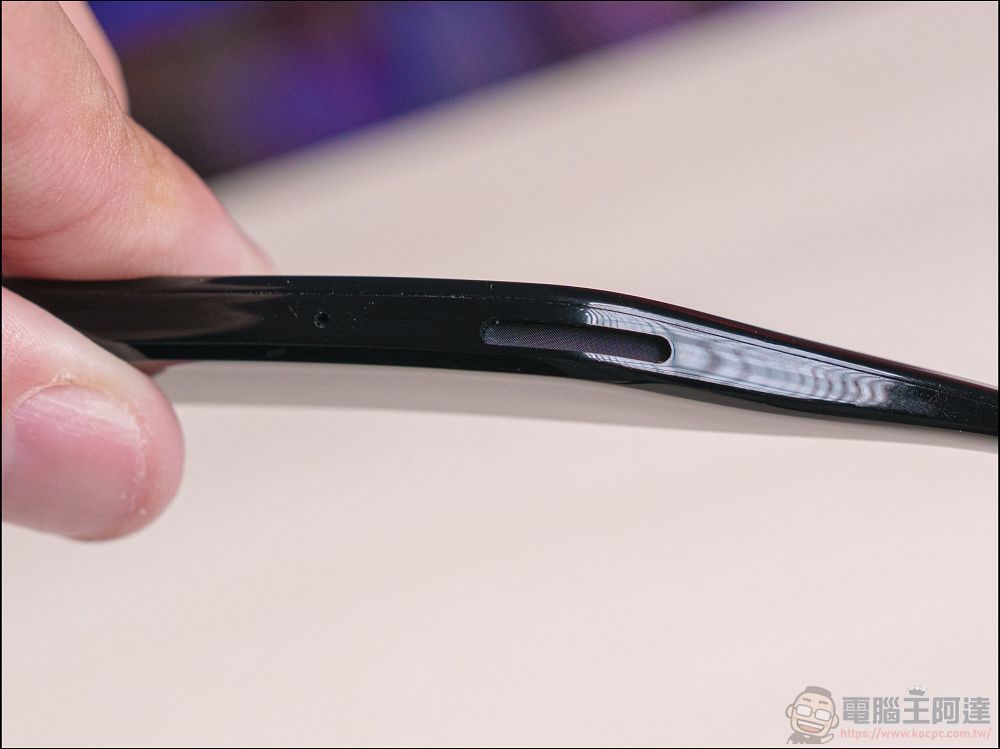
Both temple arms are equipped with four directional microphones and two directional stereo speakers. Because the frames sit very close to the ears, the AI voice is very clear:
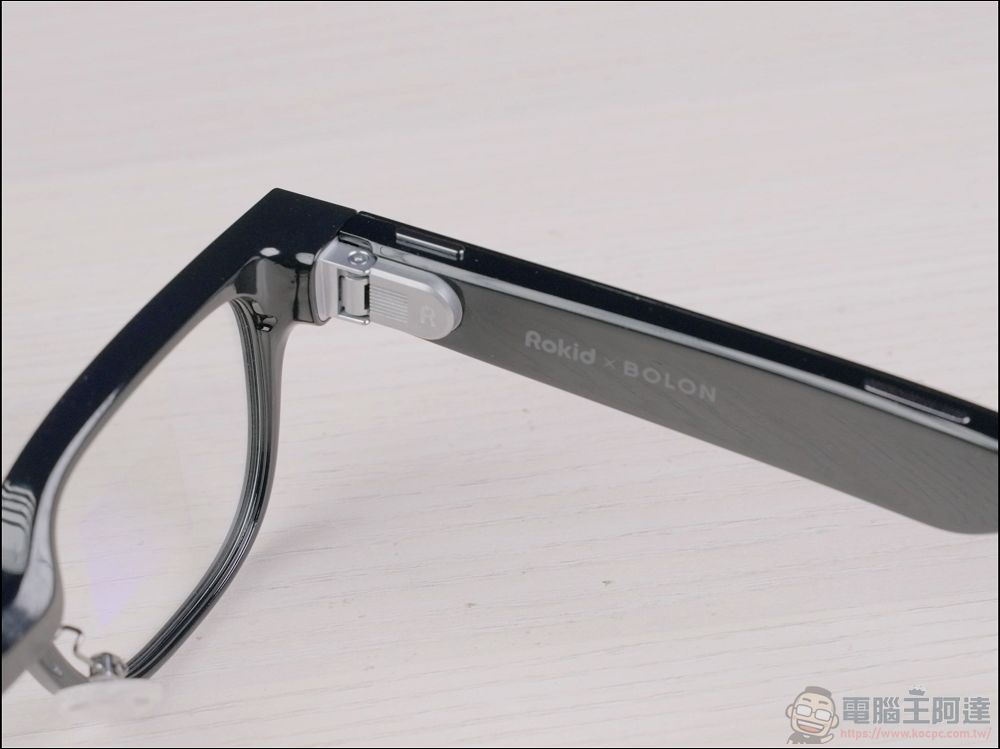
The ROKID glasses are very lightweight; even with a built-in light-guide display, they weigh only 49 grams. Plus, the temples can be adjusted outward, so they don’t feel like they’re squeezing your head when you wear them:
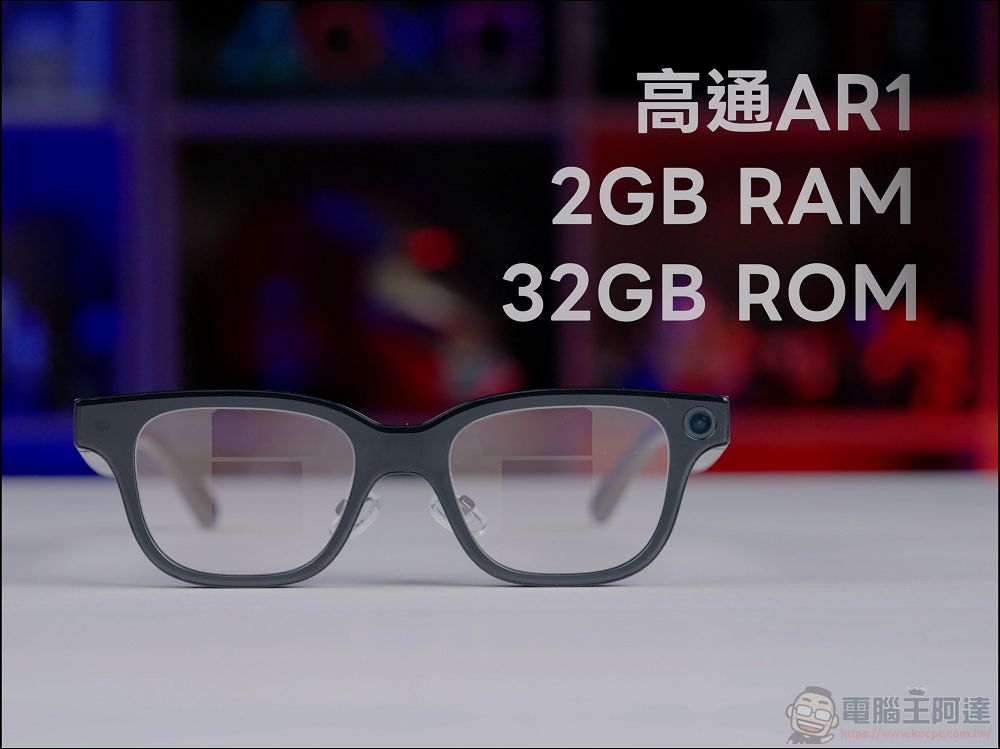
On the hardware side, it features a Qualcomm AR1 chip, 2GB of RAM, and 32GB of ROM. When used in conjunction with the mobile app, the AI responds and processes tasks quite quickly:
If you asked me what the biggest difference is between smart glasses with a built-in screen and regular smart glasses, I’d say it’s that “you don’t have to reach for your phone as often.” . Most people are tempted to pull out their phones to see what’s going on whenever they hear a notification sound—it’s almost like they have “information anxiety.” But with ROKID GLASSES AI Smart Glasses, whether it’s a text message or a general notification, the content pops up right on the display, so the message appears right before your eyes. If you think the message is important, you can then take out your phone to view the full content:
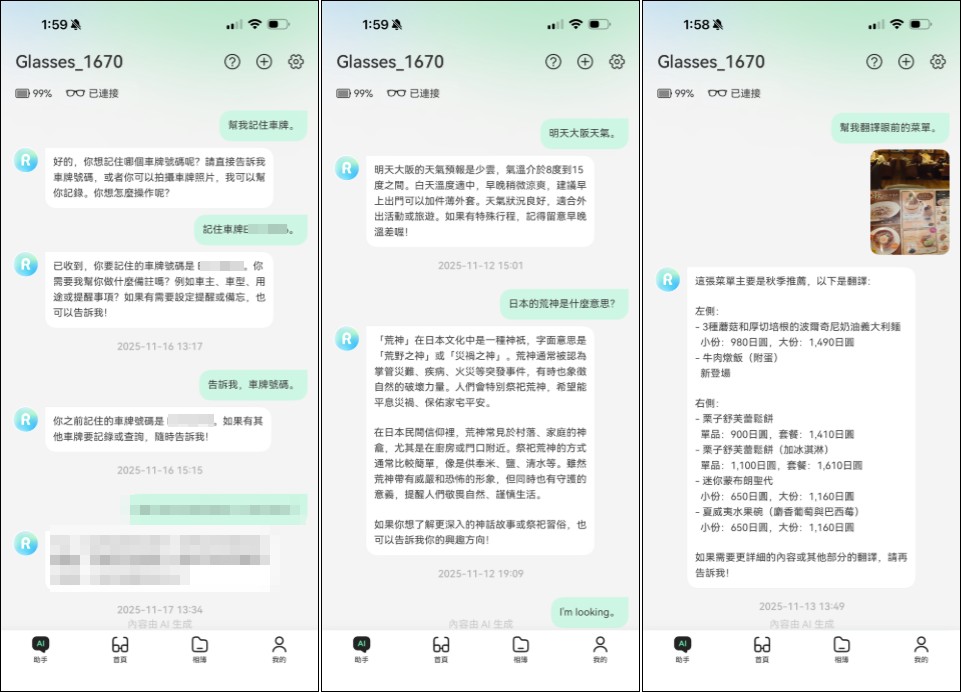
ROKID GLASSES, the ROKID AI Smart Glasses, display AI responses directly on the glasses’ screen, and the content also appears in the mobile app. Furthermore, since ROKID GLASSES are equipped with the ChatGPT-5 language model, they can answer questions about all kinds of daily matters, big and small. You can also use voice commands to have the AI record meeting reminders, calendar entries, notes—such as jotting down parking locations or quick notes—and can easily handle tasks like checking the weather or translating foreign text:
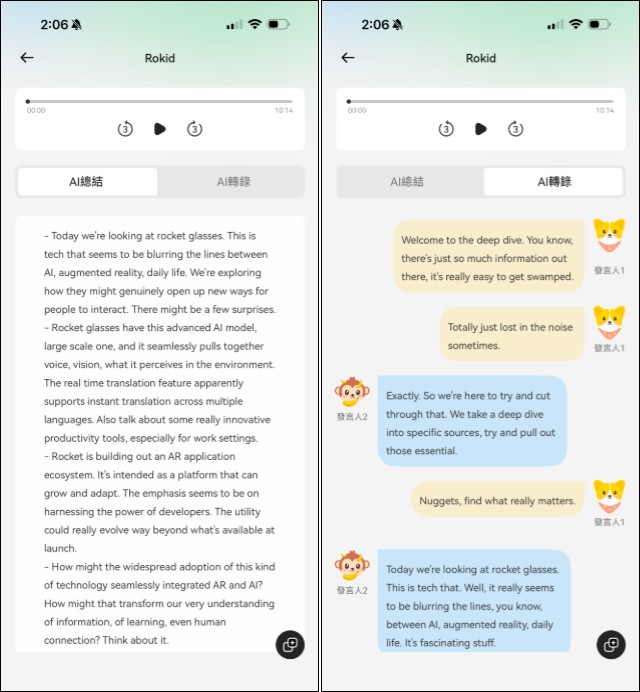
What’s more, the ROKID GLASSES AI Smart Glasses have several incredibly useful features that are worth mentioning. The first is “Meeting Transcript,” which automatically generates a text transcript of the meeting and provides a summary of key points in real time, allowing you to efficiently keep track of all the information:
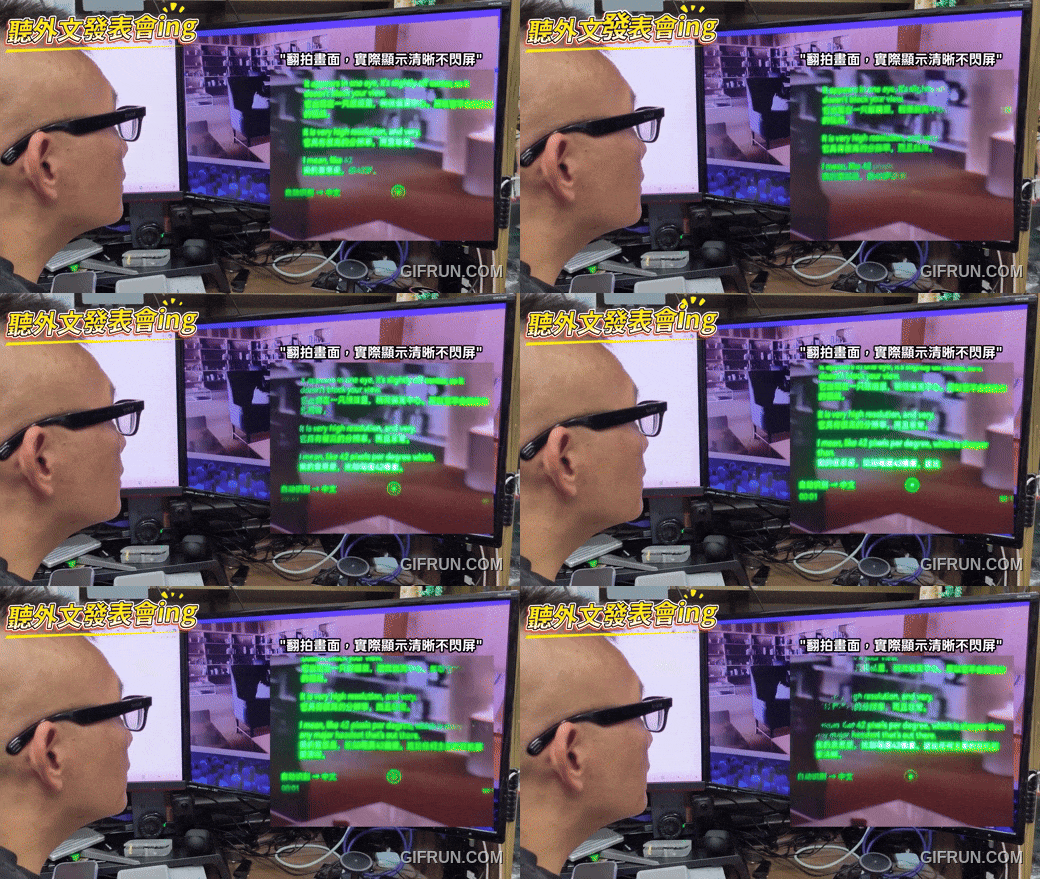
The second feature is real-time multilingual translation, which supports up to 89 languages online and 6 languages offline (Chinese, English, Japanese, German, French, and Spanish) for real-time translation. Its mechanism works a bit differently from Apple’s: When the other person speaks, the glasses instantly display the translation as text in the selected language. It’s very easy to use: simply say “Start translating” to Rokid, or tap “Enter” next to the “Glasses Translation” option in the translation menu to begin real-time translation:
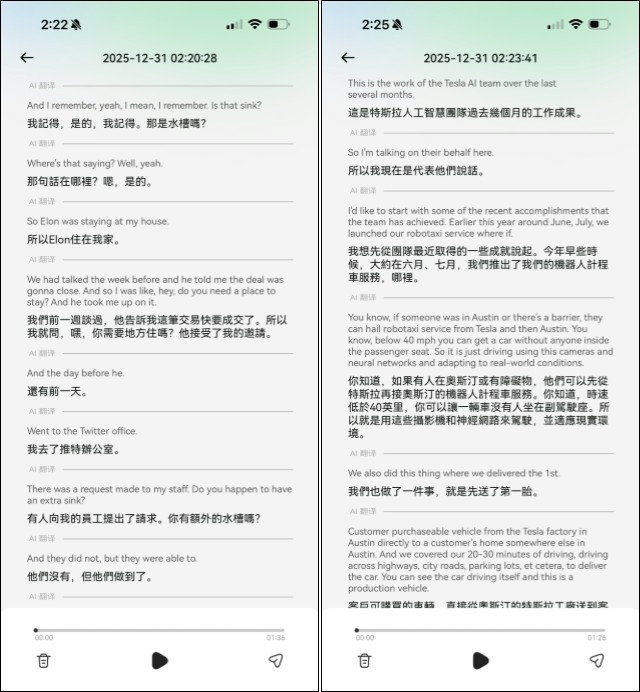
The best part is that the entire real-time translation is saved within the app as a bilingual transcript, making it easy for users to export and organize the content later. For journalists like us, this makes it super convenient to use the transcript to put together a report:
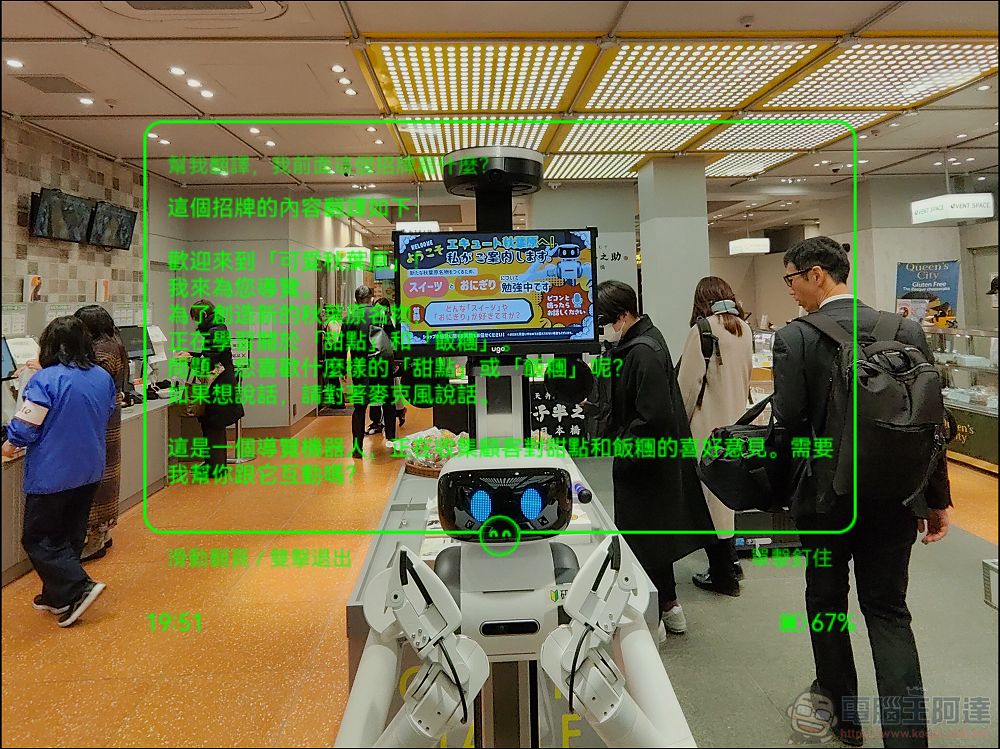
Of course, it’s no problem to translate menus or signs you don’t understand right in front of you—the translation will be displayed both as voice and text:
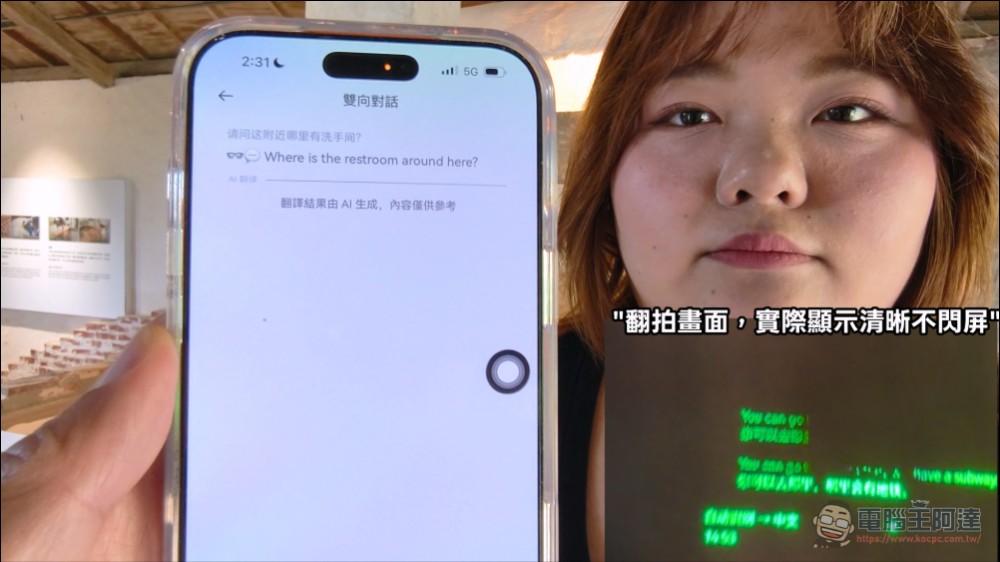
In addition, when conversing with a foreigner, simply take out your phone and use the “two-way conversation” feature in the app—what you say will be translated into the other person’s language and displayed for them to see, greatly improving the efficiency of communication:
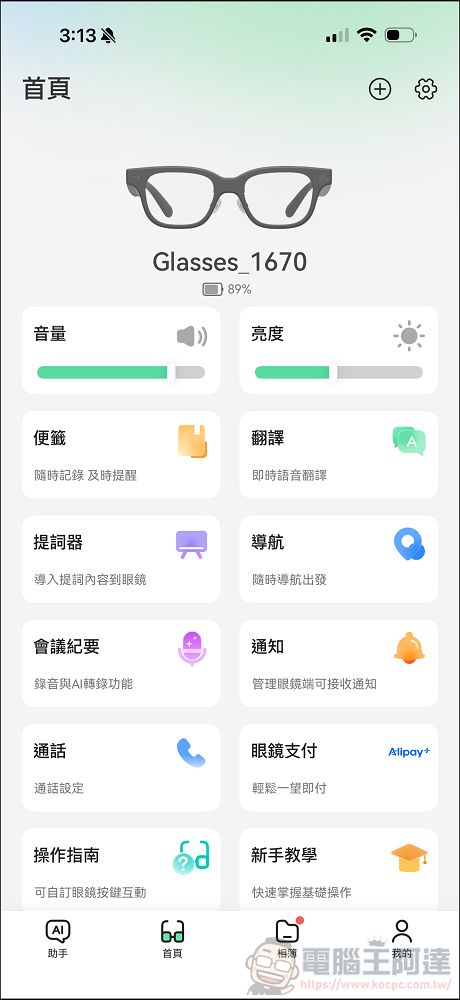
There’s also the “teleprompter” feature, which is incredibly useful for people who frequently give speeches or presentations on stage. For someone like me who shoots videos, I can use a teleprompter when I’m in the studio, but when I’m on location and have a lot of lines to deliver, I really have to stop after every few takes to look at the text and memorize it (I’m truly in awe of actors who can memorize such long scripts). Having this feature is a huge help:

The features mentioned above are core AI features that come with no time or usage limits and are free to use forever. They include unlimited AI voice Q&A and AI visual search, Rokid offline AI translation, and everyday features (including real-time notifications, a teleprompter, phone calls, music playback, photo and video capture, voice recording, and voice-controlled glasses) are all free. If you need more advanced features such as text transcription or navigation, you can use the Rokid membership program. The manufacturer provides points, and currently offers a free three-month trial of the advanced plan; the paid service is expected to launch in the second quarter of 2026.Fees: Details on the fee structure will be announced on the official Facebook page as they become available.。
📍 Authorized Baodao Eyewear Stores Throughout Taiwan
Try It Now https://rokidtw.vip/ai_fmsol
📍 Selected Can-Kun 3C stores throughout Taiwan
Learn More https://rokidtw.vip/ai_tk
The Best Photo and Video Experience Currently Available on Smart Glasses
Next, let’s talk about photography—a topic that many people are likely interested in. As everyone knows, META and most AI glasses can only capture vertical footage. The main reason is that smart glasses require a wider field of view when capturing and recognizing objects, so their image sensors are configured vertically. This also means that smart glasses typically can only record vertical videos. Although the ROKID GLASSES AI smart glasses also use the traditional 4032×3024 resolution, they support portrait-oriented 3:4 Ultra HD, 9:16 HD, and landscape-oriented 4:3 recording, all at a resolution of 2400×1800:
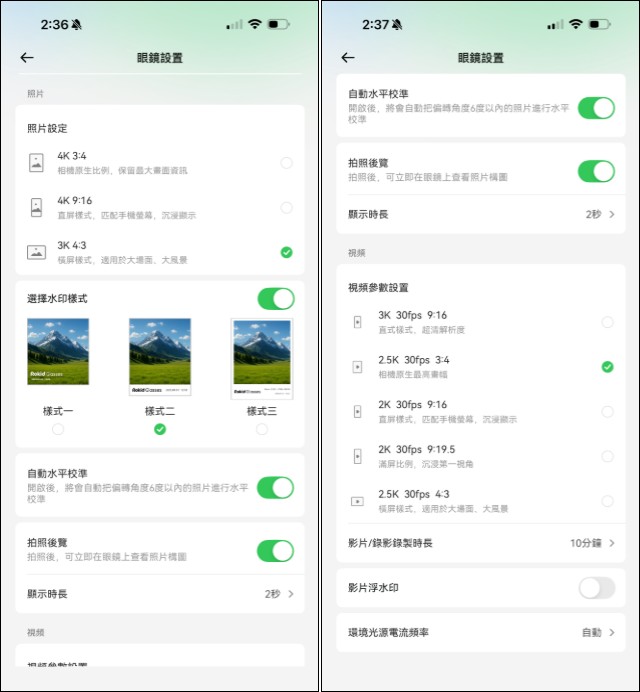
Traditional smart glasses often suffer from the problem of “blind framing” when taking photos, but Rokid displays the center point while taking a photo, allowing users to set the center of the shot—which is a great feature. However, precisely because of this mechanism,There is a delay of about 2 to 3 seconds between pressing the shutter button and the photo being taken, so be mindful of this time lag when taking photos to avoid missing the perfect shot.(During the photo-taking process, you can only take side-view photos; video recording and screenshots are not allowed. In practice, an animation and a prompt will appear):
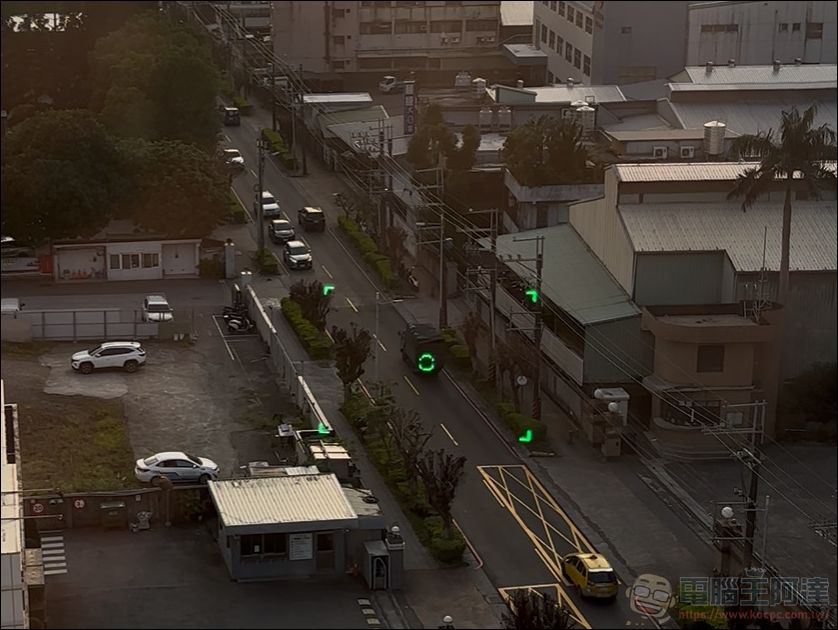
You can check out the sample photos and test videos to see the photo and video quality. The results are excellent—it’s hands-down the best of all the smart glasses I’ve used so far:
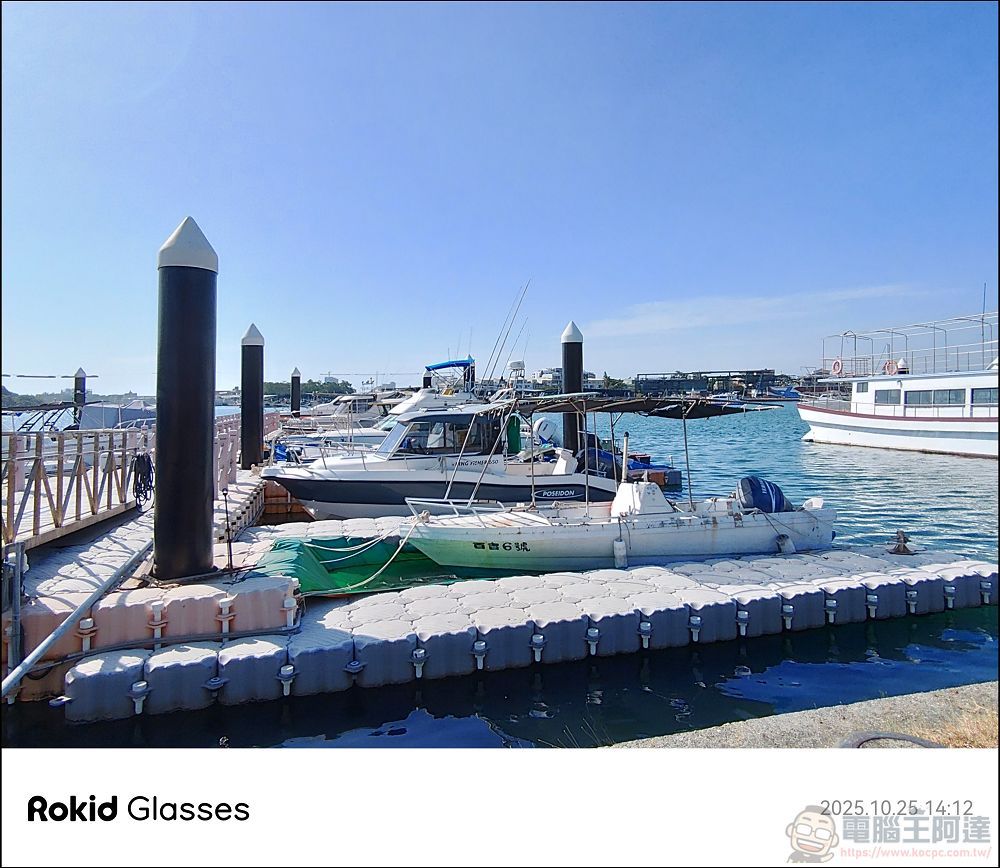
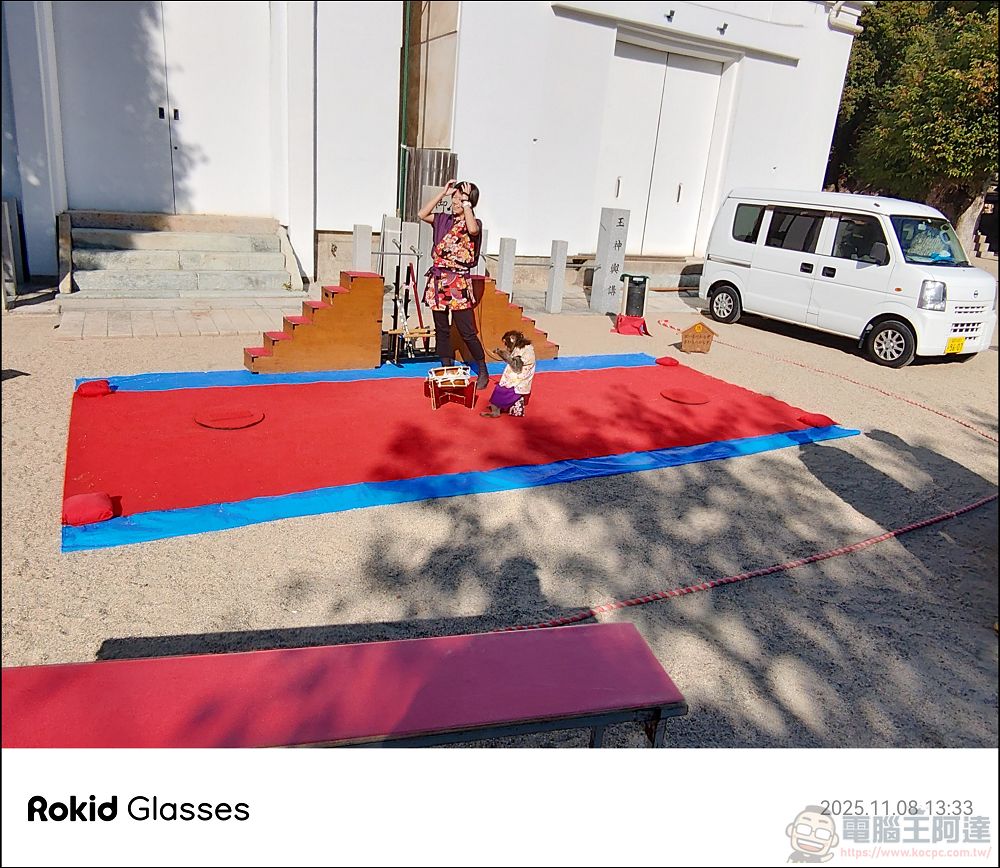
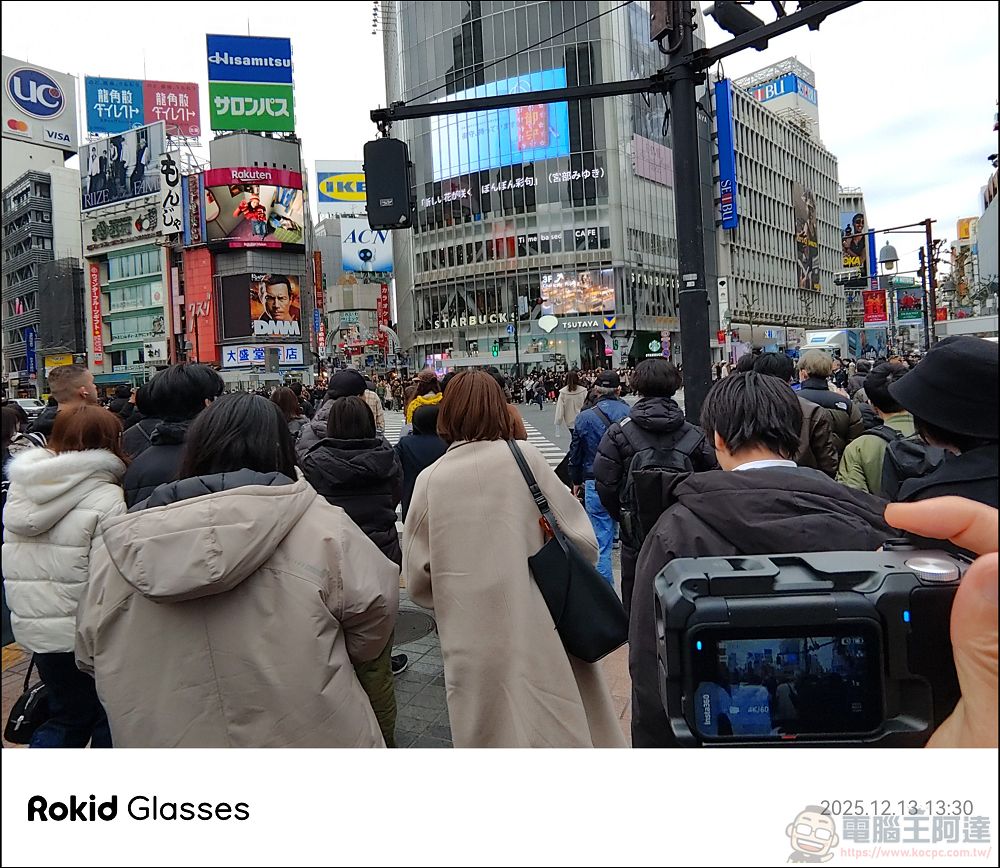
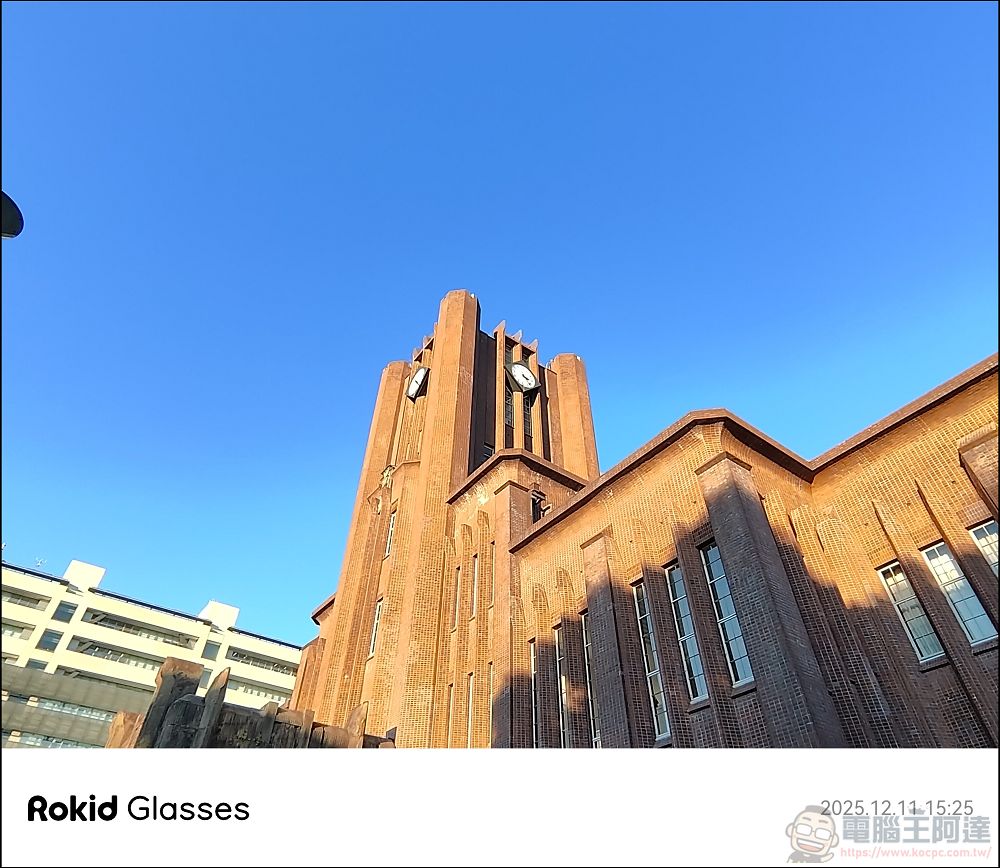
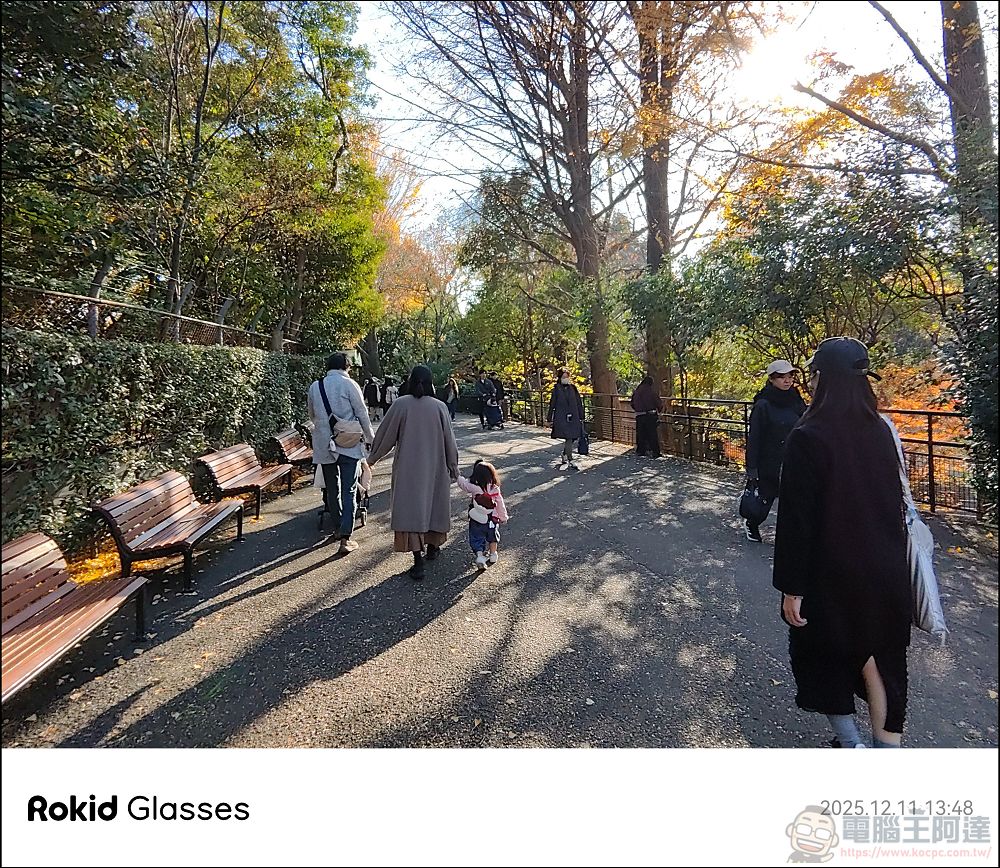
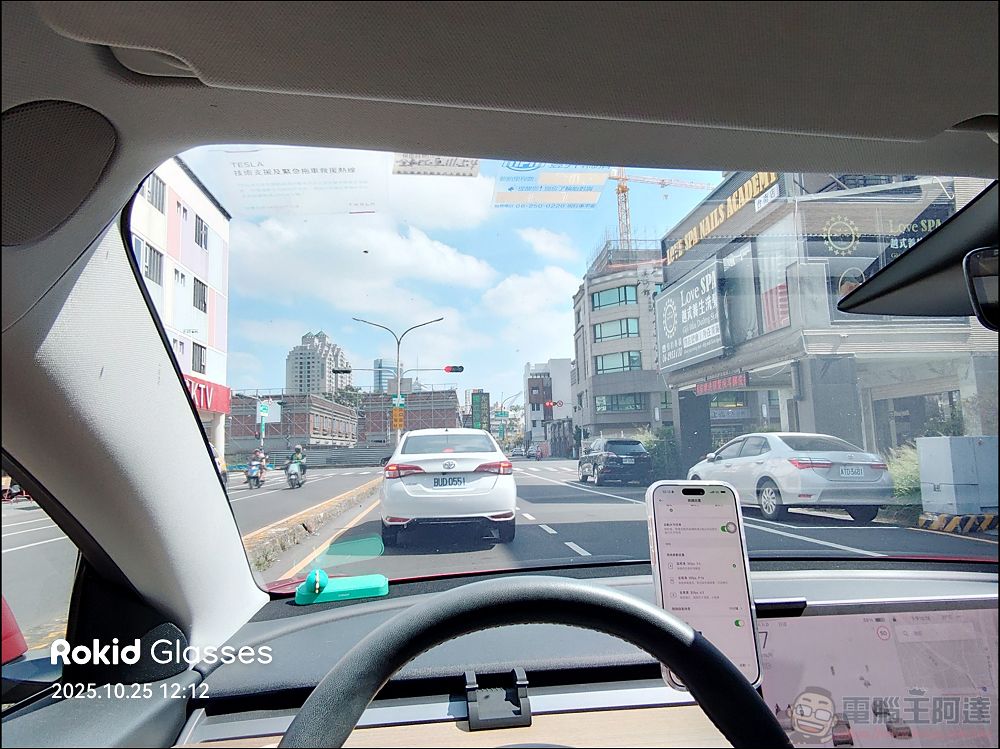
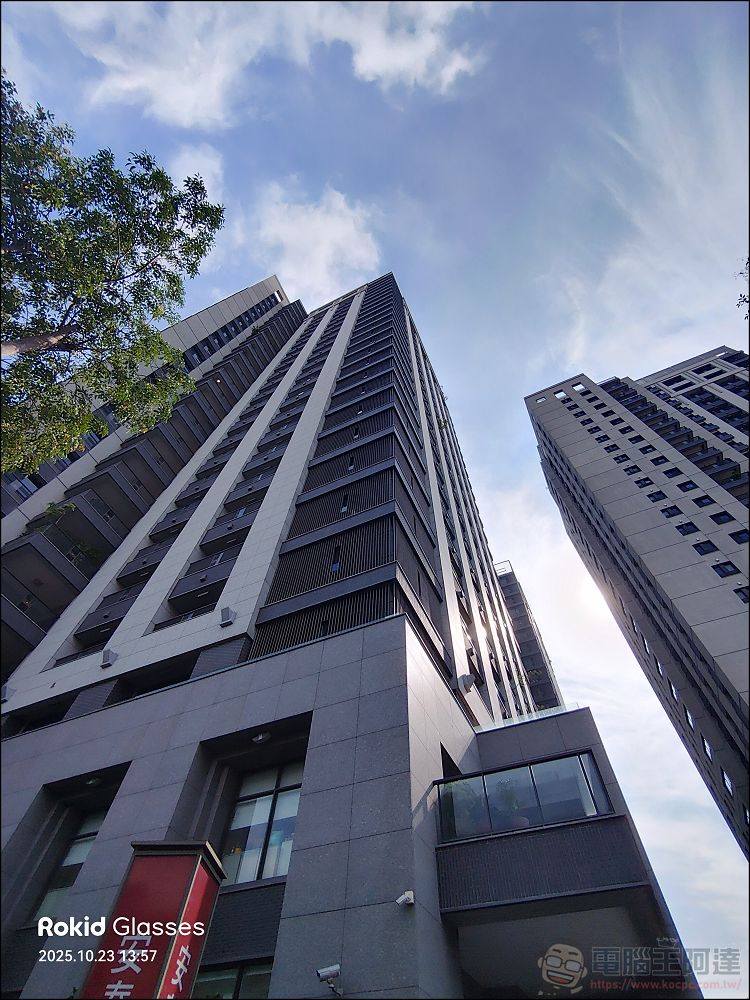

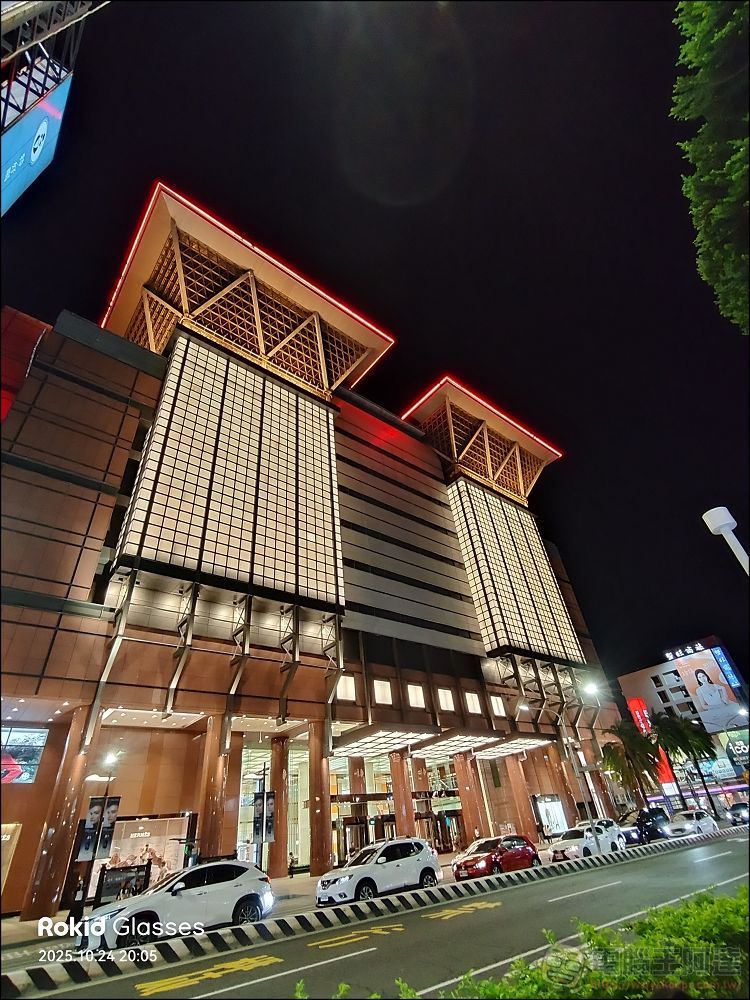
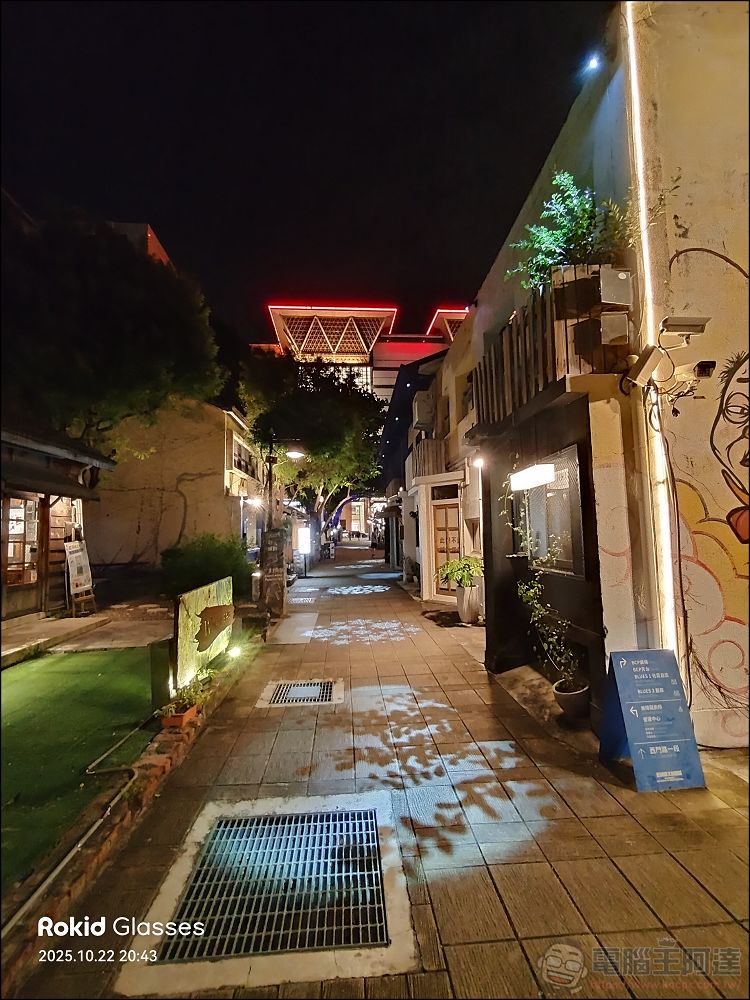
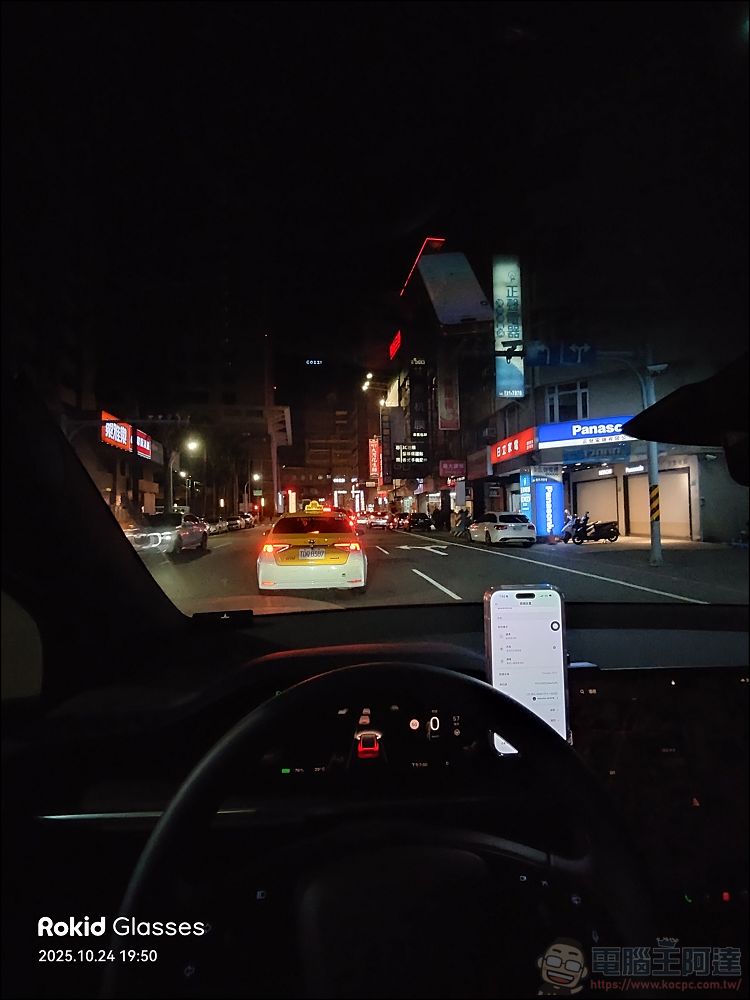
Daytime Recording:
VLOG: Food Vlog:
Shinsaibashi at Night:
Finally, regarding battery life, if you’re using them frequently and intensively in a single scenario (such as recording meetings to capture key points or continuously taking photos and videos at tourist attractions), they’ll likely last about an afternoon. Under normal daily conditions—with intermittent use, plus taking calls via Bluetooth and listening to music—the battery can last close to a full day. However, the ROKID GLASSES AI Smart Glasses charge very quickly; simply connecting them to the magnetic charging capsule provides virtually unlimited battery life. Personally, I don’t see battery life as an issue.
We’ve also filmed the ROKID GLASSES AI Smart Glasses.Unboxing and Review Video…which contains more details about the test. Feel free to take a look:
📍 Authorized Baodao Eyewear Stores Throughout Taiwan
Try It Now https://rokidtw.vip/ai_fmsol
📍 Select Can-Kun 3C stores throughout Taiwan
Learn More https://rokidtw.vip/ai_tk
Conclusion
To be honest, I’m really happy with the ROKID GLASSES AI Smart GlassesIt’s finally available in Taiwan!Since Meta Display isn’t currently sold in Taiwan, and even if you buy a gray-market AI device, it won’t work here, consumers who want to experience smart glasses with MicroLED displays have virtually no opportunity to do so—and for some consumers, the display feature is a critical necessity. Based on our testing, the ROKID GLASSES performed quite well, especially the teleprompter and real-time translation features, which are genuinely usable, user-friendly, and practical. Priced lower than Meta and packed with practical features, they truly address a significant need for a specific demographic. Not to mention, it’s one of the very few smart glasses on the market that supports prescription lenses and allows users to take photos, record videos, and create vlogs in both portrait and landscape orientations. It’s also a great value for the price. I highly recommend them for your consideration.
Source: KOCPC Chinese