


Microsoft tested the “Create Table” feature with Windows Insiders in November 2025, and it is now available to everyone on Windows 11. If you have a Copilot+ PC, you’ll also notice that Notepad can now stream AI text—just like how ChatGPT displays input as it answers your questions—and this AI text streaming feature will eventually be rolled out to all non-AI PCs as well.

You can create tables in the Windows 11 Notepad app—AI text streaming is coming soon
Creating tables in Notepad is actually quite easy; the process is intuitive, and the results are more than sufficient for everyday needs. Compared to Microsoft Word, which is feature-rich but more complex, Notepad’s new table tool is lighter and simpler, and because it uses a plain-text format similar to Markdown, it’s effortless to use.
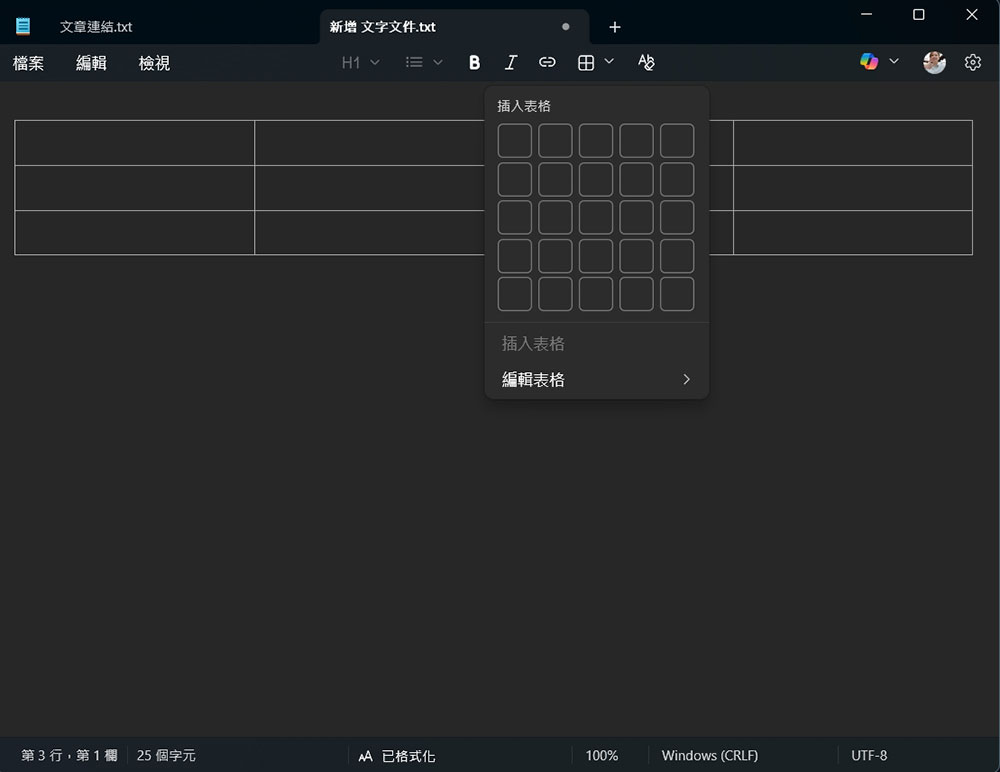
After creating a table in Notepad, you can freely add rows or columns. When you add a column, Notepad automatically inserts a new “| … |” section into each row; when you add a row, it adds a new “| … |” row at the bottom of the table. All content is saved as plain text (Markdown). During testing on the latest version of Windows, we found that simply clicking the “Add Table” button on the formatting toolbar brings up a grid selector, allowing you to use the mouse to specify the number of rows and columns in the table—or enter exact numbers directly—which is very convenient.
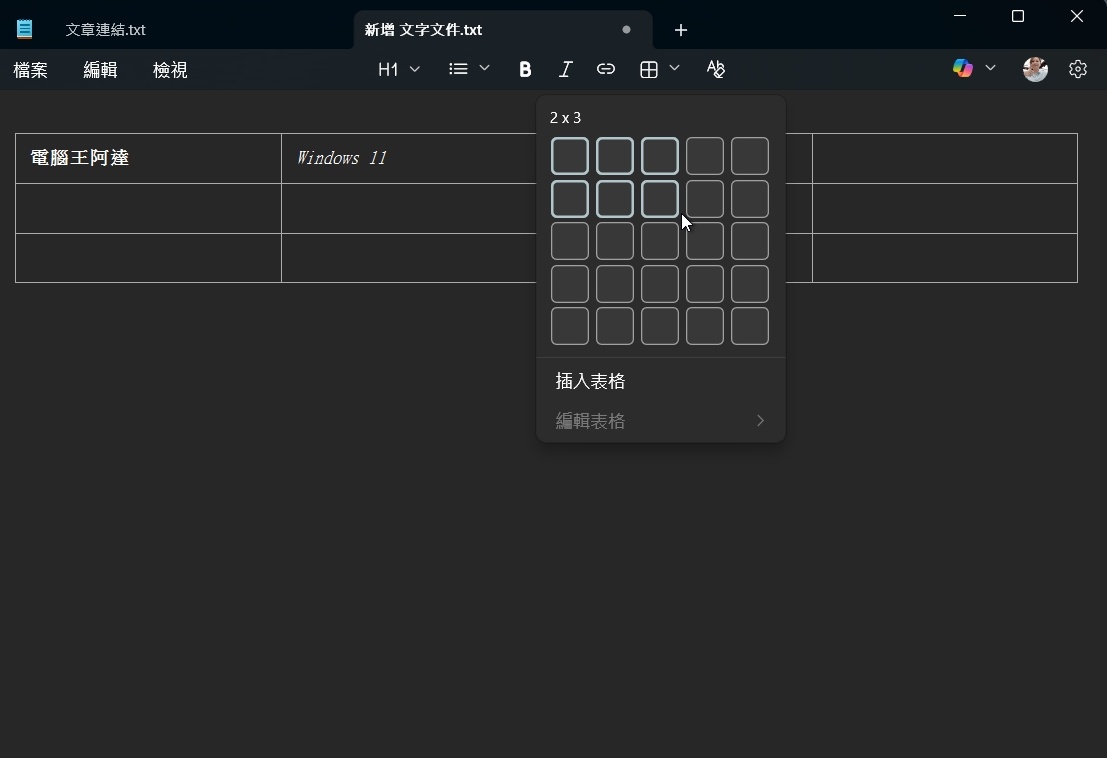
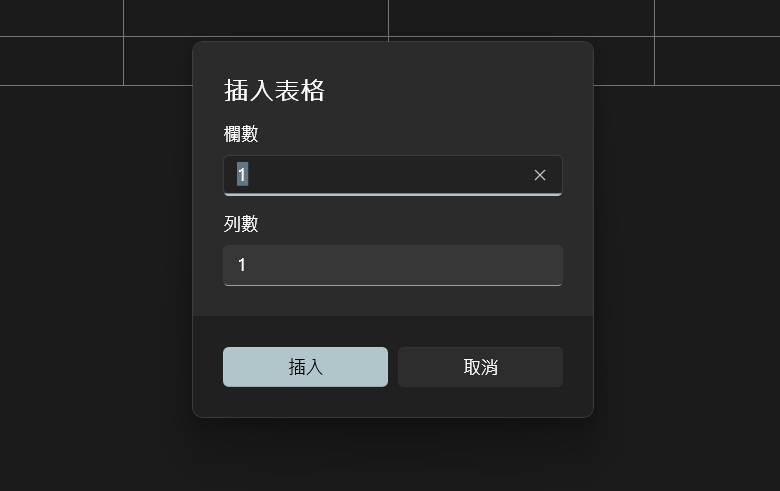
Once you’ve created a table, you can edit the contents of the cells just as you would when typing text, apply formatting such as bold, italics, and underlining, and even add hyperlinks.
Since the underlying structure is still Notepad’s plain text format, it doesn’t consume any extra CPU or RAM, and the entire spreadsheet remains a simple .txt file. You can also use the right-click menu within the spreadsheet to insert or delete rows and columns, or even remove the entire spreadsheet. You can select rows, columns, or the entire table directly, without having to manually drag across cells. If your table becomes a bit disorganized after adjustments, the “Fit Columns to Window Width” option can quickly tidy up the layout. These convenient features eliminate the need to manually align the table with the main text, making the overall editing experience much easier.
You can disable Markdown formatting in Notepad to remove tables and other features, such as bold, italics, and underlining. In Settings, you can also disable the Copilot feature (which is linked to Microsoft 365 Copilot).
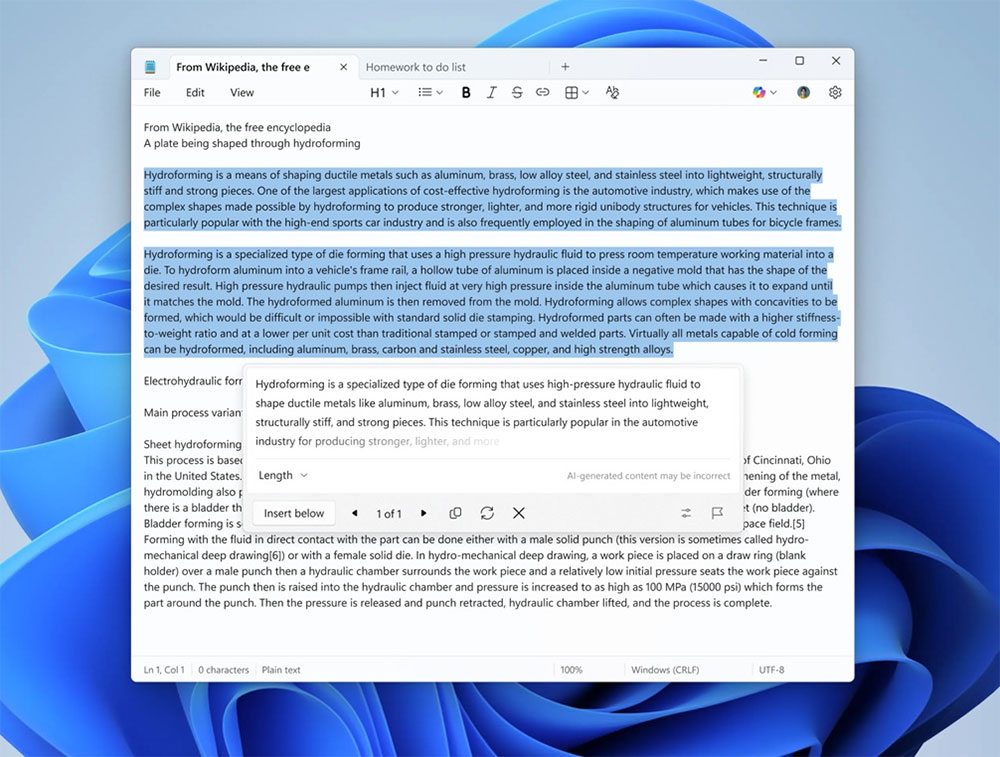
Speaking of AI, if you have a computer with Copilot+, you can use the new “AI Text Stream” feature. This means that when you right-click anywhere in Notepad, select “Write,” and generate text, you’ll find that Notepad now displays the answer in real time. In the past, when you generated AI text using Notepad, it would process your request but wouldn’t display the answer until it was fully generated. On the other hand, AI chatbots like ChatGPT display answers in real time, just as if you were typing—Notepad now mimics this behavior. However, this feature is currently limited to Copilot+ PCs and will be rolled out to all non-AI computers over the coming weeks or months.
Source: KOCPC Chinese