


We just reported on this last week,The first Windows update of 2026 has a lot of issues, so we all recommend that you hold off on updating for now. If you’ve already updated and are really concerned, you can also consider uninstalling this update (i.e., rolling back to the previous version).
But that’s not all. According to foreign media reports, a new development has recently come to light: some computers have already experienced issues with the installation of Windows 11 After the latest update, it won’t boot up properly.MicrosoftThis case has also been confirmed.
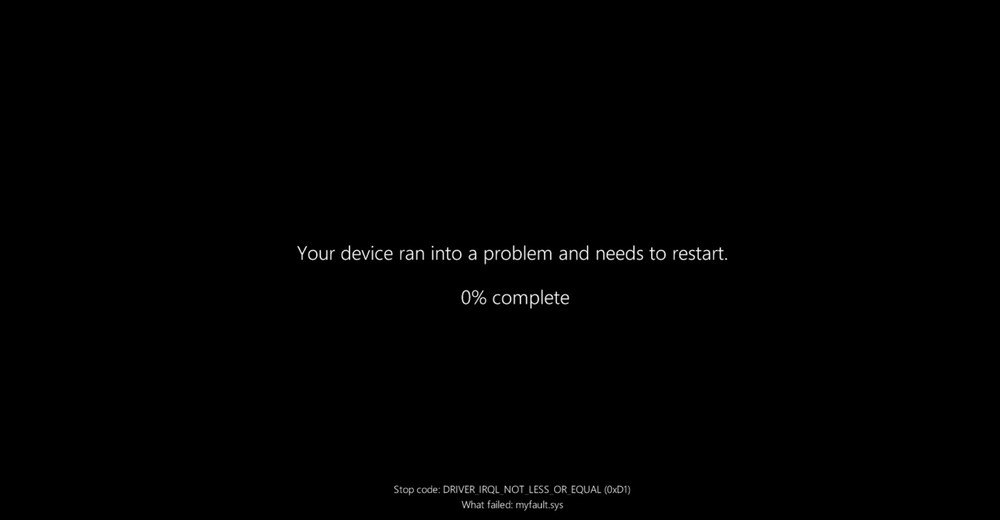
Image source: Windows Latest
Installing the Latest Windows 11 Update May Prevent the System from Booting; Microsoft Confirms There Have Been Reports of This Issue
According to a report by Windows Latest, Microsoft stated earlier in a support document: “Microsoft has received a small number of reports indicating that some devices are unable to boot properly after installing the update.”
The affected Windows 11 platforms include not only the latest Windows 11 25H2, but also Windows 11 24H2:
- KB5074109 – Windows 11 25H2
- KB5074109 – Windows 11 24H2
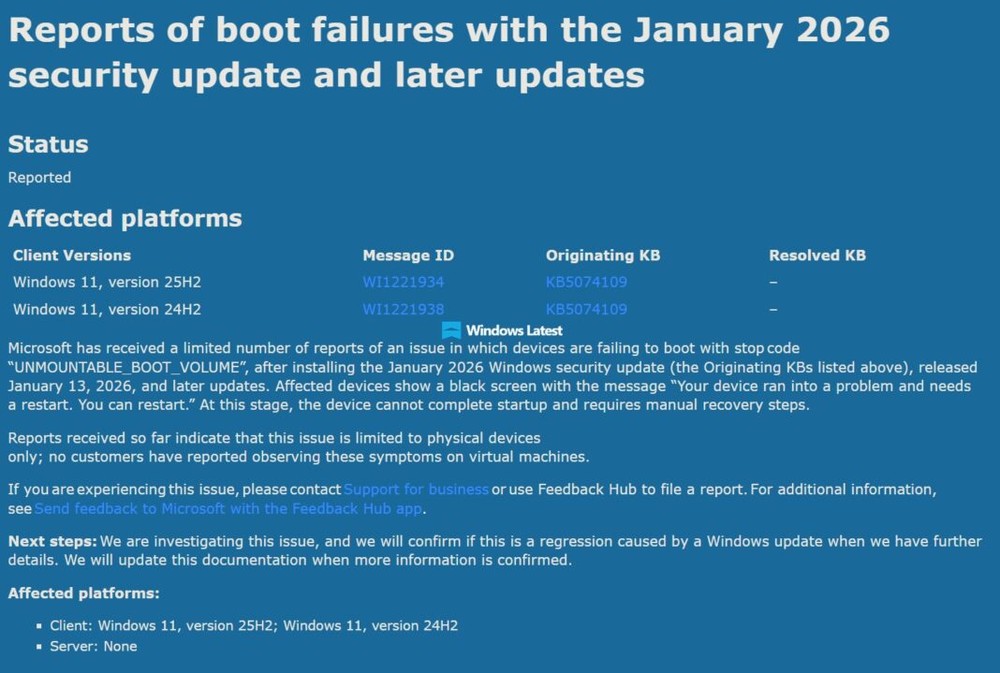
Image source: Windows Latest
For readers who may not be aware, KB5074109 is a mandatory security update for Windows 11 25H2 and 24H2 that patches hundreds of known security vulnerabilities, meaning it will be automatically pushed to and installed on your computer. Although it patches many vulnerabilities, it has also caused a number of issues.
According to reports, if an affected computer fails to boot after installing the update, it will freeze on a black screen (the so-called BSOD) and display the error code “UNMOUNTABLE_BOOT_VOLUME,” then prompt the user to restart. However, the system is actually unable to complete the boot process and requires manual repair.
Windows Latest reports that this error code is typically associated with system corruption, a damaged BIOS or boot sector, or a hard drive hardware failure. However, Microsoft suspects the issue stems from the January 2026 Windows 11 update.
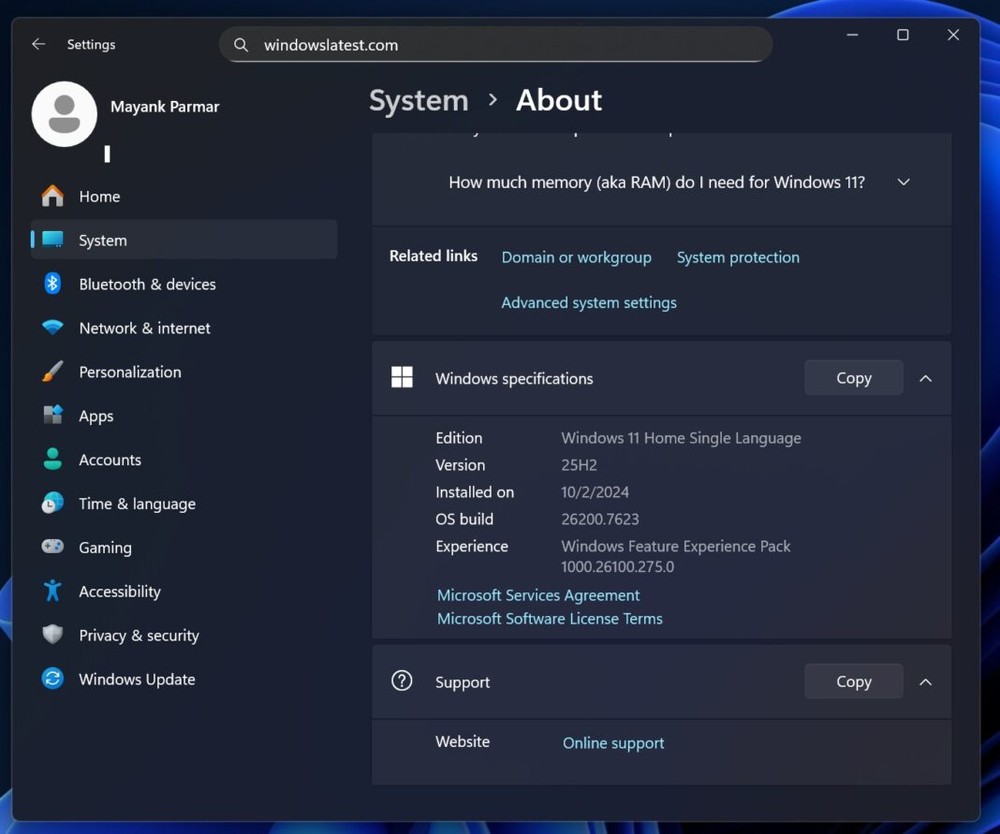
Image source: Windows Latest
However, Microsoft is still unsure why this happened and is currently investigating the matter.
Users whose computers are already installed and are functioning normally generally don’t need to worry too much. After all, there are billions of Windows computers worldwide, and every new update tends to cause some minor issues—most of which aren’t major problems and usually only affect specific hardware configurations.
However, for those who haven’t installed it yet, we certainly recommend holding off for now; it would be safer to postpone installing KB5074109 for the time being.
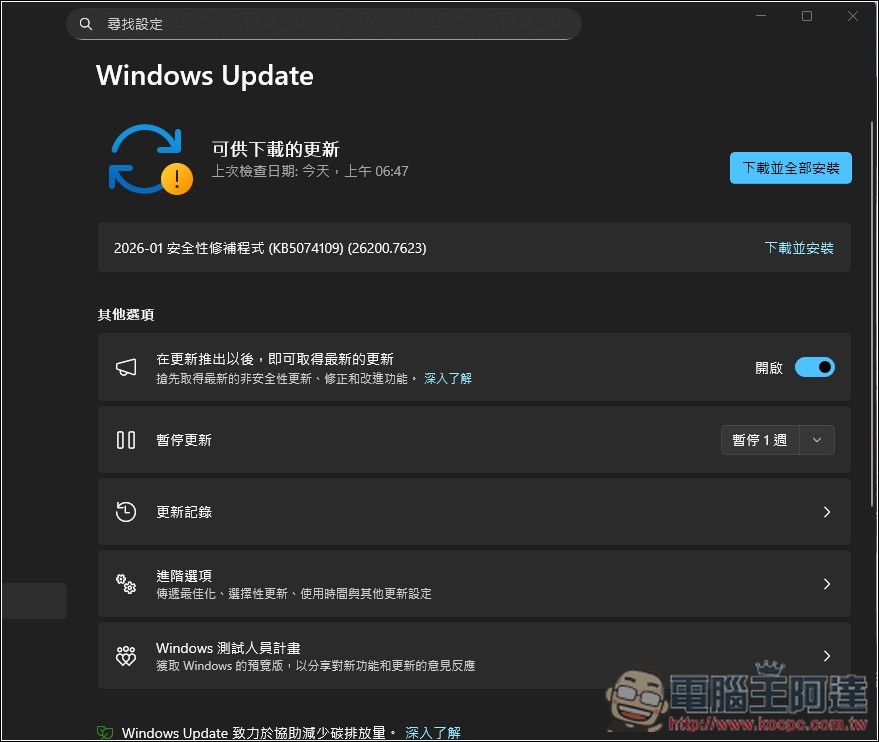
The following are the issues that have been reported so far following the January 2026 Windows 11 update:
| Question Text | Official Status | Solution | Affected Versions |
|---|---|---|---|
| Outlook Classic Freezes | Microsoft has acknowledged | Fixed via the emergency update KB5078127 | All Supported Versions |
| Third-party app is not responding | Microsoft has acknowledged | Fixed via KB5078127 | All Supported Versions |
| Black Screen or Wallpaper Reset | Not yet officially recognized | Restart or Manually Set the Wallpaper | 25H2、24H2 |
| Old Computer: S3 Sleep Mode Not Working | Not yet recognized | No reliable solution is currently available. | 24H2、25H2 |
| Desktop.ini Causes File Explorer to Crash | Not yet recognized | There’s no solution, but the folder is still usable. | 25H2、24H2 |
| Citrix Remote Desktop Is Unavailable | Citrix has acknowledged | Remove the update or switch to an alternative | Windows 11 and Server 2025, 2022 |
| Windows Remote Desktop Not Working | Microsoft has acknowledged | KB5077744 Fix | All Versions |
| Shutdown Function Malfunction | Microsoft has acknowledged | KB5077797 Fix | 23H2 |
| The system won’t start up | Microsoft has acknowledged | Use Repair Mode or Reinstall | 25H2、24H2 |
Source: KOCPC Chinese