


If you want to upgrade your computer’s memory or add storage space this year, I believe the price will be prohibitive. However, a player on Reddit recently had the luxury to use a batch of 2.5-inch SATA SSDs to create exclusive “physical cartridges” for his Steam games. Each game has an independent SSD, colorful casing and cover. Whichever game you want to play, you can take it off the shelf and insert it into the docking station like you used to use a game cartridge.
After the SSD is inserted, the computer will automatically find the corresponding game and open the Steam page or start it directly. Of course, strictly speaking, this method has no practicality. You just enjoy the process of selecting the card holder and inserting it into the computer. Otherwise, it is quite troublesome, and if you keep plugging and unplugging like this, it may also cause damage to the SSD.
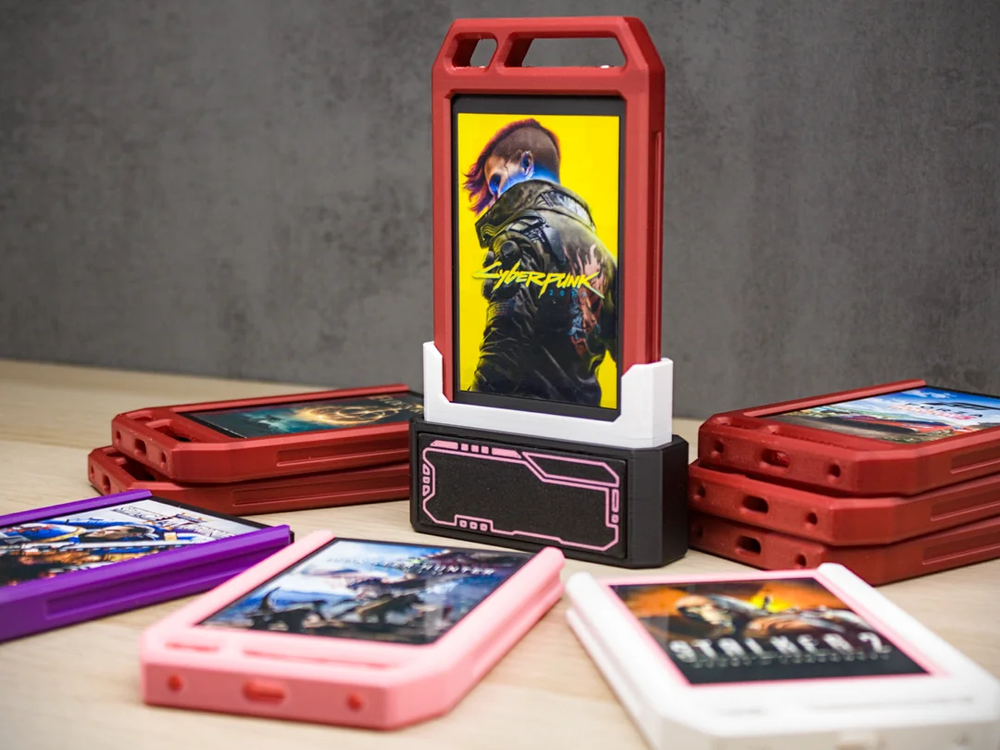
Image source: Reddit
Players turn 128GB SSD into a physical Steam cartridge! Plug in the docking station to start the game, costing only $8 each
This set of physical Steam cartridges was made by Reddit user Jibril-sama. According to what he shared, he added a colorful casing to each 2.5-inch SSD, put the game name and cover image on the front, and paired it with a USB to SATA docking station. Placed in a row like this on the table, it looks really spectacular.
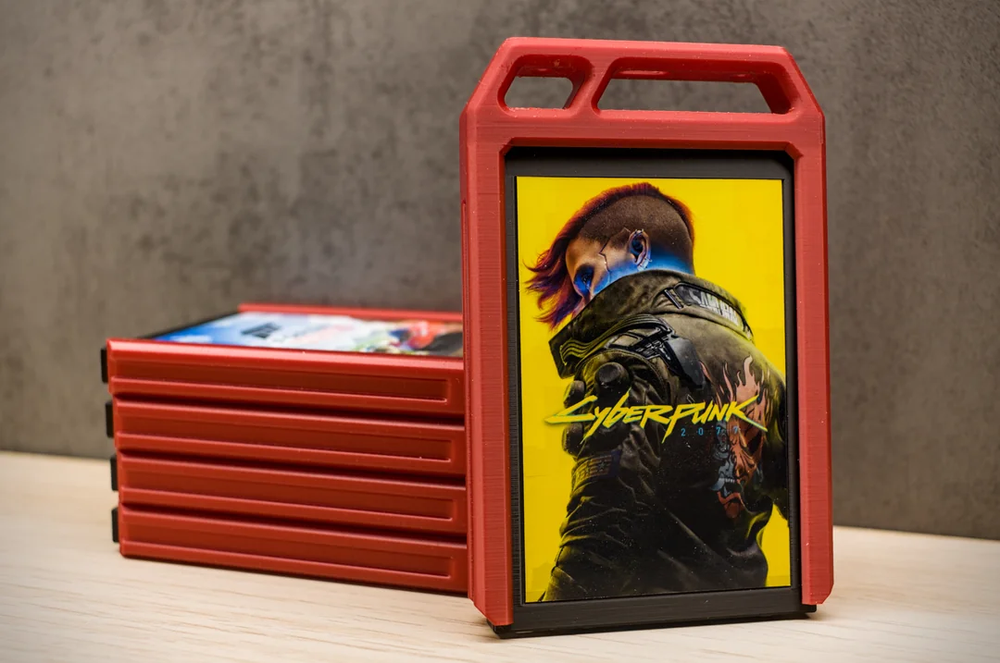
Image source: Reddit
The hardware is not as complicated as imagined, and the SSD does not need to occupy the SATA port on the motherboard. Jibril-sama said that he uses a simple USB 3.0 to SATA adapter, so as long as he prepares a compatible hard drive expansion socket, he can use the card as a general external storage device.
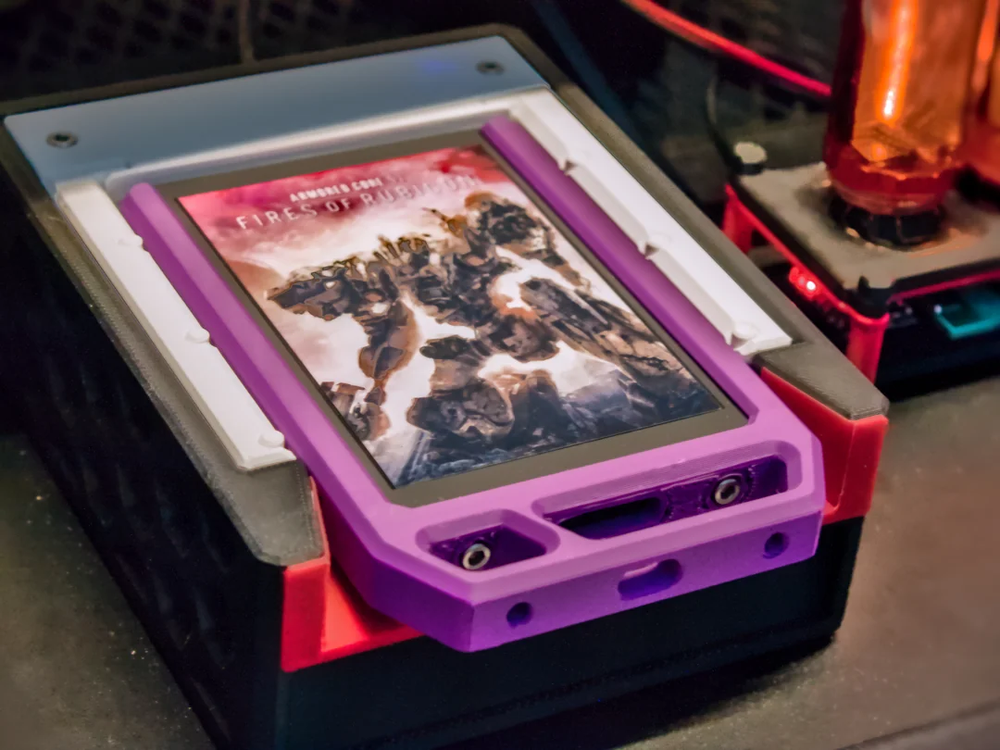
Image source: Reddit
The software part is the really interesting part of this project. The earliest version shown runs on Linux. When the SSD is inserted into the computer, the `udev` rule will first detect the new storage device and then notify the `systemd` service. After the system waits for the SSD to complete mounting, it will look for the `launch.sh` script in the root directory and execute it. To put it simply, the whole process is to insert the SSD into the computer and automatically execute the game shortcuts in it. The game itself is also placed in the SteamLibrary folder of the same SSD.
He has also made the 3D printing files and codes public. In addition to the original Linux version, Windows support is now also added. The Windows version will run the monitoring program in the background through the job scheduler. After detecting the new disk, it will look for `launch.ps1` in the root directory. The author stated that the same concept can also be used on SD cards, microSD, USB flash drives and external hard drives. It is not necessarily limited to 2.5-inch SSDs. However, actual compatibility will still be affected by the operating system, auto-mount settings and hardware.
Update: Game Cartridge 3D-Files and Code (Linux/Windows) published
byu/Jibril-sama inpcmasterrace
Many people will definitely want to ask: “How much does it cost to equip a game with an SSD?”
Jibril-sama replied on Reddit that these old SATA SSDs were purchased from a large number of local sellers, with a total price of 70 euros for 10 pieces, and the average price is only 7 euros per piece, about 8 US dollars. Most of the SSDs in the project have a capacity of 128GB, and the other 256GB SSDs are old hard drives that he already owns.
Nowadays, it is really rare to buy a 128GB SSD for 7 euros. When someone asked him where he found such a price, Jibril-sama admitted that he was just lucky and happened to meet a large number of sellers selling them locally. He speculated that this batch of SSDs might come from refurbished old computers.
Source: KOCPC Chinese