


Compared to Android phones, Apple has been relatively conservative in adopting fast-charging technology, but that doesn’t mean iPhones are immune to slow charging. Now that iPhone boxes no longer include a charger, charging efficiency issues are more likely to arise. If your new or old iPhone is charging noticeably slower, there may be a few common reasons behind it.
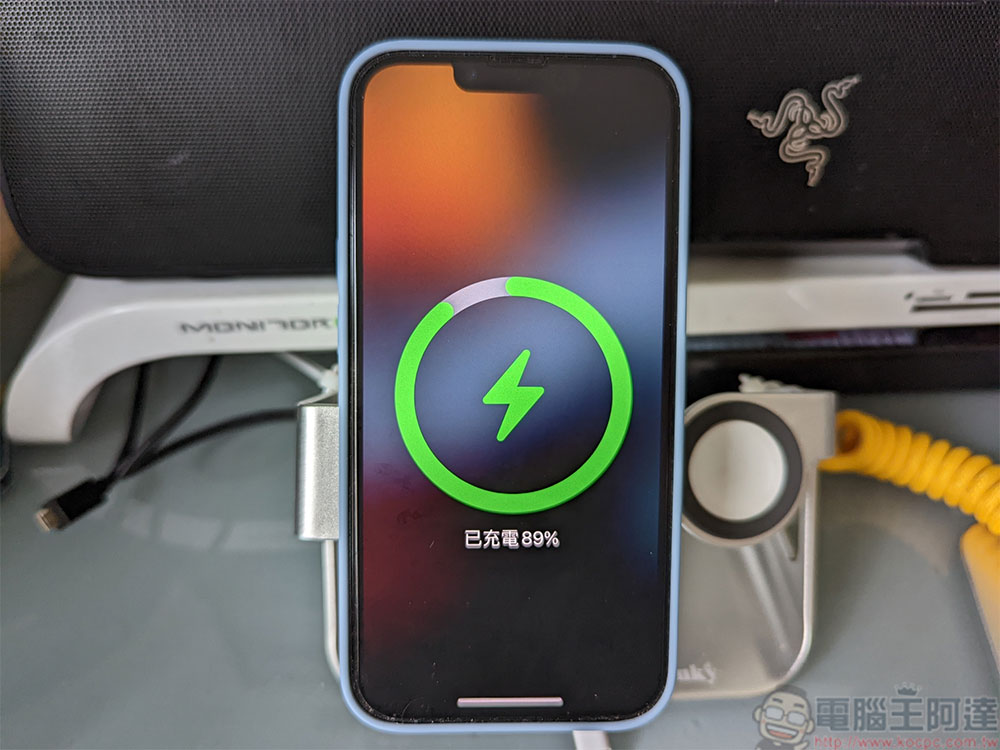
Why Isn’t Your iPhone Charging at Full Speed? How Can You Fix It?
Why Your iPhone Might Not Be Charging as Fast as Expected
Let’s start with the theoretical charging speeds of the iPhone. As of now, the latest generation is the iPhone 17, with the iPhone 17 Pro Max capable of a maximum charging power of 40W—the fastest of any iPhone model. However, older models generally have lower charging efficiency. As for what’s commonly referred to as “fast charging” in everyday use, it mostly hovers around 20W—which is exactly the power output provided by Apple’s official USB-C power adapter.
Generally speaking, there are three possible reasons why your iPhone might not be charging at full speed:
- Charger Specifications
The charger’s output wattage is lower than that of the phone itself. - Wire Quality
The wiring cannot handle the wattage, or there are no suitable components to manage the power properly. - Battery Status
The current condition of your iPhone’s battery may limit the charging speed or even prevent charging altogether.
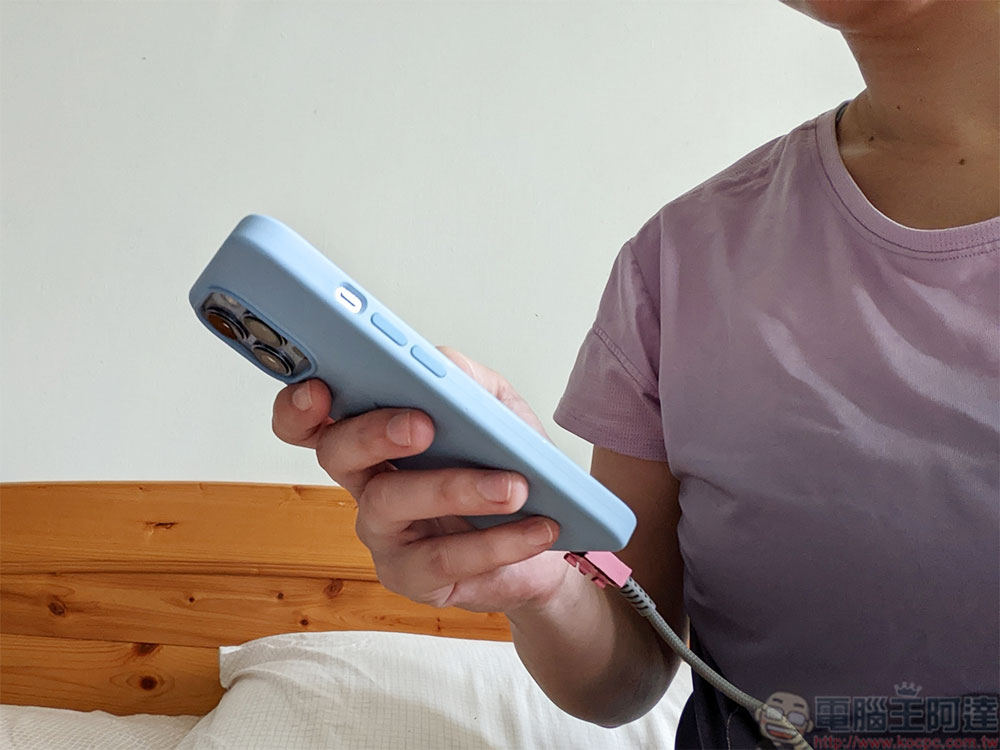
Your charger or cable cannot provide the power your iPhone expects.
If your charger doesn’t have enough power to meet your iPhone’s needs, the charging speed naturally won’t increase—this is a basic physical limitation. However, even if the charger’s rated wattage is sufficient, the system may sometimes fail to enter fast-charging mode. Take a USB-C iPhone as an example: the charger must support the correct USB-C PD (Power Delivery) profile to successfully enable fast charging.
If your iPhone still uses a Lightning connector, you must ensure that both the cable and the charger are MFi-certified. If you’re using a USB-A charger, the system will typically switch to a fallback 7.5W slow-charging mode. In addition, the charging cable itself should be kept in good condition. If the cable’s resistance increases due to kinks, wear, or other damage, the iPhone will automatically switch to the safest, slowest charging speed to prevent further damage.
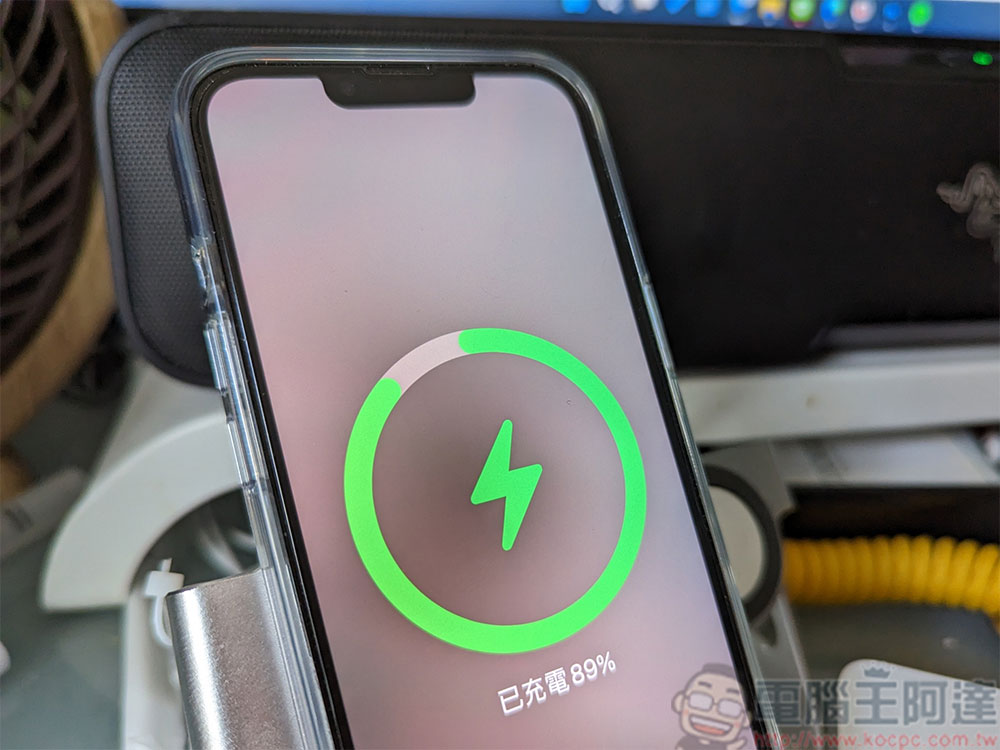
Your iPhone is adjusting its speed to protect the battery
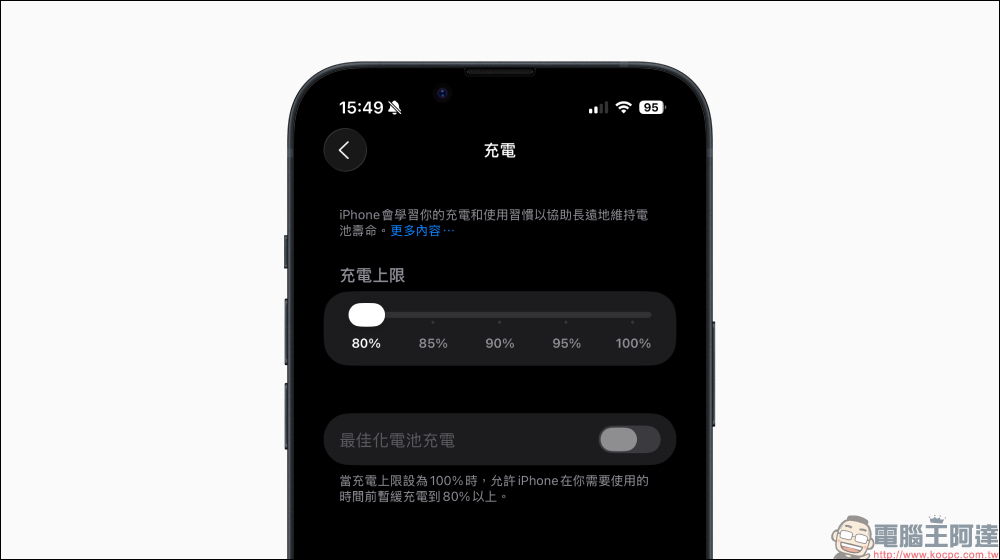
Even if you’re using the correct cable and charger, your iPhone’s power management system may still actively slow down the charging speed. For example, when “Optimized Battery Charging” is enabled, your iPhone will learn your daily routine and wait until the time you usually unplug the charger to fully charge the battery. This reduces the amount of time the battery spends at 100%, thereby extending its overall lifespan. If your usage habits change temporarily, you might see only 80% battery life when you pick up your phone in the morning. While this may appear to be slow charging, it is actually the system functioning normally.
In addition, overheating can also slow down or even pause charging. If the phone is running a large number of background tasks while charging, the rise in system temperature will limit the available charging power. Similarly, when using the phone under heavy load while it’s plugged in, the heat generated by the processor and the charging process itself combine, causing the system to limit the charging speed or even offset some of the incoming power.
How to Restore Full-Speed Charging as Much as Possible
Whether your iPhone charges at the fastest possible speed is beyond your control—and to be honest, most people don’t actually need their phones to charge that quickly. However, if you want to maximize the efficiency of charging your phone from 0% to full, follow these steps:
- Please use a cable and charger that are certified for your iPhone model.
- Keep your phone cool; at the very least, make sure not to leave it in direct sunlight or near other heat sources.
- Do not use your phone while it is charging.
Further Reading
Source: KOCPC Chinese