


Apple Creator Studio is now officially available to users. This brand-new subscription plan bundles creative tools such as Final Cut Pro, Logic Pro, and Pixelmator Pro, and provides advanced features for select native Apple apps, including Keynote, Pages, and Numbers. However, some details about Apple Creator Studio are best discovered through hands-on experience. That’s why we’ve compiled 11 key points you may not know yet, to help you quickly grasp the true highlights of this new bundle.
11 Things You Need to Know Before Subscribing to Apple Creator Studio
There is no app called “Creator Studio.”
On the first day Creator Studio launched, many users instinctively went to the App Store to download the “Apple Creator Studio” app. However, Creator Studio is not a standalone app, but rather a subscription bundle that integrates multiple tools. When you search for “Apple Creator Studio” in the App Store, what you’ll actually see is a bundle that includes all of the following apps:
- Final Cut Pro
- Logic Pro
- Pixelmator Pro
- Keynote
- Pages
- Numbers
- Motion
- Compressor
- MainStage
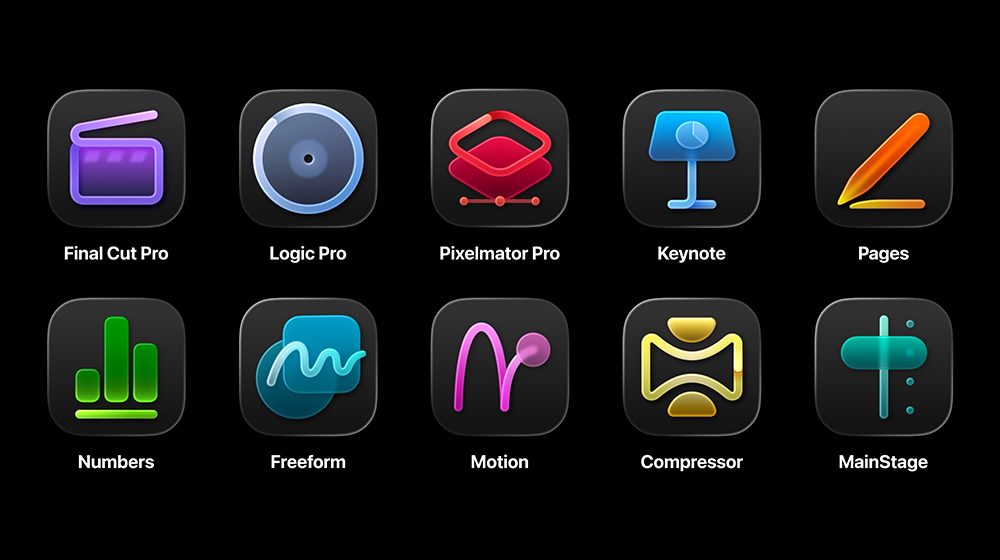
You can download all the apps in the bundle at once or select only the ones you want to use. However, “Creator Studio” is simply the name of the bundle; the individual apps are sold together, and there is no management platform or content hub called “Creator Studio.” When you open any app included in Creator Studio, a subscription prompt will appear. Once you subscribe, your subscription will apply to all other apps in the bundle.
You can purchase the Mac app separately, but you cannot purchase the iPad app separately.
If you don’t like subscription models and prefer a one-time purchase, many of the Mac apps in Creator Studio are still available for individual purchase on the App Store, including Final Cut Pro, Logic Pro, Pixelmator Pro, Motion, Compressor, and MainStage. However, the situation is different on the iPad: these apps are not available as one-time purchases, and the iPadOS version of Pixelmator Pro is exclusive to Creator Studio subscribers. As for the iWork suite, it remains free, though some advanced features are now available only to subscribers.
There are restrictions on the use of AI features
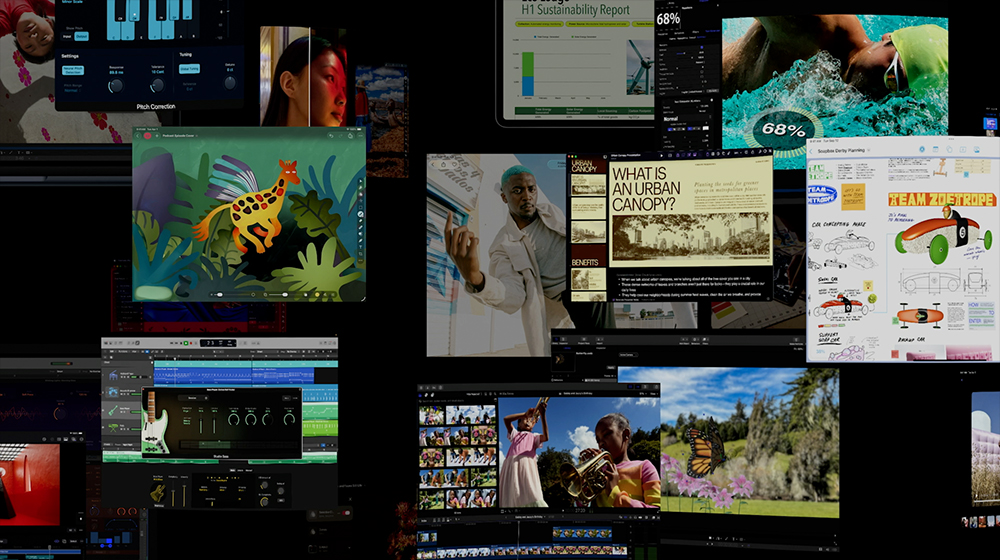
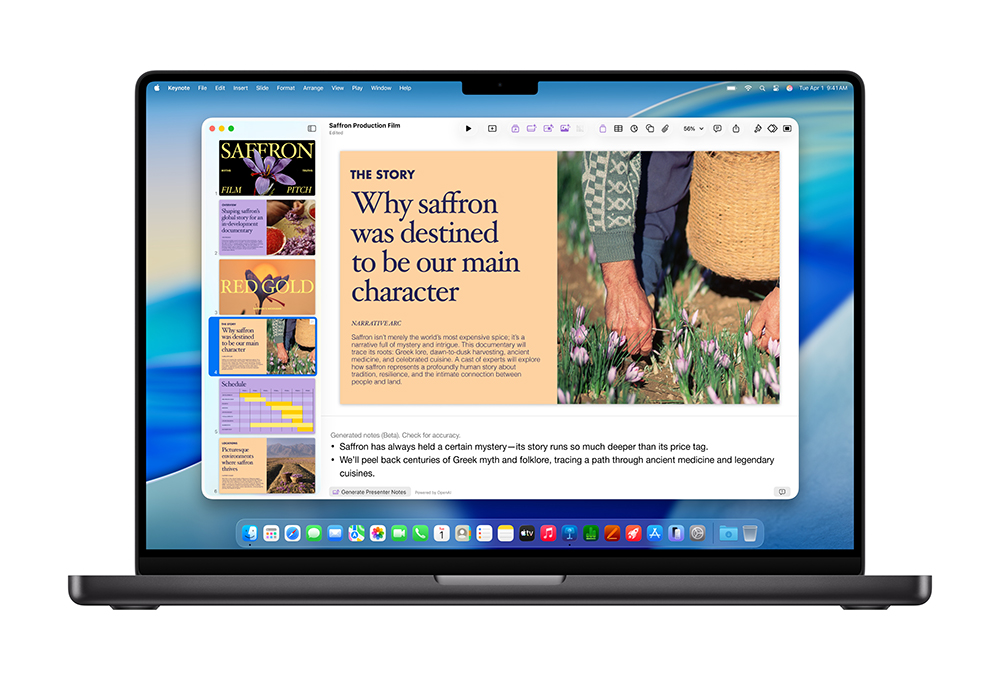
Speaking of the subscription-exclusive features in Creator Studio, iWork (Keynote, Pages, Numbers) has also added several new AI tools. You can generate images directly for your documents or presentations, automatically create slides based on prompts, and even fill in spreadsheet content with a single click. However, these AI features come with usage limits. According to Apple’s guidelines, subscribers can generate up to 50 images and 50 Keynote presentations (each with approximately 10 slides) per month, while the limit for presentation notes is 700 slides per month.
To check your usage status, Mac users can click the app name in the menu bar and go to “Smart Features.” On iPhone and iPad, you can find this information in the “More” menu in Pages, Numbers, or Keynote.
Apple Creator Studio uses OpenAI’s AI models
Many people may assume that the AI features in Creator Studio are powered by Apple Intelligence, but in fact, these tools are based on OpenAI’s technology. Apple also specifically emphasizes that while some data is sent to OpenAI, this content will never be used to train models under any circumstances, and the transmission process is fully anonymized—it will not be linked to your ChatGPT account. If you try to import stock images from Apple Creator Studio into other applications, a watermark will appear.
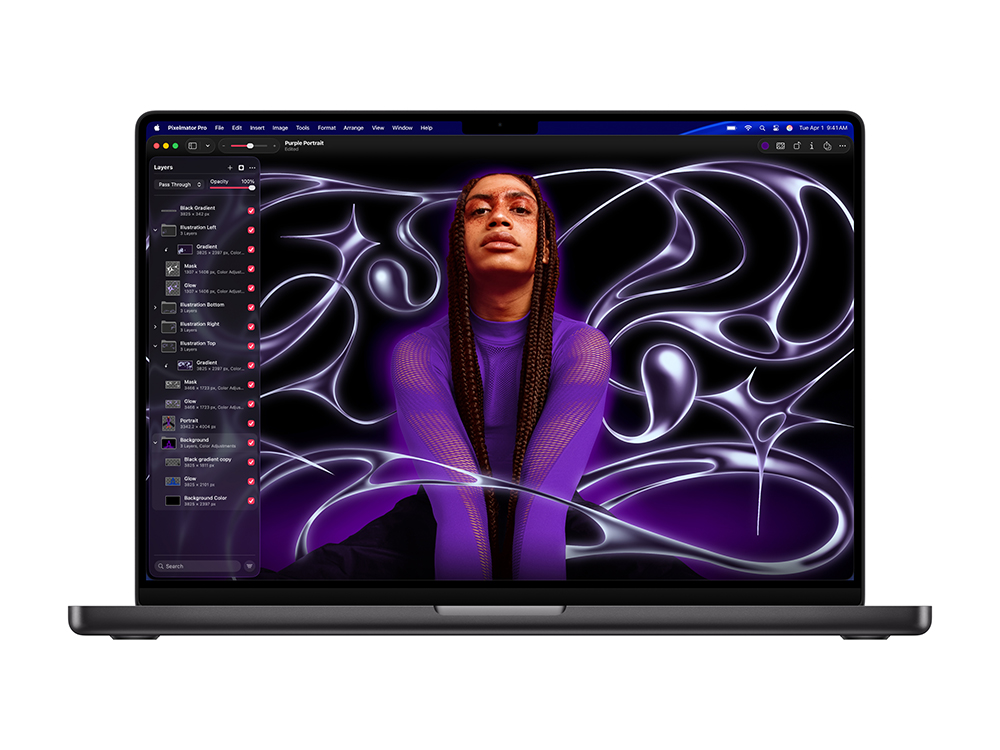
Some Creator Studio apps are not available on the iPad
Although Apple markets Creator Studio as a cross-platform subscription, some apps are exclusive to the Mac, such as Motion, Compressor, and MainStage. On the iPad, you can use Final Cut Pro, Logic Pro, and Pixelmator Pro, as well as Keynote, Pages, and Numbers (these apps are also available on the iPhone).
With the exception of Keynote, Creator Studio apps are not compatible with Vision Pro.
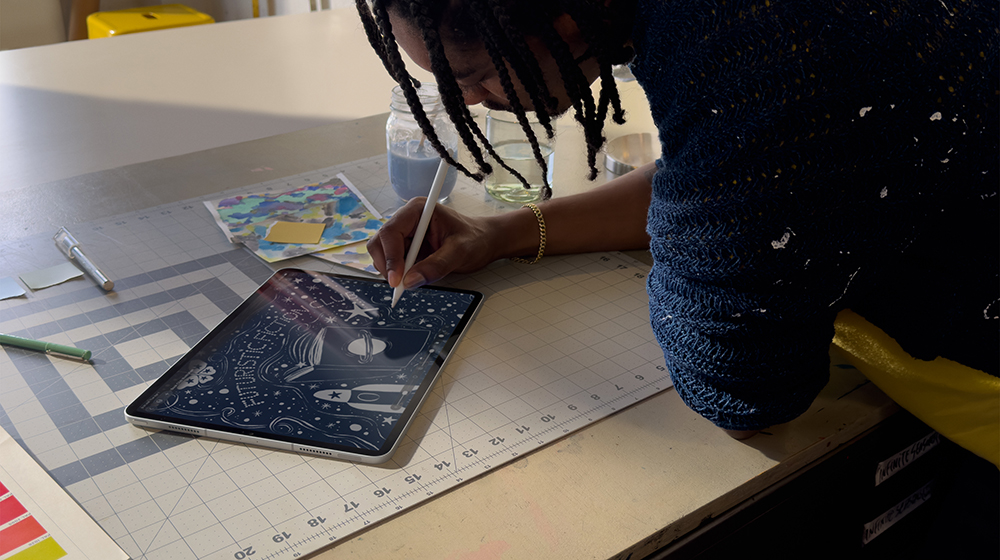
You may need to re-download some of the apps on your Mac.
If you already have older versions of apps like Final Cut Pro or Pixelmator Pro installed on your Mac and are planning to switch to a Creator Studio subscription, you’ll need to download the subscription versions again. This is because the subscription versions of these apps are entirely new applications, separate from the one-time purchase versions. As for Keynote, Pages, and Numbers, Apple states that even if you do not plan to subscribe to Creator Studio, you must download their latest versions from the App Store, as older versions are no longer supported and will not receive future updates.
On iOS, there are no such differences; simply update your existing apps to the latest version, and they will be fully compatible with Creator Studio.

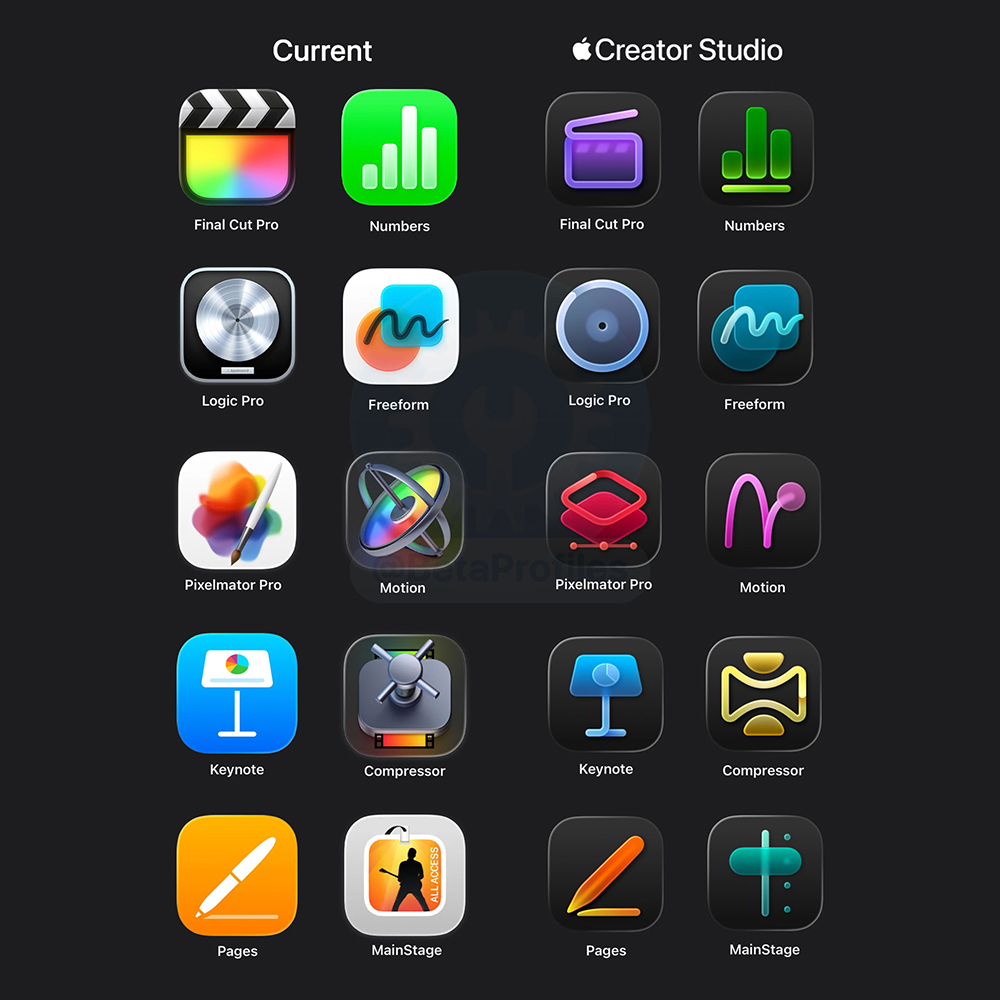
The new icons are available only to Creator Studio subscribers.
When Creator Studio was launched, Apple simultaneously unveiled new icons for several apps in the suite. However, since these apps are available in both subscription and one-time purchase versions, only the versions offered to Creator Studio subscribers will feature these redesigned icons. As for the standalone versions available for individual purchase on the Mac App Store, most still retain their old icons, but Pages, Numbers, and Keynote are exceptions—they have fully adopted the new Creator Studio-style design.
A new “Borderless Notes” feature will be released later this year.
Apple has also confirmed that Notion will be added to the Creator Studio subscription lineup and plans to introduce AI tools similar to those in Keynote, Pages, and Numbers, giving this collaboration app more powerful content-generation capabilities. However, Apple also noted that these new features for Notion won’t be available until later this year, meaning they likely won’t launch alongside the OS 27 update this fall.
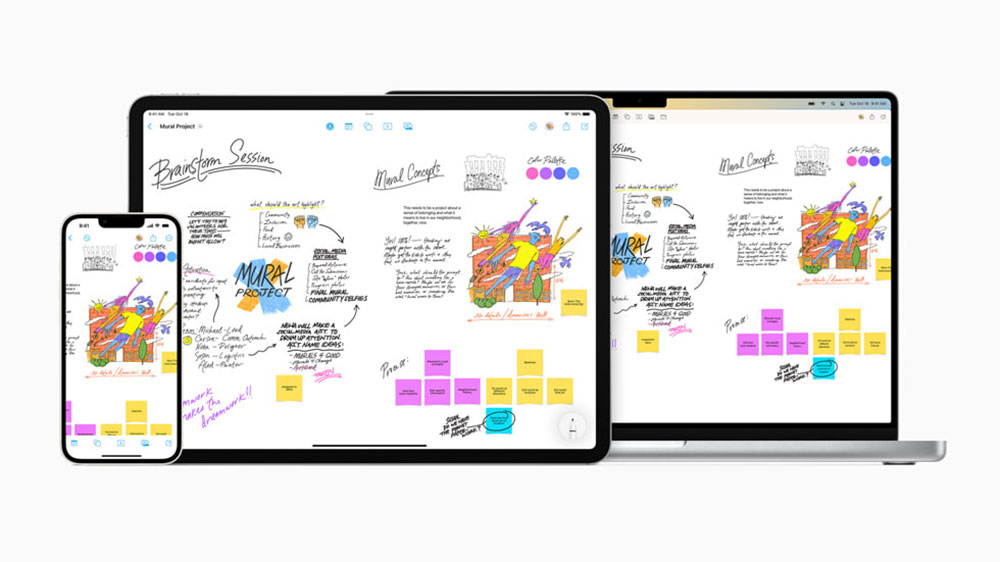
You can share your Apple Creator Studio subscription
One of the main benefits of subscribing to Apple Creator Studio is that you can share your subscription with up to five friends or family members through iCloud Family Sharing.
Creator Studio is really affordable for students and teachers
Although the price of 390 yuan per month or 3,900 yuan per year for Creator Studio is already a great deal, it’s an absolute steal for the education market. Eligible students and teachers can use Apple Creator Studio for just 90 yuan per month or 900 yuan per year.
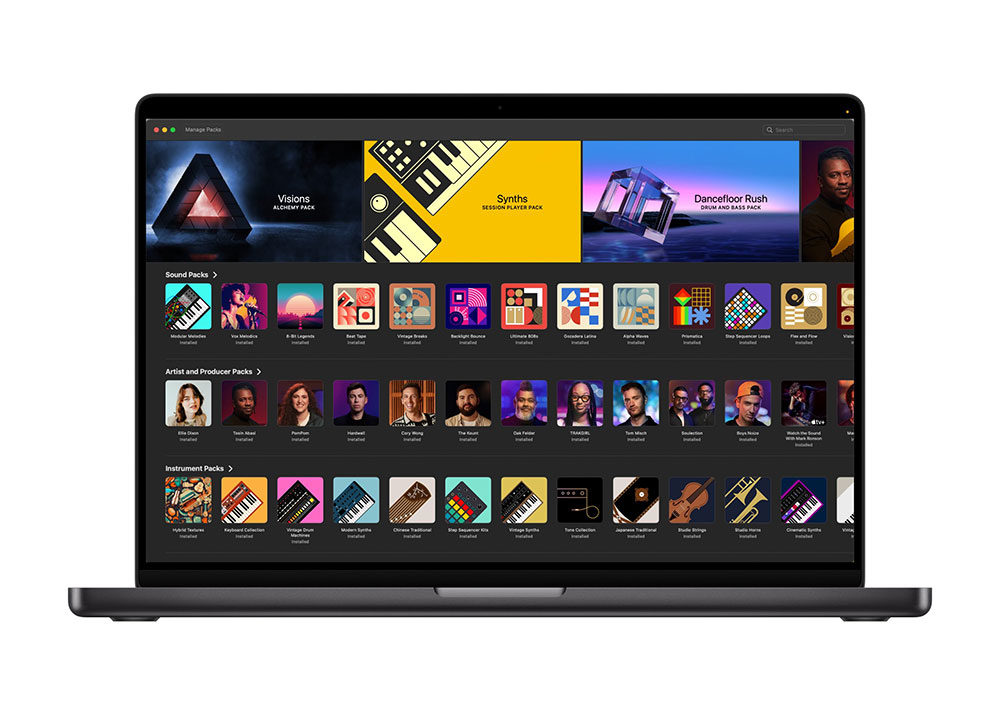
Is Apple Creator Studio worth subscribing to?
Apple Creator Studio bundles multiple powerful creative tools into a single subscription, making it a convenient and cost-effective option for students and professionals who rely heavily on the Apple ecosystem. However, it also introduces new trade-offs, ranging from AI usage limits and platform differences to certain features being exclusive to subscribers. For some creators, the convenience and price advantage are enough to offset these limitations; for others, however, understanding these less obvious details may be the key factor in deciding whether to switch to a subscription model or continue using standalone apps.
Source: KOCPC Chinese