


Does spending dozens to hundreds of dollars monthly on Claude Code, GitHub Copilot, or Cursor subscriptions make you wince? Your Mac might already be capable of running a fully local AI code assistant, and its performance is better than you might think. Recently on YouTube, Tech-Practice shared a setup based on a MacBook M5 Max, paired with oMLX + OpenCode + Qwen 3.6 a local AI setup that claims to allow Mac users to smoothly run AI coding assistants locally, without needing an internet connection, without paying monthly fees, and with all data staying on the machine. Since the explanation is quite detailed, I’m sharing his complete tutorial here for anyone who needs it.
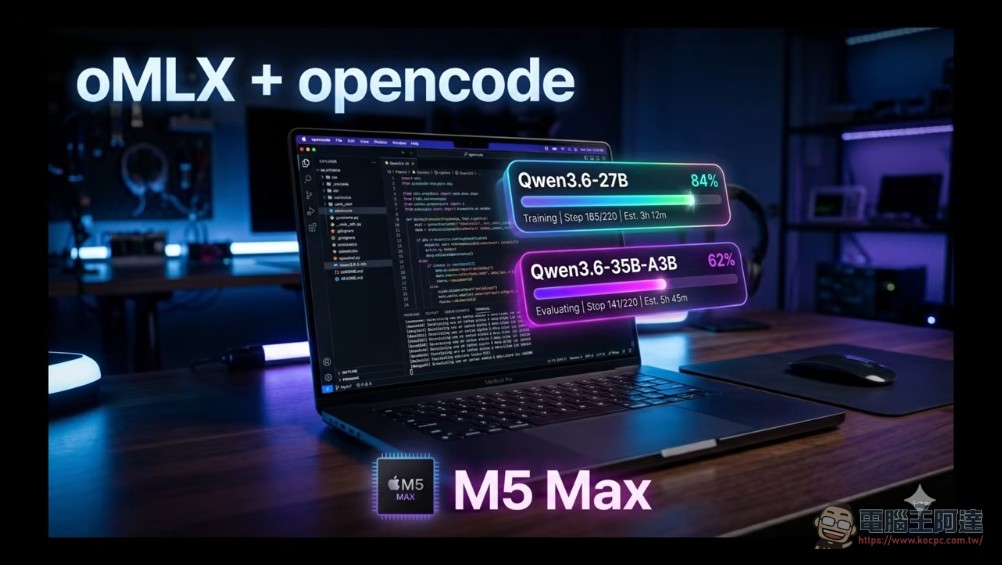
Complete oMLX + OpenCode + Qwen 3.6 Setup Tutorial
I don’t have specific information about what “oMLX” refers to. Could you provide more context about where you encountered this term (such as a specific industry, product, or technical field)? This would help me give you an accurate answer.
oMLX is a local LLM inference server designed specifically for Apple Silicon (M1/M2/M3/M4). It is built on Apple’s MLX framework, leveraging continuous batching and intelligent caching mechanisms to significantly improve the efficiency of running large language models on Mac. According to oMLX’s official website, response times can be kept under 5 seconds when used with Claude Code, OpenClaw, or Cursor.
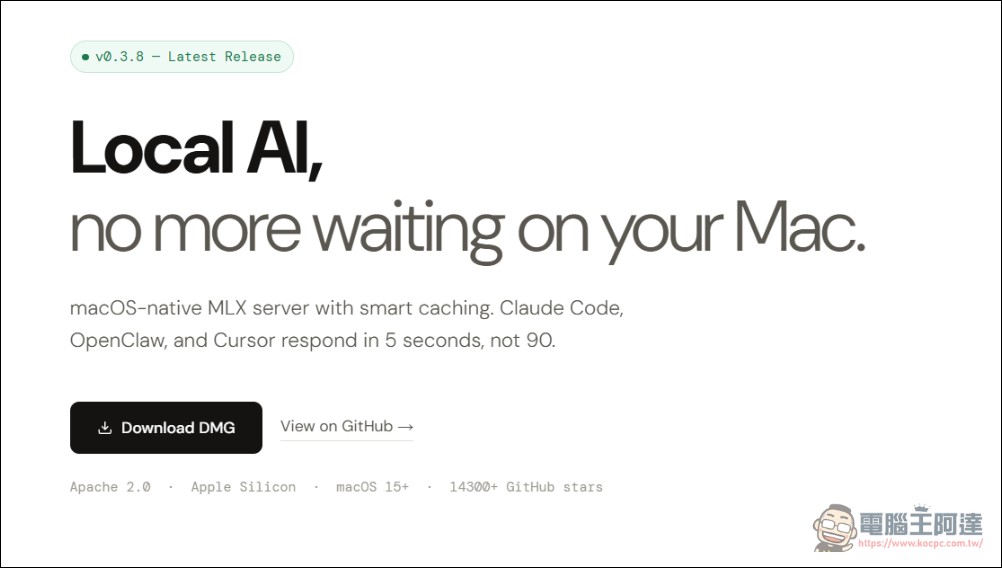
Unlike general-purpose solutions like Ollama or LM Studio, oMLX is specifically designed to optimize for coding agent use cases—specifically, “frequent short polling interactions.” This makes it provide a smoother experience when paired with tools like OpenCode and Claude Code compared to other local inference engines (LM Studio, ollama), and the online reviews are very positive.
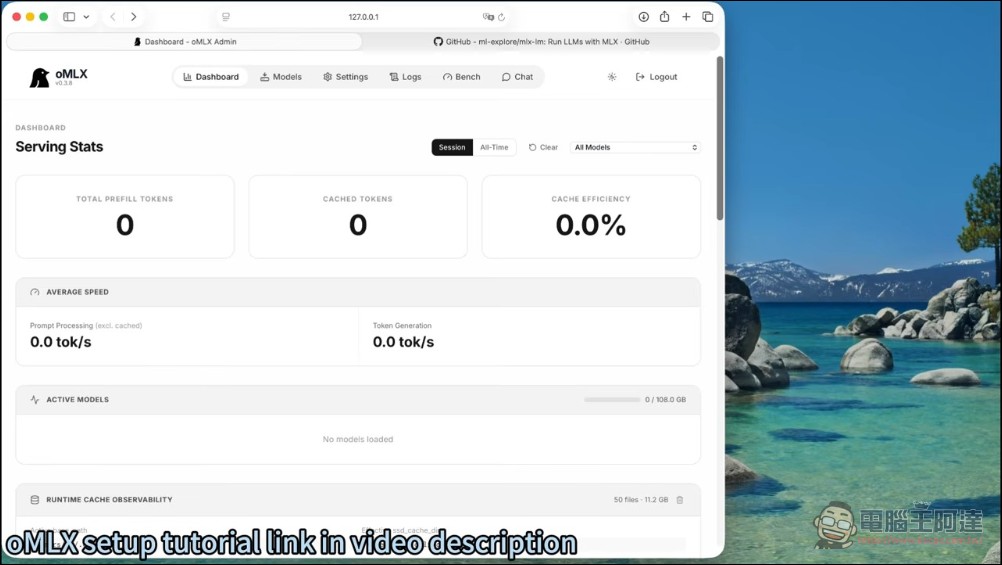
In addition, oMLX provides an intuitive web-based management interface, allowing users to easily switch models, monitor token generation speed, view cache hit rates, and other real-time data, significantly lowering the barrier to command-line operation.
OpenCode: Open-Source Coding Agent
OpenCode is an open-source AI coding agent that supports connecting to multiple model providers: including OpenAI, Anthropic, Google Gemini, as well as fully local models. Its core advantages lie in:
- Completely freeOpen source project, no hidden fees
- Model-agnosticCan freely switch between cloud API or local model
- Tool CallSupports reading files, editing code, executing commands, and other operations
- Multi-agent collaborationYou can build multi-agent workflows such as planner, coder, reviewer, and more.
In fact, OpenCode is positioned similarly to Claude Code, but since it’s open source, users have complete control over their code and data without relying on any commercial service API endpoints.
Hardware requirements: What Mac specs do you need?
The most important hardware specification for smoothly running a local AI coding agent is Unified MemoryBased on actual testing in the video:
- Qwen 3.6 27B (4-bit quantization)Uses approximately 27.7 GB of memory, GPU utilization at 98%, generation speed approximately 12 tokens/s
- Qwen 3.6 35B A3B (MoE Mixture of Experts model)occupies approximately 20 GB of memory, generates at 84.5 tokens/s, 7 times faster
Simply put:Recommend a Mac with at least 32GBIf using a 48GB or 64GB model, you can even try larger models. MoE (Mixture of Experts) architecture models (such as 35B A3B) are ideal for running locally on Mac because they only activate a portion of parameters at a time, resulting in lower memory usage and faster speeds.
Step-by-Step Setup Process
Here are the complete steps to set up a local AI coding environment from scratch:
Step 1: Install oMLX
Go to the oMLX official website (omlx.ai) to download and install the macOS version. Once the installation is complete, launch oMLX and it will automatically run the inference server in the background and open the management dashboard in your browser.
Step 2: Download the model
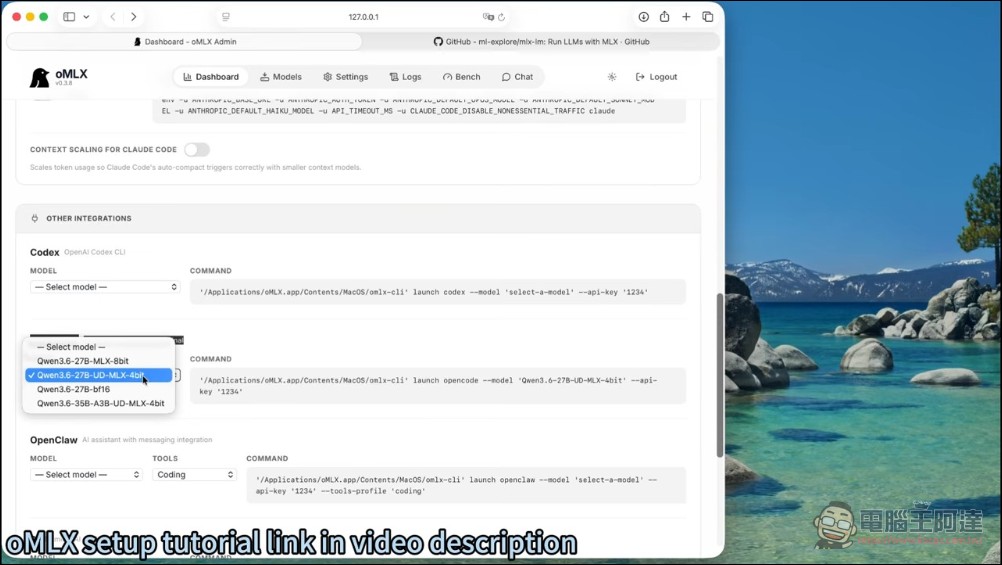
In the oMLX management interface, browse and select the model you want to use. For beginners, it’s recommended to start with Qwen 3.6 27B (4-bit quantized version), which has excellent support for coding tasks and runs smoothly on most 32GB Macs. If your hardware specifications are higher, you can try models like 35B A3B MoE. oMLX supports downloading quantized models directly from Hugging Face without manual conversion.
Step 3: Install OpenCode
Install the OpenCode command-line tool via npm or Homebrew:
npm install -g @opencode/cli
# 或
brew install opencode
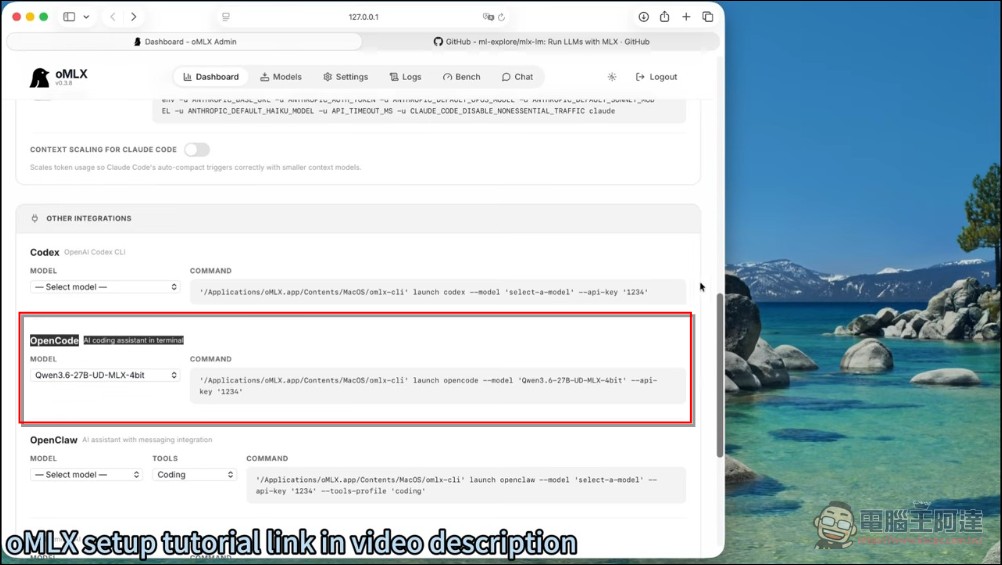
Step 4: Obtain the oMLX API endpoint
In the oMLX admin panel, find the API endpoint information. oMLX provides an OpenAI-compatible API format, so OpenCode can connect directly, just point to oMLX’s local endpoint in OpenCode’s settings.
Step 5: Launch OpenCode and Start Coding
Navigate to your project directory in the terminal, then run:
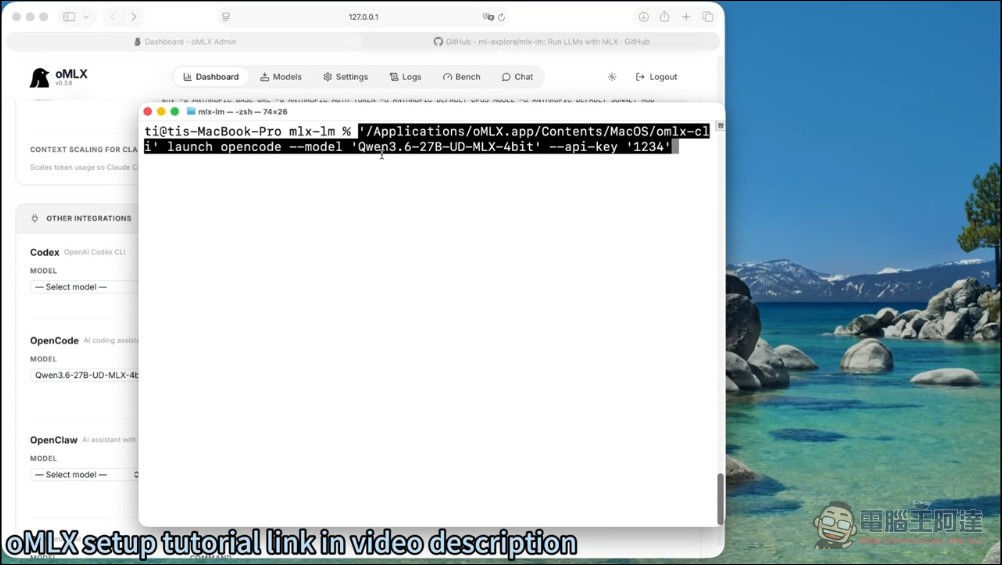
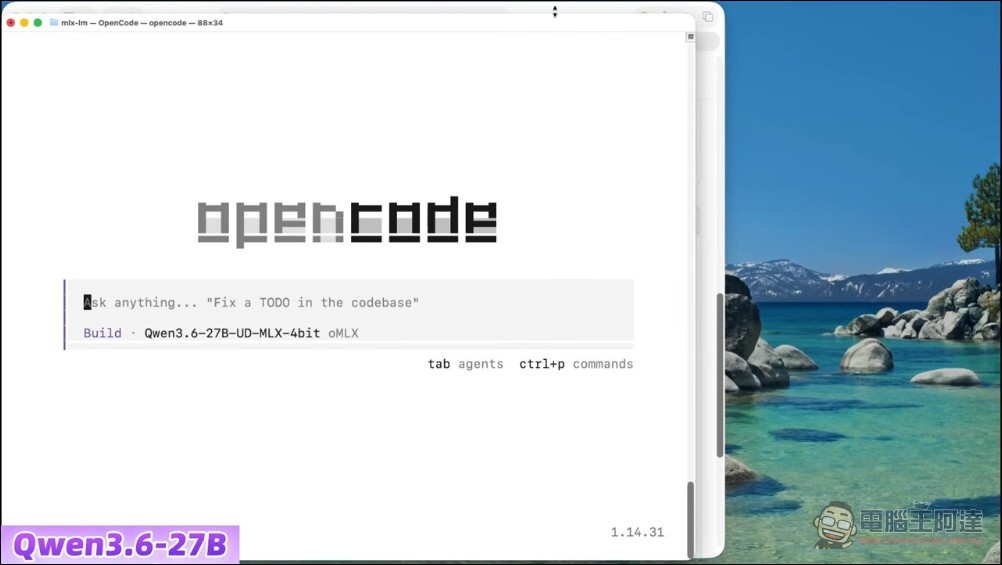
opencodeOn first launch, OpenCode will prompt you to choose a model provider. Select “Local Model” or “Custom Endpoint” and enter the API address for oMLX. Once configured, you can directly use OpenCode to perform code generation, review, refactoring, and other operations with your local LLM.
Performance Benchmark: 27B vs 35B A3B
According to the video creator’s test data:
- Qwen 3.6 27B(Dense)12 tokens/s, uses ~27.7 GB RAM, GPU at 98% — suitable for complex code generation and refactoring tasks
- Qwen 3.6 35B A3B(MoE): 84.5 tokens/s, uses ~20 GB RAM, 7x faster, great for rapid iteration in daily coding
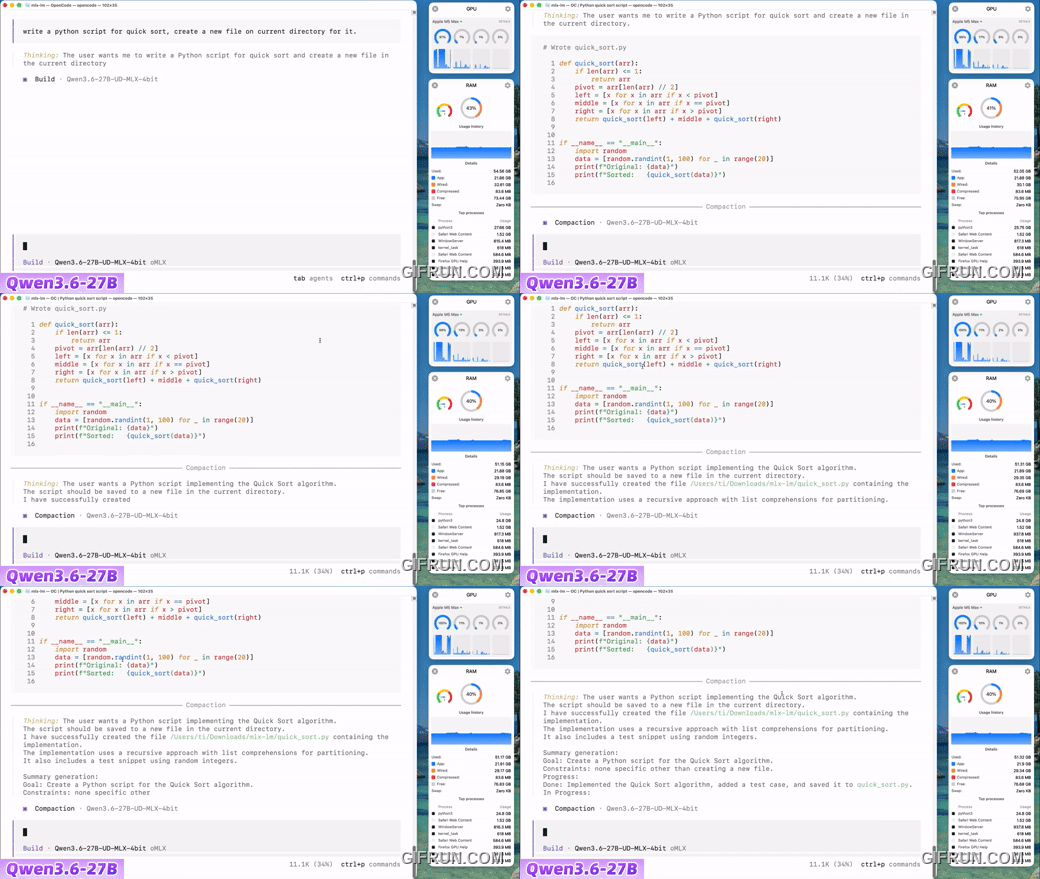
The video also demonstrates real-world application scenarios. When using the 27B model, OpenCode successfully read a Python file, understood the quick sort algorithm within it, and appended a merge sort implementation to the file.
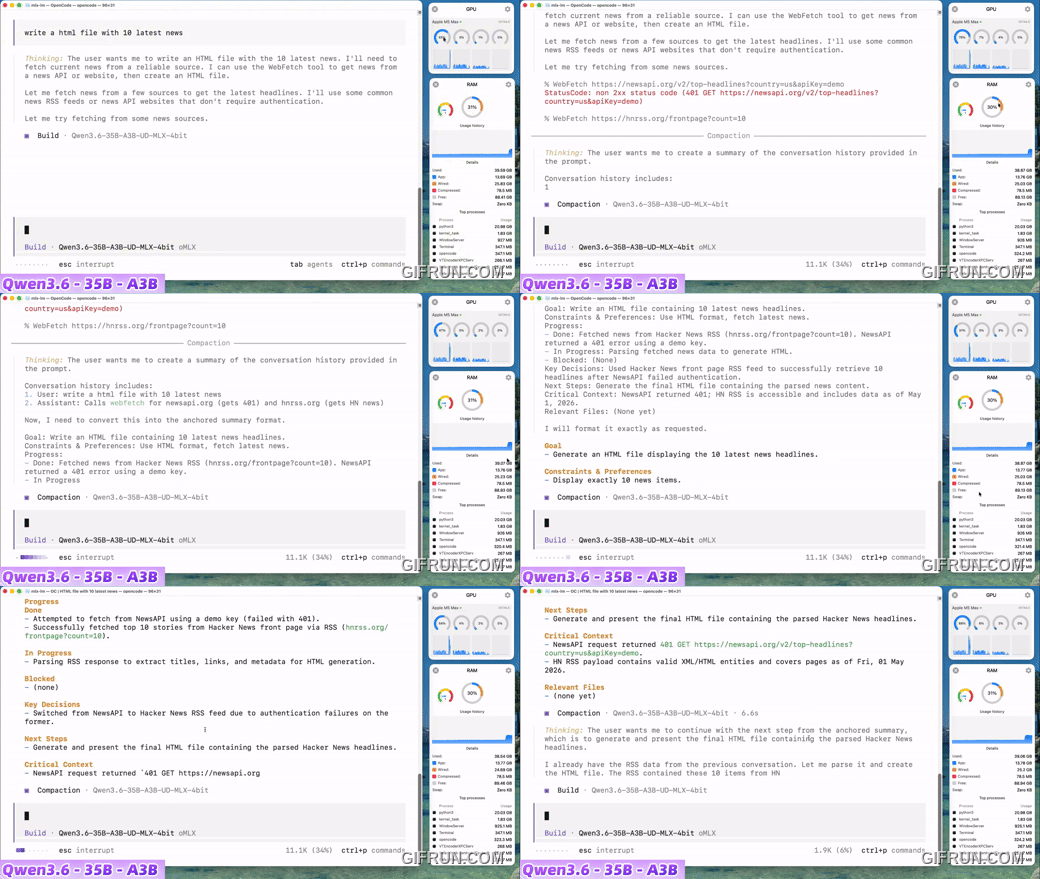
After switching to the 35B A3B model, it also smoothly completed the HTML page generation, and even fetched the latest content from Hacker News through the tool calling function, writing the results to the project directory.
For more details, interested readers can also check out the tutorial video. In principle, any programming application on the market that supports model specification can use this solution—it’s quite practical.
Developers on LinkedIn shared that after a 24-hour local coding test using oMLX 0.3.6 with Hermes Agent, they found it outperformed other inference engines, especially in coding agent and tool calling scenarios. (Editor’s note: We also tested running Hermes locally with LM Studio, and tool calling and task execution performed well—just slower than cloud.)
Comparison with Other Cloud Solutions: Claude Code, Cursor
The advantages of the on-premise solution are obvious:
- costNo monthly fees, just a one-time hardware investment
- PrivacyAll code stays entirely on the local machine and is never transmitted externally.
- Available offlineNo internet connection required
Although Qwen 3.6 27B performs admirably on coding tasks, there’s still a significant gap compared to top-tier cloud models like Claude Opus 4.7 or GPT-5.5. According to r/Discussions in the opencodeCLI communityMany developers adopt a “hybrid strategy”: using local models for routine small tasks, and switching to cloud APIs only for complex tasks.
Conclusion
The combination of oMLX, OpenCode, and Qwen 3.6 demonstrates that Apple Silicon’s unified memory architecture is fully capable of running medium-to-large LLMs locally on consumer-grade hardware, and oMLX’s optimizations elevate this experience from “barely usable” to “smooth and practical.” For developers whose monthly cloud API bills continue to climb, this is undoubtedly a worthwhile alternative to try.
Source: KOCPC Chinese