


The lower the temperature of the graphics card, the better the chance of maintaining a higher clock speed. However, if you do not overclock at all and just rely on physical means such as adding fans and water cooling, the performance you can squeeze out may be very limited. Foreign hardware channel TrashBench recently used an ASUS NVIDIA GeForce RTX 3080 for extreme cooling experiments. It installed a chassis fan, a thick server fan, a 15,000 RPM micro fan, and finally a 360mm integrated water cooling on the graphics card.
Although the cooling modification was indeed successful, the GPU temperature dropped from about 70°C all the way to 41°C, an improvement of nearly 30°C. However, after entering the 1440p game test of “Tomb Raider: Shadow”, the average frame rate without overclocking only increased from 178 FPS to 180 FPS. It means spending so much time modifying the graphics card to look like a small aircraft, only to get 2 more FPS in the end.
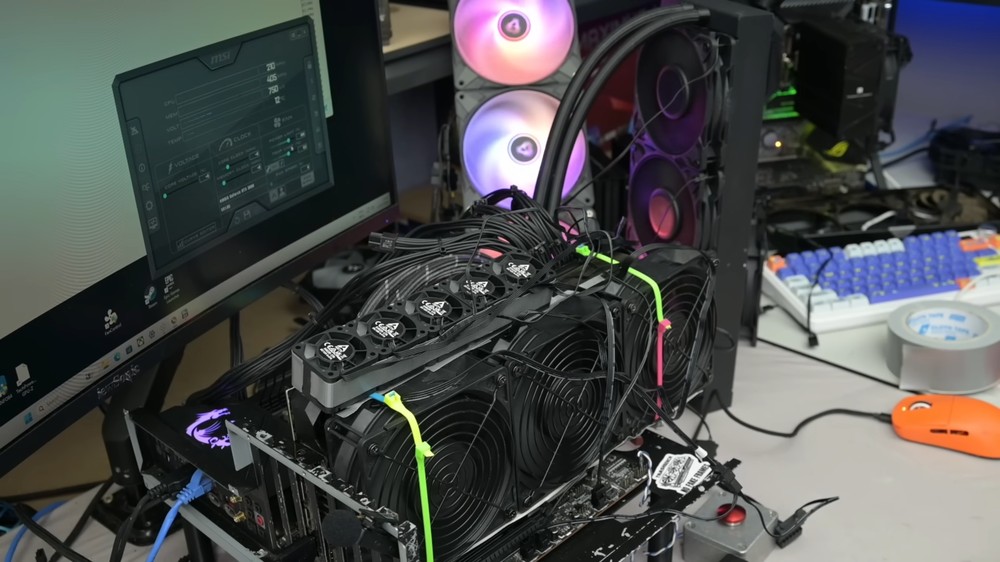
Image source: TrashBench
RTX 3080 is equipped with 11 fans and 360mm water cooling, cooling down nearly 30°C but only 2 FPS more
TrashBench used the ASUS ROG Strix GeForce RTX 3080 for this experiment. RTX 3080 is an Ampere architecture high-end graphics card launched by NVIDIA in 2020. The 10GB version has 8,704 CUDA cores, 10GB GDDR6X memory and a 320-bit memory interface. The NVIDIA public version of the graphics card consumes 320W.
This ASUS card is equipped with a large 2.9-slot radiator and three Axial-tech fans. The middle fan also uses a reverse-rotating design to reduce airflow disturbance. In other words, the representative said that at the beginning of this experiment, it was difficult to choose a graphics card with good heat dissipation materials. If you want to widen the obvious gap in performance through subsequent modifications, it is actually difficult.
To prevent aging of the thermal paste or dust from affecting the results, TrashBench first cleans the graphics card and re-applies the thermal paste:
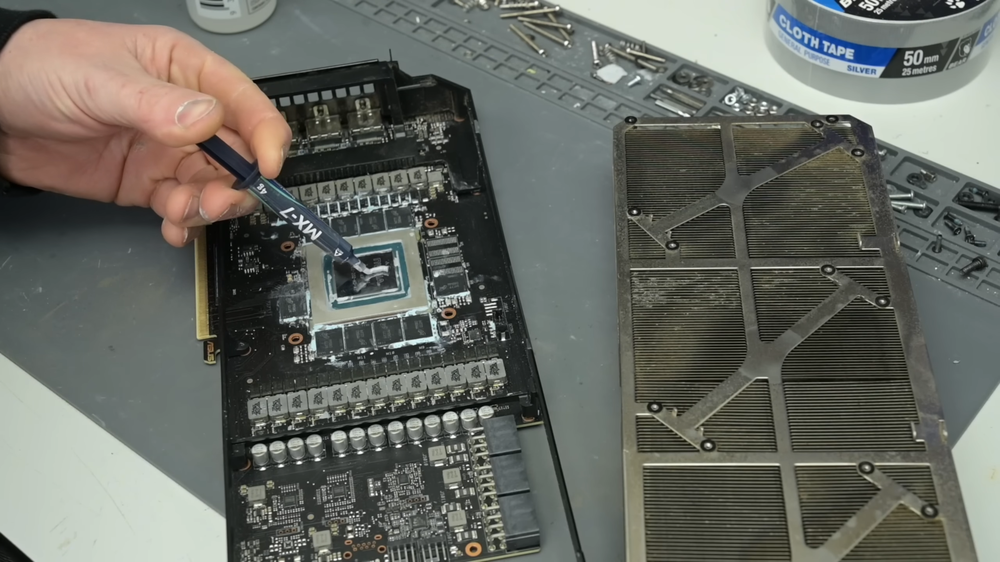
Image source: TrashBench
Under the original automatic fan setting, the temperature of this RTX 3080 is about 70°C. After he pulls the speed of the three original fans to 100%, the stable temperature at full load will drop to 63°C. The initial score of “Tomb Raider: Shadow” is 178 FPS:
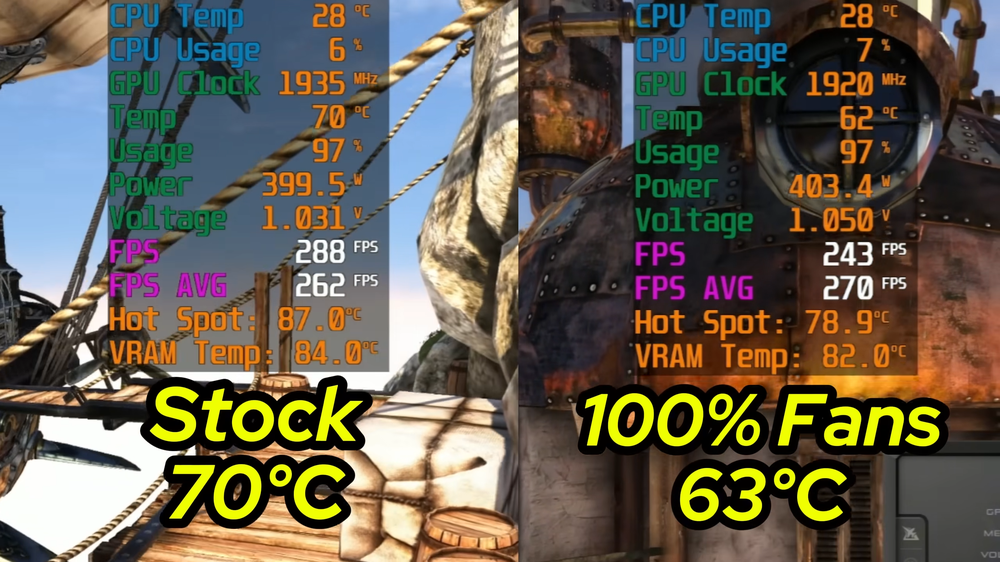
Image source: TrashBench
Then he removed the original fans, modified three Arctic case fans, and fixed them to the original cooling fins through straps:
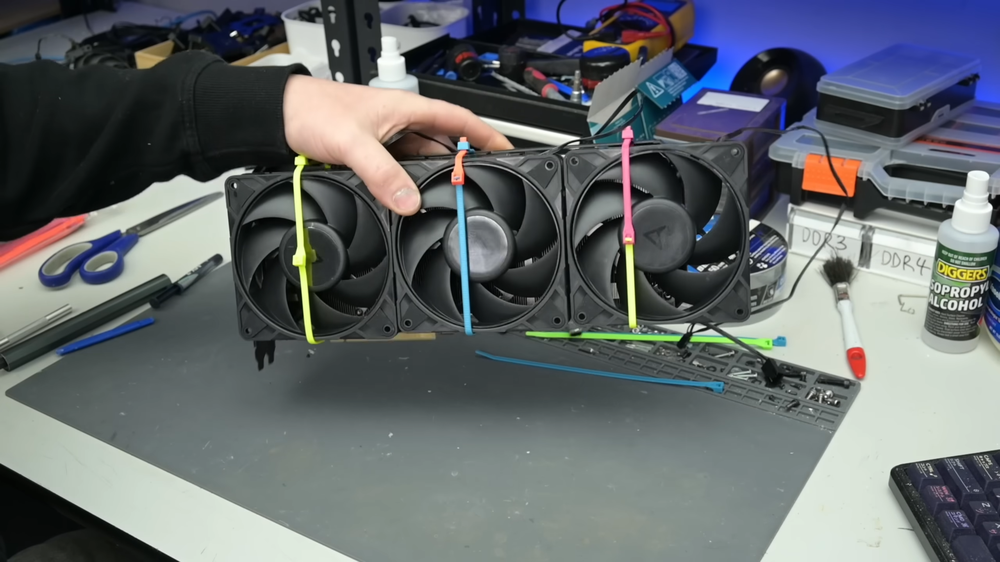
Image source: TrashBench
Although the appearance is crude, the effect appears immediately. The long-term load temperature of “Unigine Heaven” dropped from 63°C to 52°C, an improvement of 11°C:
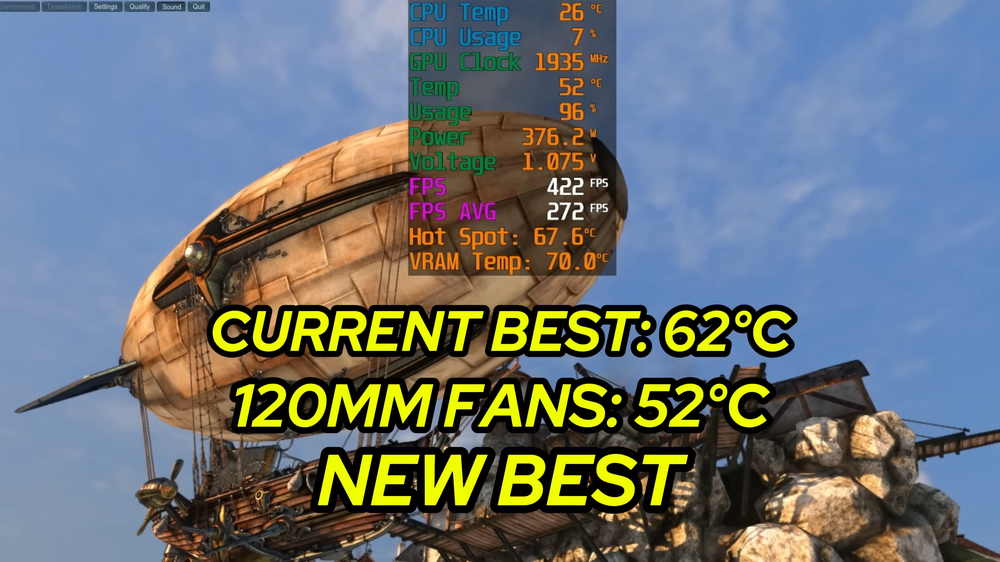
Image source: TrashBench
Next, TrashBench replaced the three ordinary case fans with thicker server fans. This type of server fan pursues air volume and air pressure, so the noise is very loud. As a result, the temperature only dropped slightly from 52°C to 50°C. Representatives say that even if the fans become thicker and noisier, they will still only achieve a 2°C drop, which is already starting to show marginal benefits:
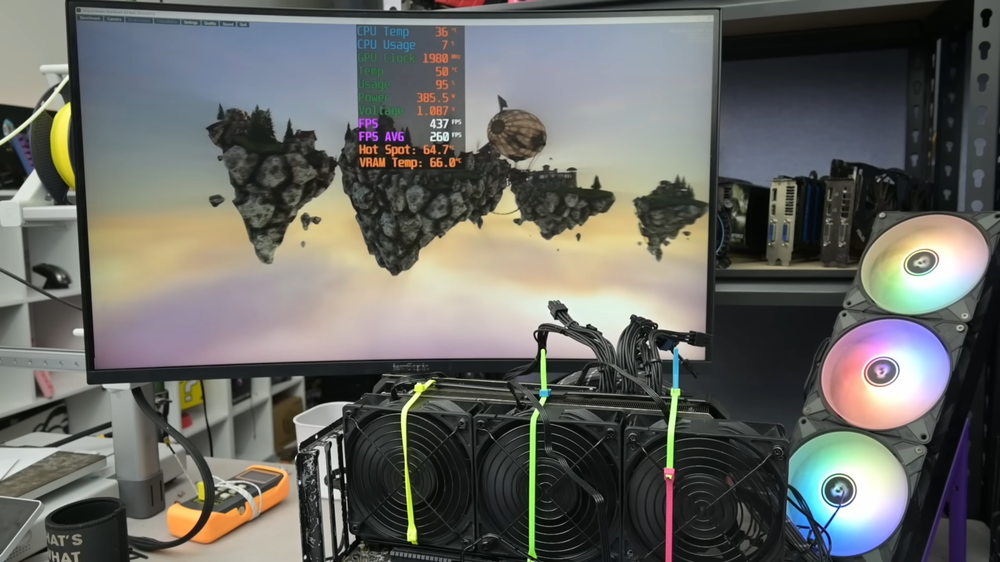
Image source: TrashBench
After observing, he thought that the airflow blown by the fan might be lost from the side of the radiator, so he took out tape to seal the gaps around the fan, hoping to concentrate all the airflow into the fins:
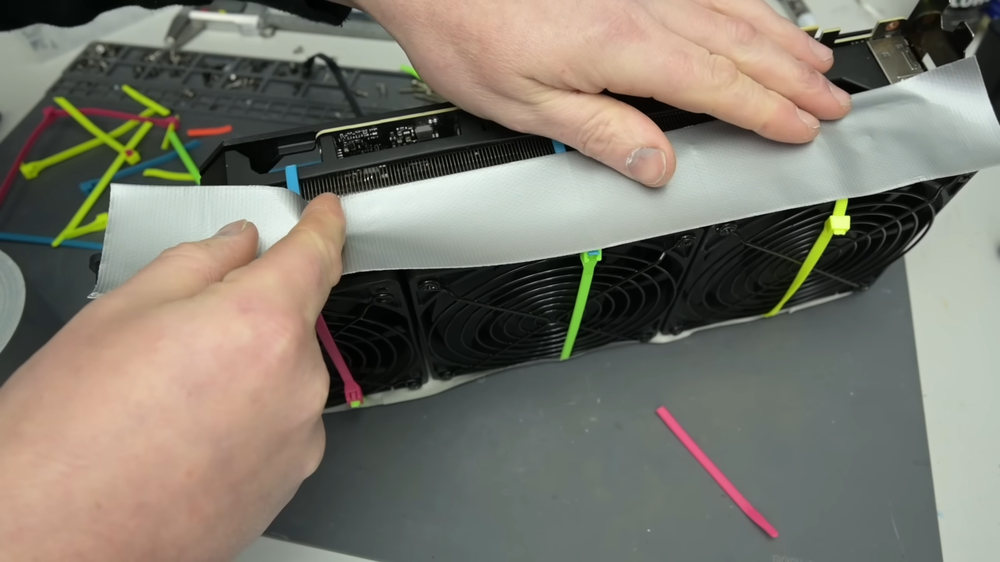
Image source: TrashBench
The results were worse, with stable GPU temperatures rising back to 54°C. This result also shows that the greater the air volume and the tighter the sealing, the better the heat dissipation is. After the airflow enters the fins, it still needs to be discharged smoothly. If the tape destroys the original exhaust path, hot air may accumulate around the radiator:
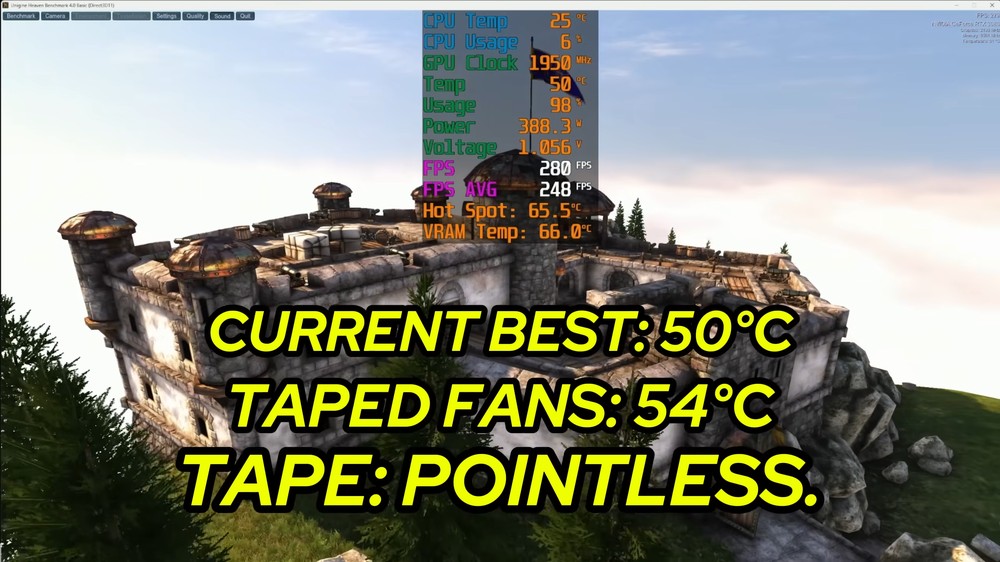
Image source: TrashBench
After the front fan could not exceed 50°C, TrashBench began to find space on the top of the graphics card and the back panel. He installed five Arctic micro-server fans with a maximum speed of 15,000 RPM on top of the graphics card, hoping to accelerate the hot air away from the radiator and PCB from different angles:
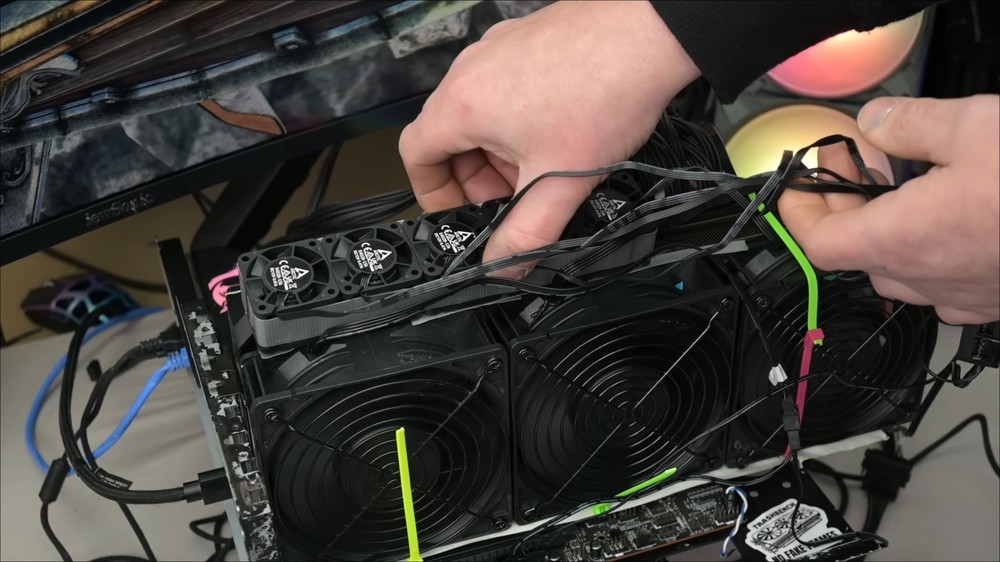
Image source: TrashBench
The sound of these five small fans when running at full speed is very close to that of a turbine device, and the entire graphics card really feels like it is ready to take off. The problem is that after a significant increase in noise, the GPU still cannot stably stay below 50°C under prolonged load. Subsequent attempts to install a fan on the backplane also resulted in no significant improvement:
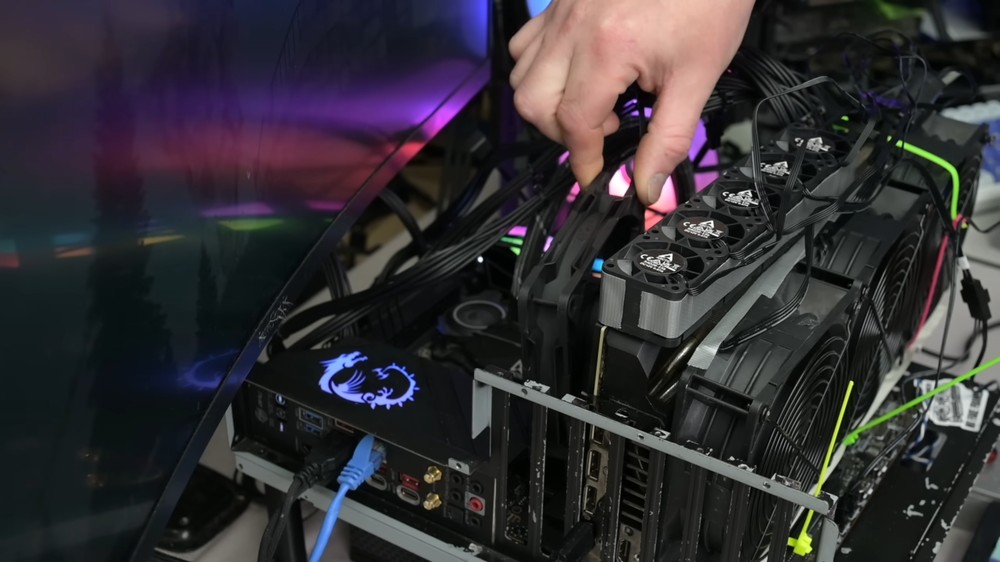
Image source: TrashBench
After the backplane fan failed, TrashBench took out cooling mud to fill the gap between the backplane and the radiator, and then fixed a set of 360mm integrated water-cooling radiators directly on the back of the graphics card:
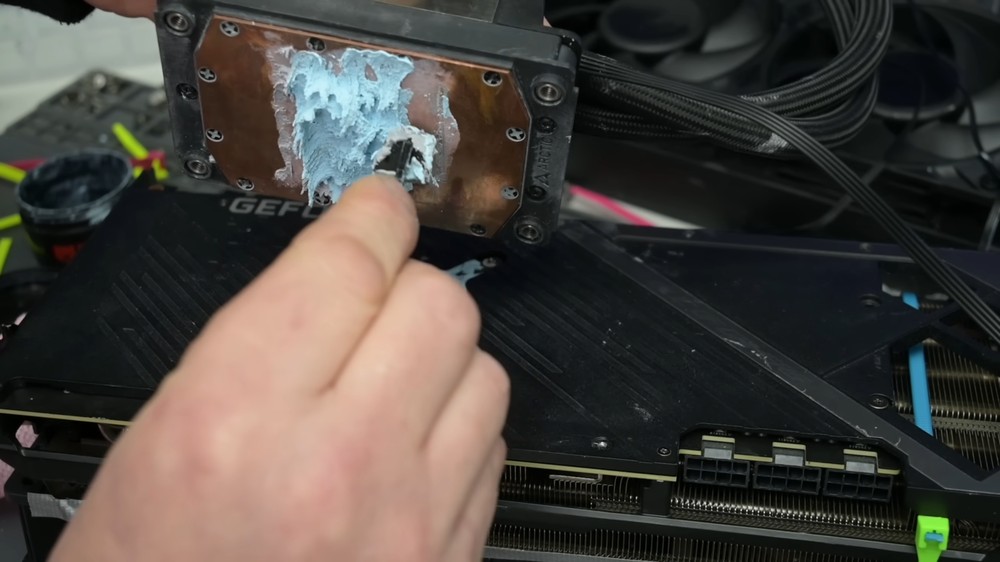
Image source: TrashBench
This time I finally broke through the bottleneck I encountered earlier. Under long-term load in “Unigine Heaven”, the maximum stable GPU temperature was only 41°C, setting the lowest record in the entire experiment:

Image source: TrashBench
Below are the results of testing “Tomb Raider: Shadow” 1440p. The four sets of data are as follows:
| Cooling and system settings | Tomb Raider: Shadow of the Tomb Raider 1440p Performance |
|---|---|
| Factory settings | 178 FPS |
| 11 fans extreme modification | 180 FPS |
| Original radiator + overclocking | 183 FPS |
| 11 fans + extreme overclocking | 187 FPS |
Without overclocking at all, the 11-fan extreme modification increased from 178 FPS to 180 FPS, which is only 2 FPS more, an improvement of about 1.1%.
If you use the increased space after lowering the temperature for overclocking, you can run up to 187 FPS. However, the original radiator also has 183 FPS after overclocking, and the difference between the two is only 4 FPS, about 2.2%.
This also means that after the temperature is lowered, the GPU is indeed less susceptible to temperature restrictions and has the opportunity to maintain higher overclocking clocks. However, the performance of the graphics card is not only affected by temperature, but also by the upper limit of power consumption, voltage, BIOS settings, and the clock frequency at which the chip itself can operate stably. Therefore, ROG Strix’s original radiator can already maintain good performance for the RTX 3080. Even if the temperature is significantly lowered subsequently, it will not automatically switch to the same proportion of FPS.
TrashBench’s evaluation of this modification also believes that it is not worth it. The temperature is much lower, the appearance looks very distinctive, and the running sound is very present, but in the end it only adds 2 FPS.
Full video:
Source: KOCPC Chinese