


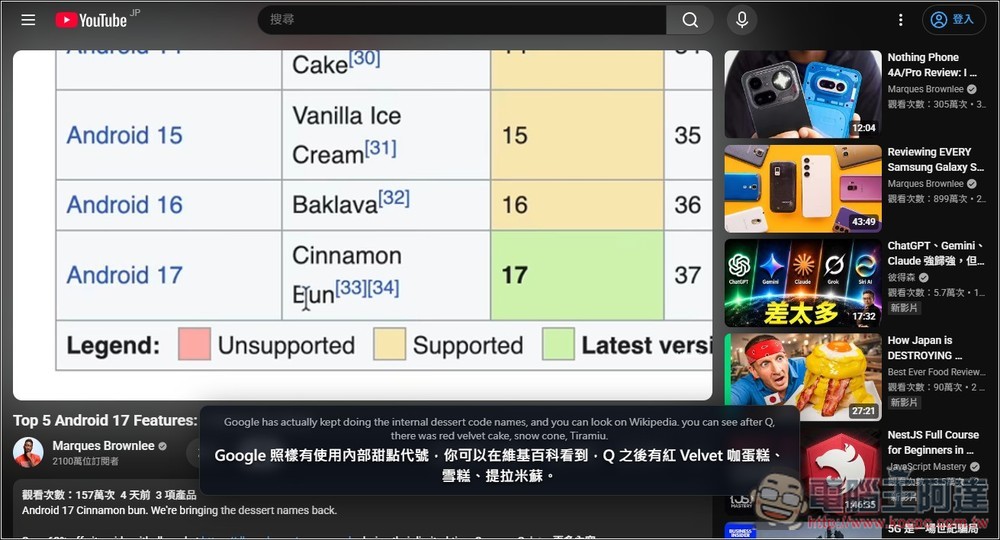
Now that AI translation has become so powerful, many people surely wish for instant translation when watching foreign videos. I recently discovered “Studio0808 LiveCaption,” a free open-source tool that can achieve exactly this. It’s a real-time bilingual subtitle translation tool for web videos, specifically designed for browsers, meaning it’s not limited to any particular platform. It captures the digital audio output from the playing tab, automatically performs speech recognition combined with Ollama or online translation, and simultaneously uses real-time sentence-level streaming detection and translation technology to deliver near-instant “translate-as-you-speak” results, rather than waiting until an entire video segment finishes before processing.
Both Windows and macOS are supported, but Windows offers a one-click offline integration package, which is simpler for tech novices. For macOS, you can ask an AI agent tool to help with installation and guide you through usage.
Studio0808 LiveCaption – Introduction and Tutorial: Real-time Web Video/Audio Bilingual Subtitle Translation Tool
Studio0808 LiveCaption is a real-time bilingual subtitle tool designed for browser videos, allowing users to get instant speech recognition subtitles and translation results when watching YouTube, online courses, live streams, meeting videos, or other web audio-visual content. Its biggest feature is the local-first architecture, which uses a Chrome extension to directly capture the audio playing in the current tab and stream it to a local Python backend for processing, so there’s no need to use the computer’s microphone, and it won’t pick up ambient noise or sounds from other tabs.
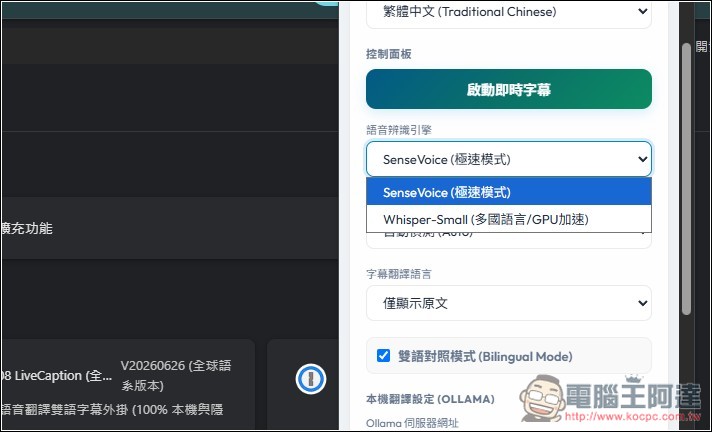
This tool integrates the Whisper multilingual speech recognition engine with the SenseVoice-Small Asia-Pacific language recognition engine, supporting Chinese, English, Japanese, Korean, Cantonese, as well as French, German, Spanish, Italian, Russian, and other languages. Combined with Silero VAD voice activity detection, the system can automatically segment speech when a sentence ends and quickly generate subtitles.
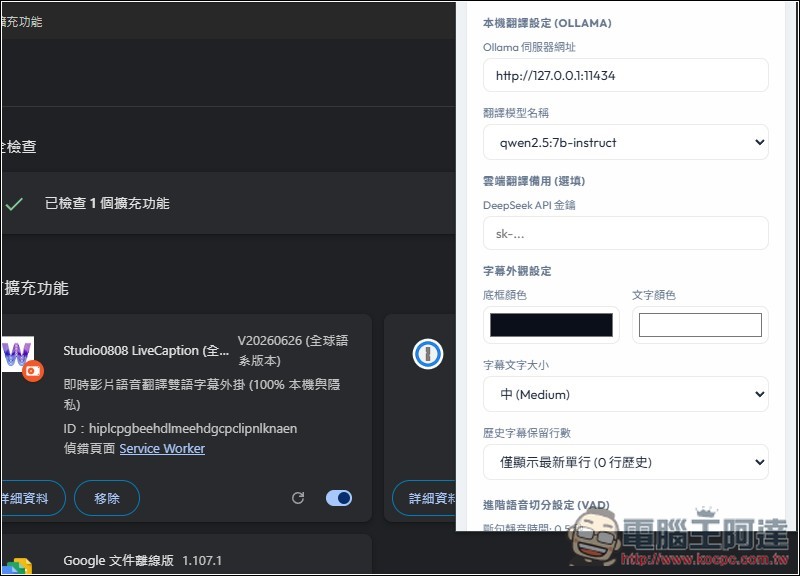
The translation feature supports local Ollama offline translation and can also work with DeepSeek translation service as a backup.
If privacy is a priority, Ollama is recommended—audio and text are processed entirely on your own computer. For subtitle display, LiveCaption offers a floating subtitle window with customizable font size, color, and position, and also supports keeping subtitle history so captions won’t flash by and disappear.
Feature List:
- Supports real-time speech recognition and bilingual subtitle translation for browser videos
- Capture Tab Audio with a Chrome Extension Without Using the Microphone
- Integrate Whisper with SenseVoice-Small for multilingual speech recognition
- Can be used with Ollama for local offline translation to enhance privacy protection.
- Supports Google Translate, DeepSeek API, and other backup translation methods
- Real-time sentence segmentation with low-latency subtitle display, perfect for understanding content while watching videos.
- Supports keeping multiple lines of subtitle history, reducing the chance of missing content
- Offers a Windows offline integration package, and can also run cross-platform using the source code.
GitHub / Windows One-Click Offline Integration Pack Download
Below I will demonstrate the Windows version + Ollama. If your computer doesn’t have Ollama installed yet, remember to go toDownload and install from the official website。
The developer recommends pairing with the Qwen 2.5 7B or 3B model. The 7B offers the best quality, while the 3B is faster. If you’re not very familiar with computer hardware, you can start with 3B first, and switch to 7B if you feel the translation quality isn’t good enough.
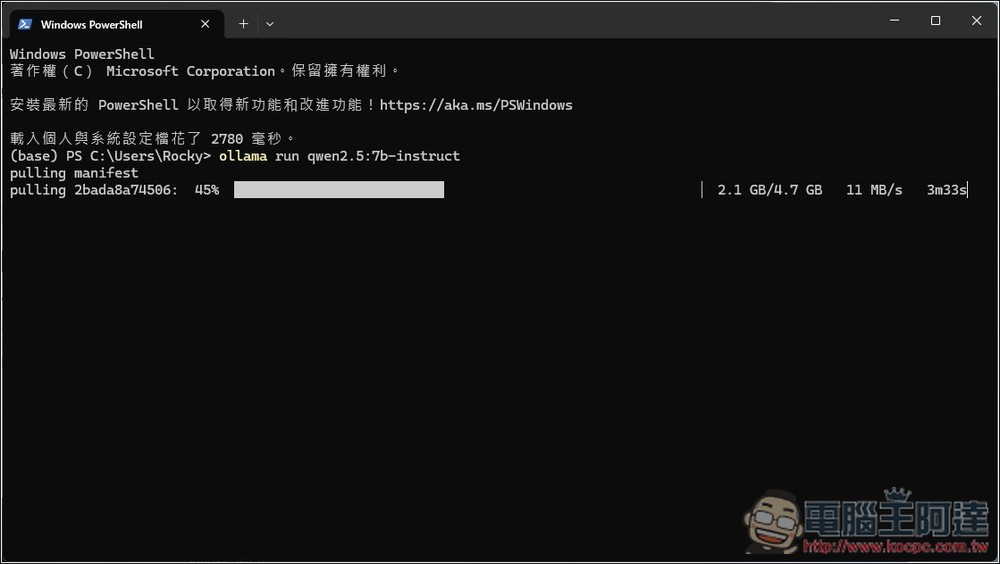
To install the model, simply run the following command in the terminal:
ollama run qwen2.5:3b-instructollama run qwen2.5:7b-instruct
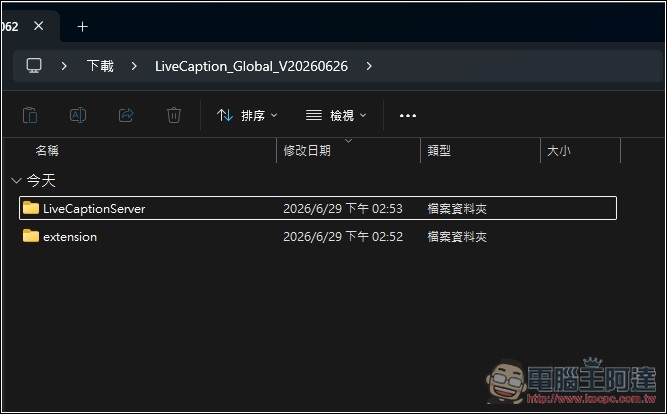
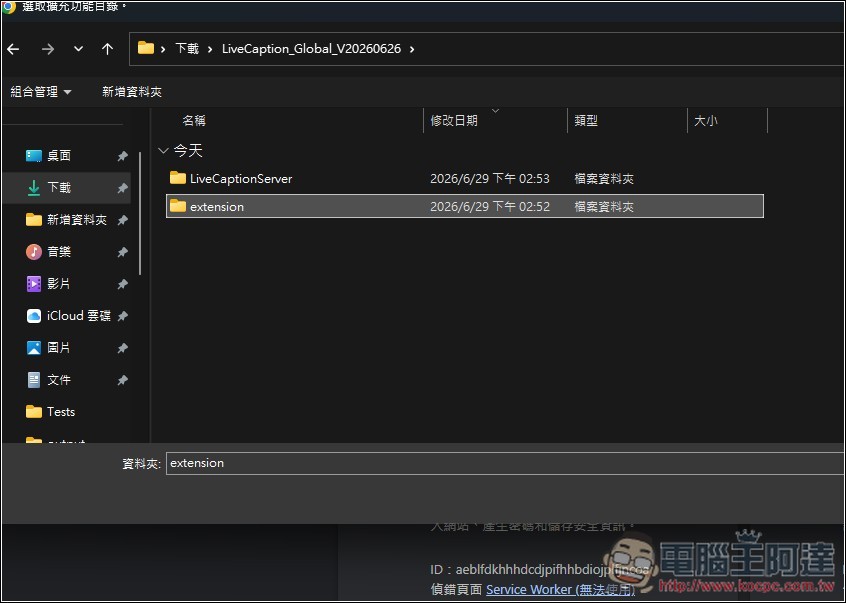
After extracting the Windows one-click offline integrated package, there will be two folders: the one on top is the local server, and the one below needs to be imported into Chrome extensions (any Chromium-based browser can install it):
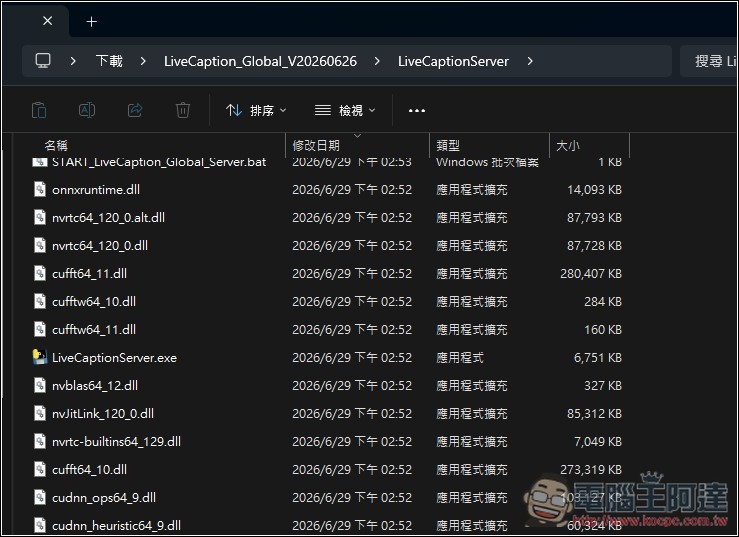
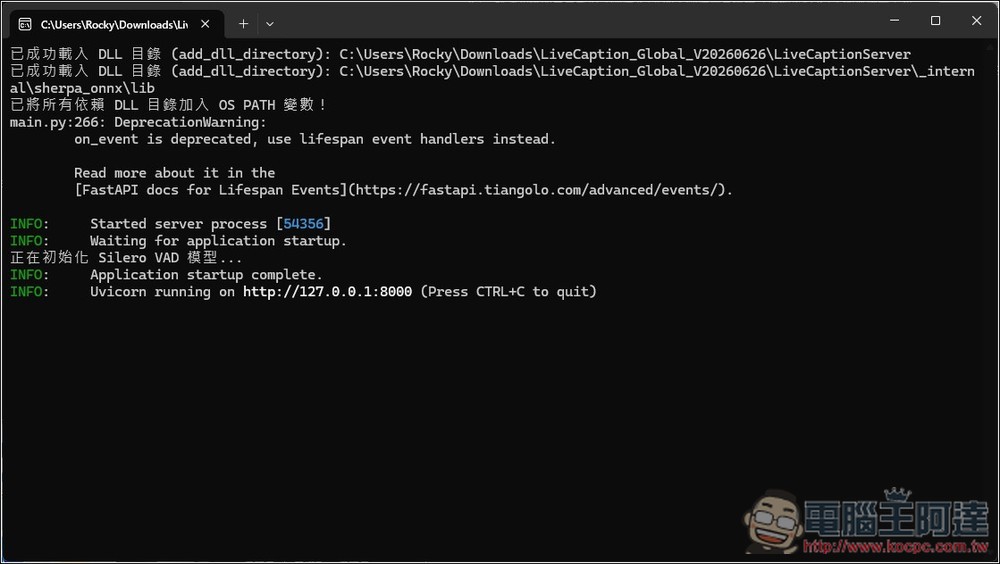
Double-click LiveCaptionServer.exe in the LiveCaptionServer folder to start the server:
This blue screen may appear. For more information:
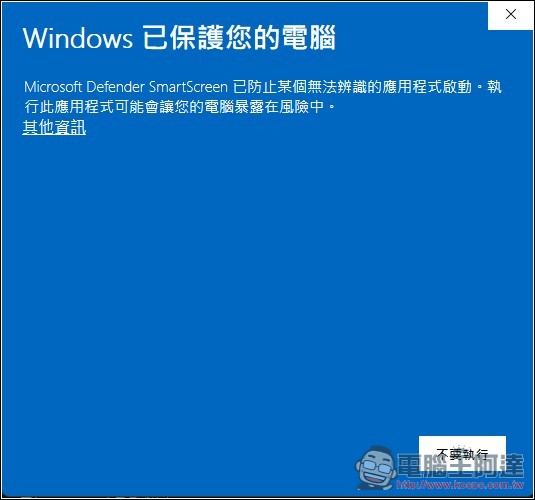
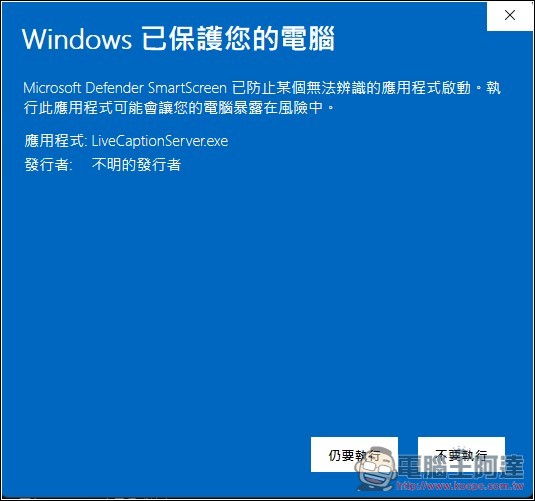
Click “Still run” again:
When you see “running on http://127…” on the screen, it means the activation is complete. Remember to keep this window open.
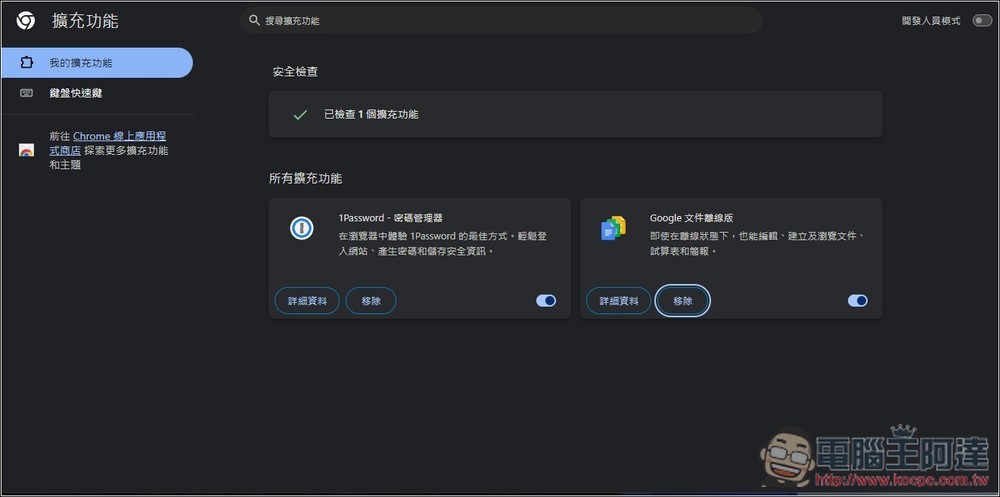
Next, import the extension into your browser. I’m using Chrome. Go to the extensions page and enable “Developer mode” in the top right corner:
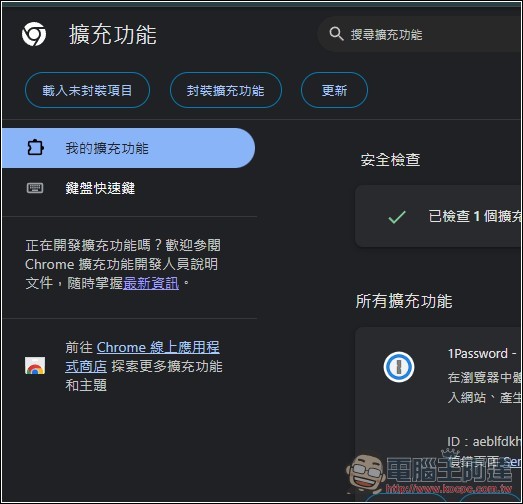
On the left side, you will see “Load unpackaged items”:
Select the previous extension folder
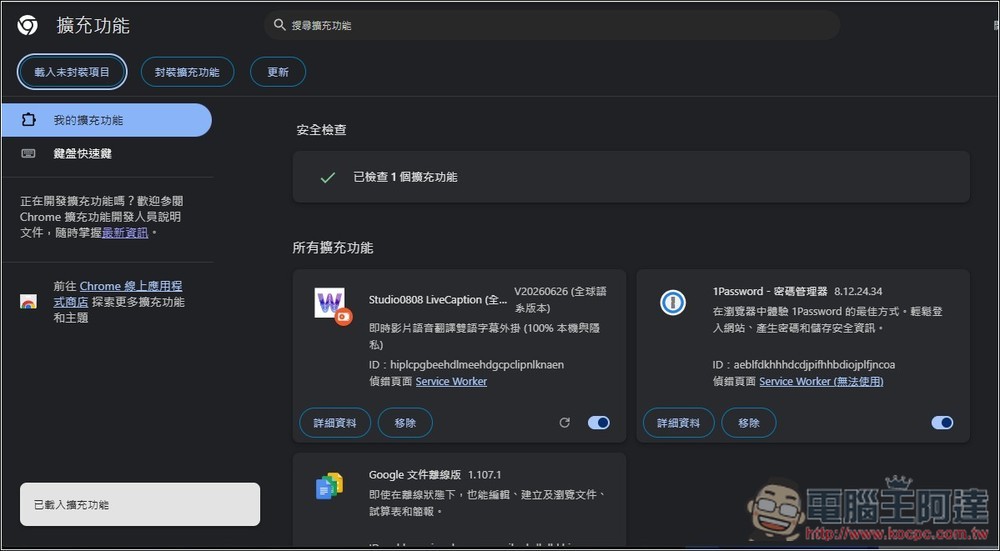
The Studio0808 LiveCaption extension has been successfully imported and can be pinned to the upper right corner.
Press “Start Live Caption” when you want to use live caption translation:
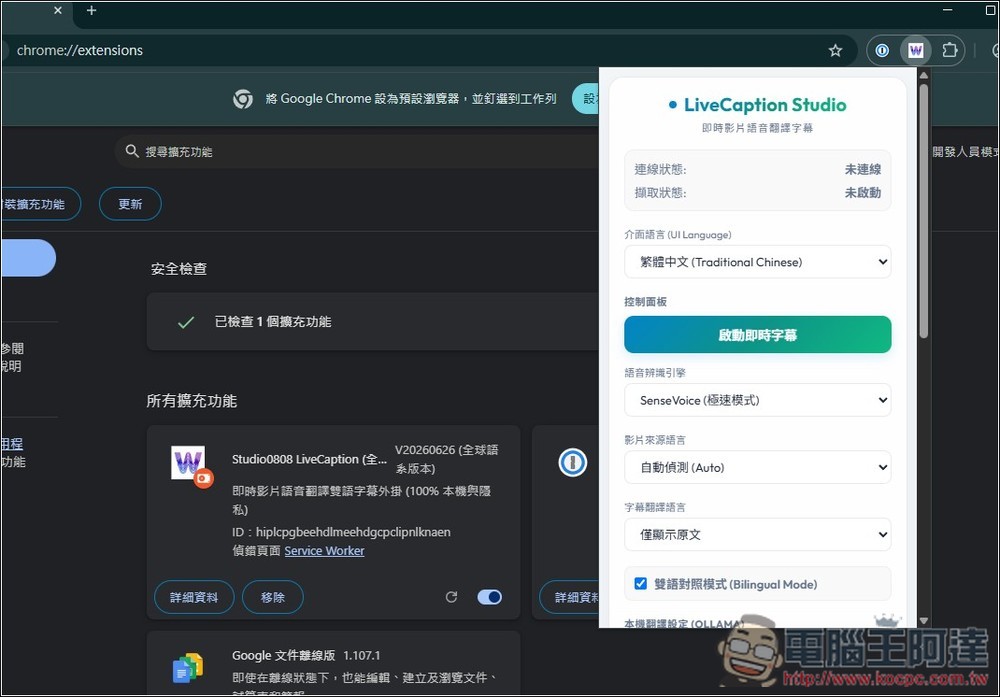
Two speech recognition engines:
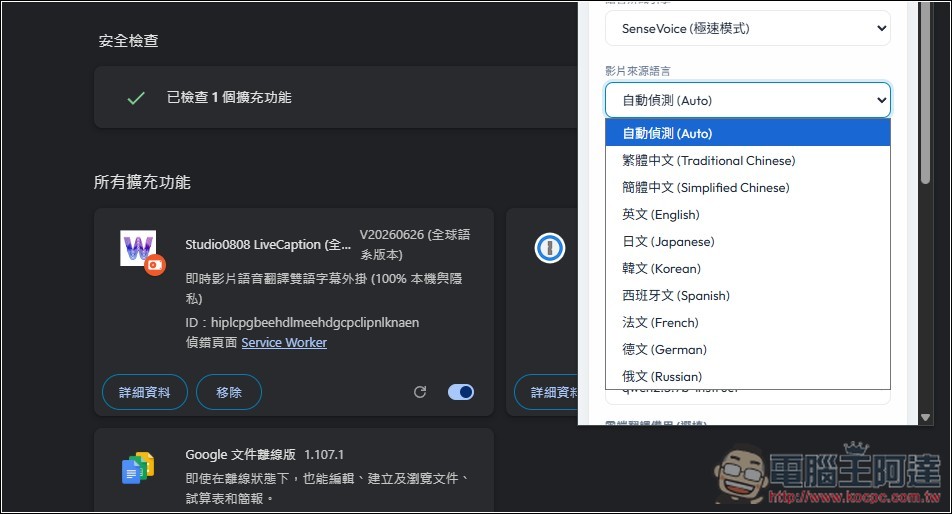
The source language of the video can also be specified, but in most cases automatic detection is sufficient:
Just keep the Ollama settings below at default. You can also adjust the subtitle appearance settings:
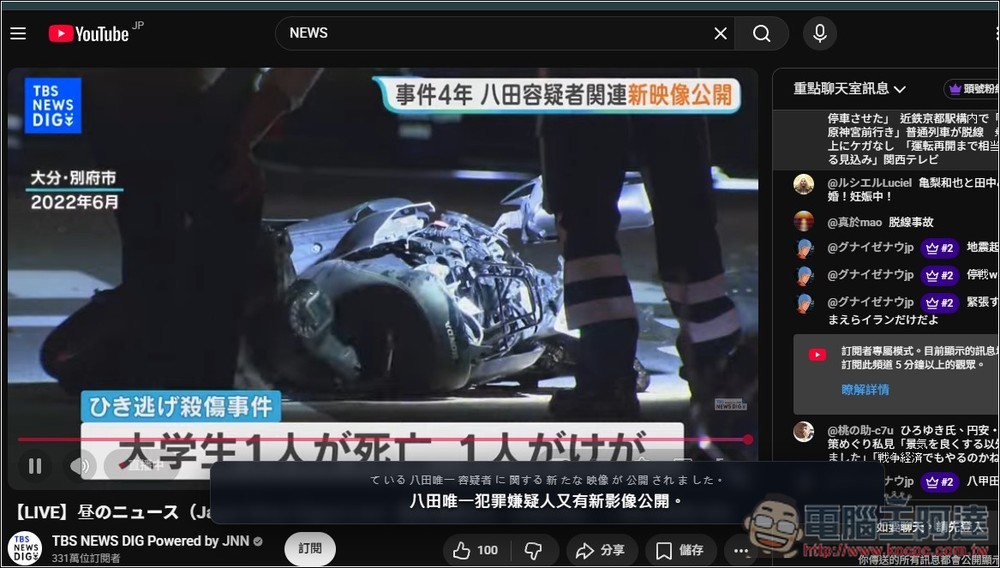
I tested a Japanese YouTube news live stream, which had no subtitles at all, and it actually successfully displayed bilingual translated subtitles (original + translation):
POPCORNFLIX abroad doesn’t have Chinese subtitles, but this tool makes it easy to solve:
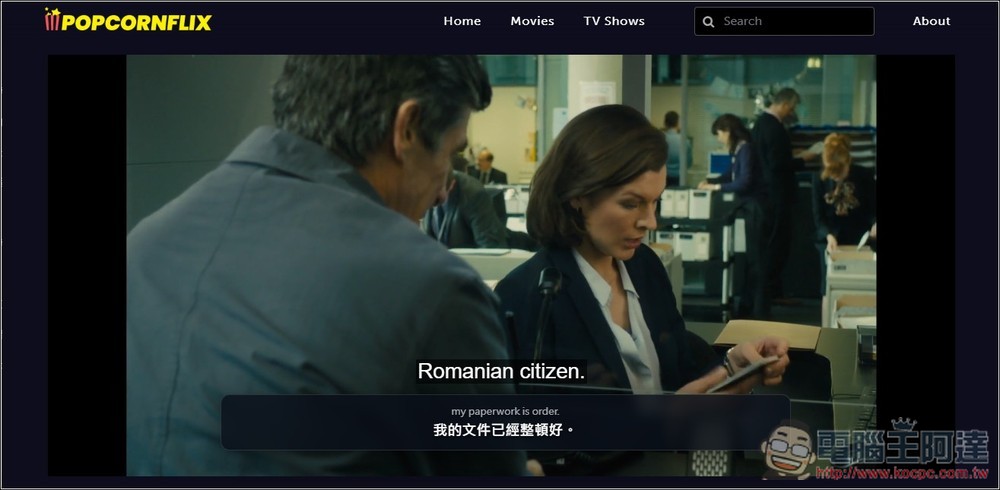
However, I’m not sure if it’s because my computer hardware isn’t powerful enough—when I use the 3B or 7B model and test multiple videos, I still can’t achieve real-time translation. The bilingual subtitles are always one sentence behind. You all can test this out.
Source: KOCPC Chinese