


If a new browser, email or note-taking application appears on the market, I usually download it and try it out early. Like most productivity monitors, I have been looking for the most convenient combination of tools. In this process, I discovered the new browser “Quiche Browser”.
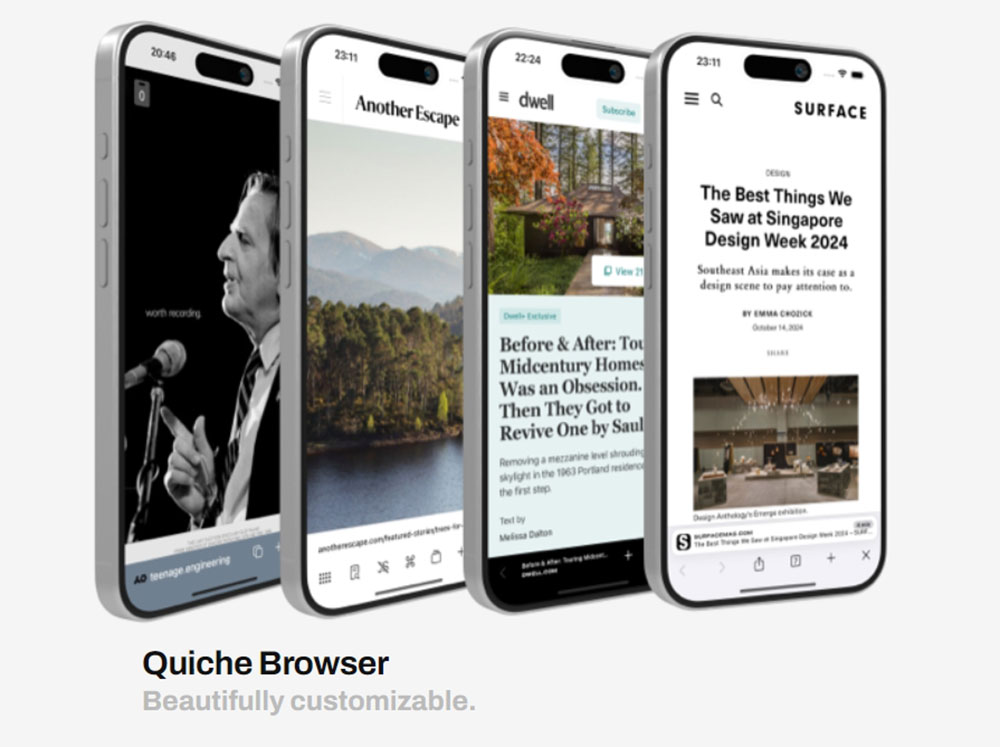
iOS browser “Quiche Browser”, a minimalist’s best friend
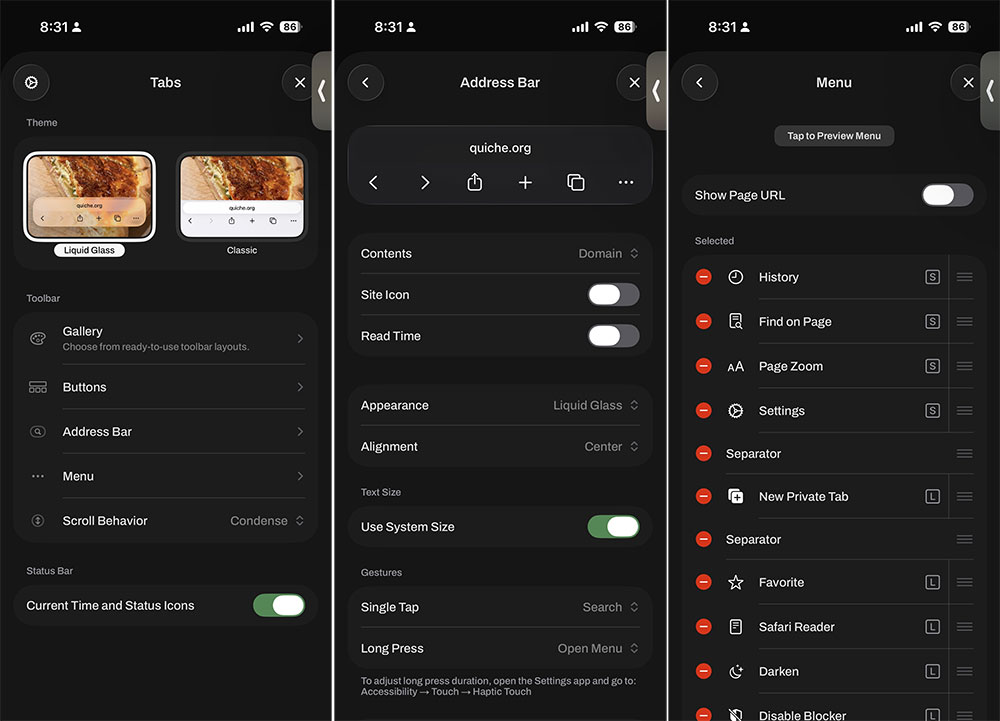
Quiche was created by independent developer Greg de J and is based on Quiche Industries Launched in the name of , its most attractive feature is its high degree of customization. Almost all buttons can be freely moved, rearranged, or even removed entirely, whether in the bottom toolbar or the main menu. If you don’t want to spend time fine-tuning, the toolbar library also provides a variety of preset configurations, allowing you to quickly create a minimalist or full-featured interface.
App Store Download:Click here
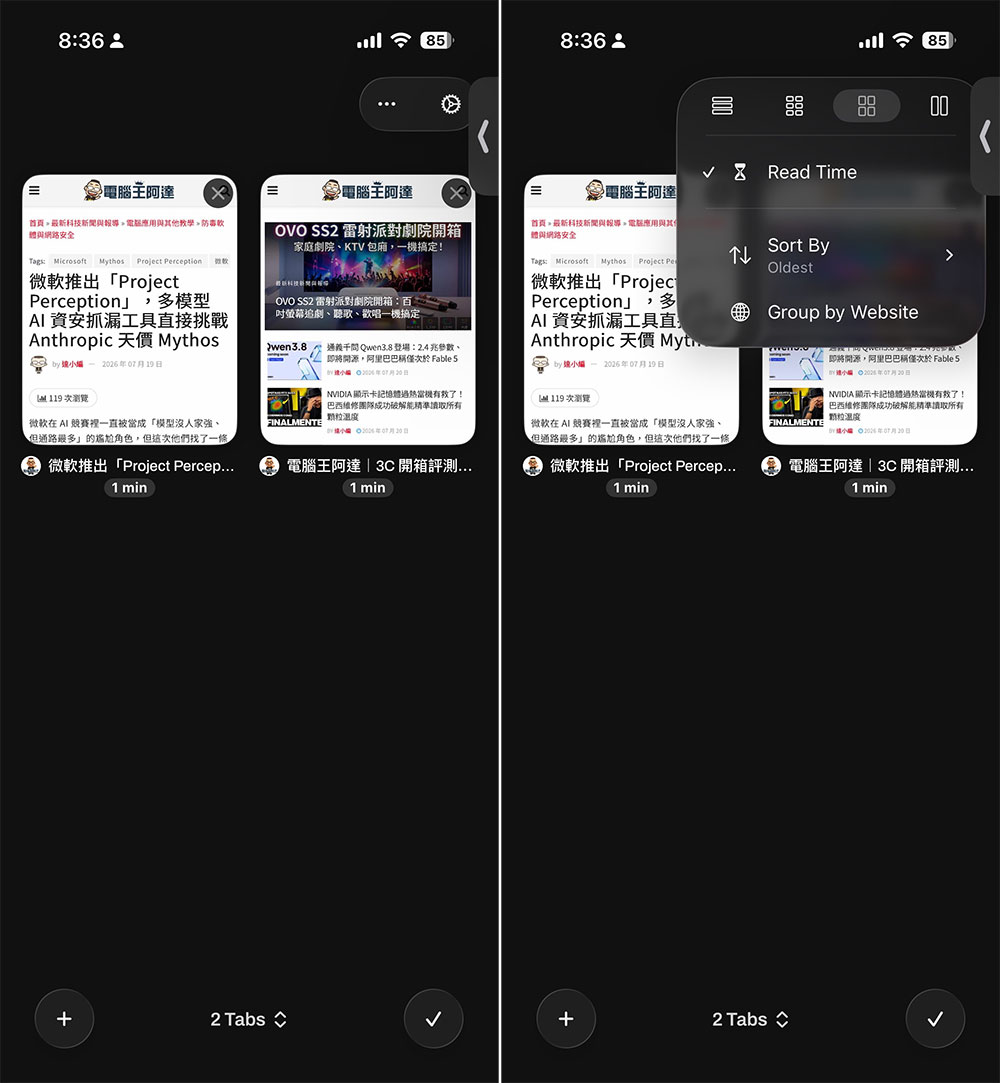
The tab switcher is equally impressive. You can browse tabs in a grid or list, and Quiche will even automatically estimate the reading time of an article and display it below the title. I can group tabs by domain and sort them by reading time. Frankly speaking, it can double as a tool for later reading if you choose. One of my favorite features is the JavaScript toggle on the toolbar. With just one click, you can disable JavaScript on any website, and you’ll be surprised to find that most pages not only load faster but look much cleaner when disabled.
These features alone are enough for me to recommend Quiche, but what really excites me is this: It now turns off AI overview in search results by default, right out of the box. When you use Google, DuckDuckGo, Bing, or other search engines, Quiche will automatically direct you to the non-AI version. This is not achieved through a content blocker. You will still see the full, unfiltered list of links, but there will not be a large AI-generated snippet at the top of the screen.
Starting today, Quiche Browser disables AI overviews in search results by default, out of the box. Compare how much space and time they waste. I love the web too much to let that nonsense bury links to real websites made by humans. Why no other browser does that is beyond me.
— Quiche Industries (@quiche.industries) 2026年7月14日 晚上9:01
Several studies have pointed out the risks of AI search snippets, including providing incorrect information. A recent report from Common Sense Media even showed that AI search snippets fail important child safety tests, not to mention that these snippets can also harm website authors and publishers because content is often retrieved without authorization. This alone is enough for me to make Quiche the default browser on my iPhone.
If you really want to restore AI summarization, you can re-enable it in Settings > Search. But I appreciate that Quiche prioritizes real web pages created by real people by default. Today, when AI-generated content floods search results, real web pages are often pushed to the back, and Quiche’s small persistence is of great significance to users who still like to read the original website.
Source: KOCPC Chinese