


Today in 2026, almost everyone is advocating to players who want to play electronic games that “32GB is the standard”, “16GB is obsolete”, “better graphics cards”, “faster processors”… Only in this era can smoothness be achieved. Some people use 8GB DDR4 memory with an old graphics card and processor from six years ago to test several well-known 3A masterpieces. Can they still play smoothly? The actual results may surprise many people.
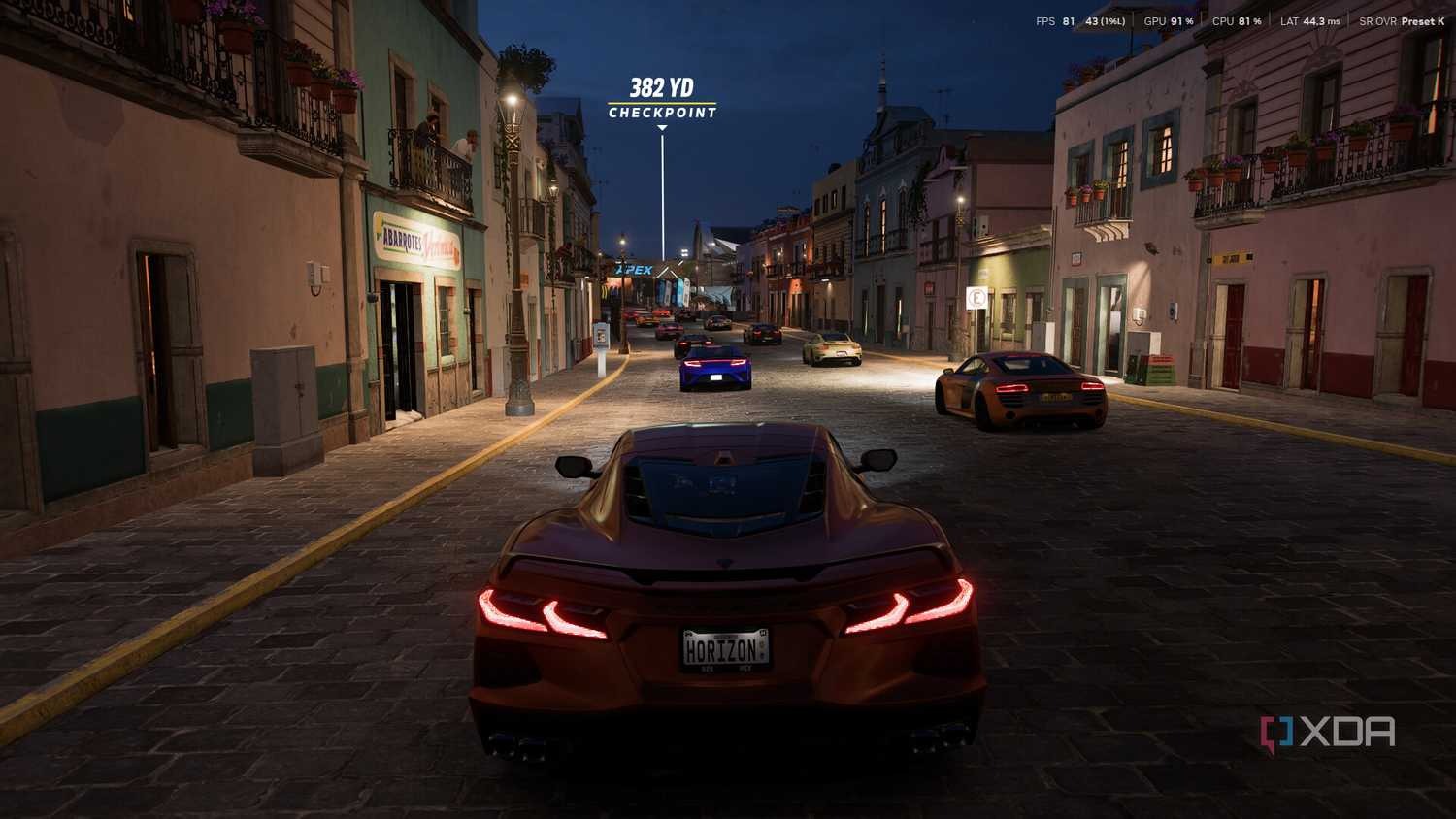
How will it perform in 2026 when using an old console with 8GB RAM and an old graphics card to play AAA games? The actual test results are surprising
According to XDA Developers Contributing Editor Abhinav RajActual measurement, this “antiquated” computer configuration combination is as follows:
| Hardware project | Specification |
|---|---|
| CPU | AMD Ryzen 5 3600 (Zen 2 architecture, 2019 product) |
| GPU | NVIDIA RTX 2070 Super (Turing architecture, 6 years old card) |
| memory | 8GB DDR4 (single or dual channel not specified) |
| monitor | 1080p resolution |
This kind of hardware configuration, if you look at it now, most people may say that it “should be eliminated.”
Actual game performance: unexpectedly smooth
The test covers three AAA games with different styles, testing different aspects of hardware stress:
《Pragmata》
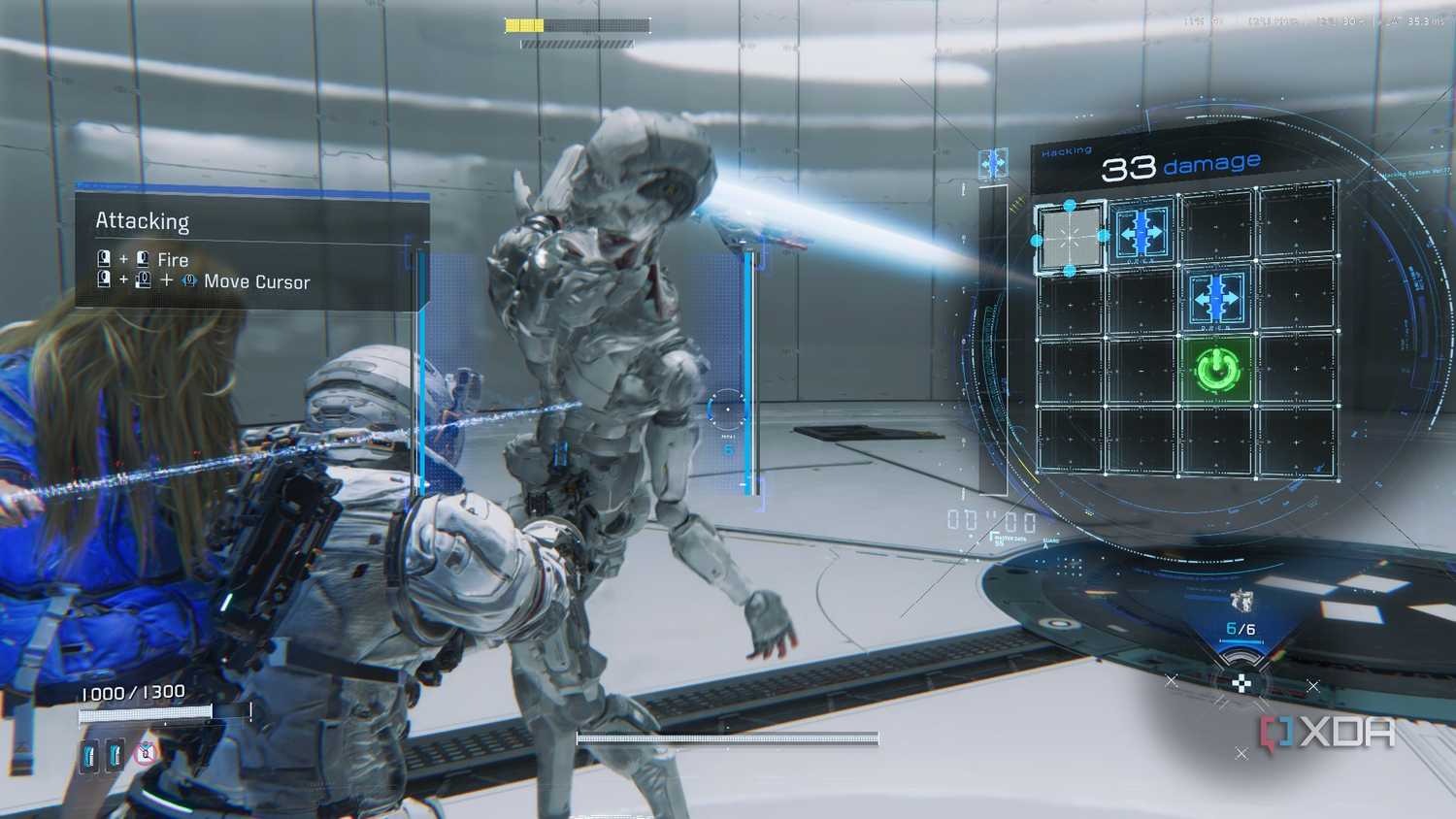
- Settings: 1080p, DLSS Auto, Highest Quality
- score:Average 114 FPS
- Experience: Combat and scene transitions are smooth, and there is no bottleneck at all.
《Backrooms: Escape Together》

- Settings: 1080p, DLSS on, high quality
- score:Average 132 FPS
- Experience: Never dropped below 120 FPS across five levels, and ray tracing and heavy scene loading did not cause lag.
《Forza Horizon 5》
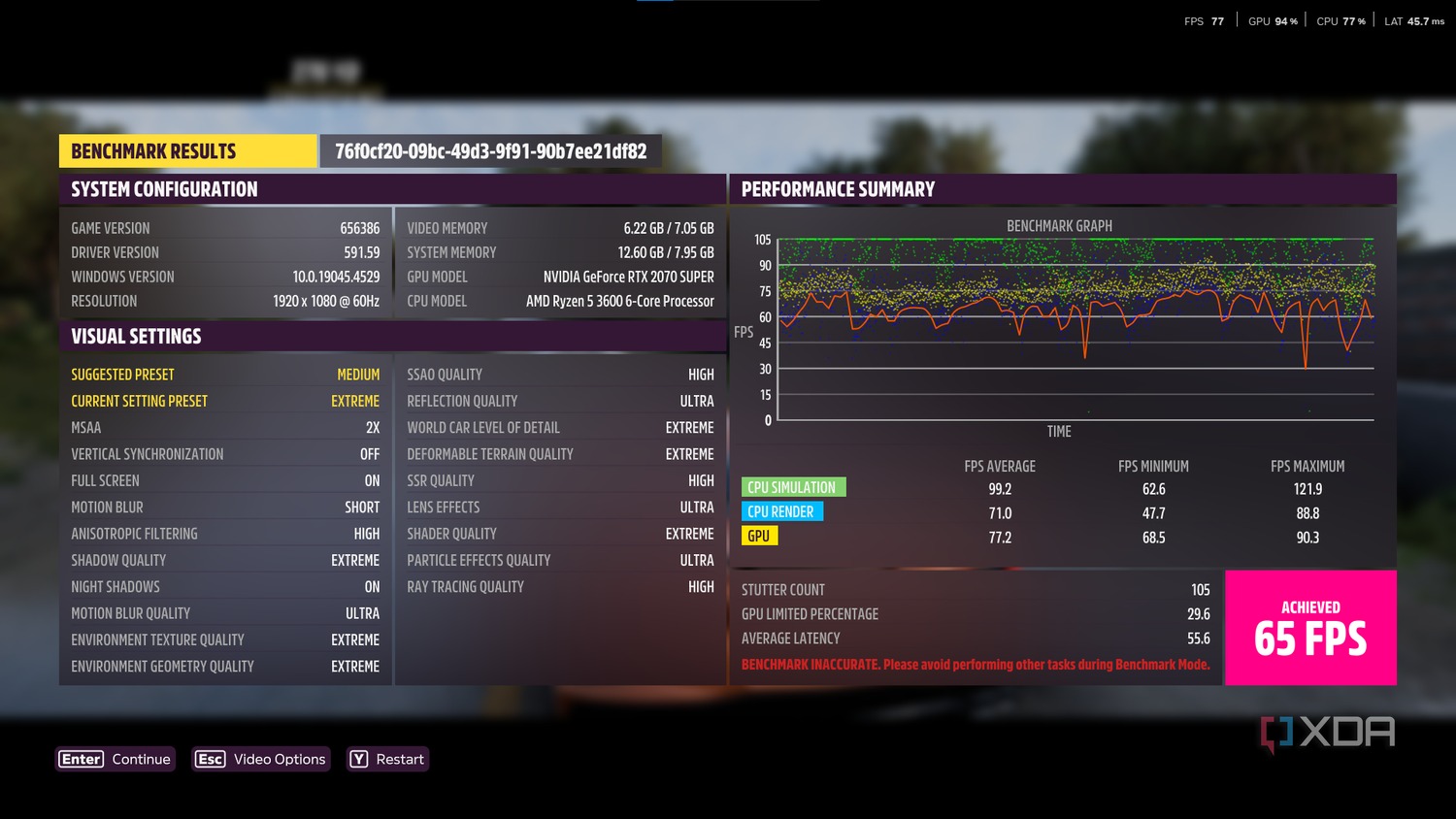
- Settings: 1080p, native resolution, Extreme
- score:Average 65 FPS
- Experience: Whether it’s the scorching sun, storms or dense vegetation in Mexico, the frame rate is stable at 60+ FPS
Image quality upscaling becomes a life-saving straw
The test revealed an important conclusion:In the extreme environment of 8GB RAM, AI upscaling technologies such as DLSS/FSR are necessities rather than luxuries. Taking “Cyberpunk 2077” as an example, after turning on NVIDIA DLSS, although the performance only dropped slightly by about 7.5% on the RTX 2070 Super, “image stability and clarity were significantly improved.”
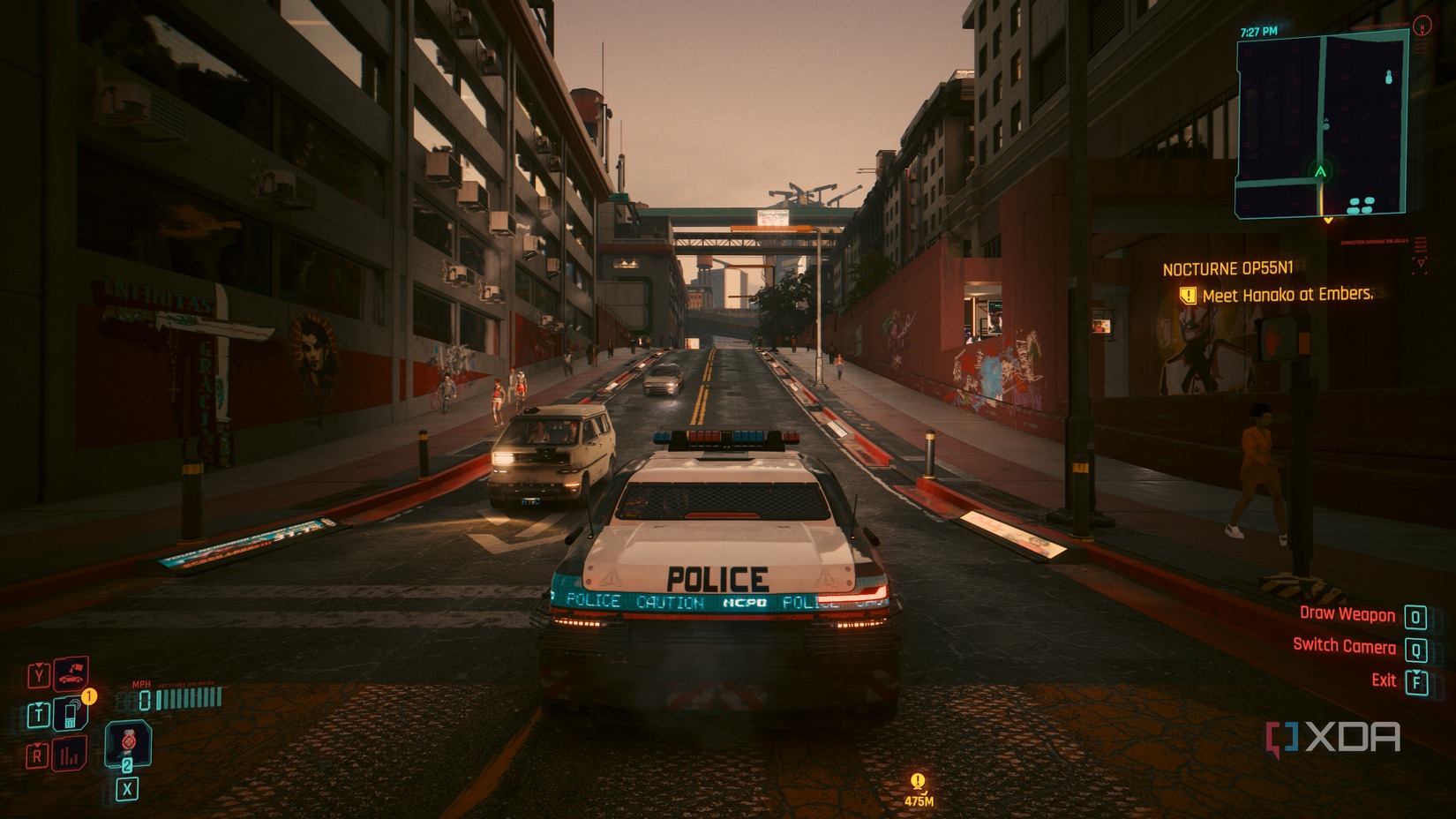
This means:
- 8GB RAM + DLSS quality mode: Playable
- 8GB RAM + native resolution: You may encounter lags and texture loading issues.
This also triggered a deeper thinking: Are the “RAM requirements” of contemporary games over-amplified? Although 8GB was once considered a “sufficient” configuration for games, now the more common recommendation is 16GB (Editor’s note: I personally feel that the memory is mainly occupied by the operating system, and 8GB RAM in the Windows 11 environment is indeed easy to run smoothly). However, this does not mean that 8GB is completely unable to play games. However, according to this test, although NVIDIA RTX 2070 Super is old, it will perform better than some internal displays. If you are still using an older graphics card or internal display, this may not be the test result.
Practical Advice: 8GB RAM Game Optimization Guide
If you’re still using 8GB of RAM in 2026, here are some practical tips for smoother gaming:
1. Forcibly enable DLSS / FSR / XeSS
No matter which upscaling technology your graphics card supports,Be sure to turn it on (if the game supports it). This is the key to bringing an 8GB system back to life. Even if there is a 5-10% loss in performance, the smoothness and stability gained are definitely worth it.
2. Close background programs
Completely close background applications such as Chrome and Discord before gaming. The fault tolerance rate of 8GB is extremely low, and every MB is precious. (Editor’s note: You can consider an optimized slimmed down version of Windows)
3. Adjust virtual memory
Set Windows Virtual Memory (Paging File) to “System Management” and make sure the SSD has enough space. Although it is not as fast as physical RAM, it can prevent the game from crashing directly. (But it will also affect the smoothness of daily operation)
4. Choose well-optimized games
Deeply optimized games like Forza Horizon 5 perform well even on older hardware. Relatively speaking, most new Unreal Engine 5 games now may be less friendly to 8GB systems.
5. Consider upgrading to dual channel
If you are currently using a single 8GB, upgrading to dual channel (2x4GB or 2x8GB, but still maintaining/increasing the total to 16GB) can bring significant performance improvements.
When manufacturers and the media continue to emphasize that “32GB is the standard” and “DDR5 is the future,” many players may ignore a basic fact:Computer performance has not shown exponential growth in the past few years. Forza Horizon 5 can run at 65 FPS on an 8GB system, proving that optimizations and technologies like DLSS are more important than pure hardware stacking. Of course, that’s not to say 8GB is the ideal long-term solution. For multi-tasking needs (daily running operating system, multiple Chrome, Discord, Spotify, etc.) or the latest UE5 masterpiece, 16GB or above is still a wiser choice. But for players with a limited budget or who only play occasionally, 8GB RAM Still available in 2026, the premise is that you must know how to make good use of upscaling technology and system adjustment. (Editor’s note: If possible, it is recommended to have at least 16GB RAM for smoother daily use, otherwise the bottleneck will mostly be on the operating system)
Source: KOCPC Chinese