


Microsoft recently announced that it will introduce image support to Windows 11 Notepad. This major update is expected to completely change the positioning of this classic text editor. According to insider sources at Microsoft, the image feature will be an extension of Notepad’s existing Markdown support, and users can turn off this feature at any time in the settings.

Windows 11 Notepad will receive an “epic” update: officially supports image embedding function
It is understood that this image feature is currently showing toolbar buttons in the new feature introduction pop-up window of the Windows Insider test channel. Although it has not been enabled yet, it has been confirmed that it is being tested in internal versions and is expected to be fully pushed to general users within a few months. This news is provided by Windows Latest Disclosure first.
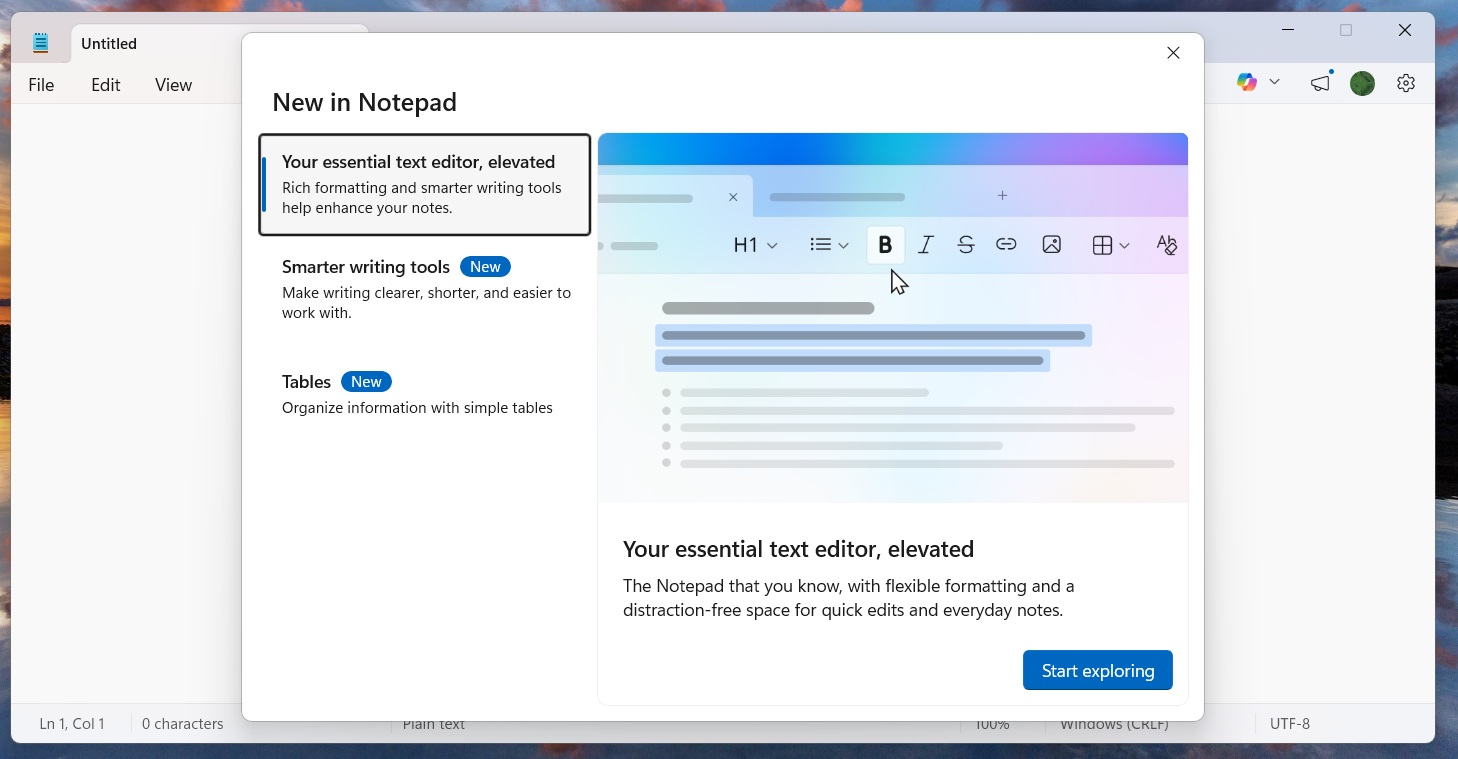
Prior to this, Notepad has gradually added support for Markdown format, including text bolding, italics, and hyperlink insertion. The addition of the picture function will make Notepad closer in function to a simplified version of Microsoft Word, while still maintaining its lightweight characteristics. Like other options, this feature can be turned on and off by the user.
Filling the gap left by WordPad removal
Microsoft gradually removed WordPad from its Windows bundled applications last year, sparking concerns among some users about the inadequacy of simple document editing tools. In response, Microsoft continues to add features to Notepad, aiming to fill the market gap left by the removal of WordPad. Notepad has been an indispensable basic text editing tool in Windows systems for the past decades. It is favored by a large number of users for its lightweight and fast features. However, as users’ demand for productivity tools increases day by day, Notepad’s functions have begun to gradually strengthen, transforming from a pure text editor into a more flexible multi-functional tool.
Performance optimization and user control
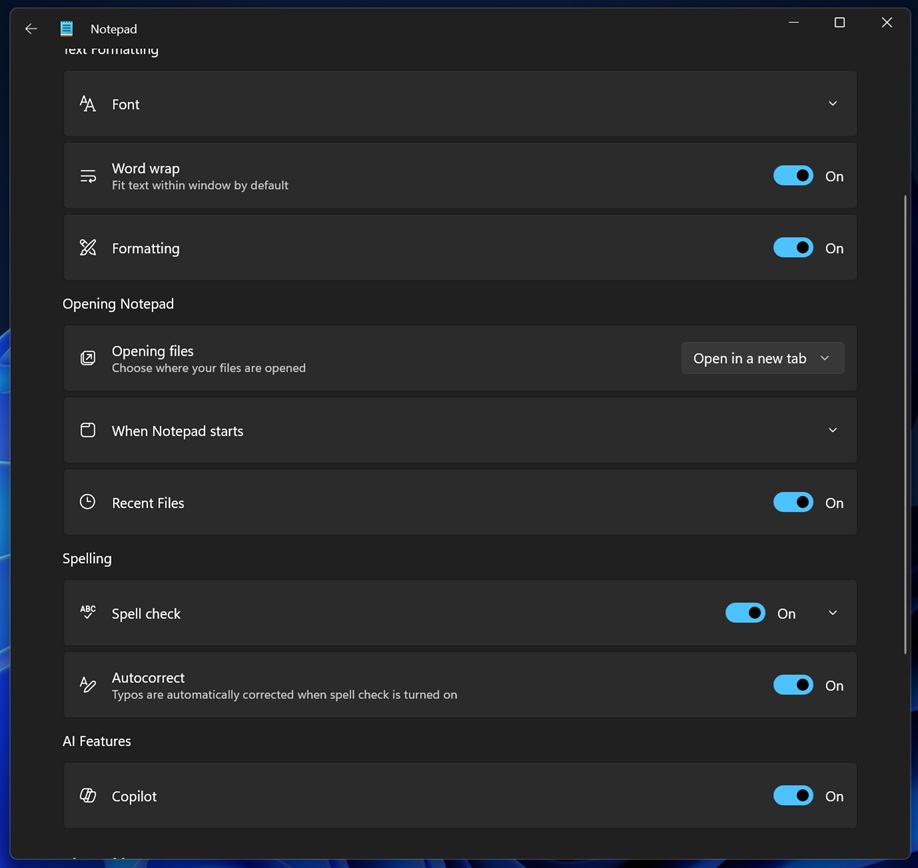
In response to users’ concerns about software bloat and performance degradation, Microsoft sources said that after internal testing, the image support function has minimal impact on the startup and running performance of Notepad. In addition, Microsoft has retained a one-click shutdown option in the settings. Users can disable image display and Markdown formatting functions at any time to ensure that the experience of traditional users is not affected.
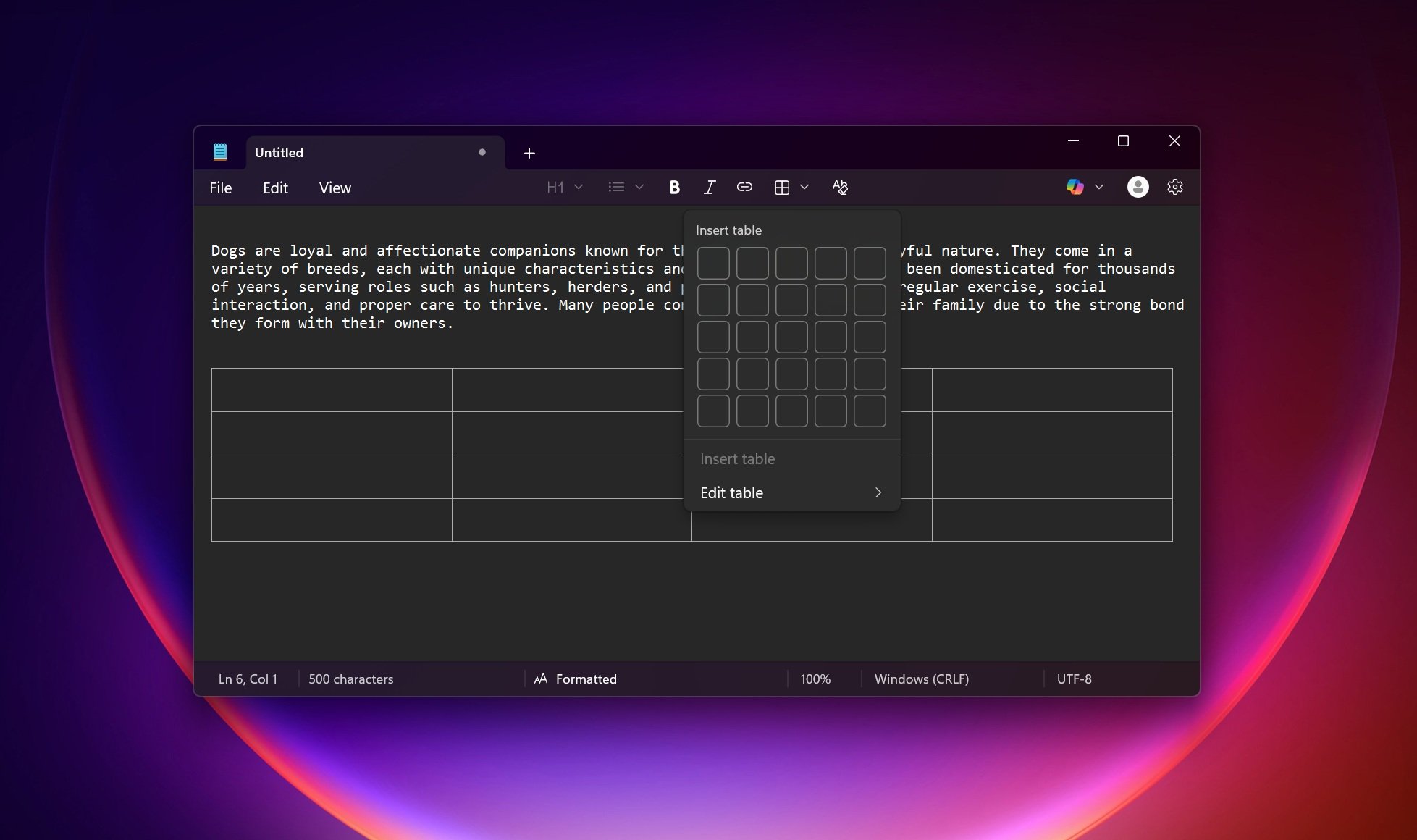
This design shows Microsoft’s intention to strike a balance between functional expansion and user habits. For users who only need basic text editing functions, Notepad can still maintain its simple and fast features; while for users who need richer editing functions, they can use the new image and Markdown support.
point of view
Microsoft’s introduction of image support for Notepad this time is not only the addition of a single function, but also an important declaration of the positioning of “lightweight productivity tools” in the Windows ecosystem. While Microsoft is phasing out WordPad, Notepad has taken over this market demand and become an ideal choice between a pure text editor and a complete office software. From the perspective of user habits, this move may change many people’s existing understanding of notepads. In the past, many users used Notepad as a simple tool for temporary notes or code editing; in the future, with the addition of multimedia elements such as pictures, Notepad may be able to take on more lightweight document editing tasks. This is undoubtedly a great boon for users who pursue efficiency and are unwilling to launch cumbersome office software.
Source: KOCPC Chinese