


You may not realize it, but your phone’s battery is actually draining faster than expected. Good power-saving habits are key to maintaining a healthy battery, both in the short and long term, but are you really doing it right? In addition to obvious reasons such as too high screen brightness and playing videos for a long time, there are many subtle but important factors that can also accelerate power loss and shorten battery life. If you want to keep your battery in optimal condition, these small details are worth paying attention to.
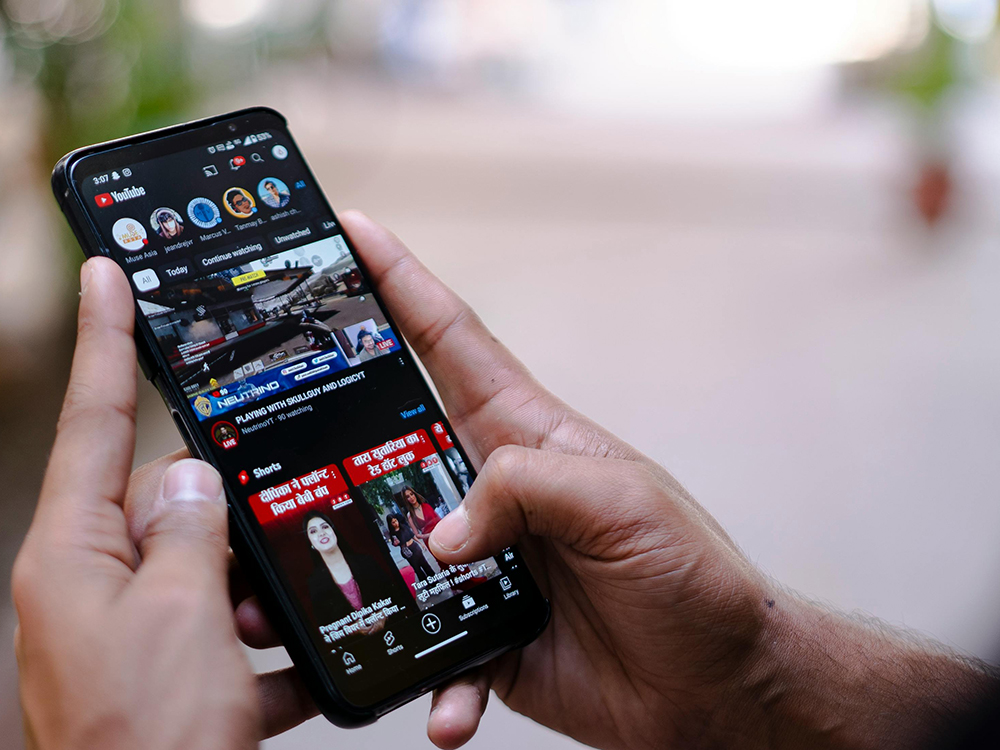
Does your phone’s battery drain quickly? Maybe it’s your problem and not the phone
Avoid exposure to extreme temperatures
Whether it’s scorching heat or freezing cold, extreme weather can shorten battery life. When a mobile phone is directly exposed to these environments, the battery capacity will drop rapidly in a short period of time. Therefore, preparing a suitable protective case and a dry, warm waterproof bag in advance is an effective way to avoid damage caused by the weather.
Optimum operating temperatures vary slightly from device to device, but mostly fall between 0°C and 35°C. If you don’t notice that your phone has exceeded the ideal temperature range, don’t worry too much; most devices will proactively pop up a warning when it’s too hot or too cold. It is recommended to avoid exposing your phone to extreme environments as much as possible, because in addition to battery consumption, it may also cause other physical damage. If this is unavoidable, please prepare a power bank and enable low-power mode to reduce the risk of rapid battery consumption.
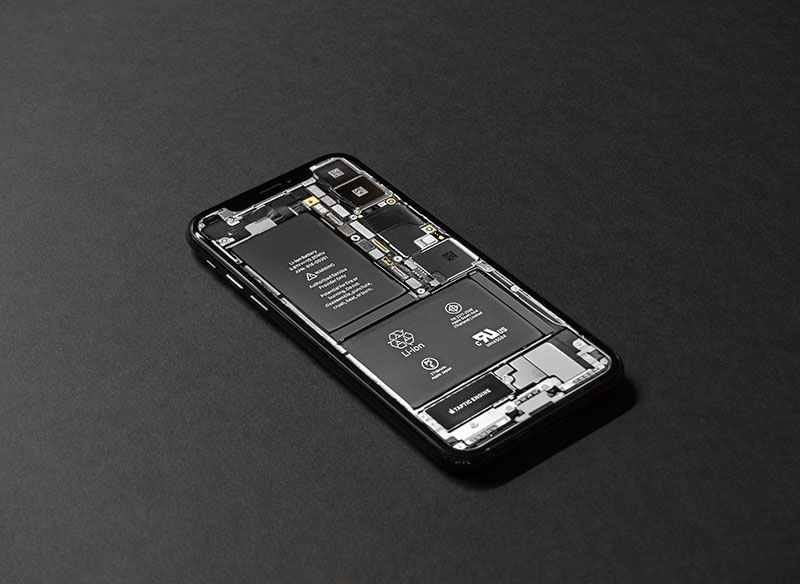
Use original power charger
Using original chargers and cables can protect the battery more effectively and is the most common and reliable way to extend battery life. Original accessories can ensure voltage and power matching, reduce the risk of damage caused by unstable power supply, make charging safer, and better maintain battery health. Of course, this principle may not be fully adhered to when the charger or cable is lost or damaged. Safer alternatives include repurchasing original accessories of the mobile phone brand (most brands can be obtained from official websites or authorized channels), or asking trusted repair stores for other stable, certified options.
Turn off VPN when not in use
I’ve long overlooked this, but it’s actually one of the main causes of rapid battery drain: VPNs stay connected for long periods of time. If you normally use a VPN on your phone, remember to turn it off when you don’t need it. In my own case, I used to leave my VPN on all day long, only to have my battery drain faster than I thought.
The reason is that a VPN must continuously maintain an encrypted channel and a stable connection to protect your online activities and digital identity. You may not feel the obvious difference in power consumption in a short period of time, but over time, the battery consumption will be considerable. Now I only turn on VPN when needed and disconnect immediately when not in use. I can clearly feel that the battery life of my iPhone has become longer.

Monitor app battery usage
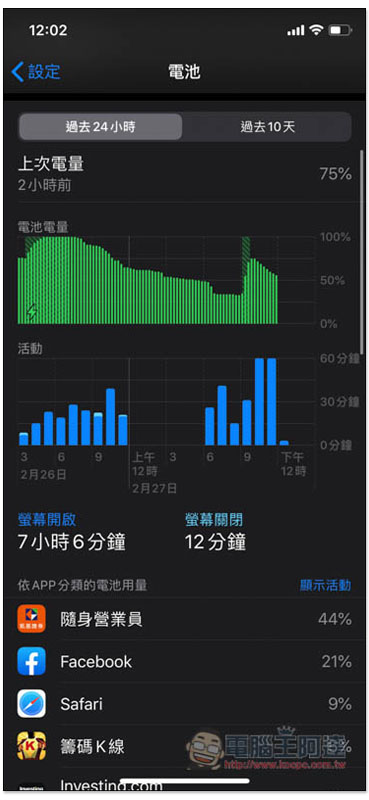
Monitoring app usage is an effective way to find out why your battery life is declining and to understand what activities are quietly draining your battery. Through the system’s built-in battery analysis tool, you can quickly determine which apps are using a lot of power, whether there are abnormal background activities, or whether there are additional burdens caused by network and location requirements.
In addition to the power consumption behavior of the App itself, there are several often overlooked details that will also shorten battery life:
- Unstable network connection – The device keeps trying to reconnect, causing extra power consumption.
- Location services are constantly being used — some apps may frequently obtain location information in the background.
- Background App Refresh — On iPhone, turning off unnecessary background refresh can effectively reduce battery consumption.
Smart charging
Keeping battery power within a healthy range and when to recharge have always been the most commonly discussed issues among users. The core principle is not actually about the precise percentage, but to avoid leaving the battery in extreme conditions for a long time, because these conditions are most likely to accelerate aging. What the battery fears most is not charging itself, but repeatedly being in the “too low” or “too high” power range. While different devices and different battery health conditions will affect best practices, there are a few generally applicable directions:
- Avoid frequently falling below 10%: using the battery until it is almost empty for a long time will increase the stress on the battery.
- Low power mode will not damage the battery: short-term use can reduce power consumption and extend battery life.
- Try to stay within a safe range: In most cases, keeping the battery charge above 20% can reduce the burden caused by deep discharge.
Why is 20% to 80% a common recommendation? Because this range can reduce the chemical stress on the battery, charging speed and efficiency perform best in this range, which can delay battery aging and maintain a more stable battery life in the long run. While not a hard and fast rule, this is the most comfortable range for most lithium batteries in daily use.
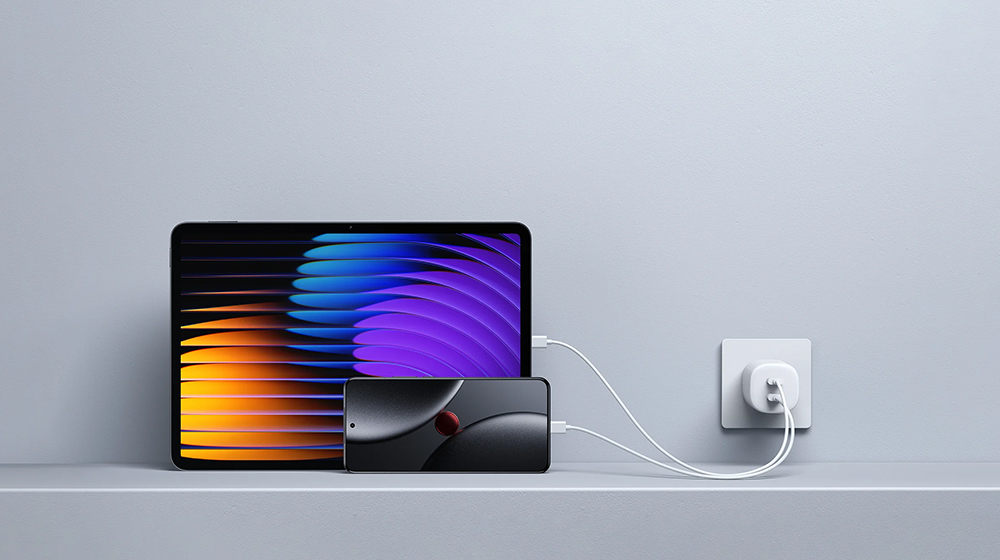
Identifying small issues that cause your battery to drain quickly can go a long way toward extending battery life and preventing your phone from draining its charge prematurely. To keep your device safe, you can always contact a reputable service provider to check it and fix urgent issues if necessary.
Source: KOCPC Chinese