


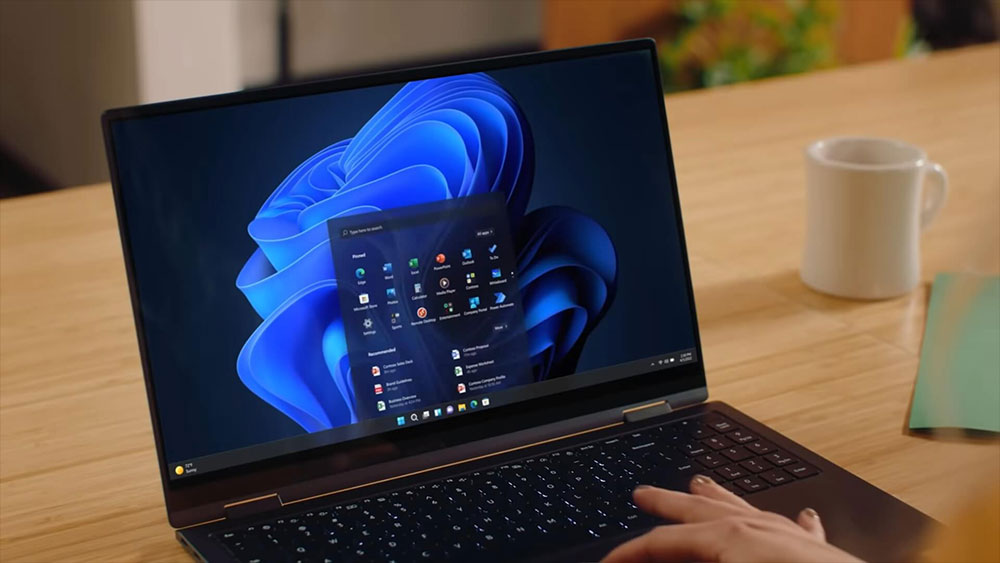
Maybe you don’t know that Microsoft has developed many very useful applications, but they are not pre-installed in Windows systems. This is really surprising, especially as Windows 11 has become more and more powerful. Here are three apps that I think are worth pre-installing in Windows 11.
3 useful Microsoft software not built into Windows 11
PowerToys
I’ve been switching between macOS and Windows for a long time, and I always felt a little frustrated when Mac could preview SVG and STL directly, but Windows couldn’t, until I came across PowerToys. To be honest, I’ve never understood why Windows doesn’t build PowerToys into the system. Although this set of tools has a long history, it is powerful and mature in design. Being able to preview SVG and STL in File Explorer is just the tip of the iceberg of its capabilities.
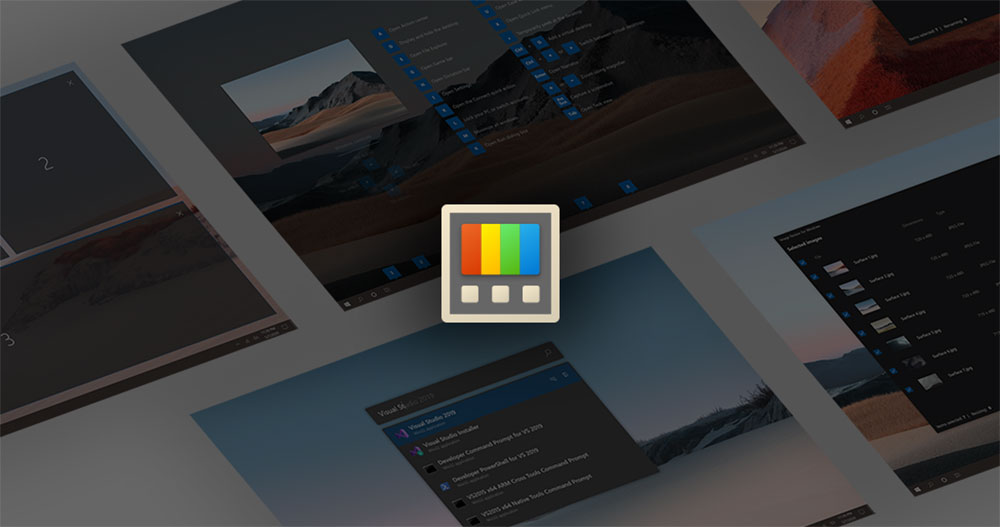
Take FancyZones as an example, it allows you to customize the window snap layout and create a more efficient screen configuration according to your work mode. This level of window management should be a standard feature of Windows, rather than having to install an additional tool to use it. PowerRename is also a function that I rely on very much, because I often take pictures and often need to rename files in batches. Being able to use regular expressions to process all file names at once really saves a lot of time. This is one of the features I wish Windows natively supported.
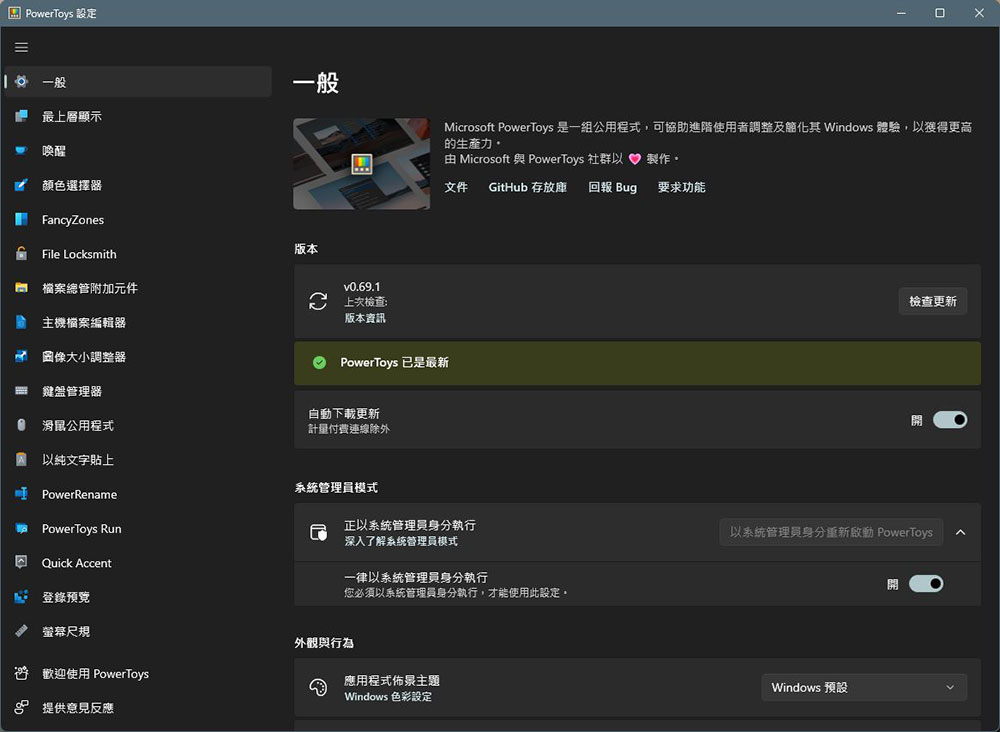
PowerToys also includes many useful tools, such as a system-wide color picker, global key remapping, shortcut key bindings, and even the ability to “pin” any window to the top so that it will always appear on top of other windows. This feature is useful if you want to keep the mini player or tool window visible.
In short, if you’ve ever wished Windows had a few more thoughtful little features, PowerToys has probably got you covered.
VS Code
VS Code has become one of the most iconic editors in the developer world. From Cursor, Antigravity to GitHub Codespaces, they are all based on it, which is enough to prove its important position in the entire ecosystem. However, users still have to install it manually every time on a new Windows device. Windows provides Notepad by default, and even built-in WordPad in the past (until it was later removed), but VS Code, which can really improve the development experience, has never been included.
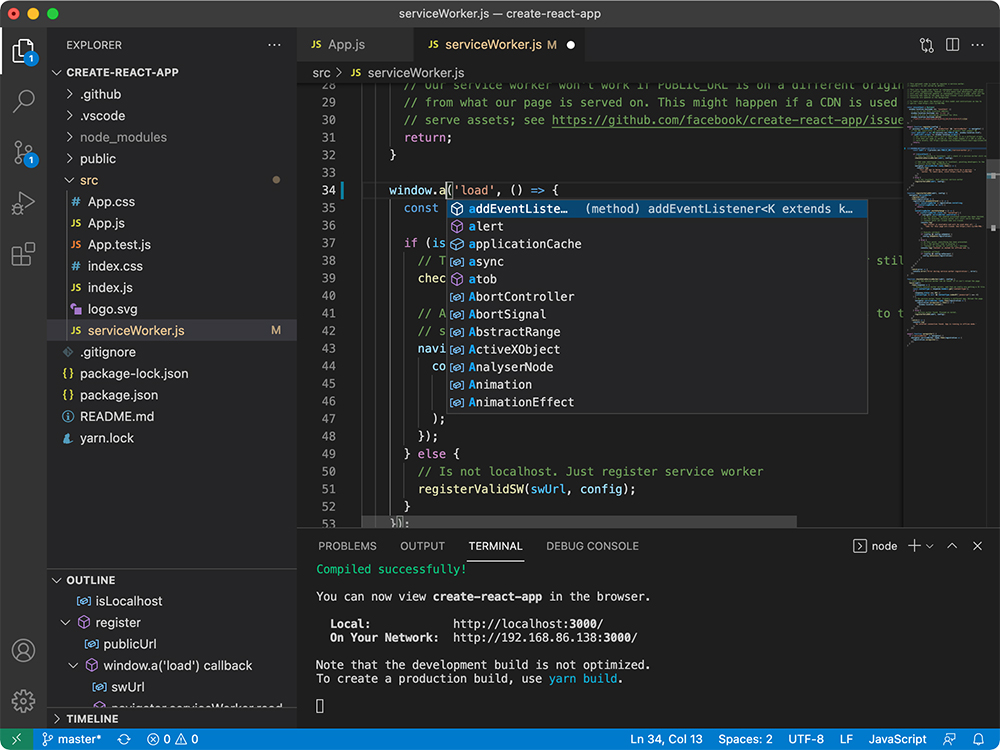
Tying VS Code to Windows actually makes sense, especially now that Microsoft is actively promoting Windows to become a friendlier development platform. Notepad used to be just a simple text editor, but now it has become more and more bloated, causing many people to simply switch to other tools. If Microsoft can replace Notepad with VS Code, or at least let the two coexist, it will be a better choice for users.
Unfortunately, Microsoft will probably never do that. For ordinary Windows users, VS Code may be too “professional”, and Microsoft seems to be more inclined to pre-install entertainment content such as Netflix and Candy Crush in Windows 11, rather than a tool that can truly improve productivity. This always makes people feel a bit regretful.
Microsoft To Do
If I could go back 15 years, there would probably be only one task management tool on my device: Wunderlist. It was such a wonderful time. Wunderlist used to be one of the most elegant and user-friendly task management apps until it was acquired by Microsoft in 2015. Microsoft kept it running for a few years, but it was finally officially shut down in 2020 and replaced by Microsoft To Do.
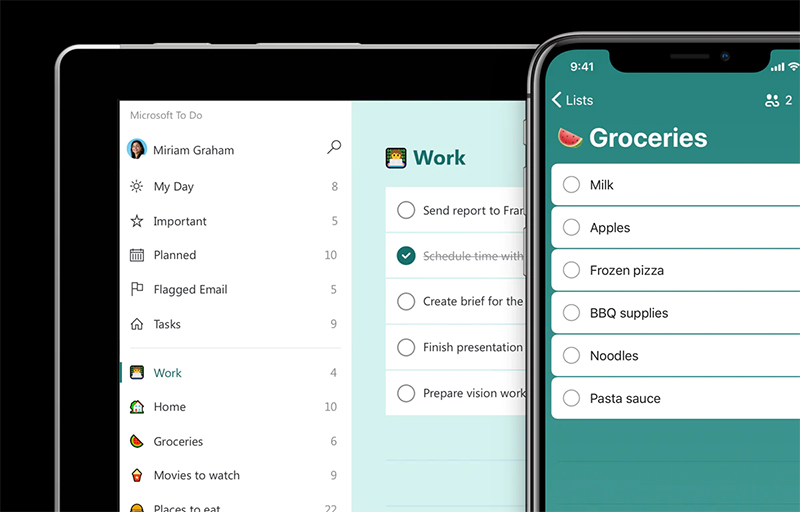
Microsoft To Do is a free, cross-platform task management tool with a simple interface. Its functions include repetitive tasks, smart lists, list groupings, reminders, file attachments, etc. Its “step” function is particularly useful, as it can break down a task into multiple subtasks, making complex work easier to manage. To Do is deeply synced with services such as Outlook and Teams. It has also been integrated with Cortana and now even works with Copilot. The convenience will be even more apparent to those already using the Microsoft ecosystem.

While Microsoft To Do can’t quite recreate the magic of Wunderlist, it’s still a stable, complete, cross-platform option. Especially if you don’t want to pay for a service like Todoist, it can be a pretty competent alternative.
Microsoft’s Windows pre-installed software strategy really needs a complete overhaul. The system is filled with applications that most people will never open, such as games that have long been ignored, or the desktop version of Netflix that almost no one uses, but it ignores the tools that can really improve work efficiency and that Microsoft itself provides for free. PowerToys, VS Code, and Microsoft To Do are all cross-platform, free, and highly practical tools built by Microsoft, but they have never been included in the pre-installed list.
Windows’ preload strategy has long favored entertainment and co-op promotion over practicality. This results in a system that starts out full of low-usage applications but lacks tools that can truly improve daily workflow. This gap not only makes the system bloated, but also forces users to spend time reinstalling tools that “should be there” on new devices.
If Microsoft is willing to adjust its strategy, there are two directions that are worth considering. Just imagining such an installation process makes people feel that Windows will become cleaner, more considerate, and more in line with the expectations of modern users:
- Preloaded with really useful tools
For example, applications such as PowerToys, VS Code, and To Do can improve productivity and are the core of the Microsoft ecosystem. - Provide choices when installing Windows
Let users decide which apps should be pre-installed and which should not. This not only avoids bloat, but also makes each computer more relevant to the user’s needs from the start.
Source: KOCPC Chinese