


The Internet has made the entire history of mankind accessible, which is a great achievement, but it has also made the amount of information overwhelming. Even if you only receive a small part of them, messages from family, friends, apps, and emails are still flooding into various devices, competing for your attention. Information overload does not have to become a daily routine. Clear out everything that needs to be cleared and completely reorganize your digital life.

Teach you digital separation and make the information you have more organized
Delete unused apps
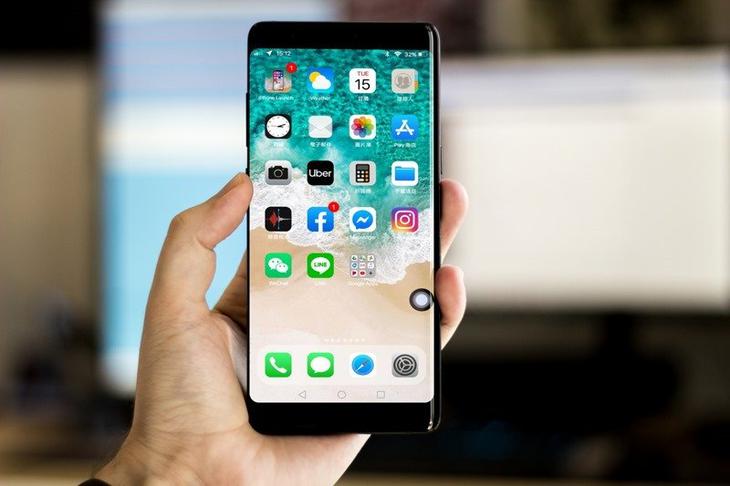
We’ll start with the simplest, most immediately effective way to declutter your life: delete the apps you don’t use. It’s easier than you think because your phone can often automatically figure out which apps you’ve long forgotten about. Open “Settings” and click “Apps” to view unused applications. You will see a list of apps that have not been opened for a long time. Scroll down to find the items that have not been touched for the longest time. This is where you start cleaning up.
You can filter without mercy, but don’t forget to distinguish between “really useless” and “just haven’t been useful for a long time.” Everyone has some apps that are not often opened but are still needed in critical moments, and these should be left behind. What about those games, productivity tools, or apps you’ve long since forgotten their purpose? Delete them and your app list will become much cleaner and you’ll be able to find what you really need faster.
Block those annoying notifications
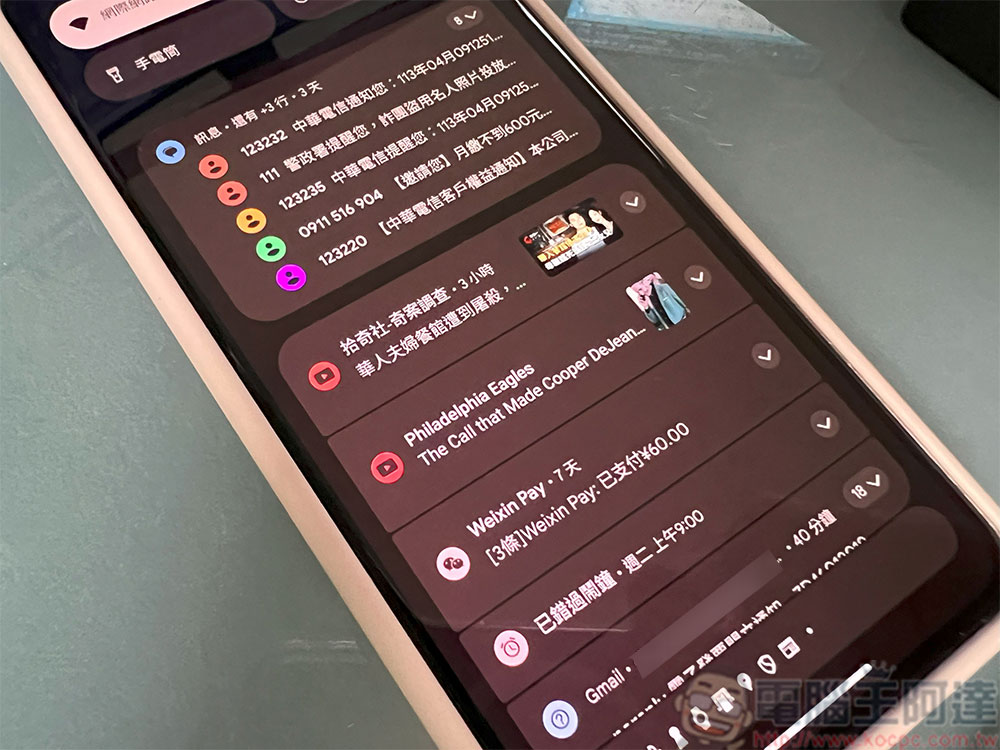
Notifications are definitely an area that needs special attention. If you’re like me, you receive dozens of notifications every day, and most of them are crossed out like annoying little bugs, which means it’s time to sort them out. The principle of decluttering is simple: show no mercy. Promotion notification? unnecessary. Meaningless reminders from a functional app? Turn off. An app that only works when you actively open it? Don’t let it bother you. The only things you really need to think about are instant messaging and social apps. Do you really need their instant notifications? If you’re like me and you check your phone from time to time, turning off instant reminders won’t make you miss any important messages.
If you’re on Android 16, there’s a feature that’s well worth enabling: notification cooldown. It can prevent the same app from sending push notifications repeatedly in a short period of time, preventing you from being bombarded continuously, especially those in group chats that you are not participating in at all. After turning on notification cooling, the brightness of subsequent notifications will gradually decrease and eventually stop completely, so that your pocket will no longer vibrate.
The notification organizer is also a very useful tool. It uses Google’s AI technology to automatically categorize notifications, allowing you to see all your news notifications or other similar content at once instead of having them scattered all over the place. Like notification cooling, this feature isn’t available on all devices, but if you have one, it’s well worth turning it on.
Organize photos every day
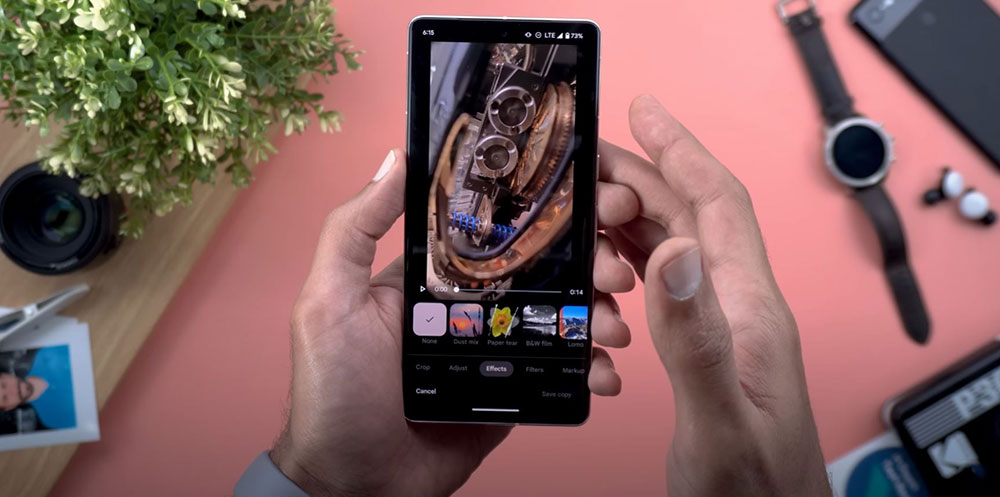
Not every photo is worth saving forever. Many fragmented and meaningless images will only occupy your cloud space and photo album in the end. In fact, these can be cleared with confidence. It’s really difficult to organize all your photos at once, so the most practical way is to break it down into small steps and take your time. The approach I take is “a little time every day, but for many years.” It’s simple: Open Google Photos, Album, or your favorite photo app and find a photo from “the same day last year.” From the photos of that day, remove everything you don’t need, like lunch photos, screenshots, duplicate or blurry photos, and leave only the moments that really matter and make you smile. Then go back to the previous year, and then the previous year, and sort it out in order.
This is something that requires long-term attention, but it does not need to be treated with too much weight and seriousness. Swiping through the photo album when you are relaxing at night can not only kill time, but also make your digital life more refreshing. Moreover, you are likely to dig out some interesting memories in these old photos, which can be shared with friends or family.
Unsubscribe and process emails by sender
It’s true that dealing with a flood of unread emails can take up a lot of time, but there’s actually a simple, effective method that will give you immediate results. If you mainly use your mobile phone to receive mail, the space you can operate is relatively limited, so the most important task is: unsubscribe, unsubscribe, and unsubscribe again, and stop all those newsletters, promotional letters, and event notifications that you don’t need at all, otherwise your mailbox will always be flooded with them. This sounds basic, but because it is so basic, we often ignore it and let the problems pile up.
The computer is the place where you can clear out a lot of emails at once. The method is very simple:
- Copy the sender’s email address.
- Paste into the search bar of the message.
- Select “All”.
- Mark search results as read.
- If you use Gmail, remember to check “Select all messages that match your search criteria,” not just the fifty messages on the screen. This step is very critical, otherwise you will think that you have cleared a lot, but in fact you have only dealt with the tip of the iceberg.
- Then press “Mark as Read” and let the system run slowly. Once completed, you will be able to process hundreds or thousands of emails at once.

Source: KOCPC Chinese