


The most basic conventional wisdom about using an Apple Watch has been that it can only be paired with an iPhone; otherwise, you cannot even activate it. A developer named LordixDemon has released an open-source tool called “Apple Watch Companion” that lets an Apple Watch pair directly with an Android phone, bypassing even the deepest lock—”activation”—without ever touching an iPhone. Since the first-generation Apple Watch in 2015, Apple has tied the watch to the iPhone. Over the past ten years, the only price for Android users who want to wear an Apple Watch has been switching their entire ecosystem (although I personally doubt there are such people).
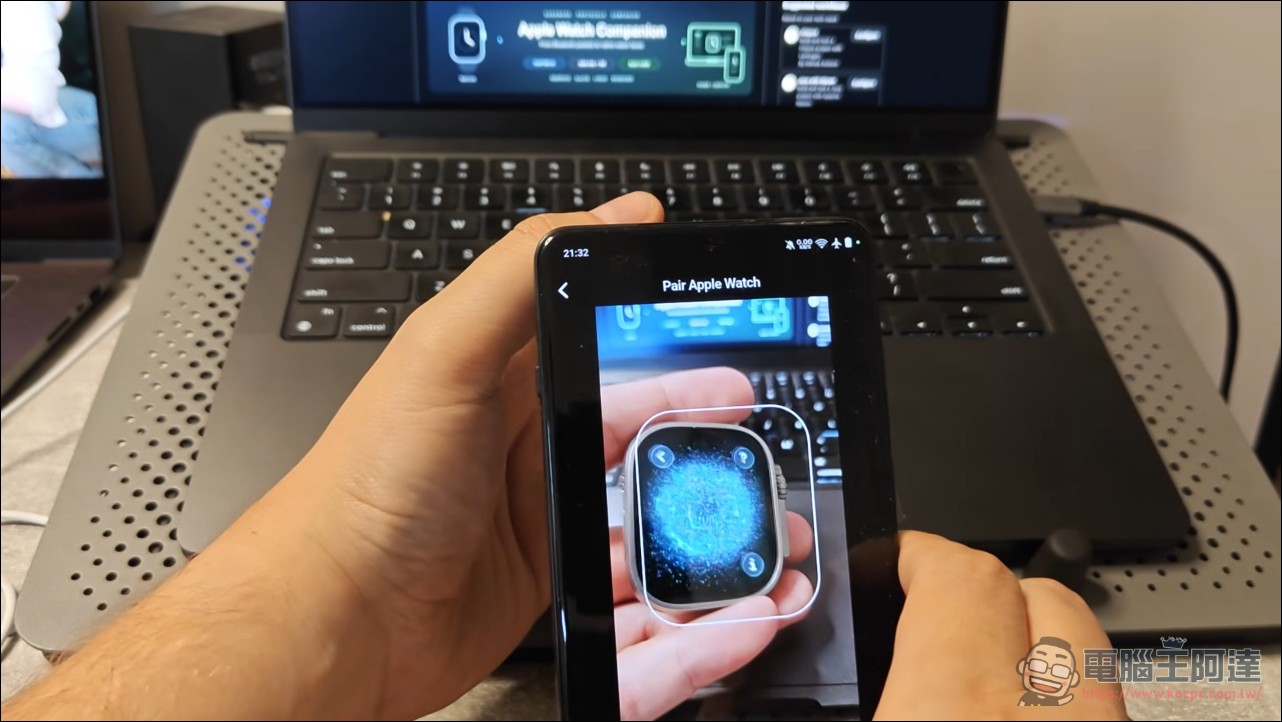
Pairing and activation don’t require an iPhone.
The first boot setup out of the box locks an Apple Watch to an iPhone. Apple’s pairing protocol has long been a black box: the Bluetooth connection is only the surface, and behind it are handshakes and verification steps one after another; if any link doesn’t match, everything stalls. This tool reconstructs the protocol, allowing an Apple Watch Ultra 2 to complete pairing and activation on an Android phone. On the Android side, you use the camera to scan the optical pairing code on the watch face to establish the link; the pattern that keeps spinning on the pairing screen is how the watch identifies itself. Once scanned, Bluetooth trust is established and the process runs all the way to activation. The project appeared on GitHub on October 9, is written in Java, and currently has 519 stars and 49 forks. Foreign media described it as proving one thing: Apple’s longest-closed pairing protocol can be rebuilt outside the official app.
What the Apple Watch Companion can do and what it still lacks
With the feature list laid out, the practical parts have already shipped first: Wi-Fi sync, notification push, watch face management, and battery information reading. Basic interface controls all work, and everyday operations like changing watch faces, checking battery level, and receiving notifications are starting to take shape. For users who just want to view Android messages on their watch, notification sync alone is worth the price. It is also candid about the half-finished parts: health data import is not complete yet, call functionality has not been implemented at all, and there is still a long way to go before it offers a complete Apple Watch experience.
Barrier: Root, Magisk, and a specific phone.
Trying it out on Android is actually quite difficult: the phone must be rooted and have Magisk modules installed, and rooting itself carries risks. Besides possibly affecting the warranty, integrity verification in banking apps and some games will simply stop working. The released module currently targets only one demo phone, and there is only one officially verified combination: OnePlus 13 with Apple Watch Ultra 2 and watchOS 26.2. The results with other pairings are unknown. Choosing the Ultra 2 as the demo phone is also highly symbolic: it is Apple’s most flagship watch model, and watchOS 26.2 is the latest system, so it amounts to tackling the hardest case. Interestingly, the other two platforms do not have this barrier: the Linux and Windows versions do not require Root, and pairing uses the six-digit code displayed on the watch face, while Android uses the camera to scan an optical code. So desktop users get an easier path first, but both paths ultimately have to pass the verification gate set by Apple. In other words, the lock is not in the connection method; the lock is in the verification.
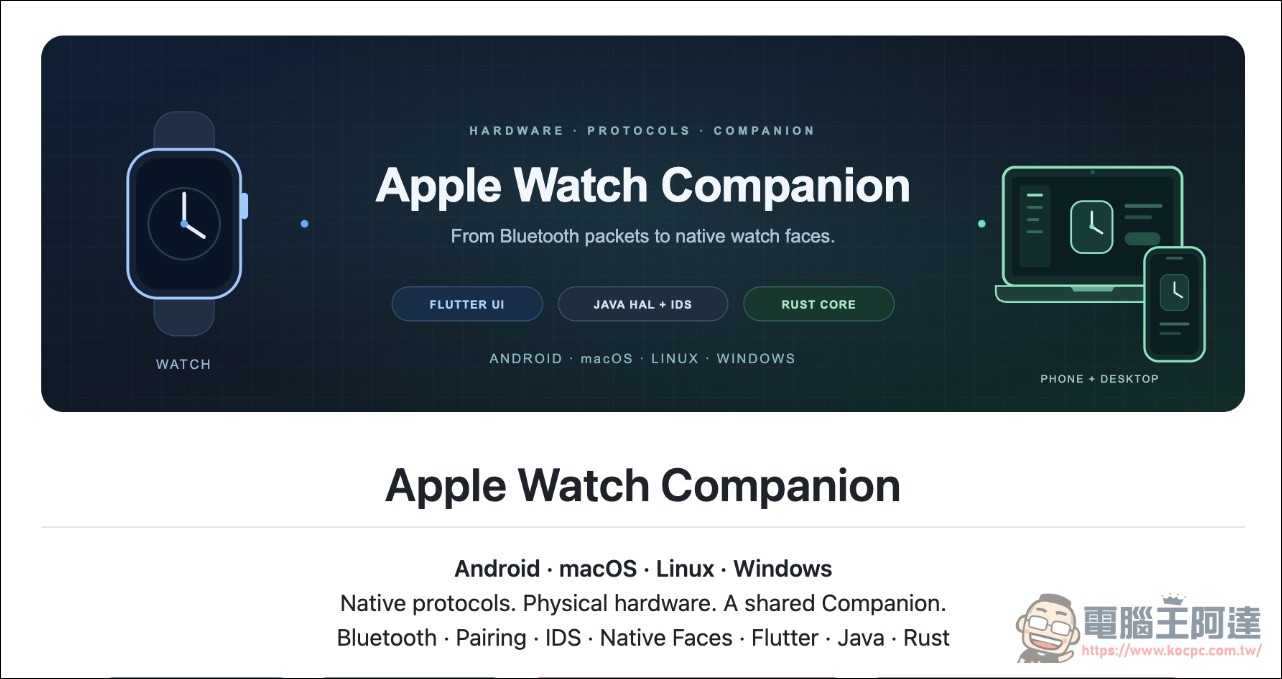
Apple Watch Companion – GitHub
Significance: Another screw has come loose in Apple’s closed ecosystem.
Apple Watch is the tightest link in Apple’s ecosystem chain: buying the watch means being locked to an iPhone, and for years there has been no official solution. Now that the pairing protocol has been rebuilt, it is as if the market is being told: the hardware itself has no inherent need to pair with the iPhone; what locks it in is the protocol and verification process. The demand has always been there: people who carry two phones and want the watch to follow their primary Android phone, people with a secondhand Apple Watch, and geeks who simply want to try something new were all blocked by a pairing wall. For Android users, if this path works, it means they can buy an Apple Watch on its own without having to switch their entire ecosystem; for developers, now that the black box of the pairing protocol has been opened, gaps such as notifications and health data are problems that can be filled, although health data and calls are arguably the hardest bones: the former involves Apple’s proprietary data formats, while the latter requires getting the entire Bluetooth call link working, testing reverse engineering patience. From an engineering perspective, this is a textbook-level protocol rebuild: observe the pairing screen, capture packets, compare verification behavior, and finally rewrite the entire process. The next things to watch are three: the speed of feature completion, validation on more models, and Apple’s reaction—firmware update blocks, legal action, or pretending not to see it; all three scripts are possible. There is a recent precedent: in 2023, when Beeper Mini brought iMessage to Android, Apple moved to shut it down within days. This time, what is being touched is the deeper Watch pairing protocol, so the script will likely be even more dramatic.
For ordinary users, the recommendation is to just watch for now: with the three hurdles of the Root requirement, single-model verification, and no authorization files in place, getting involved now is fun for experimental users; the tool was noticed by the community less than a week after launch, and its star count is still climbing—already a kind of visibility for such a niche topic. But its engineering significance is already established: someone has cut the first link in that iPhone chain long thought impossible to break; the rest is up to time and the author’s continued updates. Someday, when a notification appears on the watch face and a raise of the wrist lights up an Android message, don’t be too surprised.
Source: KOCPC Chinese