


Microsoft today released a series of major update announcements about Windows 11. Amid the overwhelming promotion of new features, the core question most users care about is actually very direct and simple: after this update, will my computer actually run faster?
Windows 11 Major Update: System Responsiveness Soars 20%, Rescuing Older PCs with 8GB RAM
According toMicrosoft Official BlogAs for the technical details that were released, the answer is yes. Microsoft says the all-new Windows 11 improves system responsiveness by up to 20%, while also being deeply optimized for entry-level and older models equipped with 8GB of memory (RAM). In addition to these “major under-the-hood performance upgrades” focused on improving the smoothness of everyday operations, this update also includes a range of powerful new features.
What’s new in Windows 11: Everyday experiences, reimagined https://t.co/jRybKLh7IG
— Windows Blogs (@windowsblog) October 15, 2026
Microsoft claims that whether opening the Start menu, browsing File Explorer, or performing everyday tasks in the Edge browser, the system’s responsiveness—that is, how immediately it reacts when you click the mouse or press a key—can improve by as much as a significant 20%. However, before cheering for this, we need to look at the figure rationally. The “20% improvement” Microsoft refers to is based on internal tests comparing the response times of two Windows versions in Search, the Start menu, and right-click menus. In other words, this represents a performance ceiling under specific best-case conditions, not a guarantee across all scenarios. Even so, Microsoft’s willingness to focus its R&D on reducing system latency and stutter is undoubtedly a key step in the right direction.
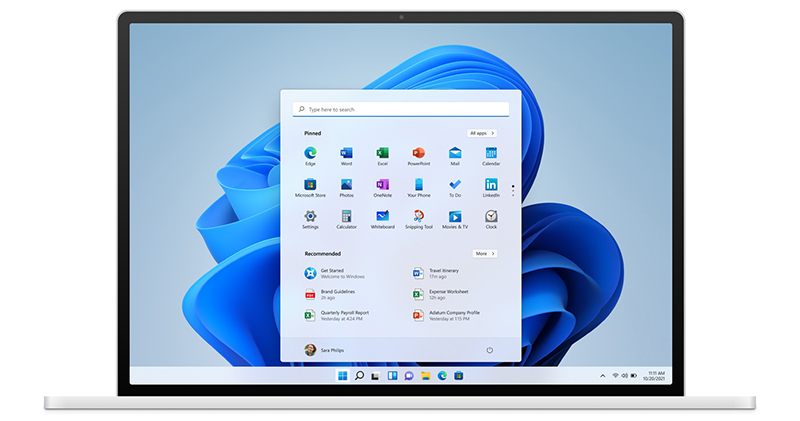
For many users with 8GB or even less memory, the most exciting part of this update is undoubtedly the optimization of the memory management mechanism. Given current memory prices and cost considerations, there are still a large number of mid- to low-end computers on the market equipped with 8GB of memory, and having multiple web pages and applications open often causes system lag. This time, Microsoft has introduced a more powerful memory compression technology:
- Additional 2GB of memory cache space
Computers can now additionally compress and store temporarily unused application data in physical memory (up to 2GB), preventing the system from frequently writing data to the slower hard disk page file (Pagefile), greatly improving smoothness when multitasking and opening multiple browser tabs. - Dynamic widget loading
On devices with 8GB of memory or less, the system will not preload “Widgets” or the “News and Weather panel” in the background by default until the user actively taps to open them. This small change alone can instantly save the system more than 200MB of precious memory.
In addition to upgrades to underlying performance, Microsoft has also comprehensively revamped entertainment, cross-device interaction, and creative tools:
- All-new Photos app
It introduces a new, faster-loading gallery, support for powerful AI object erase and fill, and “Relight” lighting correction technology. These features have already been rolled out first to Windows Insiders, and general users will receive the update later this year. - A deeper “Phone Link”
Users can now read and reply to Android or iPhone text messages directly in the Start menu. Select Android models even support running phone apps directly on the Windows desktop in resizable standalone windows, greatly improving cross-device collaboration efficiency. - Player Benefits (Advanced Shader Delivery)
For gamers, Microsoft has introduced precompiled graphics code technology (Advanced Shader Delivery). This technology can cut the game load times of modern AAA titles that support it (such as Forza Horizon 6) to just a few seconds, completely eliminating long loading screens.
Meet the new Photos app on Windows 11 https://t.co/ma57Biu24T
— Windows Blogs (@windowsblog) October 15, 2026
In summary, this Windows 11 update is no longer just stacking up gimmicky features, but genuinely addresses the smoothness and memory pain points users care about most.
Source: KOCPC Chinese