


To make their computers more secure, some people may install two or even more antivirus programs, thinking an extra layer of protection can’t hurt. For example, if the trial antivirus that came preinstalled on a new laptop hasn’t been removed, they install another free version, and with Windows’ built-in Microsoft Defender, it may look like very strong protection, but in fact this is not a good idea.
Microsoft senior engineer Raymond Chen recently used a real-world case to explain that antivirus software isn’t safer the more you install; running two at the same time can instead cause them to treat each other as threats, even attempt to quarantine each other’s processes, leading to system conflicts and a variety of hard-to-trace problems on the computer.

Is installing two antivirus programs actually more dangerous? Microsoft 30-year veteran Raymond Chen: They will treat each other as viruses.
According to foreign media Windows Latest According to reports, Raymond Chen published an article a few days ago, on the topic of 〈If one antivirus software is good, would two be better?〉, The content is shared from a customer case handled by a colleague on the Microsoft Enterprise Support team: a computer had a very complex failure, and only after extensive analysis was it discovered that the problem was that two antivirus programs were installed on the system at the same time, and they were attacking each other. In the article, he gave the two antivirus programs the pseudonyms Contoso and Fabrikam (these are fictional company names commonly used in Microsoft documentation).
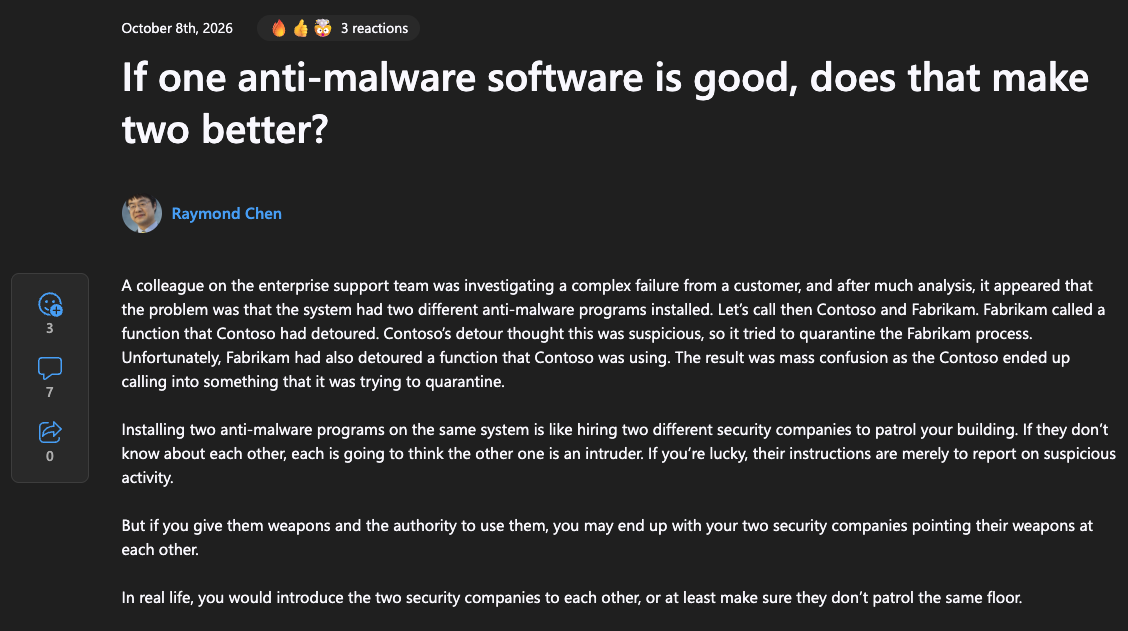
Here’s what happened: Fabrikam called a system function, but that function had already been hooked by Contoso. After checking it, Contoso decided the call was suspicious, so it set out to isolate Fabrikam’s program. At that point, Fabrikam had also hooked a function that Contoso would use, so while Contoso was carrying out the isolation, it ended up calling back into the very target it was trying to isolate. The two got stuck together, throwing the whole computer into chaos.
Raymond Chen says that running two antivirus programs at the same time is like “hiring two different security companies to patrol the same building.” If the guards on each side don’t know each other, each will treat the other as an intruder. If the guards are only responsible for reporting suspicious activity, the worst that happens is a few extra reports. But if both sides are armed and have the authority to act directly, they might end up pointing guns at each other.
As for why two antivirus programs attack each other, it actually has to do with how they work. To monitor suspicious behavior in the system, antivirus software sometimes uses techniques not officially supported by Windows, such as “intercepting system functions.”
In simple terms, when a regular program wants to open a file or execute another program, it usually needs to do so through Windows system functions. Antivirus software inserts a checkpoint into this process, first intercepting the program’s request and only allowing it through after confirming there are no security concerns. When two antivirus programs both try to perform similar interception and monitoring, they may interfere with each other, or even misjudge each other’s normal behavior as a threat.
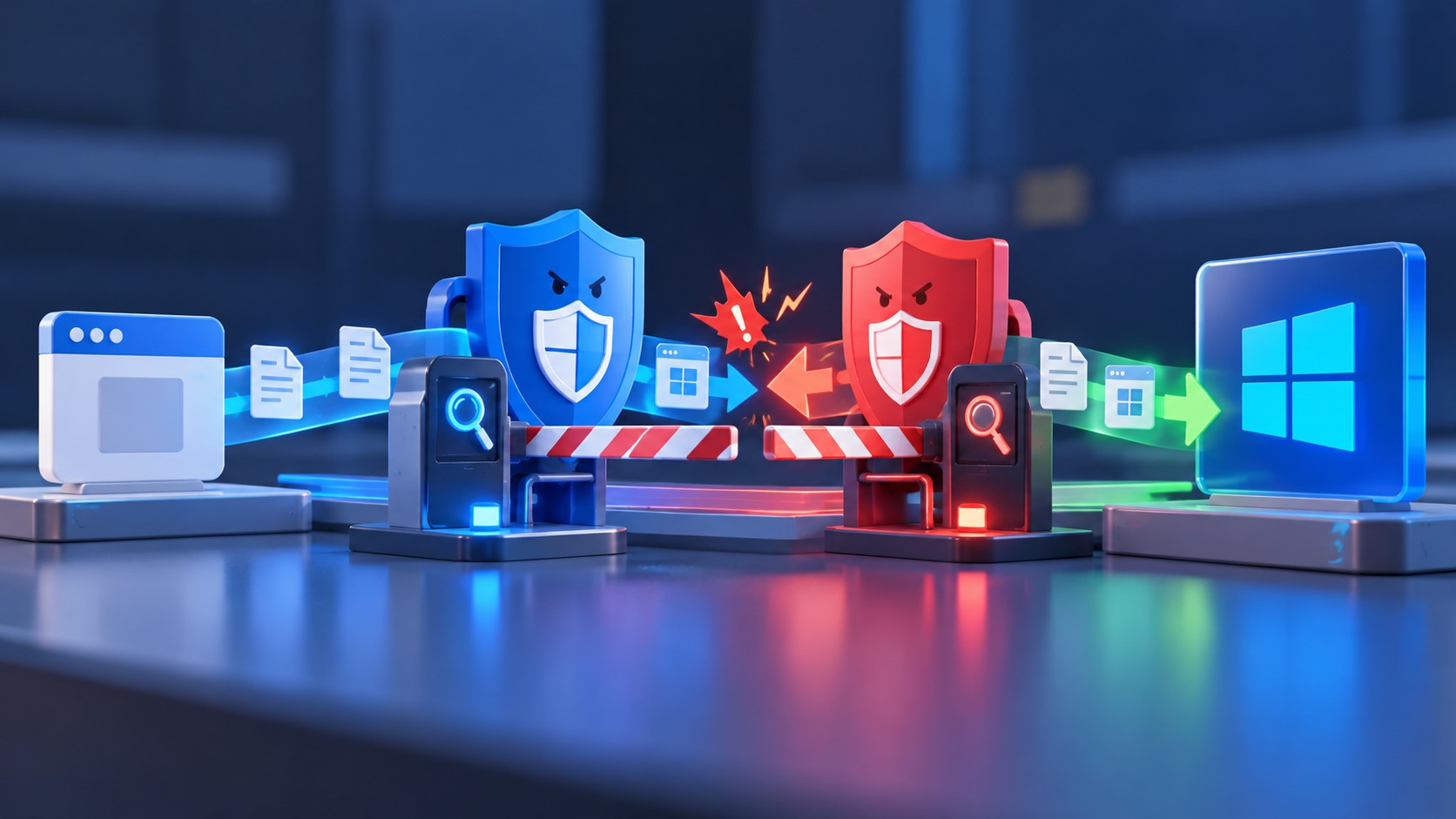
Raymond Chen mentioned that once a call is intercepted, it doesn’t necessarily actually reach the system function; instead, it goes off to execute the antivirus software’s own code. This code may do things completely unrelated to the original call, and then cause other problems, such as the whole computer freezing.
Some might think, wouldn’t it be fine to whitelist each other in the two antivirus programs? That won’t work. Antivirus software monitors all processes, so you can’t simply exclude the other one.
Besides fighting each other, performance is also a big issue. With real-time protection enabled in both antivirus programs, every file you open and every program you run has to be checked twice.

However, Windows has actually long had a mechanism to prevent Defender and third-party antivirus software from conflicting. According to Microsoft’s official documentation, on typical home Windows 10 and Windows 11, as long as you install third-party antivirus software and use it as your primary protection, Defender antivirus will automatically disable itself and hand over real-time protection to it. If you later remove the third-party antivirus software, or its license expires and it no longer provides protection, Defender will automatically re-enable itself.
Therefore, the risk mentioned in this article is that you install two third-party antivirus programs.
Source: KOCPC Chinese