


When shooting video with an iPhone, do you often find yourself torn: should you choose 4K 30fps, or go straight for 4K 60fps? Many people intuitively assume that the higher the number, the better and the more professional the picture, so they blindly choose 60fps every time they record. However, as files become enormous, is it really necessary to use the highest specification at every moment? This practical guide will help you clarify the core differences between the two and put an end to your decision paralysis.
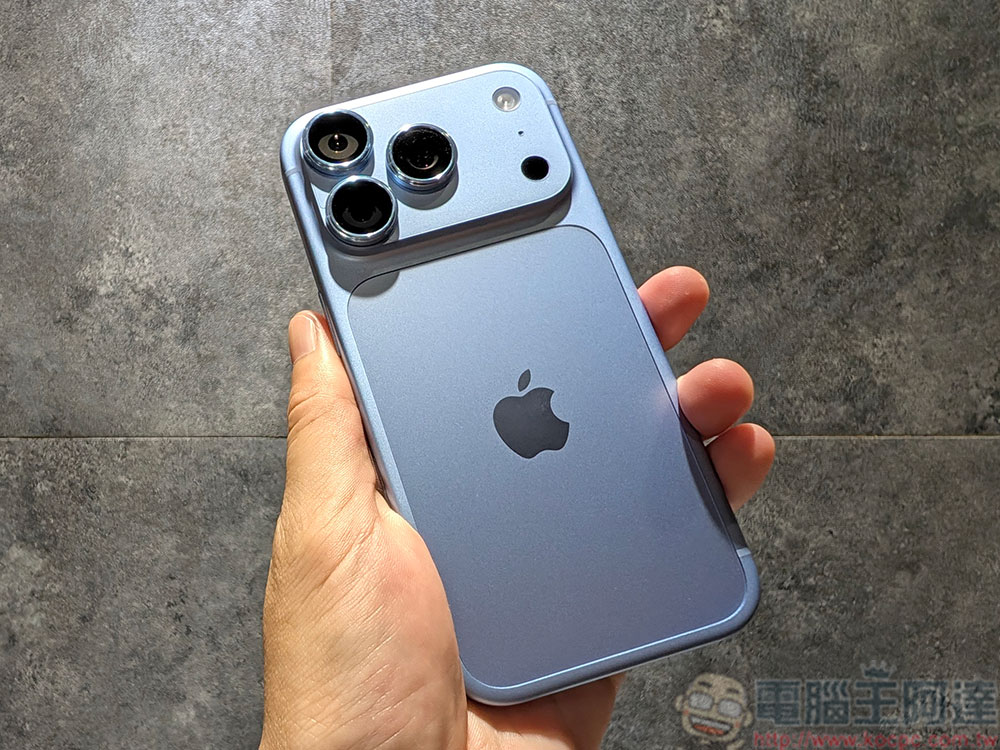
When shooting video on an iPhone, should you use 4K/30fps or 4K/60fps?
Key differences: visual smoothness and file size
To make the right choice, you first need to understand what frame rate is. Simply put, 30fps means the camera records 30 frames per second for you, while 60fps captures 60 frames in the same second. Because the number of images captured per second is exactly double, when a scene contains fast movement—such as people walking quickly, cars whizzing by, or severe shaking—60fps naturally looks especially smooth and realistic. This is also why it is highly suitable as the preferred material for post-production slow-motion processing. Apple has also explicitly stated that high frame rates can give dynamic footage a more outstanding silky texture.
However, a high frame rate doesn’t completely beat a low frame rate in every situation. The higher a video’s frame rate, the more its file size typically balloons, which puts a major strain on phone storage. In addition, in dim lighting, iPhone uses mechanisms such as “Auto FPS” to dynamically adjust and lower the frame rate, thereby taking in more light and improving image quality. Therefore, when shooting at night or in low light, 30fps often offers more stable performance and greater error tolerance.
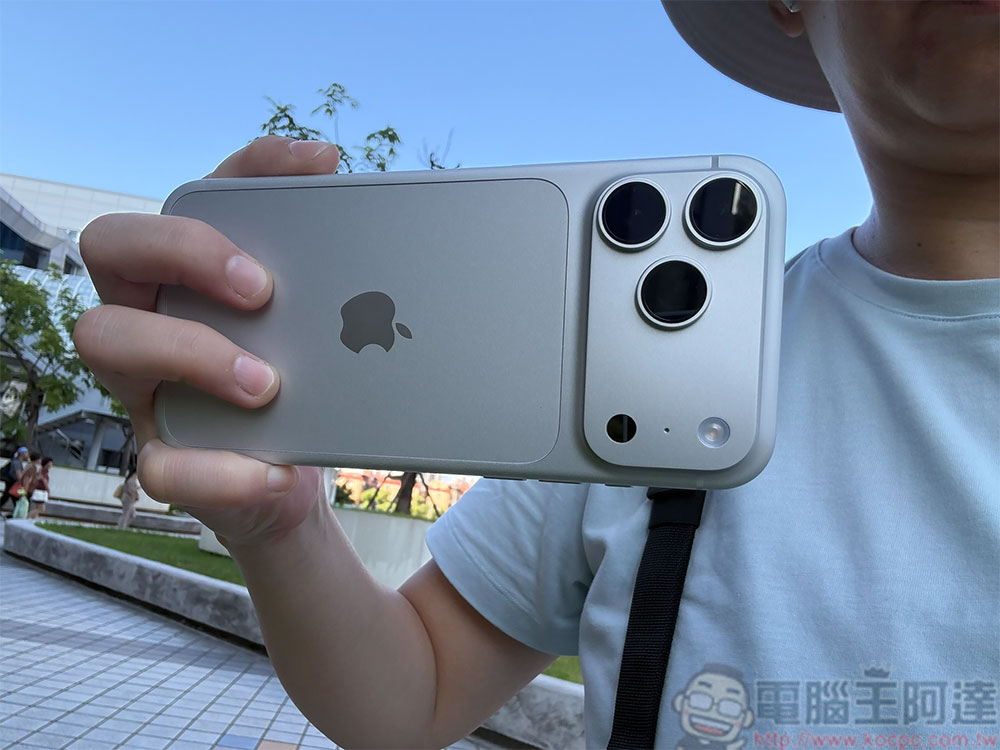
Match the Scenario: What’s the Smartest Way to Choose?
If you want to avoid the inner struggle before every recording, you might as well refer directly to the following scenario categories:
- Scenarios where 4K 30fps is recommended
Daily life records, travel scenery, food explorations, portrait interviews, and other general scenes with relatively stable motion. 4K 30 fps not only delivers detailed visuals and moderate file sizes, but more importantly performs better in nighttime shooting, ensuring clear and stable image quality. - Recommended scenarios for using 4K 60fps
Outdoor sports, energetic pets, children running and playing, or street candid shots—scenes with a strong sense of speed. In addition, if you expect that footage to require smooth slow-motion processing during editing, 60fps is absolutely indispensable. - Advanced Principles for Short-Form Video Creators
If your ultimate goal in shooting is to publish to major short-form video platforms, you might as well work backward from your post-production editing needs. Choosing 60fps footage when shooting doesn’t mean you have to export a 60fps final product; it can give you more room to adjust during post-production editing and speed changes.
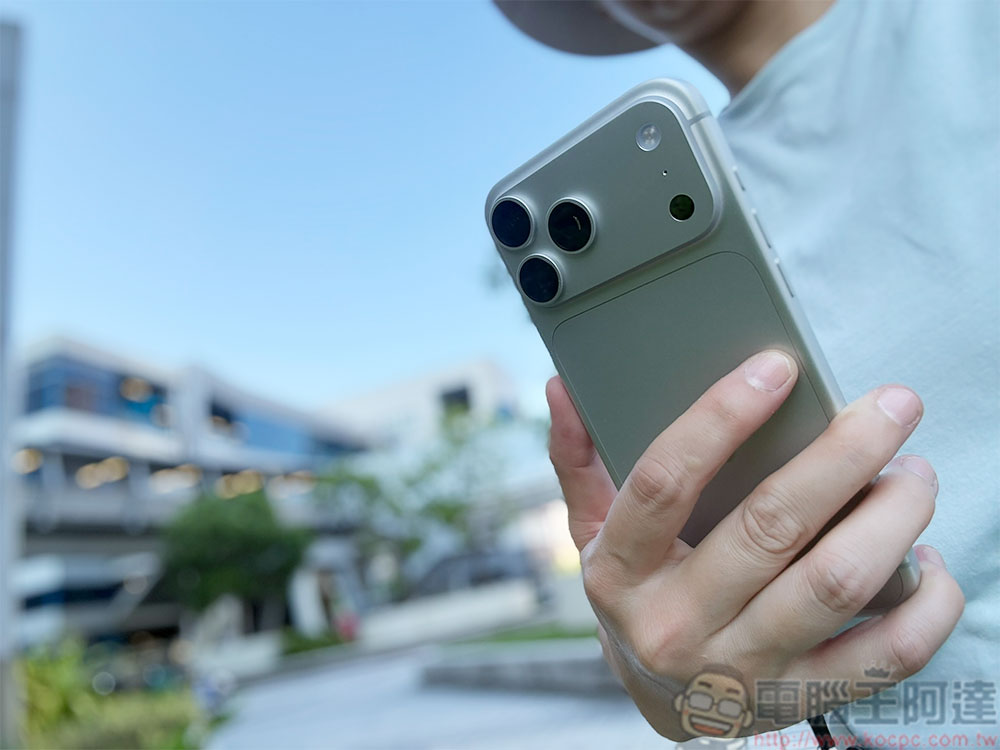
Summary: The mnemonic for simplifying the complex
Overall, choosing iPhone video specifications can actually be very intuitive. Just remember this simple saying: “For ordinary scenes, choose 4K 30fps; for motion and action, choose 4K 60fps; for night shooting, prioritize 30fps.” Switch flexibly according to the current environment and shooting purpose, and you can both maintain video quality and precisely protect your phone’s valuable storage space!
Source: KOCPC Chinese