


The Wi-Fi signal bars in the taskbar often make people mistakenly believe that the more bars there are, the better the network performance is. However, these tiny signal icons actually measure more than just speed and stability. This article will help you understand what the signal bars really mean, explain why a full signal can still come with slow internet, and show how to properly check the actual state of your Wi-Fi.

Full Wi-Fi signal bars don’t mean your internet is necessarily fast! Uncovering the true meaning behind signal bars.
What are Wi-Fi signal bars actually showing?
The Wi-Fi icon on the taskbar may look simple, but it is actually a highly simplified representation of a technical data point; it mainly reflects the signal strength the computer receives from the wireless router.
A Wi-Fi network adapter continuously monitors the Received Signal Strength Indicator (RSSI), measured in negative decibel-milliwatts (dBm). Generally, around -40 dBm indicates excellent signal quality, while near -80 dBm it becomes nearly unusable. Windows converts RSSI into a signal quality percentage. For example, around -50 dBm usually corresponds to nearly 100% signal quality, while -100 dBm is close to 0%. The system then uses this value to display the result as the familiar number of signal bars.
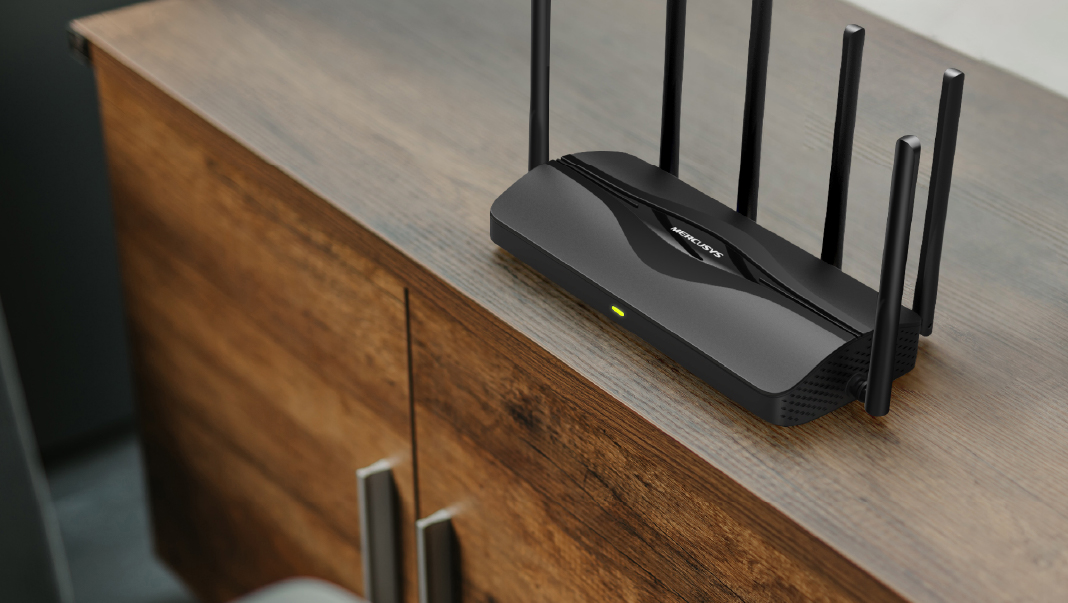
Because signal bars are calculated based only on signal strength, they really answer only one question: “How strong is the signal your device is currently receiving from the router?”
This information is indeed useful for reference. When the signal weakens, wireless network cards tend to reduce transmission rates and switch to modulation methods with higher error tolerance, causing network speeds to drop. Increased distance, walls, floors, and even objects such as large aquariums can weaken Wi-Fi signals, so the number of signal bars can usually roughly reflect the distance between you and the router and the signal quality. However, it cannot test overall network performance. Signal bars do not send test data, nor do they measure download speed, upload speed, latency, or packet loss rate, much less determine the connection quality between the router and the ISP (Internet service provider).
In other words, these signal bars represent only the wireless connection quality in the first few meters of the data transmission path, not the actual conditions across the entire internet journey.

Why can it still be slow even with full signal?
Although signal bars can reflect wireless signal strength, they overlook many important factors that affect network performance, so they can sometimes even be misleading.
Channel congestion and wireless interference
First, full bars only prove that the router’s signal is strong; they cannot show how many devices are simultaneously using the same wireless spectrum. Wi-Fi is a shared medium, and devices on the same channel must take turns transmitting data. In apartment buildings or densely populated areas, dozens of routers may be crowded into the 2.4GHz band at the same time, and this band actually has only three non-overlapping channels available.
Therefore, even if your signal shows full bars, the network card may still spend a lot of time waiting for other devices to finish transmitting, causing speeds to drop. In addition, household appliances such as microwave ovens, Bluetooth devices, and wireless monitors can also cause interference, and signal bars cannot reflect these problems at all.
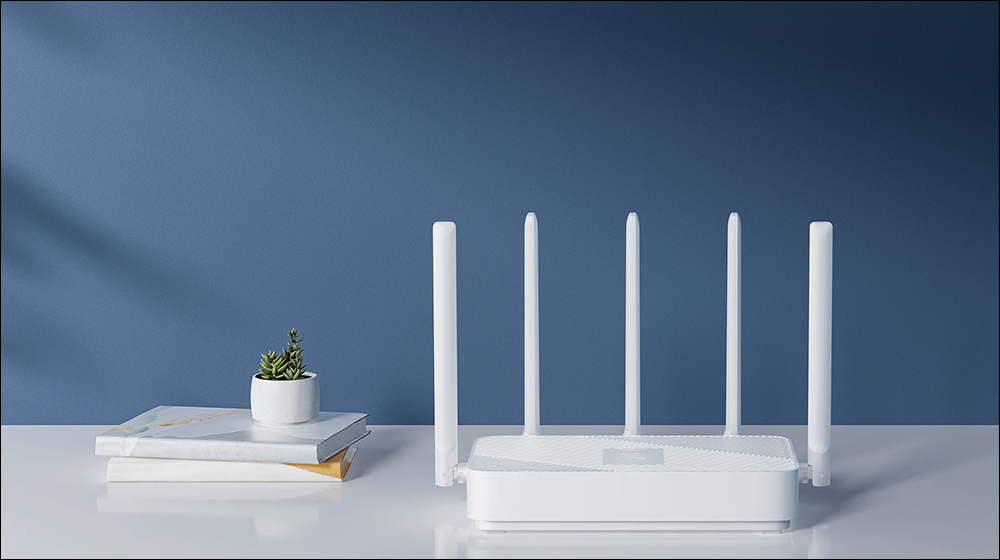
Different frequency bands produce different effects.
Another common misconception comes from the differences between Wi-Fi bands. 2.4GHz signals have broader coverage and stronger wall-penetration, so at the same location you’ll usually see more signal bars; by contrast, 5GHz and 6GHz have shorter transmission distances, so they may show fewer signal bars. But this doesn’t mean 2.4GHz is necessarily faster. In fact, 2.4GHz is usually more congested and slower, so a laptop connected to 5GHz with only two signal bars may well perform better than a device connected to 2.4GHz with four signal bars.
When choosing which Wi-Fi network to connect to, Windows tends to place considerable emphasis on signal strength, so it may not always make the best choice.
Uplink and downlink signal asymmetry
Another often overlooked situation is signal asymmetry. A router’s transmit power is usually higher than that of a phone or laptop, so a device may be able to receive the router’s signal clearly, while the router has difficulty receiving the signal sent back by the device. At this point, you may still see full bars, but in reality, issues such as slower upload speeds, laggy video conferences, or poor voice call quality may already be occurring.
The problem may not be with Wi-Fi.
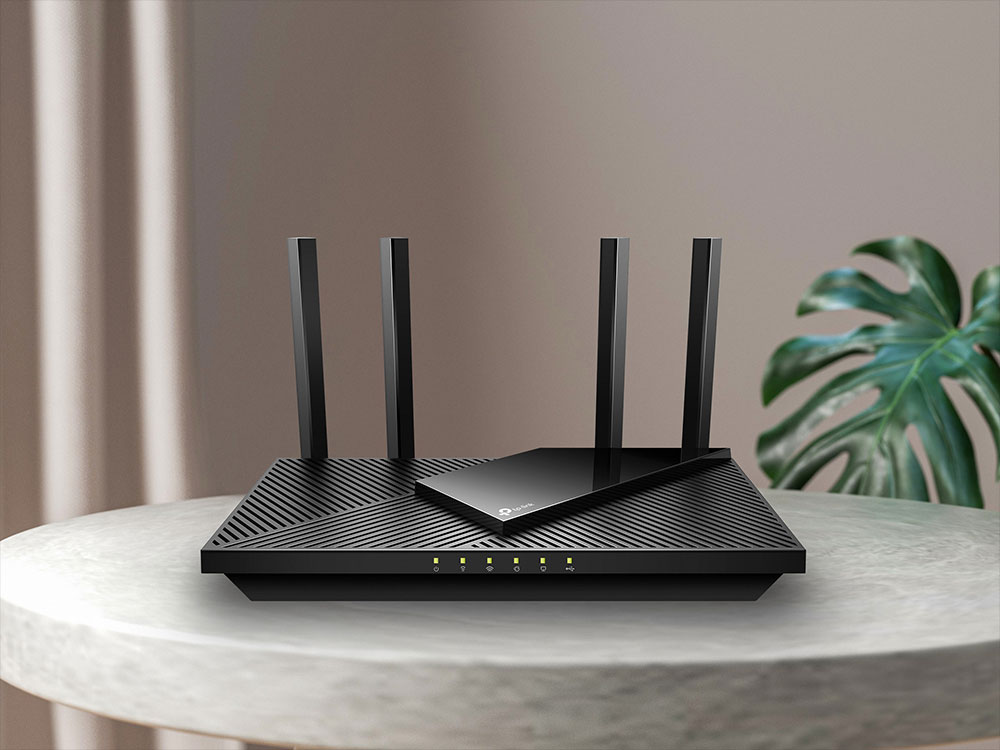
In addition, the bottleneck causing slow network speeds is sometimes not in the wireless network at all. For example:
- ISP line congestion
- The network plan has insufficient bandwidth.
- Modem malfunction
- DNS resolution error
- Insufficient router performance
These problems can all prevent you from getting online normally even when you have full signal bars. Although Windows occasionally displays a globe icon or warning symbol to indicate a network issue, it doesn’t always reflect the problem right away.
Signal bars indicate signal, not network quality.
The Wi-Fi signal icon only tells you how clear the wireless connection between your computer and the router is; it cannot reflect overall network performance.
The key factors that truly affect the user experience include:
- Internet speed
- Latency
- Jitter
- Link Rate
- Stability
- Packet loss rate
So next time you see full Wi-Fi bars, don’t rush to assume the network must be fast. Use speed tests, latency tests, and wired comparisons to find the real bottleneck, so you can accurately determine where the problem lies instead of guessing network quality based only on a few signal bars.
Source: KOCPC Chinese