


It’s often said: “Be honest without fear,” but in today’s digital environment, this belief may actually put you at risk. Hackers, identity thieves, hostile nations, greedy technology companies, and unpredictable artificial intelligence can turn seemingly innocuous information into a weapon against you or your family. If the company information you are responsible for is leaked, the consequences are likely to be unbearable.

5 Tips to Keep Your Work Privacy and Personal Data Secure
You may already be familiar with some common online threats: suspicious emails (possibly a phishing attack), pop-up windows claiming that your device has been compromised, or “please update your password now” warnings. You may also have heard the basic rules: change passwords regularly and avoid using the same password for multiple accounts. Many companies also repeatedly emphasize these risks and protection methods through training. However, cybersecurity is far more complex than this superficial knowledge. At work, you can actually take more proactive steps to protect data and privacy. Understanding threats is the first step to effective defense. If you don’t know what you’re dealing with, you can’t react appropriately. Therefore, from strengthening your accounts and devices to establishing more mature digital habits, the following five suggestions will help you more comprehensively resist digital threats and protect your work information and personal data.
Use passkeys instead of passwords whenever possible
Passwords are never an ideal security mechanism, but until there is a better alternative, we have to rely on it. This also forces us to make a difficult choice between “convenience” and “security”: either all accounts share the same set of passwords, risking that the entire digital life will be compromised as long as one account is leaked; or setting a unique and complex password for each account, but you may be locked out because you forget one of them. Password managers were born to solve this dilemma. They can remember all your passwords for you, but they also become the most valuable target in the eyes of hackers.
A key step to improve digital privacy and security is to replace traditional passwords with “Passkeys”. Pass Key securely stores a set of encrypted keys on your device. When you log in to your account, you will be asked to verify your identity using the usual methods for unlocking your device, such as a PIN, password, or biometrics. You no longer need to remember a large number of passwords, just remember how to unlock your phone or computer. It may seem simpler at first, but because the pass key is tied to your specific device, the website can confirm that the person logging in is actually you and not a hacker far away. The service authenticates your device, and your device authenticates you.
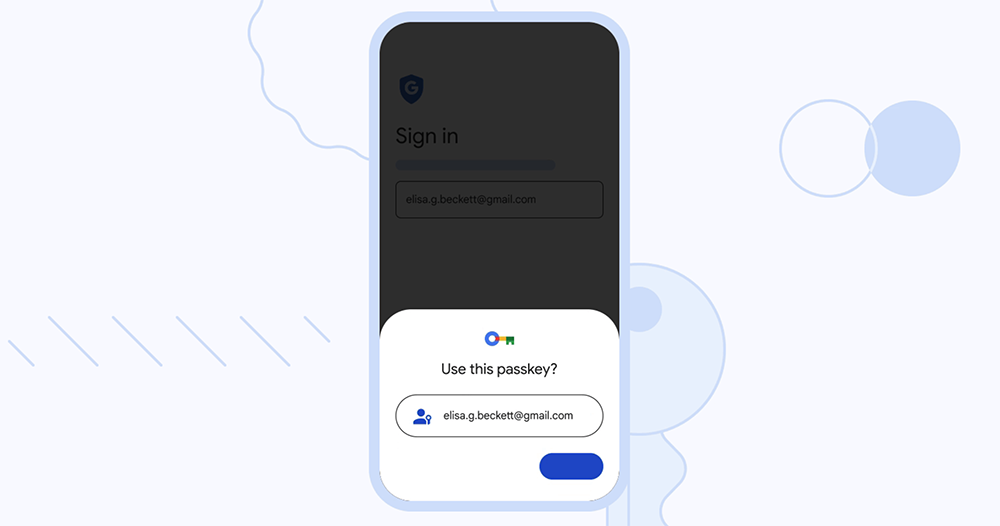
Currently, common services such as Google and Microsoft support pass keys, and you can enable them in the “Security” settings of each platform. At the same time, you still need a reliable password manager to save your existing passwords. Common choices include 1Password, Proton Pass, NordPass, and Google Password Manager.
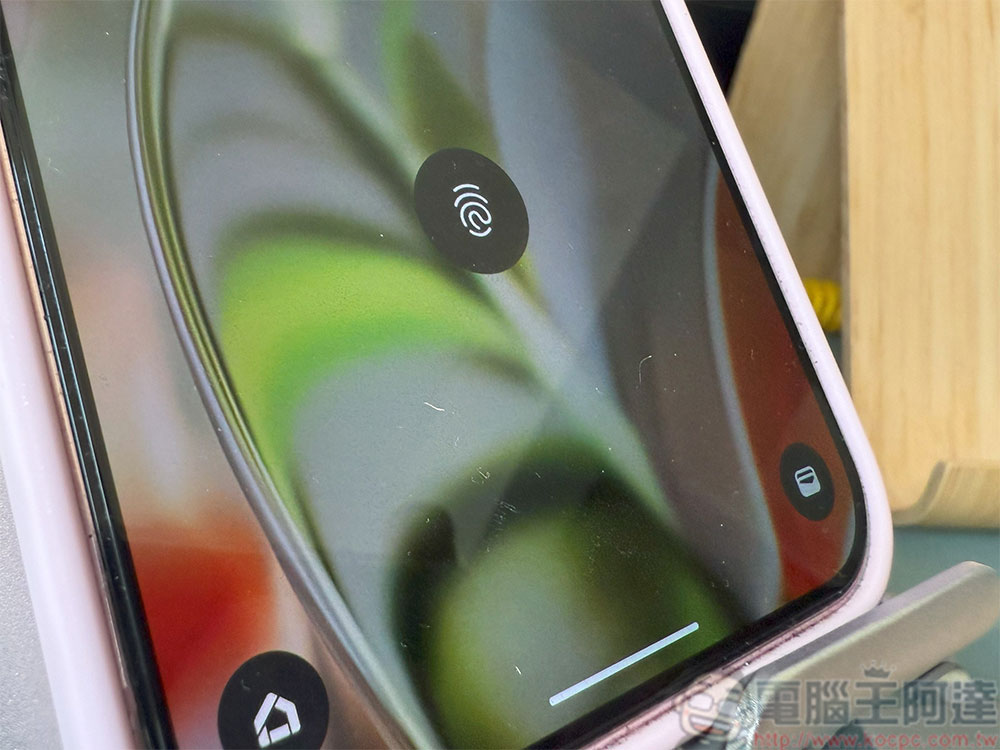
Please use a password to unlock your phone and do not rely too much on fingerprint or face unlock.
When it comes to setting how your smartphone is locked, you’ll usually see a variety of options. All devices support passwords or PINs; Android additionally provides pattern locks, and commonly uses fingerprint or camera-based face unlocking; iPhone uses a 3D structured light Face ID system. However, if you value security, based on legal and technical considerations, the most reliable option is still a password, PIN code or pattern lock. Although these methods require you to carefully protect them from others, they cannot be forced to be obtained from you. In comparison, they can better protect your personal privacy and data security.
When handling sensitive information, please be aware of your surroundings
Many people who value digital privacy and security invest a lot of effort in strengthening the protection of their devices, but often ignore the risks in the real world. In fact, the most vulnerable link in any security system is often “people”, and the most successful attackers are usually not hackers hiding in the basement typing on keyboards, but people who are good at social engineering. They may use small talk to find out the name of your first pet or your childhood address to reset your password; they may also ask for your phone number under the pretext of observing how you enter the unlock code for your phone.
Some attacks don’t even require you to interact with them. Have you ever noticed that when entering your bank account number in a coffee shop, the monitor is facing your laptop screen? Or is the person sitting next to you glancing at your keyboard? For some accounts, the simplest solution is to use your phone’s biometrics with a passkey to avoid entering a password. If you’re not sure whether an environment is suitable for handling sensitive information, here’s a practical but straightforward way to judge: Ask yourself, would you be browsing content that is “not suitable for public viewing” here? If the answer is no, then it may be best to wait until a more private location before handling sensitive information.

Be sure to update your device promptly to get the latest security fixes
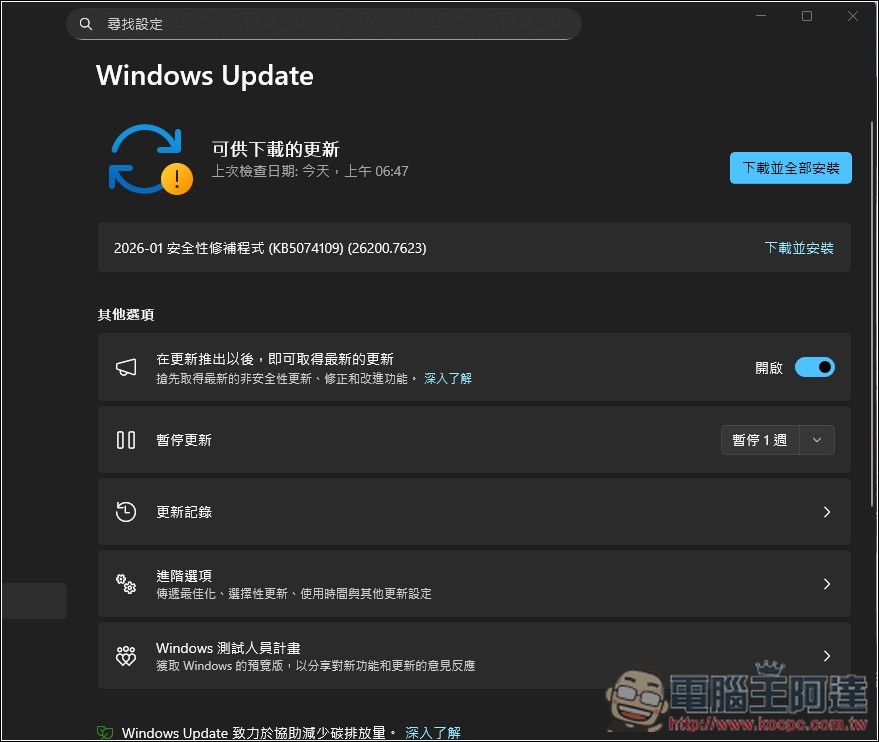
In most cases, you should install updates for phones, laptops, desktops, and other devices whenever prompted. Modern operating systems such as Windows, macOS, Android, and iOS have multiple layers of protection that can block most threats without you even noticing. However, these systems are inherently complex and inevitably contain vulnerabilities that have not yet been discovered. The worst-case scenario is a so-called “zero-day attack”: the attacker discovers the vulnerability before the system manufacturer and uses it to attack unsuspecting users. The best-case scenario is that the manufacturer discovers the problem first and releases a patch.
If you ignore updates, the cost could be far greater than the five minutes it takes to install them. Nearly every system update contains security fixes, and as long as the manufacturer knows about the vulnerability, malicious attackers usually know about it as well. The sooner you update, the more secure your device will be. Of course, there are exceptions. In January, some Windows updates caused serious problems, including broken functionality and boot loops. Microsoft then quickly rolled out emergency patches, and prudent users should wait until the problem is resolved before updating. If an update is known to cause a glitch, you should wait until the patch is released before installing it.
Don’t forget, in addition to mobile phones and computers, other devices also need to be updated. Smart TVs, game consoles, smart watches, wireless headphones and other devices will also receive update notifications, so it is best to complete the installation as soon as possible.
Please use caution when using Wi-Fi connections
Many people often forget that Wi‑Fi transmits in both directions. Once the network you are connected to is compromised, attackers can monitor all of your online activities and even steal the most sensitive work and personal information. One of the most common attacks in public places, such as cafes, airports, and restaurants, is the “evil twin.” Hackers will create a fake network with the same name as the legitimate Wi-Fi, such as two hotspots both named “CoffeeShop-Guest”. If the user does not distinguish carefully, it is easy to connect to the fake network by mistake. Another common technique is a “man-in-the-middle attack”, where an attacker will quietly put himself between you and a service, such as between you and a payment platform, to intercept or tamper with data. Since Wi‑Fi is a wireless transmission, attackers can also use sniffing tools to intercept data packets. This type of “sniffing attack” is quite common on public networks.
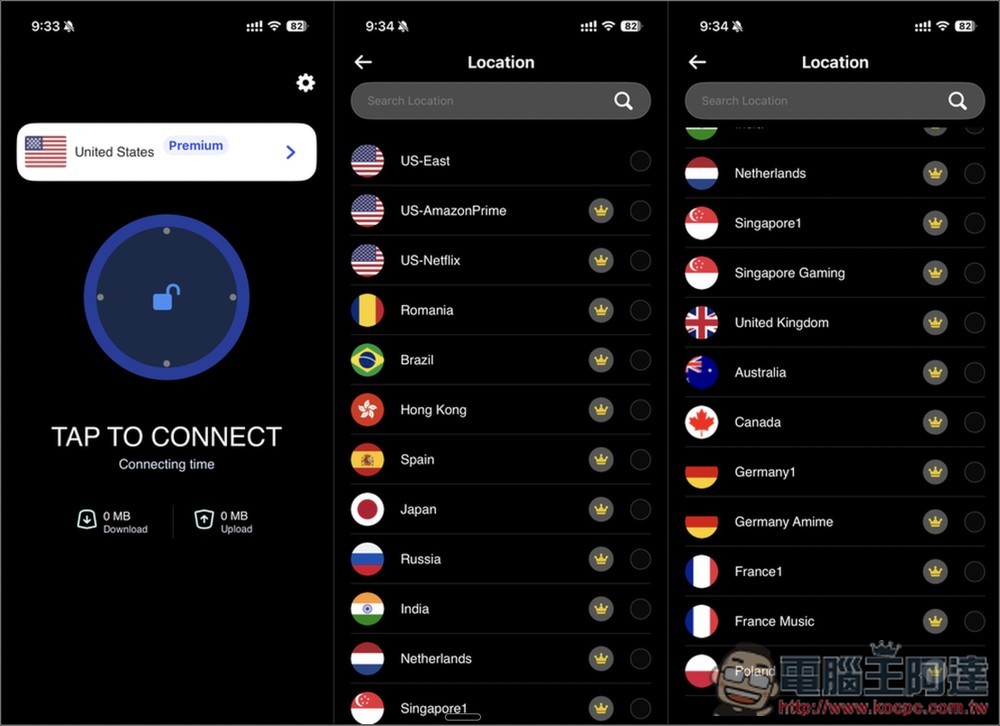
Encrypting your internet traffic is an effective way to reduce risk, and one of the most common tools is a VPN. A VPN encrypts your data so that even if an attacker successfully compromises your Wi‑Fi, they will only see the encrypted content that cannot be deciphered. However, the quality of VPN services varies greatly, and there are many questionable options on the market. Be sure to choose a trustworthy VPN to truly protect your traffic and privacy.
Source: KOCPC Chinese