


When it comes to playing Steam games on a phone, it used to seem like a pipe dream. Later, after free apps like GameHub appeared in mainland China, things started to turn around. However, GameHub itself is built on the Winlator core and also runs Wine under the hood. Although it lowers the barrier to entry quite a bit, many games still require you to configure the core parameters yourself, so using it still has a bit of a learning curve. Recently, an app called “DroidDesk” appeared online. It ports the open-source SteamOS entirely to the Android platform, so in addition to running Steam games, users can also run a Linux desktop system.
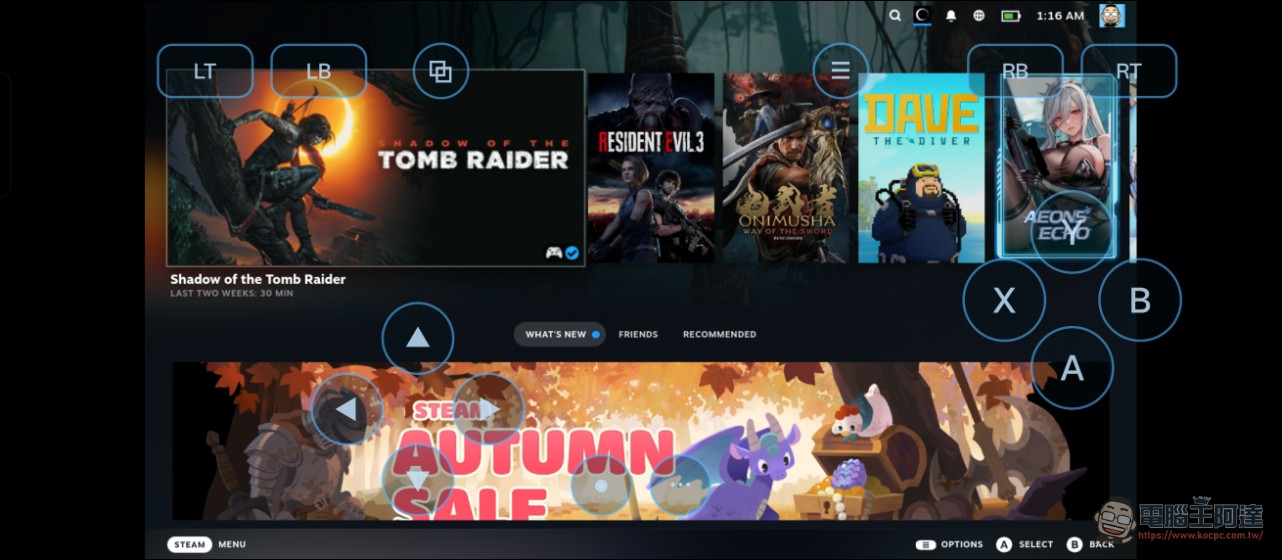
DroidDeck: Run STEAM OS on your Android flagship phone to play PC games
Using it is also very simple: you can go to DroidDesk’s GitHub (there is an official website, but the GitHub team said it has nothing to do with them, so it’s recommended not to go) to download the latest version of the APK file. However, note that DroidDesk currently only supports devices with Qualcomm processors and ARM architecture. Since it is quite resource-intensive, it may not run smoothly on lower-end devices. If the file download is very slow, then it’s your network problem. Recently, Chunghwa Telecom has been unusually slow at downloading GitHub files; you can only wait or use a VPN.
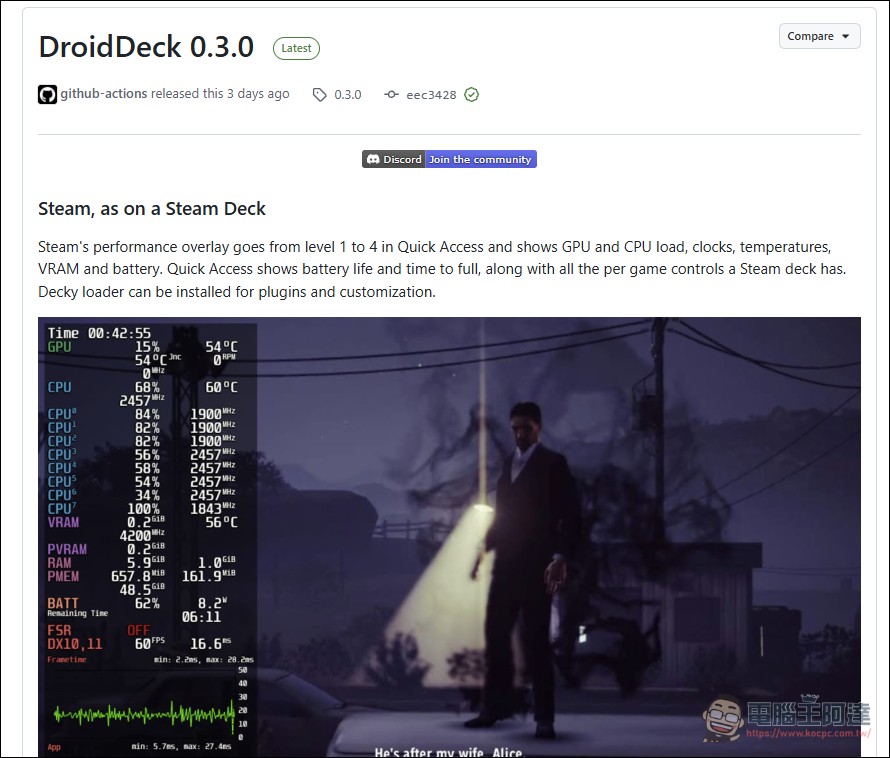
DroidDeck GitHub
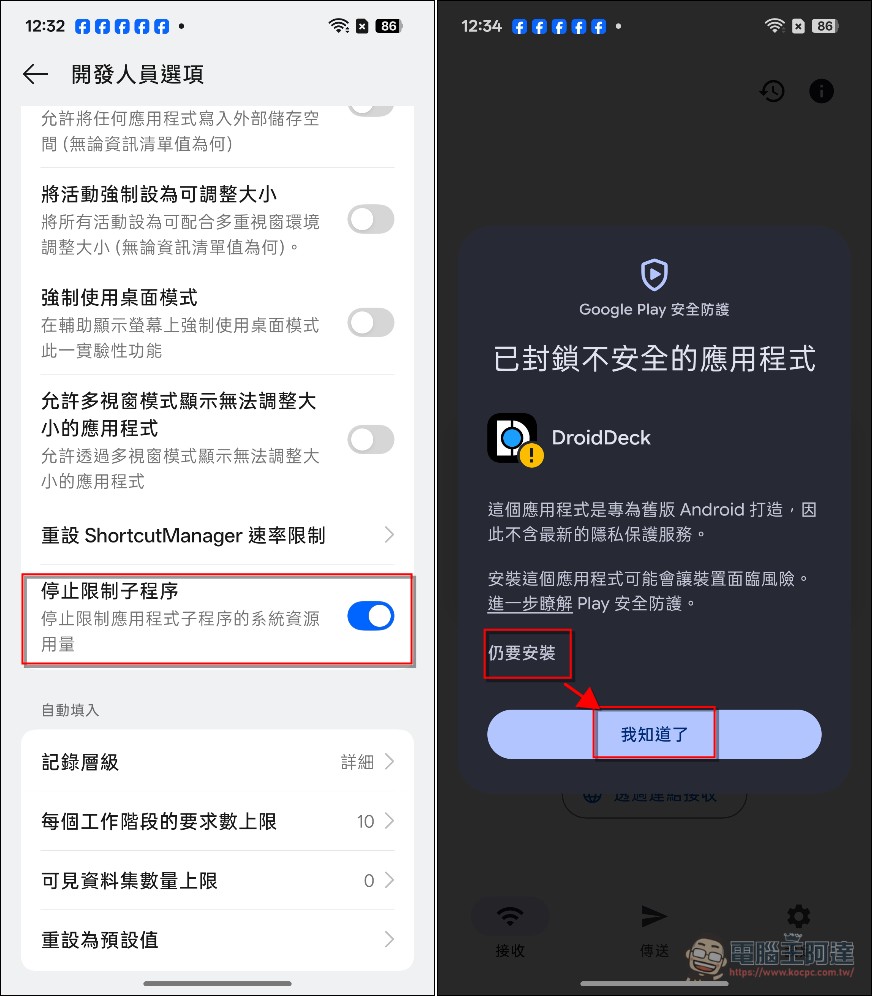
Click 7 times in a row.Finally, a prompt saying “You are now a developer” will pop up on the screen, and only then is it considered enabled). Next, turn on the “Stop limiting child processes” option (it’s okay if you can’t find it; there’s guidance after installation as well). Then install the APK file. The system may recommend not installing it; after selecting “Install anyway,” select “I understand,” and complete the installation steps.
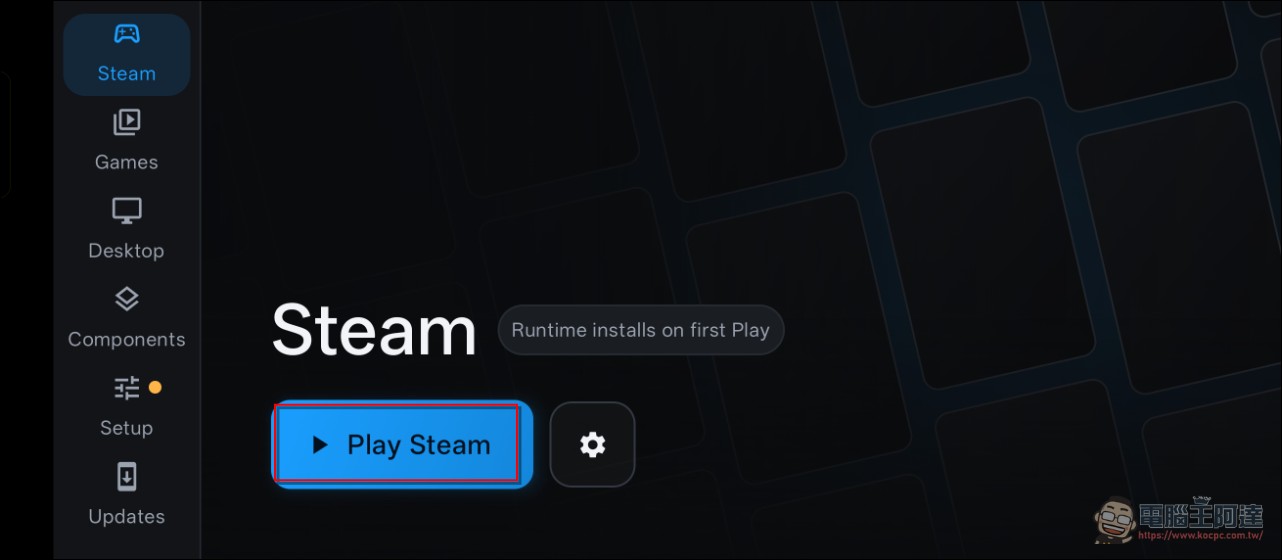
After entering the system, select “Play Steam”:
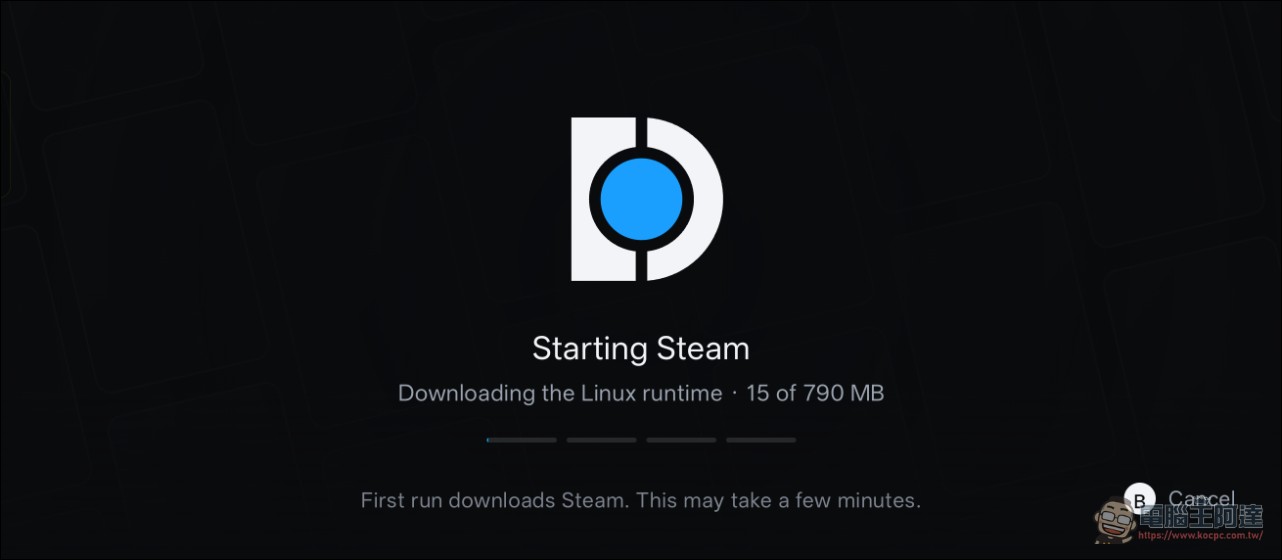
Next, the system will automatically install some related files, which will be several hundred MB (Chunghwa Telecom users will also be especially slow here):
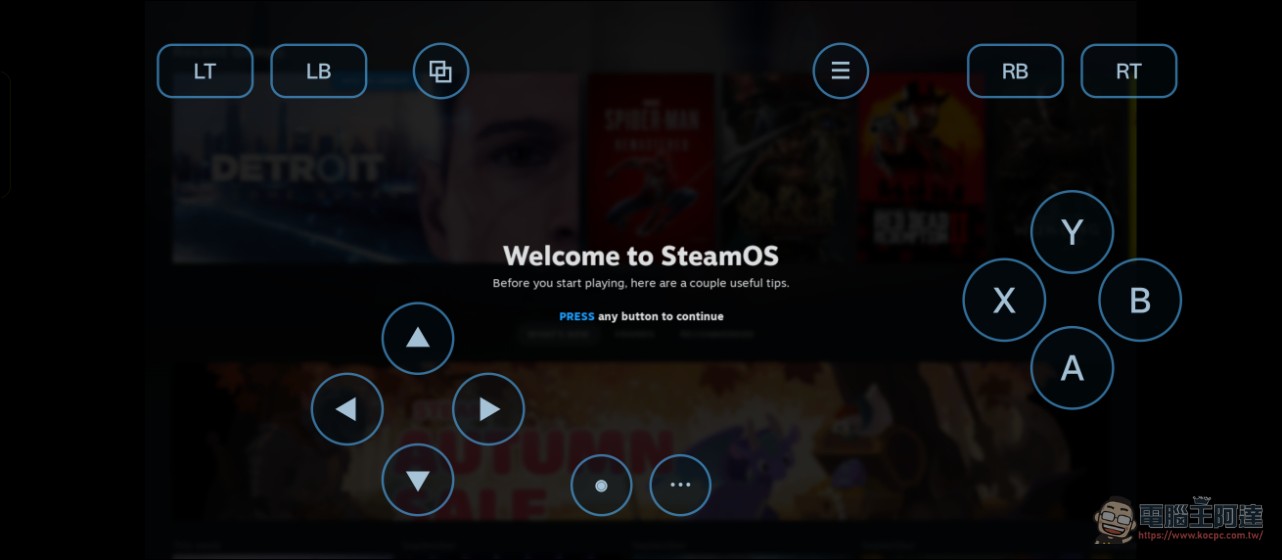
Next, you’ll need to log in to STEAM. Once you enter your account and password, you’re logged in. The screen will also show SteamDeck virtual joysticks, and you can also pair a Bluetooth controller to play (recommended):
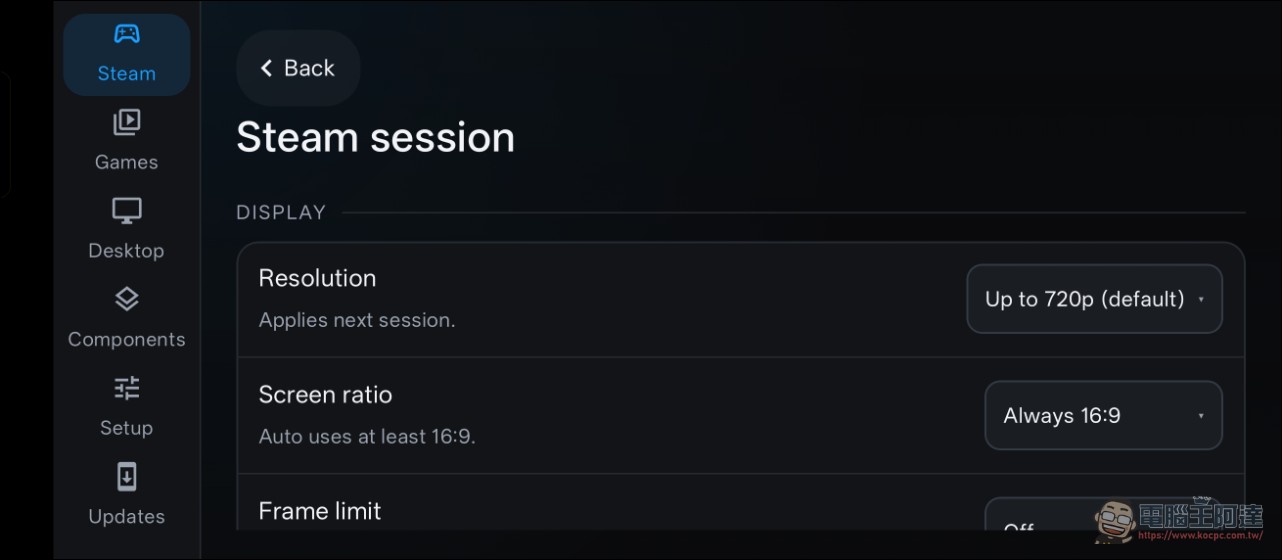
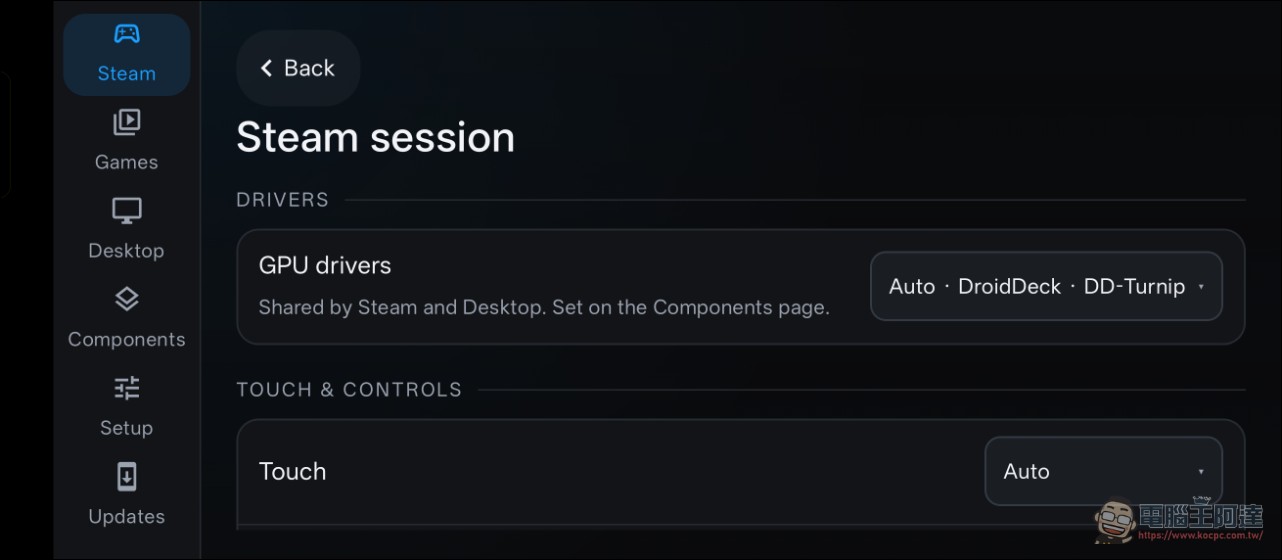
You can also set the language, but Chinese fonts are missing, so switching to it will show up as boxes. The resolution defaults to 720P, and you can also adjust some finer settings. If you’re interested, try tweaking them yourself:
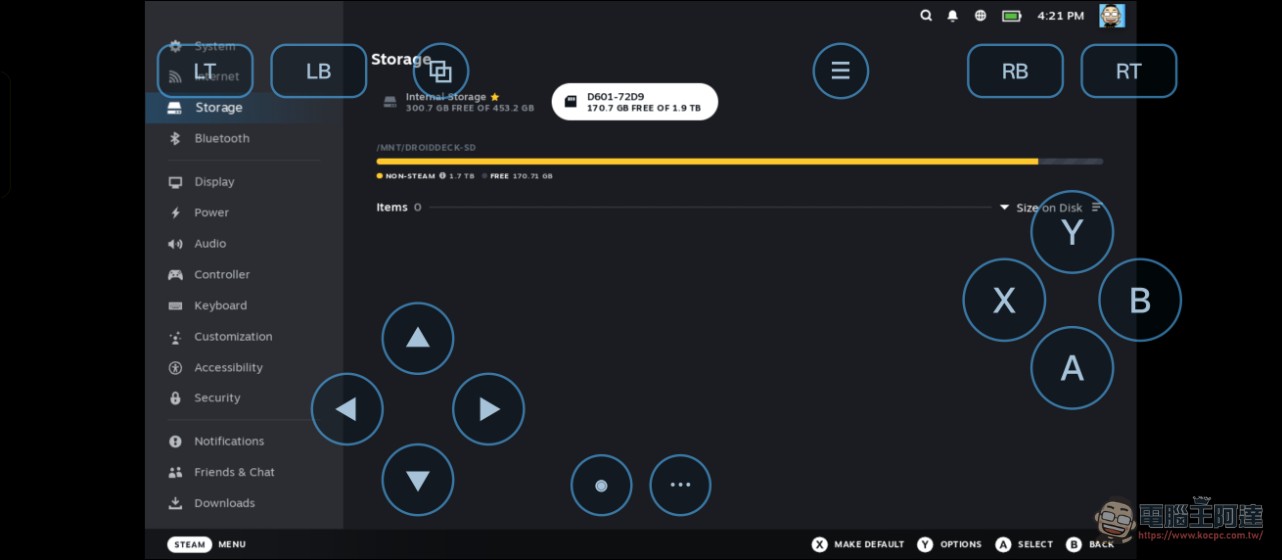
Also, I originally wanted to test pointing the game to an external SSD, but it detected the external SSD while the system couldn’t find the game (see image below), so I had no choice but to resign myself to re-downloading and testing them one by one:
Everything else works pretty much like regular Steam, except it’s presented in the “Big Picture” handheld mode. Select a game from your own library and install it:
After installing the game, you can start playing right away, with no difference from a regular SteamDeck:
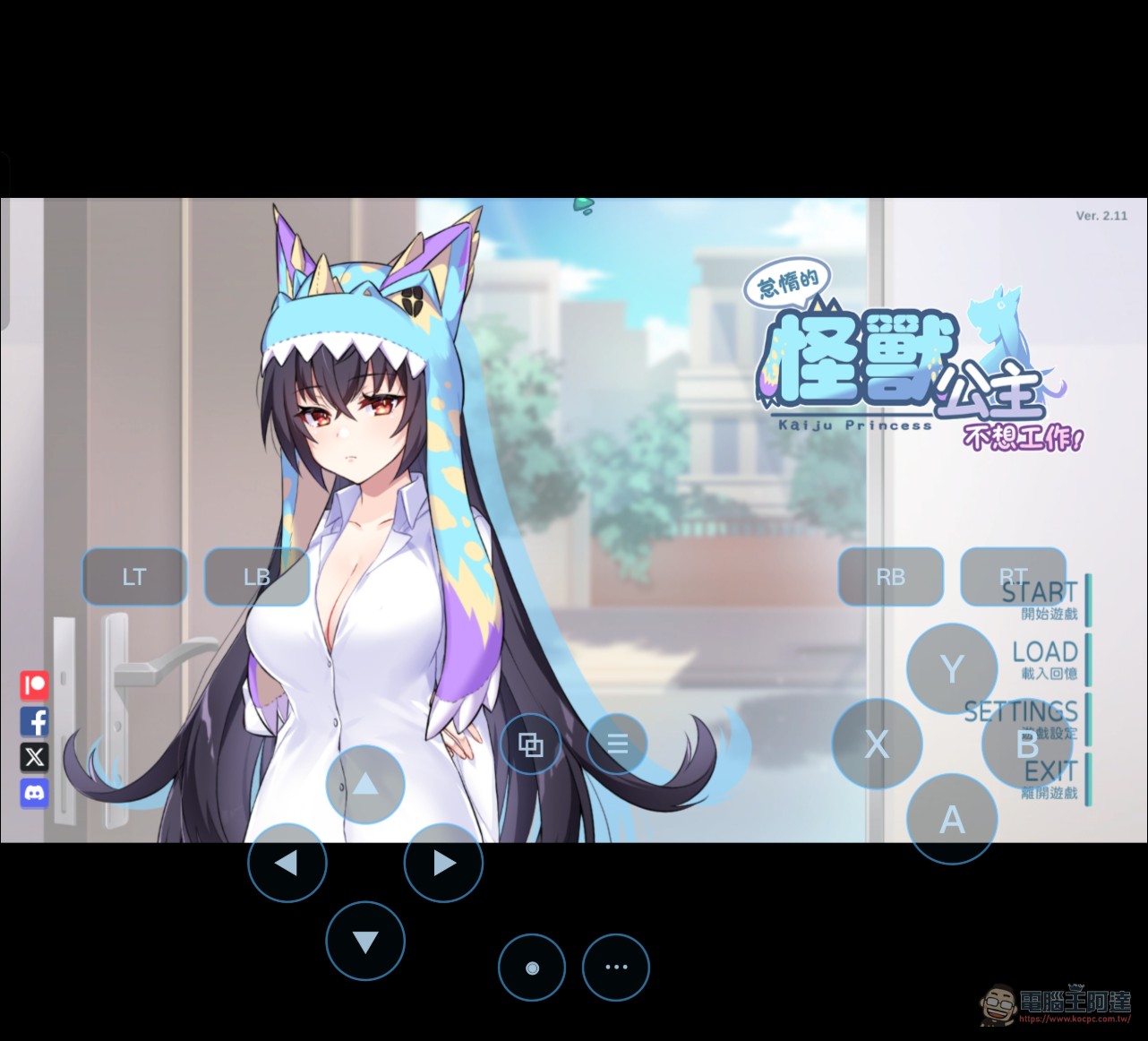
I also tested a few games. In principle, casual games and GAL GAMEs run without any problems:
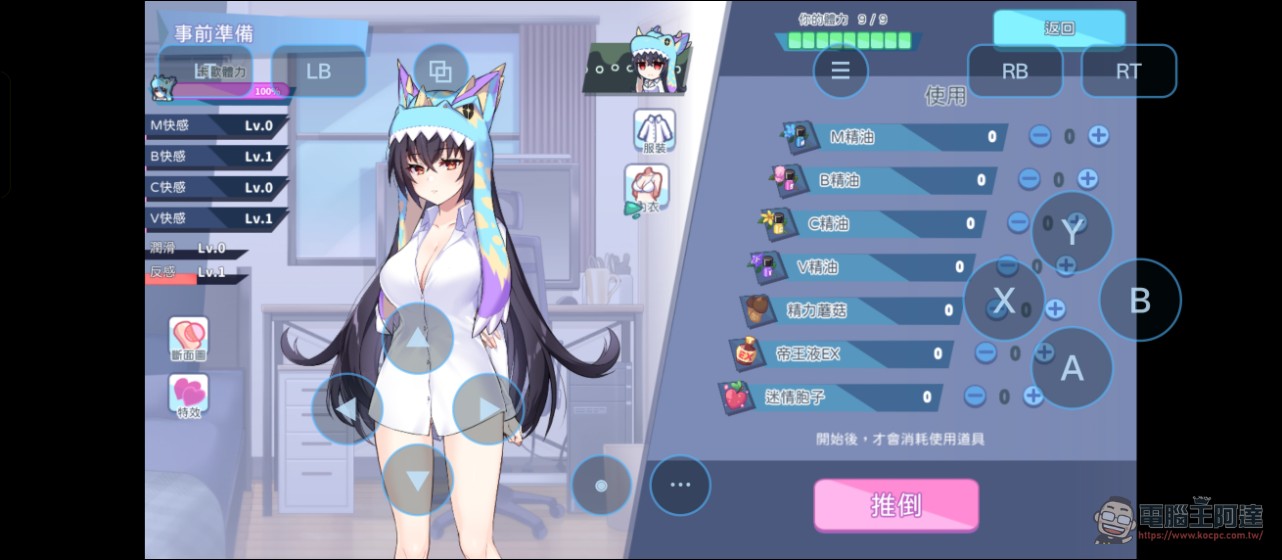
No problem playing on a foldable phone either, and the screen is bigger:
It can run 3A games too, but they really take up a lot of space, and the device gets very hot while running. I’ve even triggered an overheating warning before, and the resolution was also set to 720P:
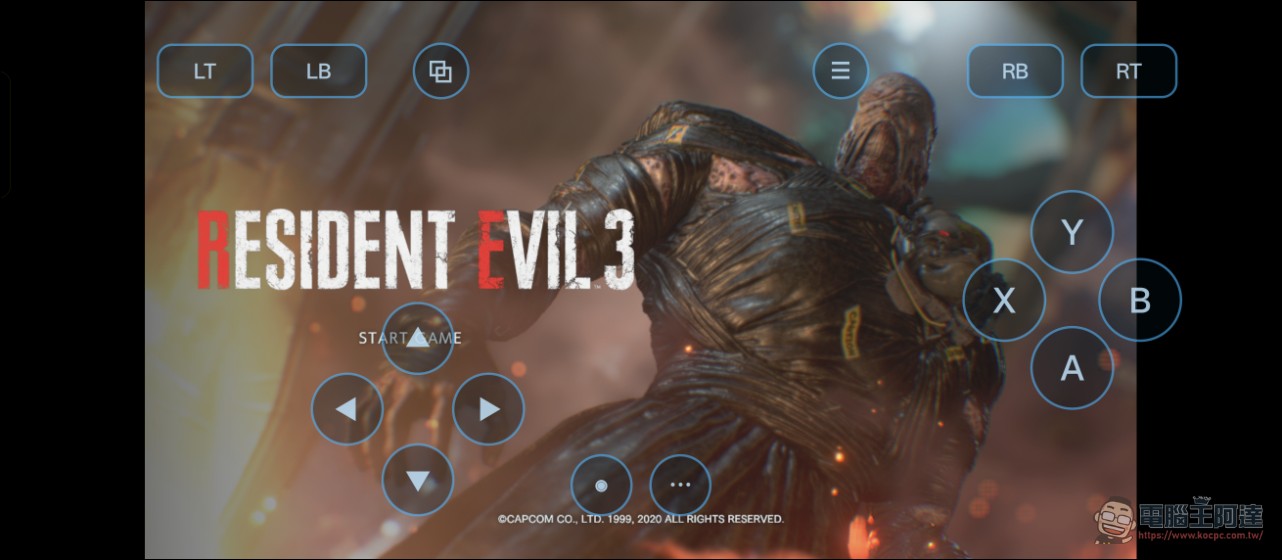
Resident Evil 3’s performance: the resolution is acceptable, but honestly it’s not very smooth, and the device gets really hot. Also, I downloaded several new games and most of them get stuck, possibly a DX12 support issue. For some games, switching to DX11 lets me get into the game:
I also did a quick test of GameHub’s current performance. It’s smoother than DroidDeck, but the former is closed-source, and for some games you still have to tweak the parameters yourself. DroidDeck has only been out for a few days and already performs like this, so I think it has a promising future, and it takes less mental effort:
Also, something I think is great about DroidDeck is that it has a built-in Steam OS desktop mode. After installing it, it can also function as a full Linux computer. If your phone supports Display Port, connecting a HUB lets you hook up a monitor, keyboard, and mouse to use it as a computer. The official team has also provided some emulators that users can install and try out:
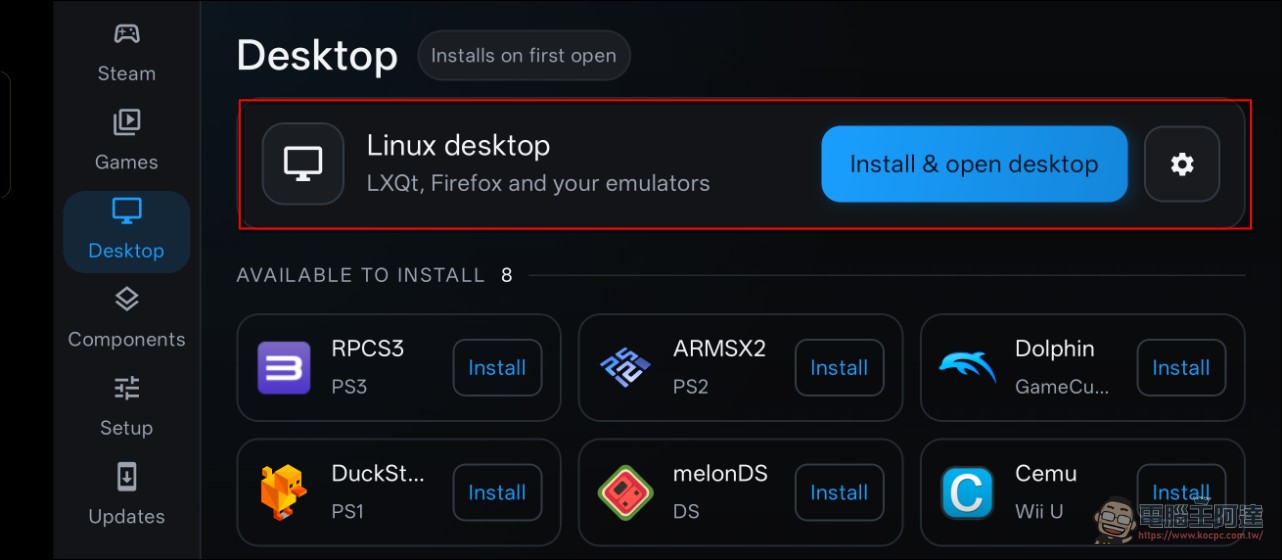
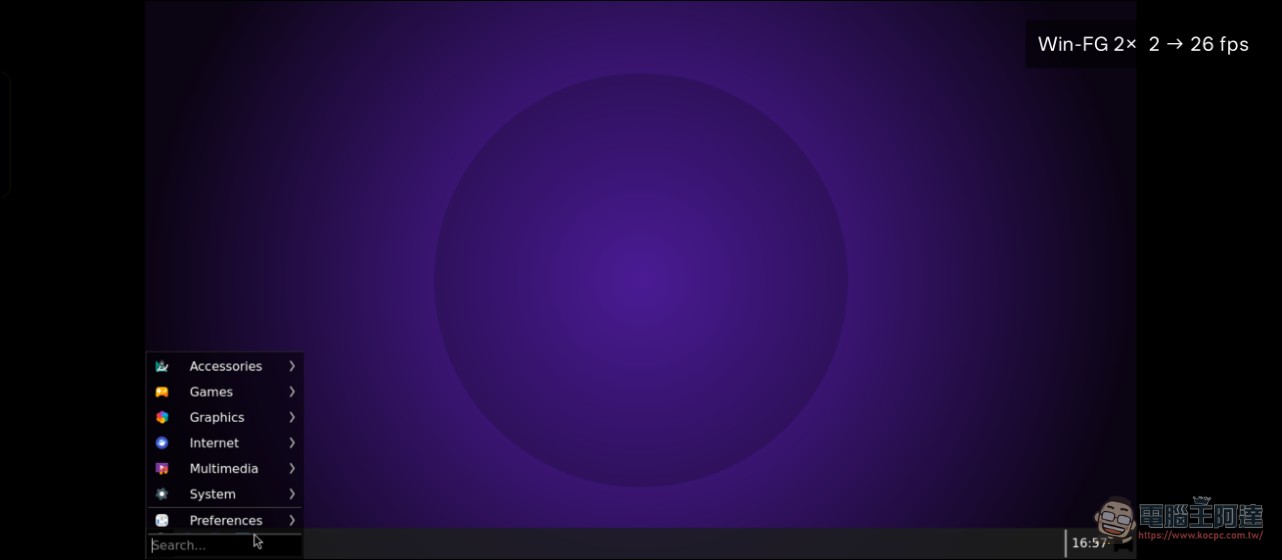
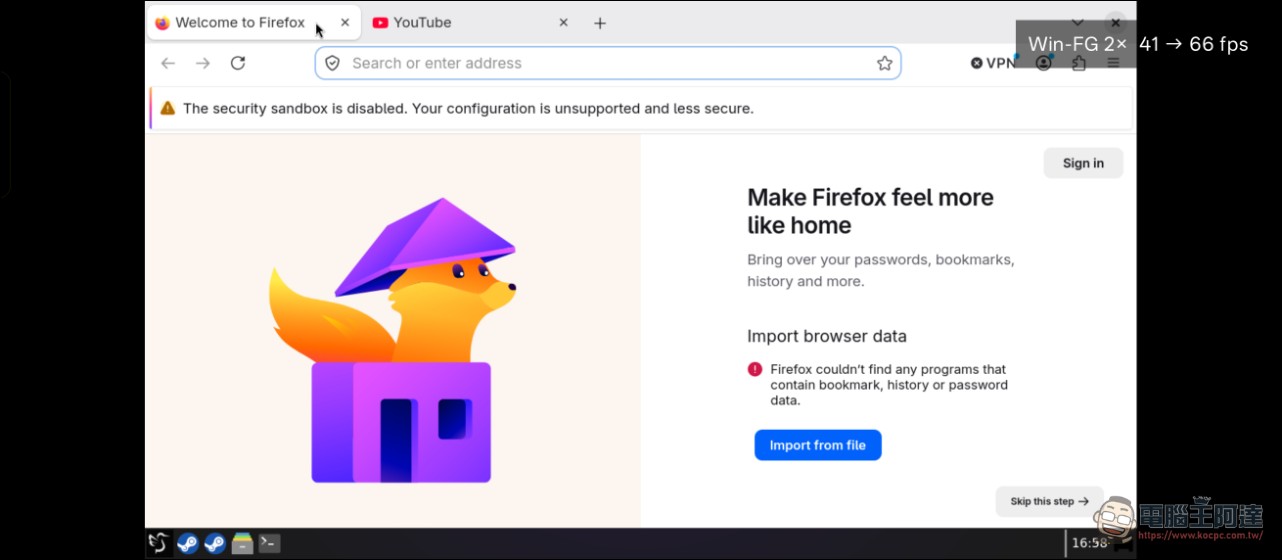
But honestly, DroidDeck currently takes ages to download games and the files are huge, plus playing big 3A titles drains the battery fast and makes it overheat, so it’s really more suited to people who like to tinker. For average players who want to play PC games on their phone without any hassle, I personally would recommend… GeForceNow
Source: KOCPC Chinese