


When watching YouTube, TikTok, or Instagram videos, you may sometimes want to get the subtitles for the video. With OmniTranscript introduced in this article, you can easily get them, and it even supports manually uploading videos, all completely free to use with no restrictions.
Whether manually uploading videos or using AI transcription, I tested the transcription and the results are indeed quite good.
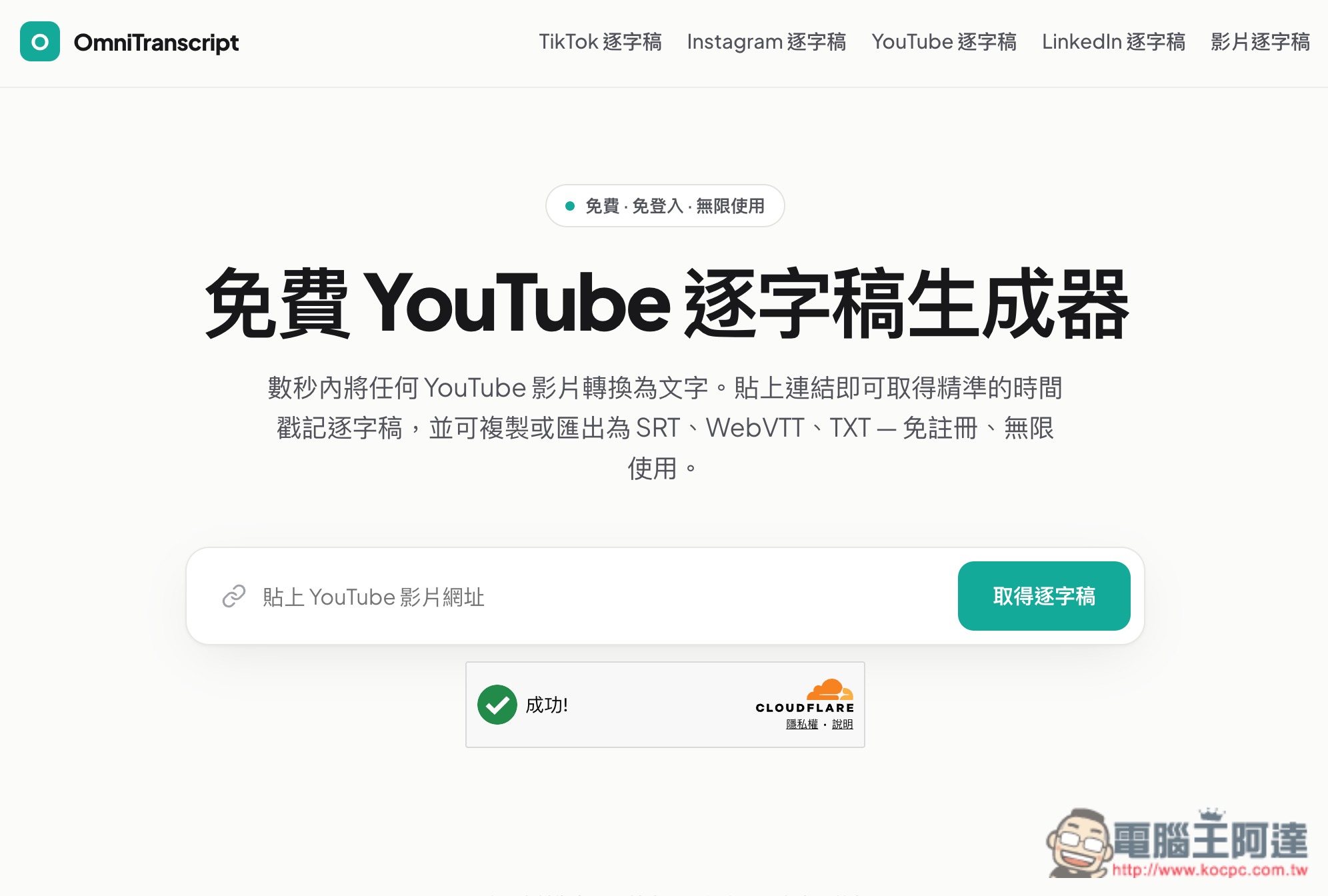
Introduction to OmniTranscript, a free online tool for converting videos into transcripts and subtitles
OmniTranscript is a free online tool specializing in “audio/video to text,” capable of quickly converting video content from platforms such as TikTok, Instagram, YouTube, and LinkedIn into text transcripts. It is very simple to use and requires no additional software installation. Taking TikTok, Instagram, and YouTube as examples, you only need to paste the URL of a public video into OmniTranscript, and the system will automatically retrieve the audio content from the video and then generate a transcript with timestamps.
Besides directly pasting an online video URL, OmniTranscript also supports uploading your own audio and video files. If you have meeting recordings, interviews, podcasts, lecture recordings, voice memos, or videos you’ve shot yourself, you can also drop them directly into the website for transcription. Supported audio formats include MP3, WAV, M4A, AAC, OGG, and FLAC, while video formats include common formats such as MP4, MOV, WebM, MKV, AVI, and M4V. The current maximum size for a single upload is 100MB.
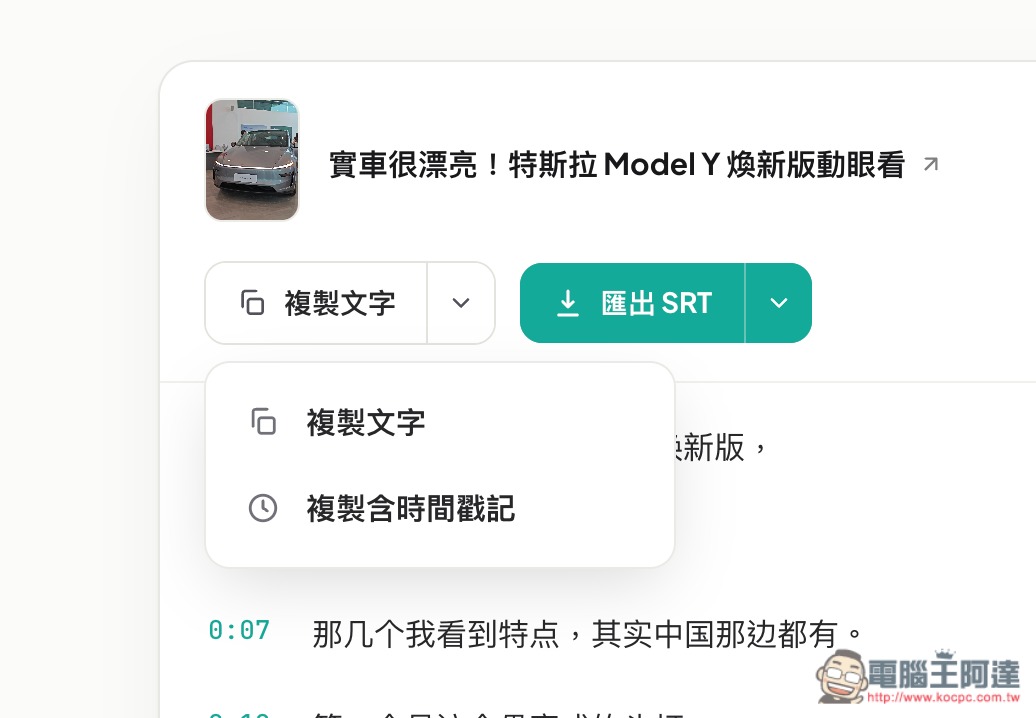
After transcription is complete, the transcript can be copied directly as plain text or copied along with timestamps. If you’re preparing subtitles, you can also export it directly as SRT or WebVTT, and TXT format is available as well. This makes it convenient for organizing interviews, creating YouTube subtitles, Podcast transcripts, and even handing video content to AI tools like ChatGPT for further summarization.
Key Features
- Convert audio and video content from TikTok, Instagram, YouTube, LinkedIn, and more into text.
- You can manually upload video and audio files for transcription.
- Supports audio formats such as MP3, WAV, M4A, AAC, OGG, FLAC, and more.
- Supports MP4, MOV, WebM, MKV, AVI, M4V, and other video formats.
- Copy plain text or transcripts with timestamps.
- Supports export to TXT, SRT, and WebVTT formats.
After clicking the link above to go to OmniTranscript, select the tool you want to use for conversion; the homepage is TikTok. The process is roughly the same: just paste the URL of the video you want to convert, and after you click Get Transcript, the subtitles will appear below. In my testing, I found one issue: transcripts generated from TikTok, IG, etc., all come out as Simplified Chinese subtitles, so you’ll still need to convert them to Traditional Chinese yourself: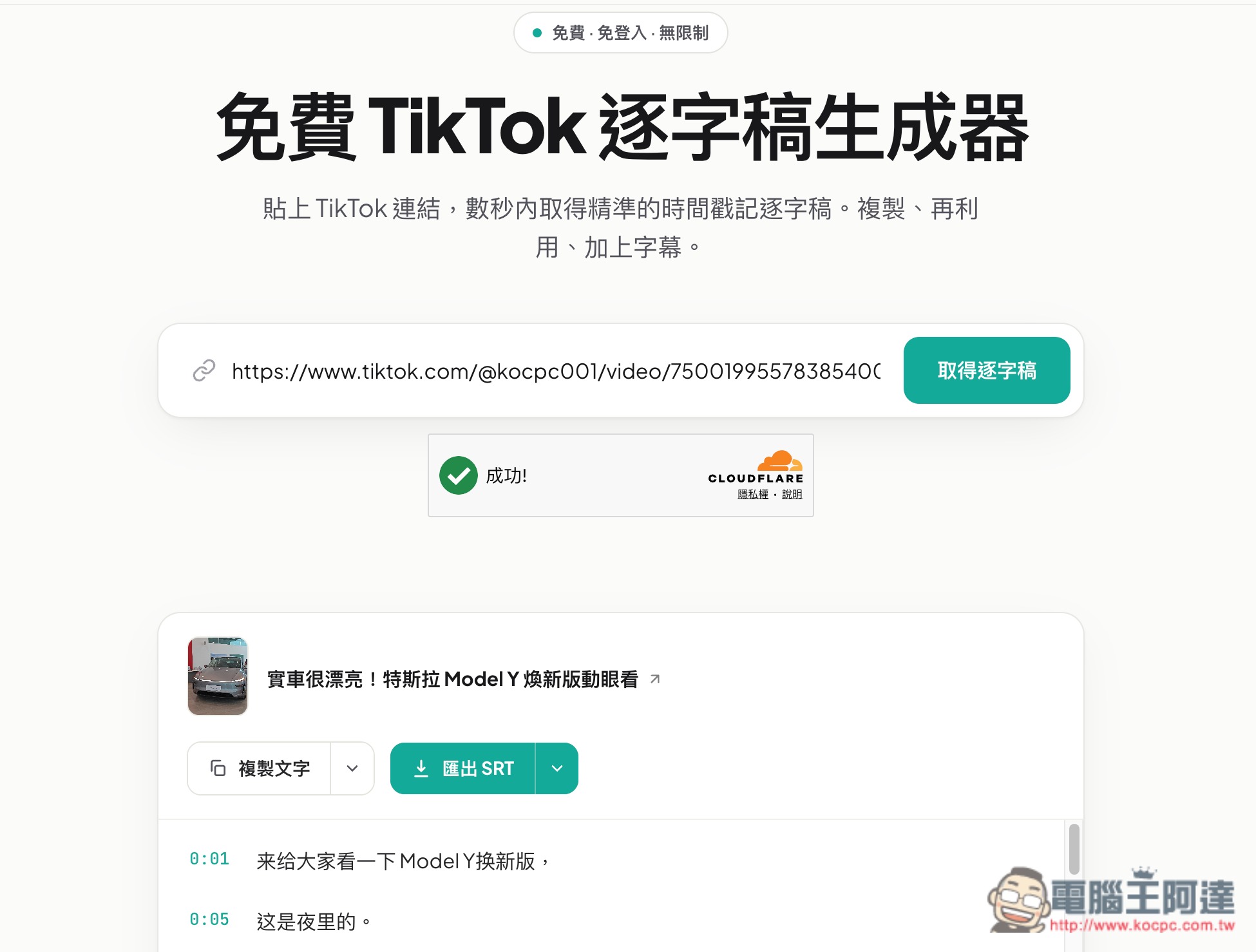
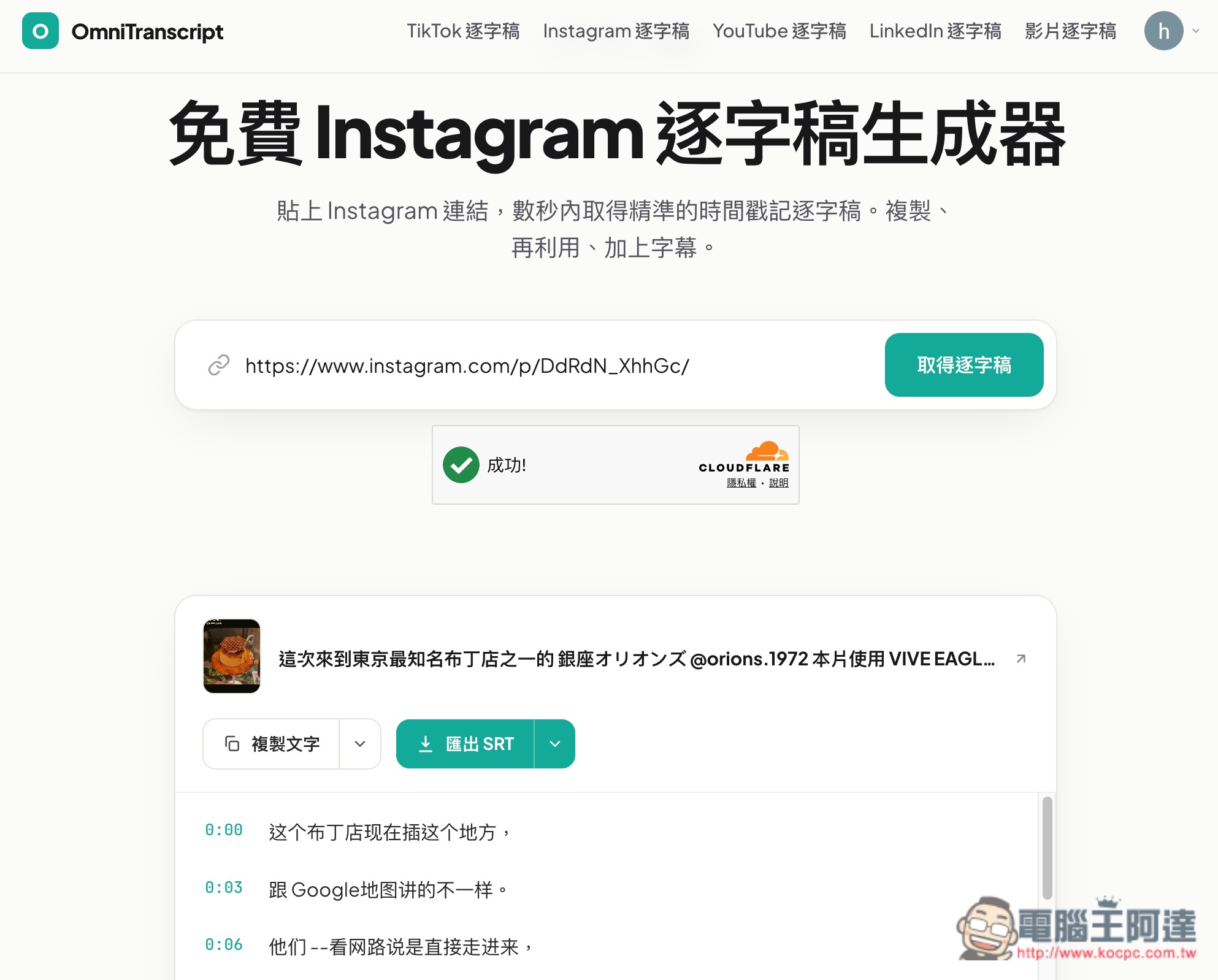
The IG part is also in Simplified Chinese:
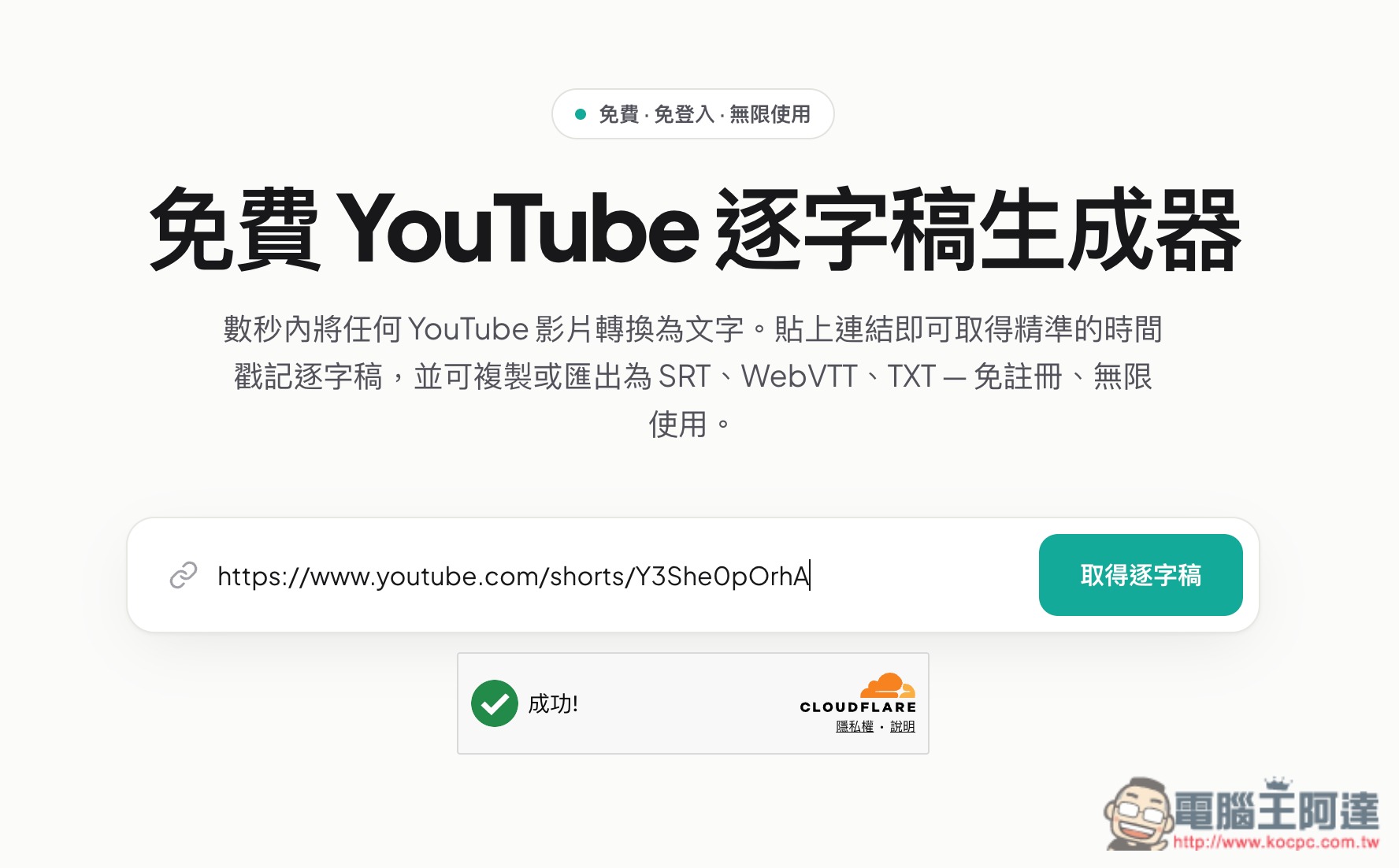
As for YouTube, I’m not sure if it was just a problem when I tested it, but every video showed that no subtitles could be found; however, YouTube MP4 and MP3 download links appeared, letting me download them and then switch to manual upload for conversion:
As shown in the image below, download links in various formats appear, which means it can actually not only convert transcripts and subtitles, but also supports downloading YouTube videos or music:
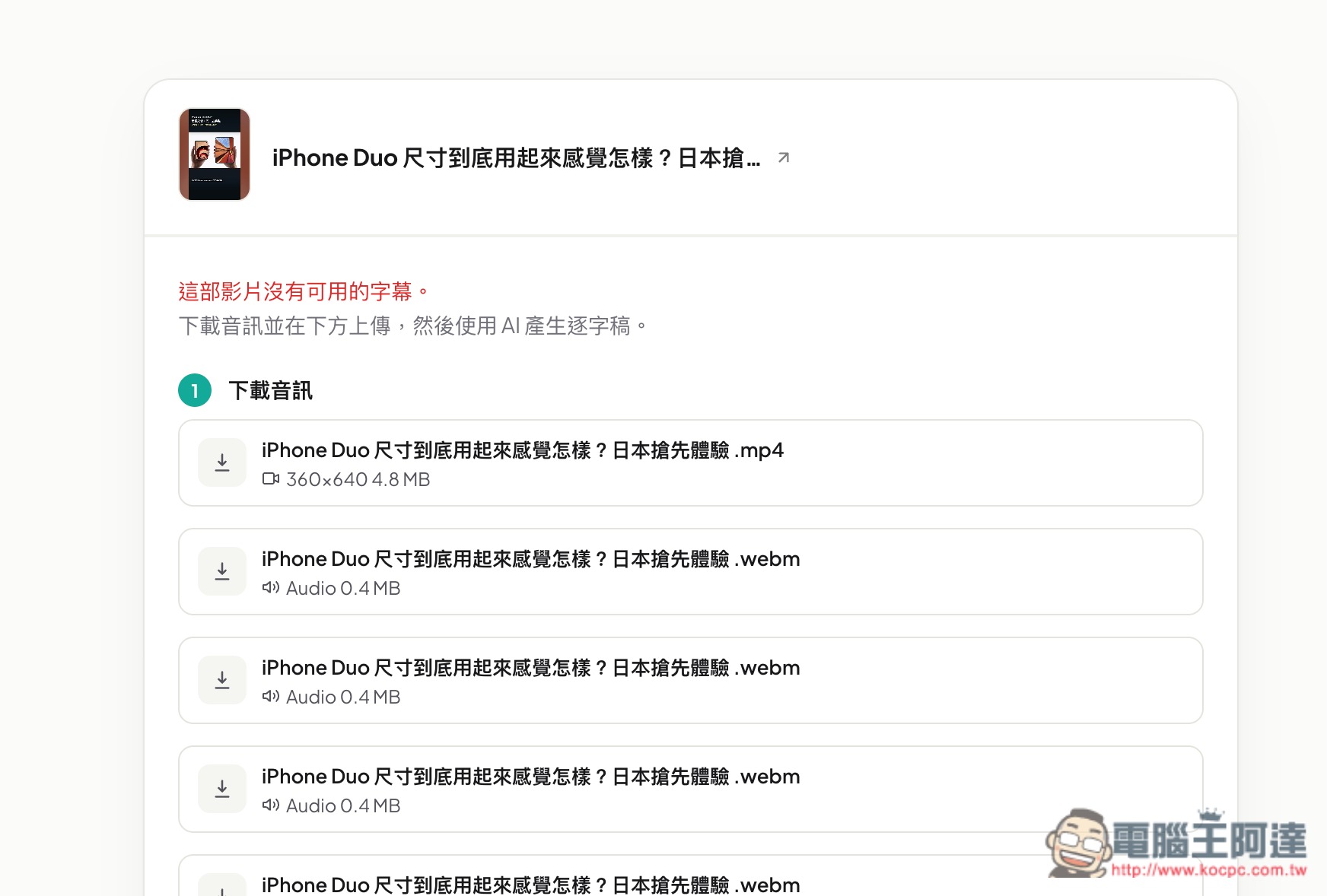
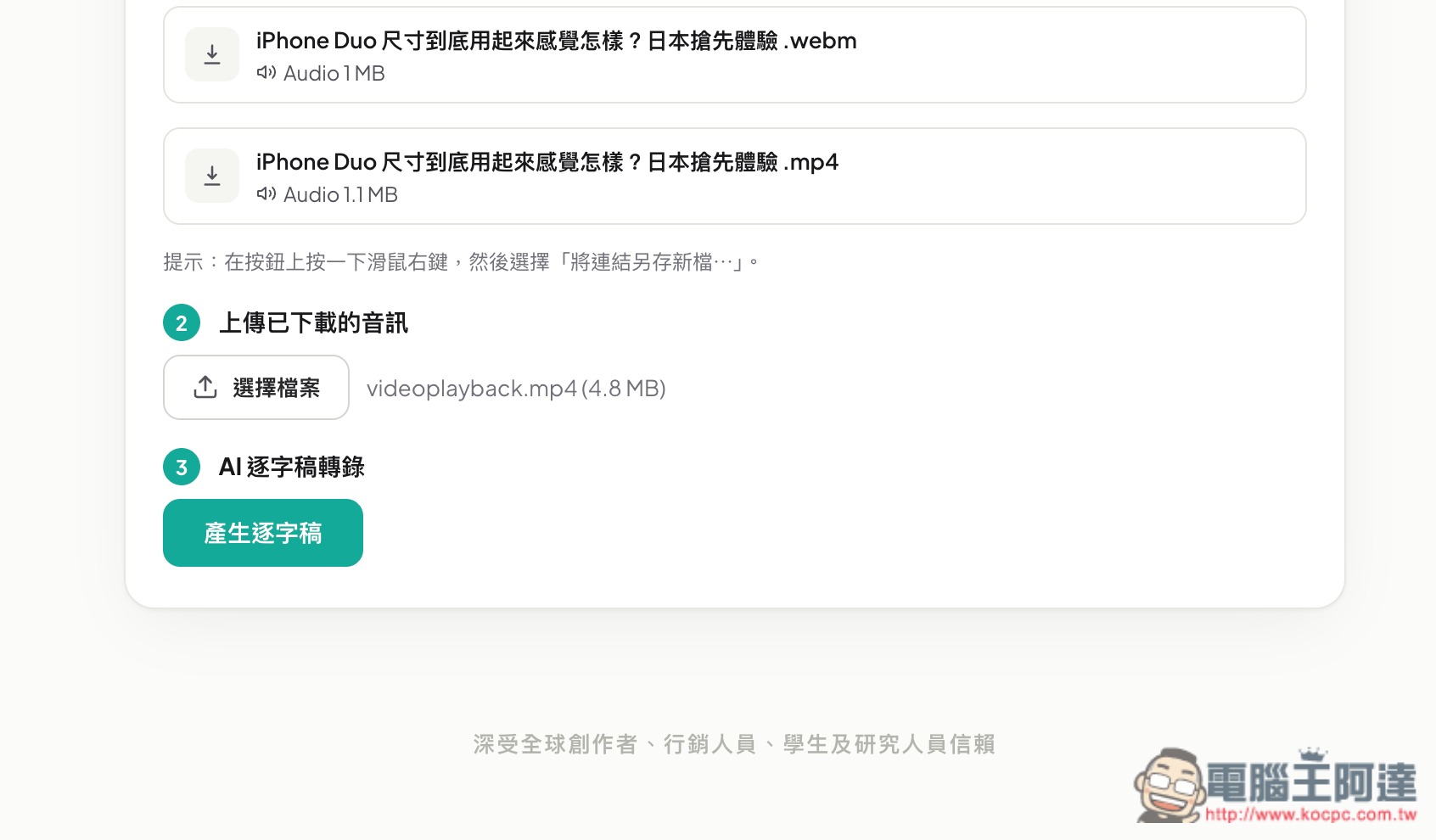
After downloading, upload it manually, then click the Generate Transcript button, and the AI will start processing:
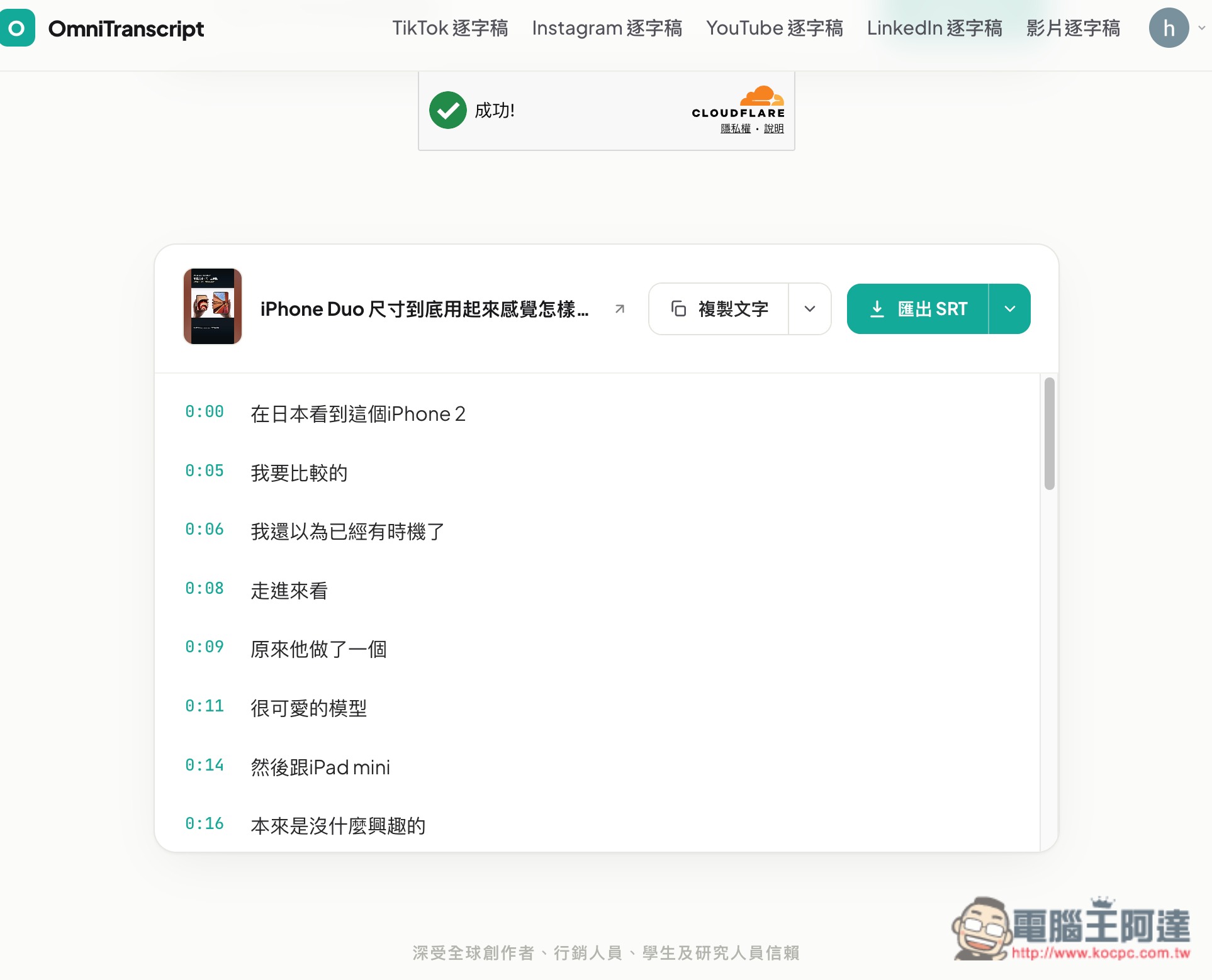
Transcripts and subtitles transcribed by AI will be in Traditional Chinese:
You can choose to copy the text or copy with timestamps:
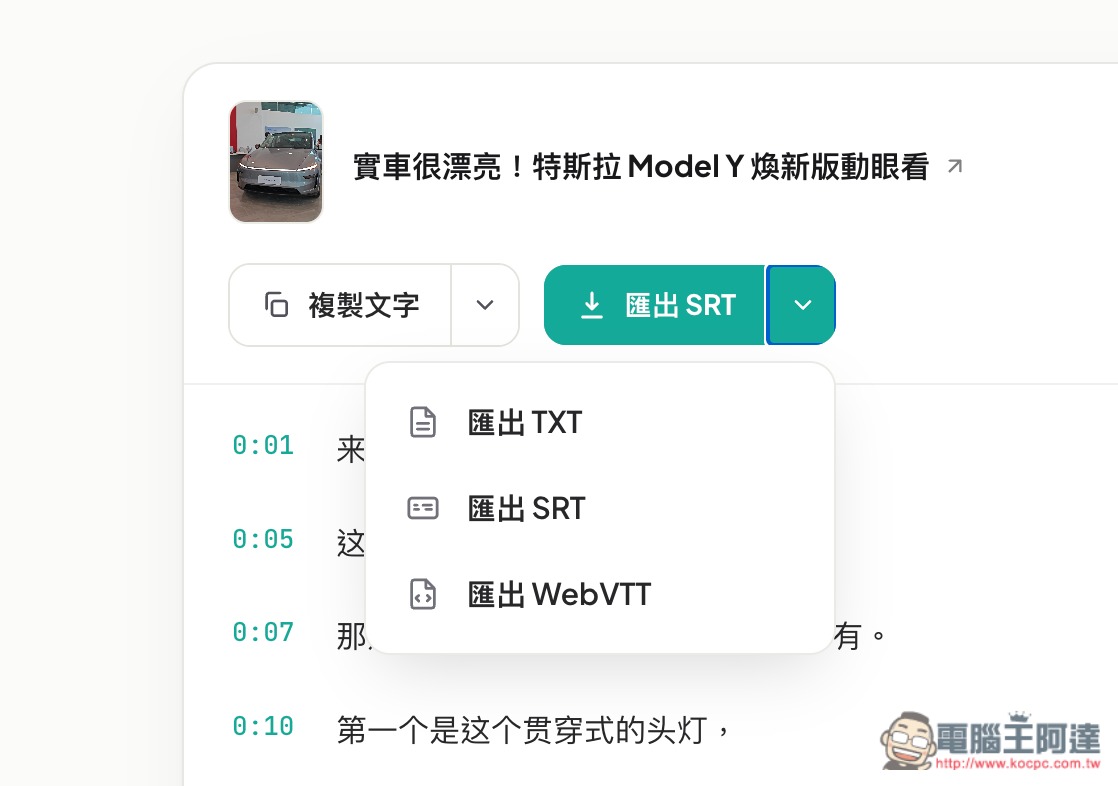
You can also export directly to SRT, TXT, or WebVTT formats:
Source: KOCPC Chinese