


Apple has just launched a new entry-level MacBook, allowing more people to enter the world of macOS at a more affordable price. Although this product has aroused a lot of expectations, it does not mean that you can buy it without hesitation. Even though it’s a brand new model, the MacBook Neo may still feel like you’re just missing out on Apple’s latest technology. It uses the same A18 Pro chip as the iPhone 16 Pro, rather than the M1 series that debuted in the 2020 MacBook Air. However, Apple emphasizes that the A18 Pro is sufficient for daily needs, such as surfing the Internet, using office tools such as Google Docs, watching TV shows, and even performing AI functions. The battery life is also quite impressive. It can be used for 16 hours on a single charge, so you don’t have to worry about battery anxiety all day long.
However, Apple obviously doesn’t want this cheaper laptop to affect the more powerful and pricier MacBook Air, so the Neo has made trade-offs in other areas. Here are the key points you should know before buying.

5 things you need to know before buying a MacBook Neo
Limited memory and storage options
If you are a veteran of using MacBook for a long time, the limitations of MacBook Neo in terms of memory and storage space may make you frown. In contrast, higher-end MacBook models start with 16GB of unified memory and 512GB SSD, and can even be upgraded to 128GB of memory and 8TB of storage space; but the MacBook Neo only has 8GB of unified memory, and only has two options of 256GB and 512GB of storage space.
For many students or general users, this memory capacity may be sufficient. But if you are a heavy user like me and have more than 20 browser tabs, Photoshop, Lightroom, and a bunch of applications open at the same time, Neo is likely to start to freeze or even crash. If you plan to use it for professional work, in order to avoid delays and reduced efficiency, it would be a wiser investment to choose a MacBook with more memory and storage space.
As for storage space, if you often take photos and videos and like to install games, the 256GB will be filled up almost immediately. In this case, we would recommend at least opting for the 512GB version. Alternatively, you can use a large-capacity external USB hard drive to store infrequently used data, or subscribe to iCloud cloud space, especially if you often stay connected to the Internet.
Don’t expect backlit keyboards and tactile feedback
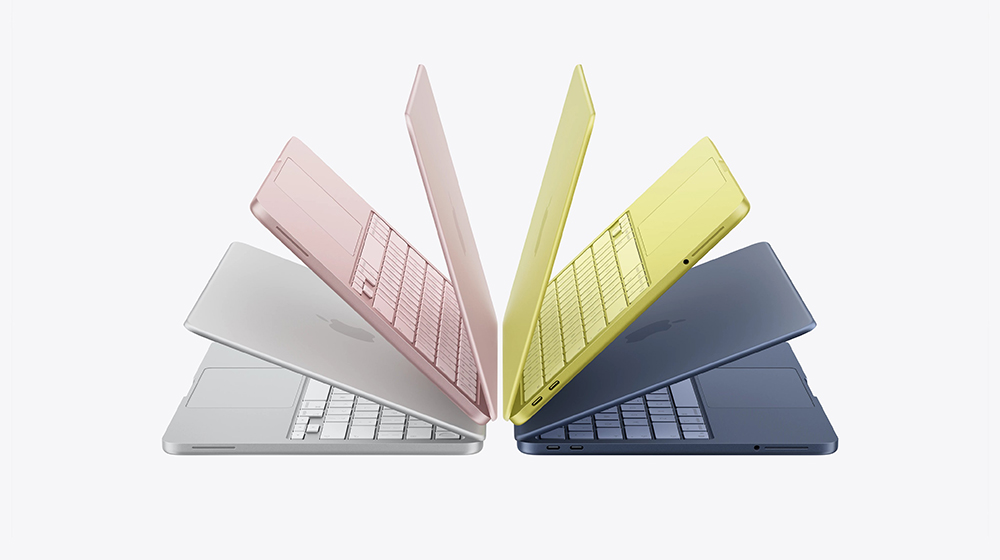
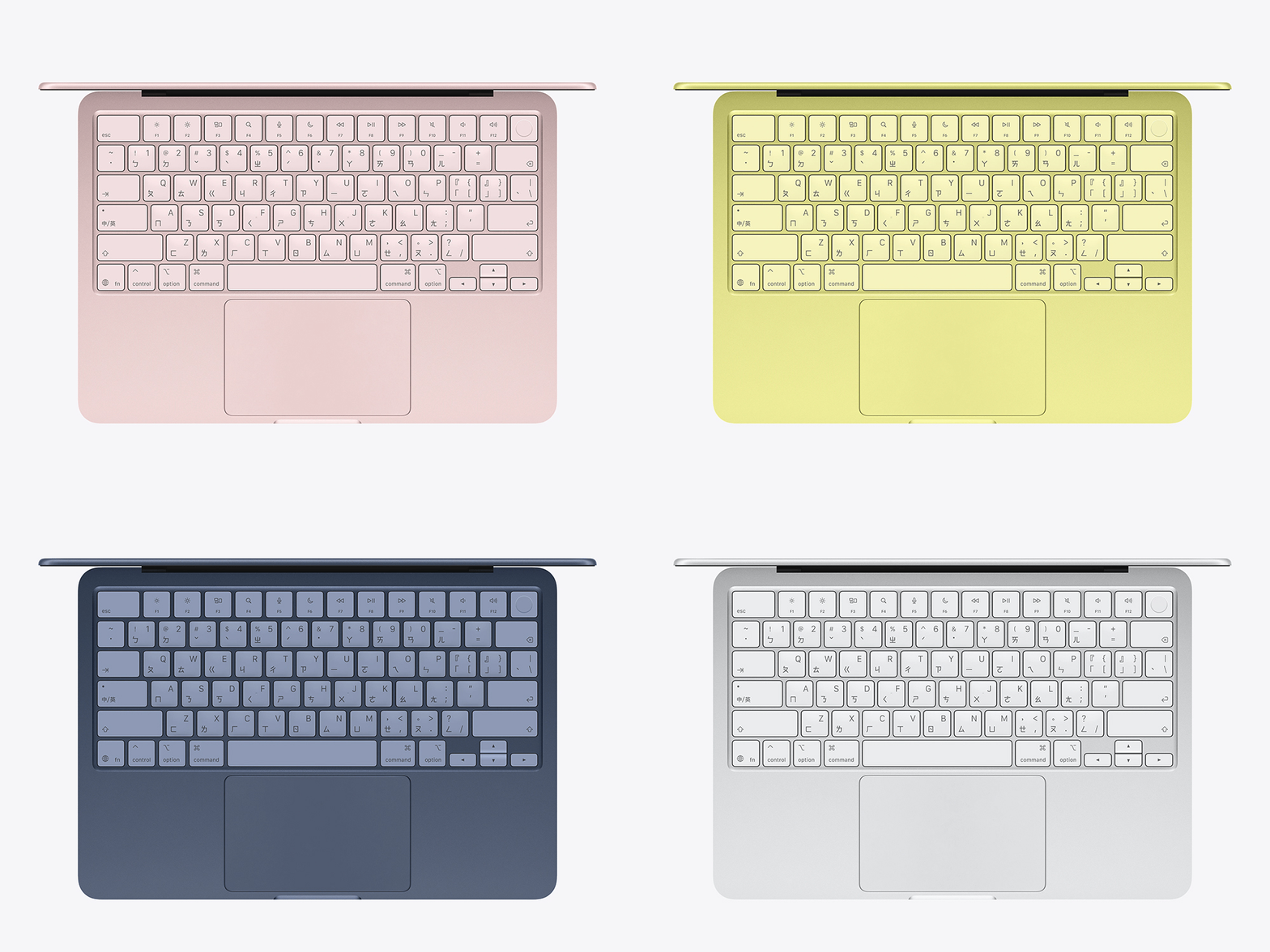
Before the MacBook Neo came along, even the cheapest MacBook Air already came standard with a backlit keyboard and tactile feedback trackpad. Old MacBook users may have long been accustomed to these features, but in order to keep the price down, Apple is bound to make some trade-offs. To me, the lack of a backlit keyboard isn’t an unacceptable drawback, but if you’re used to working in dimly lit environments, not having a backlight does make it harder to see where the keys are. You can increase the screen brightness to remedy the situation, but this will not only dazzle your eyes, but also speed up battery consumption.
As for the cancellation of tactile feedback, although it will not affect the basic functions of the trackpad, it will lose the familiar “click” feeling when pressing it. The good news is that the Neo’s trackpad still retains Apple’s usual glass material, the sliding feel is still smooth, and the gesture operations are the same as other MacBooks.
Touch ID is only available on the more expensive models
All the latest iPhones have switched to Face ID across the board, but MacBooks still rely on fingerprint recognition, unless you choose the 256GB MacBook Neo. It is worth mentioning that although Face ID has been around since the iPhone With the more affordable Neo, you’ll have to use a PIN or password every time you log in instead.
It’s a slight inconvenience, sure, but if you’re on a budget, the 256GB version is still $100 cheaper than the 512GB version. You can also use a password manager, such as Apple’s built-in “Password” App, so that you don’t have to remember a lot of passwords or think of a new one every time. The only thing you should pay attention to is to avoid storing passwords directly in the browser to avoid increasing the risk of leakage in the event of a network attack.

You can only use one external monitor
If you are used to opening multiple apps at the same time in full-screen mode, multi-screen configuration can be very useful. However, MacBook Neo only supports one external monitor, but you can still use it with the built-in screen. In contrast, the M4 MacBook Air does not have this limitation and can not only connect two external monitors, but can even connect a third external monitor when the laptop lid is closed.
For the target group of MacBook Neo, this limitation may not be a big problem, but if you really need a multi-screen work environment, then the higher-end MacBook Air will be a more suitable choice. Another compromise is to use an ultrawide screen, which provides a dual-screen-like view while saving space and cost. If you insist on using more than two external screens on this entry-level laptop, there is no way out. You can consider purchasing a docking station that supports DisplayLink to break through the limitations of the native display output.

How much does MacBook Neo cost?
Although the MacBook Neo has many limitations, its most attractive aspect is undoubtedly the price. The 256GB version starts at 19,900 yuan, and the 512GB version starts at 22,900 yuan, which is 13,000 yuan cheaper than the current MacBook Air, which starts at 35,900 yuan. If you are a student or teacher, you can save a little more through the Apple Education Store, making the entry barrier lower.
The combination of price, hardware configuration, and macOS ecosystem makes MacBook Neo an ideal choice for users with limited budgets. Although it cannot be compared with ultra-low-priced laptops under $300, in terms of functionality and software experience, it offers far higher flexibility and possibilities, which makes it easily included in our recommended list of affordable laptops, and can even become an alternative to Chromebooks with long battery life.
Source: KOCPC Chinese