


In recent years, although the subscription model for image editing software has brought continuous updates, it has also placed a considerable burden on many photography enthusiasts who only edit photos occasionally or don’t want to be stuck paying a monthly subscription fee long term. Honestly, the price is really a bit too high. For users who don’t make a living from software, the subscription model is definitely not as good as a one-time purchase. After all, many AI services on the market are already very useful, and there’s no need to force users to use your own built-in AI features. Yes! Adobe, I’m talking about you.
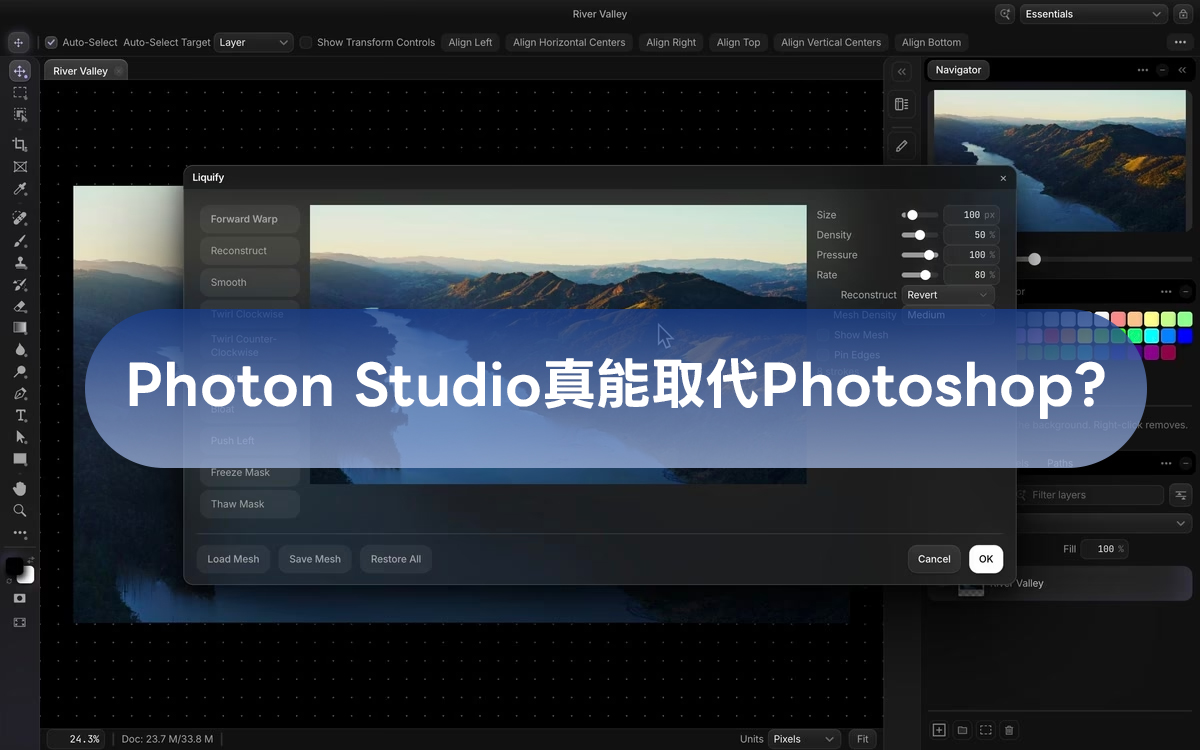
If you’ve been looking for a lightweight, powerful, and free photo-editing tool, then Photon Studio, newly launched by independent developer Tenzen Studio, may be an alternative that can replace Photoshop. Photon Studio’s development goal is very clear: to create a truly local solution. It is not only completely free but also emphasizes 100% offline operation. It requires no account registration, and you don’t need to upload your photos to unknown cloud servers; even AI smart background removal is processed entirely locally on your computer. It also closely recreates the familiar Photoshop interface and keyboard shortcuts, and even natively supports PSD files, so creators used to traditional photo-editing workflows can switch almost painlessly and get started immediately:
Photon Studio Download and Installation Tutorial
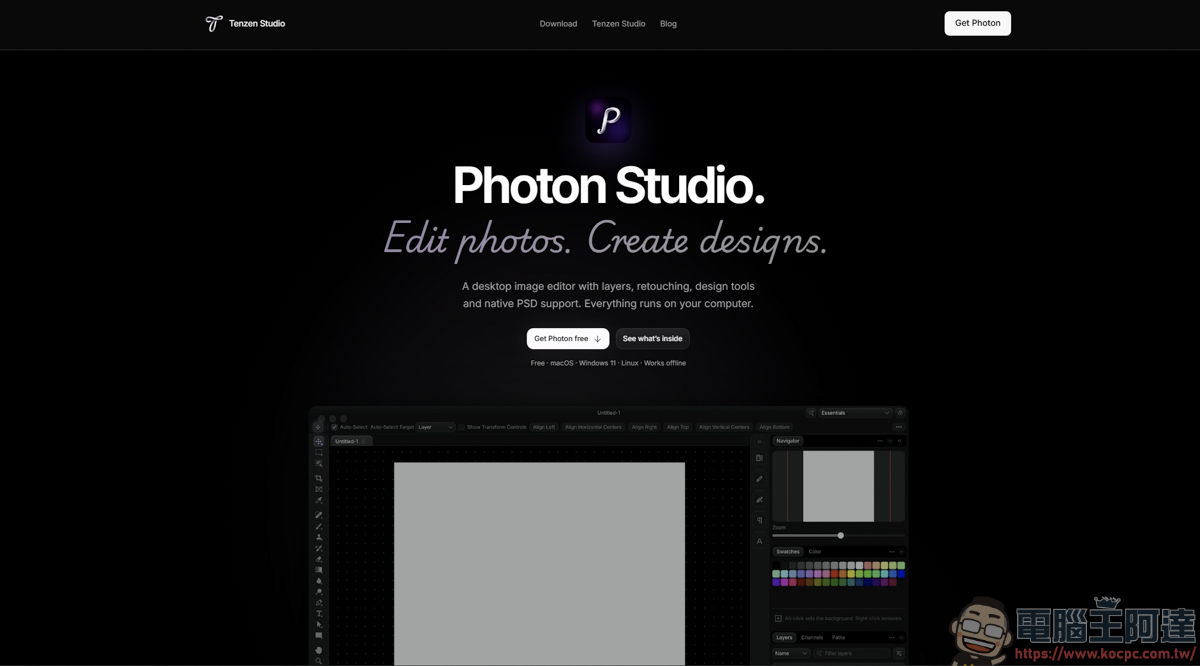
Click the URL link above to enter the official webpage of Photon Studio:
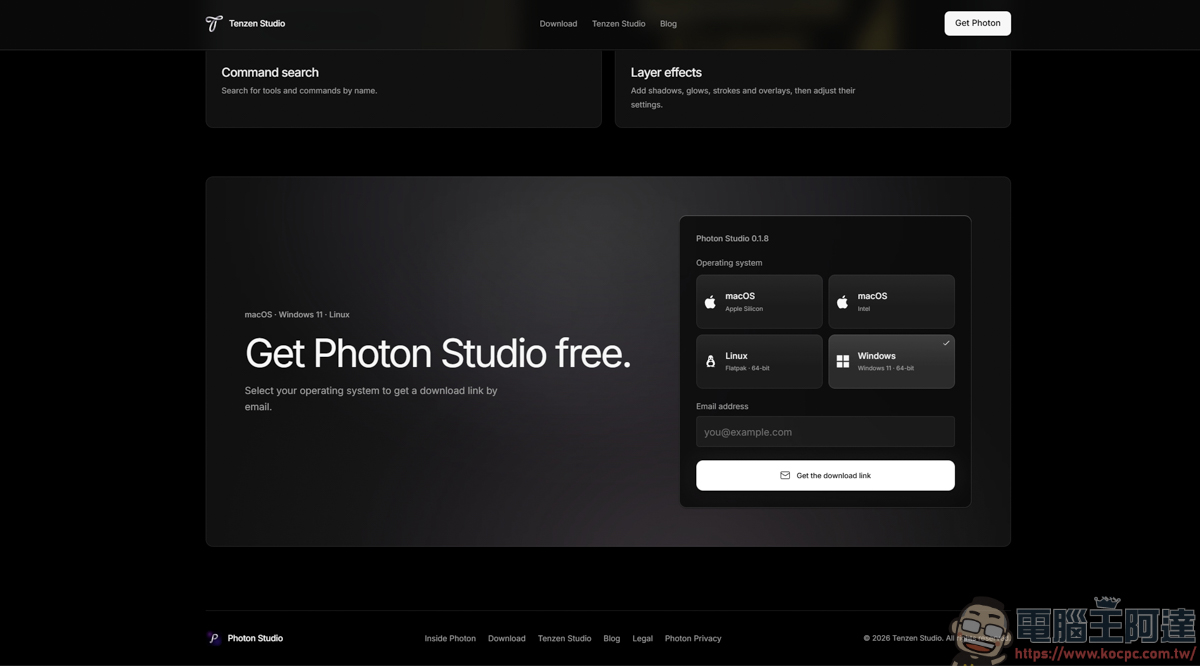
Scroll to the very bottom of the page to find the download page. Photon Studio currently supports today’s commonly used systems, such as macOS, Windows (only Win11 is supported), and Linux, and they are all completely free. Just enter your email address, and the official team will send you a download link:
After entering your email address, you’ll find this download link in your inbox. Remember to select the correct operating system for installation:
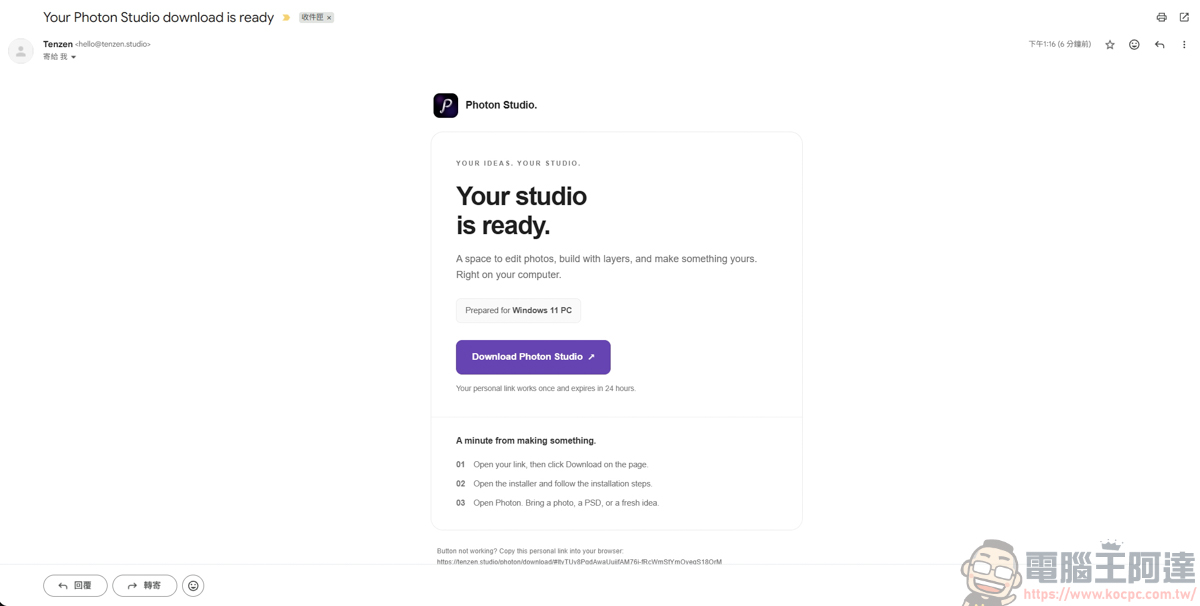
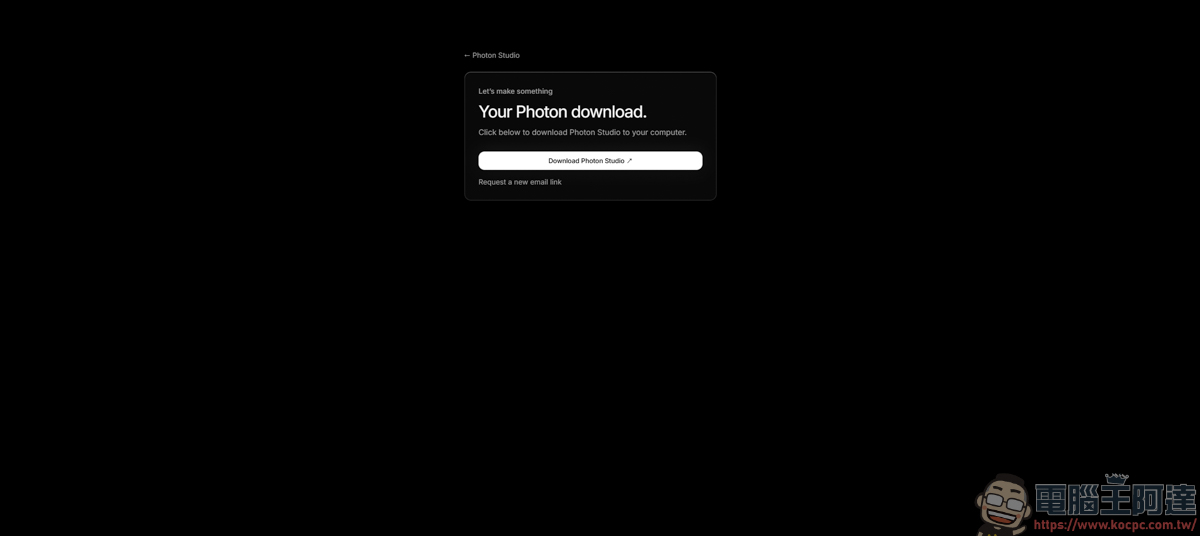
Next, go to the download page to download:
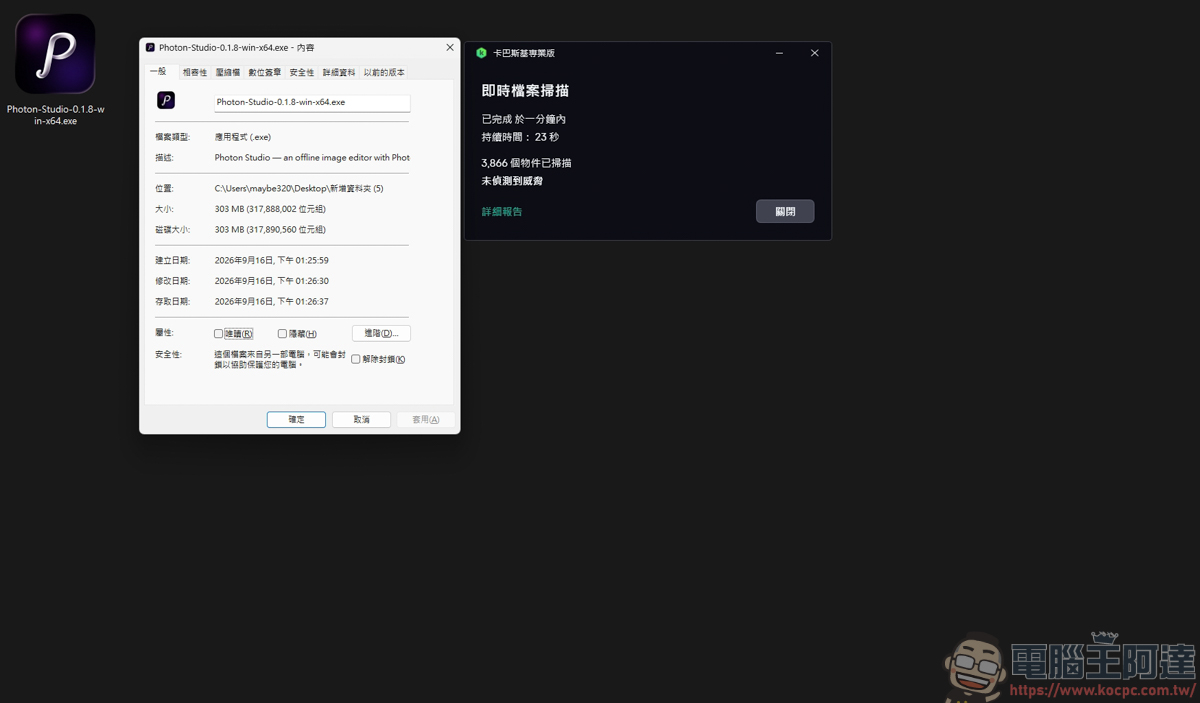
The installer is about 303 MB, and a Kaspersky virus scan found nothing unusual:
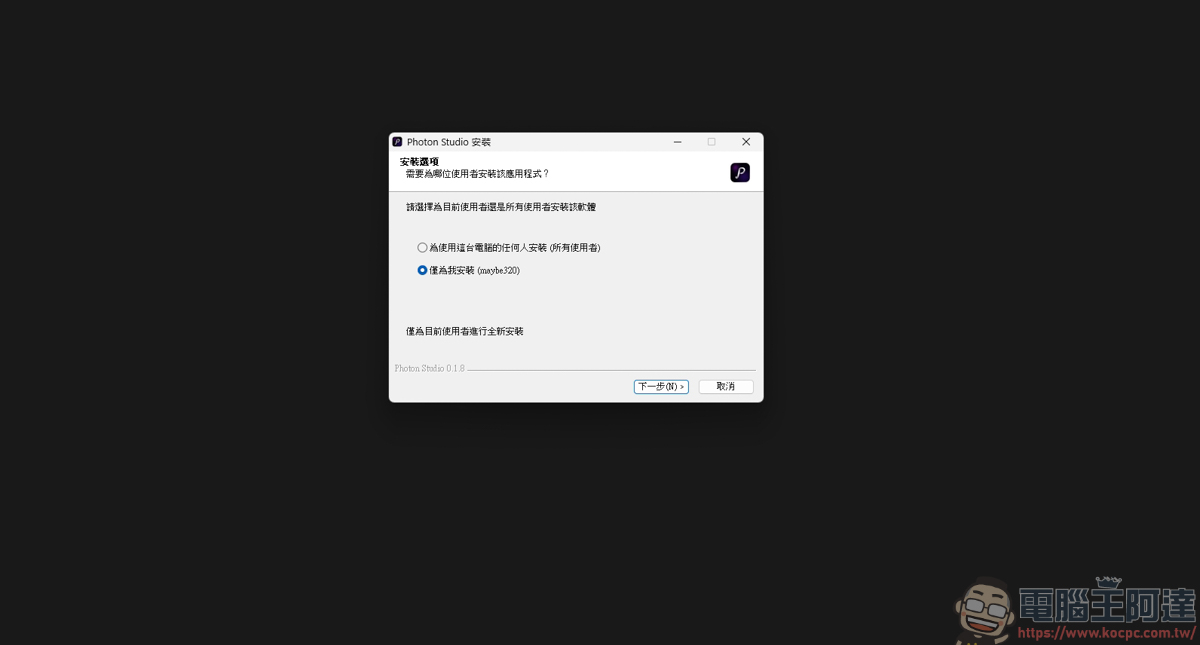
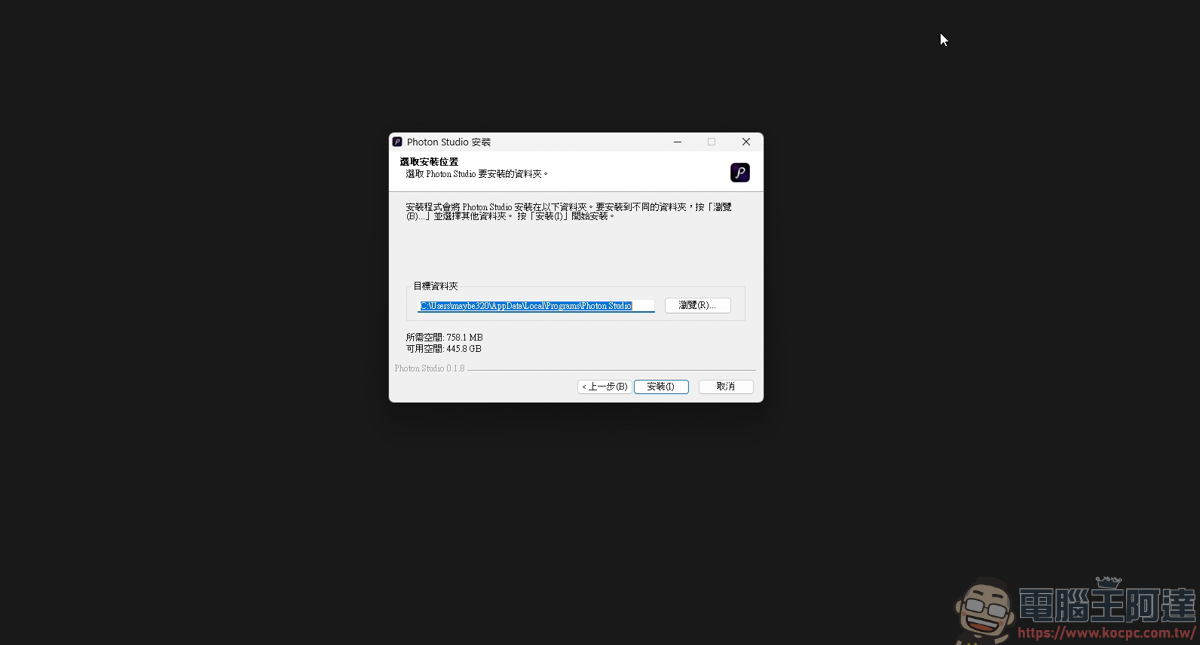
The installation process is also very simple—just keep clicking Next to complete the installation:
Introduction to Using Photon Studio
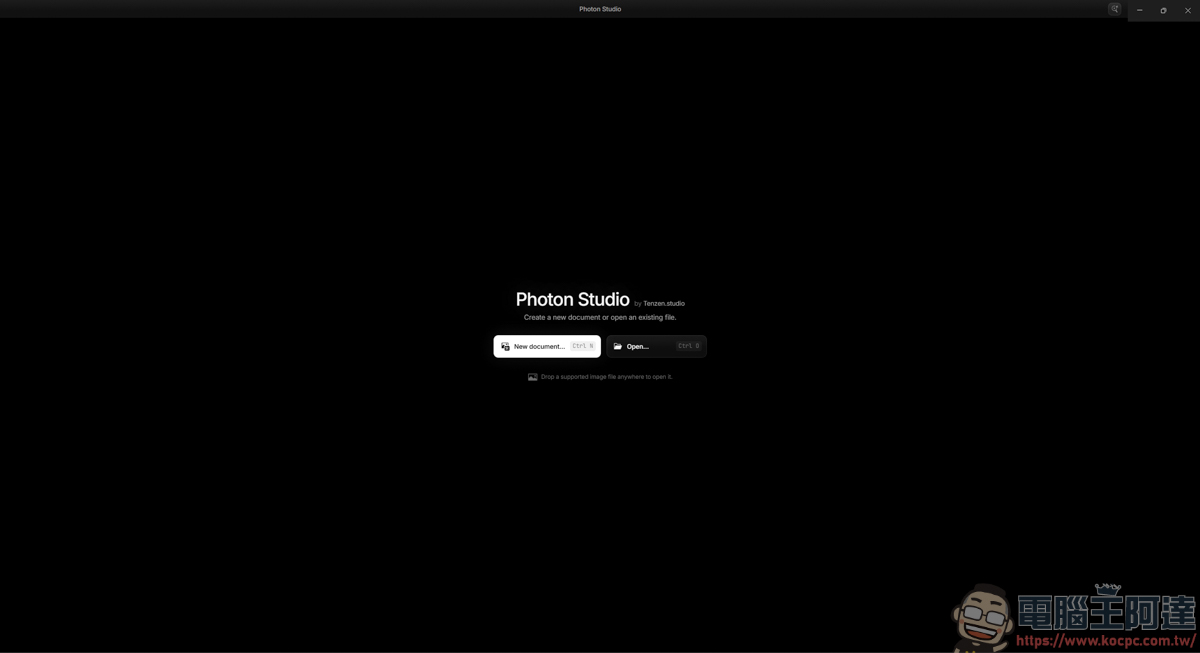
Next, let’s briefly introduce how to use Photon Studio. After opening the program, the interface is very simple, with only options to create a new project and open a file:
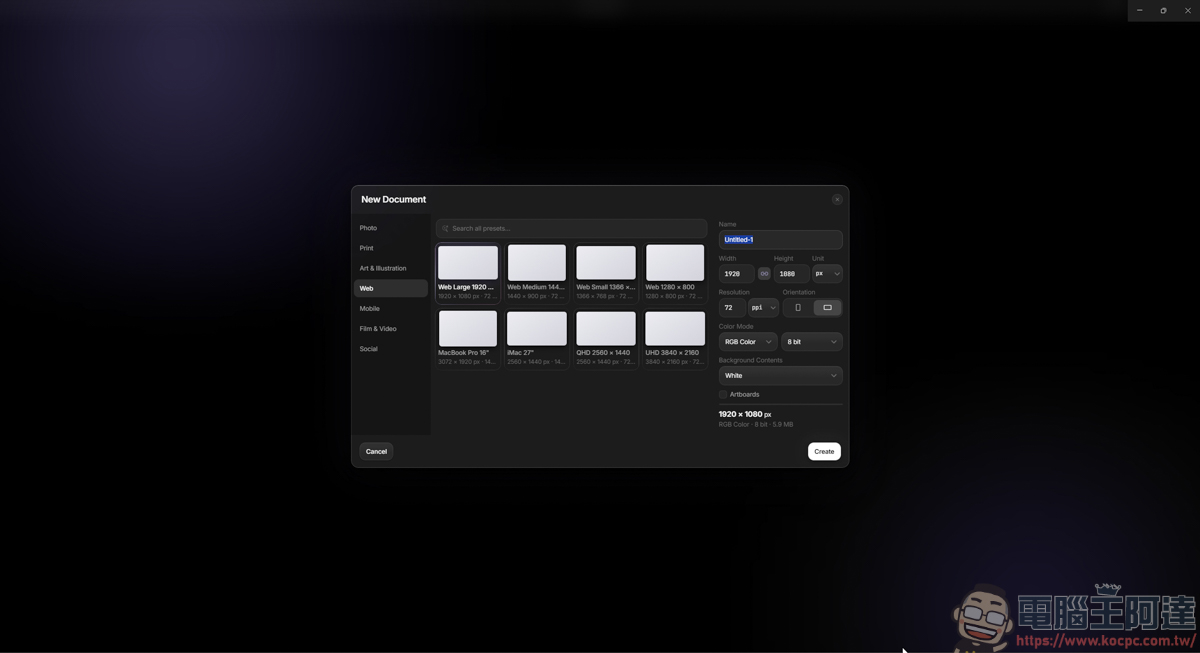
The options for creating a new project are more or less the same as the PS interface—they look almost exactly the same:
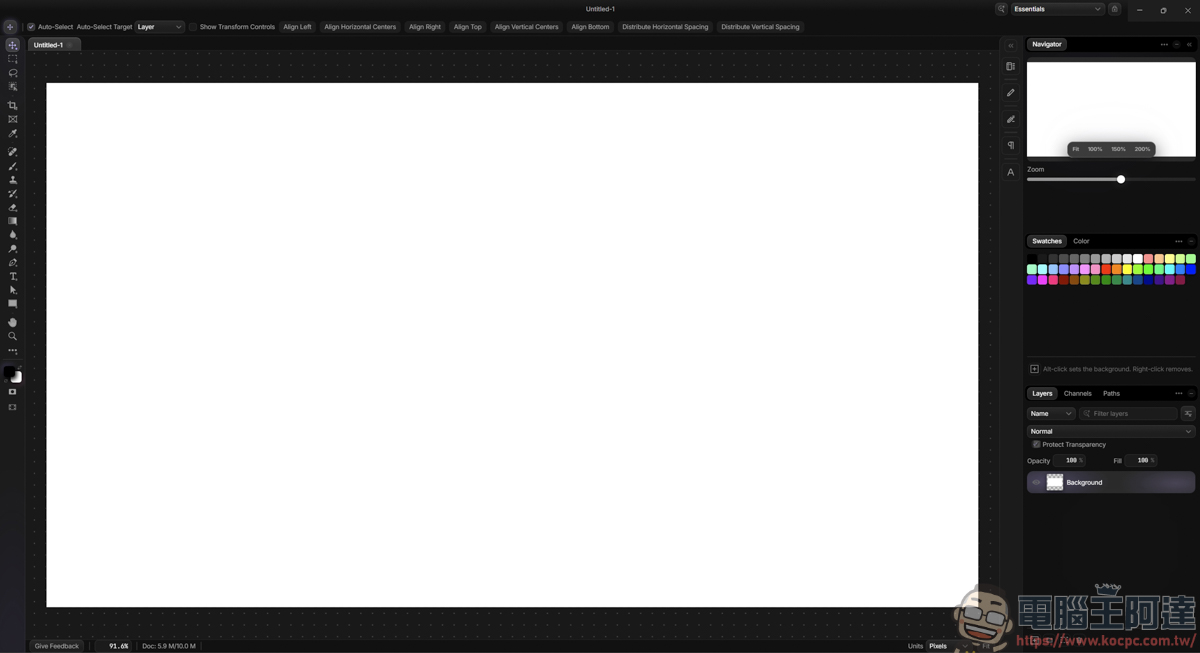
After entering the editing page, does it feel familiar? Basically, the entire interface is exactly the same as PS—the functions, layers, and options are all in the same place:
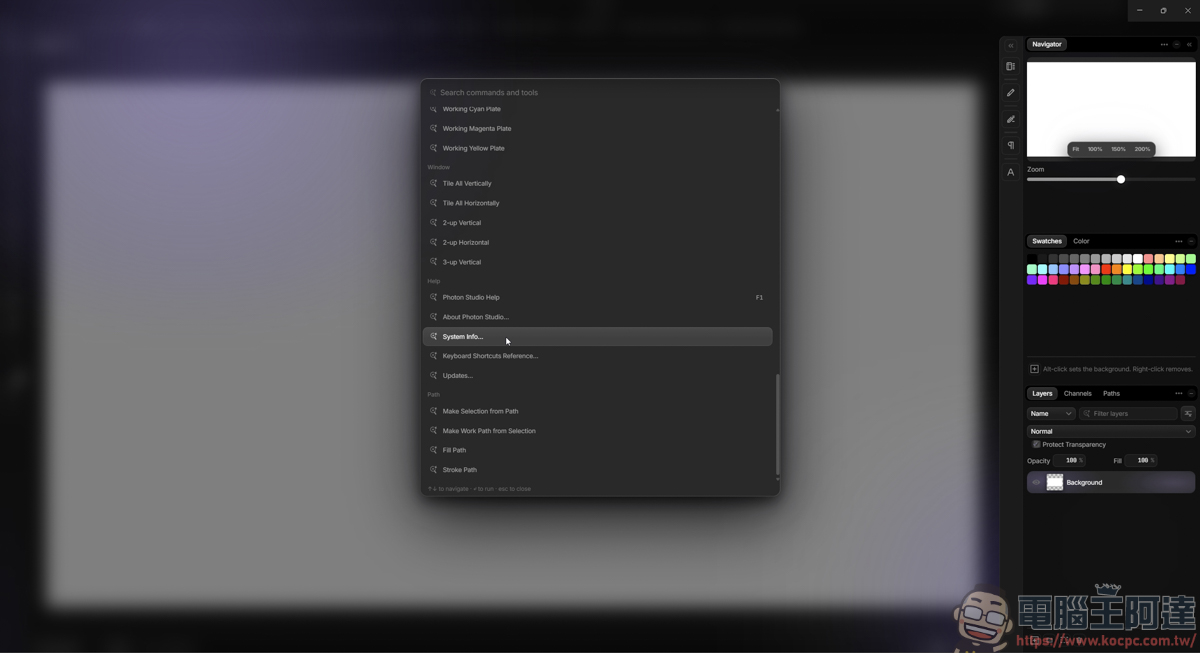
However, one thing that’s a bit hard to use is that the toolbars at the top of PS are all hidden, so you have to use command search to find these options. Also, it’s currently only available in English, and I can’t find any setting to change it to Chinese. For people who aren’t good at English, getting the hang of it can be really tough 🙂
First, I’ll try dropping in a RAW file, and it can be read normally:
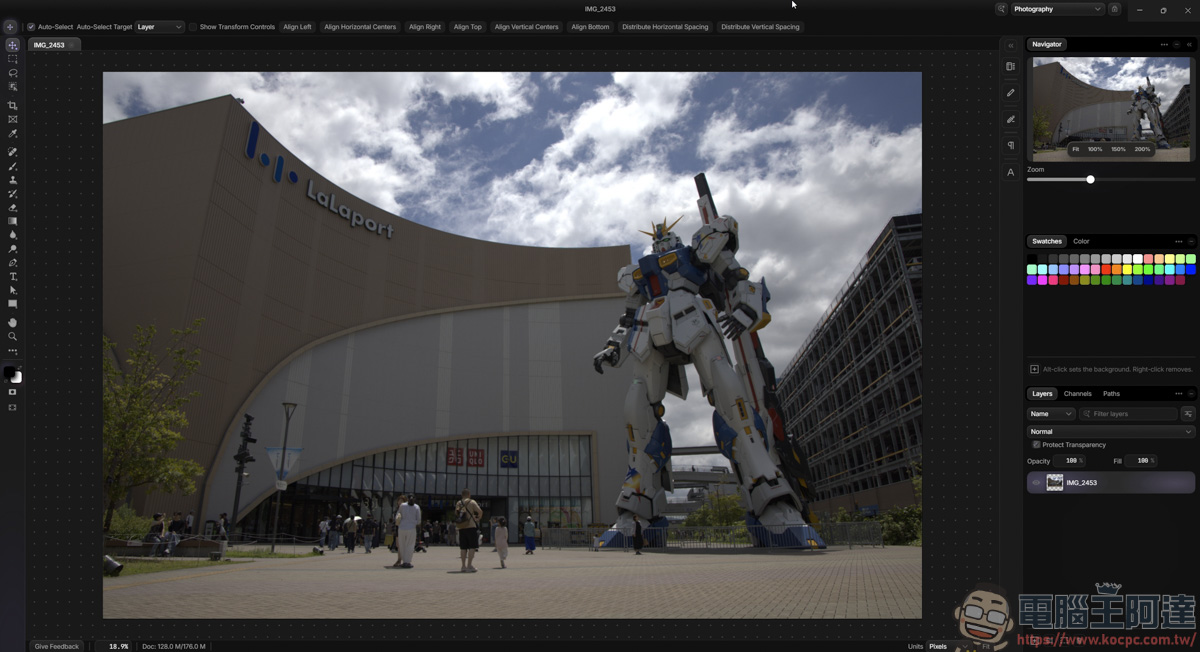
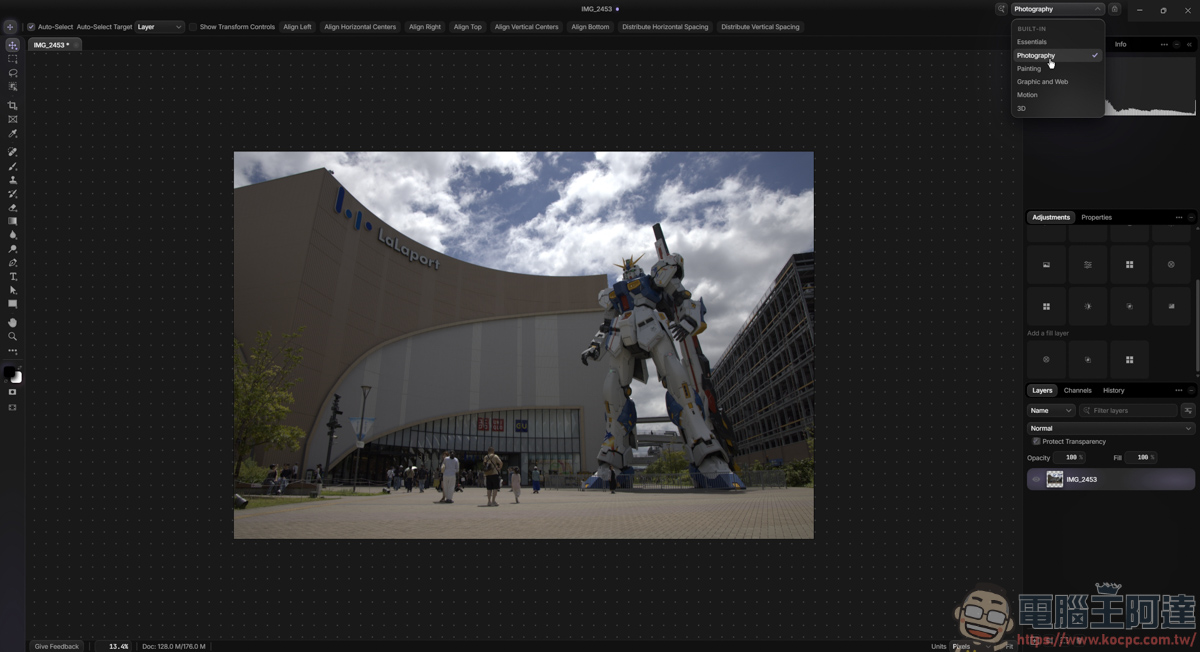
In the upper right corner, there are corresponding mode options to choose from. For example, when you’re currently retouching an image, after selecting the Photography option, the toolbar on the right will switch to the tools commonly used for photo editing:
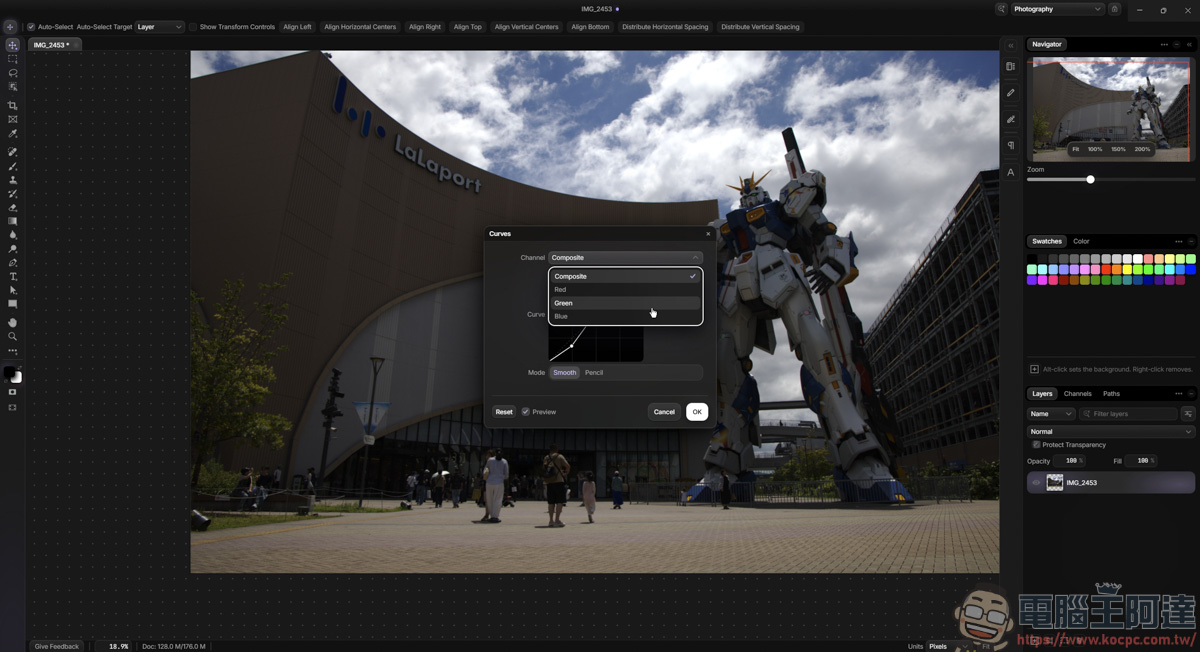
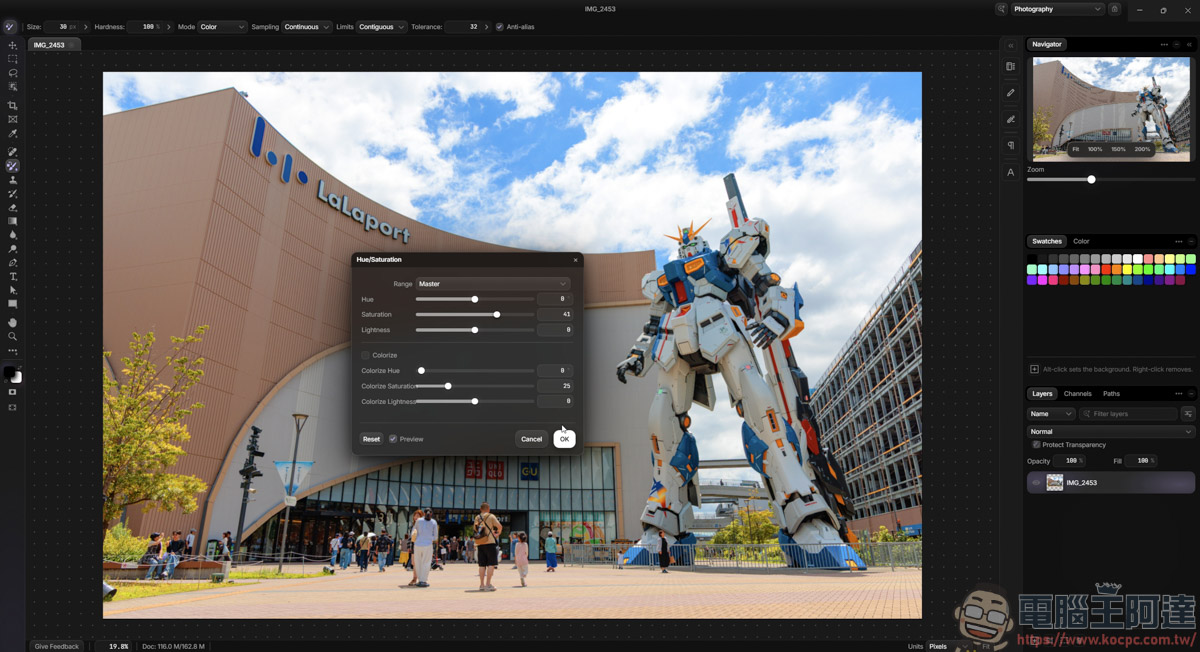
Basically, all the adjustment features you can find in PS are available in this software, but this software is very, very, very slow when making adjustments—ridiculously slow. Just dragging a single point on a curve takes more than 3S to respond, so you can’t see your changes in real time; you have to give it time to process. In this respect, PS is actually much smoother :
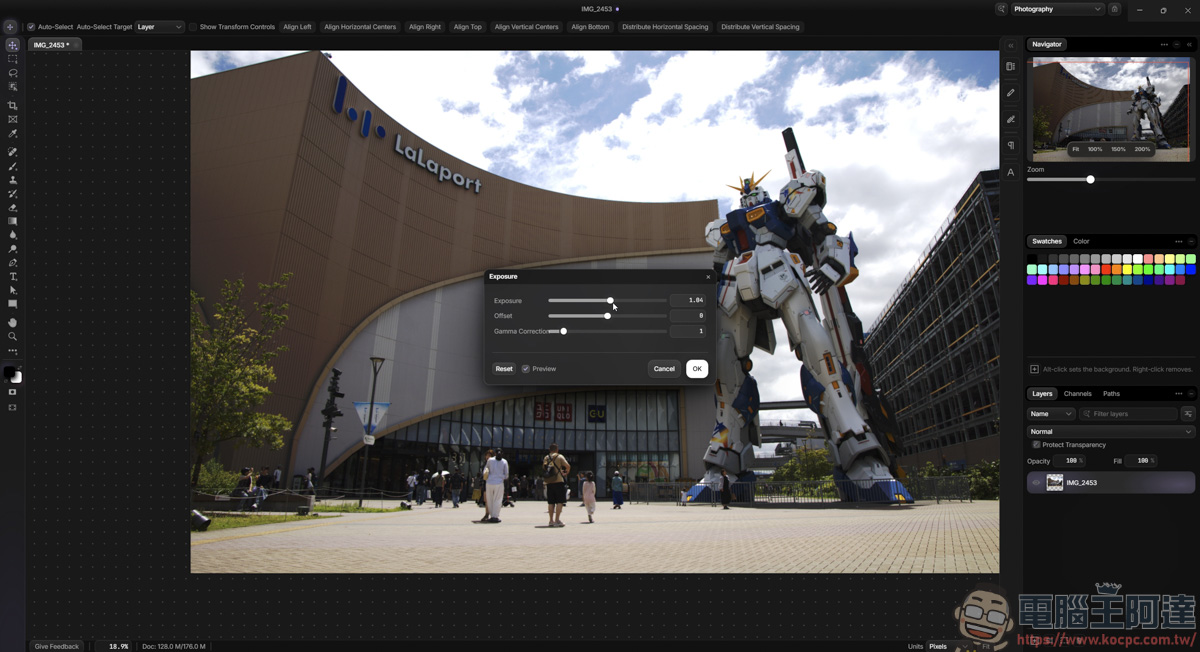
I thought it was a problem with RAW files, so I switched to a JPG for testing. To my surprise, it was just as slow—I was only making a basic HUE adjustment, and the image couldn’t even be displayed in real time…
Because its functions are similar to PS, I also tried to type text into the image. Unexpectedly, I could only use English and couldn’t type in Chinese (couldn’t switch). Even when I copy Chinese text from elsewhere to paste here, an error message keeps popping up. That’s pretty strange : 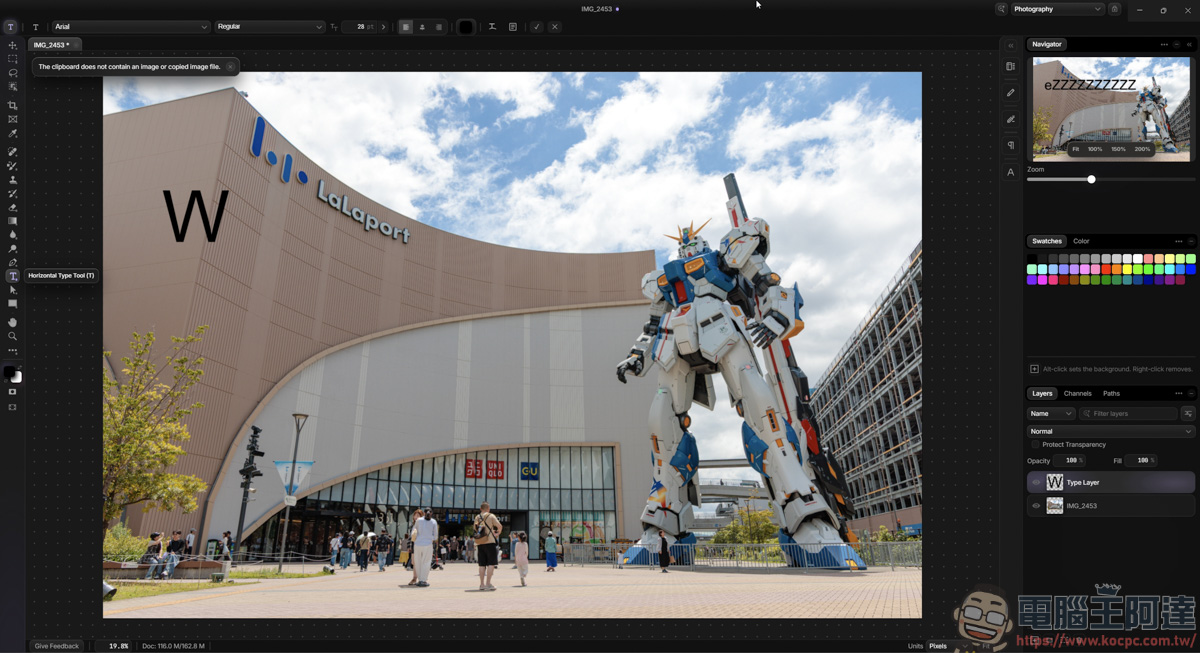
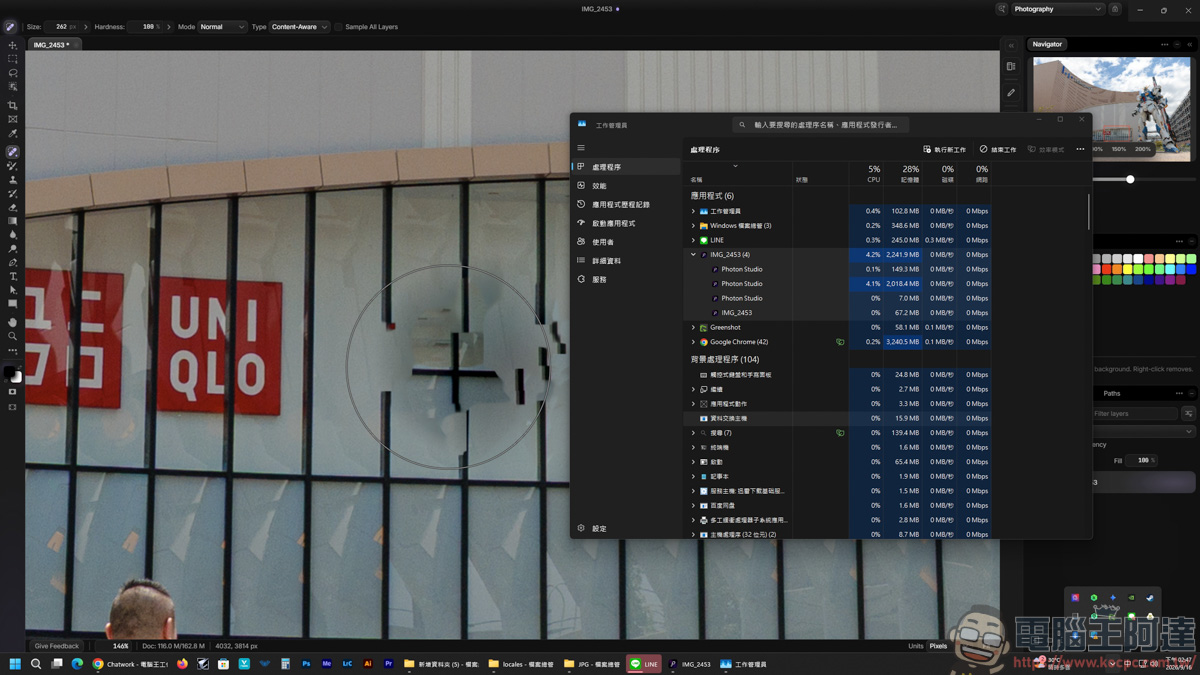
Some people online say Photon Studio is an alternative to PS, but I really think that’s overselling it. Just the healing feature takes more than 10 seconds from the moment you click it to completion, and the whole app freezes completely during that time. It’s really quite painful to use :
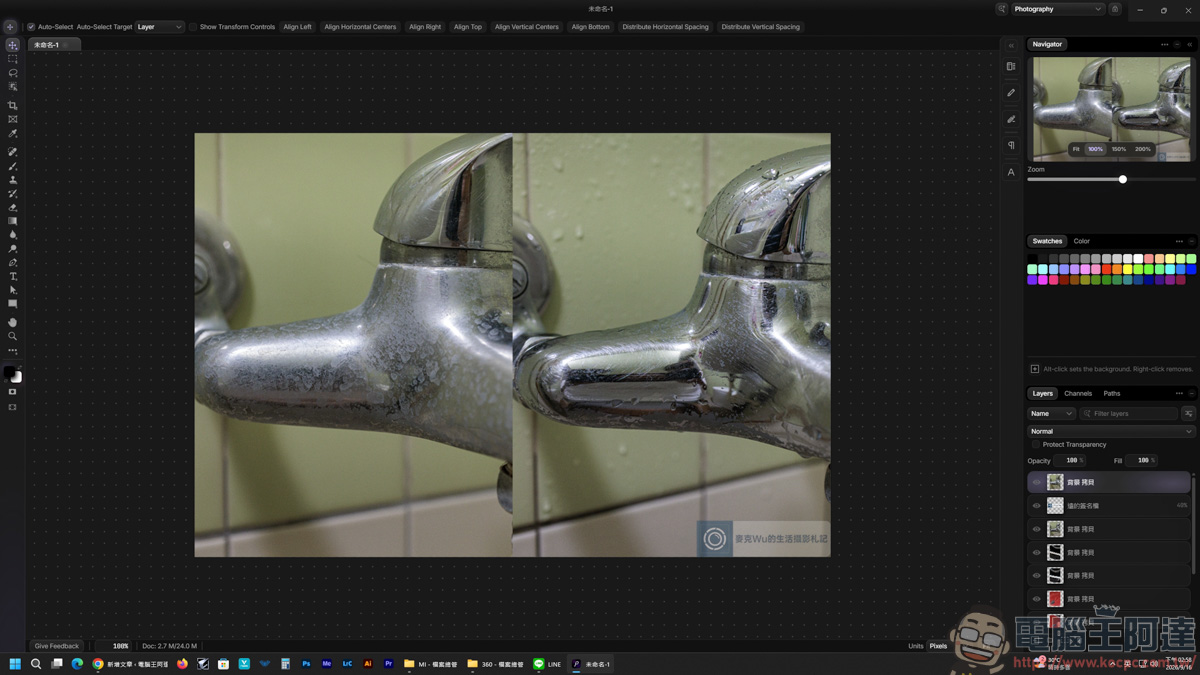
However, this software can painlessly read PS original files:
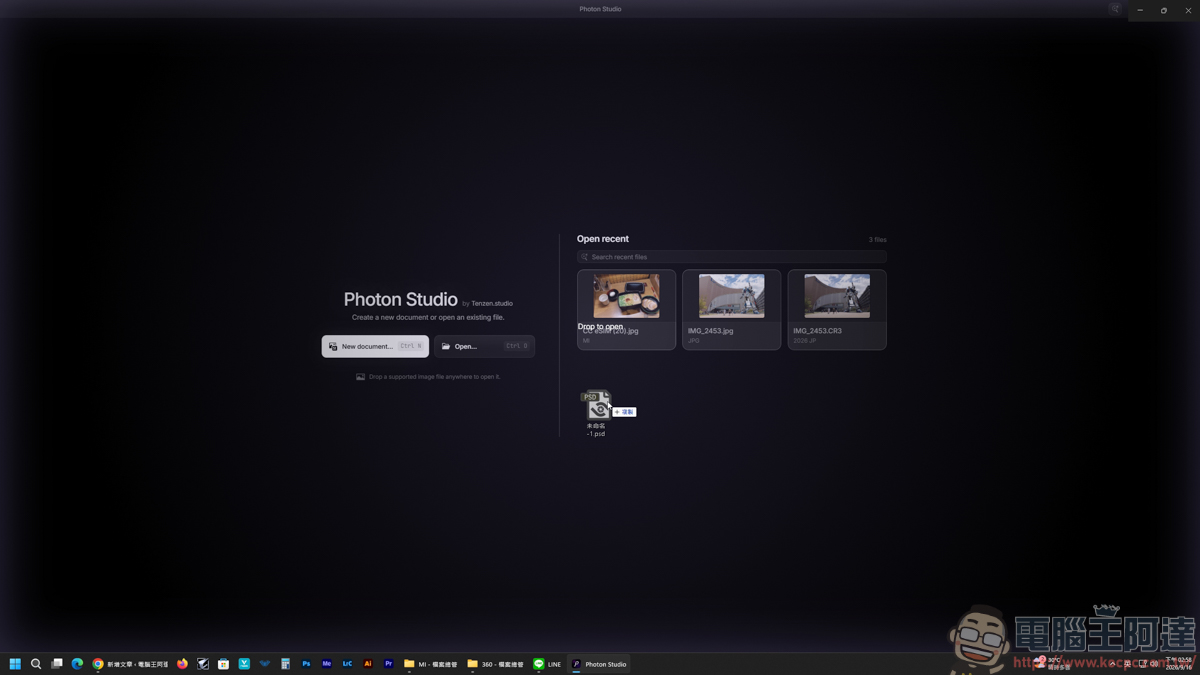
When I drop in files I’ve made before, they load normally, and the layer content is preserved too, which is a pretty good point :
Conclusion
In summary, although Photon Studio markets itself as “free and locally run,” and its ability to read PSD files seamlessly while preserving layers is indeed a major highlight, the software’s optimization still leaves much to be desired. The lag is extremely noticeable, Chinese cannot be typed or pasted, and the all-English interface plus a hidden toolbar design that relies on command search greatly raise the barrier to entry. If you just need a free tool to open PSD files and view layers, it is serviceable enough; but as a daily main photo-editing tool to replace Photoshop, it is still too early to say, and you can only wait and see how the official updates and optimization turn out in the future.
Source: KOCPC Chinese