


Fuse beads are a common fun craft in which small, colorful plastic beads shaped like tiny cylinders or tubes are arranged according to a pattern on a special pegboard with holes to create flat or three-dimensional pixel-style designs. In the past, if you wanted to convert a photo or a mental image into an actual fuse bead pattern on a computer, it often took a lot of time to calculate the grid and match colors. But now it no longer has to be so troublesome: because AI technology is developing rapidly, many free tools can already quickly generate this kind of pattern.
For example, the website I’m introducing today, “Perler Bead Art PixelBeads,” is a completely free, registration-free online perler bead pattern-making platform. It can turn any photo into an accurate perler bead pattern in seconds and offers extremely high customization flexibility. The site also uses “browser-local processing,” so images can be converted without being uploaded to a cloud server, helping protect privacy. For advanced players who want to generate realistic pixel-art styles, this is a site you can try out :
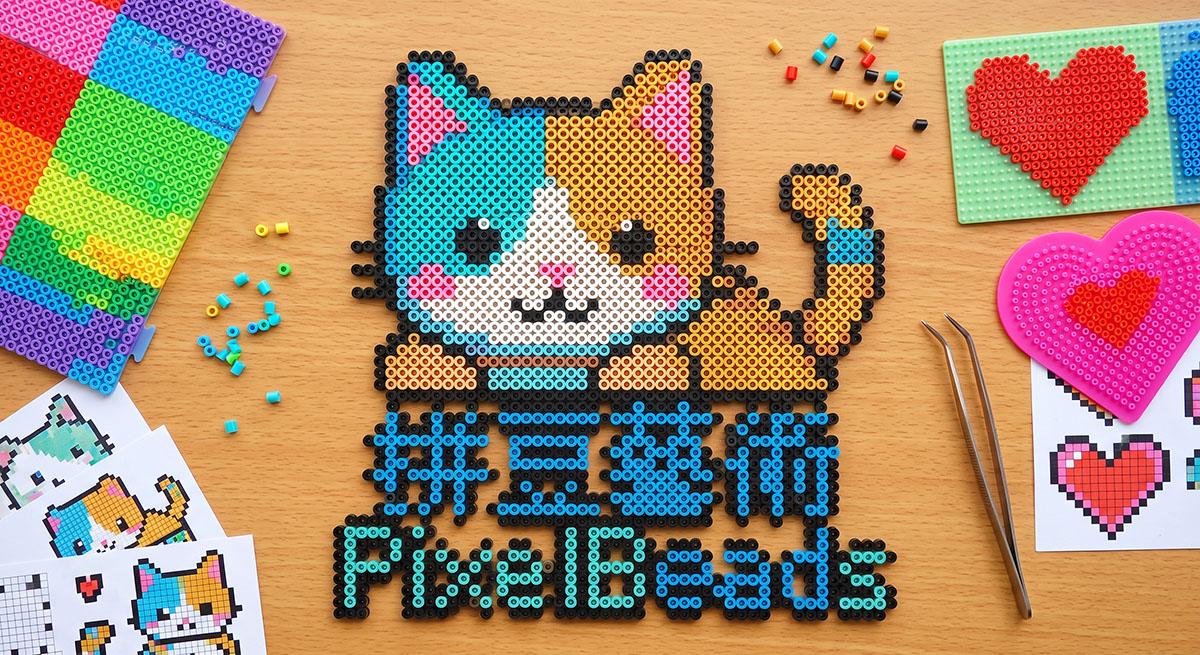
Introduction to PixelBeads: The Art of Fuse Beads
Click the link above to enter the PixelBeads pixel bead art website:
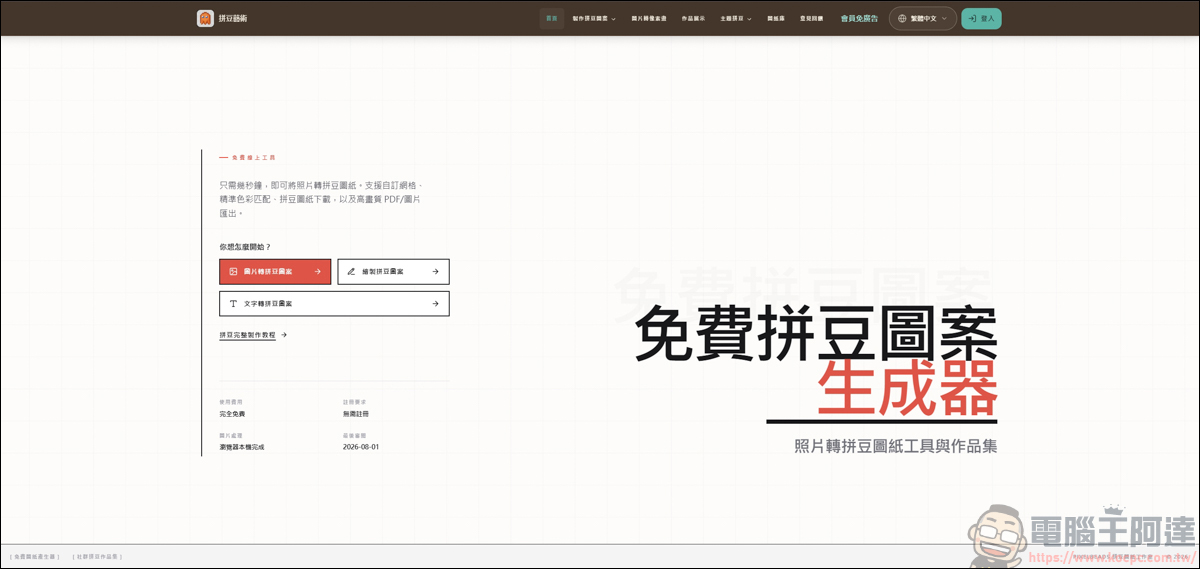
This website is a completely free, no-registration-required creation platform. It can not only turn any photo into an accurate perler bead pattern in seconds, but also offers a high degree of customization flexibility.
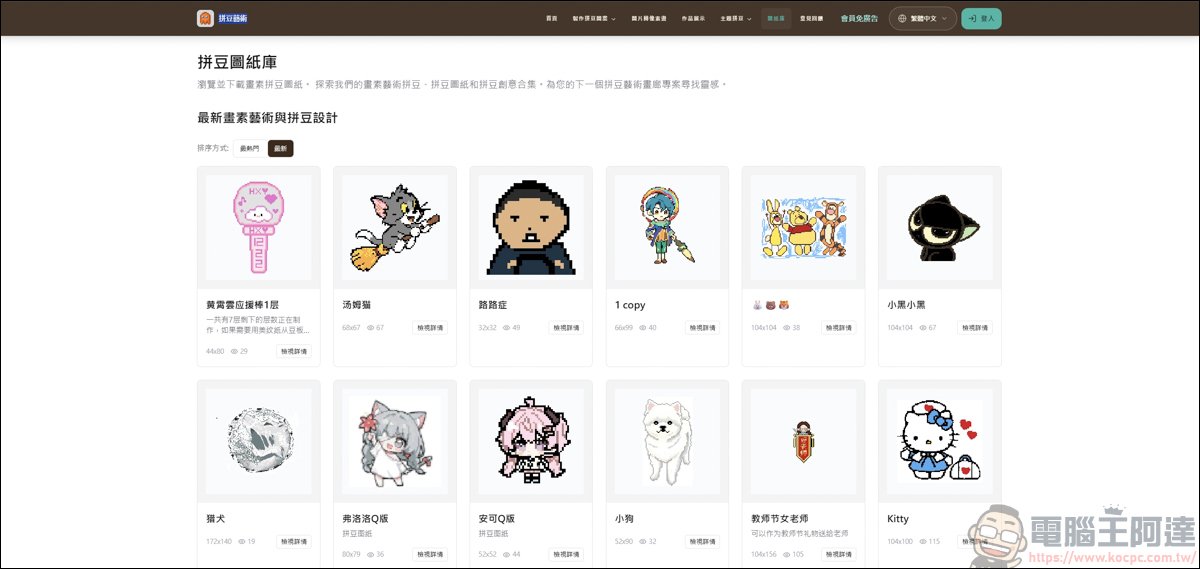
Image conversion
First, let’s demonstrate with an image. After entering the image generation feature, click Upload Image:
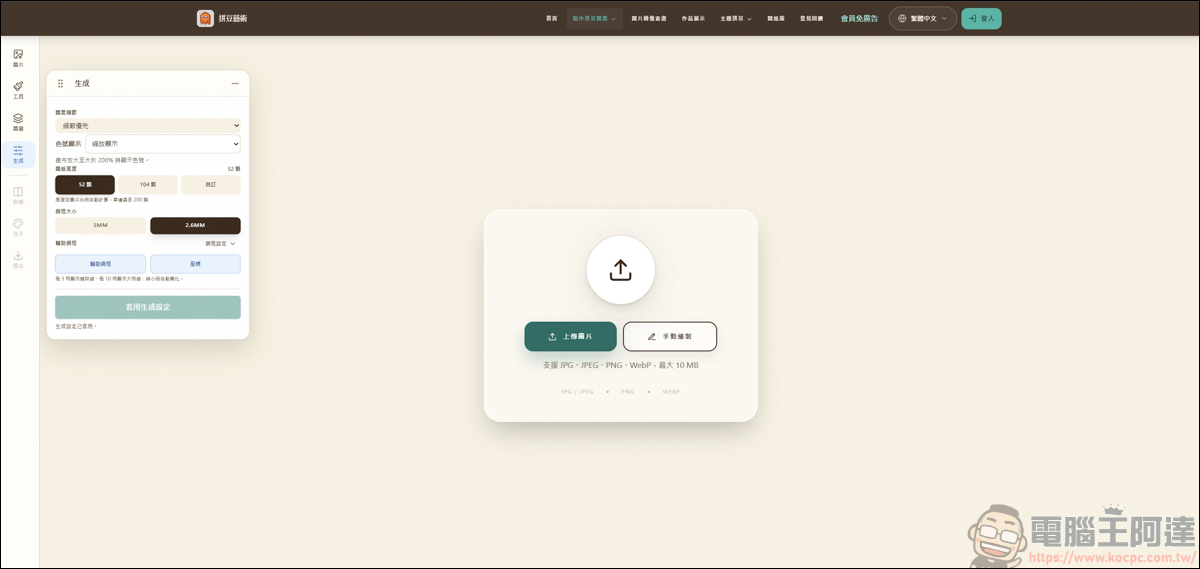
You can upload your own selfie or a profile image; here, we’ll use A-Da’s chibi figure as an example:
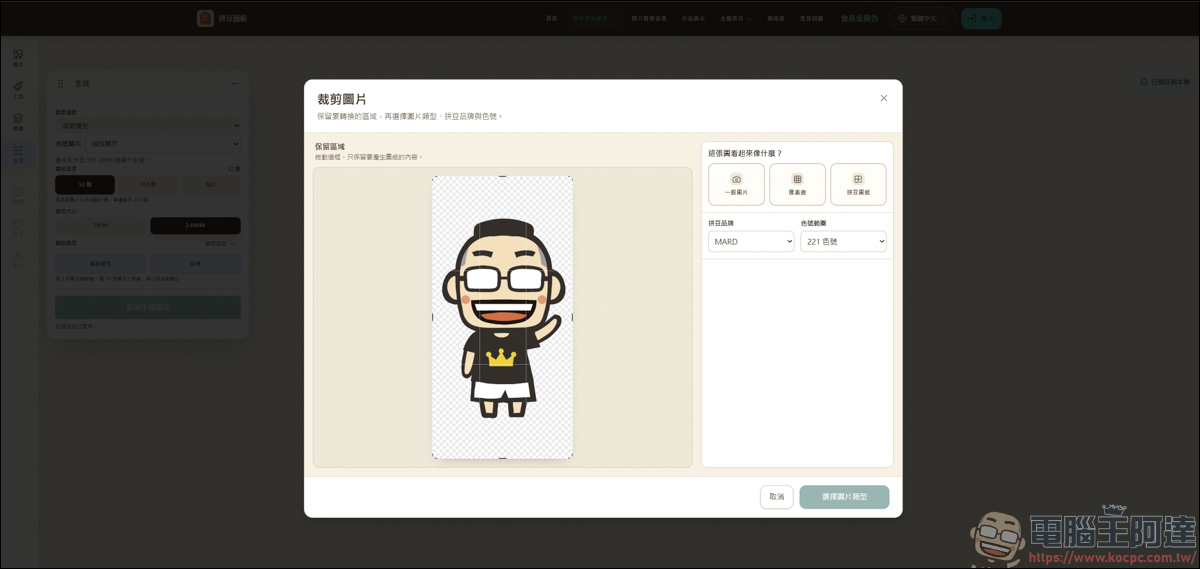
Here you can choose from a regular image, pixel art, or a perler bead pattern; choosing the correct option will make it easier for the system to recognize it:
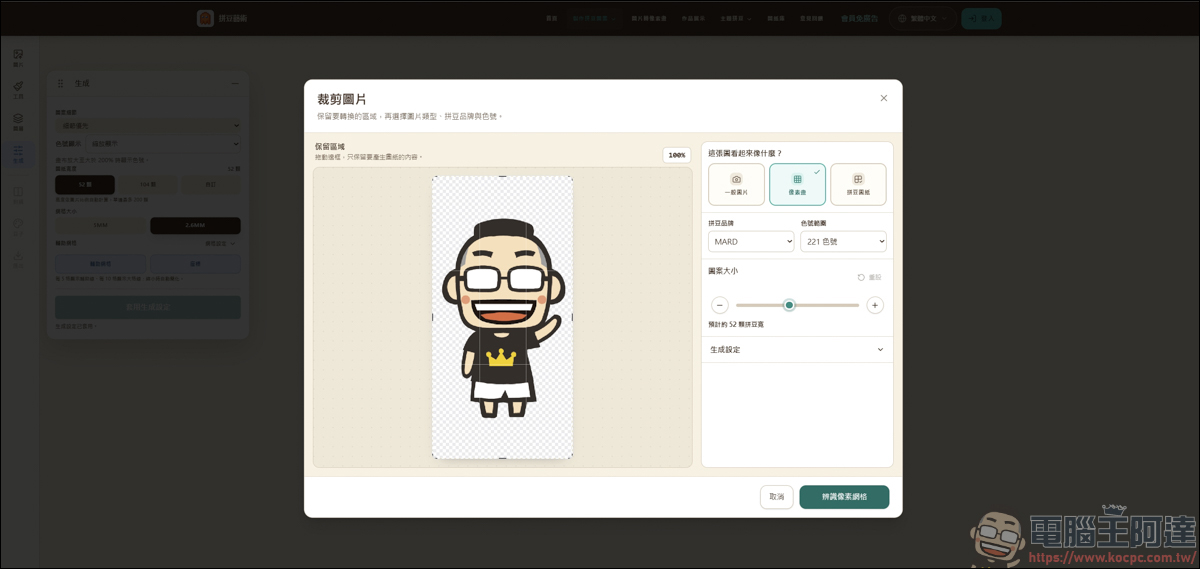
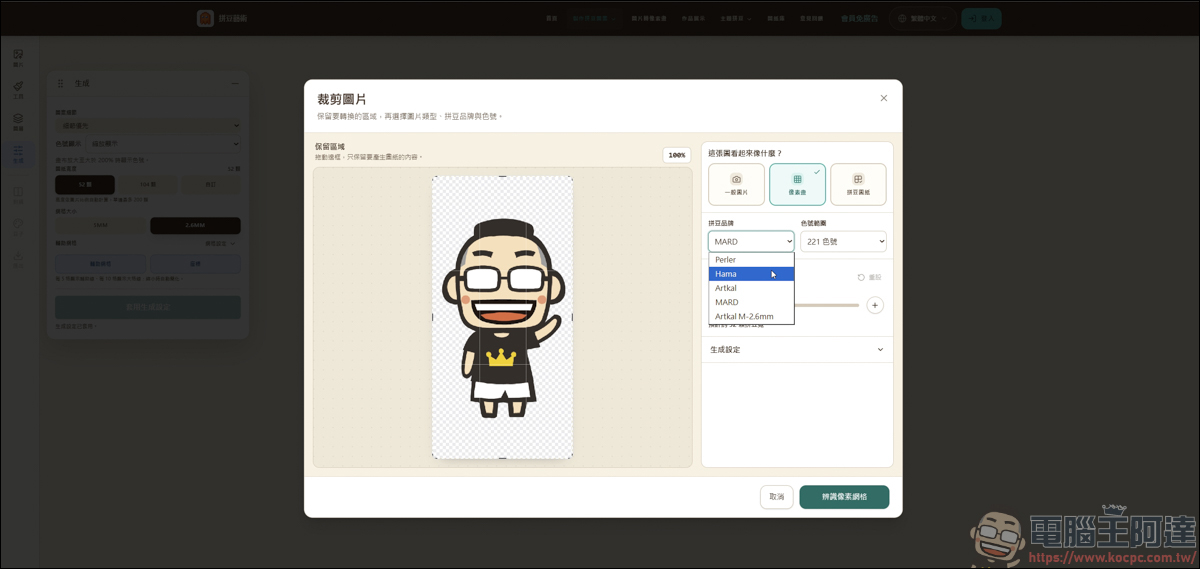
Next, choosing a fuse bead brand. I’m not too familiar with this part, so I suggest everyone try each one :
After choosing a fuse bead brand, you can then select the color number range. For example, the MARD option offers up to 291 color numbers:
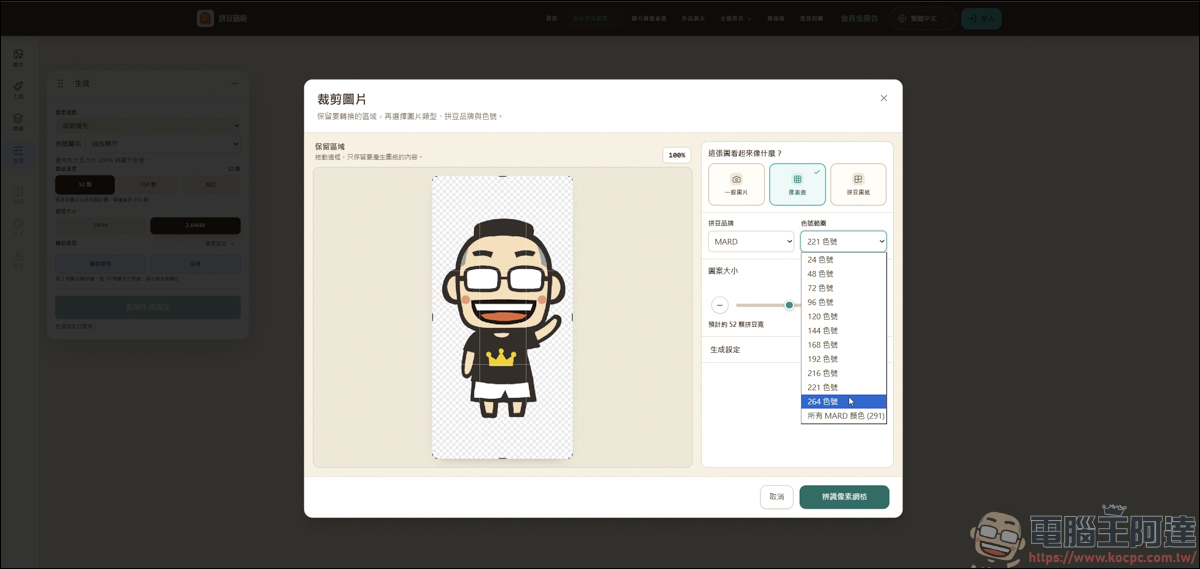
After completing the above settings, pressing Recognize Pixel Grid will generate it automatically, and it’s quite fast—it’s done in no time :
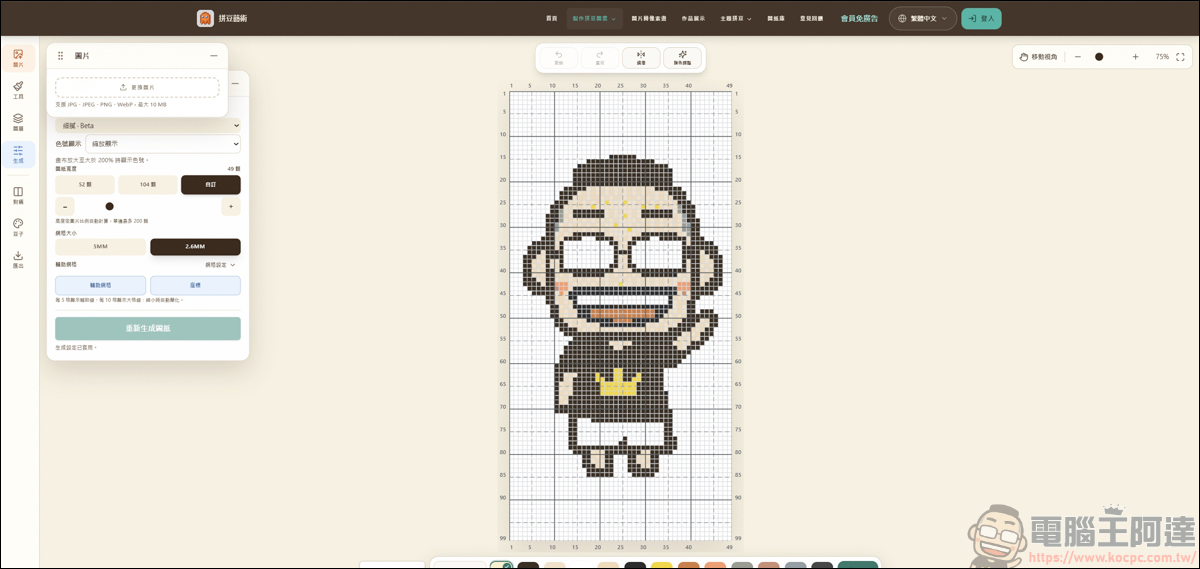
If you’re not satisfied with the generated image, you can also modify it using the control options on the left:
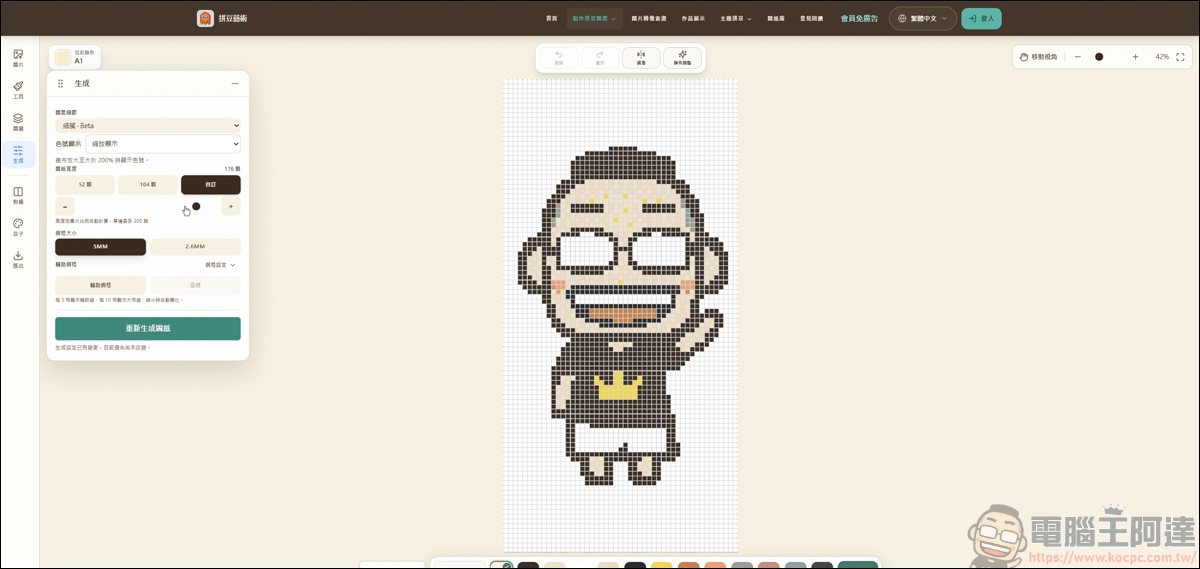
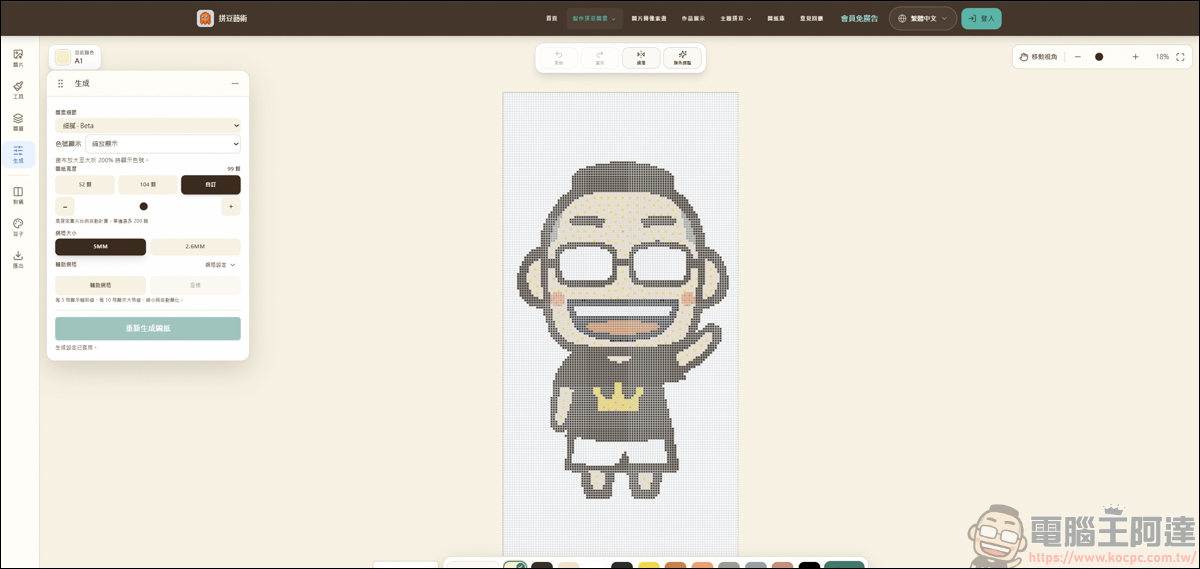
Or, if you want to create something extra on the image, you can also use the brush tool to modify it:
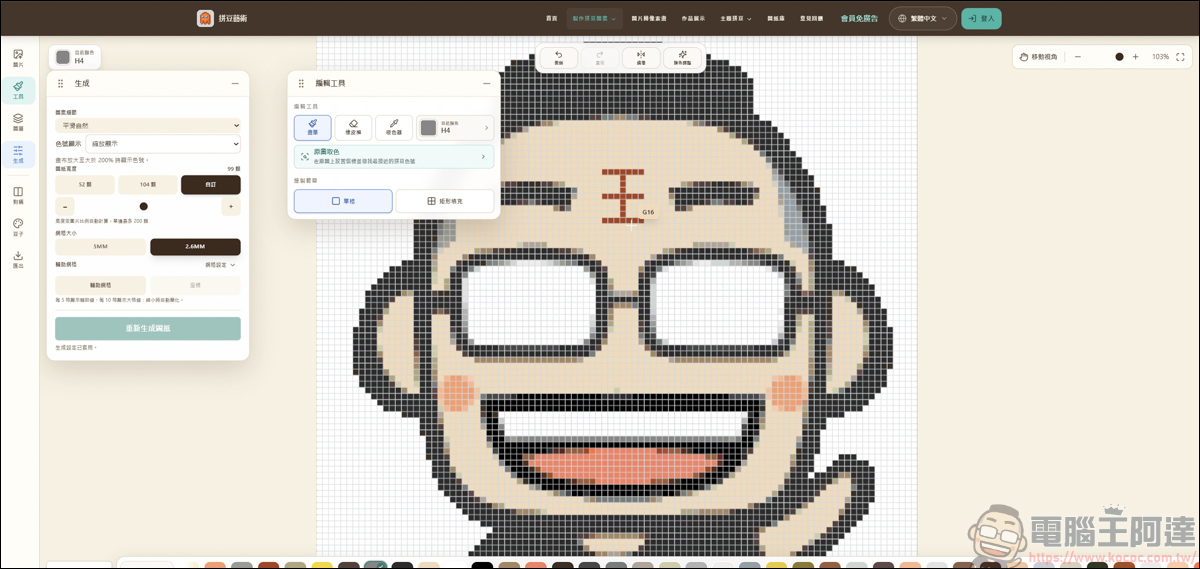
You can also use an eraser to erase the parts you think are unnecessary.
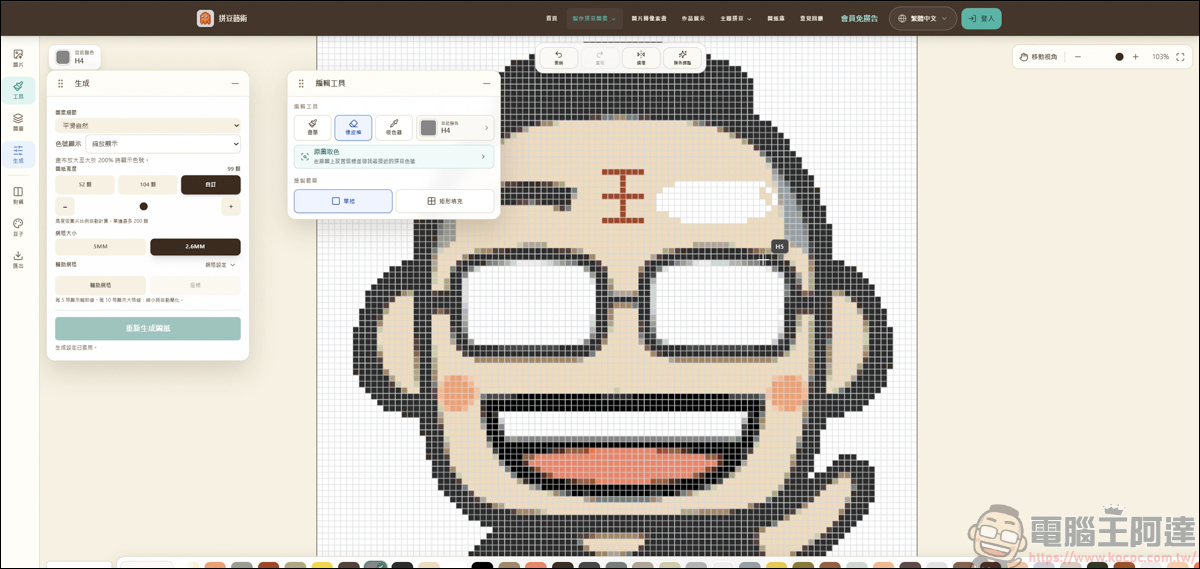
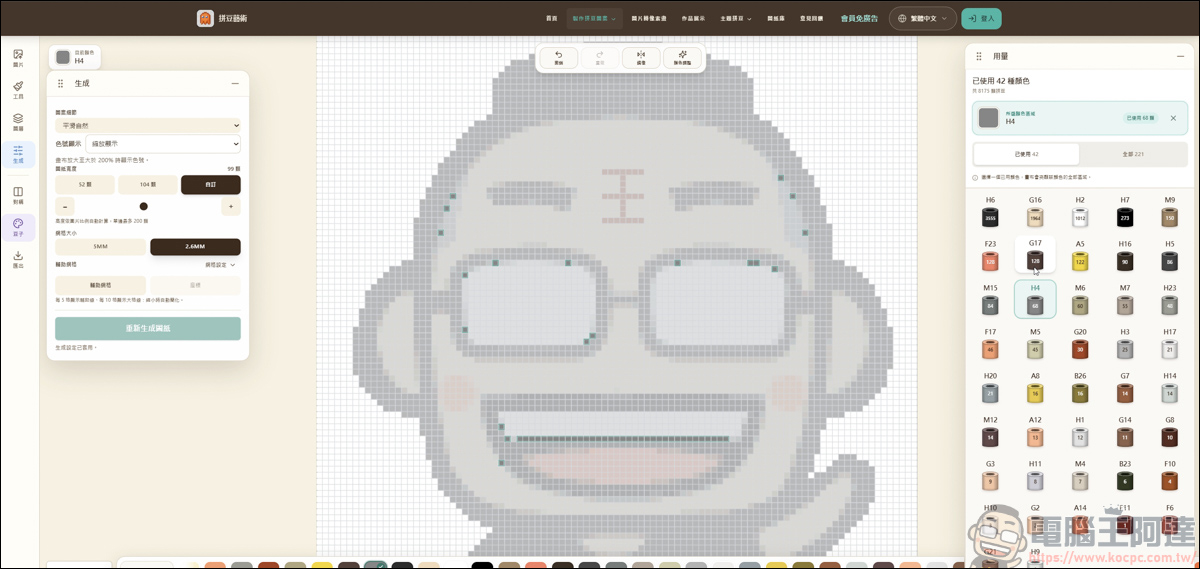
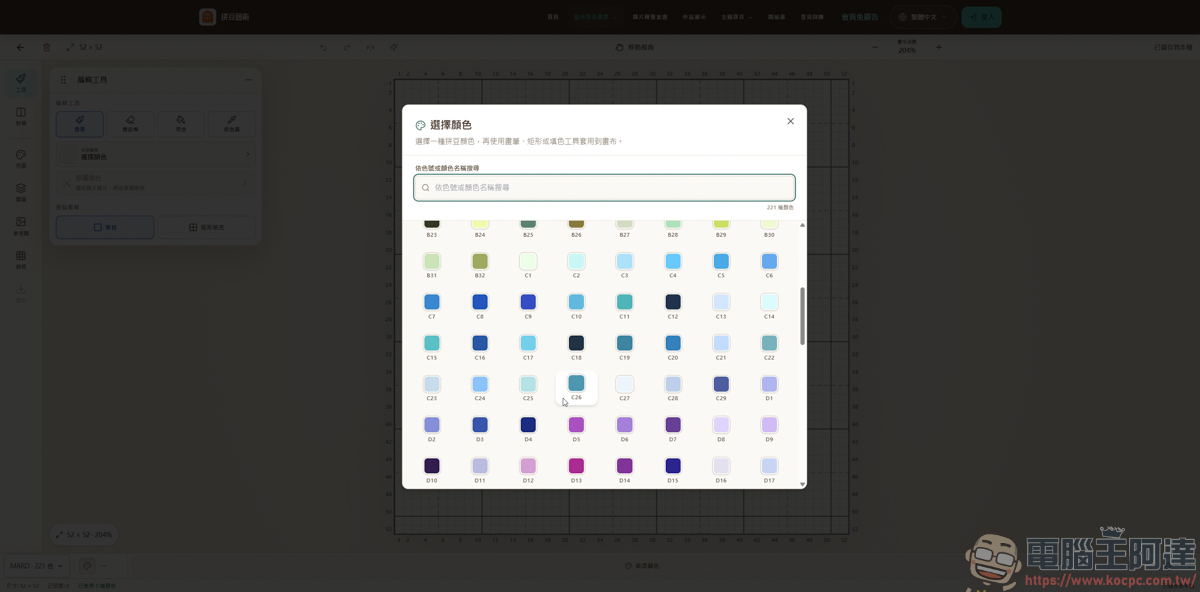
The website also offers many colors to choose from, and even has an eyedropper tool that lets you copy a color code from an image and use it:
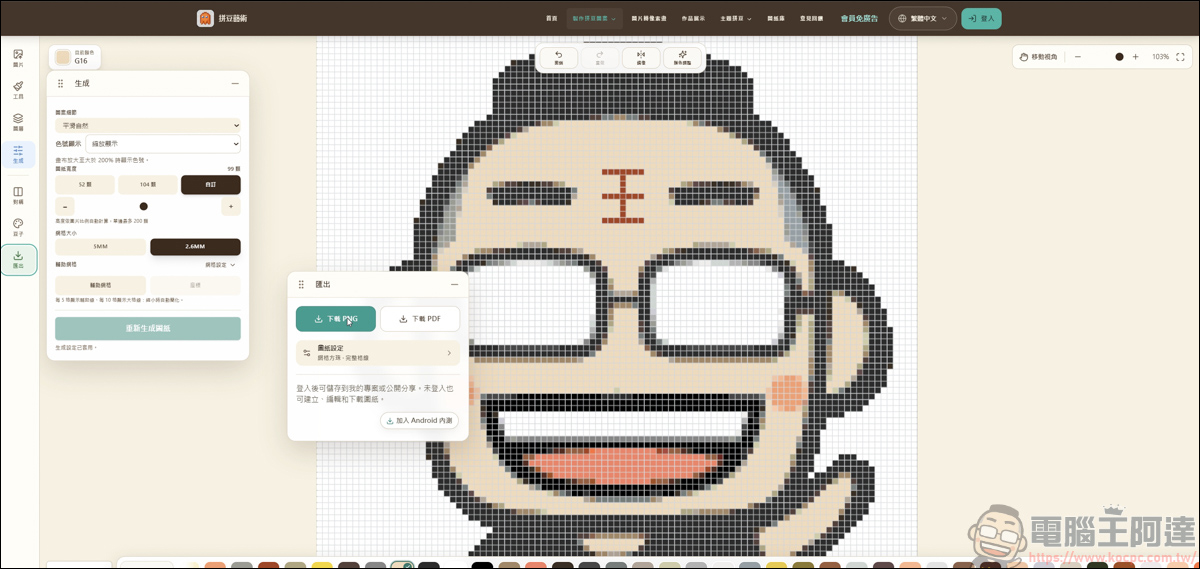
You can also download the finished image as a PNG or PDF for free. The whole process, from creating it to downloading the final image, is completely free, and you don’t need to log in as a member either. What a generous tool :
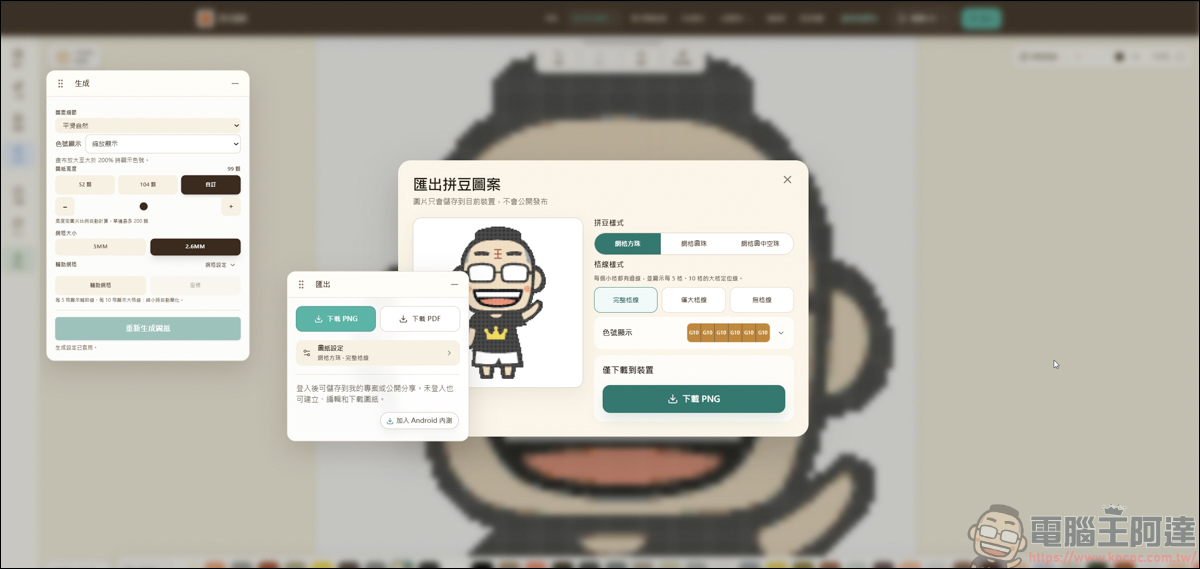
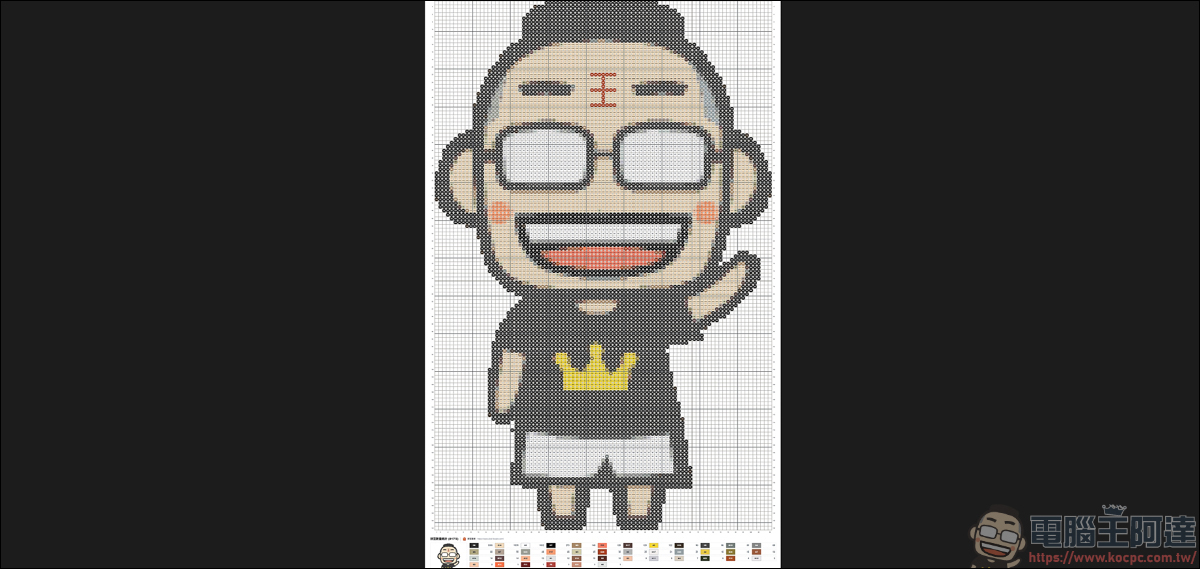
What do you all think of the picture I made? Because I turned on the grid lines and color code display, the picture has grid lines and color codes at the bottom. If you want to try making fuse beads by hand, you just need to photocopy this picture, then place the beads one by one according to the colors shown, and you can easily complete a fuse bead project.
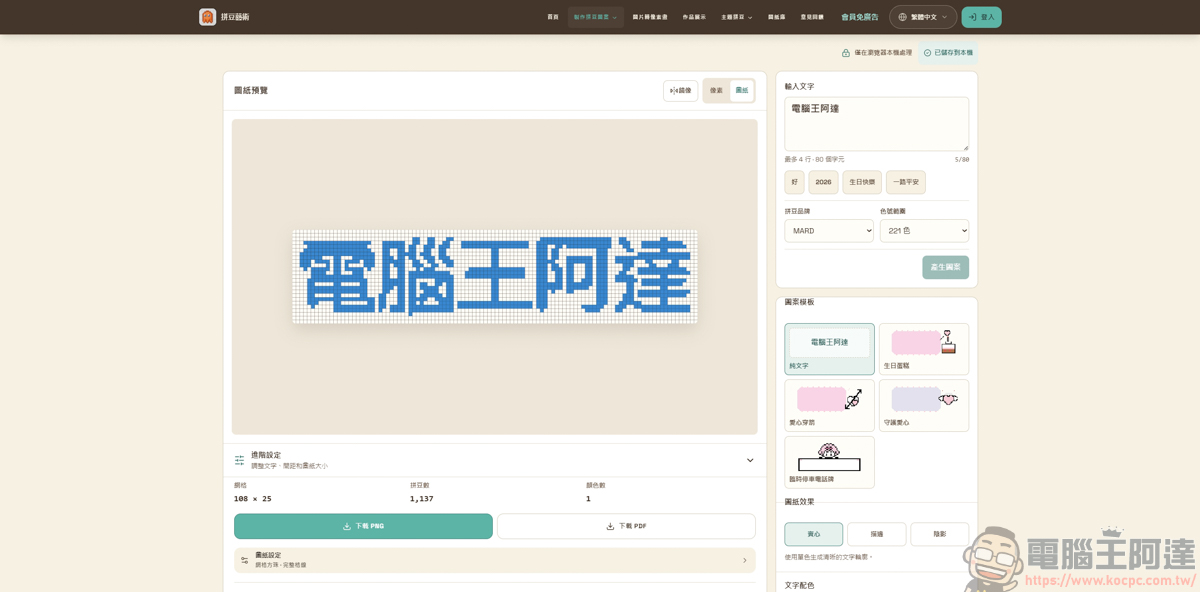
Text to Perler Beads
In addition to making perler beads from images, this website also supports creating perler beads by entering text, and it offers a variety of templates for design use:
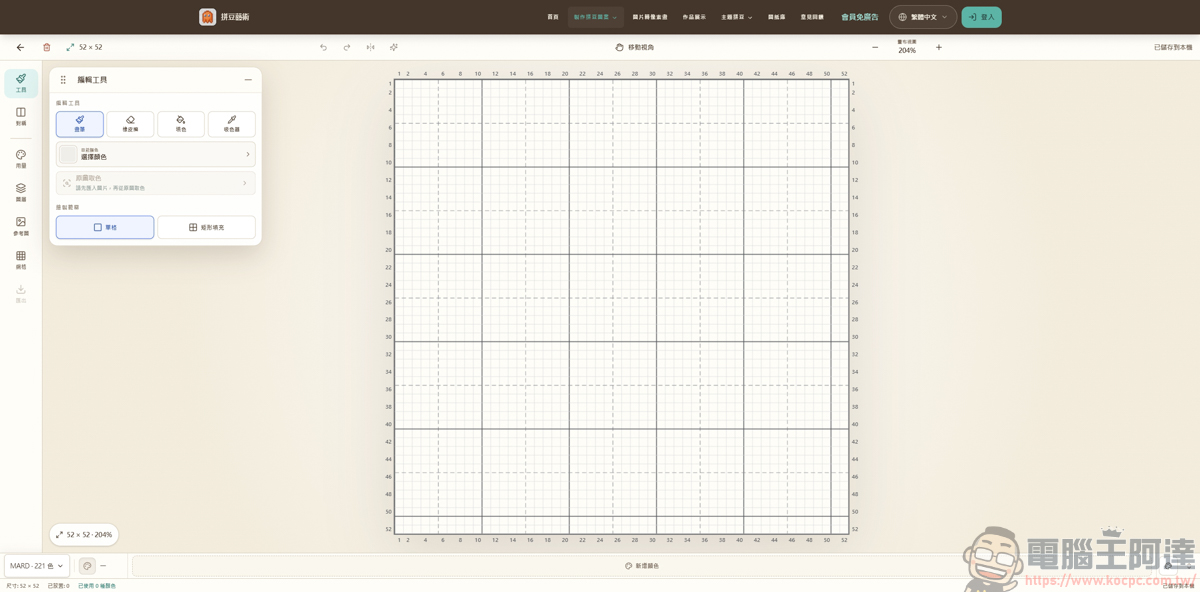
Drawing feature
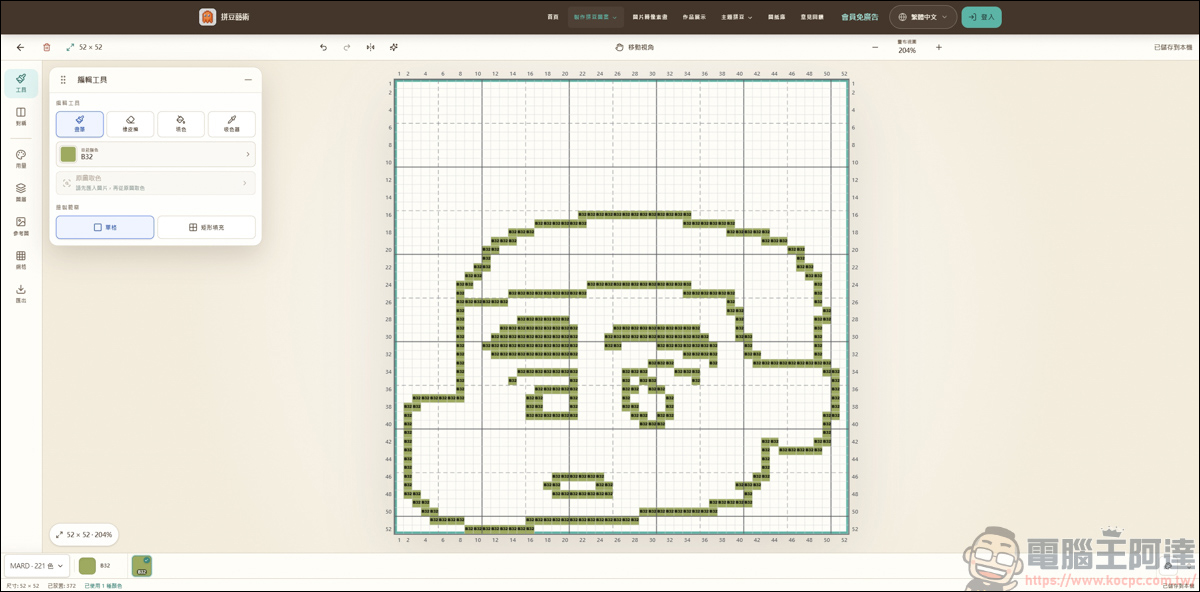
If you’d rather create your own, it also offers drawing functionality:
Also offers a variety of colorways for design use:
All the features introduced above are completely free, and you can also download the image files for free. Besides designing and playing around on your own, drawing together with your kids can be a lot of fun too :
Summary
In summary, PixelBeads is undoubtedly a real boon for fans of handmade crafts and pixel art. The tedious process of calculating grids and matching colors, which used to take a huge amount of effort, can now be done easily in just a few seconds through a browser. Best of all, it is completely free, requires no registration, and processes everything locally, so you don’t have to worry about photo privacy leaks. Whether you’re turning a cherished selfie into a physical keepsake, designing a custom pixel nameplate with text, or simply providing a blank canvas for kids to get creative, this tool offers exceptional convenience and customization flexibility. Just follow the generated pattern, and anyone can easily complete beautiful fuse bead projects. I highly recommend giving it a try and experiencing the unique charm of technology combined with traditional handcrafting!
Source: KOCPC Chinese