


When it comes to YouTube download tools, many people now want them to be ad-free and have editing features. This way, they won’t be bombarded with ads while using them, and they can download only the video clips they need instead of having to download the whole video every time. I recently came across this EzConv online tool, which meets both of these criteria and also supports MP4 video and MP3 audio. That’s quite good, so anyone who needs it can bookmark it.
Reminder: Before use, please confirm for yourself whether content on YouTube or other websites is legally licensed, such as: works you uploaded yourself, Creative Commons licensed content, or public domain materials. If it is copyrighted music or audiovisual work, downloading or converting it without the rights holder’s consent may involve copyright risks and may also violate the original platform’s terms of service.
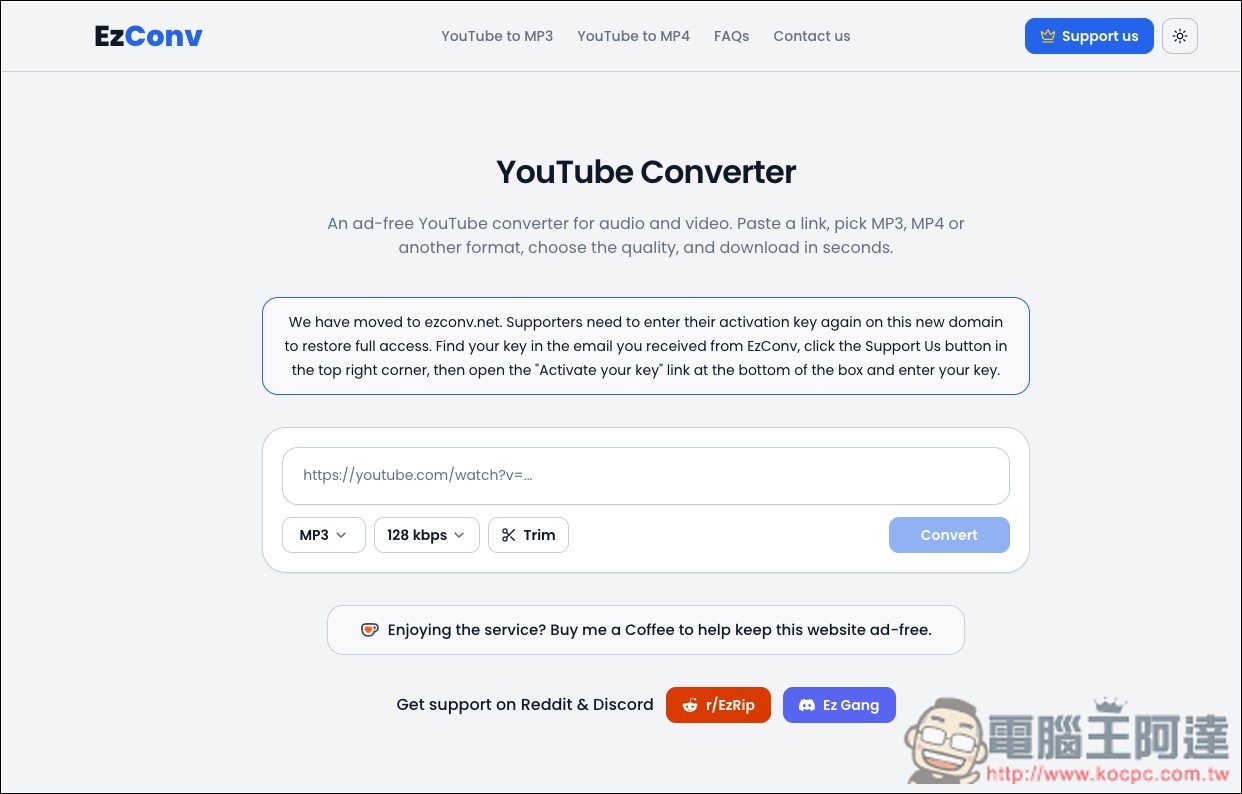
EzConv Free YouTube MP4 and MP3 Downloader: Introduction and How-to Guide
EzConv is a free online YouTube video and audio downloader and converter. If you only occasionally want to save YouTube videos as MP4, or extract the audio from a video as MP3, and don’t want to install additional software or browser extensions, EzConv is a pretty simple choice. It’s also very intuitive to use: just paste the YouTube video URL into the website, select the format and quality you need, press Convert, wait for the conversion to finish, and then download.
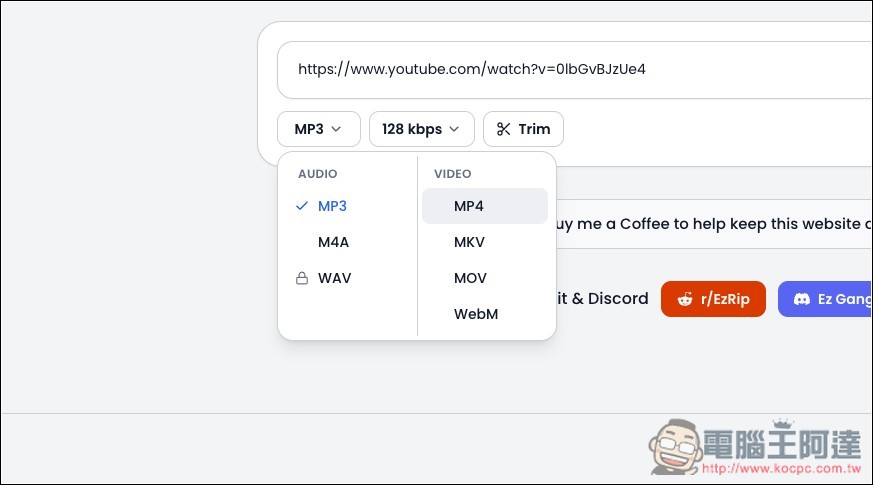
There are quite a few supported formats. Audio includes the common MP3, M4A, and WAV, while video includes MP4, WebM, MKV, and MOV, so you can choose according to different devices or later use. For MP3, audio quality can go up to 320kbps, and video supports up to 4K, but the actual selectable quality is still affected by the original YouTube video quality and by the limitations of the free and supporter versions.
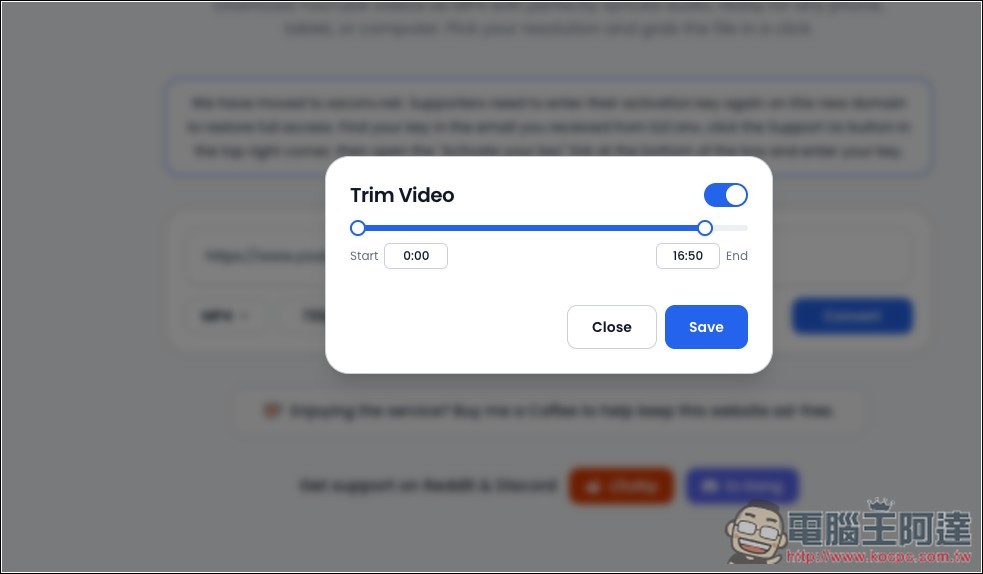
The most convenient part is that it also has a built-in “Trim” editing feature. If the entire video is long but you only need a few minutes of it, you can set the start and end points first and convert only the segment you need, without having to download the whole video and then process it with other editing software.
In addition, all EzConv conversions are handled by cloud servers, so they don’t put much strain on your computer’s performance. As long as you have a browser, you can use it, including on Windows, macOS, Linux, Android, iPhone, and iPad. The website itself doesn’t require account registration, and there’s no daily download limit.
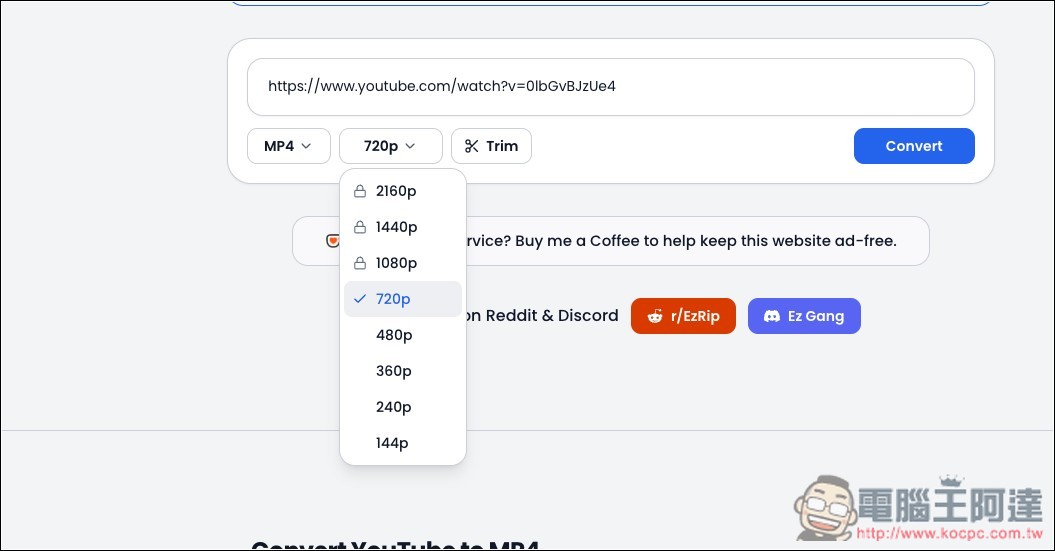
However, the free version has some limitations: audio is supported for up to 4 hours, while video is capped at 720p and 90 minutes; sponsors can unlock up to 12 hours of audio, 1080p–4K video, and lossless WAV output.
Key Features
- No installation required: convert directly through your browser without downloading additional software or extensions.
- No account registration required: just paste a YouTube URL to start converting.
- Currently ad-free: no pop-up ads, fake download buttons, or ad redirects.
- Supports multiple formats: audio supports MP3, M4A, WAV; video supports MP4, WebM, MKV, MOV.
- MP3 up to 320kbps: choose different audio quality as needed.
- Videos support up to 4K: you can select it when the original YouTube video offers high resolution.
- Built-in Trim editing feature: Set the start and end times directly to download only a specific segment of the video.
After clicking the link above to go to EzConv, paste the YouTube URL you want to download:
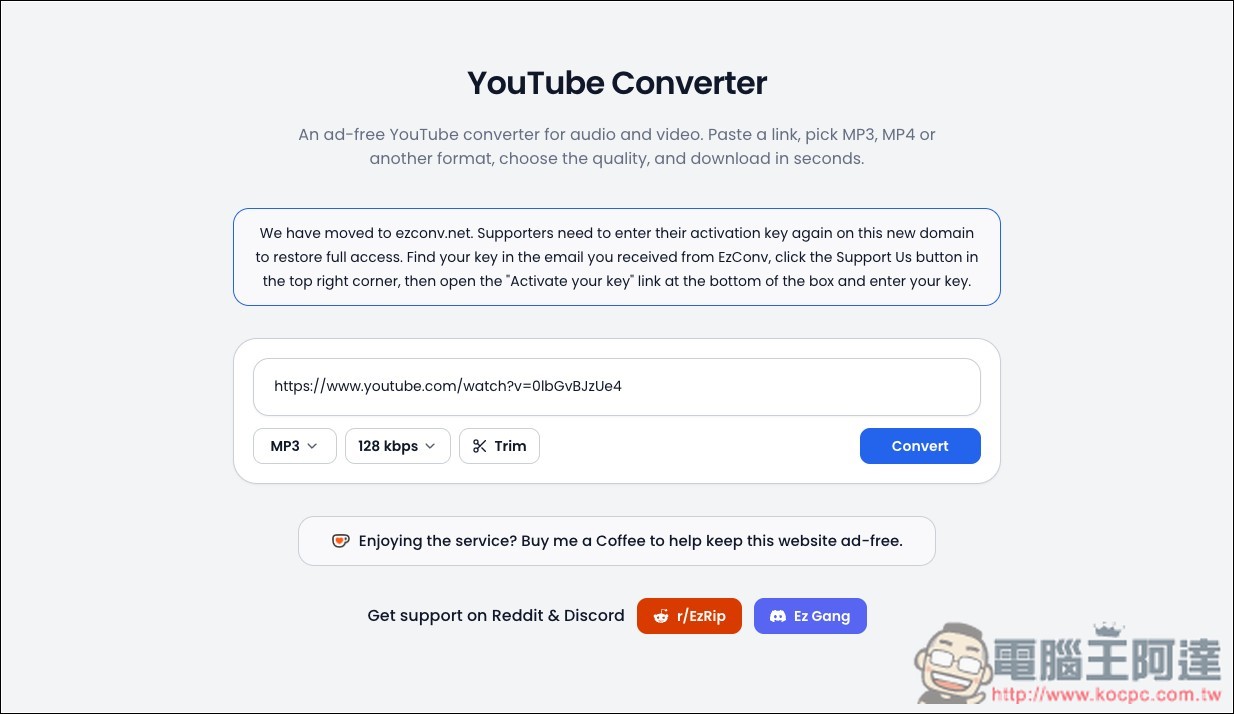
Select the format below. The default is MP3; the free version only allows 128kbps audio quality:
MP4 free version can only select up to 720p:
If needed, you can turn on the Trim feature to specify the time segment you want to download:
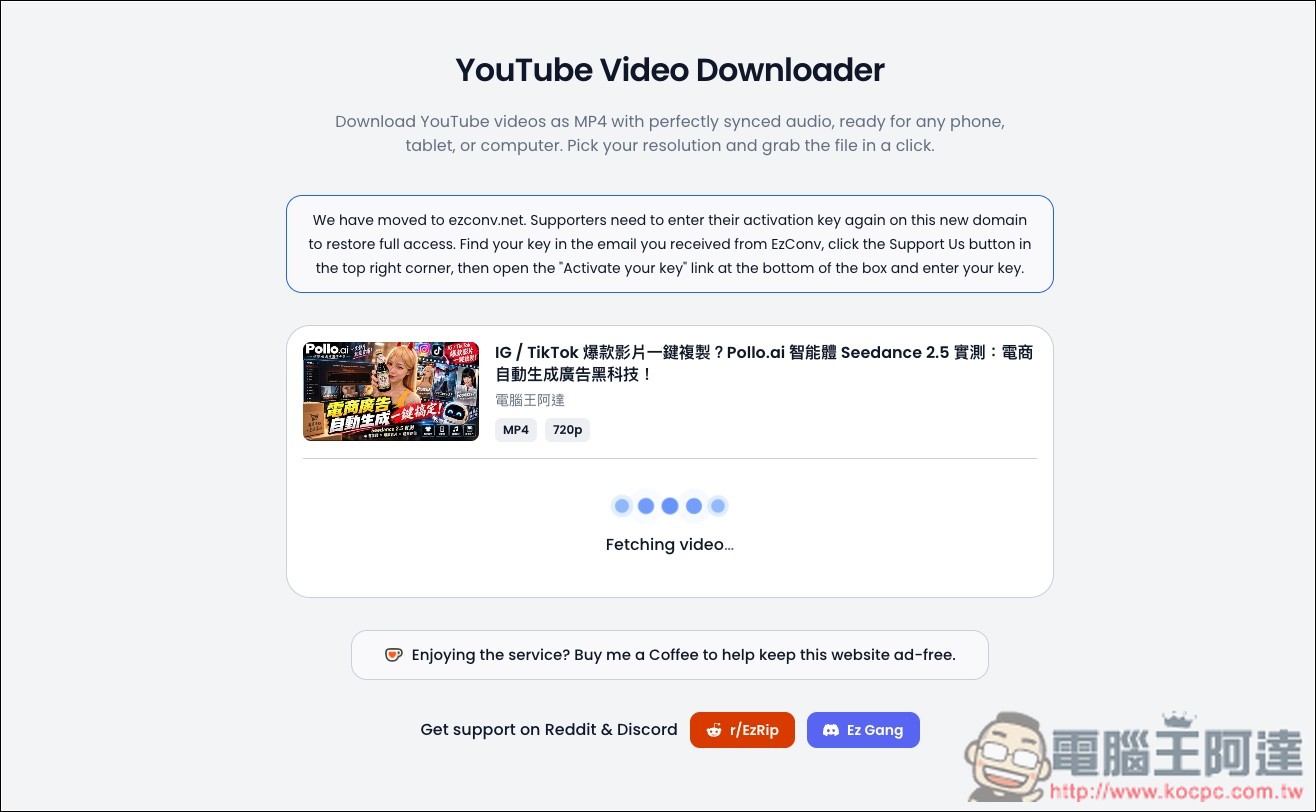
Then it will begin processing:
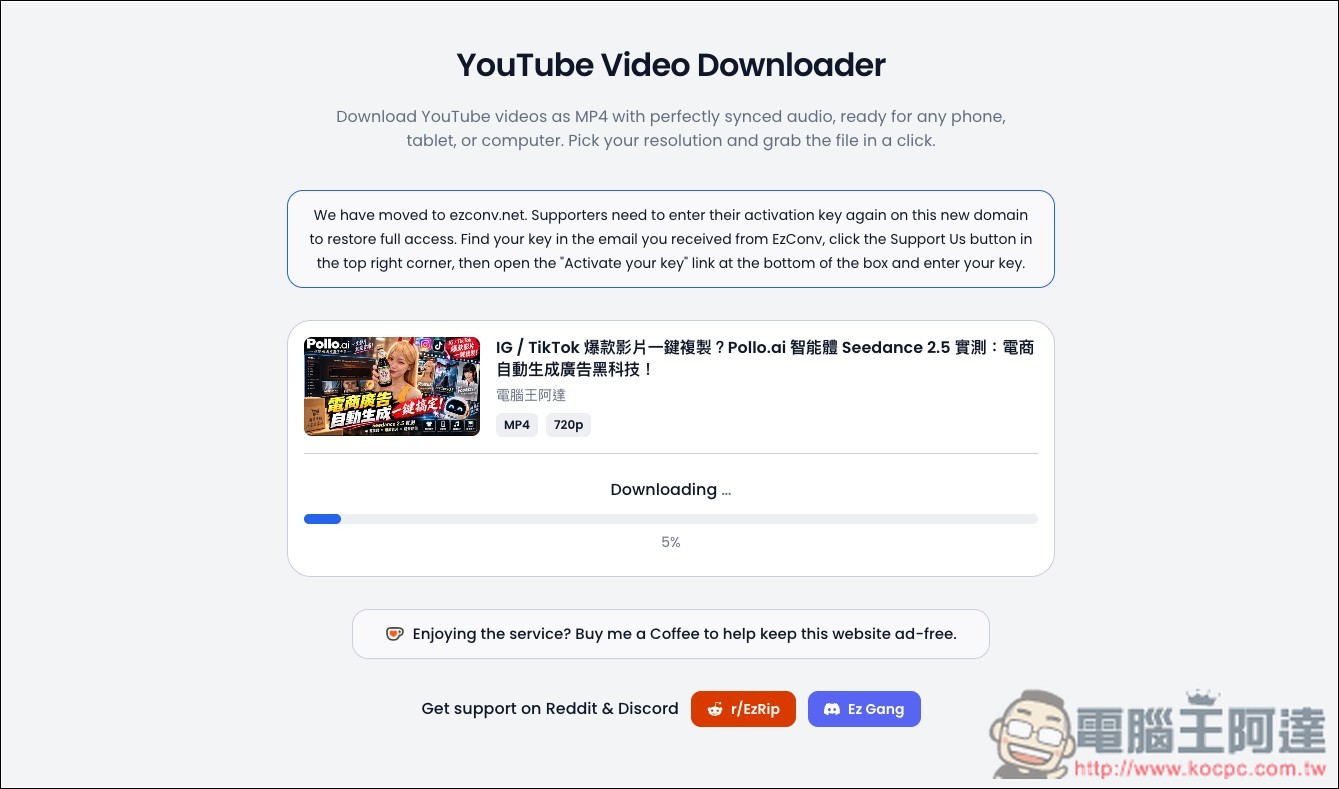
Once processing is complete, the download will begin:
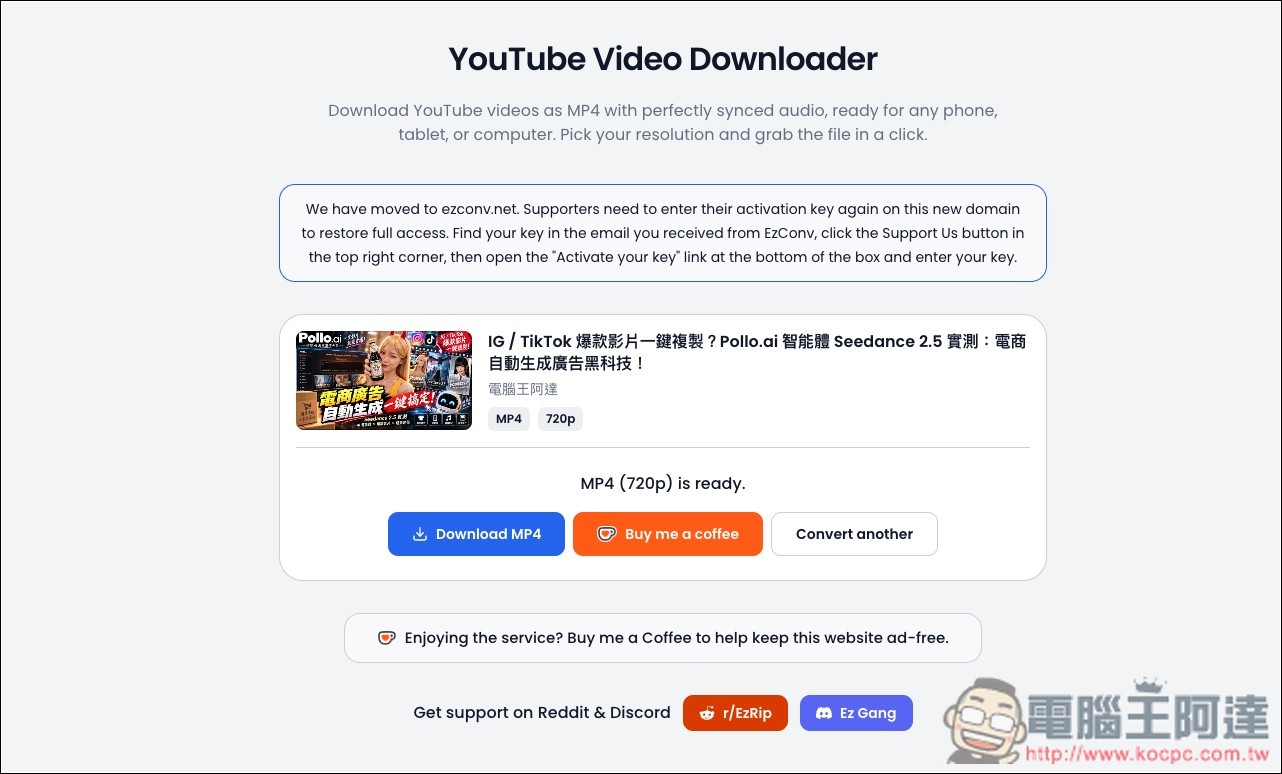
Finally, click Download MP4/MP3, and it will be downloaded to your device:
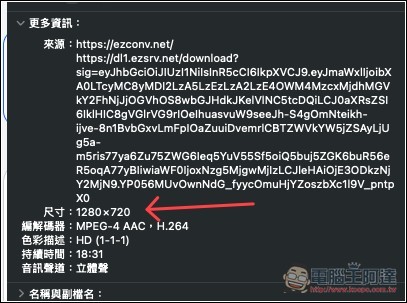
Actual testing confirms it is indeed 720p:
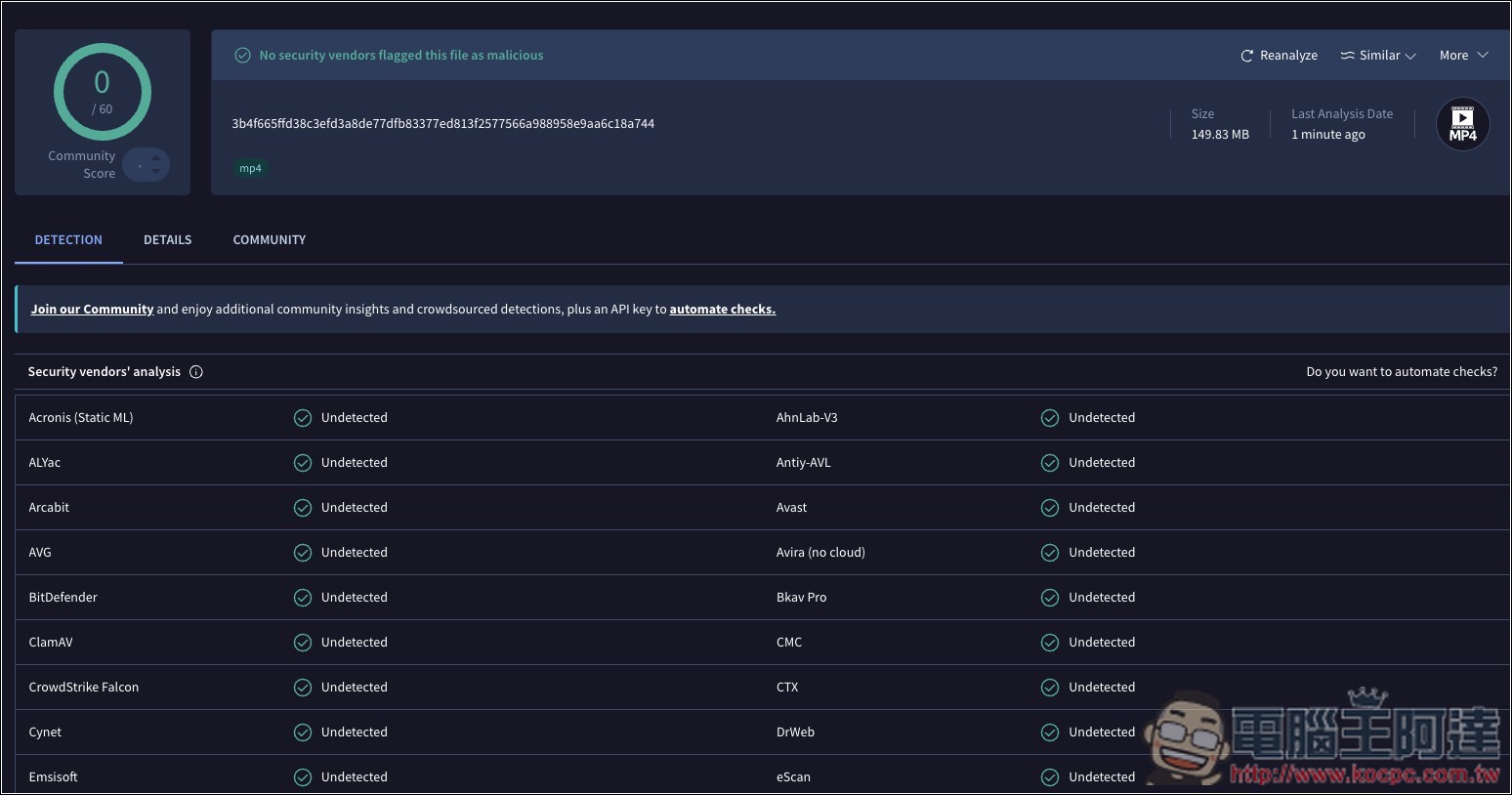
I also uploaded the file to VirusTotal for an online scan, and it came back completely clean:
Source: KOCPC Chinese