


About ten years ago, if you plugged your phone into a charger before bed, it would typically just keep charging continuously. The battery level would climb all the way to 100%, after which it would maintain power supply at the maximum charging voltage throughout the night, because smartphones at the time did not differentiate between daytime charging and nighttime standby charging scenarios. As long as the phone was plugged in and connected to the network, the system would manage the battery the same way. However, things are quite different today.
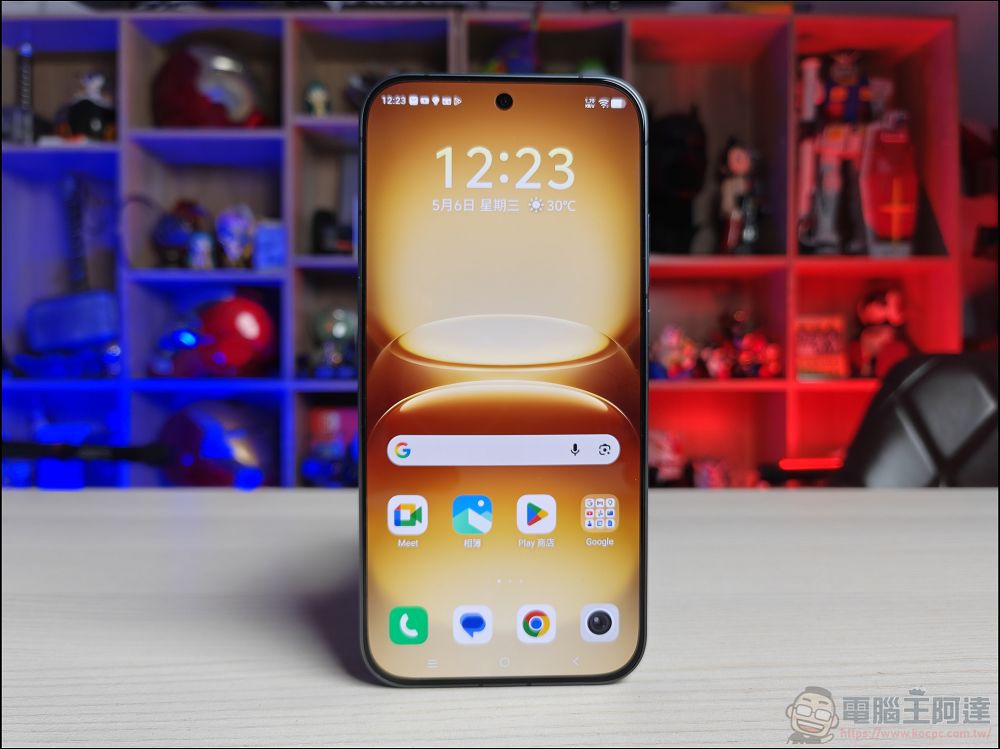
What does a phone do while it’s charging at night?
Nowadays, most Android phones come with smart charging features, because leaving a battery at full charge for extended periods while under high voltage and high temperatures can accelerate battery degradation and shorten its lifespan. To reduce this wear, modern phones analyze usage patterns to estimate when you typically wake up and start using your device each day. Once the charge reaches around 80%, the system slows down the charging speed or even pauses it temporarily, then tops the battery up to 100% right before you’re about to get up, balancing both battery health and your usage needs.
And this is just one of the many tasks your phone quietly carries out at night. While you’re sound asleep, your phone isn’t truly resting—it continues running various operations in the background, maintaining the system, syncing data, and getting ready for the day ahead.

Gboard’s AI training
When your phone is charging overnight, idle, and connected to Wi-Fi, a hidden service in the Android system quietly activates. This service, called JobScheduler, is primarily responsible for scheduling various background maintenance tasks and executing them at the most suitable times for the device. When the system determines that the phone is in its nighttime maintenance window, JobScheduler notifies Gboard (Google Keyboard) to begin performing specific tasks. At this point, Google’s servers push AI models and related training instructions to the device, and the phone downloads this content in the background.
Next, these AI models use typing data stored locally on the device for training. In fact, during daily use, Gboard continuously records and saves various input-related information, such as common words and phrases, autocorrection history, and accepted autocomplete suggestions. This data is kept locally on the phone and is not uploaded directly to the cloud. By analyzing this local data, the AI models can generate a set of mathematical parameters called weight gradients. These gradients reflect what the models have learned from users’ typing habits and are a key basis for improving prediction capabilities.
Notably, what is sent back to Google is not your actual input, but rather these computed mathematical parameters. Google then uses gradient data from many users’ devices to continuously optimize Gboard’s input and prediction features. However, theoretically, with enough information, researchers could still infer parts of the training data from these gradients. Therefore, Google adds random noise to the data and, through encryption and aggregation mechanisms, mixes your data with information from other users. This reduces the risk of reverse inference, further safeguarding users’ privacy and the security of their typed content.
Cleanup and follow-up
As phone usage time increases, storage device performance gradually declines. This is not merely about running out of storage space, but rather the read/write efficiency of flash memory (Flash Storage) itself is affected by long-term use. Additionally, the system constantly generates cache, temporary data, useless logs, and various residual files during operation. These “digital junk” items, though not easily noticed in daily use, gradually take up precious storage space.
In addition, most mobile apps rely on databases to store user information, settings, and activity logs. As data continues to accumulate, these databases can become increasingly large and fragmented, reducing data access efficiency and causing slower app startup, sluggish operation, or even delays. To prevent these issues from affecting the user experience, the Android system regularly performs automated maintenance tasks. This work is also scheduled by the familiar JobScheduler.
When JobScheduler detects that the phone is idle, charging, and not affecting user operations, it launches a series of background maintenance procedures. First, the system organizes and cleans up unused blocks in the flash memory, allowing the storage device to maintain better read/write performance and avoid the slowdown that can result from long-term use. Next, the system optimizes and reorganizes application databases, tidying up fragmented data structures so that apps can access information more efficiently and reduce potential delays when opening and using them.
Finally, the maintenance process scans and removes temporary files, residual data, and orphaned files that are no longer needed, freeing up wasted storage space and keeping the device in a cleaner, smoother state. In other words, while you are sound asleep, your phone is quietly conducting a thorough cleanup through a series of automated maintenance mechanisms, ensuring that the storage system and apps perform at their best the next day.
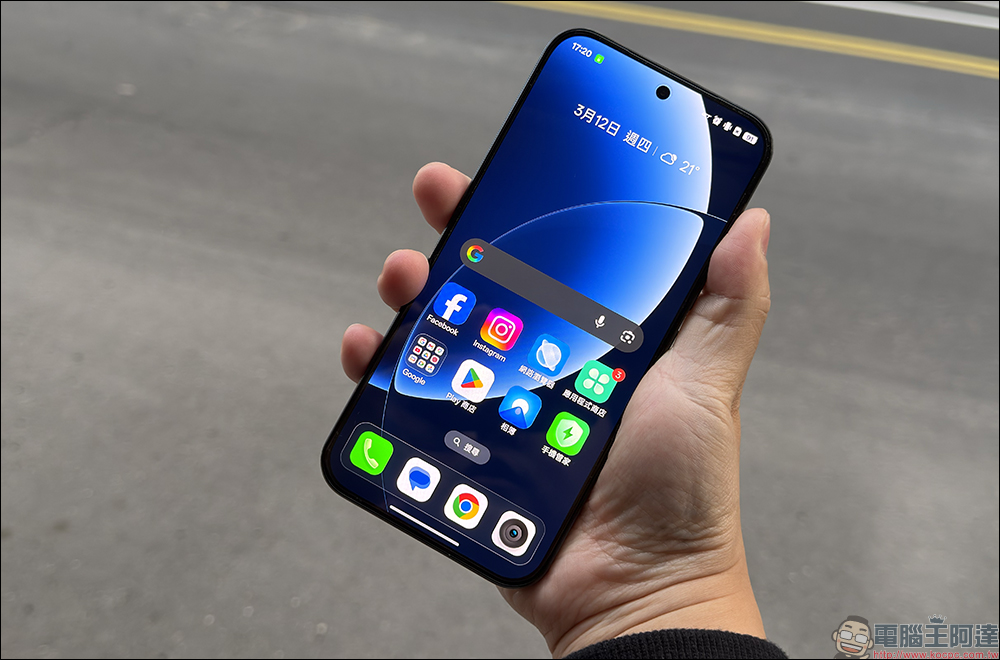
Scan the entire media library.
You may have noticed that your phone’s photo album app can automatically sort photos of family, friends, and even pets, creating dedicated albums for each person. Not only that, but the album can also identify blurry, duplicate, or poorly composed photos and proactively suggest deleting them to save storage space. Even more convenient, many photo album apps today support natural language search, letting you simply type in a keyword to quickly find the photo you want. These seemingly magical features are actually the result of your phone quietly working away during the night.
Analyzing hundreds or even thousands of photos, recognizing faces, creating search tags, and performing various AI vision tasks all require significant computing resources. Therefore, before starting these tasks, JobScheduler (job scheduler) first checks whether the phone is idle, charging, and connected to Wi-Fi, so as not to affect the user’s daily experience. Next, the media scanning service in the system checks for photos and videos that have been added, modified, or deleted on the device, and organizes the relevant information into a central media database to serve as the basis for subsequent analysis.
After this, the on-device AI model begins analyzing your media library. When the system detects a face in a photo, it extracts facial features and converts them into mathematical vectors. By comparing the similarity between these vectors, the AI can automatically group photos of the same person together—this is the core principle behind the “group by face” feature. However, photos themselves don’t come with descriptive information like “this is a car” or “this is a pet.” To let users search for photos by keyword, the AI must further analyze the image content and generate tags.
For example, the system may identify elements in a photo such as animals, cars, food, a beach, or buildings, and then automatically create corresponding indexes. This way, when users type keywords like “animals,” “cars,” or “beach” into the search bar, the photo album can quickly find the relevant photos.
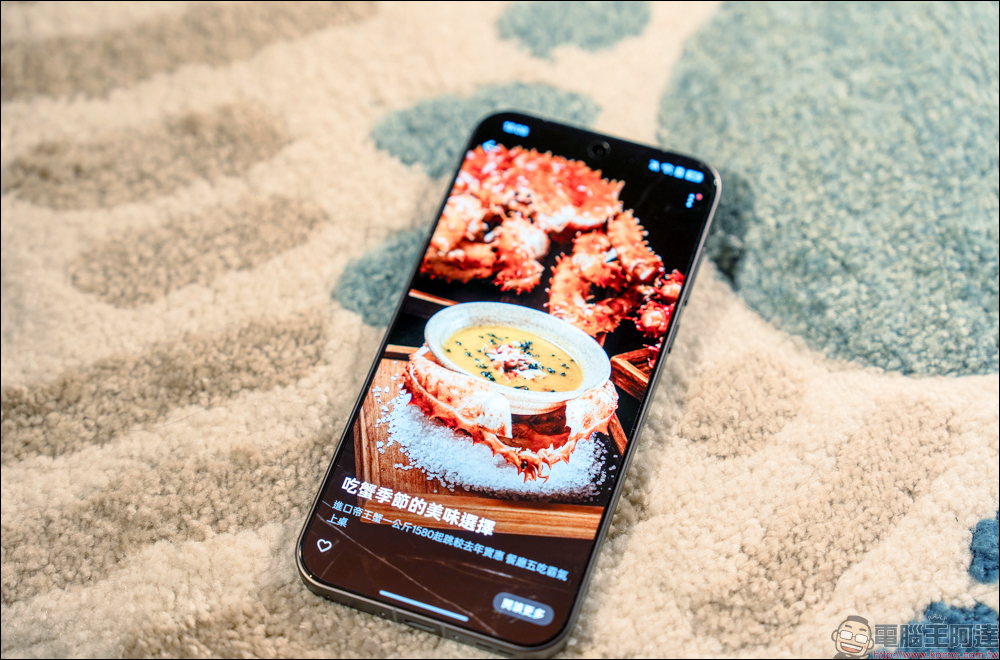
Beyond object recognition, the built-in Optical Character Recognition (OCR) technology on your phone also works simultaneously. It can read text content from photos, document scans, or screenshots, and create a searchable local index. This means that even if you forget which folder a photo is stored in, as long as you remember some text within the image, you have a chance to quickly find it through search. Additionally, AI vision models can identify screenshots, duplicate photos, blurry images, and other content worth organizing, further helping to manage a massive media library.
It is worth noting that, unlike the learning mechanism adopted by Gboard, most of these photo analysis and image recognition tasks are completed directly on the device itself. In other words, photos can be categorized, searched, and organized without being uploaded to the cloud, offering convenient features while also safeguarding user privacy and security.
Overnight App Optimization
If you’ve used early Android phones, you’re probably familiar with that experience of tapping an app icon and then waiting several seconds for it to open. For a long time, many people believed that one of the biggest differences between iPhone and Android was that iOS app launch speeds were clearly faster. In recent years, however, that gap has narrowed significantly, and many Android phones now deliver smoothness approaching flagship-level performance.
You might think this is entirely the result of hardware progress. In fact, more powerful processors and faster storage chips do contribute a lot, but that’s not the only reason. Even mid-range Android devices now tend to show less of the noticeable lag they used to have, and behind this there is also an optimization mechanism that quietly runs at night.

Generally speaking, application code must be converted into machine code that the processor can directly understand before it can be executed. If this conversion is performed only at the moment the user opens the app, it adds extra waiting time, which is the root cause of startup delays in many applications. Beginning with Android Nougat (Android 7), Google made major improvements to this mechanism.
When you use your phone during the day, Android Runtime (ART) continuously analyzes your usage habits, not only keeping track of which apps you open most often, but also observing which features and action flows you use most frequently within those apps. When night falls and the phone is charging and idle, background services use the data collected during the day to optimize those popular apps in advance. In other words, the system pre-loads the code most likely to be used, reducing the amount of work that needs to be handled on the fly when you start using your phone the next day.
Therefore, when you open the same app again the next day, it often loads and runs faster, giving you the impression that the overall system is smoother.

In fact, when you leave your phone charging by your bedside all night, it isn’t just simply replenishing battery power. To protect battery health, the system uses smart charging mechanisms to adjust the charging speed, preventing the battery from remaining at a high voltage for extended periods. At the same time, the phone takes advantage of this idle time to perform various background maintenance tasks, such as clearing system junk, organizing storage space, optimizing app performance, and updating database structures. Furthermore, many AI features you use every day without even noticing are also trained and organized at night. For example, facial recognition in your photo gallery, photo categorization, text search, and the smart prediction and autocorrection in your keyboard input all rely on these background computations for continuous optimization.
In other words, while you’re sound asleep, your phone is actually hard at work. It not only looks after battery health, but also cleans up the system, speeds up app performance, and continuously enhances various AI features, so that when you pick up your phone the next day, you get a smoother, smarter experience.
Source: KOCPC Chinese