


Since 2025, Google has been actively investing in the development of Android’s native “desktop mode”. Since the first appearance of the Android 16 QPR version, this feature has continued to evolve in testing, and Google has continued to fix the issues that users are most concerned about, trying to make the native desktop experience closer to Samsung DeX, a feature that has long been regarded as the representative of Android productivity. After many adjustments and optimizations, Google finallyPixel Feature Drop this March , officially bringing Android desktop mode to Pixel devices, symbolizing that this long-term plan has finally entered a mature stage.
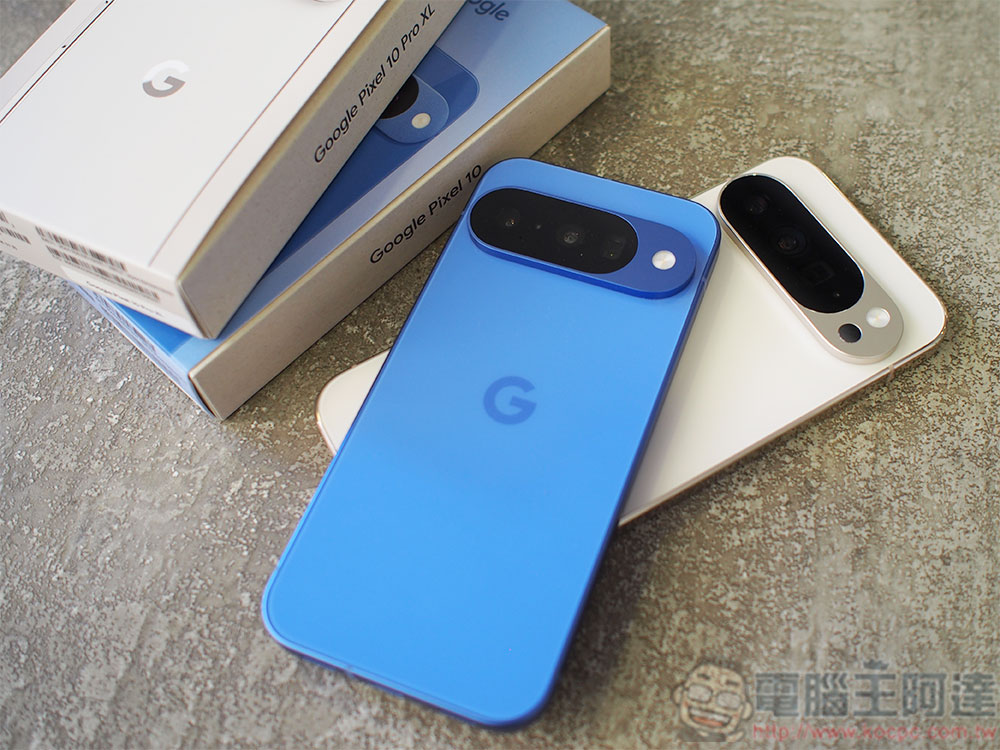
Google brings “desktop mode” to some Pixels, turning the phone into a portable computer
Currently, desktop mode only supports Pixel 8 series and newer models. Google also made it clear that to enable this feature, users need to prepare an external monitor that can be connected via USB-C. Once connected, the phone can output a desktop interface and support keyboard and mouse operations, making the overall usage closer to a traditional computer. For users who are accustomed to multi-tasking, the increased visual space brought by an external large screen is one of the most attractive advantages of desktop mode. It also greatly increases the flexibility of Android devices in work and entertainment.
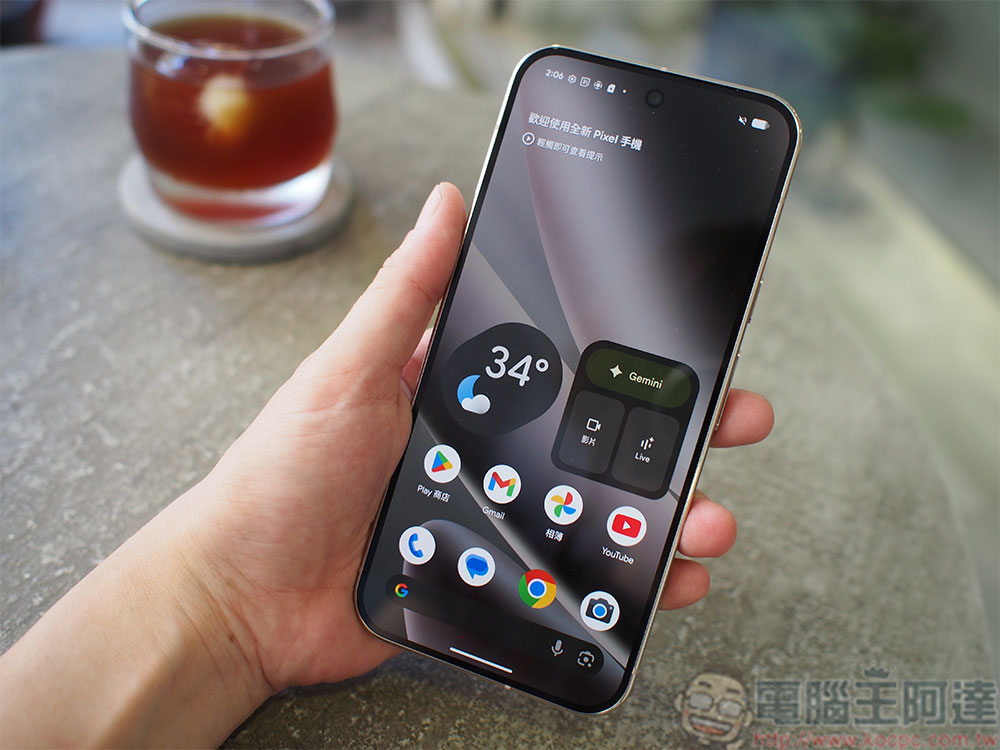
In addition to the desktop mode on mobile phones, the March update also brings new desktop window management functions to Pixel tablets. Users can freely adjust the window size of multiple applications and run them on the screen at the same time, taking the tablet’s multitasking capabilities to a new level. This windowing feature is also available in the desktop mode of Pixel phones, making the overall operating logic more consistent and more in line with the needs of modern users.
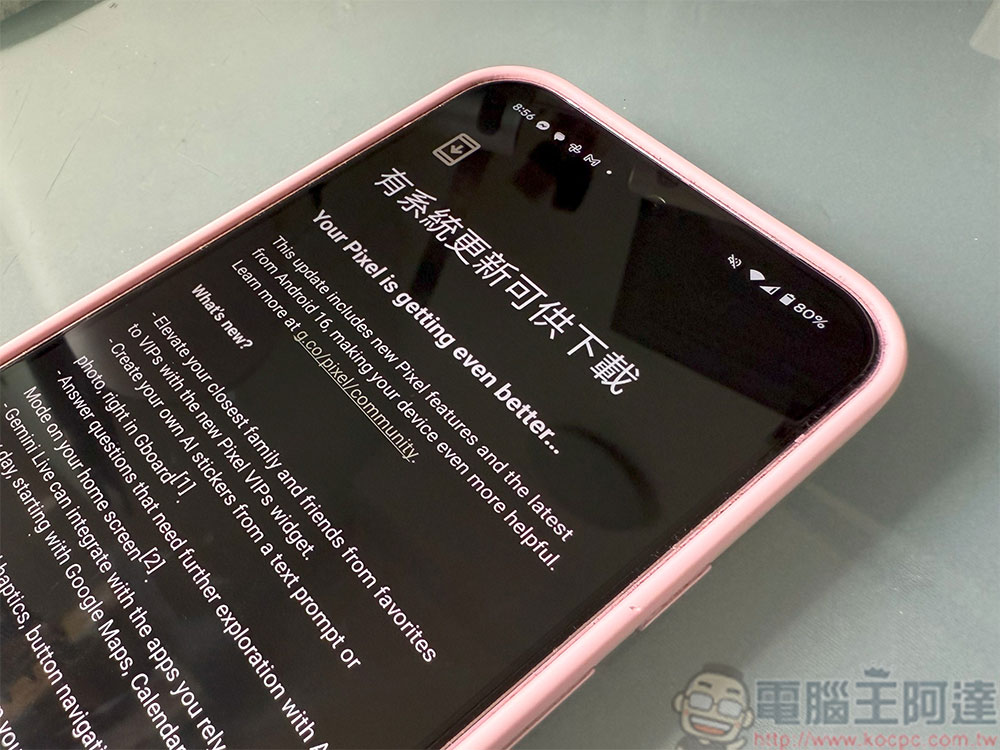
The highlights of this update aren’t limited to the desktop experience. Google has also continued to increase its investment in the field of AI, and Gemini’s capabilities have been strengthened again. The new version of Gemini can assist with more daily tasks, such as ordering food, hailing a taxi, organizing shopping lists, etc., making AI more relevant to life situations. However, since these features are still in beta, they may be rolled out in batches and may not be available to all Pixel devices right away.
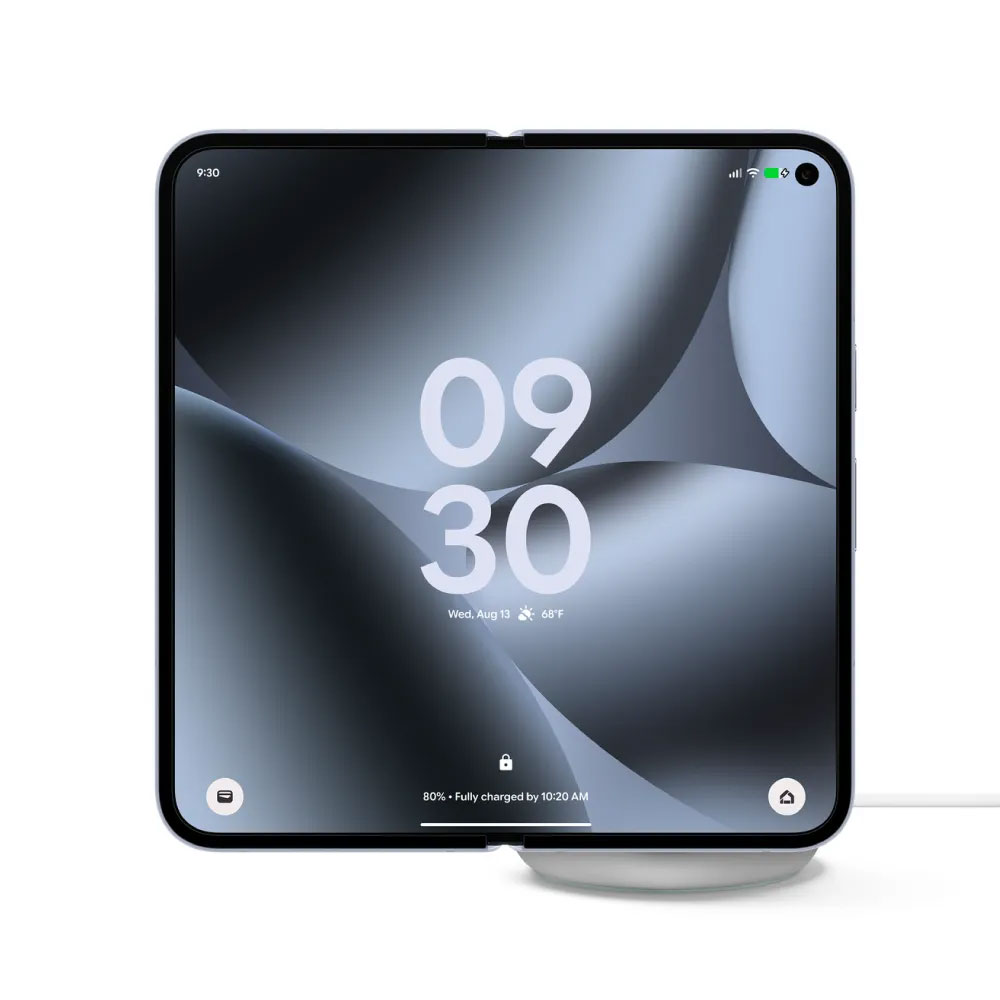
In terms of display technology, Google has also added a new “Comfort Display Filter” to Pixel phones. This feature uses AI to dynamically adjust color brightness, reduce picture noise, and create a softer, calmer visual effect, which is especially suitable for long-term reading or night use. In addition, “circle search” has also received a major upgrade. It can not only quickly search for objects in pictures, but also help users find a complete set of items or try on different styles of clothing, making the search experience more intuitive and interactive.
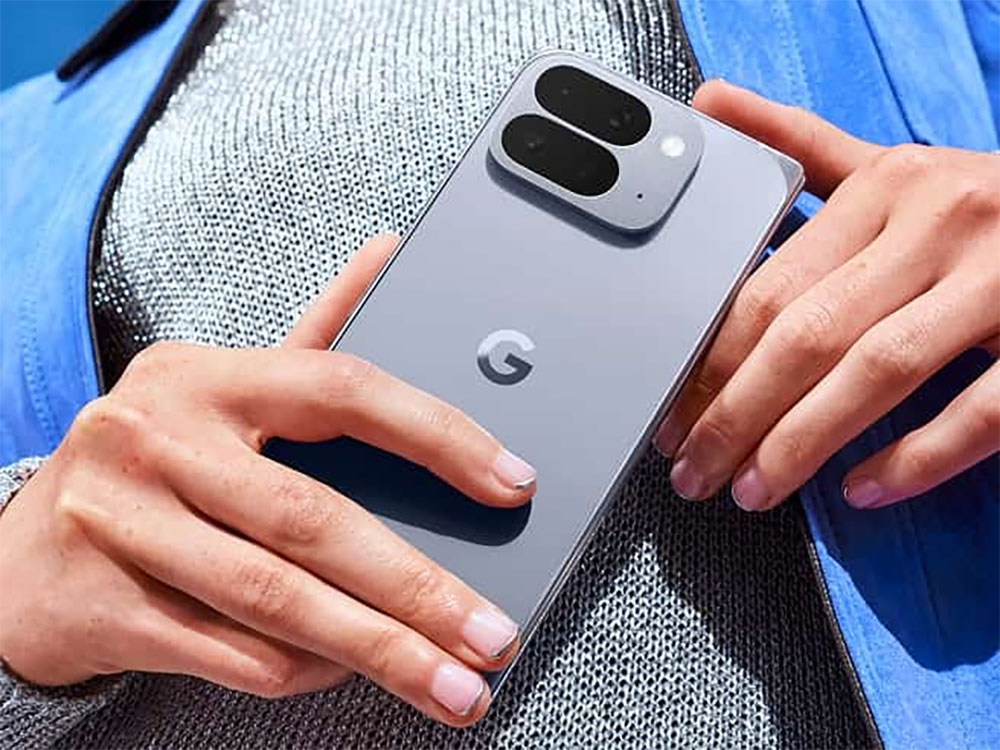
Google has also updated many of Pixel’s system apps simultaneously. The “Now Playing” function has become smarter and can more accurately track the music you are listening to; the “Overview” interface can display the information you care about most, such as sports scores or real-time notifications, on the lock screen, so that important content can be seen at a glance. For users who like to personalize the appearance of their phones, this update also adds a variety of customizable icons to make the Pixel’s visual style more flexible.
It’s worth noting that the rollout times for these features will still vary by region and device model, so different users may receive updates at different times. But overall, March’s Pixel Feature Drop demonstrates Google’s ambition in integrating hardware, software and AI, and also makes Pixel devices more complete in terms of productivity, personalization and intelligent experience.
Source: KOCPC Chinese