


In our content creation for our website and YouTube, we often run into situations where we need to remove image backgrounds, compress file sizes, or convert formats. Although we already have our own workflow, for the average person who hasn’t used these tools before, learning from scratch can be quite difficult. However, with AI now taking center stage, there are many paid and free apps on the market that can help you solve this problem.
This one introduced today i2IMG It exists specifically to solve this pain point! It is a completely browser-based online image toolbox with over 70 built-in practical tools. Simply open the webpage, upload an image, and it processes in seconds. It is a must-have tool for students, office workers, and content creators :

i2IMG Introduction
i2IMG is a one-stop multi-tool website. No account registration is needed, and there’s no need to download any plugins or software—just open the page and use it directly. Many users worry about the risk of uploading private photos. i2IMG promises that all uploaded and processed files will be automatically deleted from the server after 30 minutes and will never be retained or shared. As for privacy, judge for yourself! If you’re concerned about risks, it’s best not to upload private content. However, the site doesn’t support Traditional Chinese, so that’s a matter of personal preference 🙂
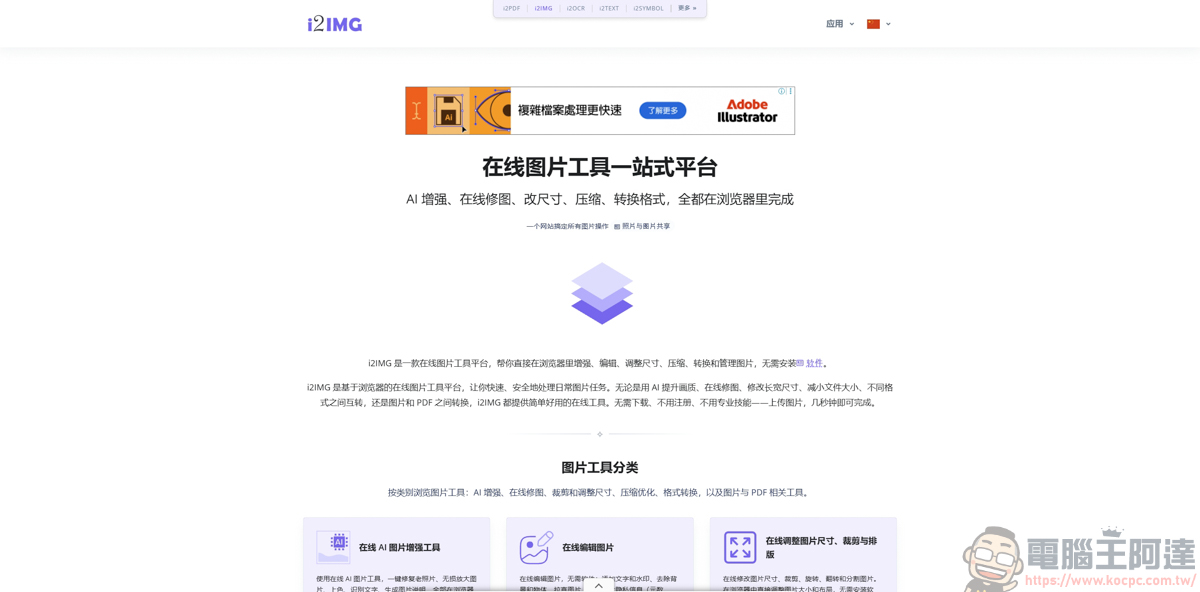
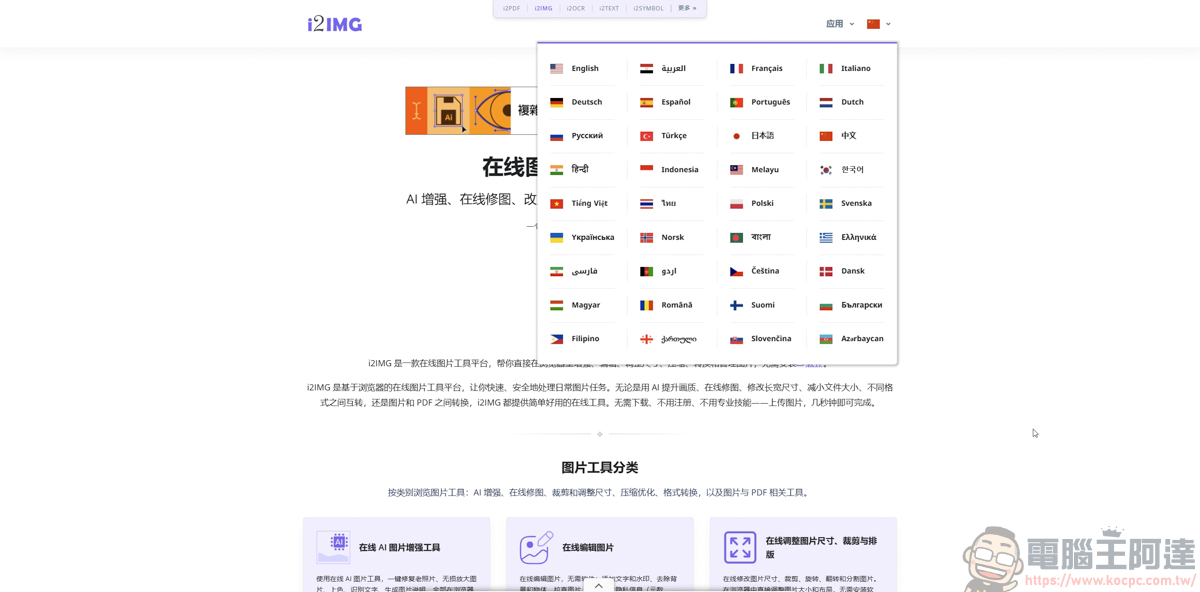
After entering the page and scrolling down, you’ll see many built-in tools from i2IMG. i2IMG is like a lightweight version of Photoshop, except it brings these features directly into your browser. Whether it’s AI-powered background removal, quality restoration, or everyday image compression and format conversion, you can get it all done for free on the same webpage:
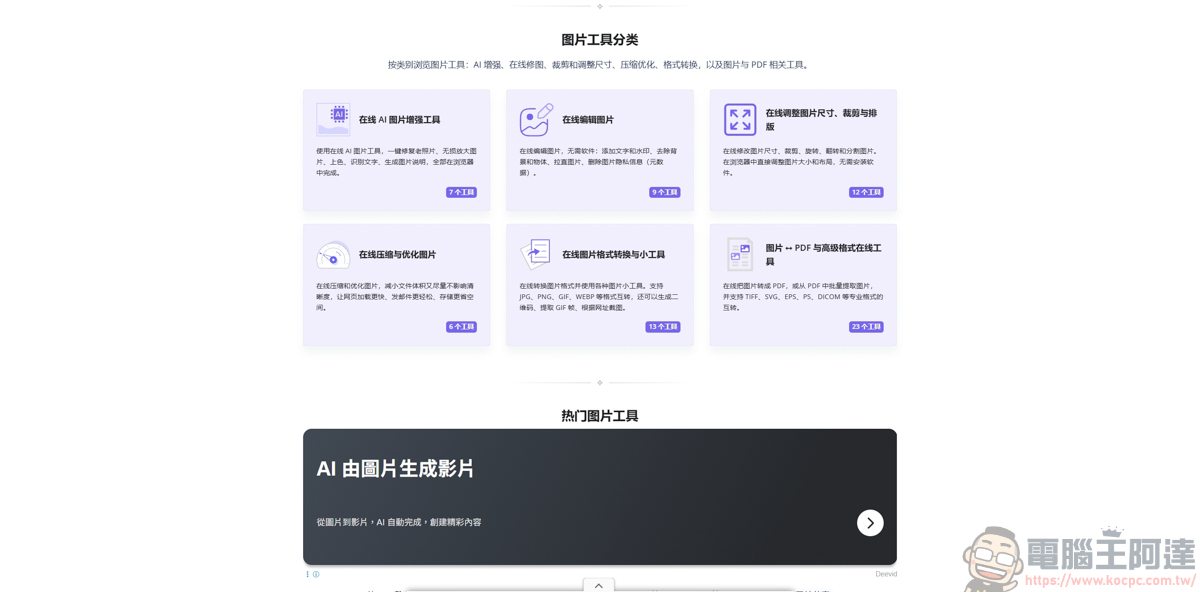
Since there are many tools, we recommend clicking “Browse All Image Tools” to select the features you need:
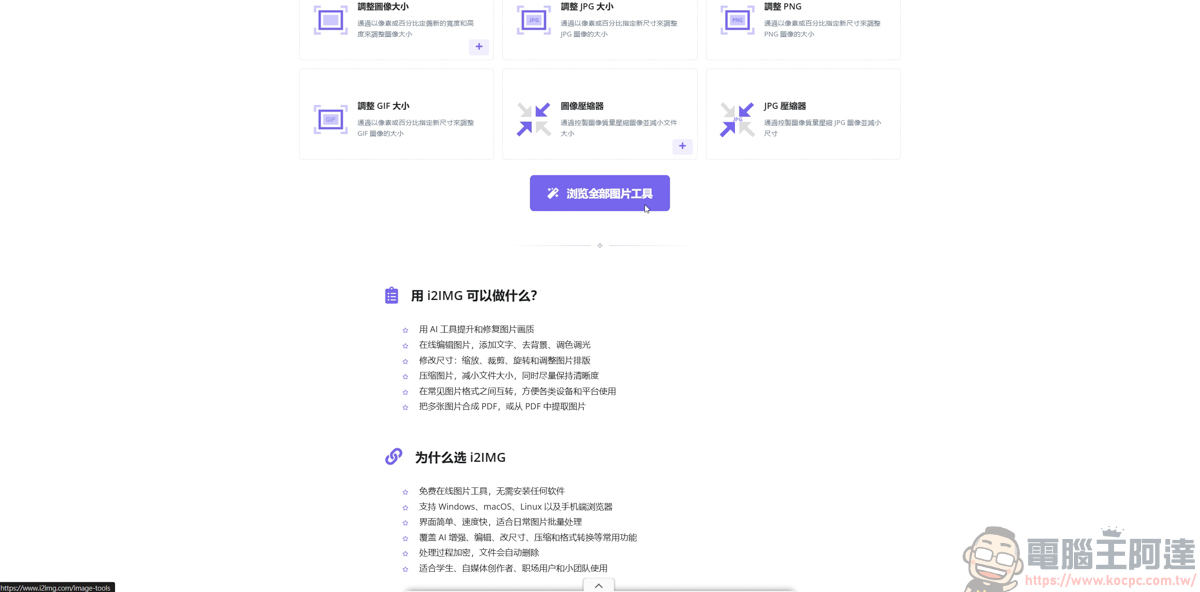
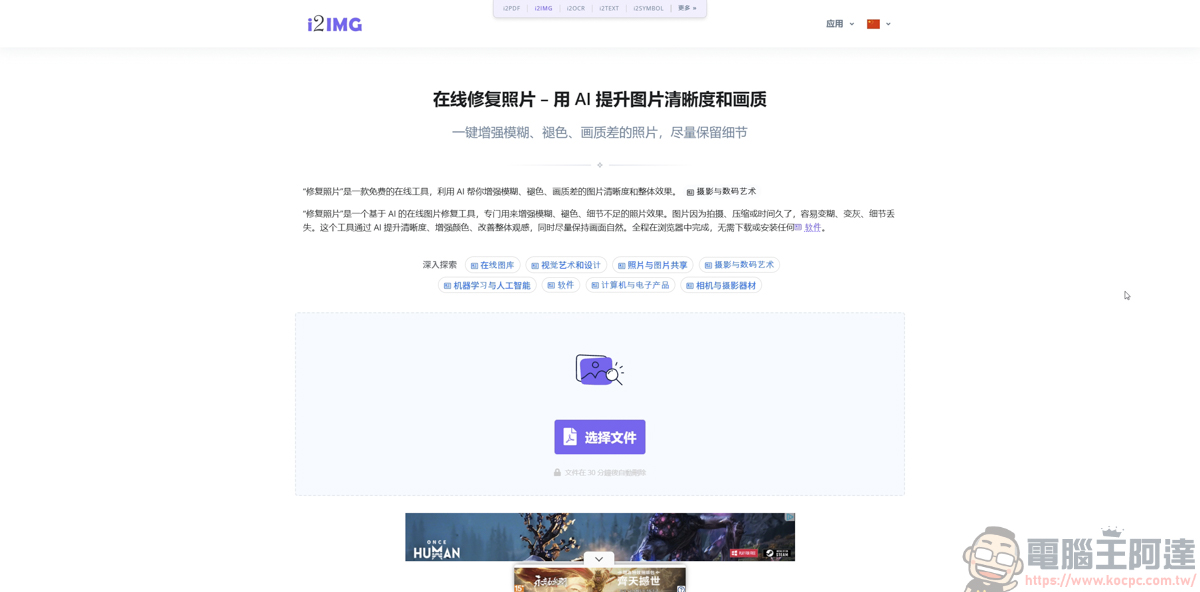
Because there are so many features, this article will simply pick a few practical ones to discuss. First is the photo restoration feature, which is very practical for rescuing blurry, low-resolution, or old photos from long ago:
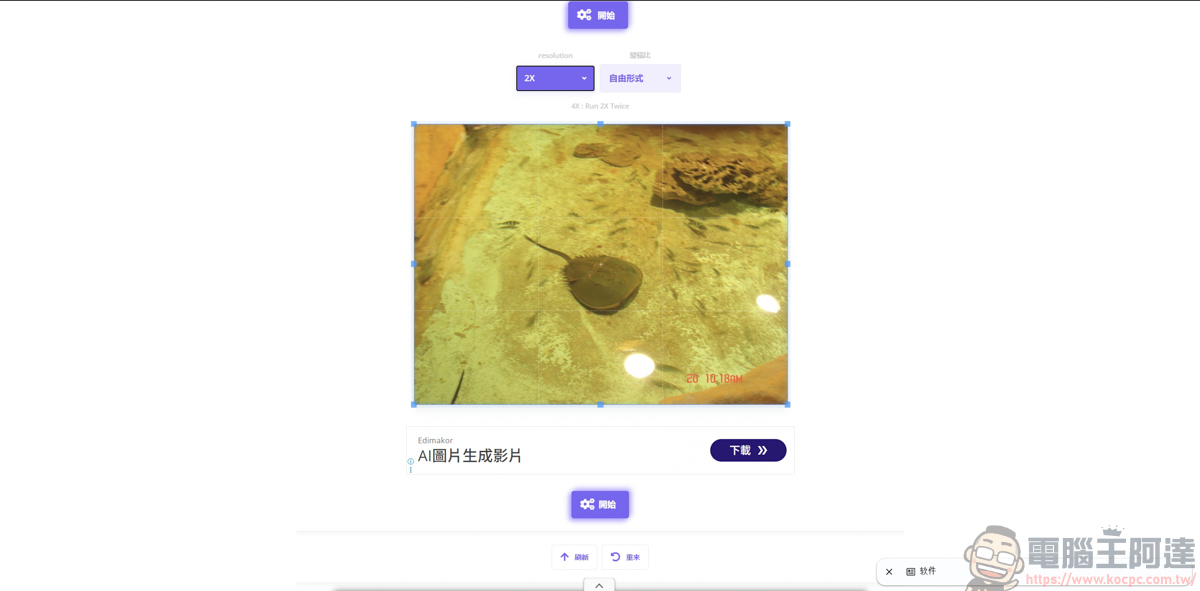
Here’s an upload of a photo I took in 2006. The camera I had back then wasn’t great, so the image quality and image stabilization don’t compare to today’s equipment.
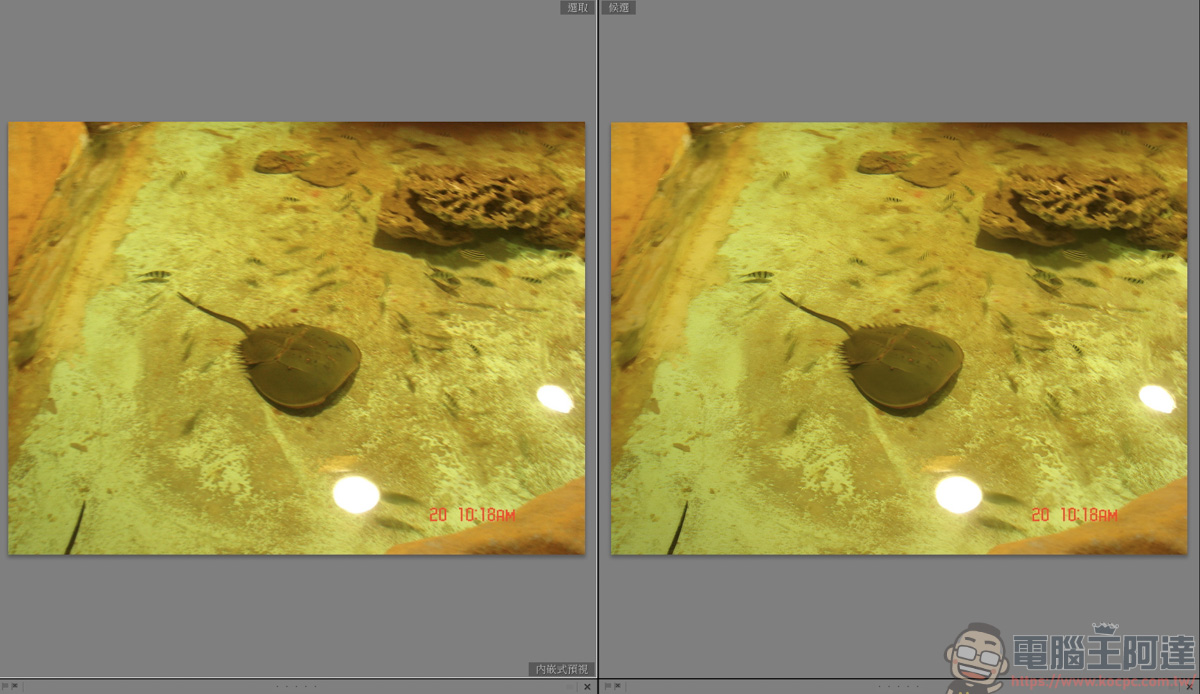
I also put together a comparison image of the restored photo for everyone to see. The image quality has indeed improved noticeably, and it’s also less blurry. Although the effect is still limited, for a free software tool, I’d say it passes 🙂
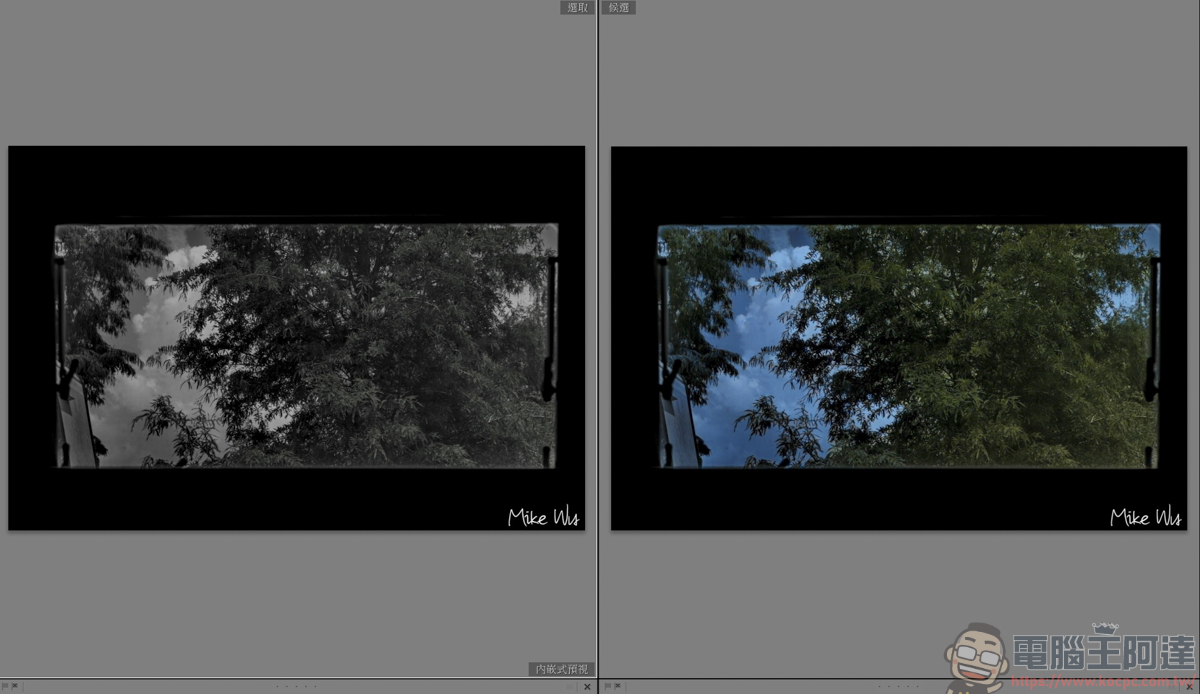
Another common feature is converting black-and-white photos to color. If you have old, faded photos at home, you can use this tool to restore them :
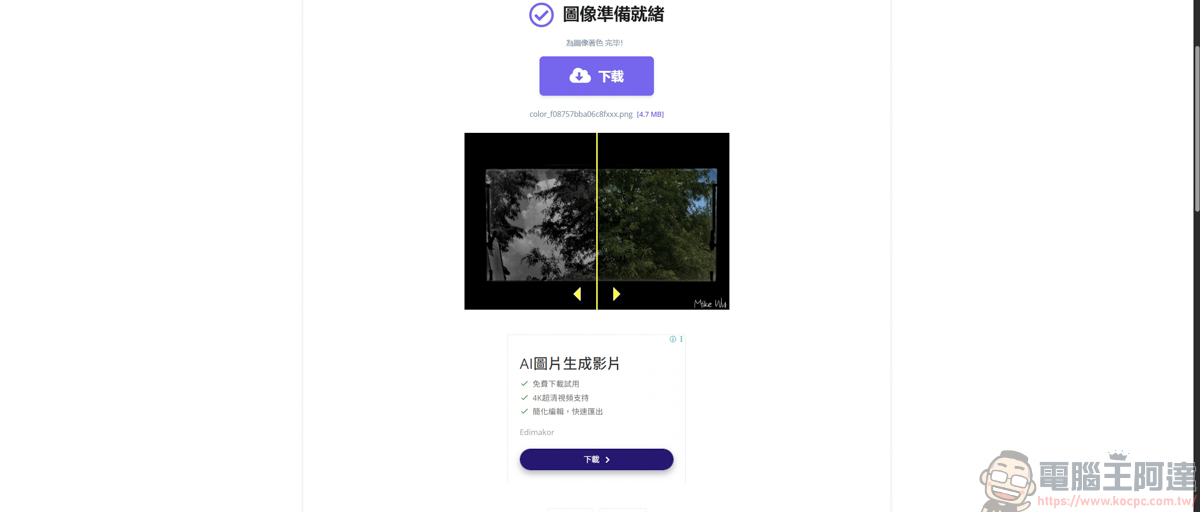
Similarly, I’ve also put up before-and-after comparison photos for everyone to see. This original image was actually converted to a black-and-white style by me in post-processing, and after sending it to i2IMG for restoration, it did indeed bring back some of the color. However, compared with the photo I originally took, there’s still a difference in color saturation and vividness. But as the old saying goes, it’s good enough as long as it works :
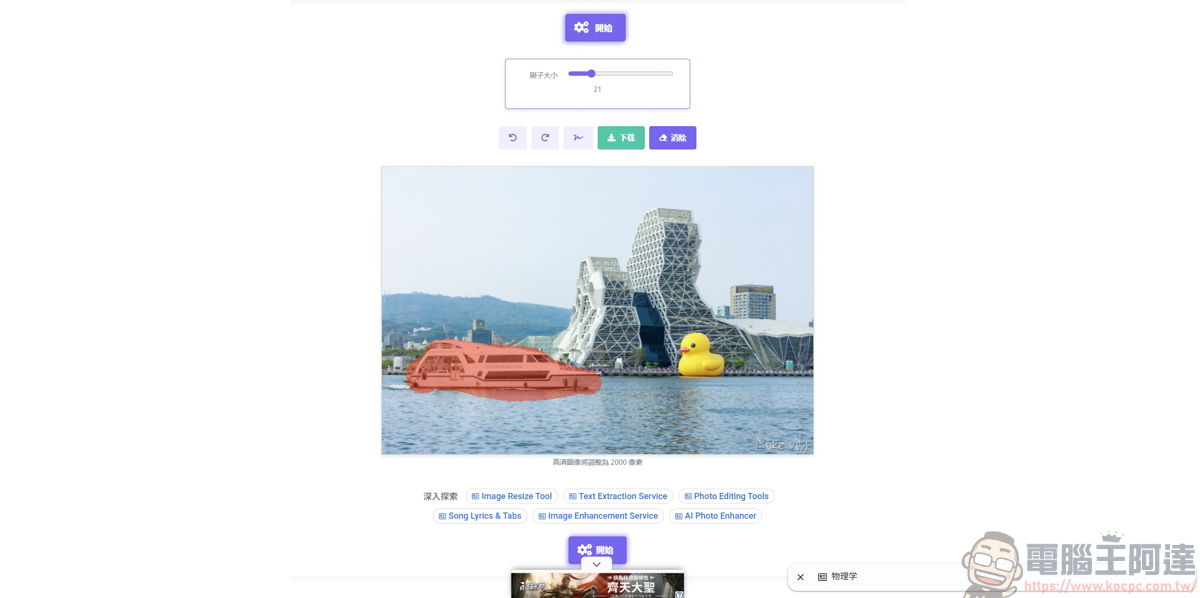
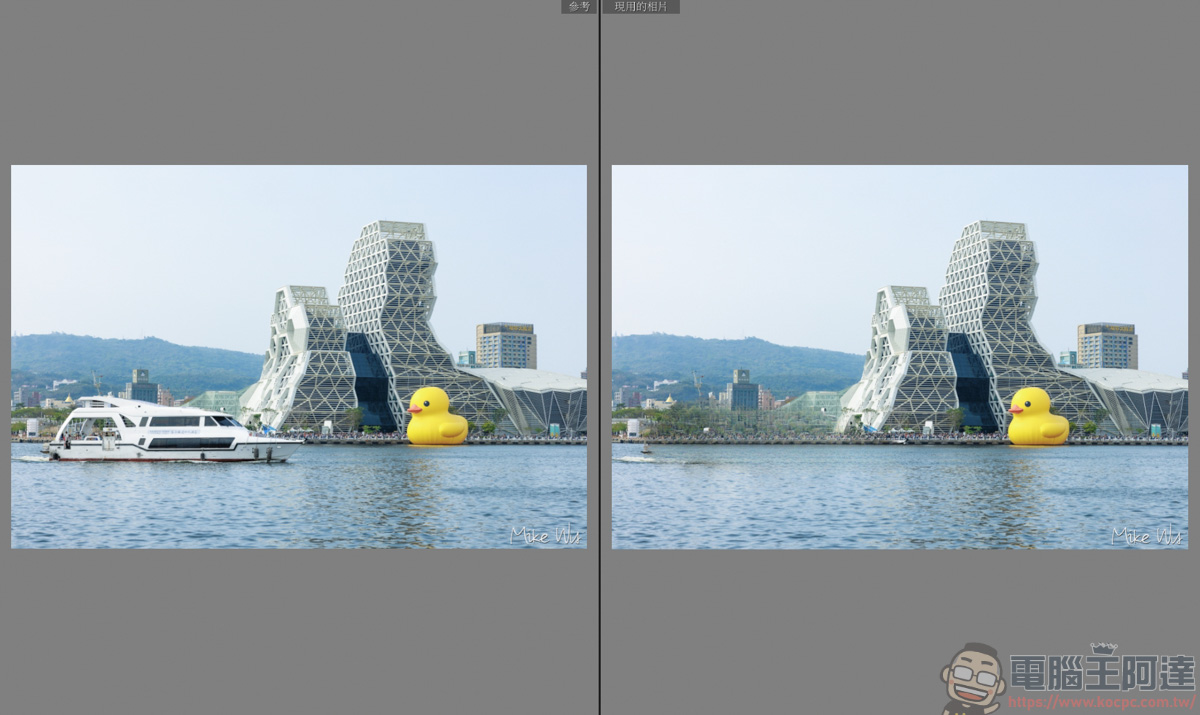
The photo feature also supports quickly removing specified areas. For example, if I want to remove the boat in the image, I can just paint over that area to specify the region to be removed.
You can look at the before-and-after comparison; the result is fairly decent. After all, the removed area is quite large, and there wasn’t much background left in that region for the system to work with. It’s already impressive that a free tool can achieve this level :
Finally, we have the AI image generator. Just input a prompt, and i2IMG will automatically generate the image you need. However, judging from the examples on its website alone, it’s clear that the images it produces can’t match those from ChatGPT, Gemini, Midjourney… You can only treat it as a free tool to play around with 🙂
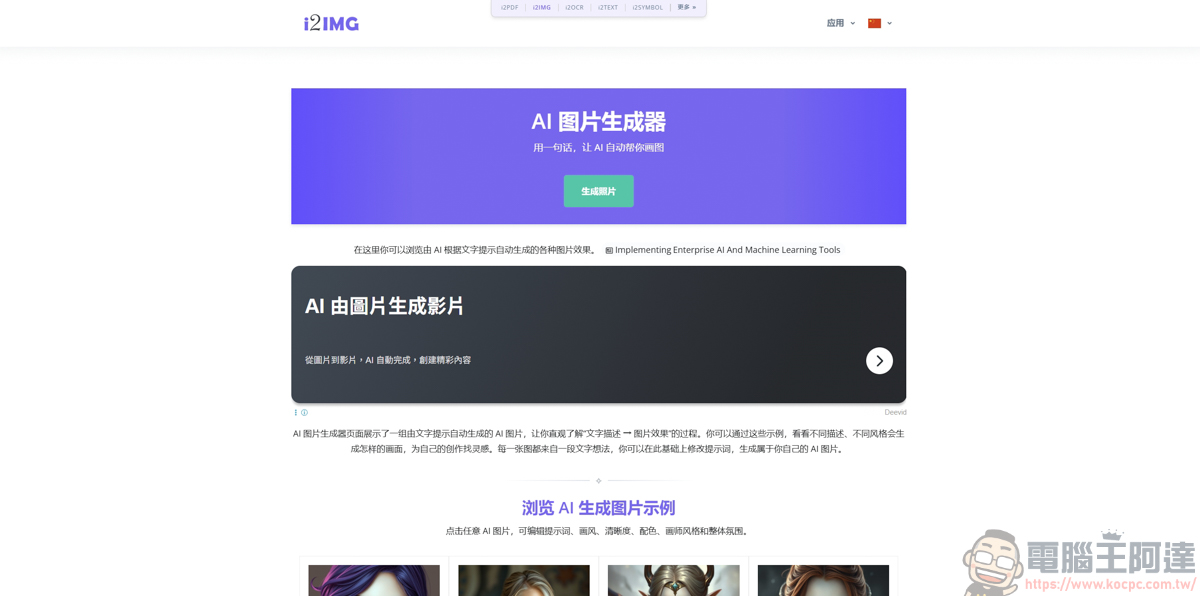
Let me just randomly type some text here and see what weird thing comes out :
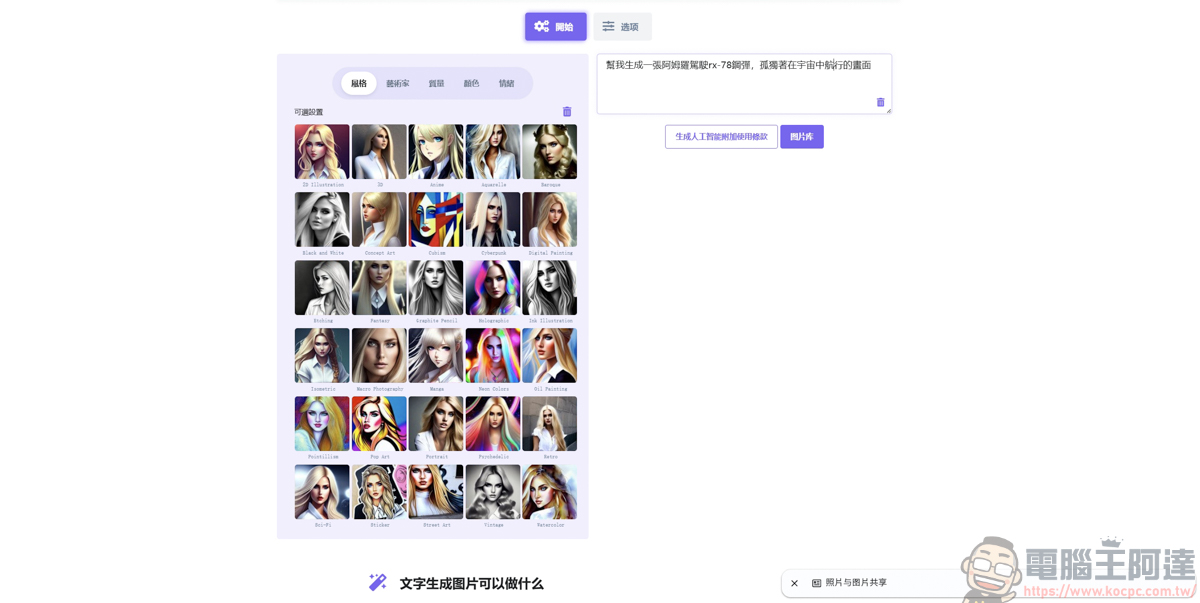
Although the results it produces look correct, in terms of quality, texture, and detail, it lags far behind current mainstream AI image generation apps. It’s just that because it’s free, you can play around with it when you’re bored :

Summary
Overall, i2IMG is indeed very appealing for light users who aren’t in the habit of editing photos or who occasionally need to quickly remove backgrounds, compress image files, or restore old photos, thanks to its no-installation, no-registration, and completely free features.
Although actual test results show that it still cannot compete with professional paid software or mainstream large AI models in the refinement of AI image generation and the removal of objects from complex backgrounds, considering its nearly zero learning cost and the ability to handle everyday image tasks instantly in a browser, it is already quite sufficient by the standard of free tools.
Source: KOCPC Chinese