


ChatGPT is not only useful for work and answering any questions, it’s also great for learning new things, especially throughLearning ModeChatGPT uses questions, prompts, and concept breakdowns to guide your learning. On the learning front, OpenAI has once again quietly added a very nice interactive quiz feature. You just enter a topic, and ChatGPT quickly generates multiple interactive quiz questions, letting you quickly see where you stand on that topic. Here’s how to use it.
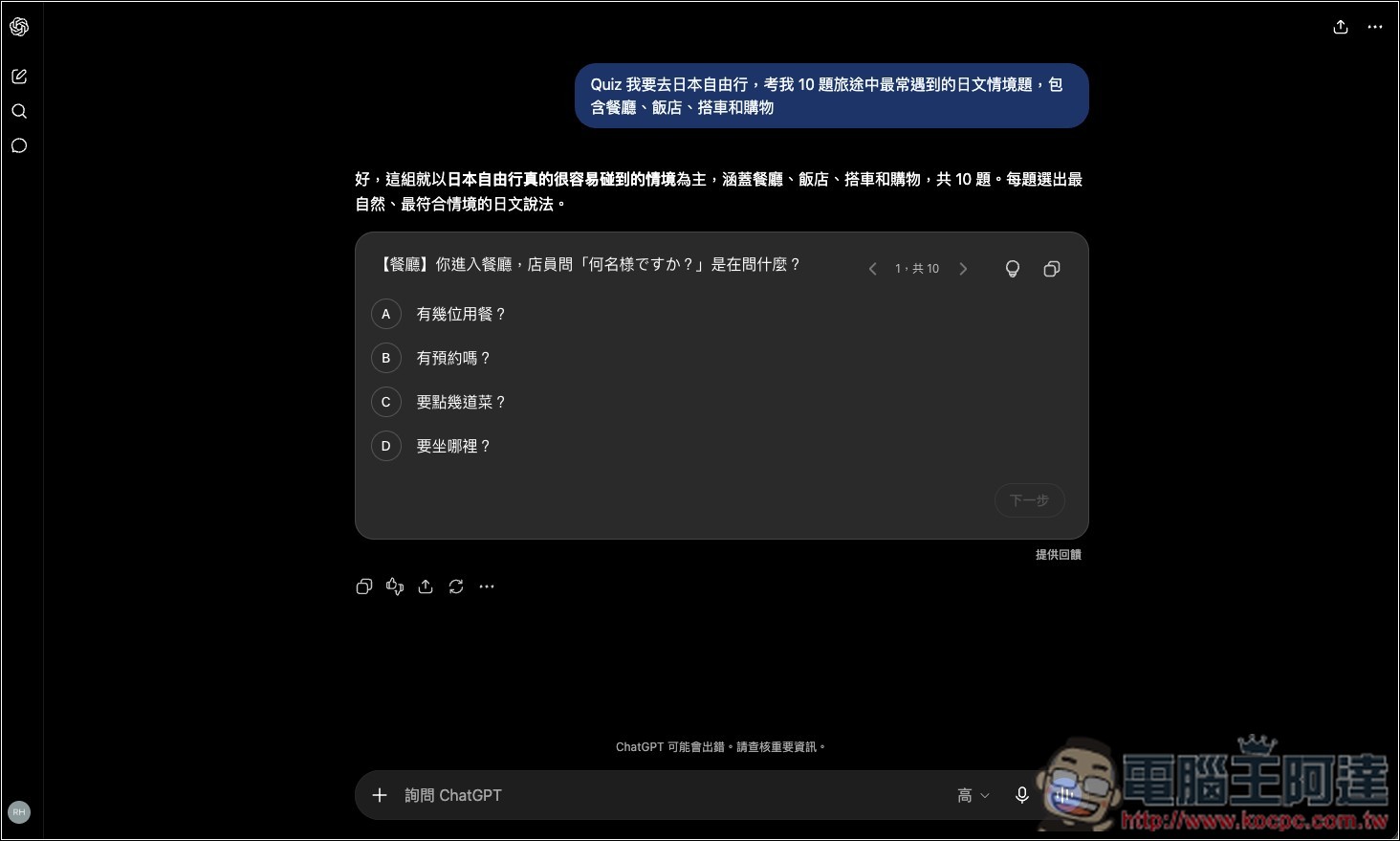
How to use ChatGPT’s latest interactive Quiz feature
The “interactive quiz feature” was added to ChatGPT on August 14. Users can ask ChatGPT to quiz them on a specific topic and answer the questions directly in the conversation. This feature is available to all users, including free, Go, Plus, Pro, and other standard plans.
The usage is very simple—you just ask ChatGPT something like the following:
- Test my English grammar level, difficulty around high school to TOEIC level, give 10 multiple choice questions, and tell me the explanation after each answer.
Then ChatGPT will start generating interactive quizzes:
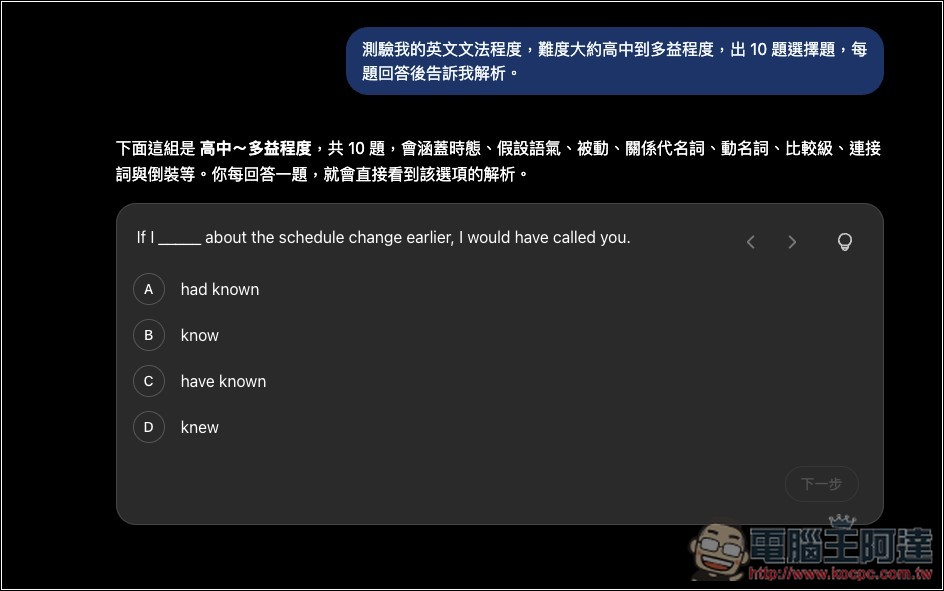
Then you can start answering—just select A, B, C, or D on the question, no need to type manually like before. An explanation is provided whether you answer correctly or incorrectly. After finishing, click Next in the bottom right corner to move to the next question:
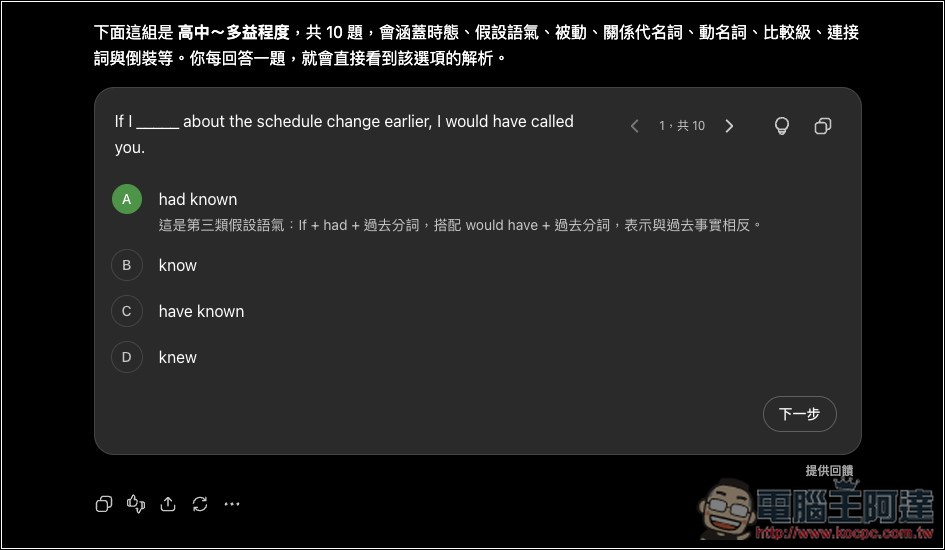
Incorrect answers will be highlighted in red, and you’ll be told why this option cannot be selected:
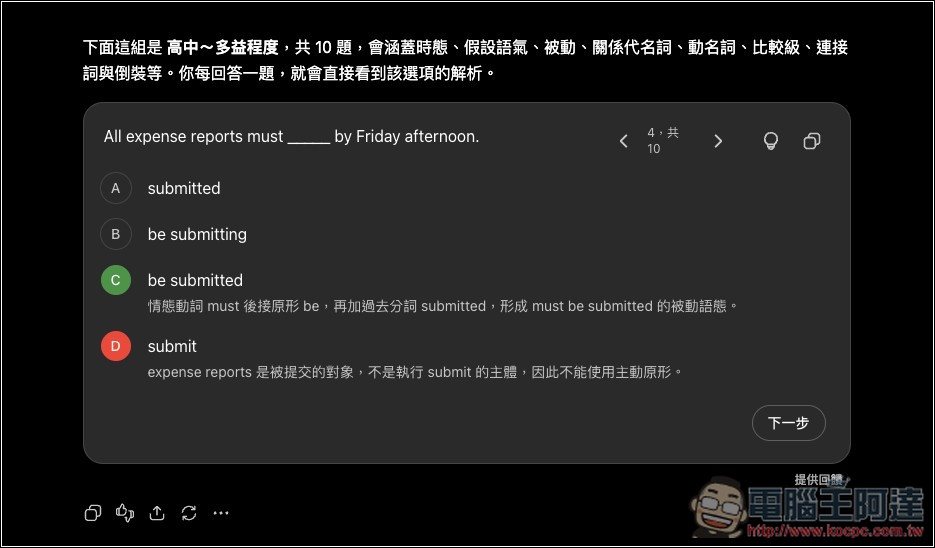
After you finish, it will tell you your current level and provide all the questions you got right and wrong:

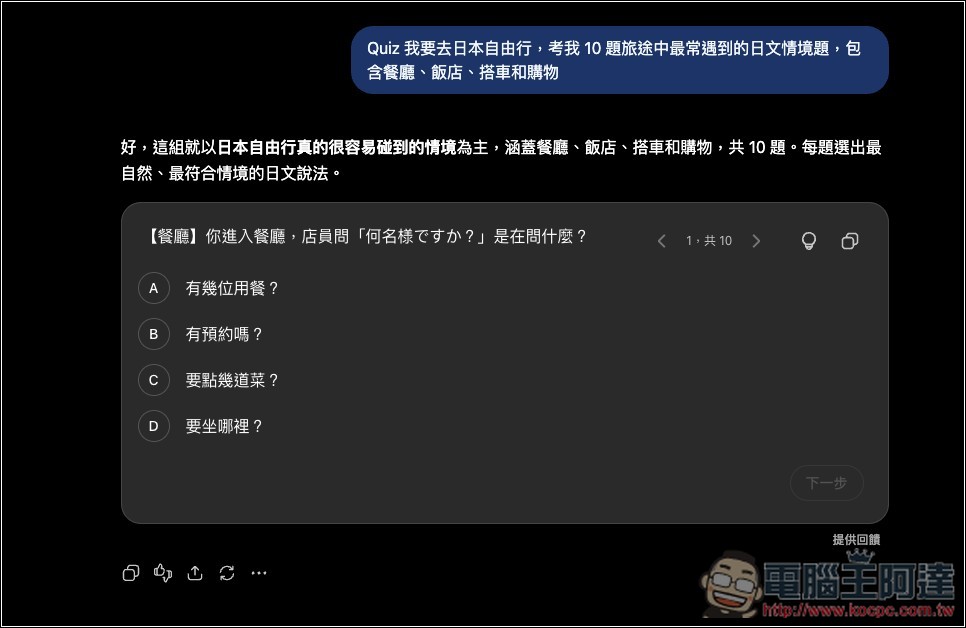
The Interactive Quiz feature isn’t just for everyday knowledge learning—you can use it to gauge how well you understand all kinds of things in life. For example, before a trip to Japan, you could ask it:
- I’m going on an independent trip to Japan. Quiz me with 10 Japanese situational questions most commonly encountered during travel, covering restaurants, hotels, transportation, and shopping.
If no interactive Quiz questions are generated when you ask, you can add “Quiz:” at the beginning.
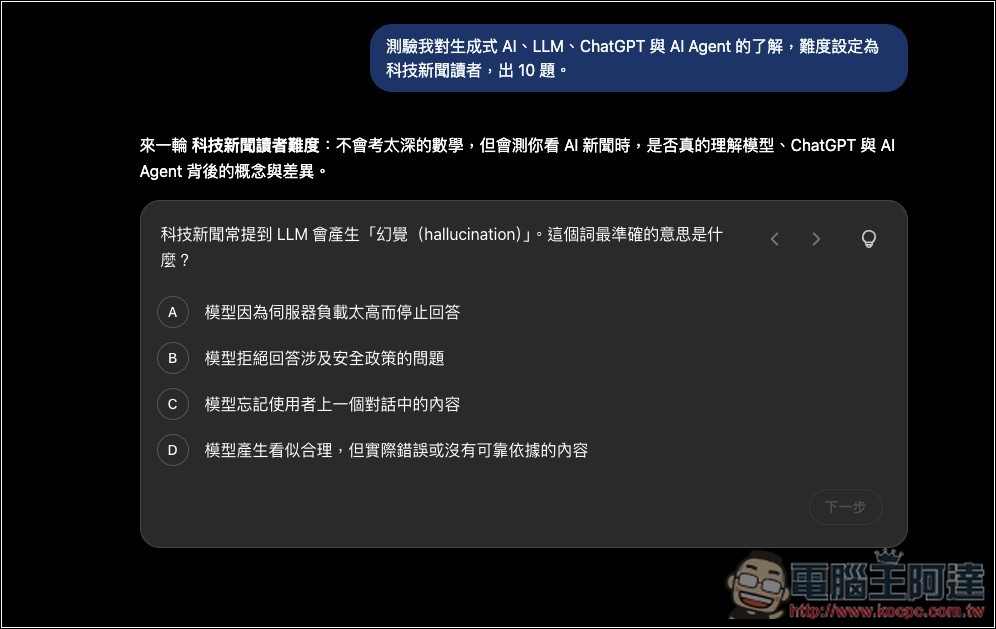
If you want to know where you stand with AI / technology, you can also ask questions like the following:
- Give me 10 questions to test my understanding of generative AI, LLM, ChatGPT, and AI Agent, with difficulty set for tech news readers.
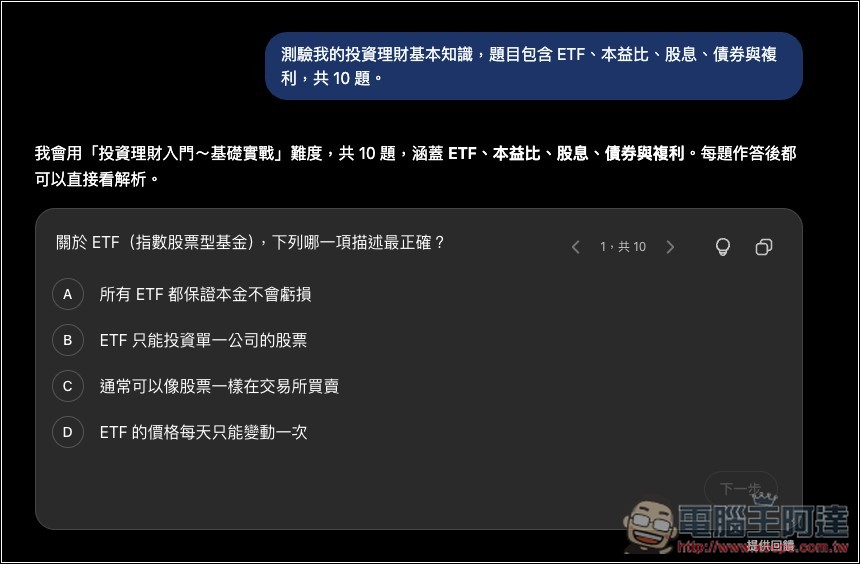
Even for investment and financial knowledge, you can use ChatGPT to understand where you’re weak or unclear:
- Quiz me on my basic investing and personal finance knowledge, covering ETFs, P/E ratio, dividends, bonds, and compound interest, for a total of 10 questions.
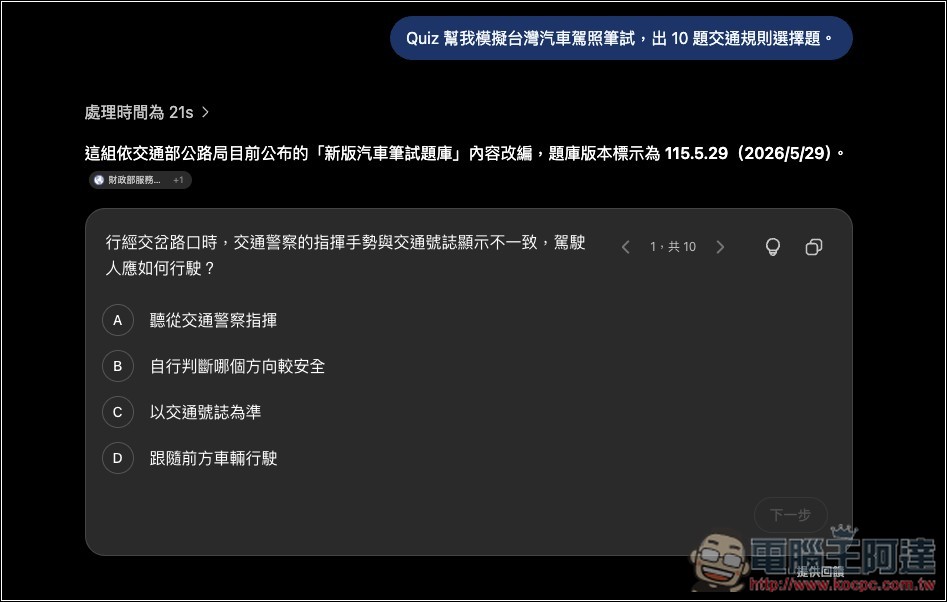
Of course, before various exams, you can also use ChatGPT’s interactive quiz feature to quickly test whether you’ve finished studying everything.
- Help me simulate Taiwan’s car driver’s license written test by creating 10 multiple-choice questions on traffic rules.
ChatGPT will first search the internet for the latest rules of the vehicle written test question bank from the Ministry of Transportation and Communications’ Highway Bureau, and only then generate the questions, rather than using outdated information.
The interactive quiz feature in ChatGPT has a very wide range of applications. Everyone should play around with it and explore on your own. If it doesn’t generate interactive questions properly, as mentioned earlier, just add “Quiz” and it will work normally.
Source: KOCPC Chinese