


Once you reach a certain age, you’ll likely notice your reaction speed and memory aren’t what they used to be. In first-person shooters, you used to lock onto targets instantly, but now you often lag a beat behind; you used to memorize spec data at a glance, but now you might need two or three looks. Recently, I came across this online testing platform, PickTests, and it’s actually pretty good. Through mini-games like aim training and sequence memory, it quickly measures your reaction speed, memory, and focus. It’s completely free and cross-platform. Highly recommend it.
PickTests Introduction and Usage Guide
PickTests is a free online ability testing tool. If you want to know how fast your reaction time is, whether your short-term memory is good, or to test your focus and visual tracking skills, you can take the tests directly through your browser. There’s no need to register an account or install any app—just open the webpage, choose the challenge you want to try, and get started right away. It works on computers, phones, and tablets.
Offers a variety of tests, including “reaction time,” “aim training,” “sequence memory,” “number memory,” “multi-object tracking,” and the “Stroop test,” each focusing on a different ability. For example, the reaction time test requires you to click immediately after the screen changes color to see how many milliseconds it takes you to respond; sequence and number memory test your short-term memory; multi-object tracking involves multiple objects moving at once, testing whether you can continuously lock onto the designated targets.
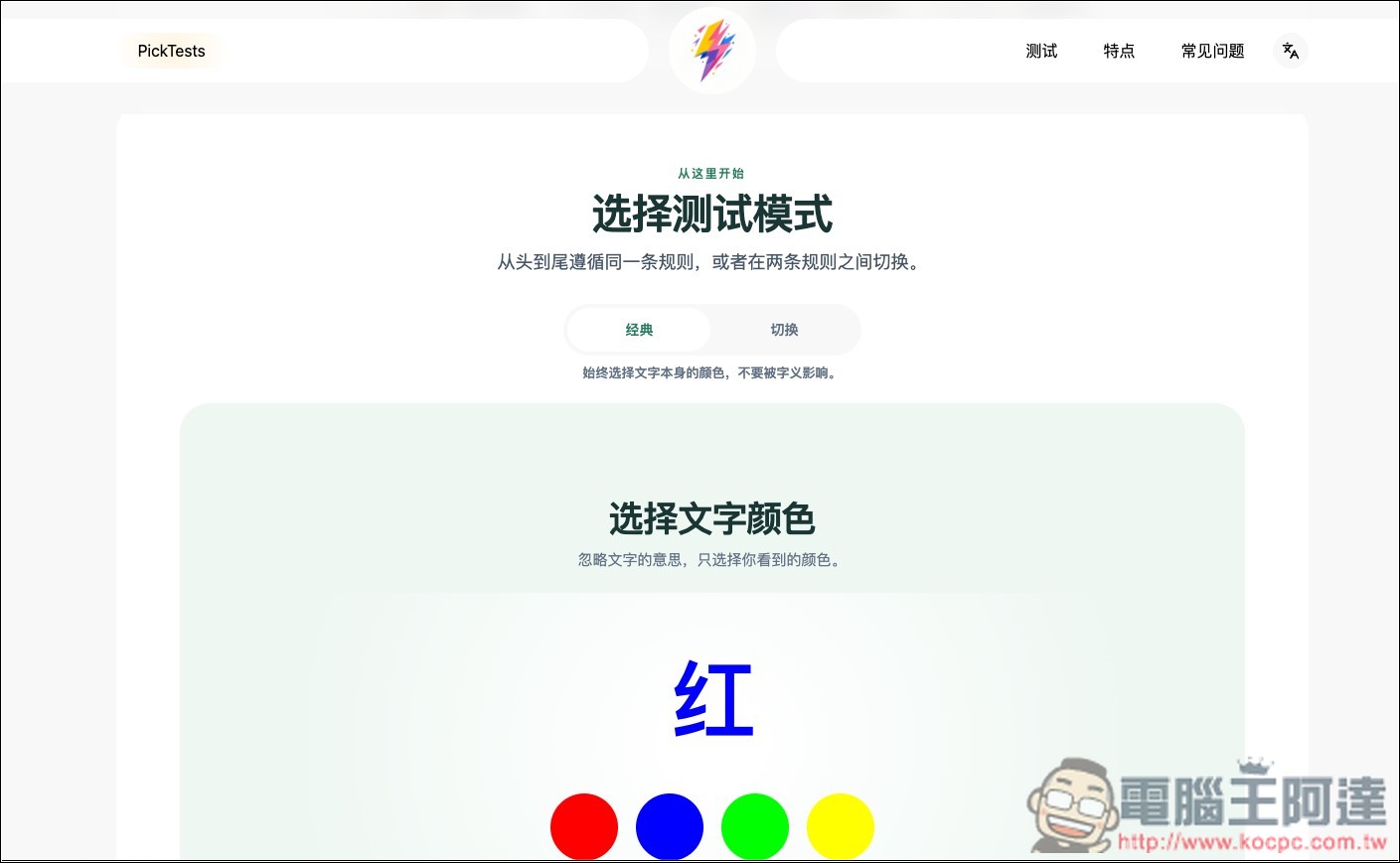
If you want to test your focus, the Stroop test is also quite interesting. The screen displays words in different colors, and you must ignore the meaning of the word itself and answer based only on the color actually shown, testing your reaction performance when attention is disrupted. The website also offers classic and switching modes, and after completion it displays accuracy and average reaction time.
Another feature of PickTests is that the test results are designed to be quite simple—instead of throwing out a bunch of hard-to-understand data, it directly shows the key scores from the test. Some tests also save recent records; for example, reaction time can retain up to 20 complete tests, making it easy to retry after a while and compare your best, average, and recent performance. These records are only stored locally in the browser you are currently using.
However, note that PickTests is more suitable for entertainment, self-challenge, or observing one’s own changes, not a professional assessment tool.
Key Features
- Completely free to use, no account registration required.
- No need to download an app—just open a browser and test it directly.
- Provides various tests such as reaction time, aiming, memory, concentration, and more.
- Supports computers, mobile phones, and tablets.
- Can be operated using a mouse, keyboard, or touch.
- Results are shown immediately after the test ends, making them simple and easy to understand.
- Some tests offer different modes and difficulty levels.
- Can save recent test records for easy comparison of your progress.
- Test records are saved locally in your browser, no need to upload to an account.
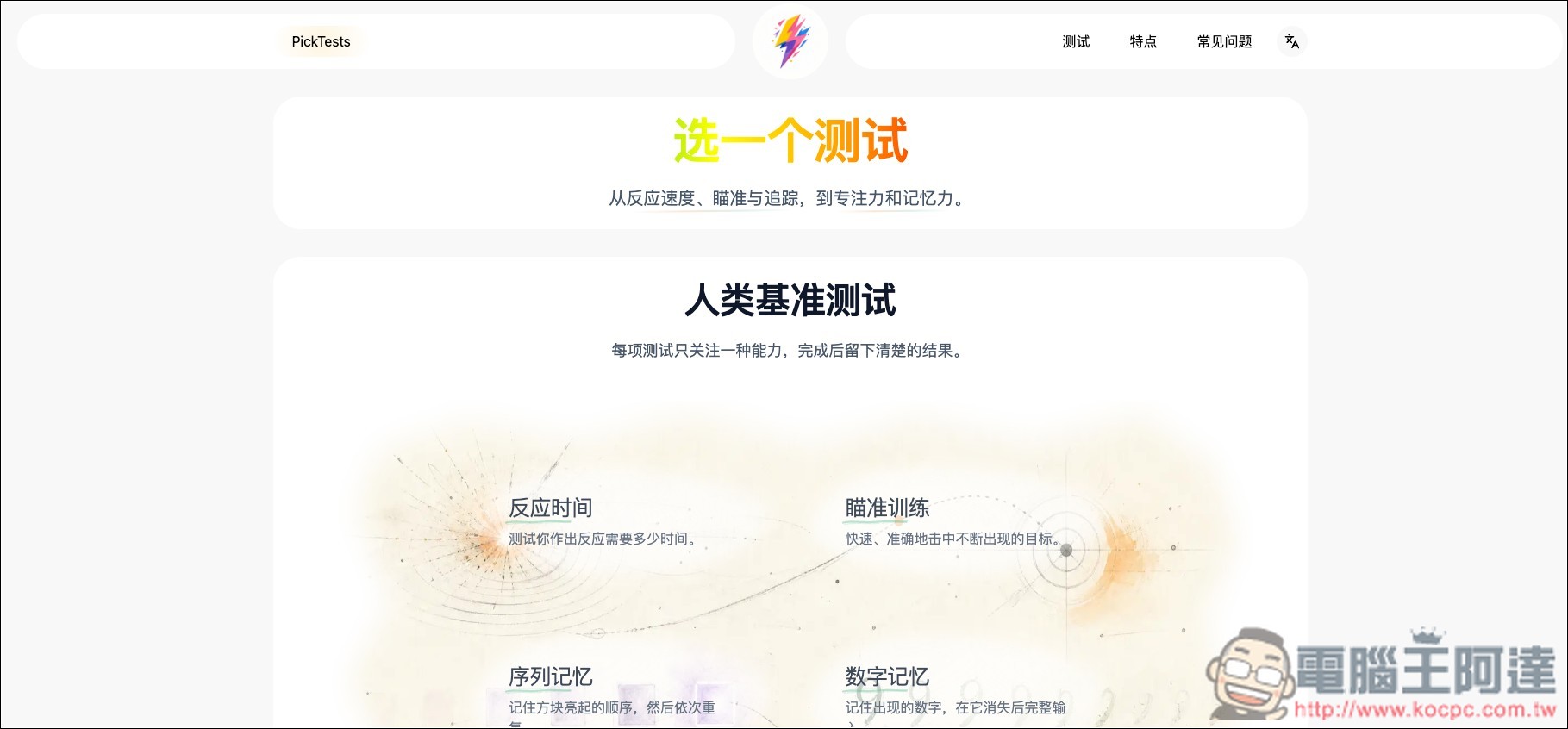
After clicking the link above to go to PickTests, you will see six test games, namely reaction time, aiming training, sequence memory, number memory, multi-object tracking, and Stroop:

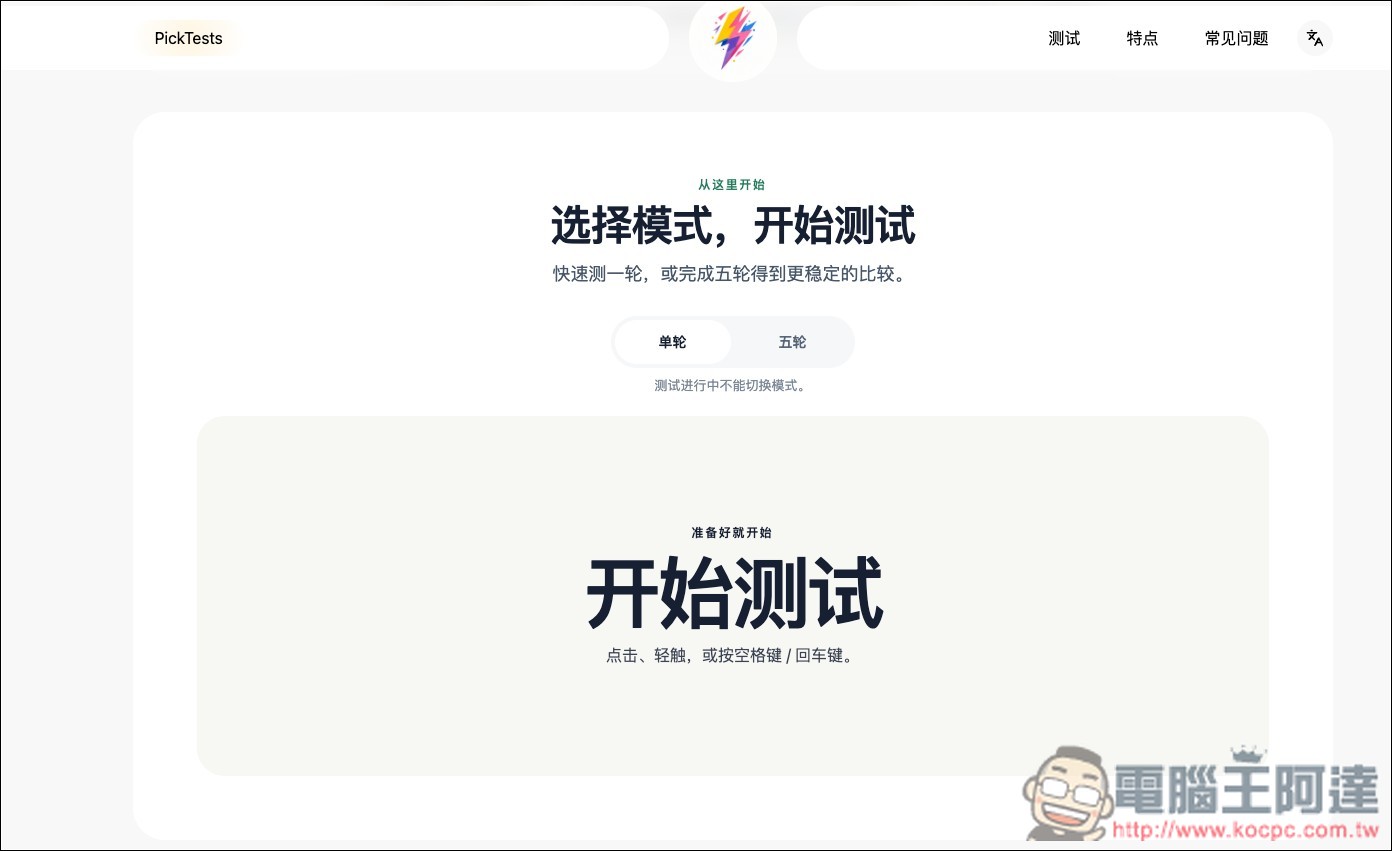
The gameplay is basically just like its name suggests. Below is the reaction time test. Once you enter, there are two modes: “Single Round” and “Five Rounds.” When you’re ready, press “Start Test” on the screen:
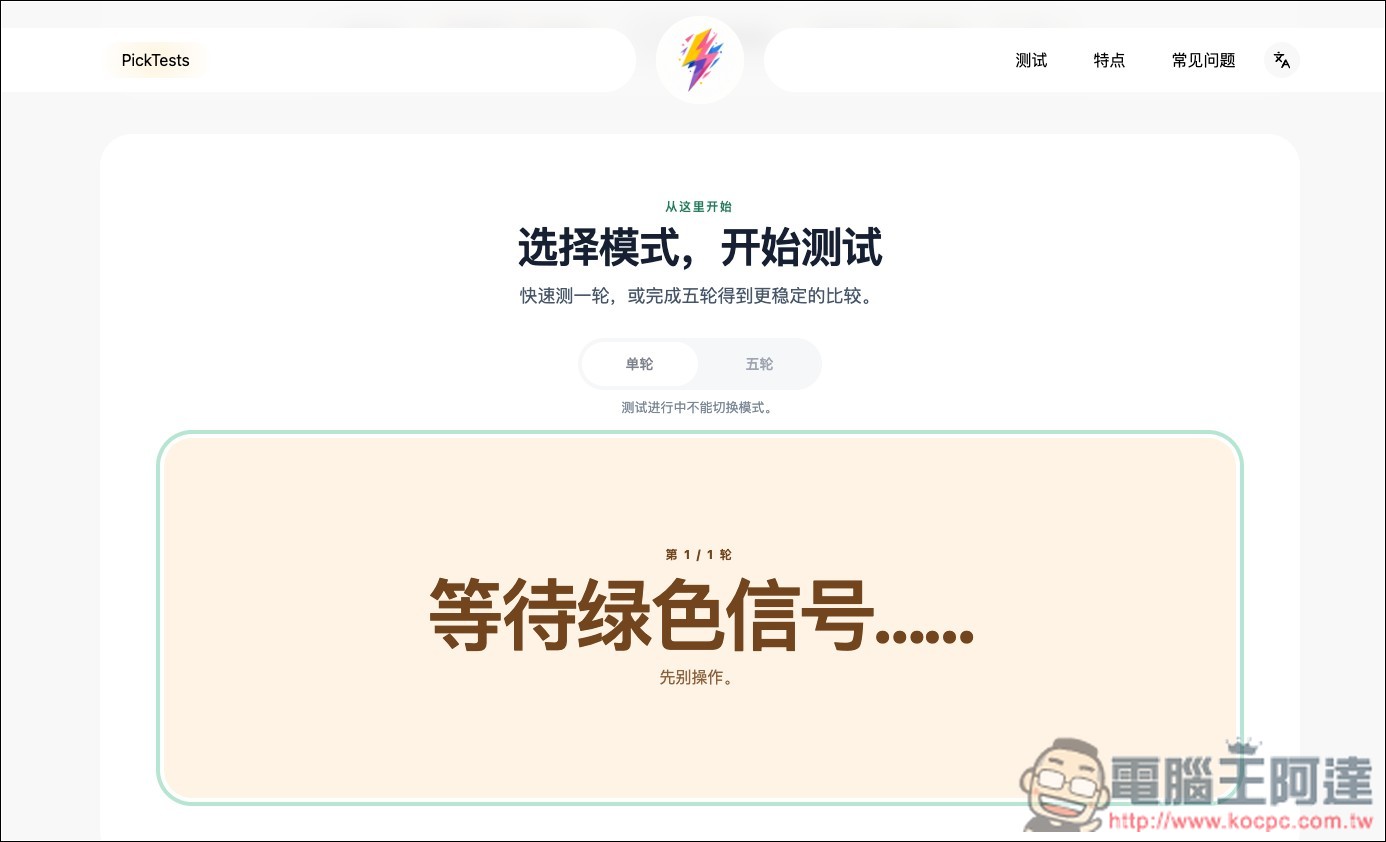
A waiting green signal will appear on the screen. Do not do anything yet. When the screen turns green, click immediately:
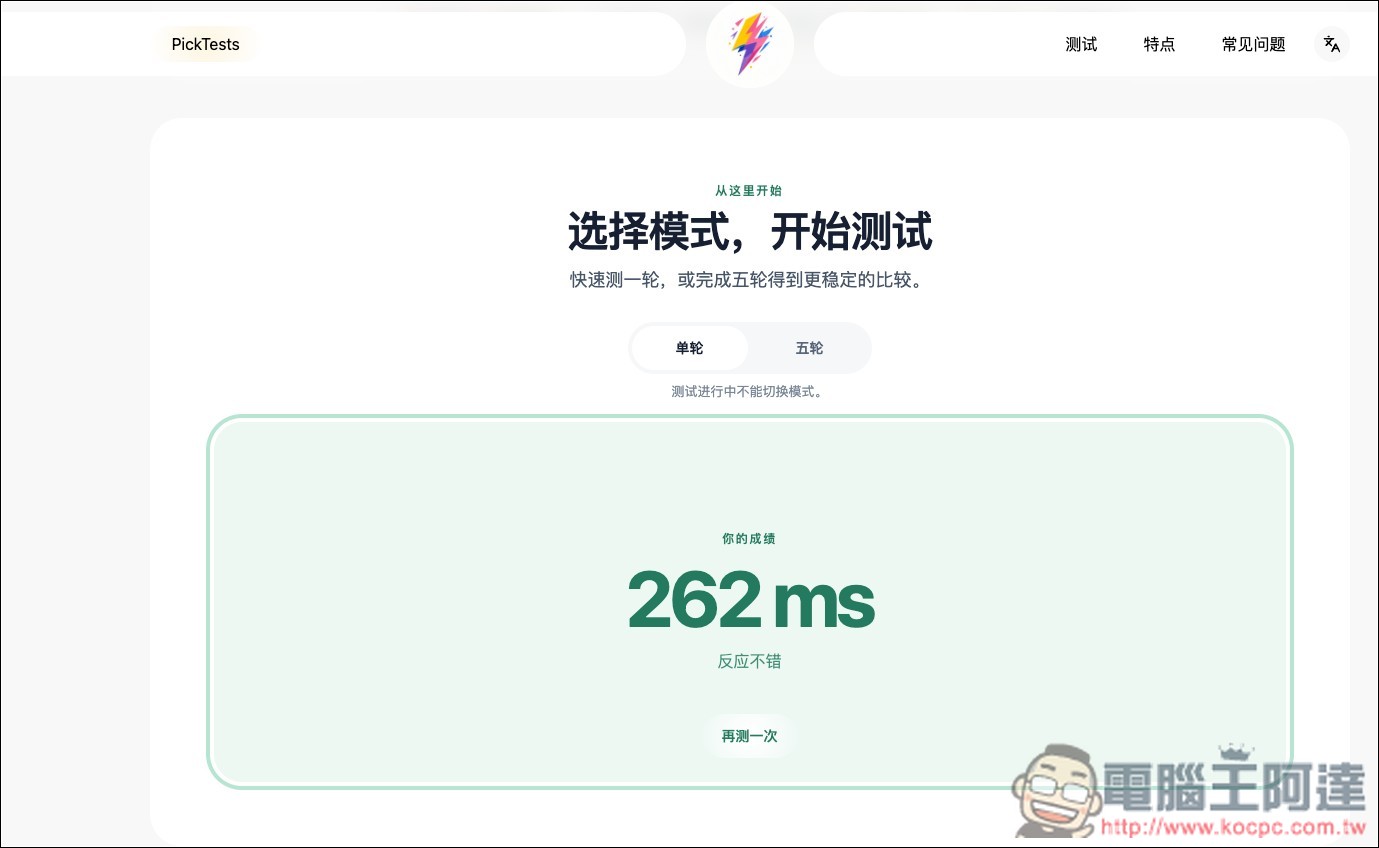
It will calculate your reaction time. If you feel that one test isn’t accurate, you can switch to five rounds:
Aiming training has three modes: 30 targets, 30 seconds, and moving 30 seconds. The moving mode is the hardest, as the targets you need to aim at keep moving.
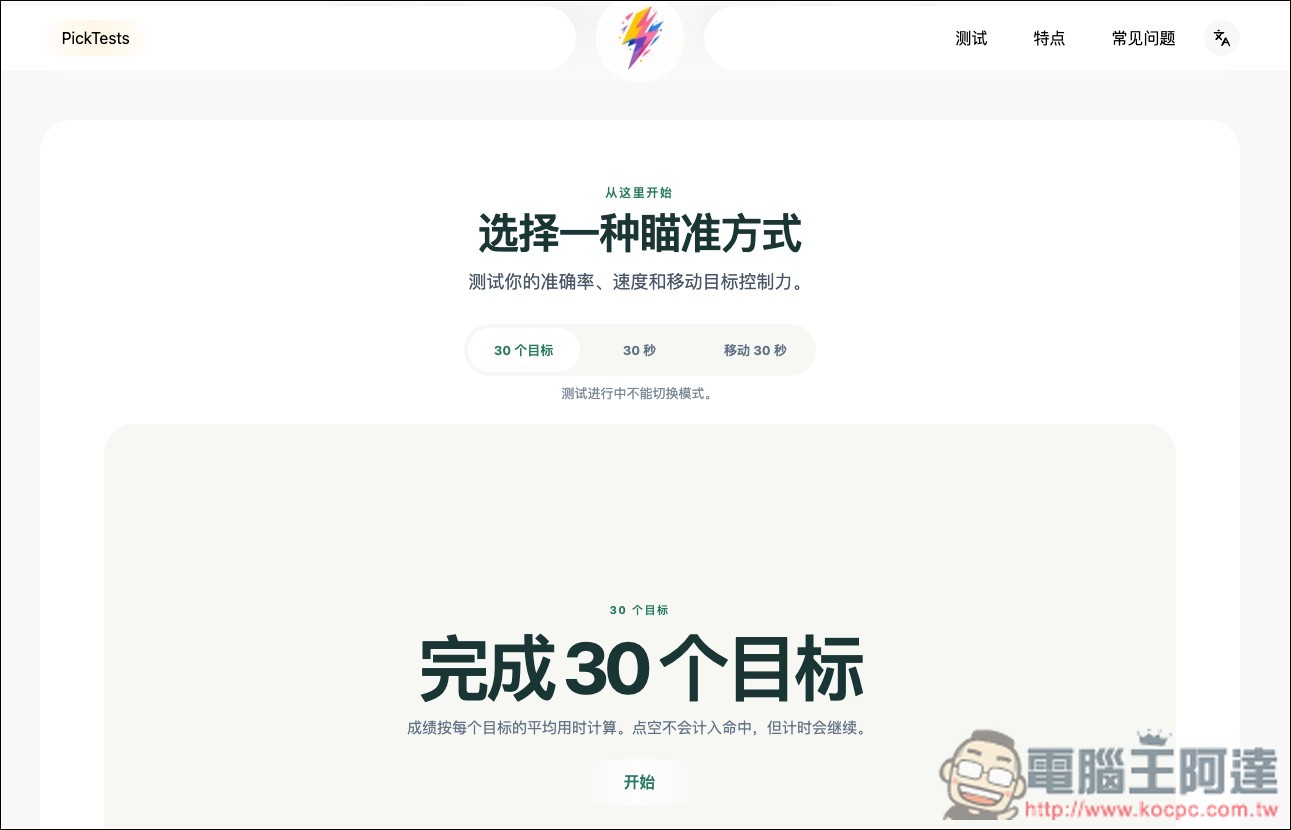
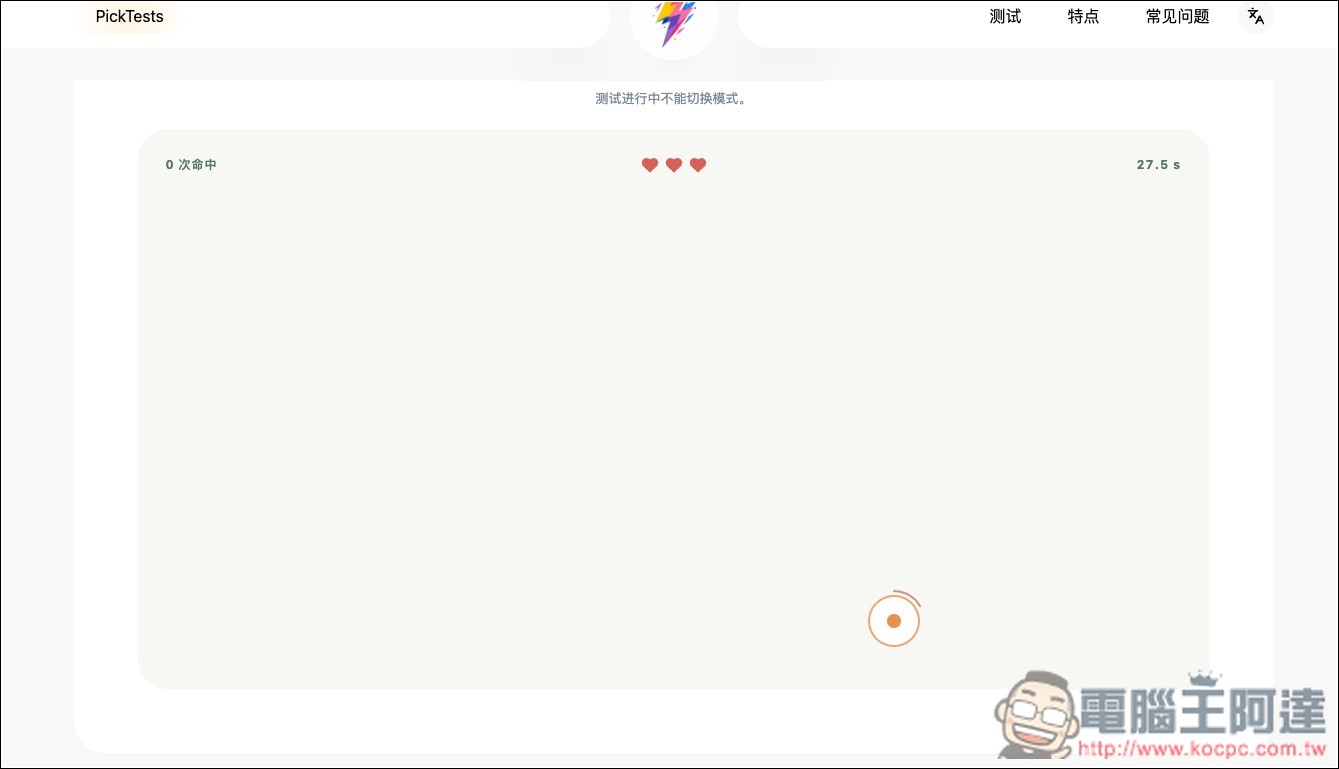
A crosshair will appear on the screen for you to click:
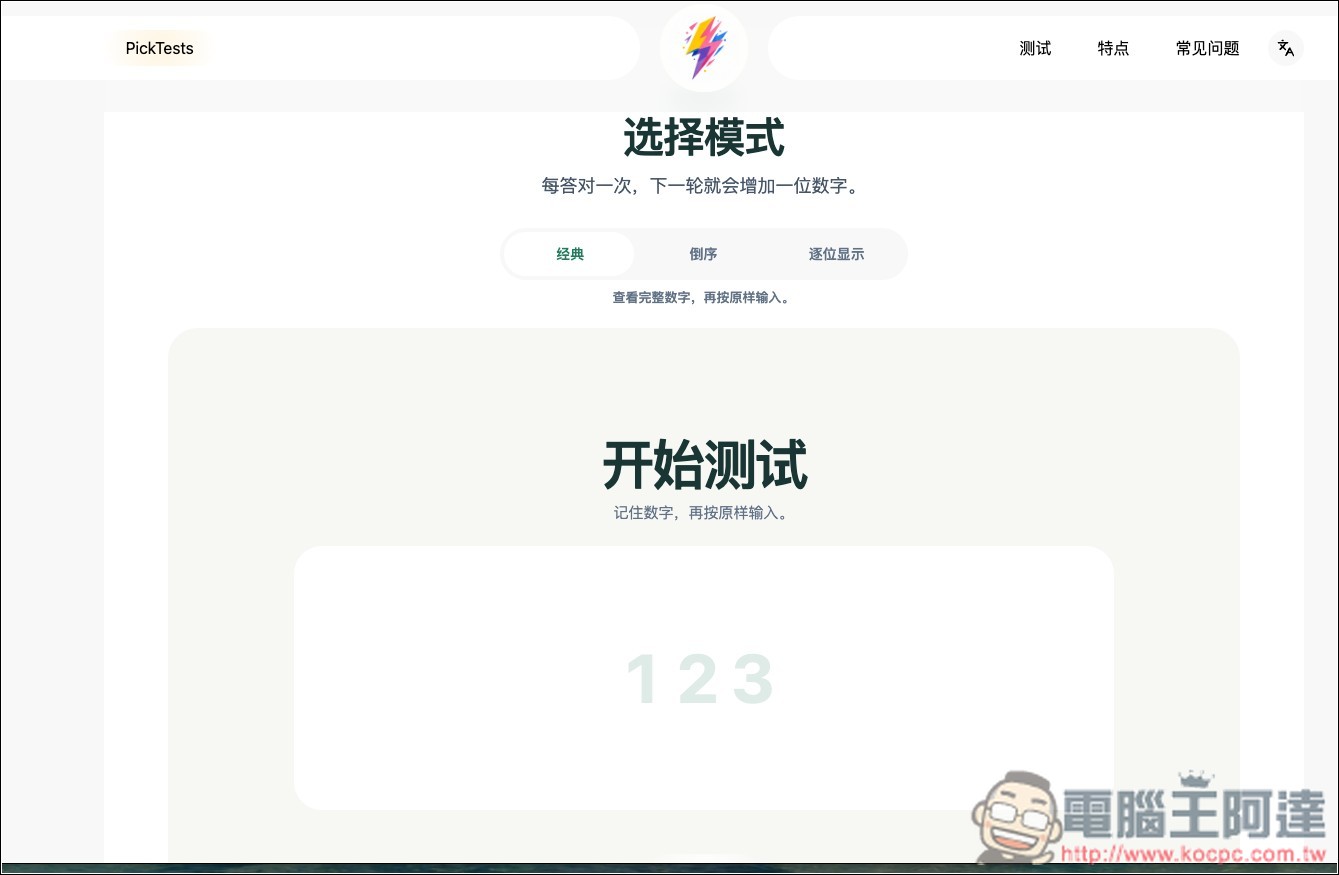
The number sequence tests your memory, with three modes: classic, reverse order, and digit-by-digit display:
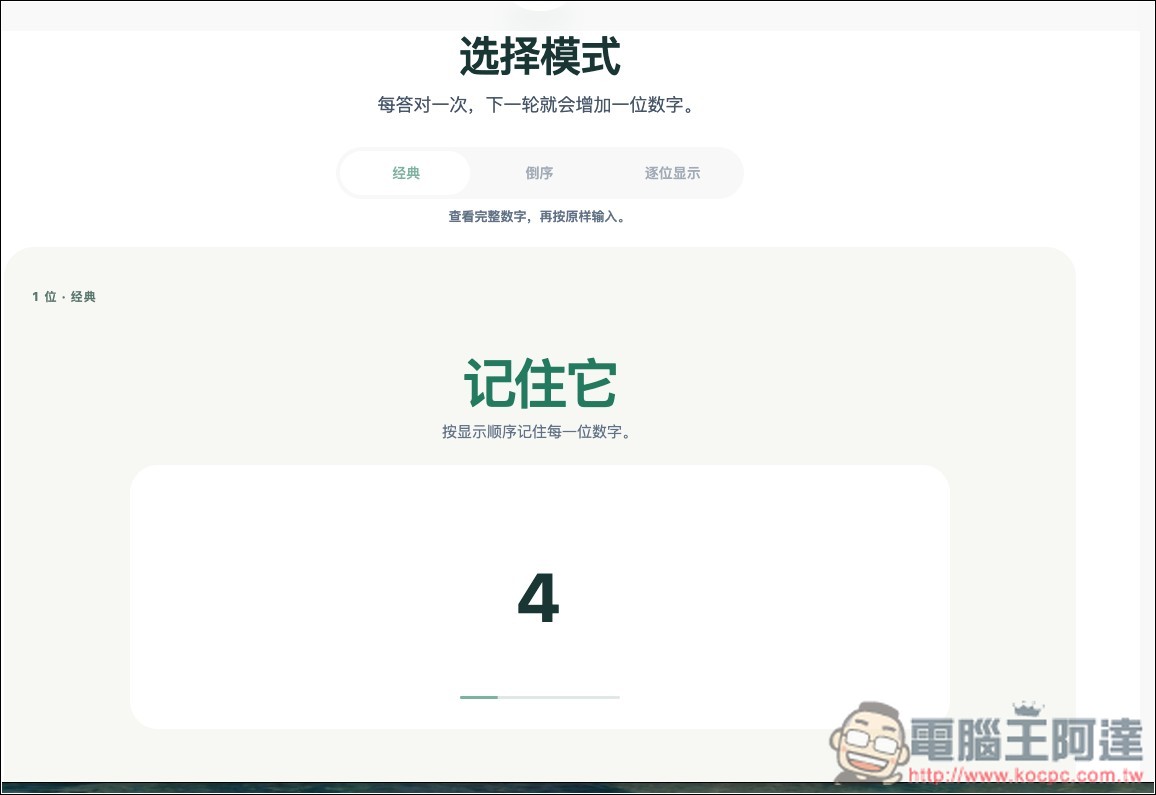
The gameplay is to remember each number, then input:
The Stroop test is pretty fun—you pick the color of the text but can’t let the word itself influence you:
Source: KOCPC Chinese