


Nowadays, when we think about Windows XP, we always wear a rose-colored filter and regard it as a perfect legend. We hope that Windows 11 can also regain the glory of the year. However, we tend to forget that when Windows XP first appeared, it was not at all the perfect image we remember today. In fact, it was a disaster when it first launched.
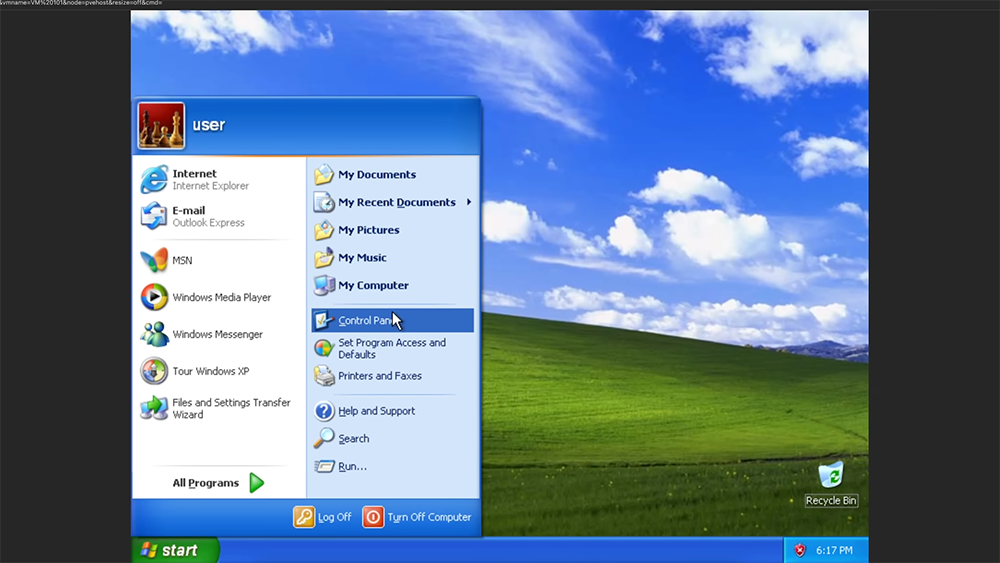
When you think Windows 11 is annoying, think about these 4 worse problems with Windows XP
The firewall situation is just ridiculous
When Windows XP was launched in 2001, the system had neither a firewall enabled by default nor any built-in antivirus tools. At that time, the Internet had become fully popular and was no longer a toy for a few people. The result was that most XP computers would eventually be connected to the Internet. As a result, a relatively new operating system, tens of millions of unprotected home computers, and an Internet environment that is still in its wild growth stage have jointly spawned the explosive growth of malware. Viruses and worms are on the prowl, targeting these vulnerable systems.
The author remembers that at that time, everyone would prepare an anti-virus software CD, which had to be installed before the computer was connected to the Internet for the first time, otherwise it was likely to be infected within a few minutes. Although this approach is effective, it is incredibly ridiculous. What is even more ironic is that Microsoft actually put a feature called “Network Connection Firewall” in XP, but chose not to turn it on by default.
It wasn’t until nearly three years later that Microsoft launched Service Pack 2 (SP2), which officially solved the firewall problem, although it also brought a bunch of annoying security warning pop-ups. As for built-in antivirus, Microsoft delayed launching Microsoft Security Essentials (MSE) until 2009. Until then, users can only rely on third-party anti-virus software to protect their computers.

Internet Explorer is a huge security hole
In the early days of the Internet, malware was rampant, and IE6 was almost an easy target. At that time, it was rife with malicious ActiveX controls, which were early plug-ins and extensions for Internet Explorer. Once installed accidentally, your browsing behavior may be immediately uploaded to a server, and a rootkit may even be quietly inserted.
This is not the first time that this kind of risk has appeared. Similar problems already existed in the Windows 95 and Windows 98 eras. However, even so, IE6 offered almost no effective protection when it was released. For years, IE even popped up a warning whenever you tried to disable add-ons, as if you had done something wrong. Like other security vulnerabilities in the early days of XP, users at the time could only rely on their own judgment and a handful of third-party tools that could detect and remove malicious plug-ins to protect themselves.

Driving is hit or miss, miserable most of the time
Nowadays, we are so used to it that as long as we plug in a new graphics card, sound card or any USB device, it will automatically work as if it were a matter of course. But in the era when Windows XP was first launched, this was not the case at all, and it could even be said to be the opposite.
At that time, Microsoft was fully switching from the old architecture of Windows 95 and 98 to the NT architecture, and XP was the first public version of this transition. This underlying change brought a lot of driver compatibility issues, and people often spent hours troubleshooting in order to make the hardware work properly. At that time, there were no forums such as Reddit and Stack Overflow where you could search for more than ten years of discussion records. When you encounter a strange hardware combination or a weird error message, the only people you can turn to are the people around you. If everyone is helpless, you can only accept your fate.
Of all the headaches with XP, driver compatibility is probably the most impressive and frustrating to me. And it’s not just the hardware drivers that cause concern. Many software that we take for granted on Windows 98 may not run smoothly on XP. Most of the time, it works fine, but occasionally it fails to start or crashes inexplicably.
As time goes by, software and drivers are gradually updated, and the XP ecosystem gradually matures. More and more functions can be run directly on the system, and these compatibility issues gradually fade away.

The tethering feature is almost unusable
In theory, Windows XP should make file sharing easier than Windows 98. But in fact, even though the “Workgroup Setting Wizard” seems very considerate, my XP computer has never been able to stably connect to other XP computers on the same network. I’ve tried disabling the firewall, rechecking all connections, making sure the switch is OK, everything I can think of. Occasionally the computers will see each other, but as soon as I try to open a shared folder, a completely unhelpful error message pops up saying that the path cannot be found.
Theoretically, you can also connect the printer to an XP computer and make it available to other computers in the entire local network, but I have never succeeded, and even the occasional use is a luxury. Even after Microsoft released three XP service packs, the network problems I encountered still showed no improvement, and I still couldn’t find a real solution.

After Windows XP launched SP3 in 2008, it finally reached its most mature and praiseworthy version; then Microsoft officially ended mainstream support for XP in 2014. Even though XP is an old system, it’s still not completely gone. I saw a self-checkout machine that looked pretty new crash, only to find out it was running Windows XP. In many industrial environments, XP is still widely used because the devices do not need to be connected to the Internet and there is no urgent need for hardware upgrades.
Source: KOCPC Chinese